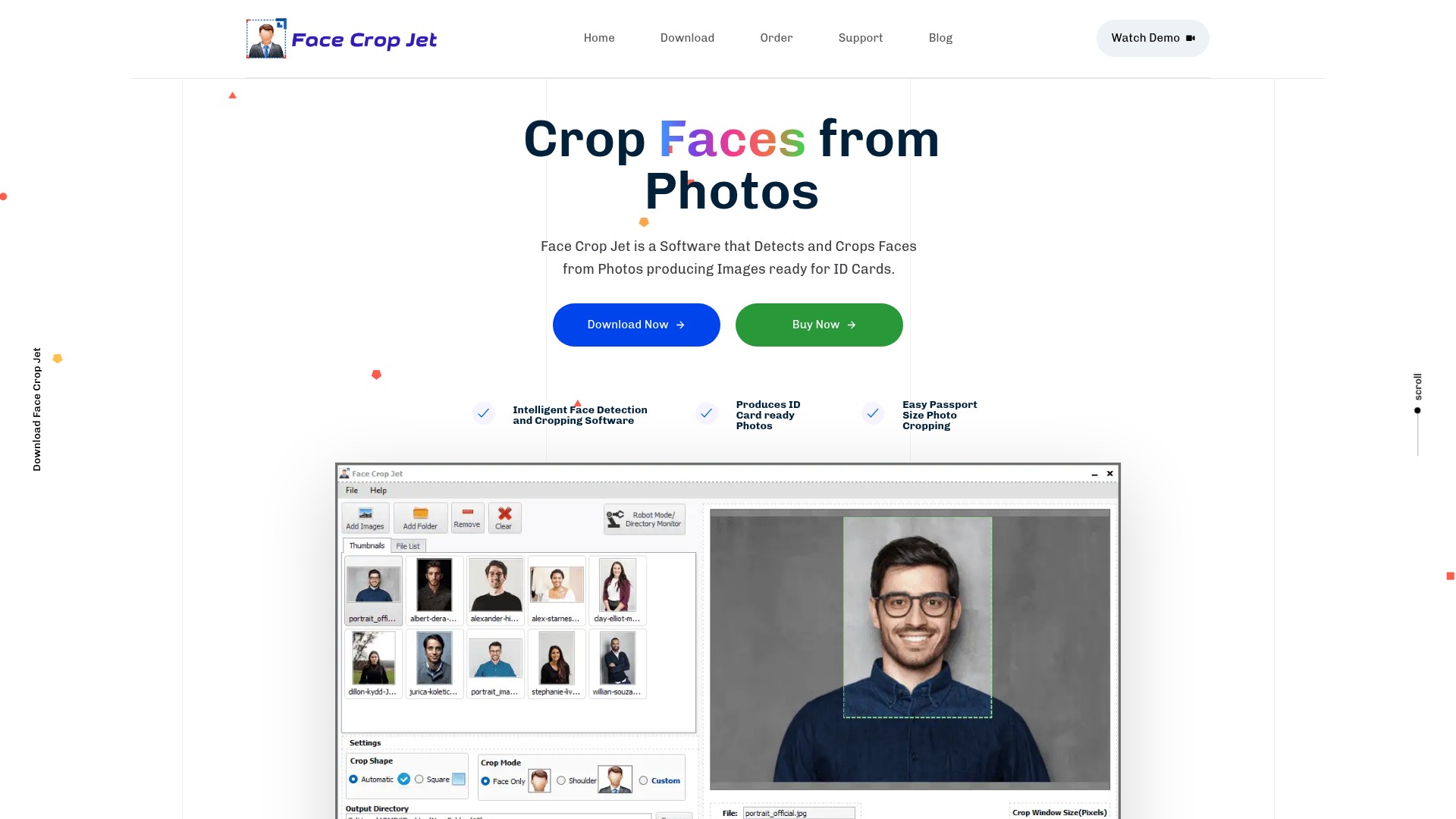
What is Face Crop Jet?
Face Crop Jet is a powerful, intelligent desktop software application designed to automatically detect and crop human faces from digital photographs. Its primary purpose is to streamline the creation of perfect, ready-to-use profile pictures for ID cards, employee badges, student IDs, passports, and various official documents. By leveraging advanced AI algorithms, it automates a traditionally manual and tedious process, saving significant time and effort for individuals, photographers, and organizations that need to process photos in bulk.
Key Features of Face Crop Jet
- Intelligent AI-Powered Face Detection
- At its core, the software uses sophisticated, AI-based algorithms to automatically identify and locate faces within images of any size or common format (JPEG, PNG, etc.), eliminating the need for manual selection.
- Batch Processing & Robot Mode
- Process hundreds or thousands of images at once. The innovative "Robot Mode" allows the software to monitor a designated folder (like an external drive or network location) and automatically crop faces from any new photos added, enabling a completely unattended workflow.
- ID Card Ready Output
- It is specifically optimized to crop faces to the perfect dimensions and composition required for standard ID card photos, ensuring professional results every time.
- Zero Configuration & Full Automation
- The process is fully automatic. Simply add your photos, and the software handles detection and cropping. Optional manual customization is available for precise control.
- Local Processing & Privacy Guaranteed
- All face detection and image processing occur locally on your computer. Your photos are never uploaded to the cloud or any external server, ensuring 100% data privacy and security.
- High Customizability
- While automatic, it offers extensive customization. Choose between face-only or face-and-shoulders crop, set a custom crop factor, or manually define the exact pixel dimensions of the output window.
- Intelligent Orientation Correction
- An experimental feature that can automatically detect and correct the orientation of images that are sideways or upside down, even if they lack proper EXIF data, before cropping the face.
- Dedicated Windows Service Edition
- A special version for Windows Server environments that runs as a background service. It starts automatically with the system, requires no user login, and is perfect for automated, server-based photo processing pipelines.
- Native macOS Application
- A fully native version is available for Mac computers, featuring a clean, intuitive interface that integrates seamlessly with the macOS ecosystem.
How to Use Face Crop Jet?
Using Face Crop Jet is designed to be straightforward:
- Download & Install: Download the appropriate version for your Windows or macOS system from the official website and install it.
- Add Photos: Launch the application and add your photos by dragging and dropping files or selecting an entire folder.
- Configure Settings (Optional): Adjust the crop settings (e.g., face/shoulder mode, custom size) if needed. For most ID card purposes, the default settings work perfectly.
- Process: Click the process button. The AI will automatically detect faces in all images and crop them.
- Save Output: The cropped face images are saved to your specified output folder, ready for use.
- For Automated Workflows (Robot/Service Mode): Set the software to monitor a specific input folder. It will then continuously watch for new images and process them automatically, saving the results to a predefined output folder without any further interaction.
Price and Licensing
Face Crop Jet is available through a one-time purchase license, not a subscription.
- Standard Edition (Windows/macOS)
- Priced at ### $55 per machine. This includes all core features like batch processing, robot mode, and customization.
- Service Edition (Windows Server)
- Priced at ### $200 per server. This is the specialized version for unattended operation on server operating systems, running as a Windows Service.
Both licenses are valid for the lifetime of the software (perpetual license) and include free updates. A fully functional trial version is available for download, which adds a watermark to output images.
Helpful Tips for Maximizing Face Crop Jet
- For Best Detection
- Use clear, front-facing photos with good lighting and contrast. The AI performs best with typical portrait-style images.
- Leverage Batch Processing
- Always use the batch or folder processing feature when dealing with more than a few images to save immense time.
- Utilize Robot Mode for Recurring Needs
- If you regularly receive photos in a specific network folder or from a camera system, set up Robot Mode to automate the entire cropping pipeline.
- Explore Custom Settings
- If the automatic crop isn't perfect for a specific ID card template, use the custom crop settings to define the exact output dimensions required.
- Consider the Service Edition for IT Deployments
- The Windows Service Edition is ideal for educational institutions, corporate IT departments, or photo studios that need a reliable, hands-off solution running on a central server.
Frequently Asked Questions (FAQ)
How does the face detection work?
Face Crop Jet uses advanced, locally-run AI algorithms trained to recognize facial features and patterns, allowing it to accurately identify and locate faces in an image.
Is there a limit to how many photos I can process?
No, there is no artificial limit. You can process as many images as your computer's hardware (CPU, RAM) can handle in a batch or over time.
Which operating systems are supported?
Face Crop Jet has native applications for Windows (10, 11, and Server editions) and macOS. The special Service Edition is for Windows Server environments.
What are the limitations of the free trial?
The trial is fully functional and has no time limit. The only restriction is that all output images will contain a "Trial Version" watermark.
Are my photos safe? Where are they processed?
Your privacy is paramount. All processing is done locally on your computer. Your images are never uploaded to the internet or any external server.
What is the cost and license model?
It's a one-time purchase. The Standard Edition costs $55 per computer, and the Windows Server Service Edition costs $200 per server. These are lifetime licenses.
Detect and Crop Faces from Photos for ID Cards
Face Crop Jet is a Software that Detects and Crops Faces from Photos producing Images ready for ID Cards.It can create passport size photos in batch.
Free AI anime and manga generator. Turn text into anime episodes, manga, comics, webtoons and comic shorts in any art style — no drawing or animation skills needed.
Translate image text across 70+ languages with our advanced AI Image Translator to help you better expand your products globally to various countries
Advertised Here
Reach thousands of visitors daily. Get your spot now!
Tools similar to Detect and Crop Faces from Photos for ID Cards
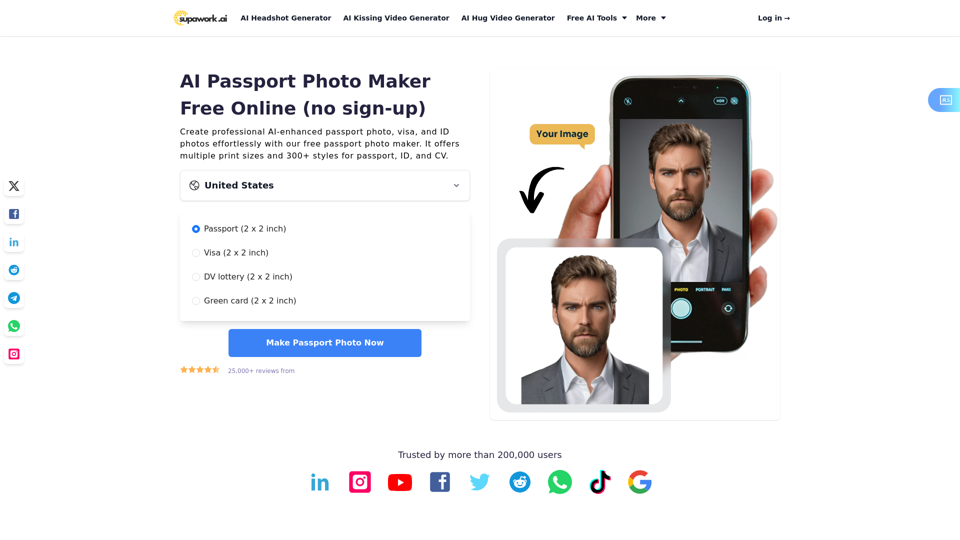
Create professional AI-enhanced passport photo, visa, and ID photos effortlessly with our free passport photo maker. It offers multiple print sizes and 300+ styles for passport, ID, and CV.
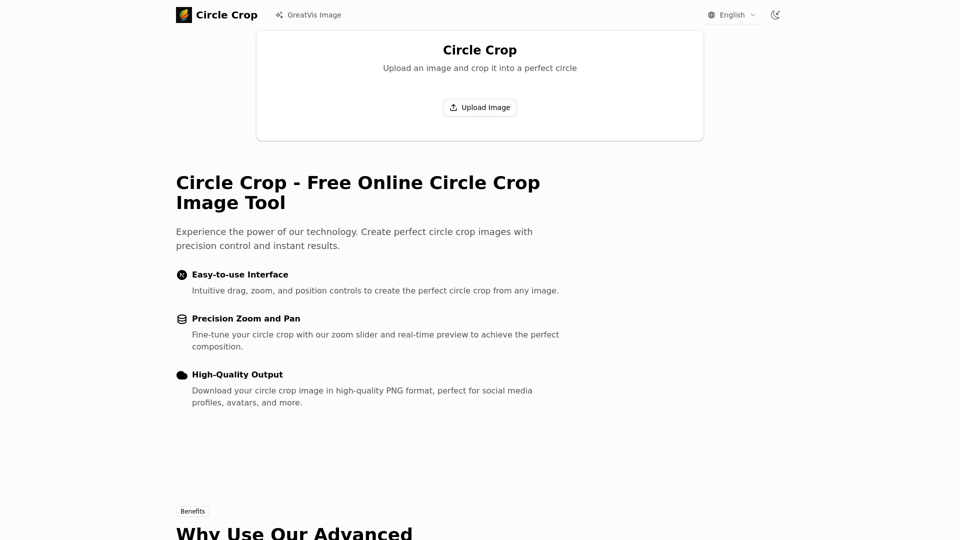
Transform your photos with our advanced circle crop image tool. Create perfect circle avatars, profile pictures, and more with precision control and instant high-quality results.
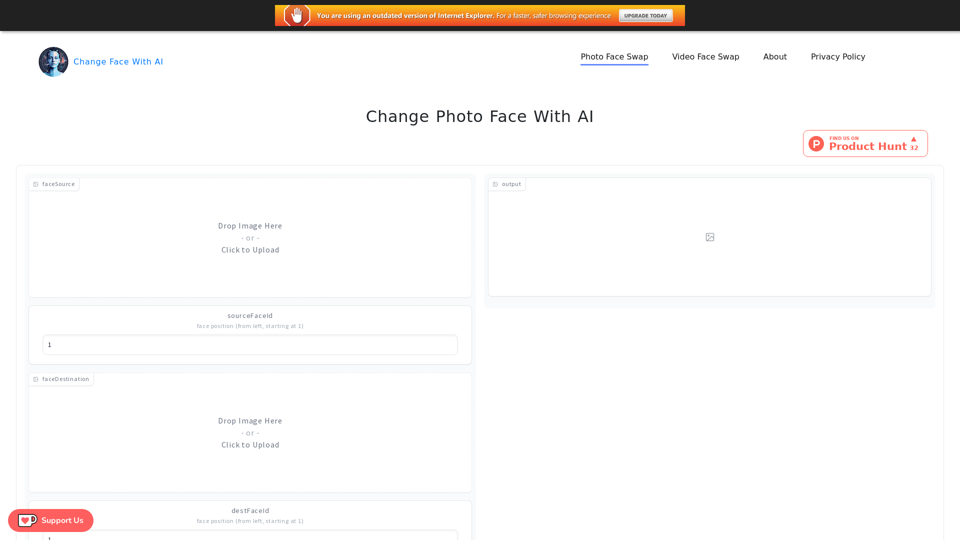
Change Face With AI powered by AI. It is a tool that can change the face of a picture or video, includes Photo Face Swap and Video Face Swap.
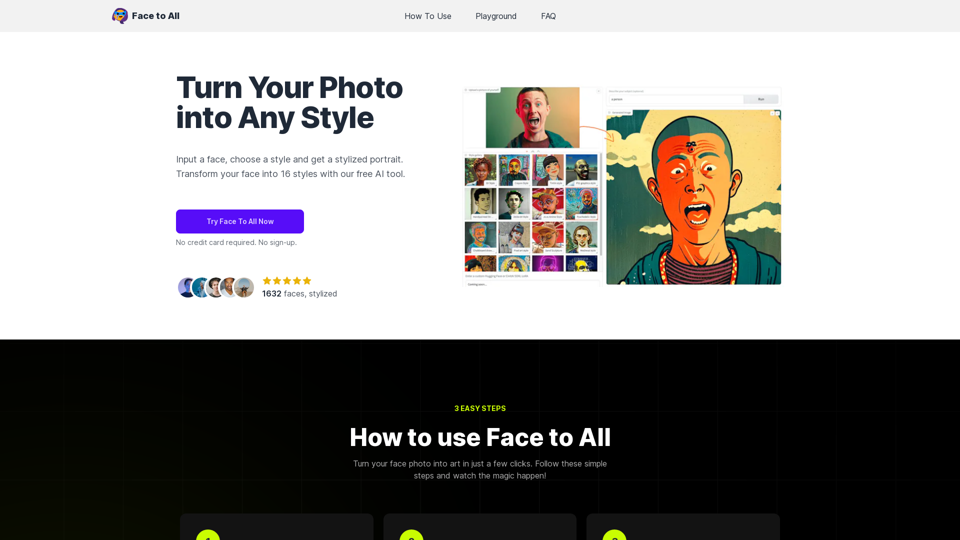
Face to All is a technology that uses artificial intelligence to transform your face photo into a stylized portrait.
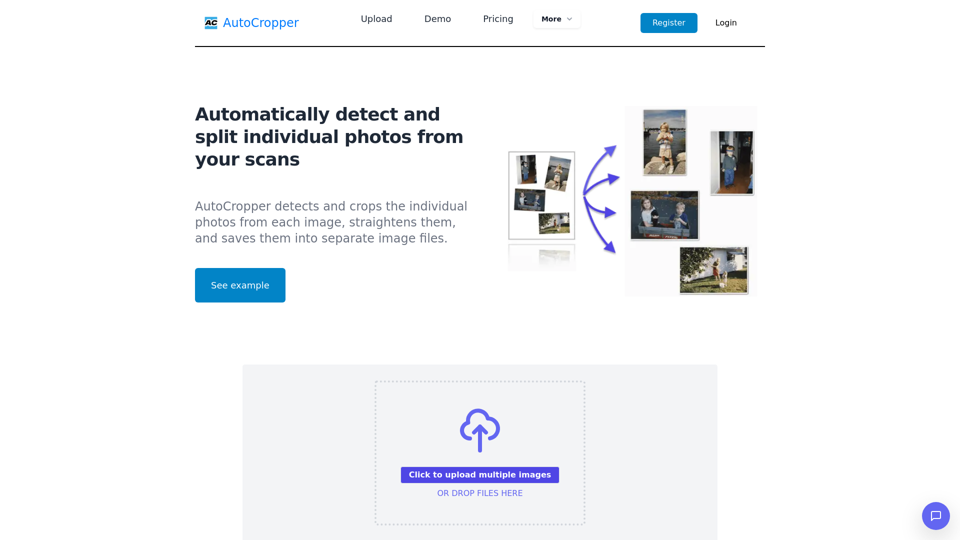
Effortlessly batch crop multiple scanned photos into separate images. AI-powered online tool, no downloads required. Perfect for splitting scans. Free and cross-platform.
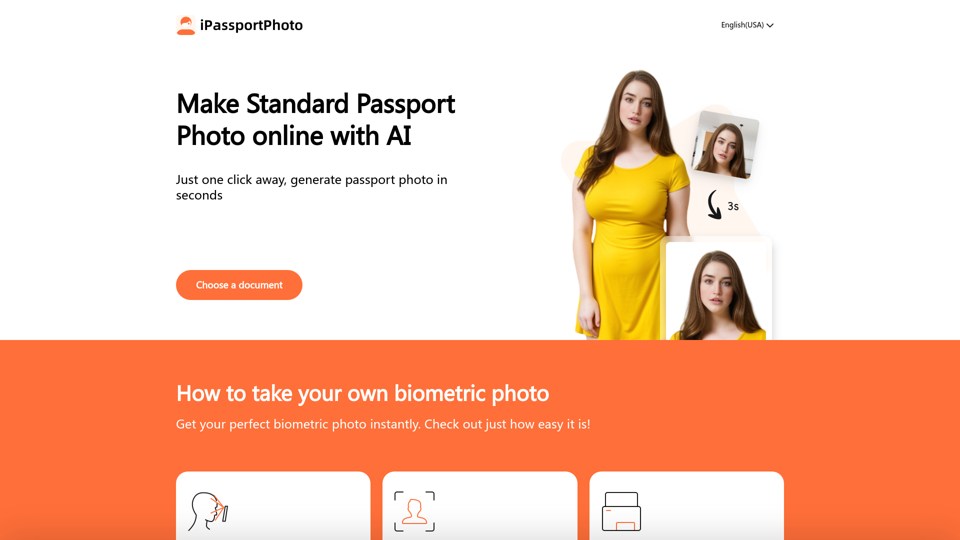
With our AI-driven platform, transform snapshot into a perfect passport photo in 3s! Simply upload your photo, and let AI ensure it meets global standards for passports, IDs, and visas.
The IP-Adapter-FaceID model, Extended IP Adapter, Generate various style images conditioned on a face with only text prompts. Face consistency and realism
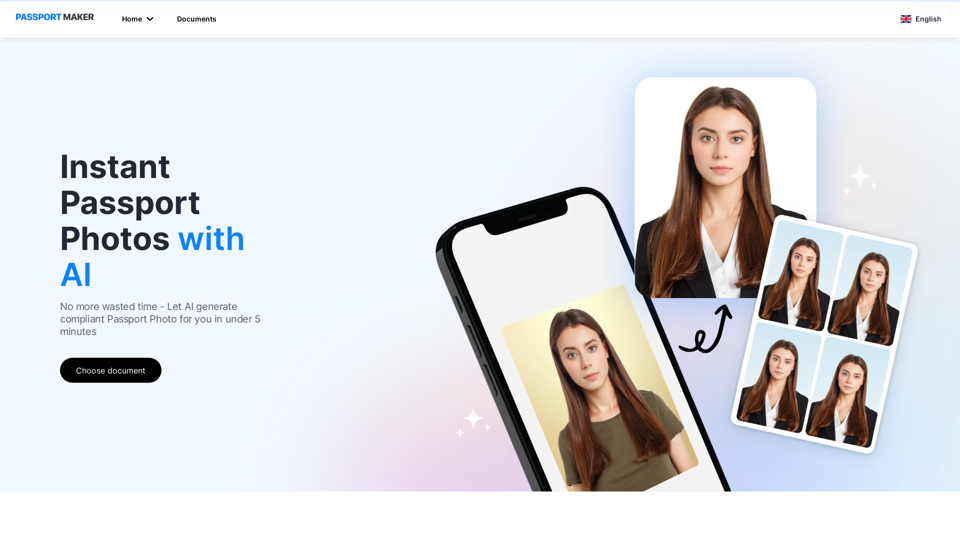
Need a passport photo fast? Passportmaker AI is the easiest tool to use to get a perfect passport photo from the comfort of your home. Try it now and see the difference!