Flowshot
Use AI in Google Sheets, look up formulas and create AI-generated images — and when you're ready, train custom AI models for your specific tasks.
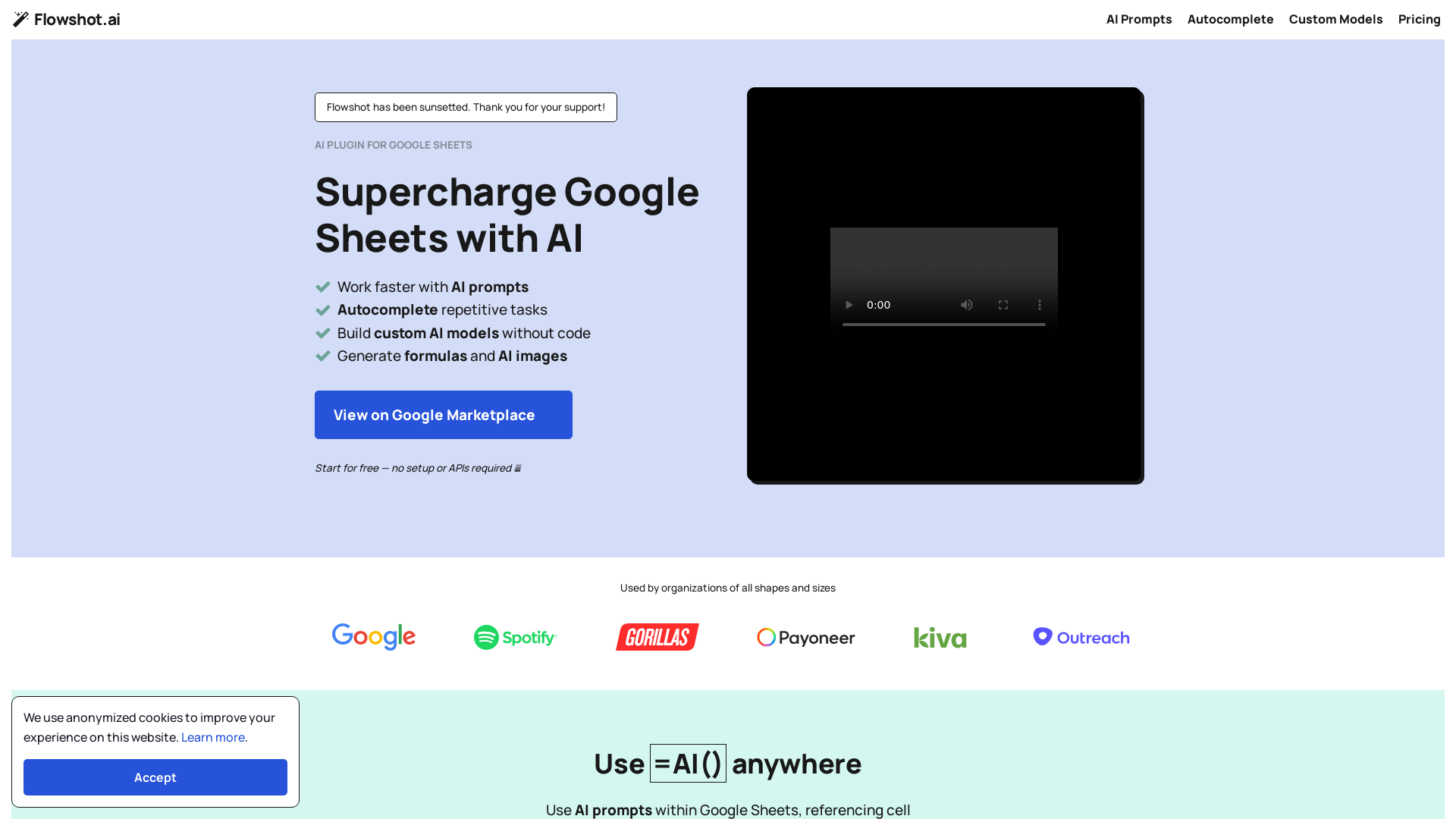
What is Flowshot.ai?
Flowshot.ai is an innovative AI plugin for Google Sheets that enhances productivity by allowing users to automate repetitive tasks, generate AI-driven content, and build custom AI models without the need for coding. It seamlessly integrates with Google Sheets, providing powerful AI tools to supercharge data manipulation and analysis.
What is the main feature of Flowshot.ai?
- AI Prompts and Autocomplete
- Streamline the process of generating text and formulas using AI prompts and autocomplete functions.
- Custom Model Training
- Train specialized AI models on your specific data to improve task performance.
- Easy Integration
- Add-on available through the Google Marketplace with no setup or API keys required.
- Formulas and AI Images Generation
- Create formulas and generate images effortlessly based on simple descriptions.
How to use Flowshot.ai?
Users can easily install Flowshot from the Google Workspace Marketplace. Once added, simply use the =AI() function in cells to start utilizing AI capabilities. Users can input specific tasks or ask questions, and the AI will respond accordingly. For advanced usage, custom models can be trained directly within the platform.
Pricing of Flowshot.ai
Flowshot.ai offers several pricing tiers to suit different user needs:
- Start
- $9/month for 3M characters.
- Grow
- $29/month for 12M characters.
- Pro
- $59/month for 30M characters.
- SCALE
- $129/month for 80M characters.
- Team
- $379/month for 300M characters.
- Enterprise
- Custom pricing starting from $2,499 for unlimited usage.
Helpful Tips
- Exploit the Free Trial
- Start with the free version to understand your usage patterns before committing to a paid plan.
- Use Examples for Training
- Provide the AI with plenty of examples when training custom models to achieve optimal results.
- Monitor Character Usage
- Keep an eye on your character count in the Flowshot sidebar to avoid unexpected charges.
Frequently Asked Questions
How do I install Flowshot?
Flowshot can be installed via the Google Workspace Marketplace. Following installation, save formulas periodically to conserve your character usage.
I'm having trouble using Flowshot. What should I do?
If you encounter issues such as #ERROR! messages, it's often due to being logged in with multiple Google accounts. If problems persist, contact support through live chat.
How is my monthly character usage counted?
Monthly characters are counted as the total inputs (prompts) and outputs (results) processed by Flowshot’s AI.
What tasks can I automate with Flowshot?
Flowshot is perfect for tasks such as extracting emails, bulk translating text, and rewriting ad copy. Start simple with =AI() prompts, then progress to custom models as needed.
Which Flowshot tool should I use?
Choose between AI prompts for simplicity, Autocomplete for example-driven tasks, and custom models for tailored performance based on extensive training data.
What AI models does Flowshot utilize?
Flowshot uses a mix of in-house models optimized for various tasks, along with popular models from OpenAI and others for custom solutions.
Do I need coding skills to use Flowshot?
No coding skills are necessary! Flowshot is designed to be user-friendly, allowing anyone to harness the power of AI in their spreadsheets.
Flowshot
Use AI in Google Sheets, look up formulas and create AI-generated images — and when you're ready, train custom AI models for your specific tasks.
Free AI anime and manga generator. Turn text into anime episodes, manga, comics, webtoons and comic shorts in any art style — no drawing or animation skills needed.
Translate image text across 70+ languages with our advanced AI Image Translator to help you better expand your products globally to various countries
Advertised Here
Reach thousands of visitors daily. Get your spot now!
Tools similar to Flowshot
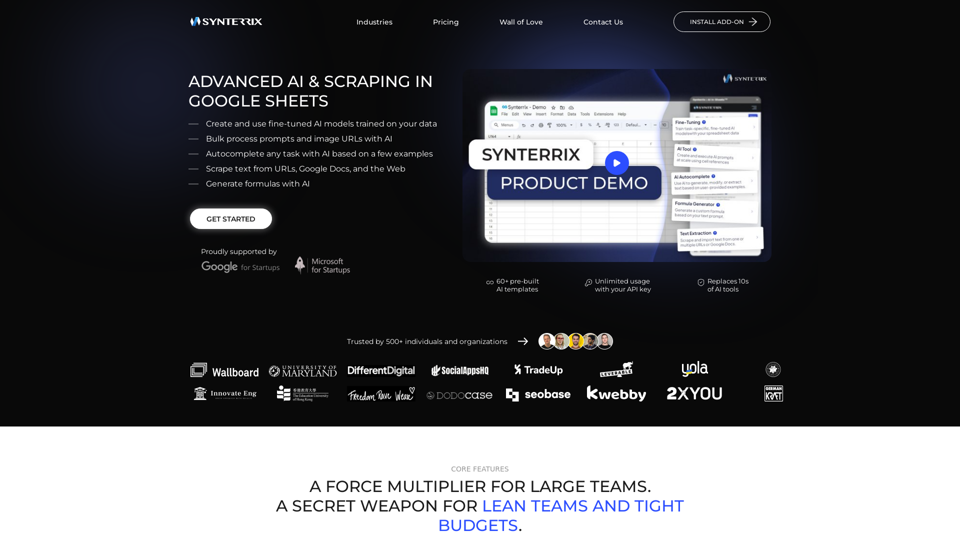
Synterrix is an advanced AI tool for Google Sheets™ to take your marketing, sales, and operations to the next level. Use GPT for Sheets at scale.
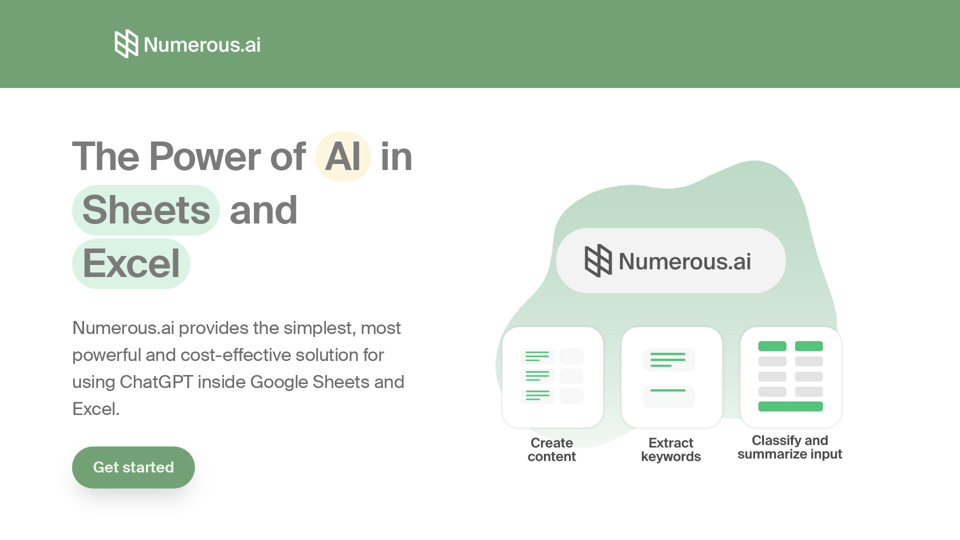
An AI-powered spreadsheet plugin that brings ChatGPT to Google Sheets and Excel.
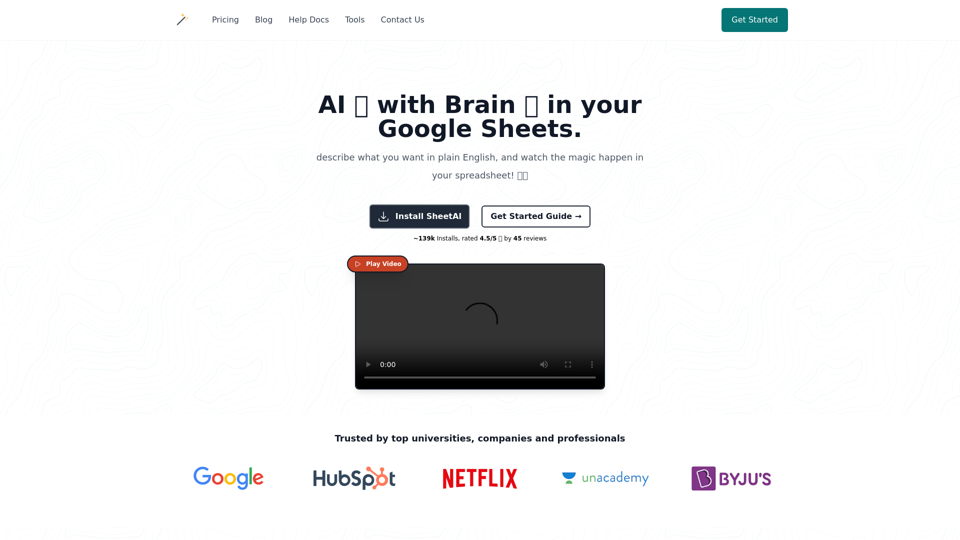
Imagine having an ai which can remeber stuff right inside google sheet to do repetitive tasks for you.
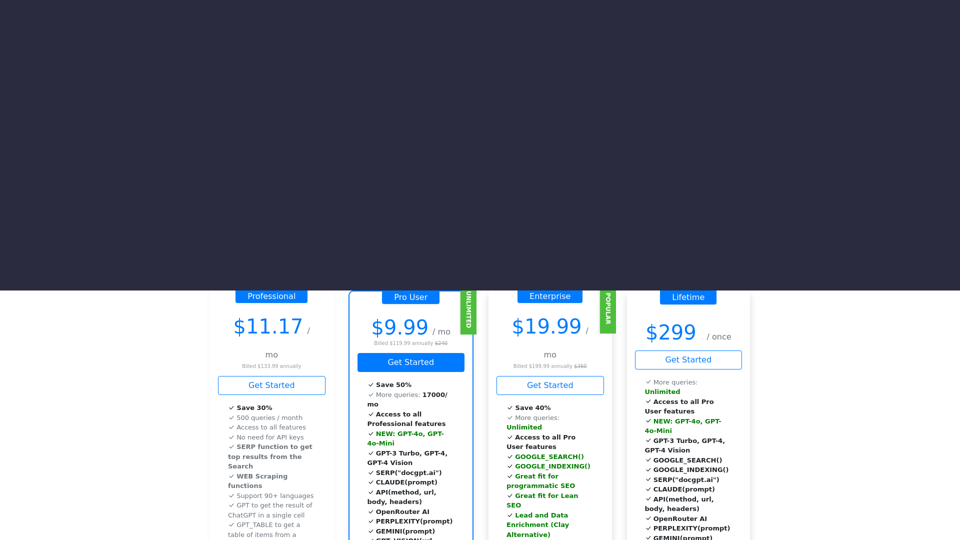
Leverage the GPT (GPT-4o-Mini, GPT-4o, GPT-4 Turbo, GPT-4 Turbo), Claude, Mistral, and Gemini AI models within Google Sheets to seamlessly incorporate the power of GPT-4o, GPT-3 Turbo, GPT-4, Claude, and Gemini directly into your spreadsheets. Enjoy a seamless experience straight out of the box, without the hassle of dealing with API keys. Setup is simple and hassle-free.
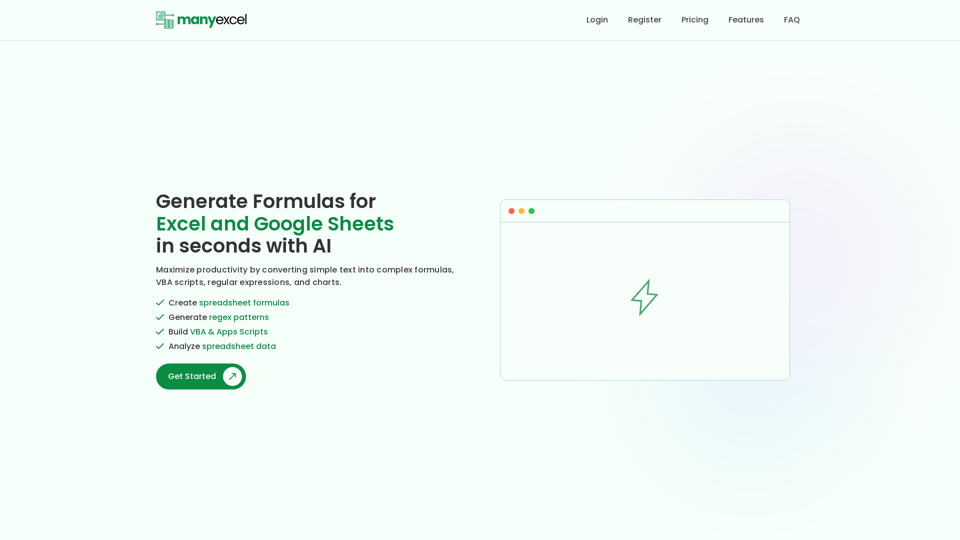
Generate Formulas, Utilize Regex Formulas, Generate Charts and Graphs for Excel & Google Sheets in seconds. Maximize your productivity with ManyExcel.
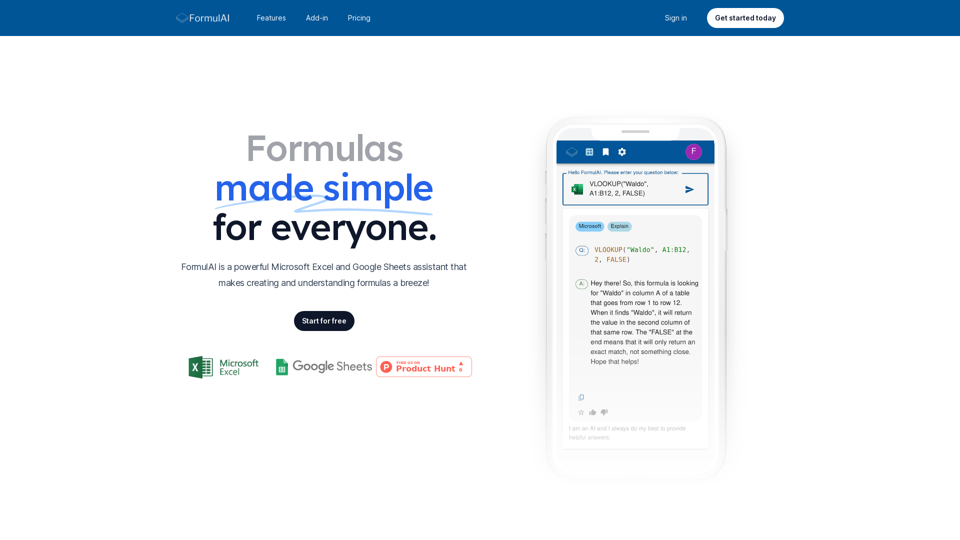
FormulAI is a powerful, fast and beautiful AI formula assistant for Microsoft Excel and Google Sheets.
Get started for free and unlock the power of AI in your spreadsheets.
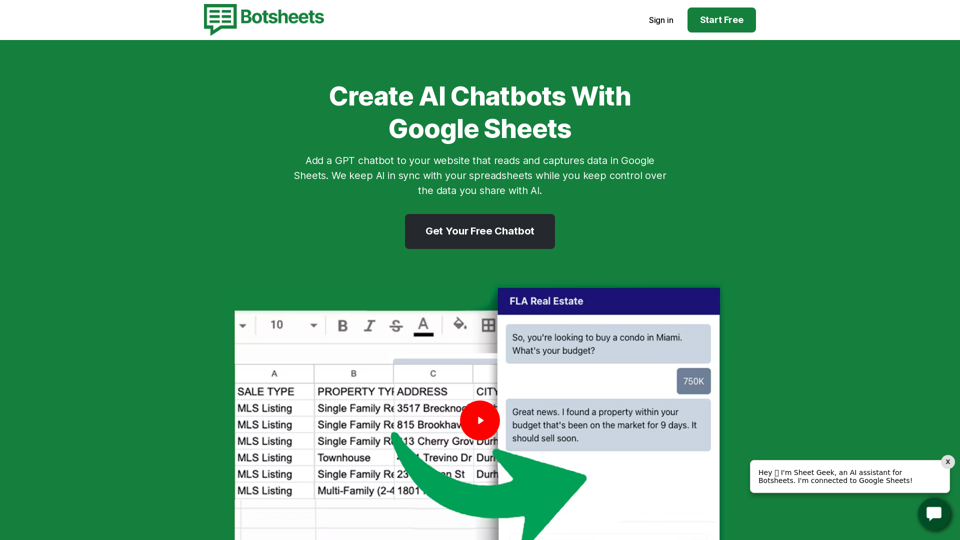
Create more accurate, more personalized, and more delightful AI chatbots. Best of all, we keep AI in sync with changes to your data while you train AI at the source and keep control over the data you share with AI.