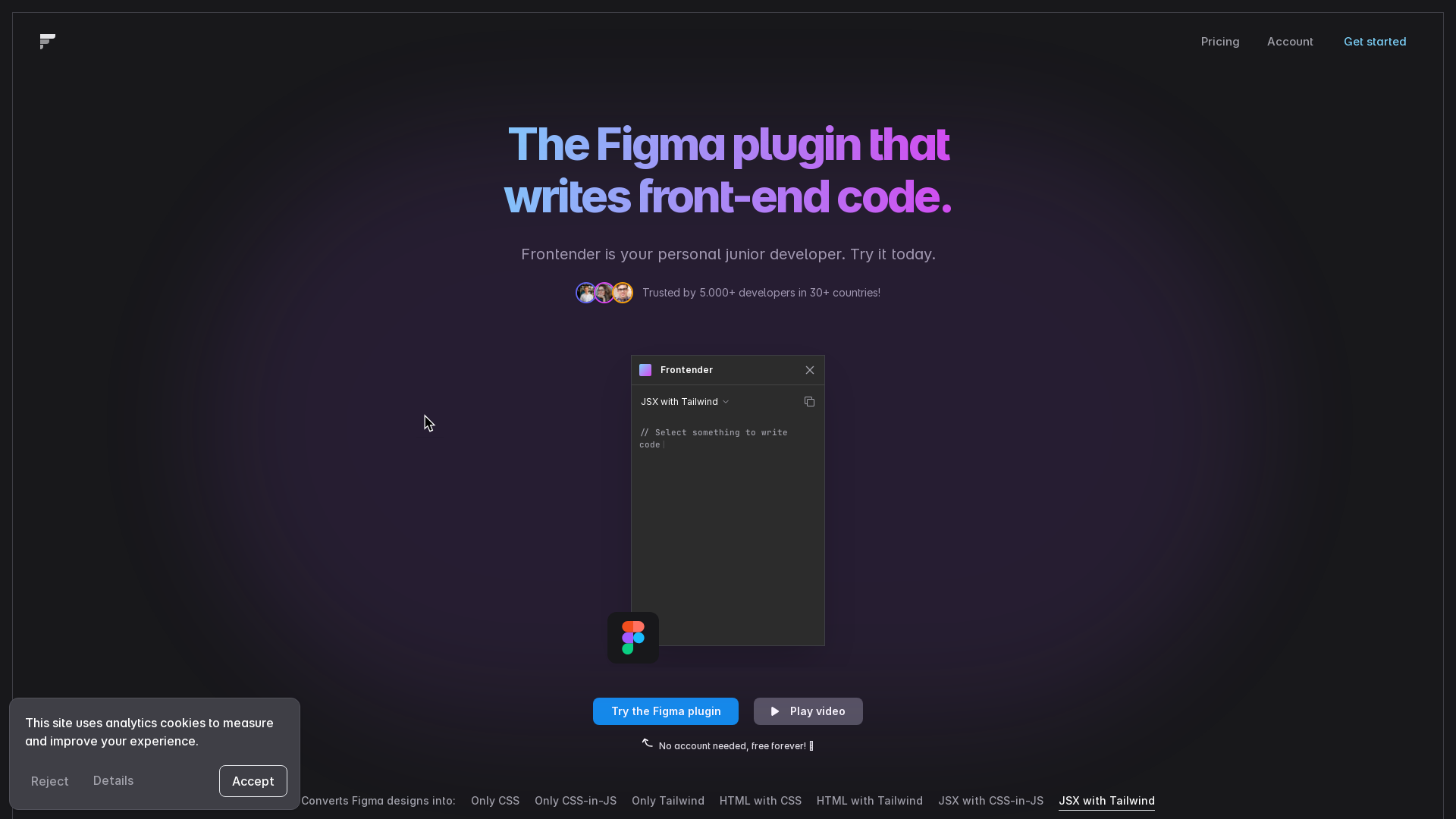
What is Frontender?
Frontender is a powerful Figma plugin that revolutionizes the front-end development process by converting Figma designs into various formats of front-end code. It acts as your personal junior developer, enabling faster workflow and seamless integration into design-to-development handoffs.
What is the main feature of Frontender?
- Multiple Conversion Formats
- Frontender can convert Figma designs to:
- Only CSS
- Only CSS-in-JS
- Only Tailwind
- HTML with CSS
- HTML with Tailwind
- JSX with CSS-in-JS
- JSX with Tailwind
- Framework Compatibility
- It works effortlessly with popular frameworks, including Next.js, React (JSX), Vue, and Svelte (HTML).
- Free Forever Access
- Users can enjoy the plugin free of charge, with 15 free conversions available each month.
How to use Frontender?
Using Frontender is straightforward:
- Simply select any layer in Figma.
- The plugin will automatically convert the design into front-end code formats, acting as your dedicated assistant.
- No prior organization of layers is required, as Frontender smartly interprets the designs—even from messy files.
Price
Frontender is available for free with no account needed, offering 15 conversions each month at no cost. You can start right away without any financial commitment.
Helpful Tips
- Custom Config Support
- If you work with a custom Tailwind configuration, you can easily input it into Frontender, allowing the tool to generate production-ready code using your specific classes.
- Maximize Your Conversions
- To get the most out of Frontender, make full use of your 15 free conversions each month for varied projects and styles.
Frequently Asked Questions
Can I use Frontender without an account?
Yes, you do not need an account to use Frontender. It’s free forever with 15 conversions available each month.
Is Frontender compatible with all Figma files?
Absolutely! Frontender does not rely on autolayout or well-organized layers, meaning it can interpret any Figma file’s order, hierarchy, and meaning even from messy files.
What frameworks does Frontender work with?
Frontender supports frameworks such as Next.js, React (JSX), Vue, and Svelte (HTML), making it versatile for front-end developers.
How does Frontender handle Tailwind CSS?
Frontender has a deep understanding of Tailwind CSS, able to use arbitrary values and find the closest value in your configuration, giving you flexibility in design.
Are there any limitations on the plugin?
While it offers 15 free conversions per month, heavy users may find the need to upgrade to a paid plan for additional features, depending on workflow requirements.
Frontender
Speed up your front-end workflow.
 Vercel
Free AI anime and manga generator. Turn text into anime episodes, manga, comics, webtoons and comic shorts in any art style — no drawing or animation skills needed.
Translate image text across 70+ languages with our advanced AI Image Translator to help you better expand your products globally to various countries
Advertised Here
Reach thousands of visitors daily. Get your spot now!
Tools similar to Frontender
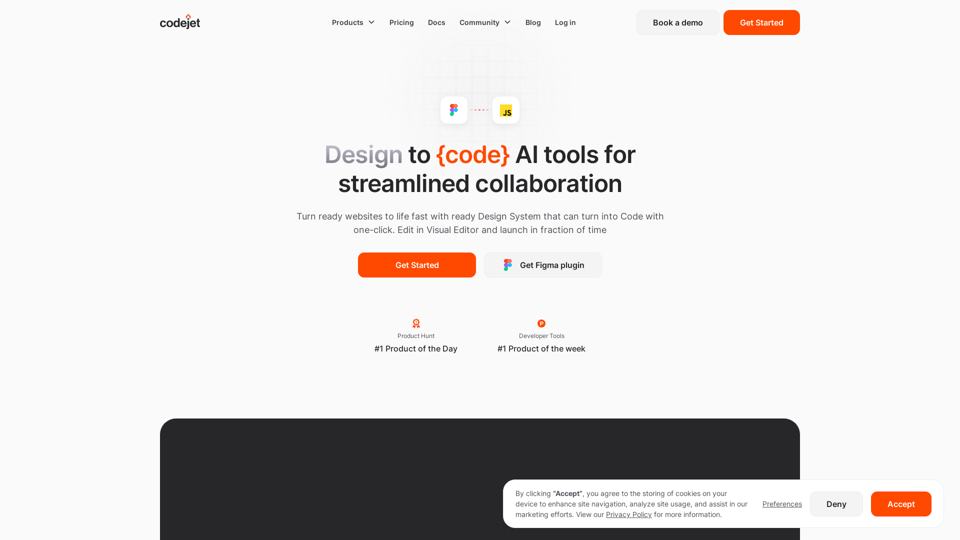
Turn ready websites to life fast with ready Design System that can turn into Code with one-click. Edit in Visual Editor and launch in fraction of time
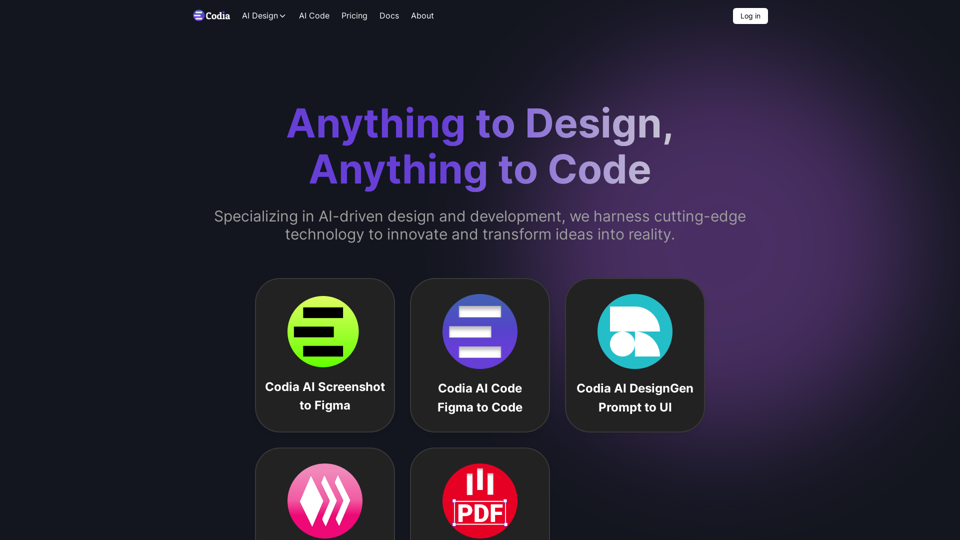
transform ideas into reality, effortlessly converting screenshots, PDFs to Figma designs, turning prompts into UI designs, transforming images into SVG files, and enabling seamless transitions from design to code
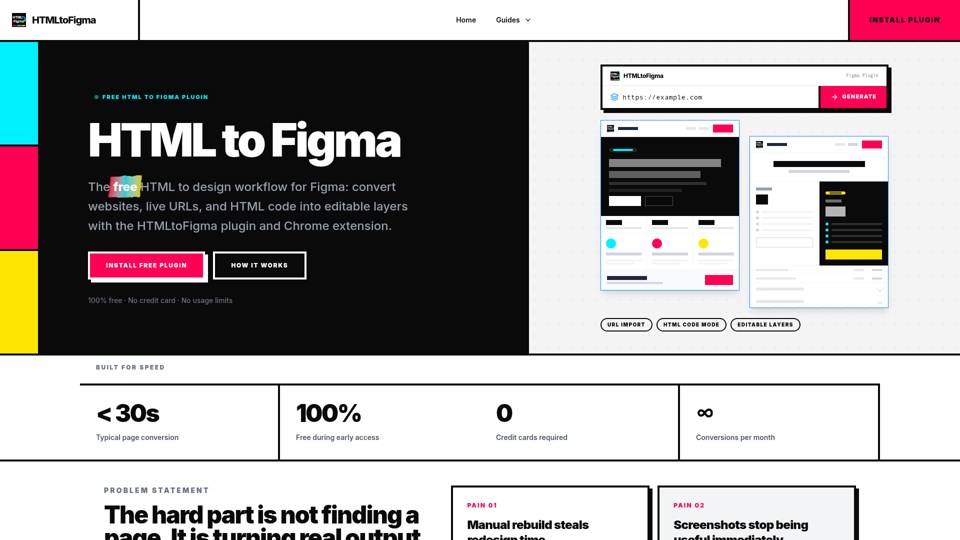
Free Figma plugin that turns webpages, URLs, or HTML code into editable Figma layers. A fast HTML to design workflow for redesigns and QA.

CodeScope offers incredible features to enhance your development process, allowing you to create applications and plugins in multiple languages and frameworks.
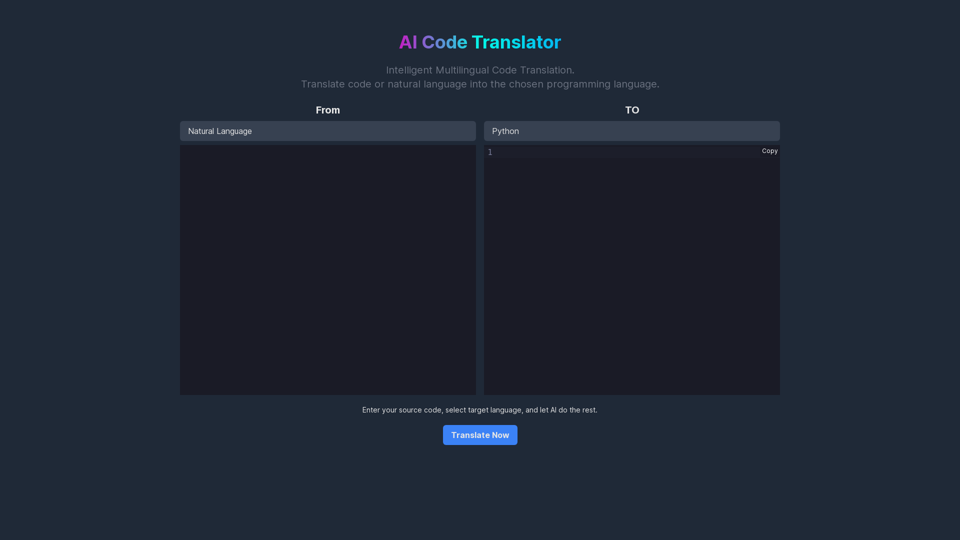
AI Code Translator leverages state-of-the-art artificial intelligence technology to provide seamless conversion of code across multiple programming languages. Enhance your development process with smart translation.by code llama or chatgpt.
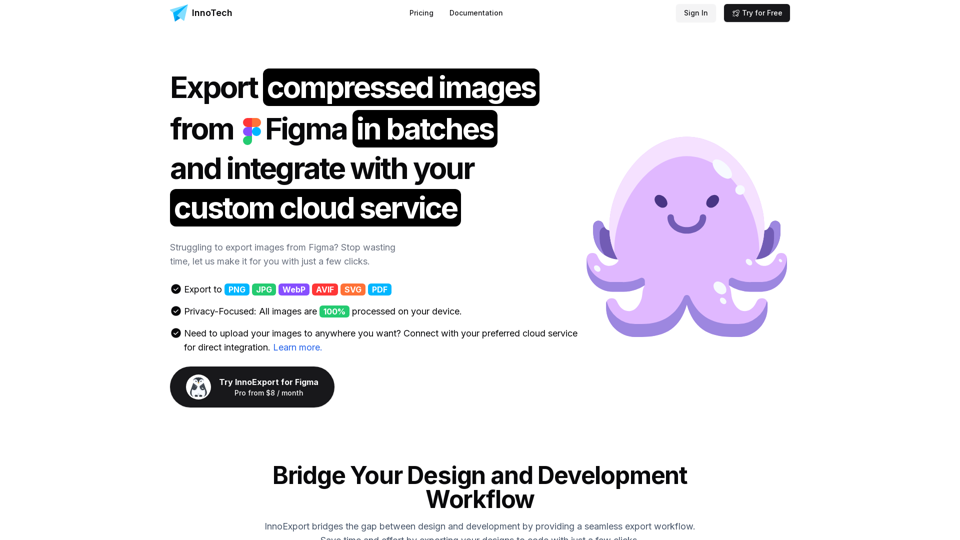
Batch compress, export and upload PNG, JPG, SVG, WebP, AVIF and PDF images directly from Figma with InnoExport. Save time and reduce file sizes with our Figma plugin.
Improving the development experience and code review process by integrating artificial intelligence.