Genji
Automate your browser tasks using a visual AI assistant

What is Genji - AI Browser Assistant?
Genji is an innovative AI-driven browser assistant designed to simplify your online tasks. By integrating directly into your browser, Genji allows users to dictate commands in plain language, automating repetitive actions and making web navigation more efficient. Whether you're looking to perform personal tasks or manage professional projects, Genji serves as a versatile aide that adapts to your commands and learns from your interactions.
What are the main features of Genji?
- Smart task automation: Genji can read the current state of your browser and discern the best next action to complete your tasks.
- Multi-tasking capabilities: Manage multiple tasks simultaneously as Genji operates like an army of ninjas.
- Self-correcting: If Genji makes a mistake, he learns and corrects his course automatically.
- Voice input and output: Give commands and receive updates through voice interactions.
- Scheduling and recording features: Set future tasks, and record or replay your actions to streamline regular processes.
- Anti-bot evasion: Features to enhance security while performing automated tasks.
How to use Genji?
Getting started is simple! Download the Genji Chrome extension and activate it on any webpage (except the New Tab page). You just need to click the Genji icon located at the bottom right of your screen to open the chat interface. Type your command, and watch as Genji executes your request.
What are the pricing options for Genji?
- Starter Plan (Free)
- Get limited tasks per day, no scheduled tasks, and no voice features.
- Ultimate Plan ($10/month)
- Enjoy higher limits on tasks, the ability to schedule tasks, use voice commands, record and replay macros, and access priority support for enhanced functionality.
Helpful Tips for Using Genji
- Start with simple tasks to gauge Genji's capabilities before progressing to more complex ones.
- Utilize voice commands for a hands-free experience while multitasking.
- Regularly provide feedback on Genji's performance to help improve his efficiency.
- Supervise Genji during initial interactions to ensure he understands your commands correctly.
Frequently Asked Questions
How do I get started with Genji?
Download the Chrome extension, activate it on any webpage, and enter your command in the chat interface.
How does Genji keep my data secure?
Genji prioritizes your security and does not retain screenshots of your browser. All communication occurs over a secure, encrypted connection.
What is the vision for Genji moving forward?
Genji aims to evolve into a powerful workforce capable of managing complex job functions, enhancing productivity across all users.
Is Genji suitable for me?
Yes, Genji is designed for anyone utilizing a browser, from personal to professional tasks, saving you valuable time.
What limitations does Genji have?
While Genji is powerful, he may struggle with very complex tasks or uncommon web scenarios. Continuous updates are being made to enhance his abilities.
Join the browsing revolution and start delegating tasks to your AI assistant, Genji, today!
Download Genji Now
Genji
Automate your browser tasks using a visual AI assistant
 Apache HTTP Server
Free AI anime and manga generator. Turn text into anime episodes, manga, comics, webtoons and comic shorts in any art style — no drawing or animation skills needed.
Translate image text across 70+ languages with our advanced AI Image Translator to help you better expand your products globally to various countries
Advertised Here
Reach thousands of visitors daily. Get your spot now!
Tools similar to Genji
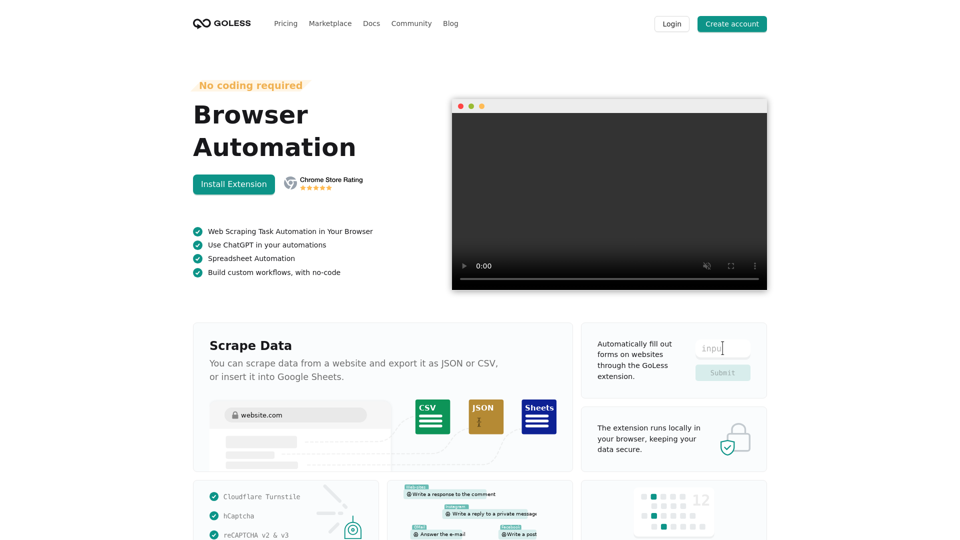
Goless.com - Automate web browser actions with our web automation tools. Simplify your daily tasks with automated workflows and save time. Try it for free!

Meet Allie the AI Super Assistant for your desktop: a powerful tool that drafts documents, schedules meetings, sends emails, and more.
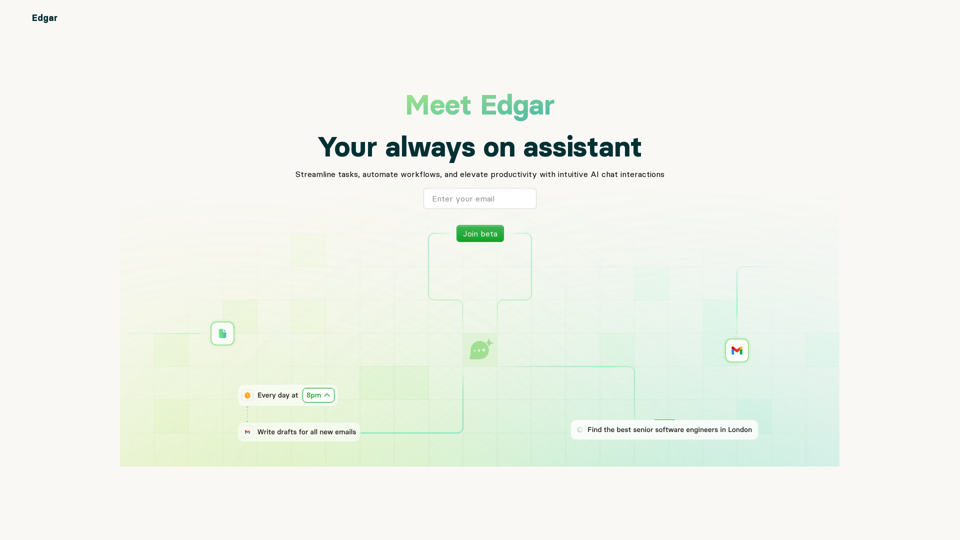
Edgar is your AI personal assistant that helps you manage your tasks, meetings, and more.
Build intelligent AI assistants specialized just for you and your business.
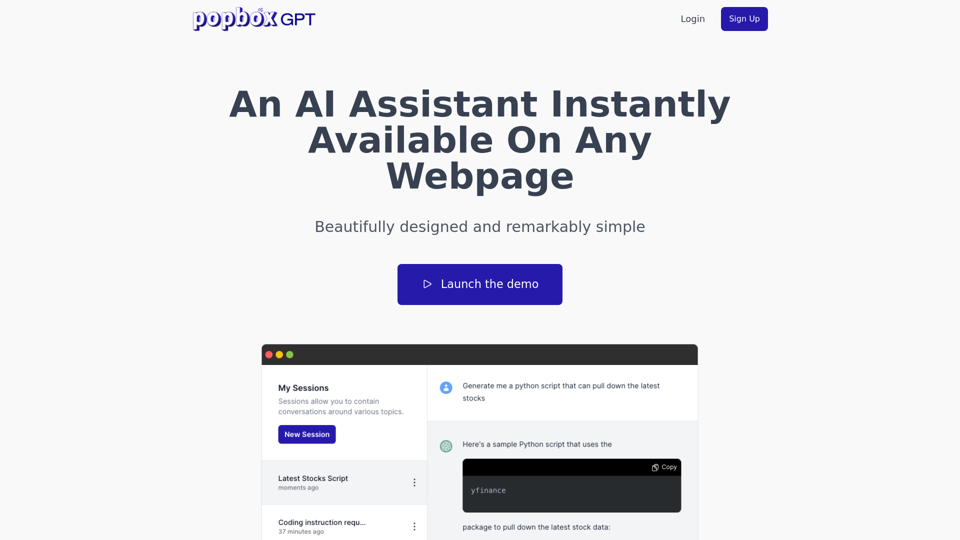
Discover PopboxGPT, the powerful GPT Chrome extension that brings AI-powered assistance right in your browser. Enhance productivity and simplify tasks with this intuitive browser-based AI helper.
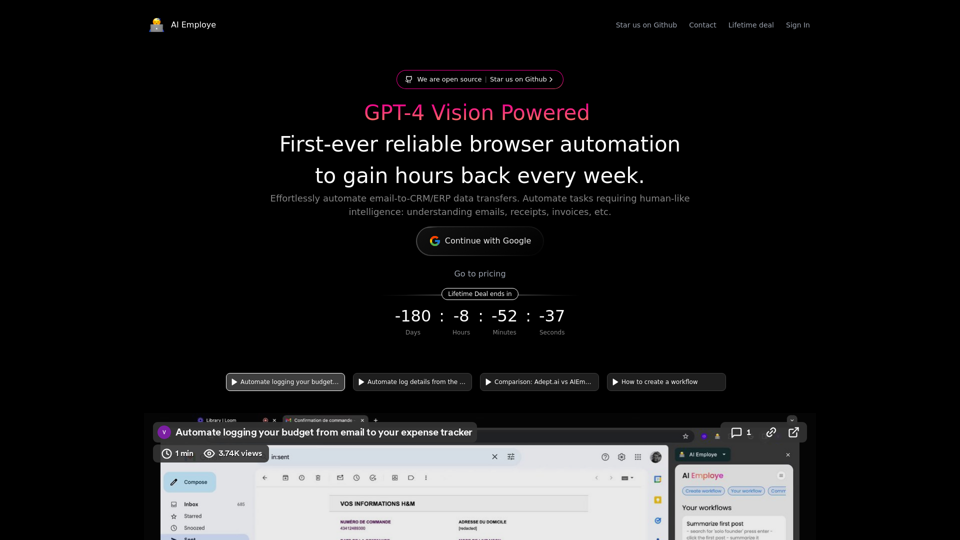
Effortlessly automate email-to-CRM/ERP data transfers. Automate tasks requiring human-like intelligence: understanding emails, receipts, and invoice, etc.
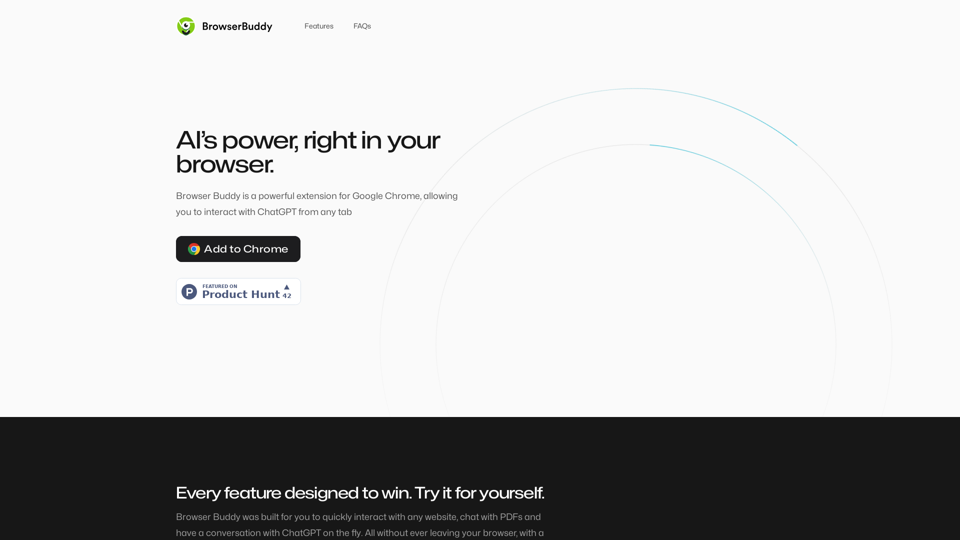
Your AI buddy to have conversation with, and to help you with your daily tasks.
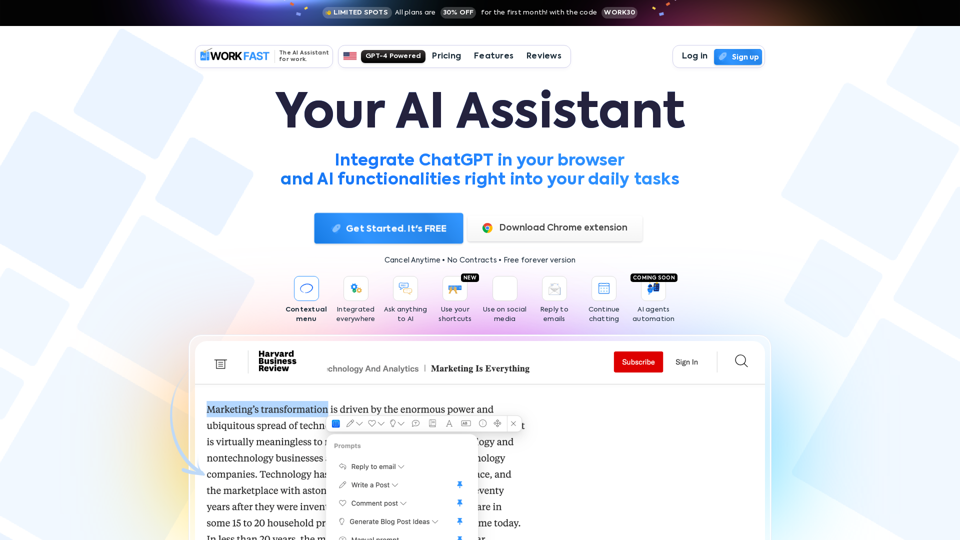
Work Fast is a AI Chrome extension assistant. Work Fast is powered by GPT-4 AI.