Converse
Save, summarize, and chat with web articles, PDF documents, and YouTube videos. Enhance your reading journey with tailored summaries, TLDRs, Key Takeaways, intuitive document chat, and social sharing on Converse.
What is Converse?
Converse is an AI-powered reading companion designed to enhance your reading experience by offering features to save web articles, PDFs, and YouTube videos. It simplifies content consumption, allowing users to TLDR (Too Long; Didn't Read), summarize articles, chat with saved documents, and share insights seamlessly.
What are the main features of Converse?
- TLDR & Detailed Summaries
- Quickly capture the essence of any article with an executive summary that includes key takeaways and detailed summaries that can help reduce your reading and watching time by up to 80%.
- Intuitive Document Chat
- Engage in a conversation with your saved documents. Get precise answers to your queries, all backed by source references.
- Library & Collections
- All saved web articles and uploaded PDFs are stored permanently in your library. You can categorize your articles into separate collections for optimal organization.
- Social Sharing & Interaction
- Share your readings and insights with friends and through your social network. Friends can interact with your documents, enriching the collaborative experience.
How to use Converse?
Getting started with Converse is simple. After signing up for a free account, you can begin saving articles, PDFs, and YouTube videos. Using the TLDR feature, obtain quick summaries or delve into extensive details. Engage in interactive chats with your documents to extract specific information, and make use of the library to organize your resources efficiently.
What is the pricing structure of Converse?
Converse offers a free tier to get started, allowing users to explore various features. For advanced functionalities and increased usage limits, there are subscription options available. Check the pricing section on their website to find the plan that best fits your needs.
Helpful Tips
- Regularly categorize your saved articles into dedicated collections for easier access and retrieval.
- Take advantage of the summary features to maximize your comprehension and retention of key information.
- Share your collections with peers to foster discussions and collaborative learning.
Frequently Asked Questions
Can I summarize videos using Converse?
Yes, Converse allows you to save and summarize YouTube videos, providing you with a comprehensive understanding without watching the full content.
Is there a limit to how many documents I can save?
With the free version, there may be a limit to the number of documents you can maintain. Check the specific limitations under the subscription details.
Can I access my saved articles from any device?
Absolutely! Converse is cloud-based, so you can access your library and collections from any device with an internet connection.
Does Converse keep my documents private?
Yes, your documents and reading materials are kept private and are solely for your use. Converse respects user privacy and confidentiality.
Converse
Save, summarize, and chat with web articles, PDF documents, and YouTube videos. Enhance your reading journey with tailored summaries, TLDRs, Key Takeaways, intuitive document chat, and social sharing on Converse.
 Next.js
 Node.js
 React
React Vercel
 Webpack
Free AI anime and manga generator. Turn text into anime episodes, manga, comics, webtoons and comic shorts in any art style — no drawing or animation skills needed.
Translate image text across 70+ languages with our advanced AI Image Translator to help you better expand your products globally to various countries
Advertised Here
Reach thousands of visitors daily. Get your spot now!
Tools similar to Converse
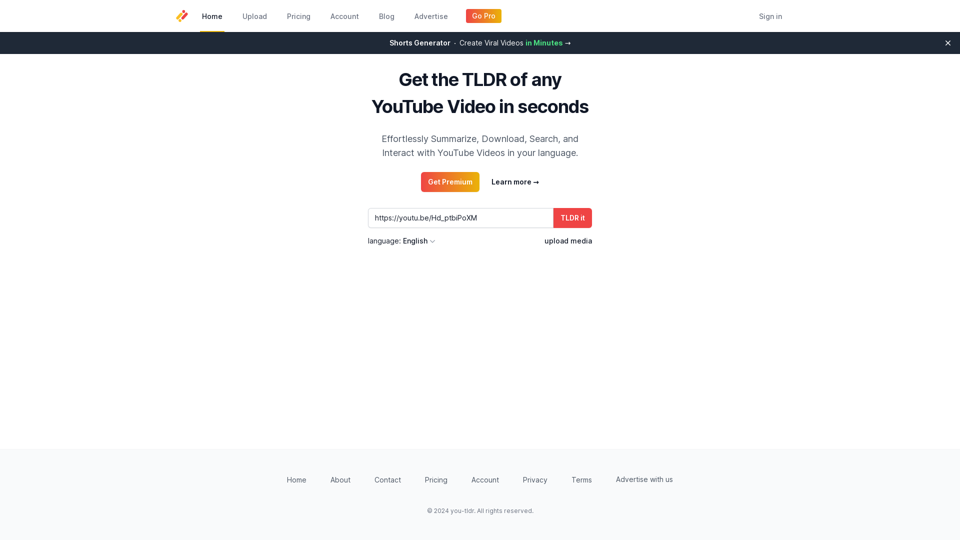
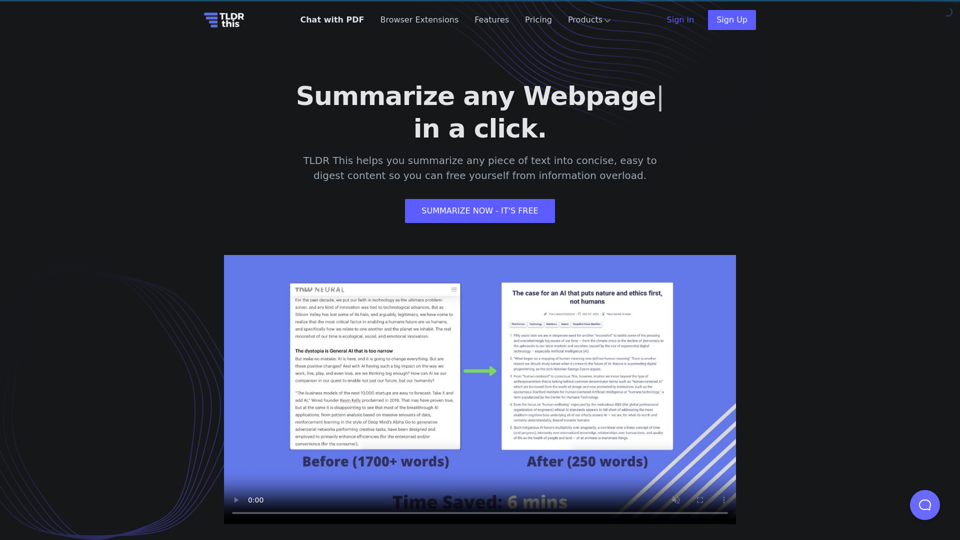
TLDR This is a Free online text summarizing tool that automatically condenses long articles, documents, essays, or papers into key summary paragraphs using state-of-the-art AI.
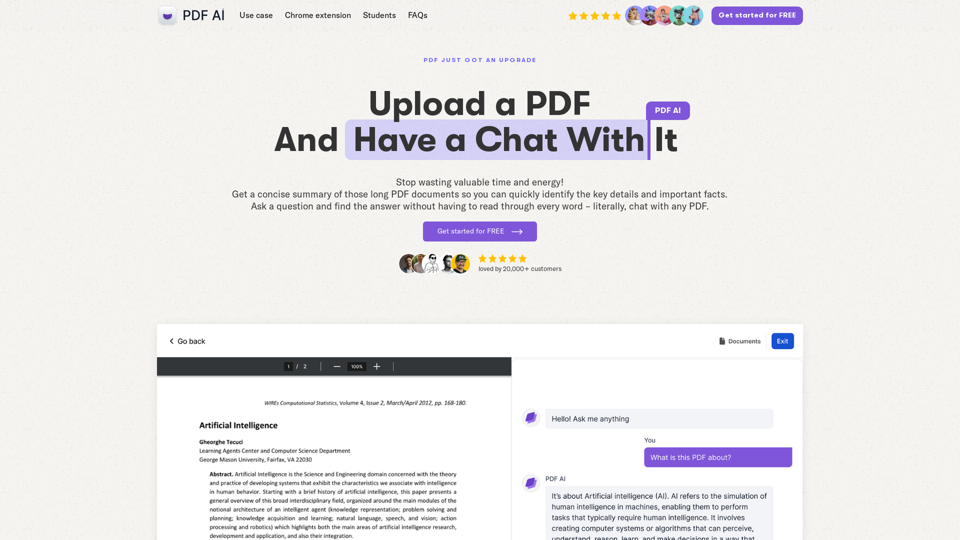
Chat with any PDF today for instant answers, summaries, and more - the complex made simple. From legal documents to academic studies, download our PDF AI today.
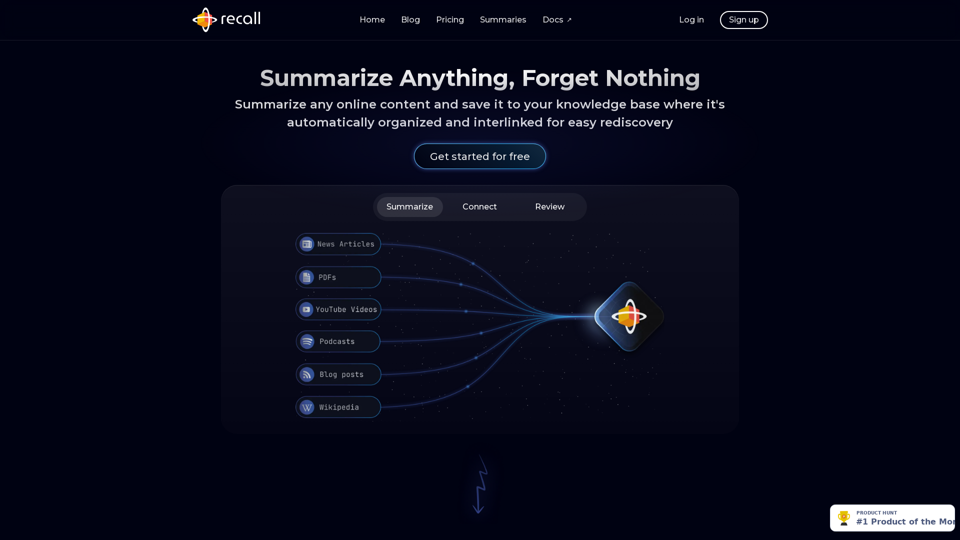
Recall is an AI tool that lets you quickly summarize and save any online content from YouTube videos to articles, podcasts, and more into a personal knowledge base. Not only does it categorize these summaries, but it also links them with related content you've saved before, uncovering connections and bringing up relevant past content just when you need it.
We built the ultimate ChatPDF app that allows you to chat with any PDF: ask questions, get summaries, find anything you need!
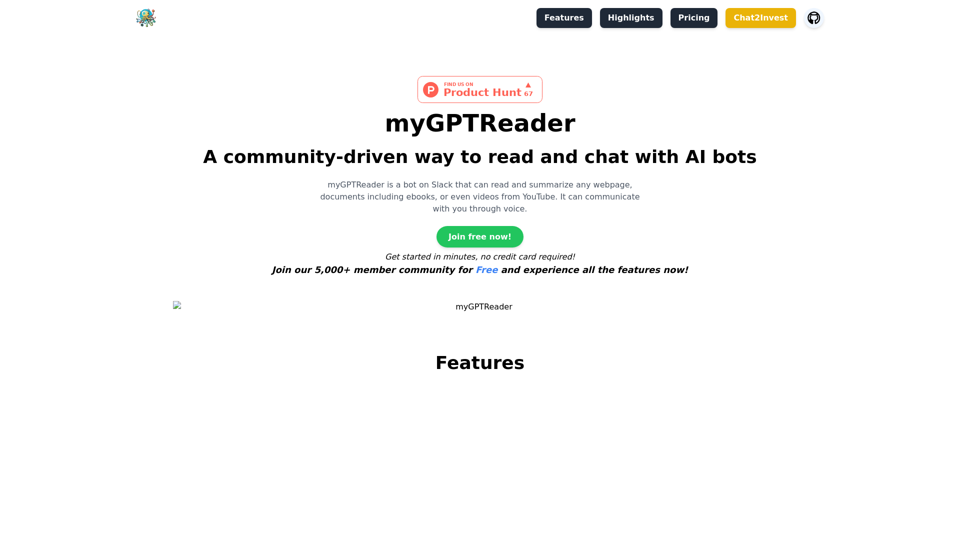
myGPTReader is a Slack bot that can read and summarize any webpage, documents including ebooks, or even videos from YouTube. It also can communicate with you via voice.
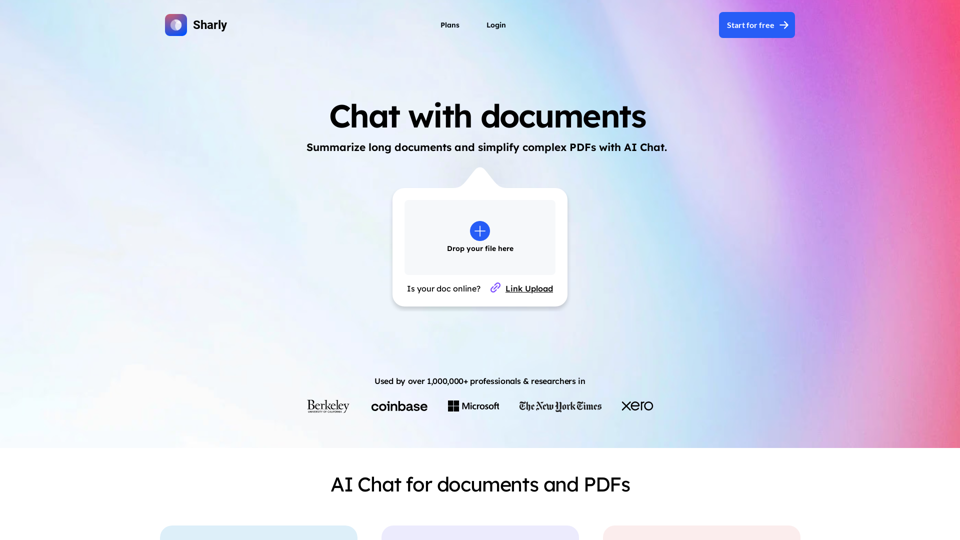
Chat with documents and PDFs. Sharly is the ultimate AI tool for document workflow. Harness PDF AI chatbot to efficiently summarize and organize content.