Markup Annotation Tool
The easy way to turn text into structure data
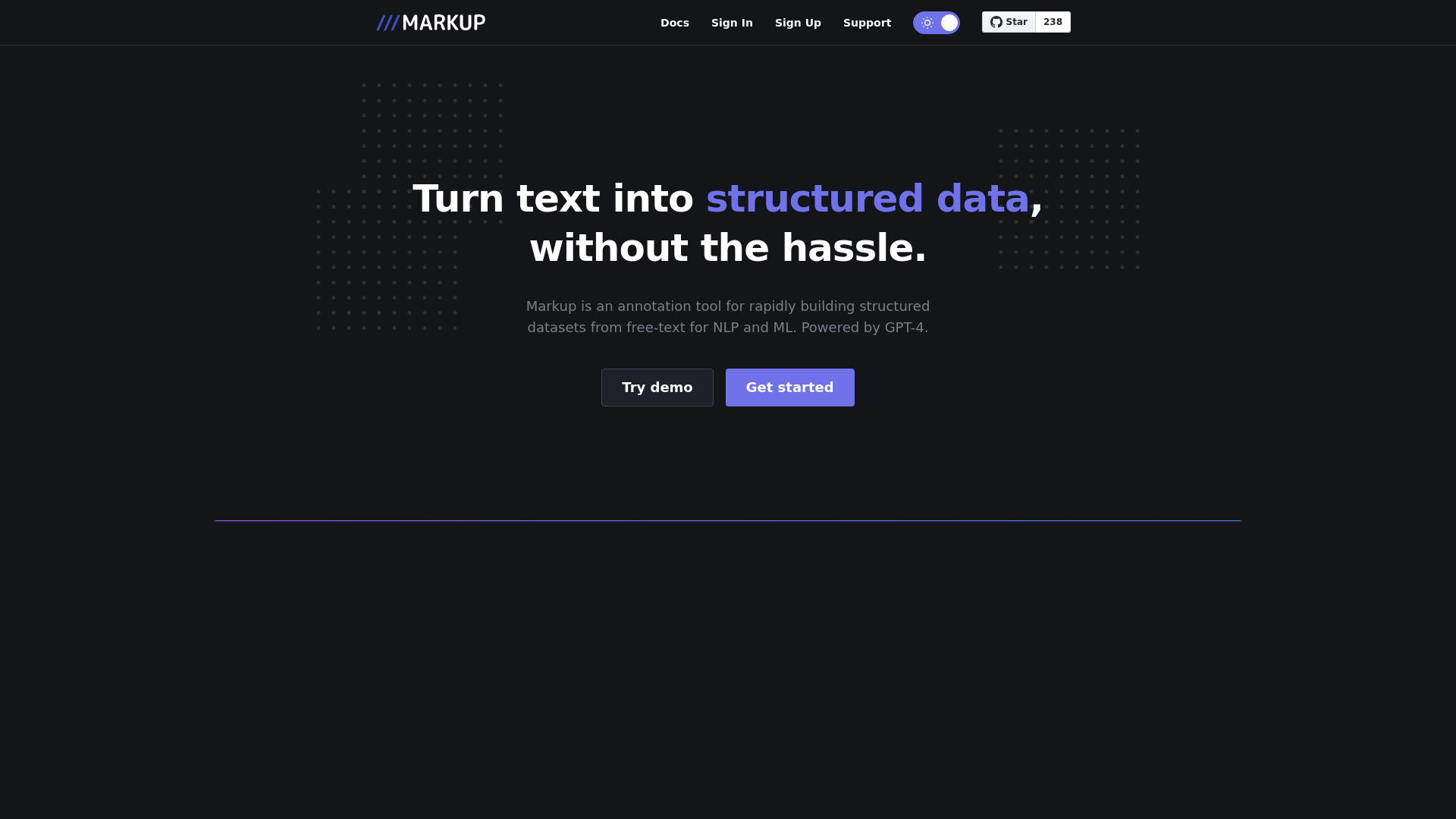
What is Markup Annotation Tool?
Markup Annotation Tool is an innovative platform designed to transform unstructured text into structured data, which is essential for Natural Language Processing (NLP) and Machine Learning (ML) applications. Leveraging the power of GPT-4, this tool simplifies the data annotation process, making it quick and efficient.
What are the main features of Markup Annotation Tool?
- Rapid Annotation
- Build structured datasets rapidly from free-text, saving time and resources.
- AI-Powered
- Utilizes GPT-4 for intelligent text understanding and annotation.
- User-Friendly Interface
- Easy-to-use interface catering to both novice and experienced users.
- Versatile Data Formats
- Supports various output formats for seamless integration into your workflows.
- Collaboration Features
- Allows multiple users to collaborate on data annotation projects in real-time.
How to use Markup Annotation Tool?
To get started with the Markup Annotation Tool, simply sign up and log in to your account. You can try the demo to familiarize yourself with the features. Input your free-text data into the tool, and it will automatically assist you in structuring that data. For heavier usage or advanced features, consider exploring subscription options for enhanced capabilities.
What types of data can I annotate with Markup Annotation Tool?
Markup Annotation Tool can handle a wide variety of text data, including but not limited to:
- Customer feedback
- Social media posts
- Survey responses
- Academic papers
- News articles
How can I maximize my use of Markup Annotation Tool?
To make the most out of Markup Annotation Tool:
- Explore the demo version to understand its capabilities.
- Utilize batch processing features for large datasets.
- Take advantage of collaboration tools to work with your team efficiently.
- Stay updated with the latest enhancements and features provided by the platform.
Will my data be secure with Markup Annotation Tool?
Yes, your data security is our priority. Markup Annotation Tool implements robust security measures to protect your data. User information and project data are kept confidential and not shared with third parties.
When would I need a subscription for Markup Annotation Tool?
If you find yourself exceeding the limitations of the demo version or require advanced features to enhance your productivity, a subscription may be beneficial. Access to premium features allows for larger datasets and more comprehensive tools tailored to your needs.
Frequently Asked Questions
1. What is the cost of a subscription?
Subscriptions are available at various price points depending on features required. Visit the pricing page for more details.
2. Can I get support if I encounter issues?
Yes, our support team is available to assist with any difficulties you may face. You can contact support through the help section.
3. Is there a trial period for the subscription?
Yes, we offer a trial period for users to explore the subscription features before committing to a plan.
4. How does the tool improve my data workflow?
By automating the annotation process, Markup Annotation Tool reduces manual input, promotes accuracy, and accelerates the overall workflow for NLP and ML projects.
Markup Annotation Tool
The easy way to turn text into structure data
 Cloudflare
 HTTP/3
Free AI anime and manga generator. Turn text into anime episodes, manga, comics, webtoons and comic shorts in any art style — no drawing or animation skills needed.
Translate image text across 70+ languages with our advanced AI Image Translator to help you better expand your products globally to various countries
Advertised Here
Reach thousands of visitors daily. Get your spot now!
Tools similar to Markup Annotation Tool
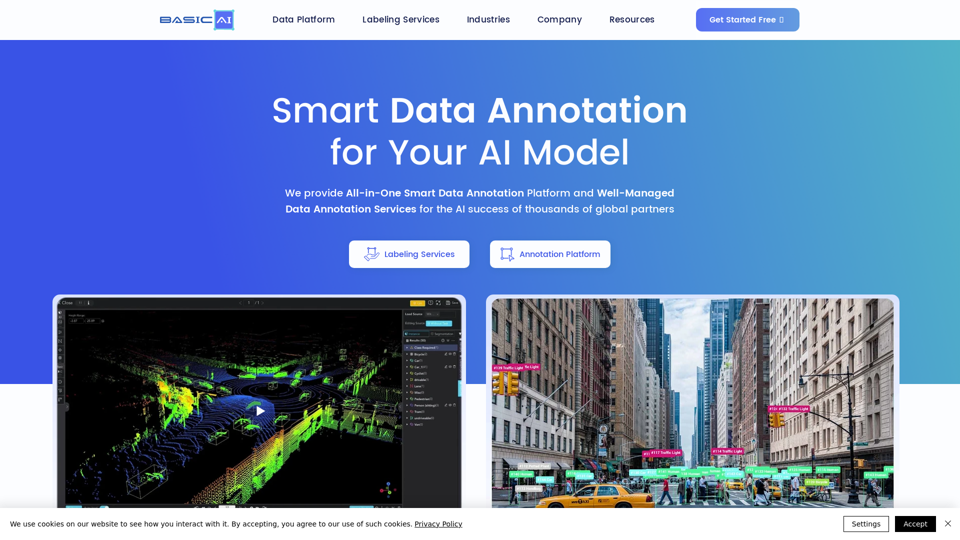
With 7 years in AI data solutions, BasicAI provides the best data annotation platform and pro data labeling services for AI / ML model training by thounsands of global AI partners in AV, ADAS, Smart City and more.
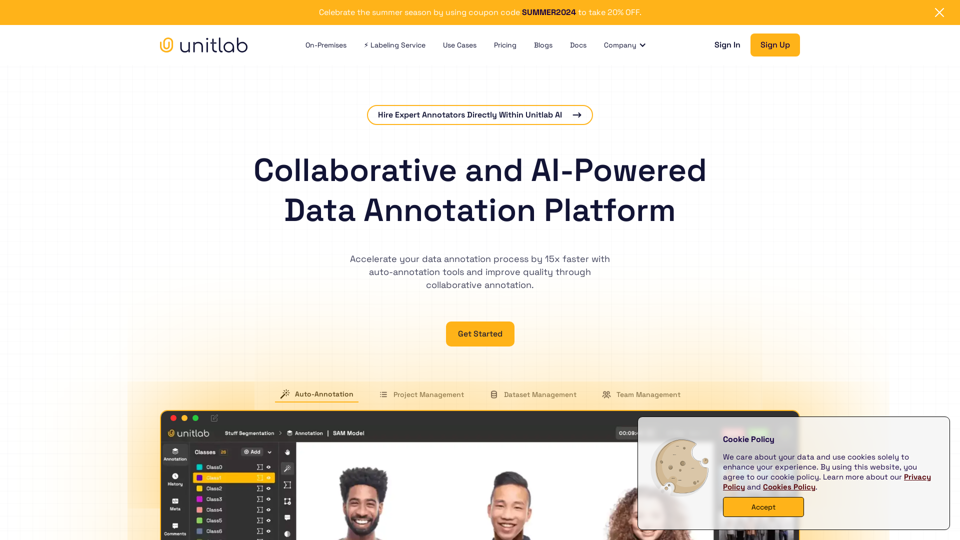
Accelerate your data annotation process by 15x faster with auto-annotation tools and improve quality through collaborative annotation. Unitlab Annotate is a collaborative and AI-powered data annotation platform, offering on-premises solutions and integrated labeling services.
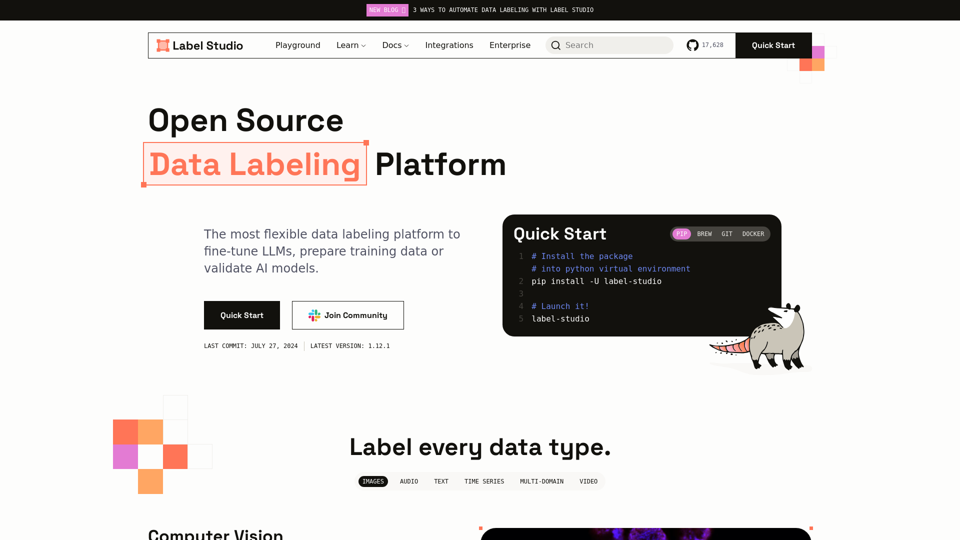
A flexible data labeling tool for all data types. Prepare training data for computer vision, natural language processing, speech, voice, and video models.
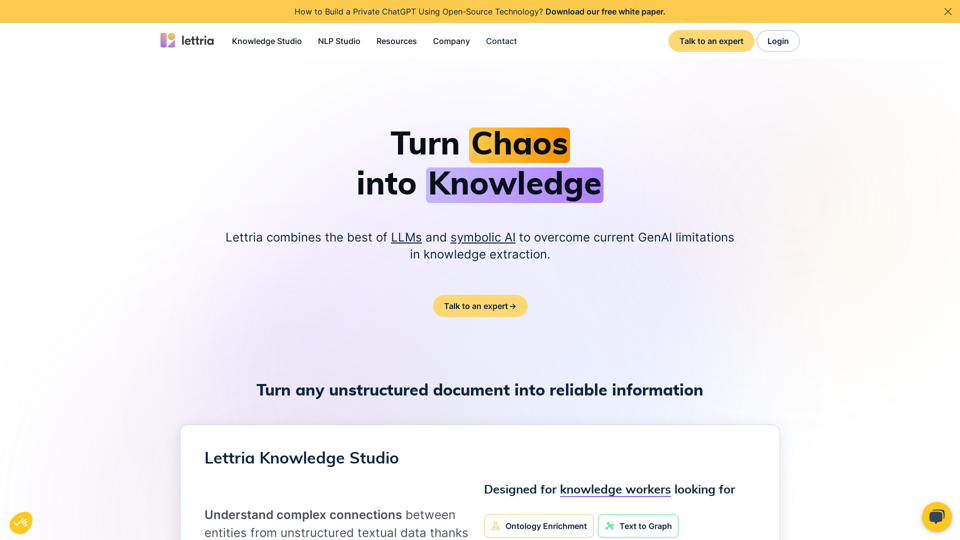
Structuring textual data easy, collaborative, and efficient. Turn Lettria’s platform into a customized NLP and start harnessing the true power of your data.
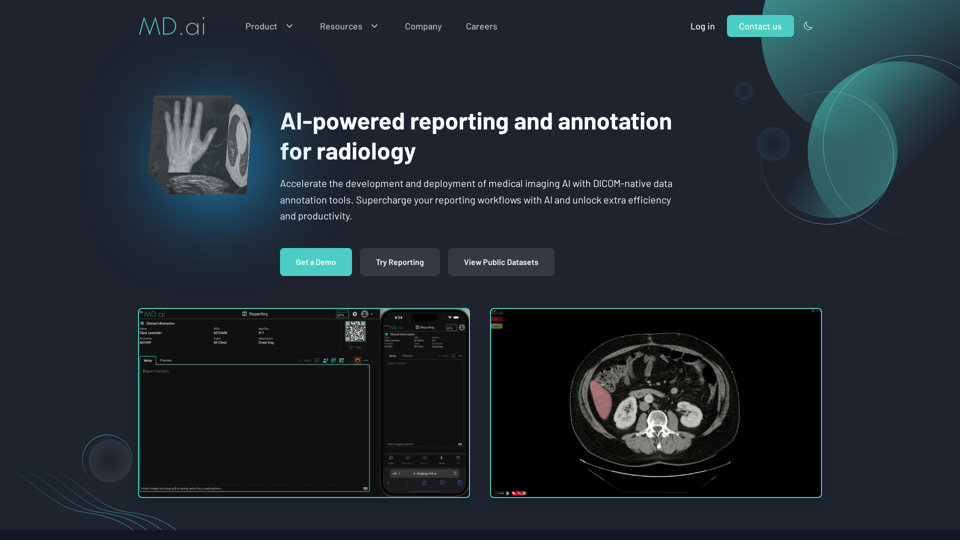
MD.ai is a medical imaging AI platform that accelerates the development and deployment of AI models in radiology, and increases the efficiency and productivity of radiologists.
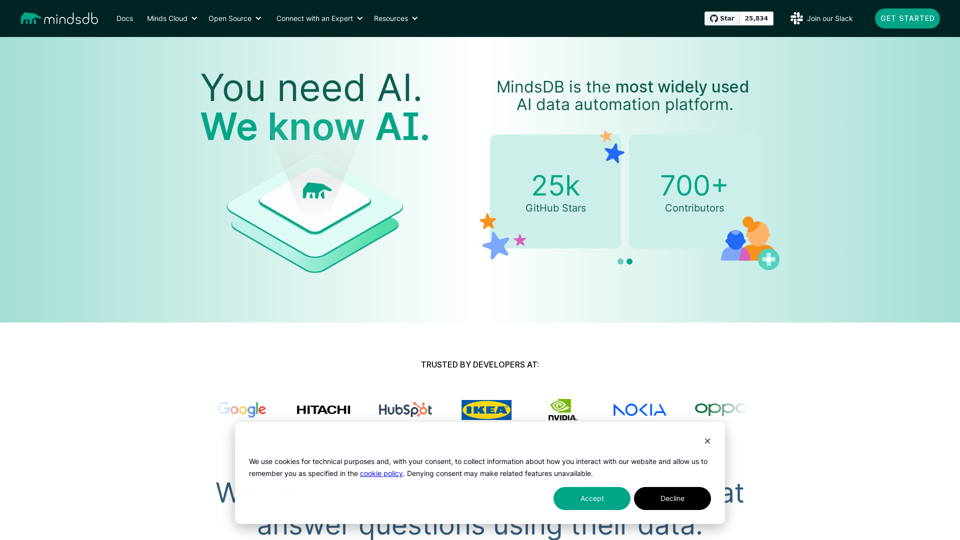
We enable development teams to use their skills to build applications powered by AI in a fast, secure and scalable way.
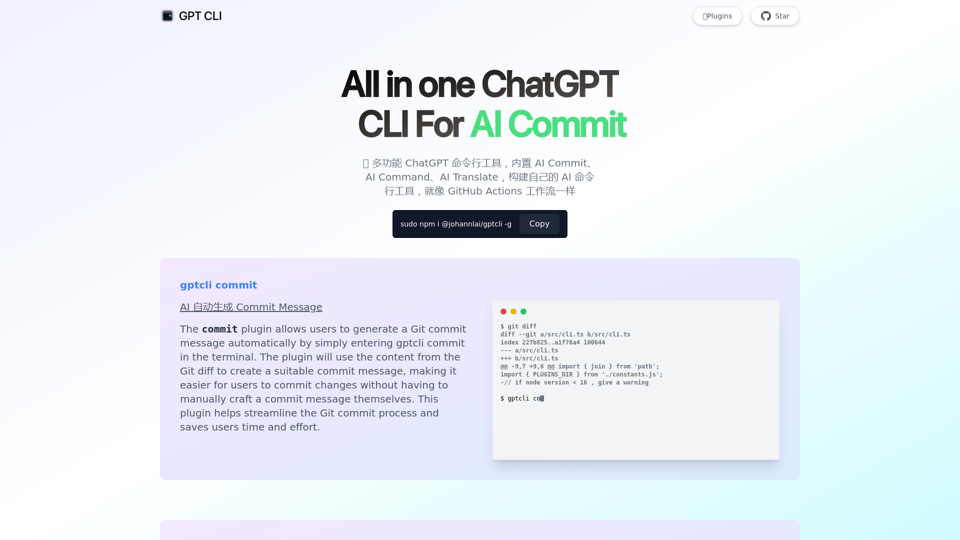
GPT CLI is a command-line interface tool that allows you to create your own ChatGPT CLI tools in seconds. With GPT CLI, you can customize your CLI tools to suit your needs and make your work more efficient. Convert NATURAL LANGUAGE PROCESSING (NLP) to into structured data.
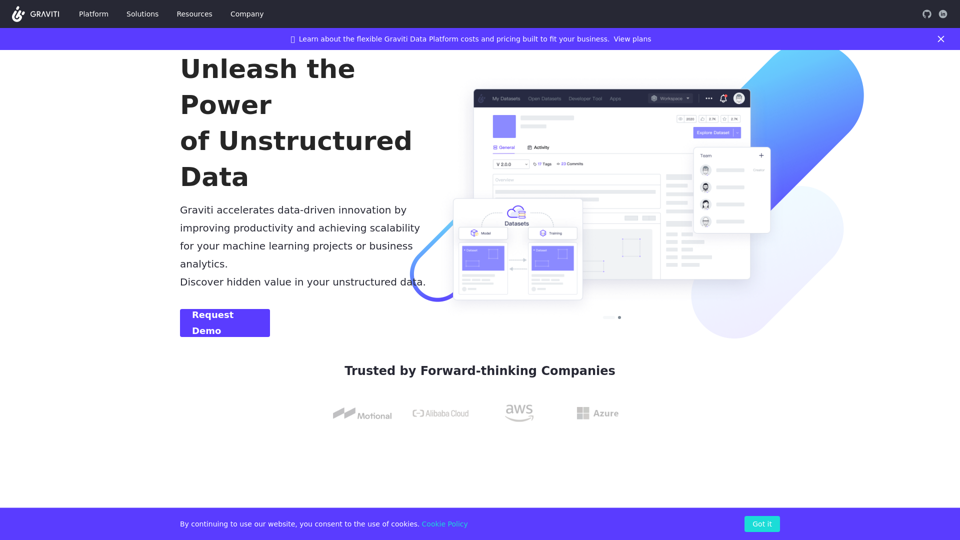
The data platform for companies and teams to manage datasets, scale the collaboration by data visualization, data versioning through MLflow.