AI Architectural Rendering & Design Tools
Explore GetRender’s AI architectural rendering tools for buildings, interiors, and landscapes, from sketch-to-render to design presentations.
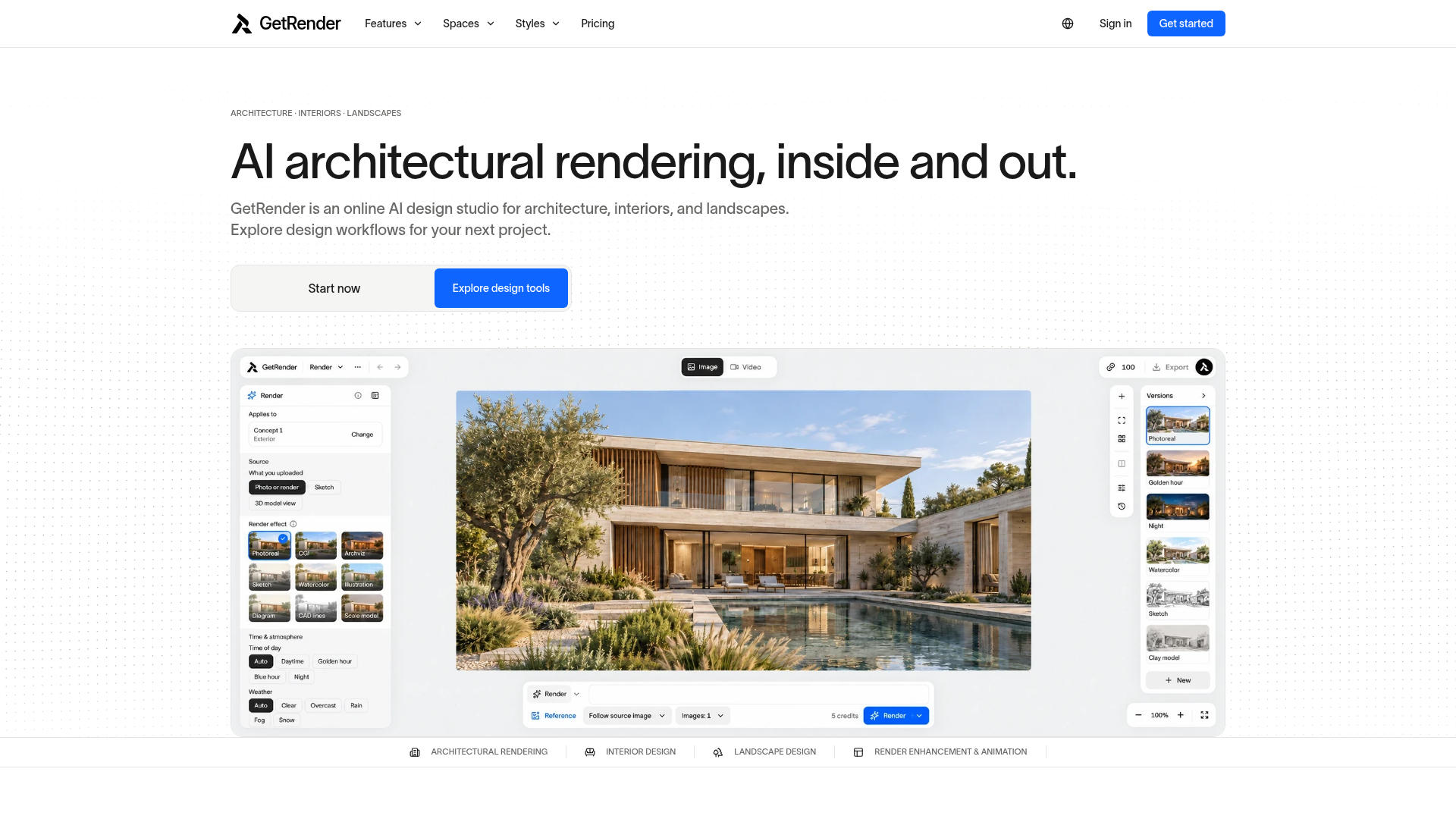
What is GetRender?
GetRender is an online AI design studio for architecture, interiors and landscapes that turns sketches, photos, model views and existing renders into visual concepts. It is built for architects, interior and landscape designers, visualization artists, real estate agents and construction professionals who need to explore design directions early. Workflows are grouped by the space being worked on — buildings, rooms and outdoor spaces — with extra tools for enhancing existing renders and turning them into short motion studies.
Key features
- Architecture rendering
- Sketch-to-render, exterior studies and facade material exploration for early architectural concepts.
- Interior design
- Room redesign, virtual staging and style exploration for interior concepts and material palettes.
- Landscape design
- Garden, courtyard and outdoor space concepts that connect planting, paths and architecture.
- Architectural render enhancer
- Plans improvements to material detail, lighting and visual clarity in an existing render.
- Architectural image to video
- Produces short motion studies from an architectural rendering for a design presentation.
- Style and material studies
- Explores facade materials, lighting and atmosphere, and compares style directions for the same room.
- Task-based tool search
- Finds design tools by task, from sketch rendering and room redesign to garden concepts and render enhancement.
How to use GetRender
- Open the studio at getrender.ai and sign in.
- Choose a design workflow — architecture, interior, landscape, presentation or render enhancement.
- Upload a starting point such as an architectural sketch, an interior or exterior photo, a model view or an existing render.
- Define a direction and generate concepts; each tool shows its available controls and supported actions.
- Compare the concepts against your original design and review the details, since AI imagery can change geometry and proportions.
Use cases
- Architects testing building massing, window rhythms and facade depth from pencil sketches before moving into Revit.
- Interior designers and stagers exploring furniture, finishes and lighting, or furnishing an empty room for a client review.
- Landscape designers visualizing planting, paths, reflecting pools and terraces around a building.
- Real estate agents showing furnished concepts of empty properties so buyers can judge furniture scale.
- Construction professionals comparing exterior finish options with clients on site to keep scope aligned.
Pricing
GetRender's pricing page lists Free, Starter, Pro and Studio plans, with monthly and annual options, credit allowances and billing details. Specific prices are not stated, so check the official pricing page for current amounts.
FAQ
Is GetRender free to use?
The pricing page lists a Free plan alongside Starter, Pro and Studio plans, each with monthly and annual options and credit allowances. Check the pricing page for what each plan includes.
What can GetRender create for a building project?
GetRender produces exterior and facade concepts from sketches, interior room redesigns and staging, landscape and courtyard concepts, enhanced versions of existing renders, and short motion clips from a rendering.
What inputs can I upload to GetRender?
You can start from architectural sketches, interior and exterior photos, model views or existing renders. Model views are images of your design rather than native CAD or BIM files, and supported formats and size limits vary by tool.
Does GetRender replace CAD, BIM or construction drawings?
No. GetRender creates visual concepts for exploration and communication and does not verify dimensions, structure, materials or building compliance, so construction documents still need a professional design and review process.
Can GetRender turn a static render into a video?
Yes. The architectural image to video workflow creates short motion studies from an architectural rendering, such as a camera push-in, for use in design presentations.
Can I use GetRender images in client presentations?
Usage depends on your rights to the source material, applicable law and the terms of the selected model or provider. Review outputs before sharing them and label conceptual imagery where it could otherwise mislead.
AI Architectural Rendering & Design Tools
Explore GetRender’s AI architectural rendering tools for buildings, interiors, and landscapes, from sketch-to-render to design presentations.
 Cloudflare
 HTTP/3
 PayPal
 React
ReactFree AI anime and manga generator. Turn text into anime episodes, manga, comics, webtoons and comic shorts in any art style — no drawing or animation skills needed.
Translate image text across 70+ languages with our advanced AI Image Translator to help you better expand your products globally to various countries
Advertised Here
Reach thousands of visitors daily. Get your spot now!
Tools similar to AI Architectural Rendering & Design Tools
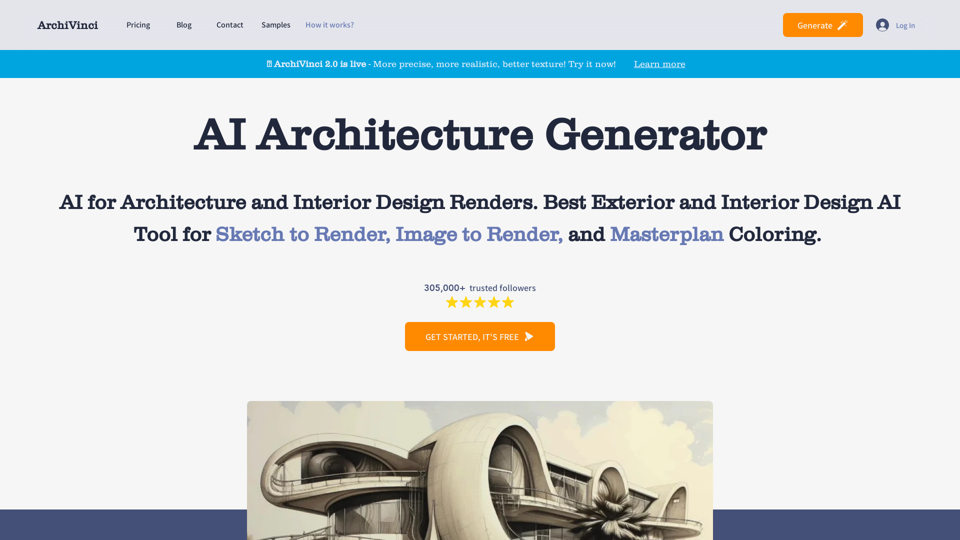
Discover ArchiVinci, where cutting-edge AI meets architectural creativity. Transform your sketches into hyper-realistic renders effortlessly. Explore a new realm of design possibilities with our intuitive AI tools tailored for architects.
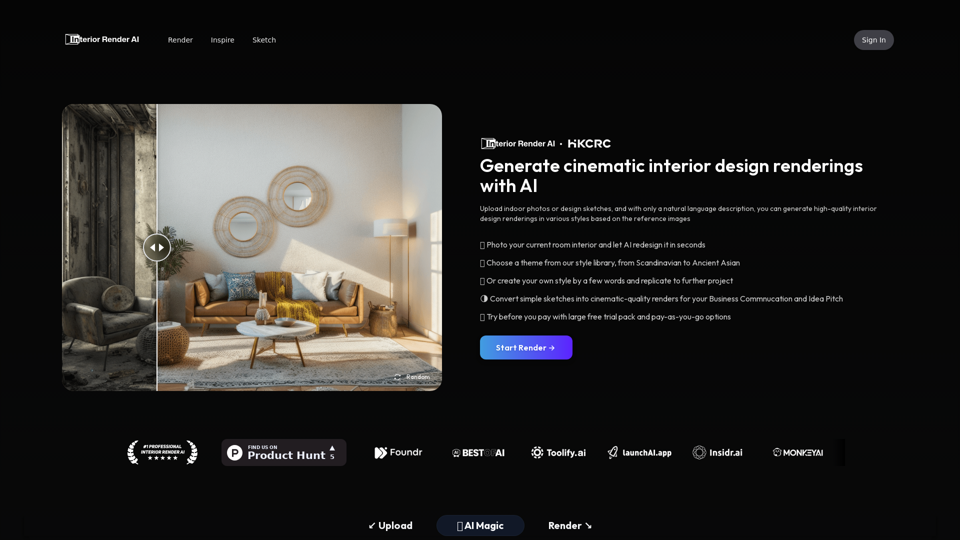
Interior Designer AI enables the abilities that everyone now can be interior designer. Upload indoor photos or design sketch, and with only a natural language description, you can generate cinematic quality interior design renderings in various styles based on the reference images. Redesign your room by a photo. This is the GPT of the interior design, transforming conceptual interior design from photo into high-quality renderings in seconds. Interior AI render beautiful interior idea for designers, make design ideas come true.
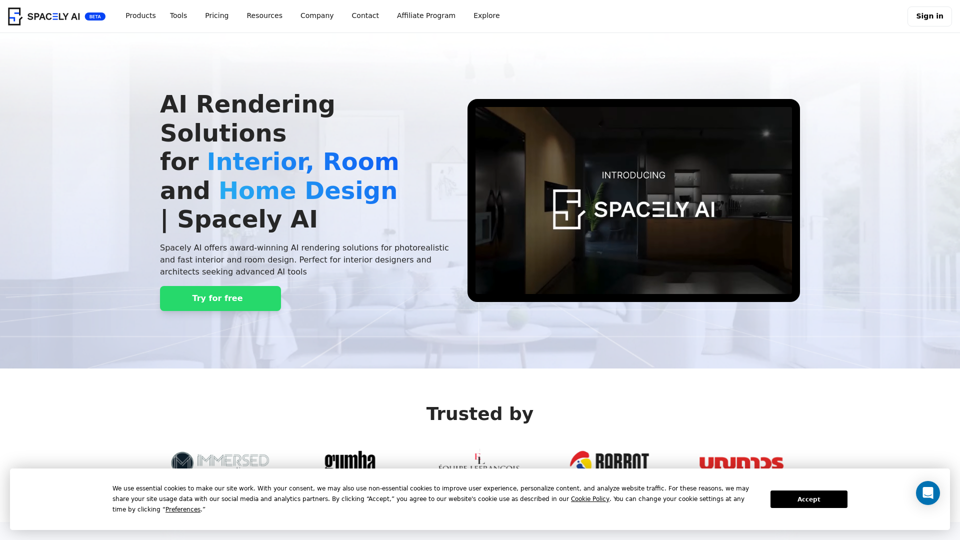
Spacely AI offers award-winning AI rendering solutions for photorealistic and fast interior and room design. Perfect for interior designers and architects seeking advanced AI tools.
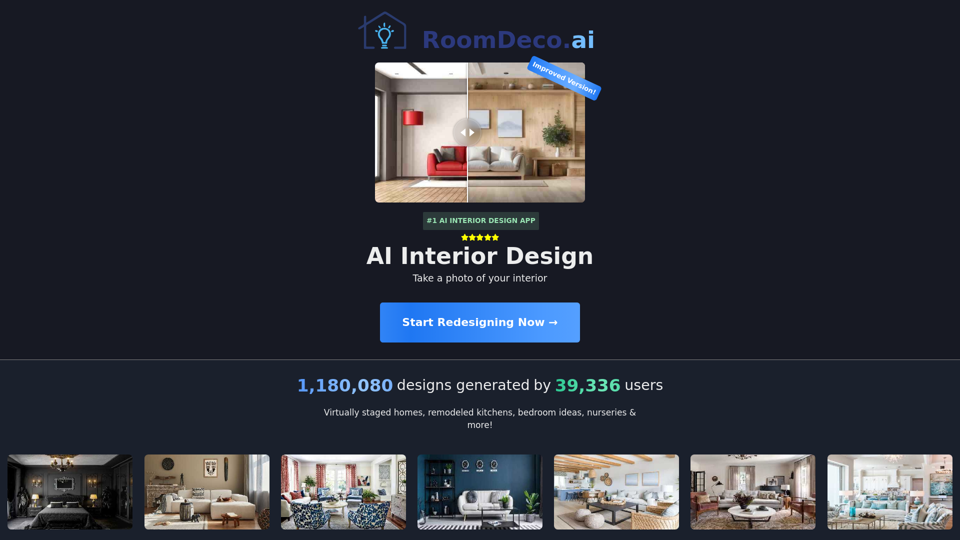
RoomDeco AI - Interior AI Design, reimagine your home and landscape with AI

Industrial Render AI is the GPT of the industrial design, transforming conceptual product design sketches into high-quality renderings in seconds. It aims to enhance design efficiency, quality, and facilitate communications, enabling designers to effectively realize their innovative concepts
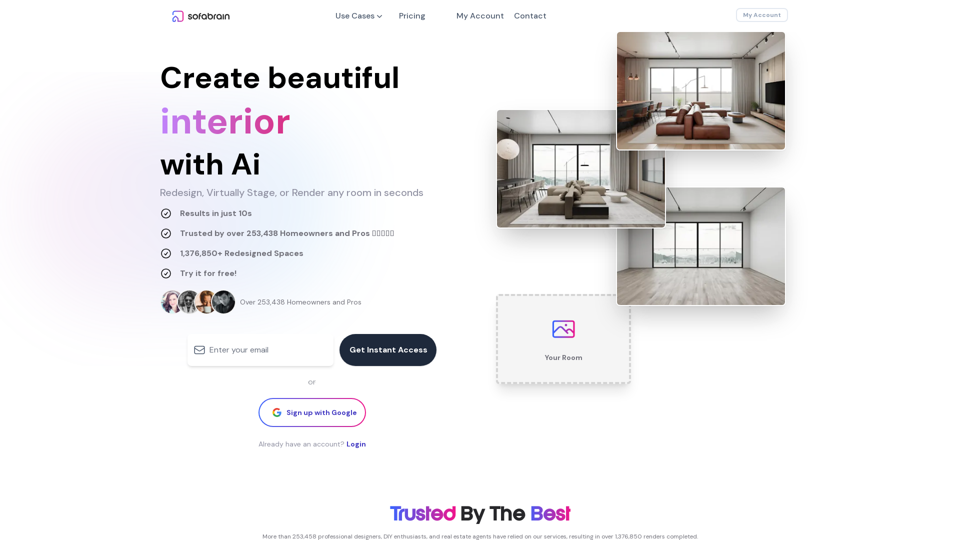
SofaBrain is changing the way you think about interior design. Artificial intelligence lets you visualize a new living room, kitchen and more with our AI powered Interior Design app and staging simulator.
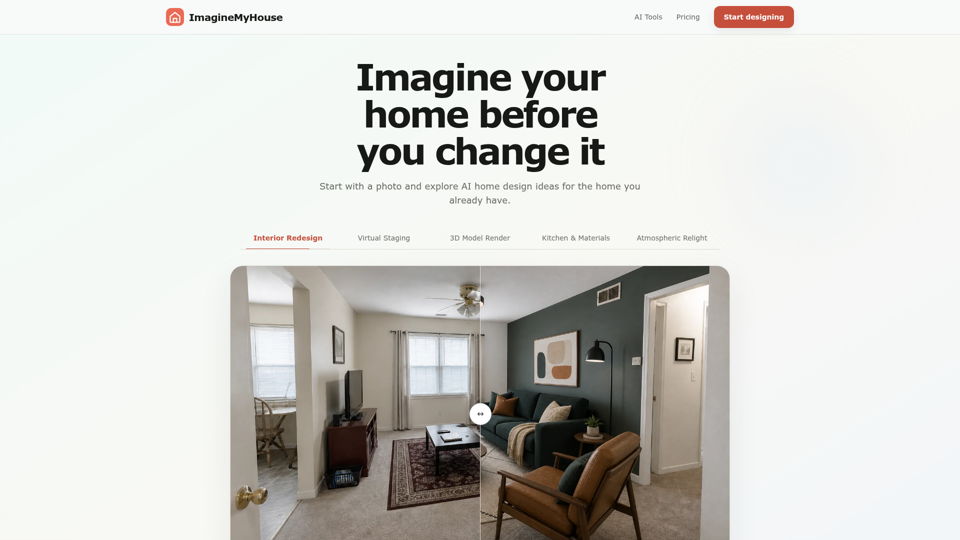
Upload a photo and explore AI home design ideas for the home you already have. Compare new directions before making real changes.