AI Home Design from a Photo
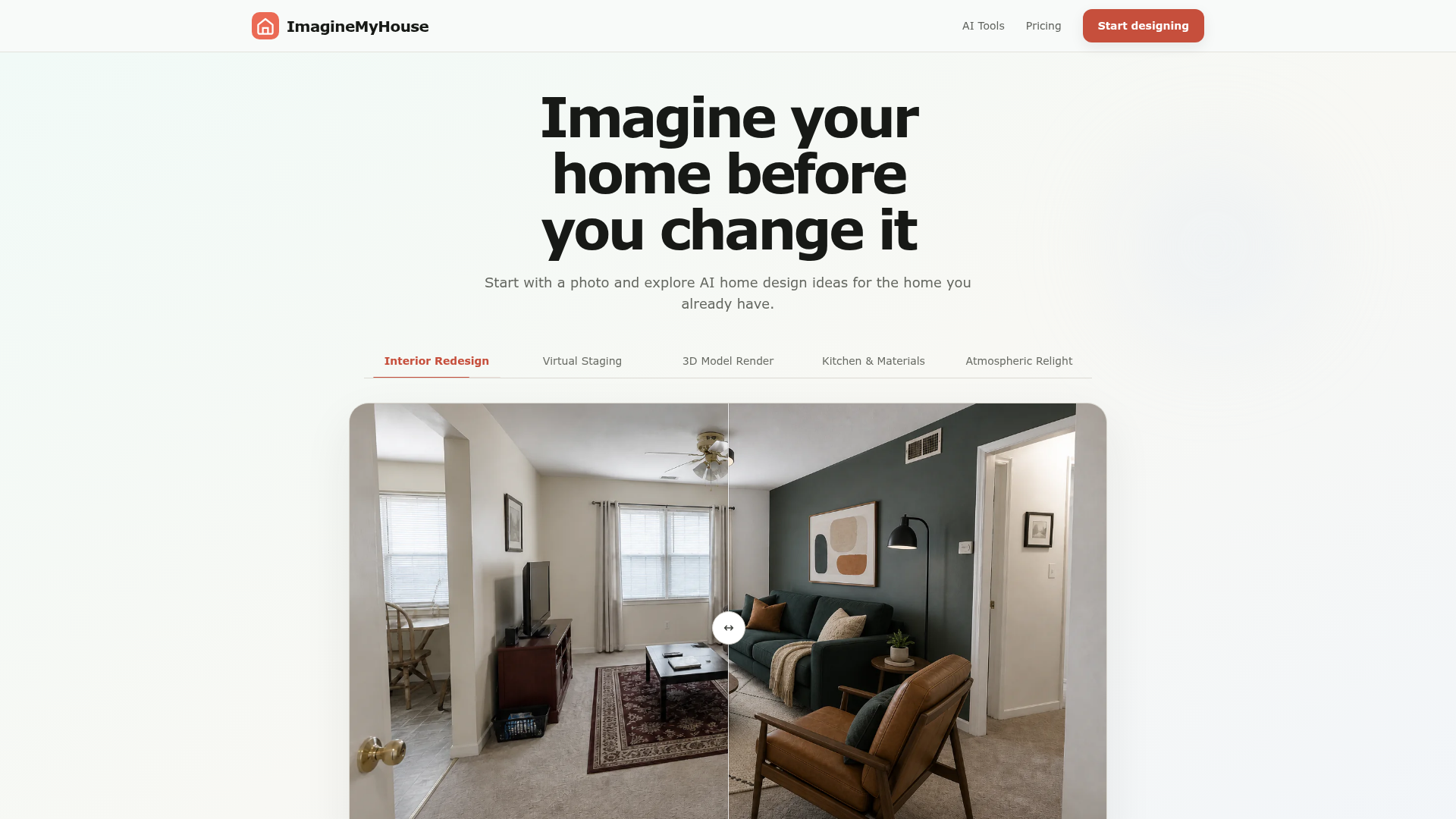
Upload a photo and explore AI home design ideas for the home you already have. Compare new directions before making real changes.
What is ImagineMyHouse?
ImagineMyHouse is an AI-powered home design platform that transforms your existing spaces. Starting with a simple photo of your room, house exterior, or yard, the platform generates photorealistic redesigns in seconds. It utilizes advanced AI to re-imagine interiors, exteriors, and landscapes across dozens of styles, helping homeowners, real estate agents, and design professionals visualize renovations, remodels, and staging with confidence and ease.
Key Features of ImagineMyHouse
ImagineMyHouse stands out with a suite of powerful, user-centric features designed to make professional-grade design accessible to everyone.
- AI-Powered Photorealistic Redesigns
- At its core, the platform uses sophisticated AI to generate stunningly realistic images. It preserves your space's fundamental layout, geometry, and lighting while transforming furnishings, materials, finishes, and atmosphere.
- Comprehensive Room & Project Coverage
- It's not just for living rooms. The tool supports a wide range of projects including ### Interior Redesign (living rooms, bedrooms, kitchens, bathrooms), ### Virtual Staging, ### Exterior Renovation, ### Landscape Design, and even converting ### 3D Model Renders or sketches into finished visuals.
- Curated Style Presets & Custom Prompts
- Choose from a vast library of curated interior styles like Japandi, Art Deco, Coastal, or Mid-Century Modern. For ultimate control, you can use custom text prompts to guide the AI's creative direction.
- Simple, Fast Workflow
- The process is streamlined into three easy steps: upload a photo, choose a style (or use Auto), and generate. You can reuse a single photo to explore countless design directions instantly, dramatically speeding up the ideation phase.
- High-Resolution, Commercial-Grade Outputs
- All generated designs from paid plans are high-resolution, watermark-free, and come with a commercial usage license. This makes them suitable for professional portfolios, client presentations, real estate listings, and contractor briefings.
- Advanced Editing Tools (on Pro/Studio Plans)
- Beyond basic generation, higher-tier plans offer tools for virtual staging, digital decluttering, and custom edits, providing greater flexibility to perfect a design concept.
How to Use ImagineMyHouse
Using ImagineMyHouse to transform your space is a straightforward, three-step process designed for instant gratification.
- Upload Your Photo: Begin with a clear, well-lit photo of the space you want to redesign. For best results, use a wide-angle shot that captures the entire room, building facade, or yard area.
- Select Your Design Parameters: Choose the room type (e.g., bedroom, kitchen, exterior). Then, pick a design style from the curated list or enter a custom text prompt (e.g., "modern organic with warm wood tones"). You can also leave the style on "Auto" for the AI to surprise you.
- Generate, Compare, and Download: Click to generate your new design. The AI will process your photo and present a transformed version in seconds. You can then generate another style from the same photo to compare options. Once you find a design you love, download the high-resolution image directly to your device.
Pricing and Plans
ImagineMyHouse offers flexible pricing with both subscription plans and one-time credit packs, catering to casual users and professionals alike.
- Starter Plan ($9.90/month, billed annually)
- Ideal for occasional projects. Includes 1,600 credits per month, access to all room types and styles, high-resolution downloads, and a commercial license.
- Pro Plan ($23.90/month, billed annually)
- Designed for homeowners and regular users. Includes 4,000 credits per month, all Starter features, plus advanced tools like virtual staging, decluttering, custom edits, and priority generation queue access.
- Studio Plan ($49.90/month, billed annually)
- Built for designers, agents, and high-volume workflows. Includes 10,000 credits per month and all the advanced features of the Pro plan for extensive project work.
All plans allow you to cancel anytime, and new users can start with free credits to test the platform without a credit card.
Helpful Tips for Best Results
To get the most stunning and useful AI redesigns from ImagineMyHouse, keep these tips in mind.
- Photo Quality is Key
- Upload a clear, bright photo. Avoid dark, blurry, or heavily distorted images (like extreme fish-eye views). The AI works best with an accurate representation of your space.
- Use the Right Angle
- For interiors, a corner shot or a photo taken from a doorway that shows multiple walls works best. For exteriors, try to capture the full front of the house.
- Experiment with Styles
- Don't settle on the first result. Use the same photo to generate designs in different styles (e.g., try both "Modern Minimalist" and "Cozy Cottage") to fully explore the possibilities for your space.
- Leverage Custom Prompts
- If you have a specific vision, use the text prompt feature. Describe materials, colors, and moods (e.g., "a bright kitchen with sage green cabinets, marble countertops, and brass fixtures").
- Review Your Generation History
- All your created designs are saved. Use this gallery to easily compare different concepts side-by-side before making a decision or presenting to others.
Frequently Asked Questions (FAQ)
Can I try ImagineMyHouse for free?
Yes. New users receive free starter credits upon signing up, allowing you to test the AI redesign on your own photos before committing to a purchase. No credit card is required.
What kind of photos work best for AI home design?
Clear, well-lit photos that capture the entire space are ideal. For rooms, a wide corner shot is perfect. Avoid dark, blurry, or photos with major obstructions blocking the view.
Do I have to manually select a style?
No. You can use the "Auto" setting for instant, style-agnostic generation. Manual selection or custom text prompts are for when you want to guide the AI with a specific aesthetic direction.
Will the AI change the layout of my room?
No. The AI is designed to preserve your room's structural elements—walls, windows, doors, and the camera angle—while reimagining the decor, furniture, lighting, and surface materials.
Can I generate multiple ideas from one photo?
Absolutely. You can reuse the same uploaded photo endlessly to explore different styles, color palettes, or prompts, allowing for rapid comparison and ideation.
How is my privacy and data handled?
Your uploaded photos and generated designs are private to your account. They are not used for training AI models and can be viewed or deleted from your generation history at any time.
How can I use the AI-generated designs?
You can use them as visual guides for shopping, planning renovations, consulting with contractors, enhancing real estate listings, or in client presentations. Paid plans provide high-resolution, watermark-free files with commercial rights.
AI Home Design from a Photo
Upload a photo and explore AI home design ideas for the home you already have. Compare new directions before making real changes.
 Cloudflare
 HTTP/3
 Next.js
 NextAuth.js
 Node.js
 React
React Webpack
Free AI anime and manga generator. Turn text into anime episodes, manga, comics, webtoons and comic shorts in any art style — no drawing or animation skills needed.
Translate image text across 70+ languages with our advanced AI Image Translator to help you better expand your products globally to various countries
Advertised Here
Reach thousands of visitors daily. Get your spot now!
Tools similar to AI Home Design from a Photo
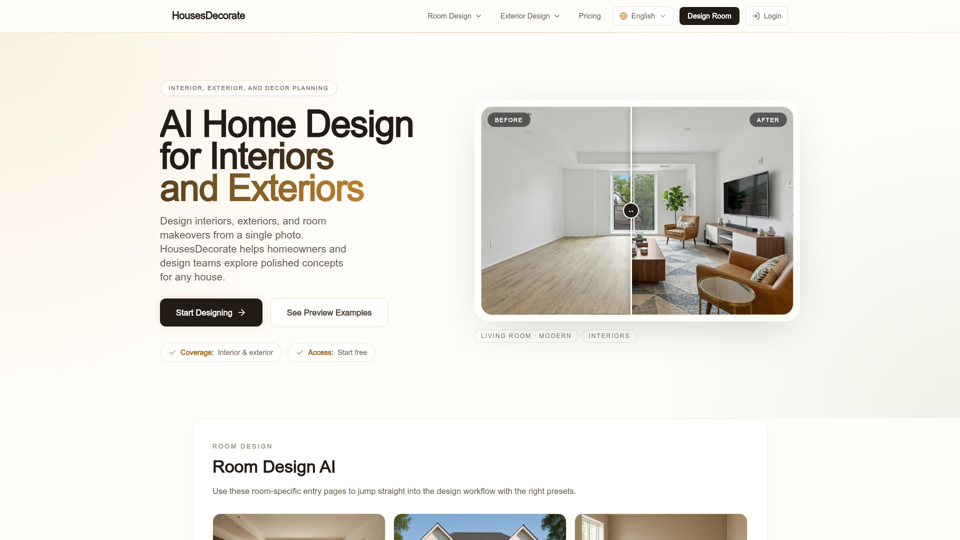
Design interiors, exteriors, and room makeovers with AI home design. Upload a photo, explore styles, and decorate any house in seconds with HousesDecorate.
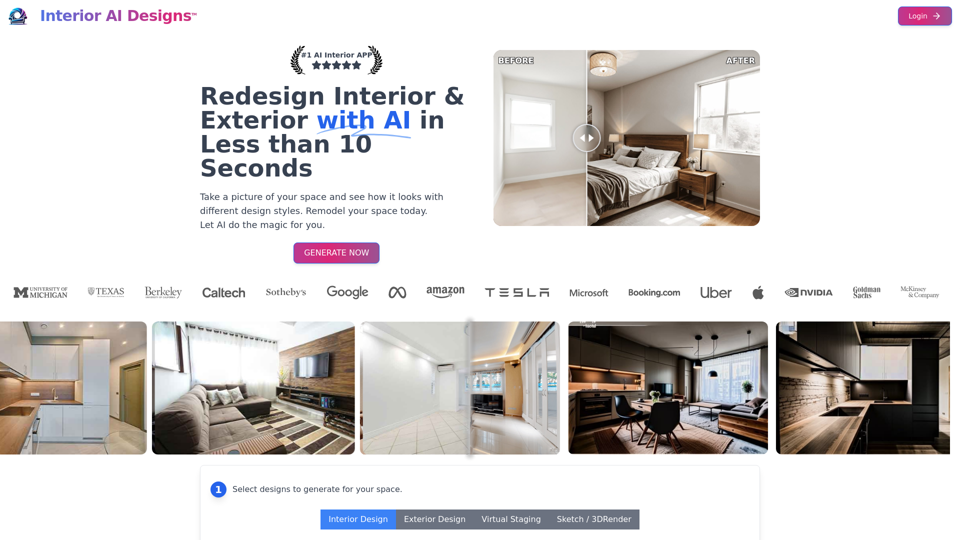
Interior AI Designs is a state-of-the-art AI design generator that transforms your ideas into stunning interior and exterior visualizations. With our advanced AI design technology, create unique and lifelike spaces effortlessly. Perfect for home renovation, real estate showcasing, or just for inspiration, Interior AI Designs takes your design experience to the next level with artificial intelligence. Explore it now
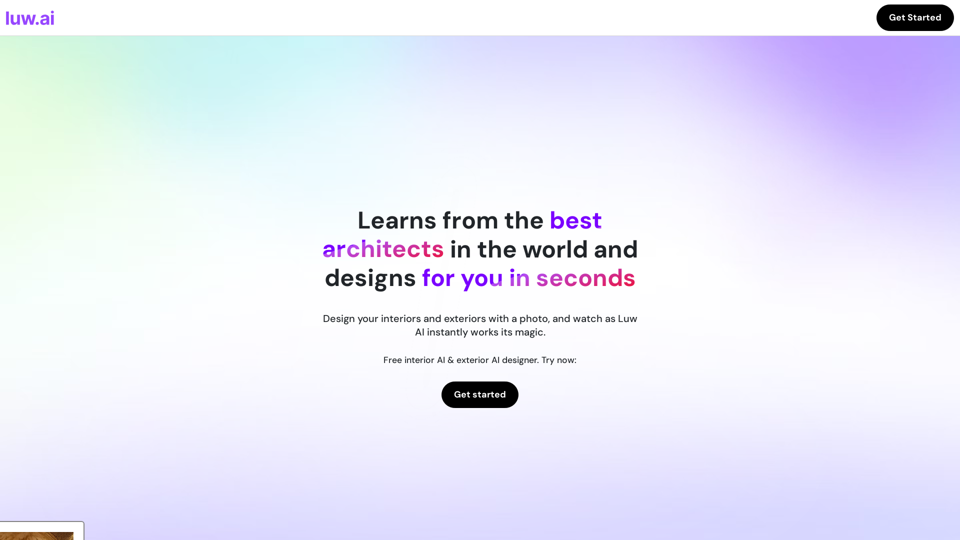
Experience free AI interior and exterior home design with Luw.ai. Personalize your room plans using photos and our unique Persona system. Our advanced tool, trained by top architects, allows you to craft your own AI. Redesign existing spaces or visualize new rooms with endless possibilities.
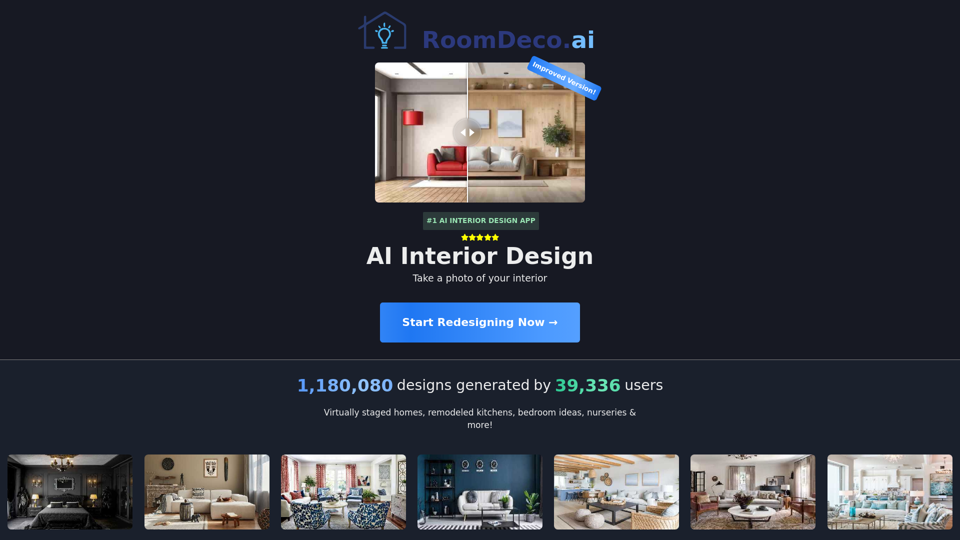
RoomDeco AI - Interior AI Design, reimagine your home and landscape with AI
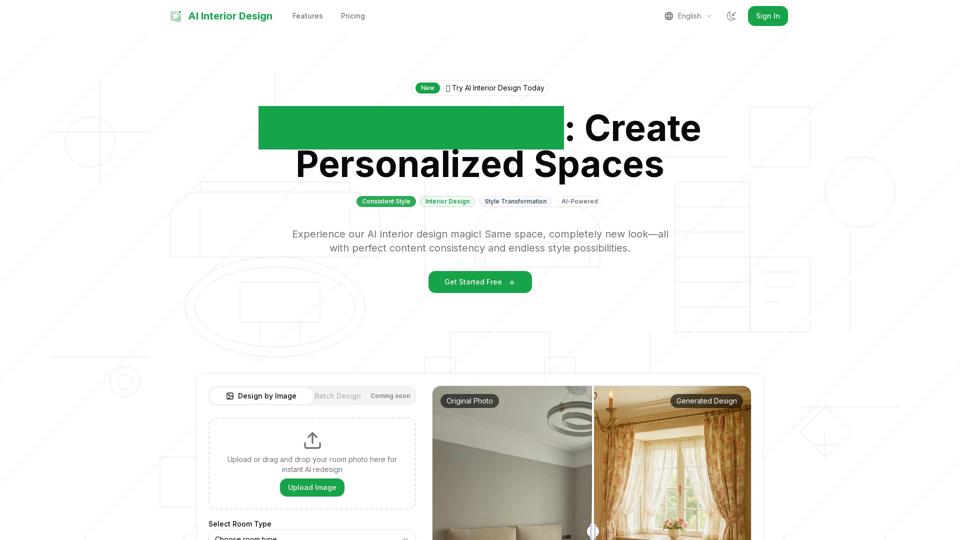
Discover the future of interiors with our AI interior design tool! Instantly generate personalized room and home designs—just upload a photo, pick your style, and let AI do the rest.
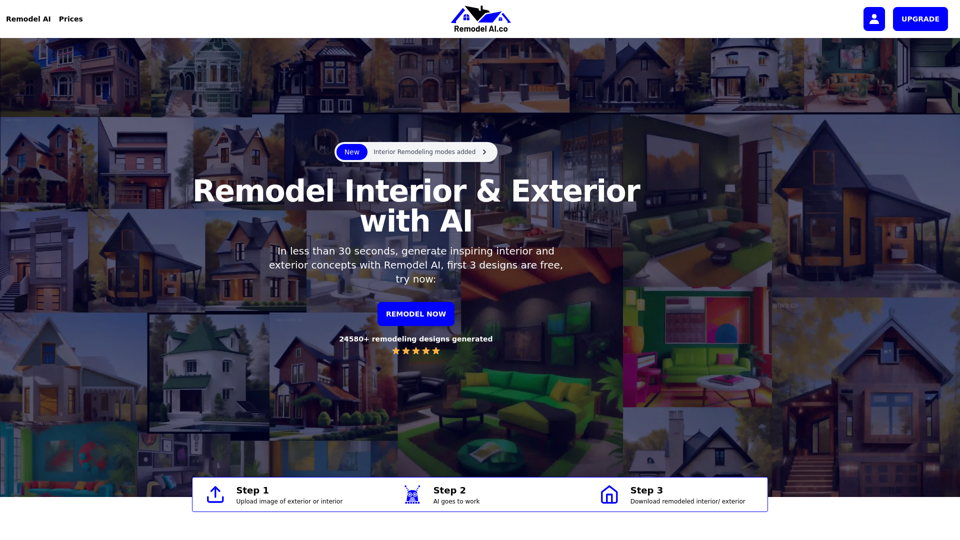
With Remodel AI, you can experiment with different styles, colors and materials on interior and exterior of your house. Remodel Exterior & Interior with AI
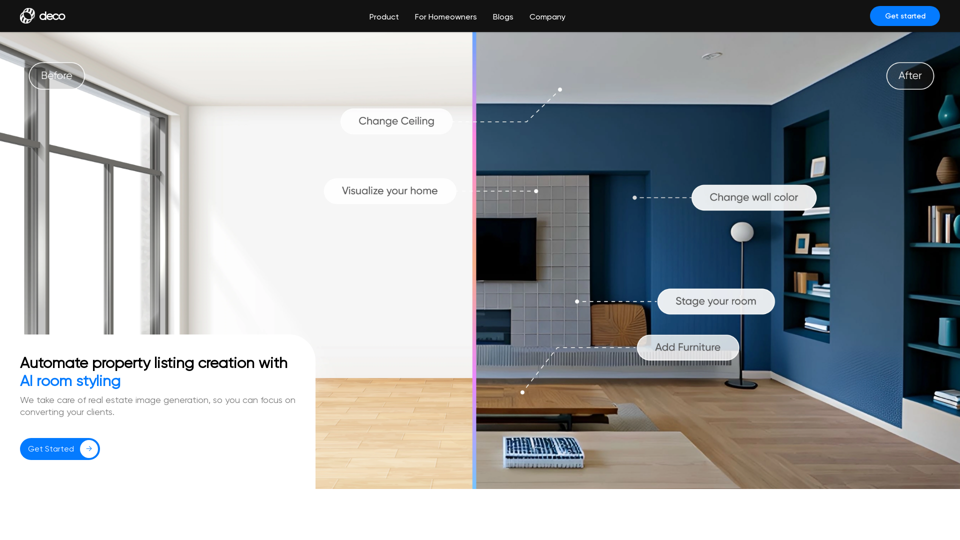
Reimage your home and generate personalized design concepts and inspiration to redesign your home with Deco. Download the app & design your first room.
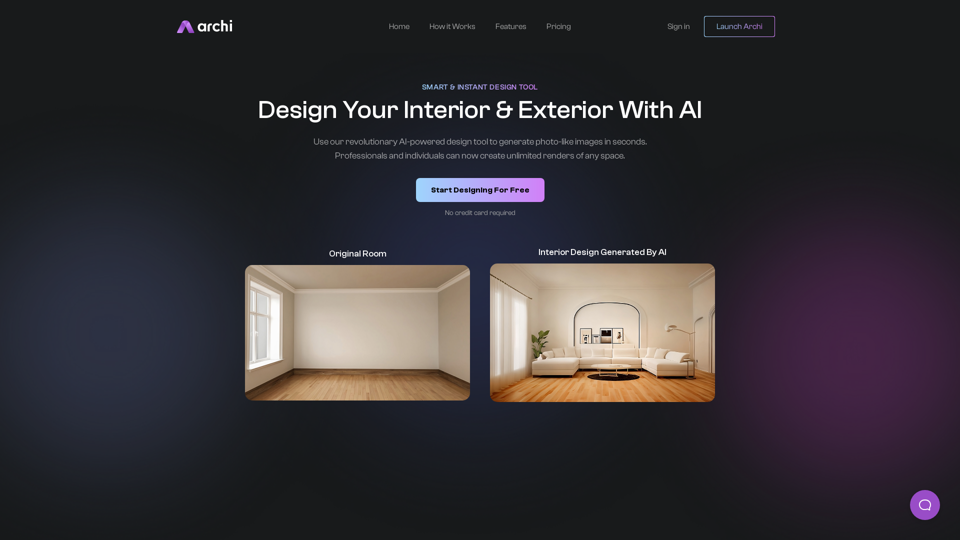
Transform your space with Archi AI, the AI-powered interior and exterior designer. Get professional-level designs and elevate your space today.