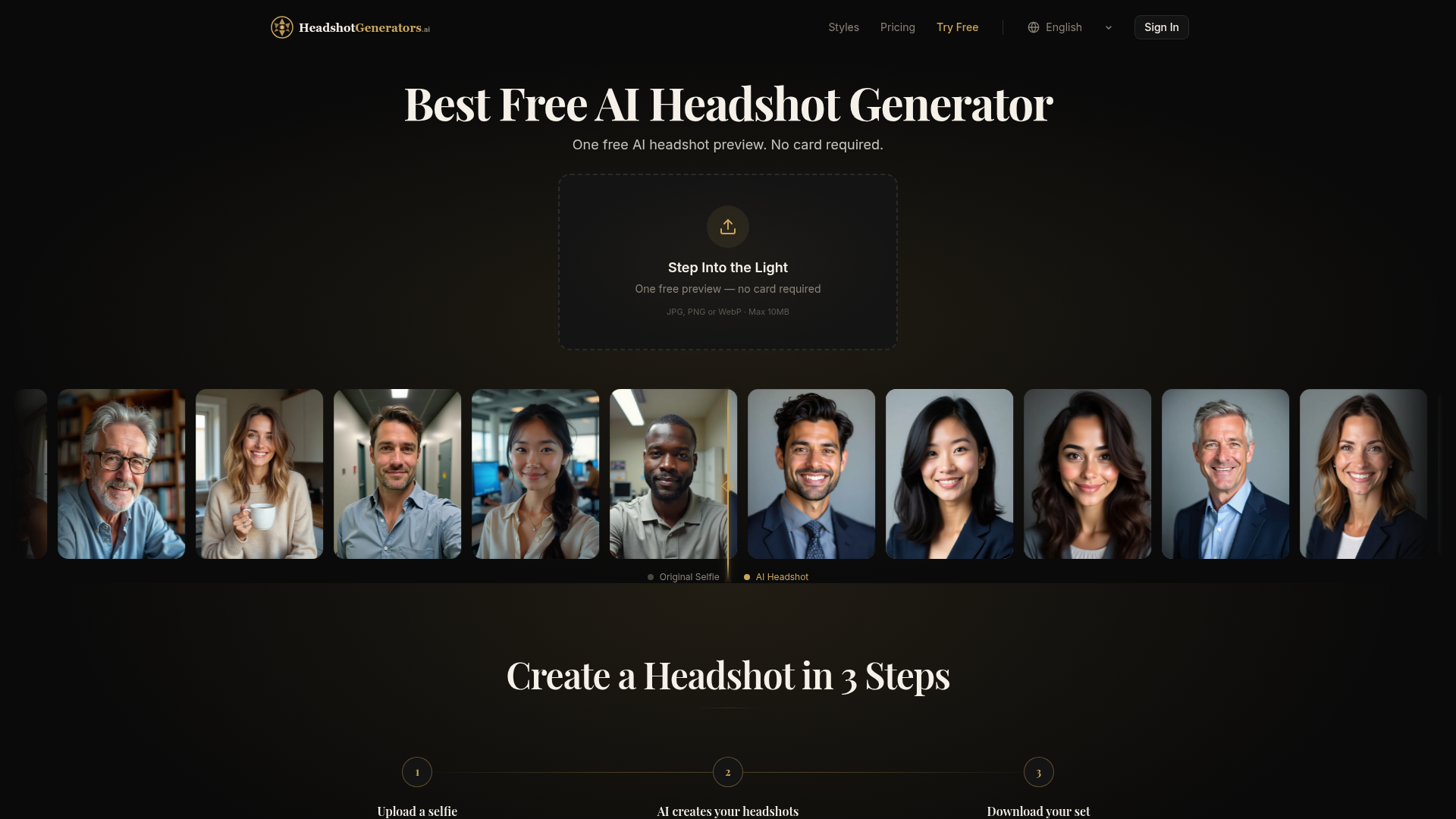
What is an AI Headshot Generator?
An AI headshot generator is an artificial intelligence-powered tool that transforms ordinary selfies into professional, studio-quality headshots. By uploading one or more photos of yourself, the AI analyzes your facial features and creates polished portraits suitable for LinkedIn profiles, corporate websites, professional bios, and personal branding across a wide variety of styles—from corporate and executive to startup casual and creative looks. These AI-generated headshots offer a cost-effective, fast, and convenient alternative to traditional professional photography sessions.
Key Features of the Best Free AI Headshot Generator
- One Free Preview Instantly
- Generate a single AI headshot preview in seconds with no credit card required, allowing you to test the technology risk-free.
- Extensive Professional Style Library
- Paid plans unlock access to generate headshots across 7 to 20+ distinct professional styles, including LinkedIn Pro, Corporate, Executive, Real Estate, Startup Founder, and Golden Hour portraits.
- Personal AI Model Training
- On paid tiers, upload 8-20 photos to train a personalized AI model that learns your unique facial features for consistent, high-quality results across all generated images.
- High-Resolution Outputs
- Download your final selected headshots in high-resolution formats up to 2048x2048 pixels, perfect for print and digital use.
- Simple Three-Step Process
- The workflow is straightforward: 1) Upload a clear selfie, 2) AI processes and generates headshots, 3) Preview, select favorites, and download.
- Privacy-First Commitment
- User photos are used exclusively to train your personal model and are automatically deleted. All data is encrypted in transit and at rest.
How to Use the AI Headshot Generator
- Upload a Selfie: Visit the generator and upload a clear, well-lit front-facing photo (JPG, PNG, or WebP format, max 10MB). A single photo is enough for the free preview.
- AI Creates Your Headshots: The platform's AI will process your photo. Free users get one preview. Paid plans train a personal AI model from your uploaded photos and generate a full set of headshots (40+ for Starter, 100 for Pro) across multiple professional styles.
- Download Your Set: Review the generated headshots, select your favorites, and download them in high resolution directly to your device.
AI Headshot Generator Pricing Plans
- Free Plan ($0)
- Includes one instant AI headshot preview in a classic style (watermarked). Signing up removes the watermark and grants one bonus style.
- Starter Plan ($14.99 Launch Special)
- Provides a personal AI photoshoot. Upload 8-20 photos to generate approximately 40 headshots across 7 core styles at 1024x1024 resolution, with 30-day gallery access.
- Pro Plan ($29.99 Launch Special - Best Value)
- Includes all Starter features and expands to 100 headshots across the full library of 20+ styles at 2048x2048 resolution, with 90-day gallery access and email delivery of the photo pack.
Helpful Tips for Best Results
- Use a High-Quality Source Photo
- For optimal AI headshots, upload a clear, high-resolution selfie with good, even lighting and a neutral background. Avoid hats, sunglasses, or extreme facial expressions.
- Leverage the Free Preview
- Always use the free, no-card-required preview to evaluate the AI's output quality and style before committing to a paid plan.
- Choose the Right Plan for Your Needs
- If you need headshots for one specific purpose (e.g., a new job), the Starter plan may suffice. For entrepreneurs or professionals needing versatile imagery for multiple platforms (website, speaking engagements, social media), the Pro plan offers the best value and variety.
- Utilize Multiple Styles
- On paid plans, experiment with different style mixes (corporate, casual, creative) to build a comprehensive portfolio of professional images suitable for various contexts.
Frequently Asked Questions (FAQs)
Is there really a free AI headshot option?
Yes. The platform offers one free AI headshot preview without requiring a credit card, allowing you to see the transformation instantly.
How many photos do I need to upload?
Only one photo is needed for the free preview. For the best results on paid plans, uploading 8-20 varied photos (different angles, expressions) allows the AI to train a more accurate and versatile personal model.
What professional styles are available?
The AI headshot generator offers over 20 professional styles, including LinkedIn Pro, Corporate, Executive, Startup Founder, Real Estate, Attorney/Law Partner, Tech Lead, Academic Scholar, and Golden Hour, among others.
How long does it take to get my AI headshots?
The free preview generates in about 10 seconds. For paid plans, the personal model training and generation of a full set of headshots typically takes approximately 15 minutes.
Is my privacy protected?
Absolutely. The platform operates with a privacy-first ethos. Your uploaded photos are used solely to train your personal AI model, are AES-256 encrypted, and are automatically deleted from the servers after processing. Your data is never used for general AI training or shared with third parties.
What is your refund policy?
The service offers a 24-hour refund policy. If you are not satisfied with your paid plan results, you can request a full refund with no questions asked.
What resolution are the final AI headshots?
Headshots from the Starter plan are delivered at 1024x1024 resolution. The Pro plan provides the highest quality at 2048x2048 resolution.
When would I need to upgrade from the free plan?
If the single watermarked preview meets your needs, the free tier may suffice. Upgrade to a paid plan if you require multiple high-resolution, watermark-free headshots across various professional styles for your career, business, or personal branding.
Best Free AI Headshot Generator
Generate one free preview or a trained professional set with 7 Starter styles or 20 Pro styles.
 Next.js
 Node.js
 React
React Vercel
 Webpack
Free AI anime and manga generator. Turn text into anime episodes, manga, comics, webtoons and comic shorts in any art style — no drawing or animation skills needed.
Translate image text across 70+ languages with our advanced AI Image Translator to help you better expand your products globally to various countries
Advertised Here
Reach thousands of visitors daily. Get your spot now!
Tools similar to Best Free AI Headshot Generator
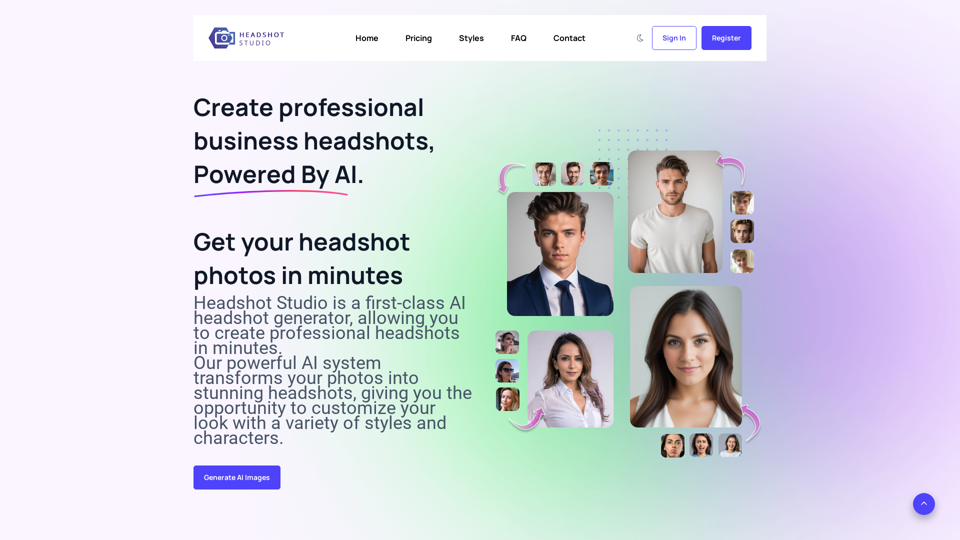
Your professional headshots by the top rated AI headshot generator. We turn your selfies into studio-quality headshots. Create headshots different styles.
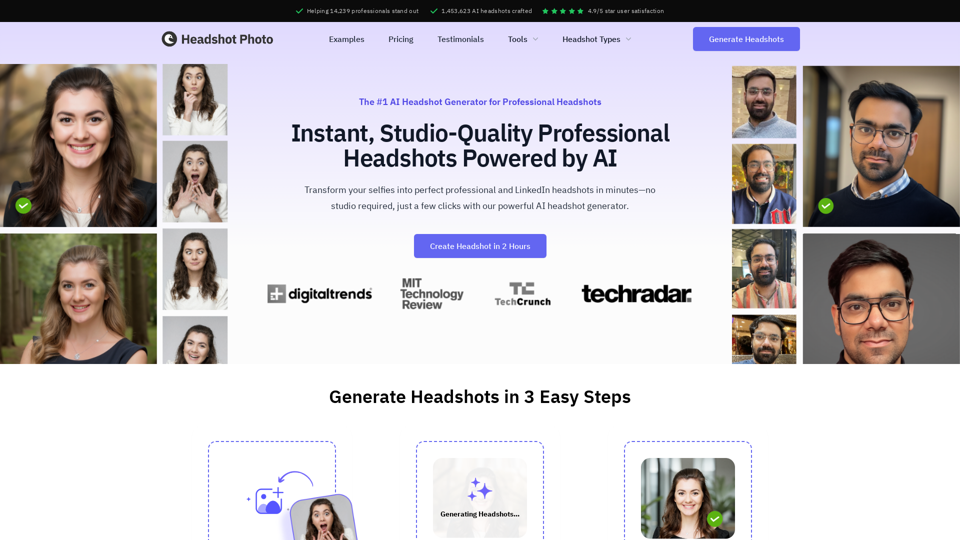
Create professional AI-generated headshots with HeadshotPhoto.io. Stand out with high-quality, customized headshots for your professional profile.
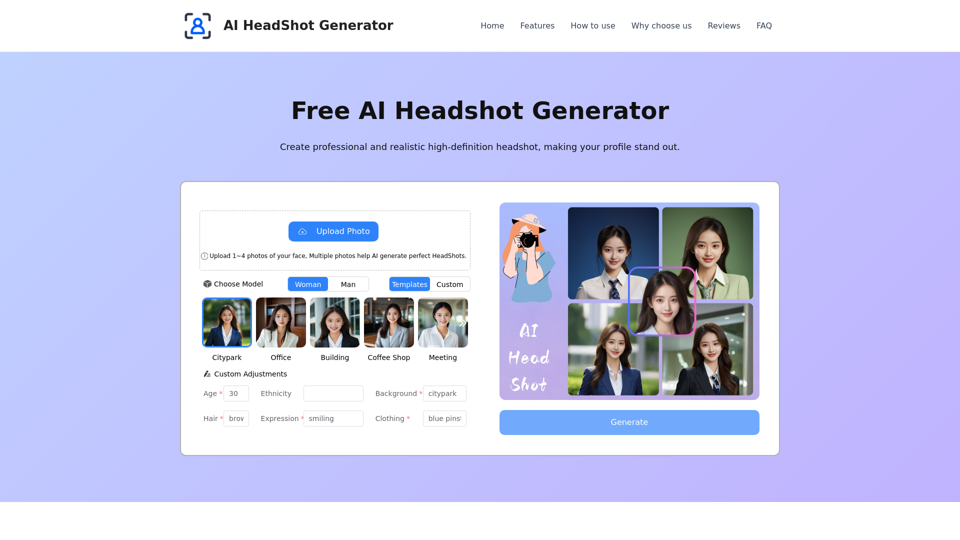
Transform your professional image with our AI Headshot Generator. Create high-quality, personalized headshots, perfect for LinkedIn, resumes, and more!
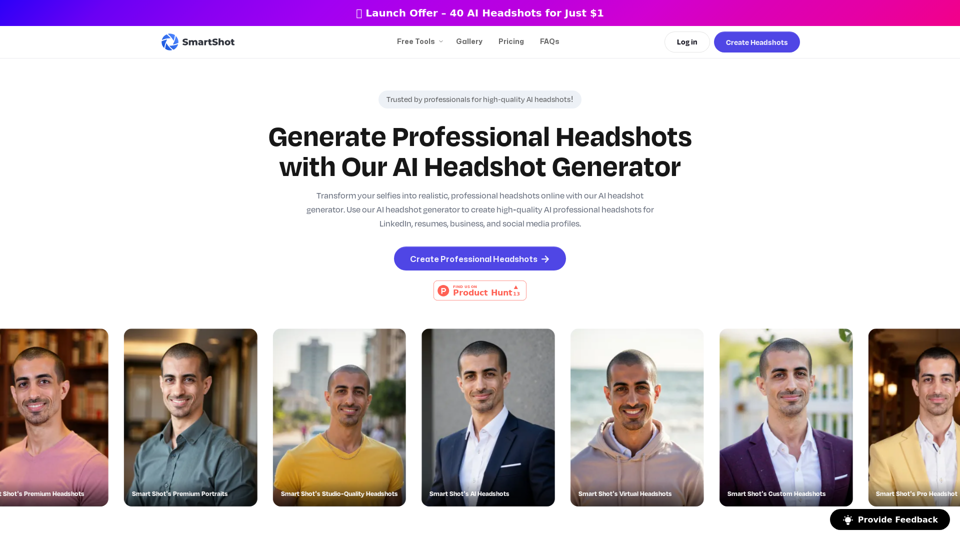
Create professional headshots with Smart Shot's AI headshot generator. Generate high-quality AI professional headshot for LinkedIn, resumes, business, and social media profiles.
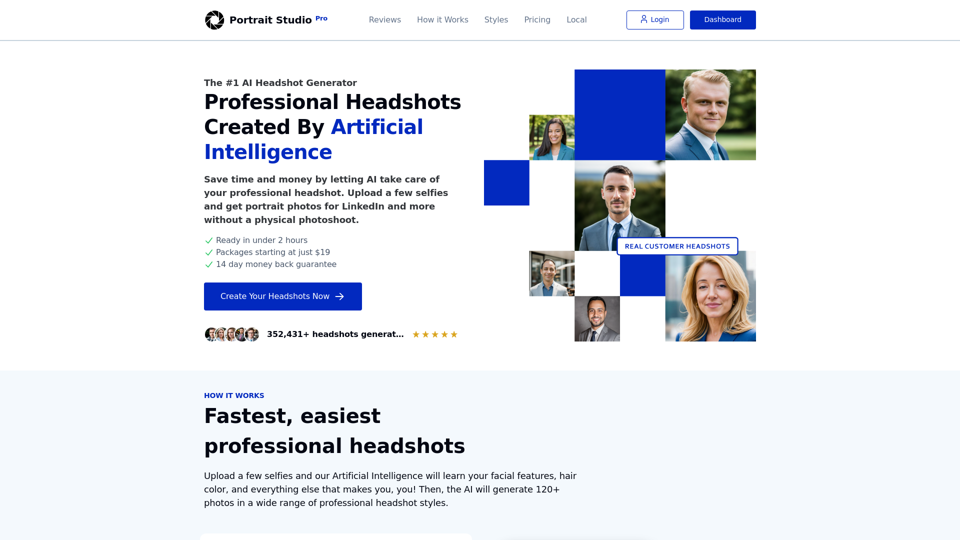
The most affordable professional portrait solution. Simply upload a few photos of yourself and our AI engine produces pixel-perfect LinkedIn photos
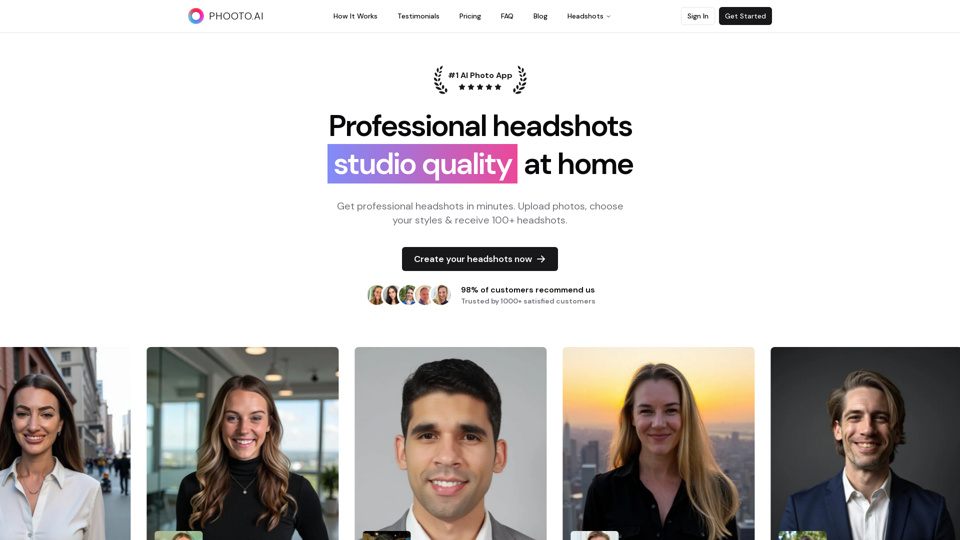
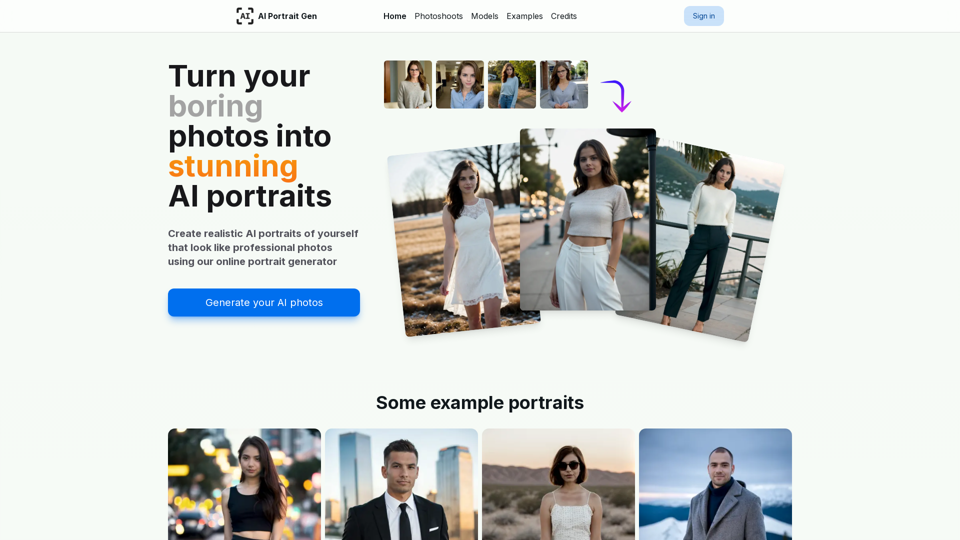
Online AI portrait generator. Generate realistic portraits of yourself with AI from a few photos. Perfect for professional headshots & profile pictures
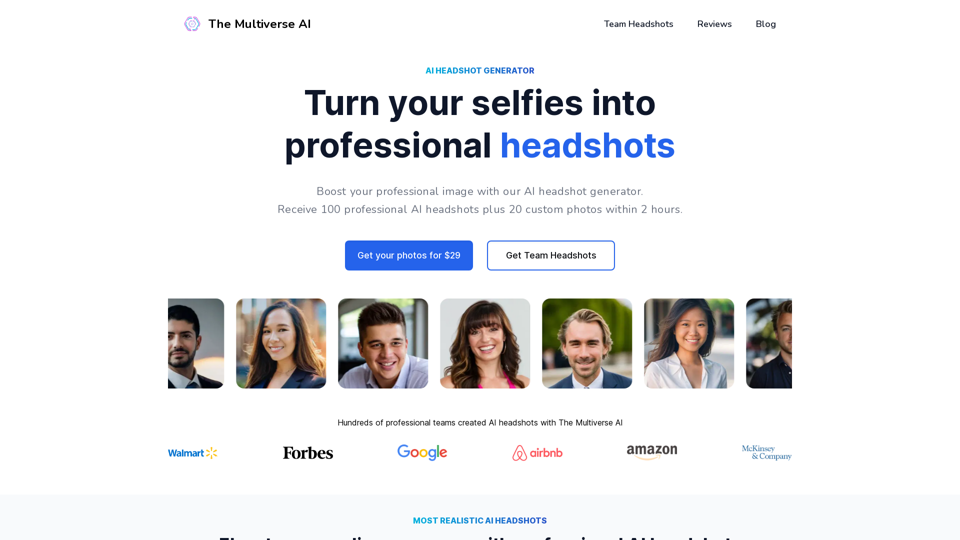
Boost your professional image with our AI headshot generator. No registration or app required. Ideal for linkedin and other professional platforms.