What is HingeGPT?
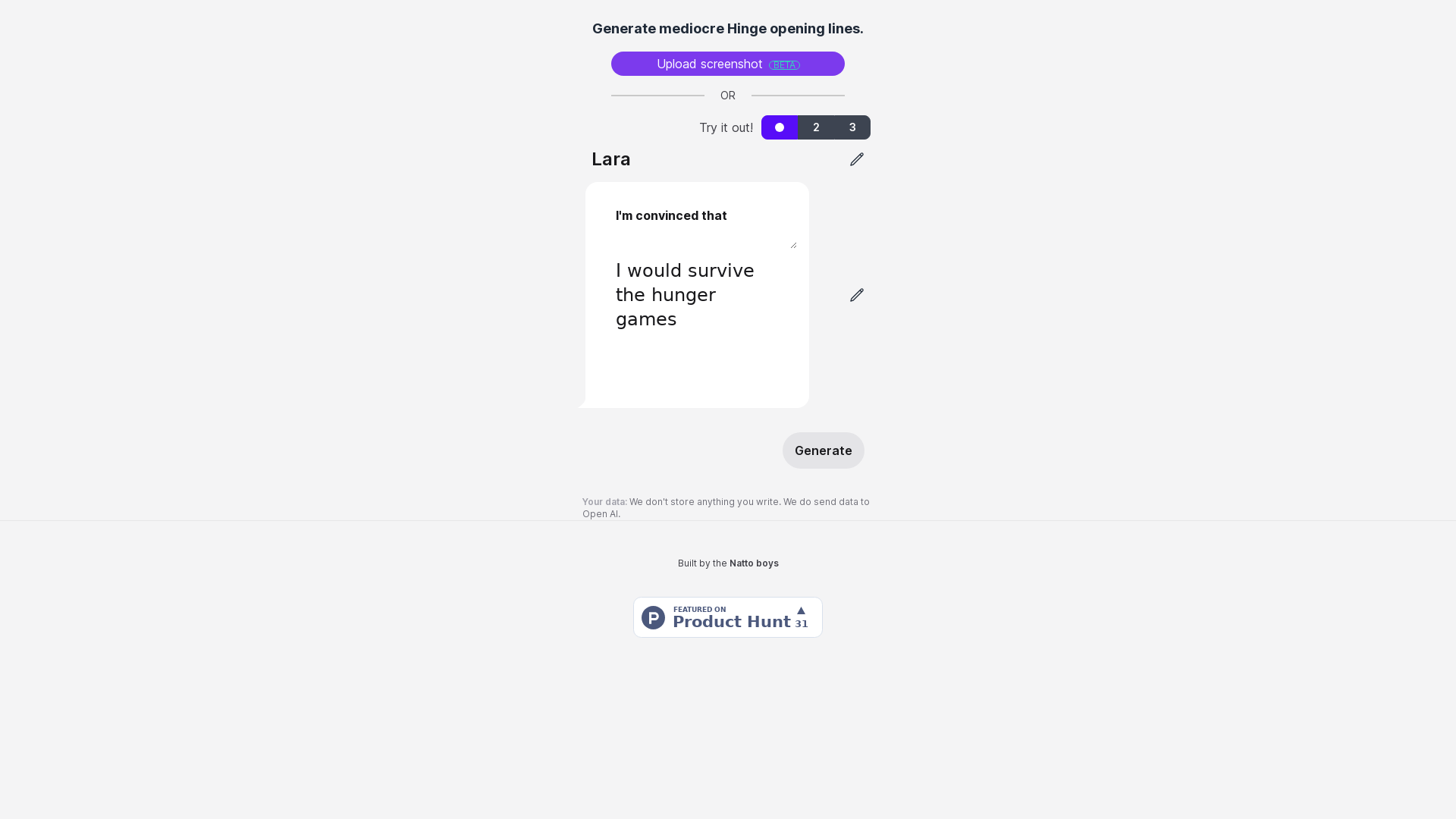
HingeGPT is a web tool that generates opening lines for Hinge conversations. It is aimed at Hinge users who want a quick set of line suggestions, either from a screenshot of a profile or by using the site's "Try it out!" option. The lines it produces are described by the site itself as mediocre Hinge opening lines.
Key features
- Hinge opening line generation
- The tool produces opening lines intended for use on Hinge.
- Screenshot upload
- You can upload a screenshot as the input for generating lines; the site labels this feature as beta.
- Try it out option
- An alternative to uploading a screenshot, offered alongside the upload path.
- Single generate action
- A Generate button produces the lines from your input.
- No storage of your input
- The site states that it does not store anything you write.
- OpenAI processing
- The site states that data is sent to OpenAI as part of how the tool works.
How to use HingeGPT
- Open the HingeGPT website.
- Upload a screenshot, or choose the "Try it out!" option instead.
- Press Generate.
- Read the opening lines it returns and pick one to use on Hinge.
Use cases
- Hinge users who want a starting point for a first message instead of writing one from scratch.
- People who have a screenshot of a Hinge profile and want line ideas based on it.
- Users who want to try the tool without uploading anything, using the "Try it out!" option.
- Anyone who wants several opening line options to choose between rather than a single suggestion.
Pricing
The official website does not list any pricing information for HingeGPT. Check the official site for current details.
FAQ
Is HingeGPT free to use?
The HingeGPT website does not list any pricing or plan information, so it does not state whether the tool is free. Check the official site for details.
Does HingeGPT store the text I enter?
No. The site states that it does not store anything you write. It does state that data is sent to OpenAI, and links to OpenAI's API data usage policies.
Can HingeGPT generate lines from a screenshot?
Yes. HingeGPT lets you upload a screenshot as input, a feature the site marks as beta. You can also use the "Try it out!" option instead of uploading.
What kind of opening lines does HingeGPT produce?
HingeGPT generates Hinge opening lines, which the site describes as mediocre. They are meant as suggestions for starting a conversation on Hinge.
What do I need to do to get lines from HingeGPT?
Provide an input by uploading a screenshot or using the "Try it out!" option, then press Generate. The tool returns opening lines based on that input.
Does HingeGPT work on apps other than Hinge?
The site presents HingeGPT only as a generator of Hinge opening lines. It does not state support for other dating apps or platforms.
HingeGPT
Repeatedly generate mediocre Hinge pickup lines.
 C3.js
 Cloudflare
 HTTP/3
 Vercel
Free AI anime and manga generator. Turn text into anime episodes, manga, comics, webtoons and comic shorts in any art style — no drawing or animation skills needed.
Translate image text across 70+ languages with our advanced AI Image Translator to help you better expand your products globally to various countries
Advertised Here
Reach thousands of visitors daily. Get your spot now!
Tools similar to HingeGPT

Get more dates with LoveGenius: Your AI assistant for top pickup lines, engaging chats, and a standout dating profile.



Create 80-180 AI dating photos for Tinder, Bumble & Hinge in 20 minutes. Each photo scored 0-100 for realness.
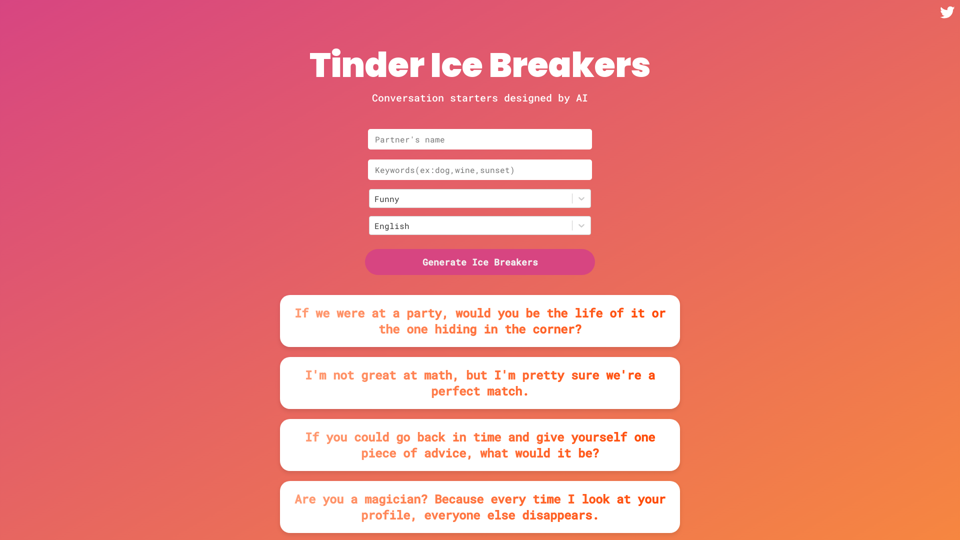
Pick up lines and one-liners are a great way to lighten the mood, attract some laughs and connect over shared interests. Play a few of these ice breakers on Tinder, Bumble or elsewhere to make new connections in person and see where
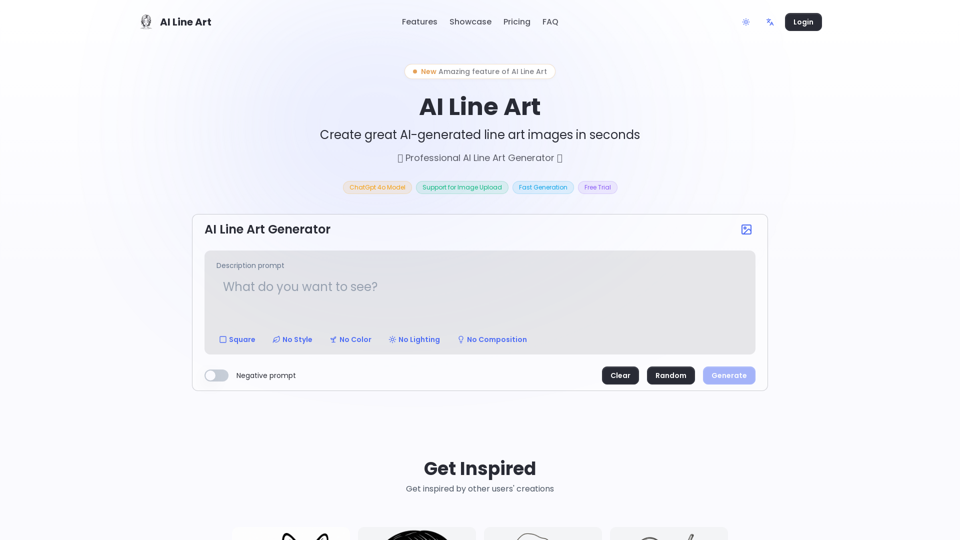
Create professional line art illustrations in seconds with AI Line Art Generator. Multiple styles, image upload support, fast generation. Free trial available.