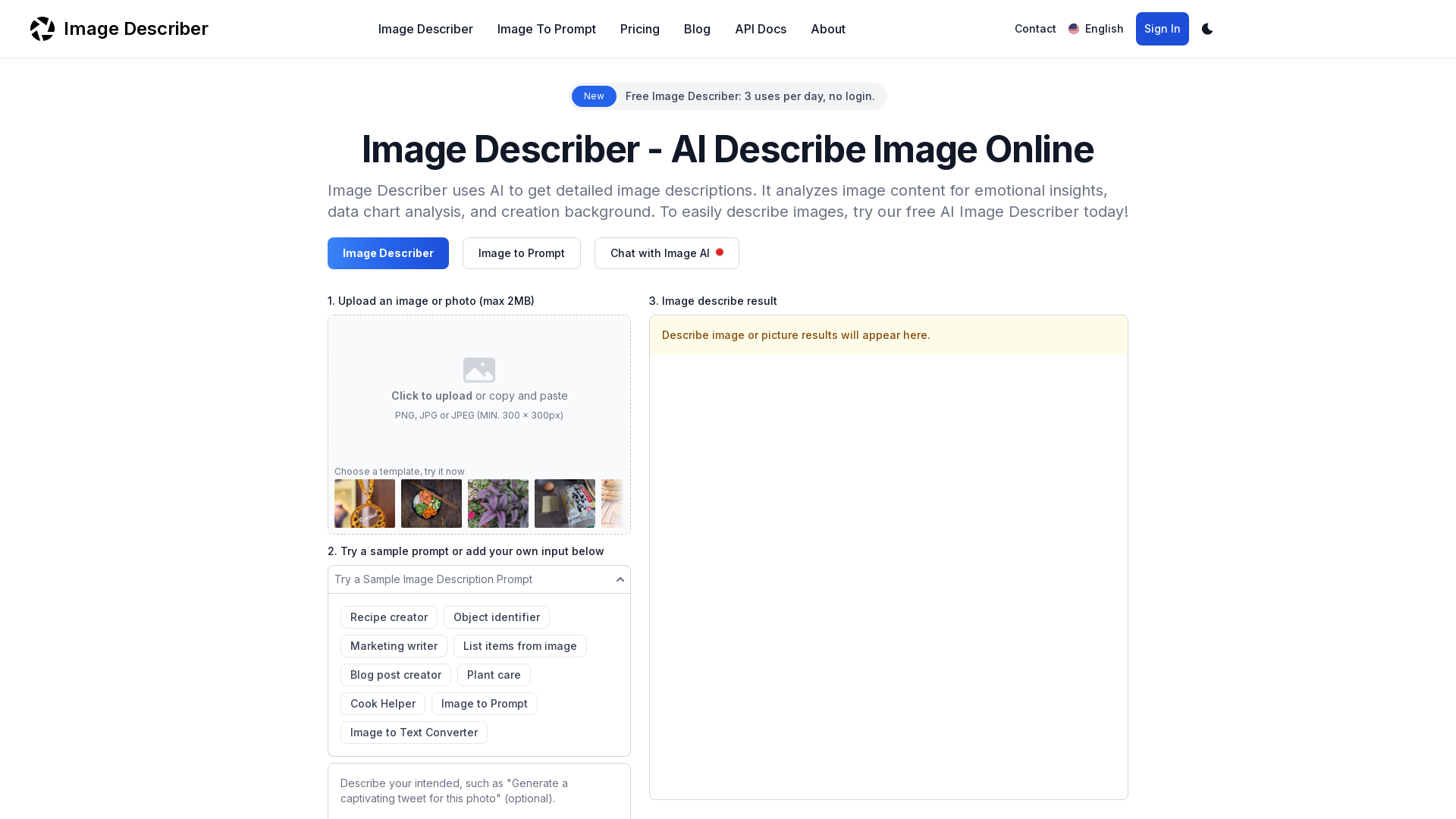
What is Image Describer?
Image Describer is an innovative AI tool that provides detailed descriptions of images. It employs advanced algorithms to analyze various aspects of an image, offering insights into emotional content, data analysis, and the background of the creation.
Key Features of Image Describer
- Detailed Image Analysis
- The tool can generate comprehensive descriptions, highlighting essential details and themes within the image.
- Image to Prompt Creation
- It allows users to create tailored prompts for AI image generators based on the uploaded images.
- Data Extraction
- Users can extract structured data from charts or tables found within images.
- Multi-Format Support
- Image Describer accepts various common file formats, including JPG, PNG, and WEBP.
- Privacy Protection
- Users can be assured their uploaded images are not stored and are deleted after analysis.
How to Use Image Describer?
To describe an image using Image Describer, follow these steps:
- Upload Your Image: Select and upload an image or photo (up to 2MB) from your device.
- Choose or Add Prompts: Use a sample prompt or enter your own question about the image for more tailored results.
- Generate the Description: Click the "Describe Image" button and receive a detailed analysis of your image, ready for use in social media or other platforms.
Pricing
Image Describer offers a free tier that allows users to generate descriptions for up to ### 3 images per day without the need for login. For additional features and higher usage limits, users can opt for one of the paid subscription plans that provide extended functionalities.
Helpful Tips
- Explore Image Use Cases
- Utilize the tool for various applications, from personal reflections to professional analyses.
- Take Advantage of Free Uses
- Start with the free tier to understand how the tool works before considering any subscription.
- Utilize Sample Prompts
- When unsure about what to ask, using provided sample prompts can lead to insightful descriptions.
Frequently Asked Questions
What types of images can I use with Image Describer?
Image Describer supports common formats such as JPG, PNG, and WEBP.
Is Image Describer free to use?
Yes, you can use Image Describer for free, with a limit of 3 uses per day without needing to log in.
How does Image Describer protect my privacy?
Your personal information is not recorded, and uploaded images are deleted after analysis.
Can I get additional uses beyond the free daily limit?
Yes, you can upgrade your plan for additional image description uses and features.
How do I obtain the description of an image?
Simply select an image for upload, choose a prompt or enter a question, and click the "Describe Image" button to generate your description.
Image Describer
Discover AI-Powered Image Descriptions with Image Describer. Gain Instant Insights and Unlock New Perspectives and Efficiency for Your Work and Creations. Join Us Today!
 Cloudflare
 HTTP/3
 Next.js
 Node.js
 React
React Webpack
Free AI anime and manga generator. Turn text into anime episodes, manga, comics, webtoons and comic shorts in any art style — no drawing or animation skills needed.
Translate image text across 70+ languages with our advanced AI Image Translator to help you better expand your products globally to various countries
Advertised Here
Reach thousands of visitors daily. Get your spot now!
Tools similar to Image Describer
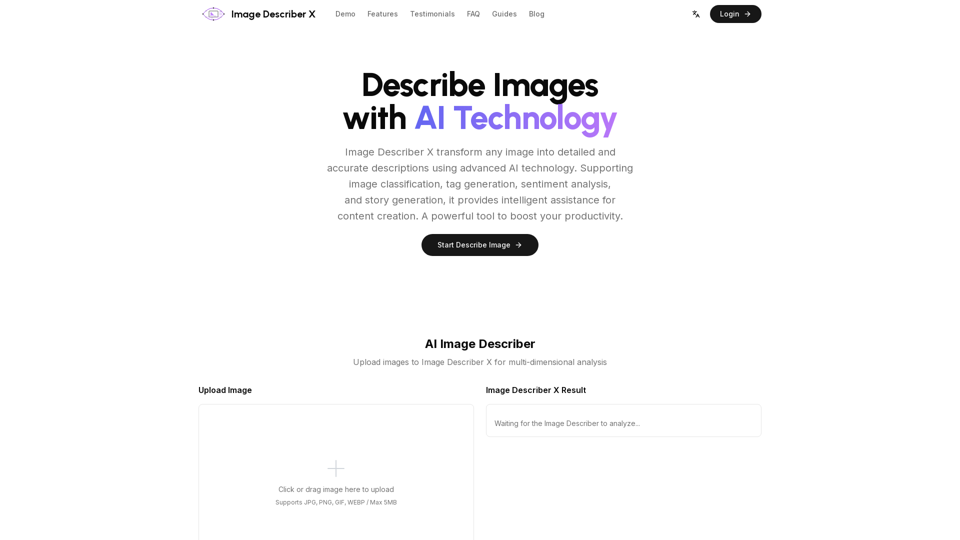
Image Describer X is a free AI tool that identifies and describes the contents of images. Generate accurate, detailed image descriptions effortlessly.
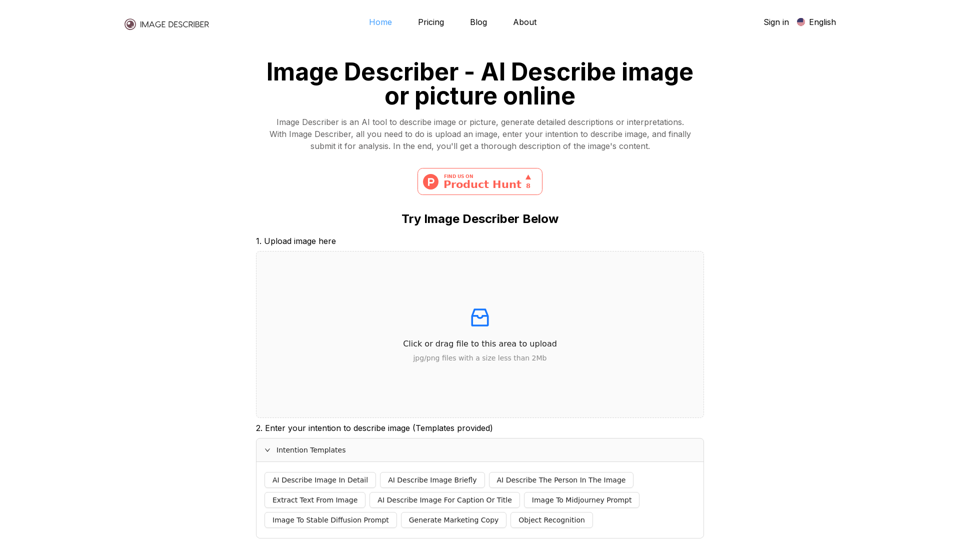
AI Image Describer is a tool to Describe image or picture online. It can be used as Image Description & Caption generator. Also, Image To Prompt and Text Extraction from photo are supported.
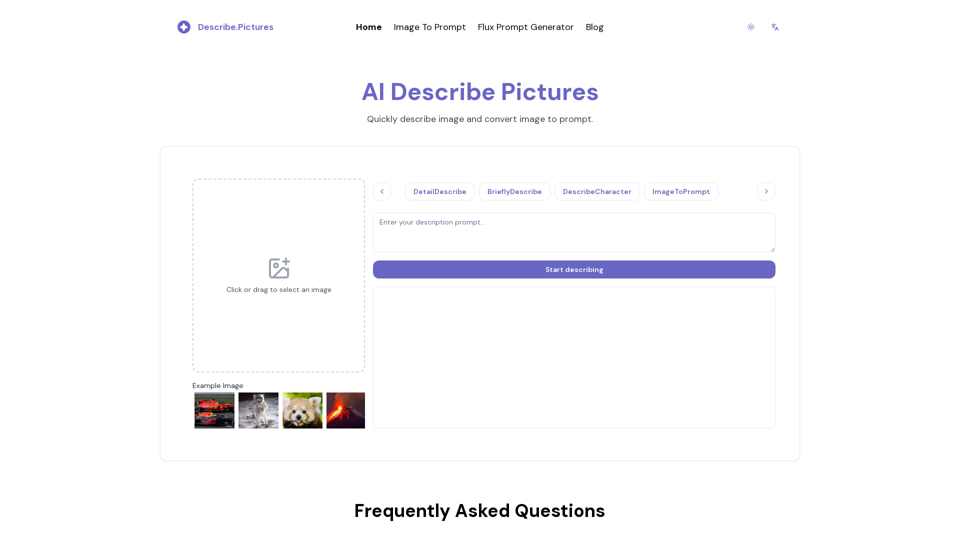
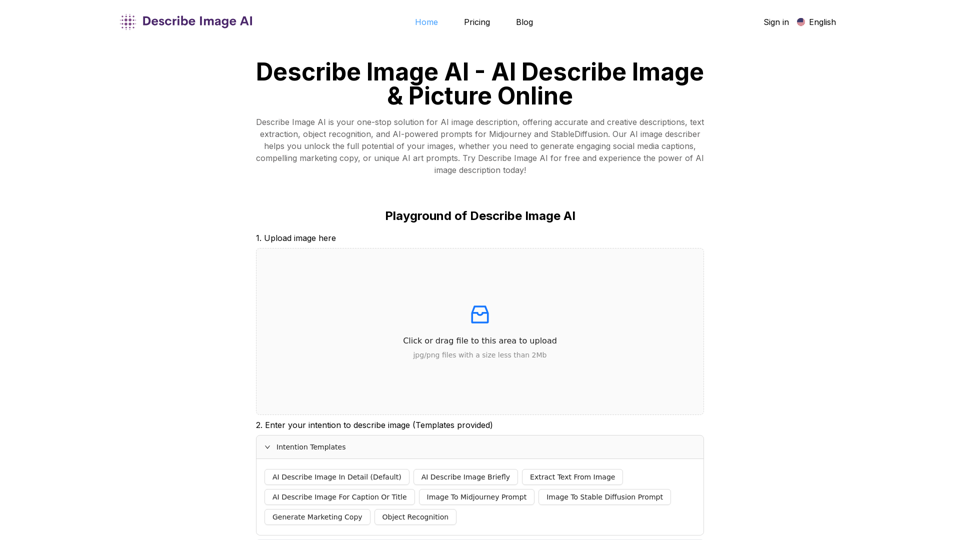
Describe Image AI: Accurately describe images online using AI. Our image describer generates image descriptions, AI picture descriptions, text extraction, social media captions, and prompts for Midjourney & StableDiffusion. Free Trial!
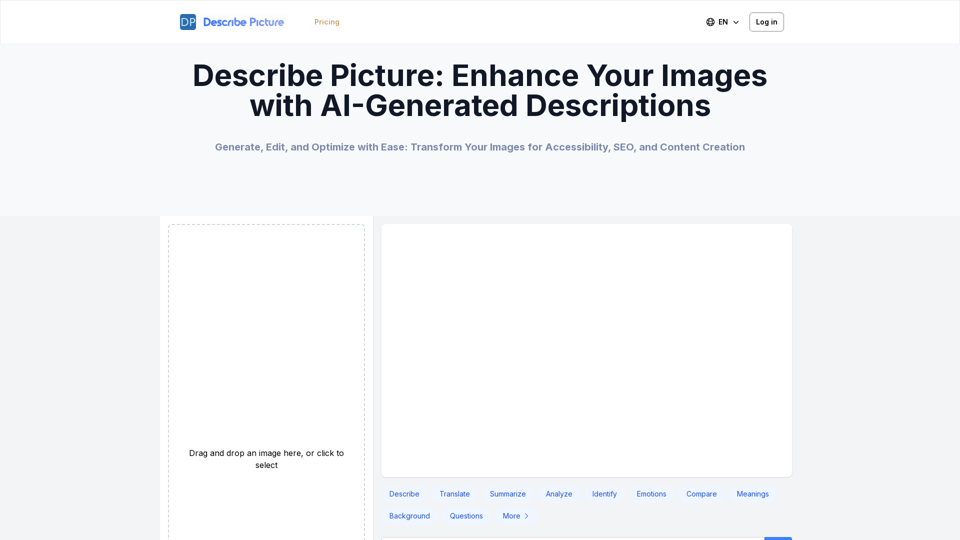
Describe Picture is an AI-driven platform that generates detailed descriptions of your images, enhancing accessibility, SEO, and content creation. Upload your images and let our AI provide accurate and editable descriptions to improve your digital content.
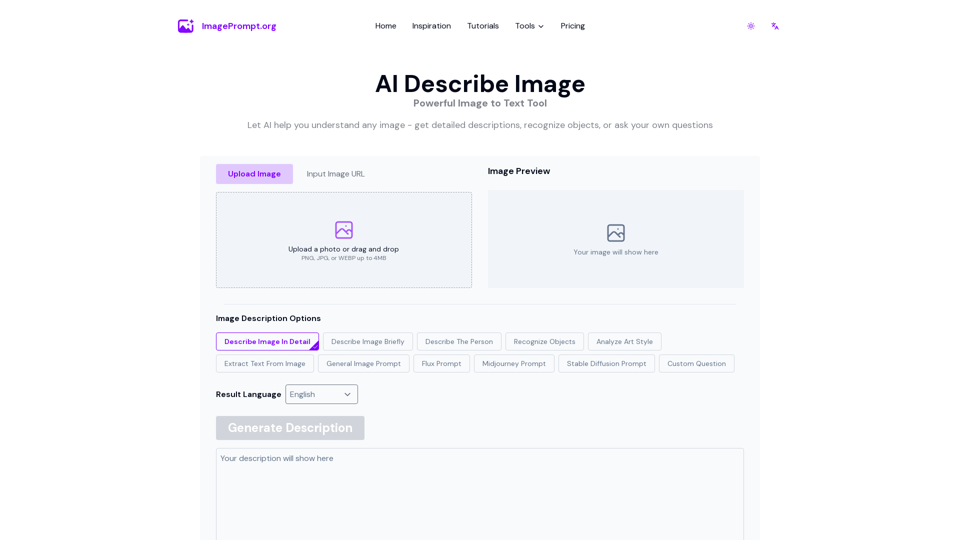
Use AI Describe Image to understand any image - get detailed descriptions, generate prompts, recognize objects, or ask your own questions
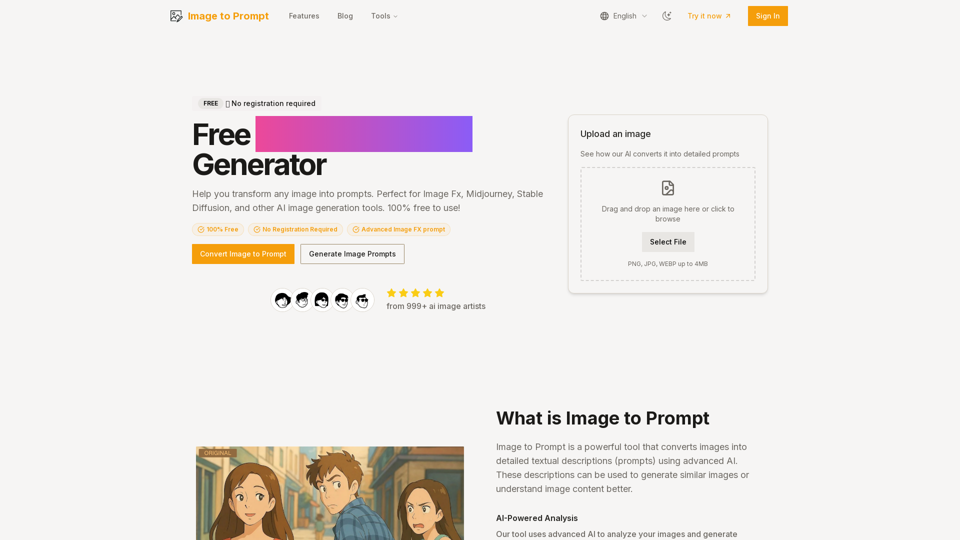
Transform any image into detailed AI prompts for free - no registration required. Perfect for Midjourney, Stable Diffusion, and all your image FX prompt needs.
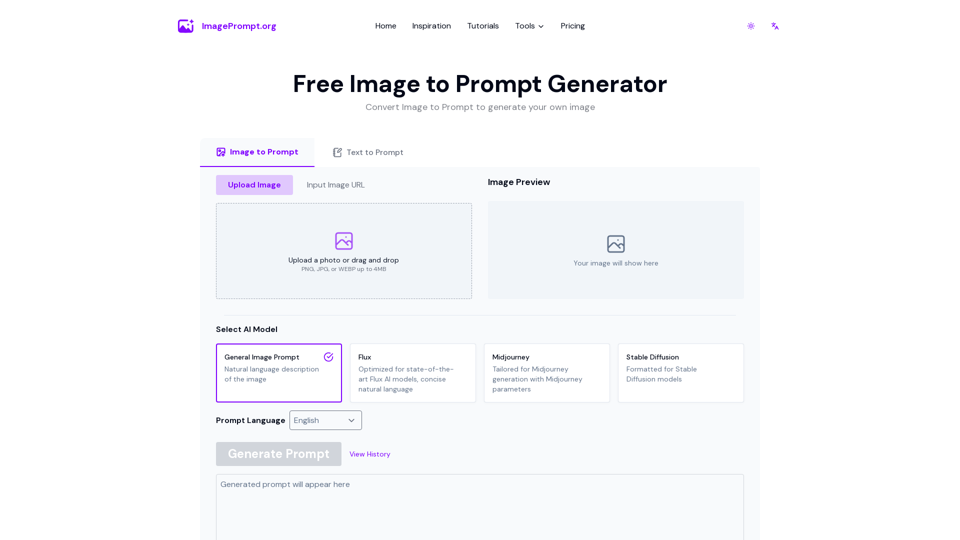
Easily generate prompt from image using our Image to Prompt Generator. Create detailed image prompt for Midjourney, Flux, Stable Diffusion and other models.