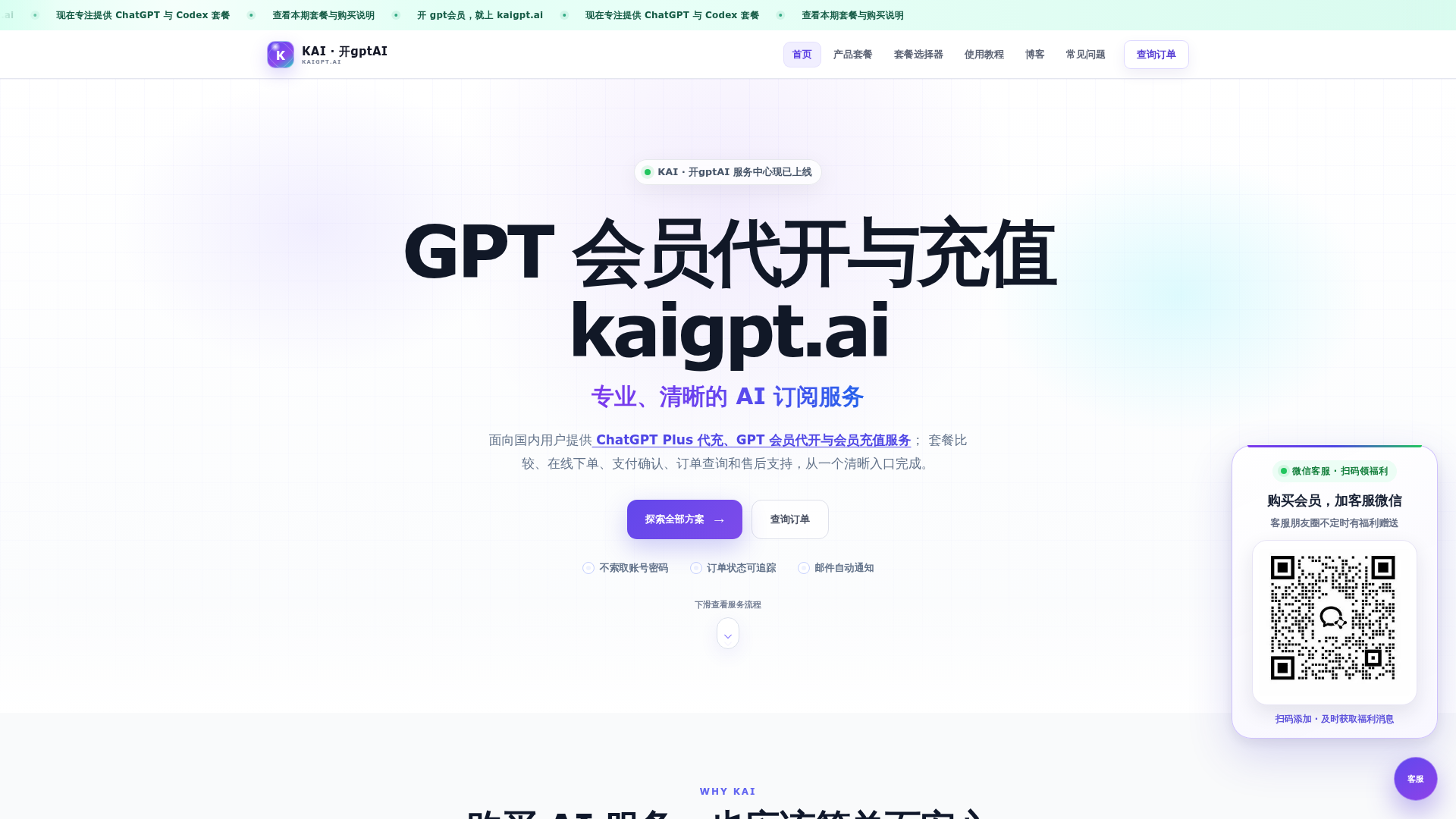
What is KAI (kaigpt.ai)?
KAI (kaigpt.ai) is a professional AI subscription service platform dedicated to providing domestic users with convenient, secure, and reliable ChatGPT Plus membership recharge services. It offers a clear, one-stop solution for services like ChatGPT Plus purchasing, membership activation, and top-ups, eliminating the complexities often associated with international payments and subscriptions.
What are the main features of KAI (kaigpt.ai)?
- Secure & Private Transactions
- KAI prioritizes user security. It does ### not require your account password or verification codes for the recharge process, protecting your login credentials.
- Fast and Reliable Fulfillment
- Most standard orders are processed and credited ### within 1-5 minutes after payment confirmation and submission of required information.
- Transparent Order Tracking
- Every step, from payment confirmation and automatic recharge to final activation, is logged in a detailed order timeline. Users can check the progress at any time.
- Full Refund for Failed Orders
- If a payment is successful but the recharge cannot be completed due to platform or process issues, KAI commits to a full refund after manual verification within a 7x24 hour window.
- Clear Pricing and Process
- Users confirm the actual payment amount and method on the official order page, avoiding unofficial payment links. The platform offers multiple package options for different usage needs.
How to use KAI (kaigpt.ai) to recharge your ChatGPT membership?
Using KAI's service is a straightforward three-step process:
- Select Your Package: Compare the available plans (e.g., Plus, Pro 5x, Pro x20) based on your usage needs, budget, and validity period on the pricing page.
- Complete a Secure Order: Create a unique order by providing your email for notifications, then complete the payment via the officially displayed methods on the order page.
- Submit Card & Track: After payment, you will receive a card key (卡密). Submit this key on the designated redemption page as instructed. The system will automatically process the recharge, and you can track the entire status in your order details.
What are the price plans on KAI (kaigpt.ai)?
KAI offers tiered packages to suit various AI usage intensities. Prices are subject to server verification at the time of order creation.
- Plus Plan
- Priced at ### ¥166, this is the most popular plan for standard ChatGPT Plus access.
- Pro 5x Plan
- Priced at ### ¥788 for 30 days, suitable for higher volume users.
- Pro x20 Plan
- Priced at ### ¥1,588 for 30 days, designed for very high-frequency or professional use cases.
You can explore and compare all plans in detail on the official pricing page.
Helpful tips for using KAI (kaigpt.ai)
- Always Use Official Channels
- Never make payments through temporary links sent in private chats. Always use the payment information displayed on your official order page.
- Check Spam Folder
- If you don't receive an order confirmation email, check your spam/junk folder first and verify your email spelling.
- Use Order Query for Status
- For any order inquiries, use the official "Order Query" page with your order number and registered email instead of contacting support first.
- Understand AI Output Limitations
- The "User Scenarios" section provides excellent examples of how AI can assist in workflows (e.g., content creation, research, coding). Remember, AI outputs always require human verification for facts, data, code testing, and final approval.
- Tutorials are Available
- Before your first purchase, consider watching the video walkthrough or reading the step-by-step guide to familiarize yourself with the entire process.
Frequently Asked Questions (FAQ)
Q: Do I need to provide my ChatGPT account password to use KAI's service? A: No. KAI does not require your account password or verification codes. The service is fulfilled by you submitting a one-time card key on a secure, official redemption page. Never send your login credentials or session tokens to anyone.
Q: How long does it take for the recharge to complete after payment? A: For standard orders, after payment confirmation and required submission, recharge is typically completed within ### 1-5 minutes. Processing progress is synced to your order timeline. Delays may occur for manual reviews or account anomalies.
Q: How can I check my order status? A: Go to the "Order Query" page, enter your order number and the email used during purchase for verification. Once verified, you can view the complete timeline including payment, recharge, and support records.
Q: What payment methods are supported? A: The available payment options are displayed in real-time when you create an order. Please verify the package, exact amount, and recipient information on the order page before paying.
Q: What if my recharge fails? Can I get a refund? A: Yes. If KAI confirms that an order cannot be completed due to platform or process issues, they will initiate a ### full refund within a 7x24 hour verification period. The refund will be processed back to the original Alipay transaction.
Q: I haven't received my confirmation email. What should I do? A: First, check your spam/junk folder and ensure the email address was entered correctly. Then, use the "Order Query" function with your order number and email. If the issue persists, you can submit a support ticket from your order details page.
KAI · 开gptAI
KAI · 开gptAI 是面向中文用户的独立第三方 ChatGPT Plus/Pro 会员代开与充值服务平台,提供套餐比较、人民币在线下单、订单进度查询、使用教程与售后支持。
 Cloudflare
 HTTP/3
Free AI anime and manga generator. Turn text into anime episodes, manga, comics, webtoons and comic shorts in any art style — no drawing or animation skills needed.
Translate image text across 70+ languages with our advanced AI Image Translator to help you better expand your products globally to various countries
Advertised Here
Reach thousands of visitors daily. Get your spot now!
Tools similar to KAI · 开gptAI
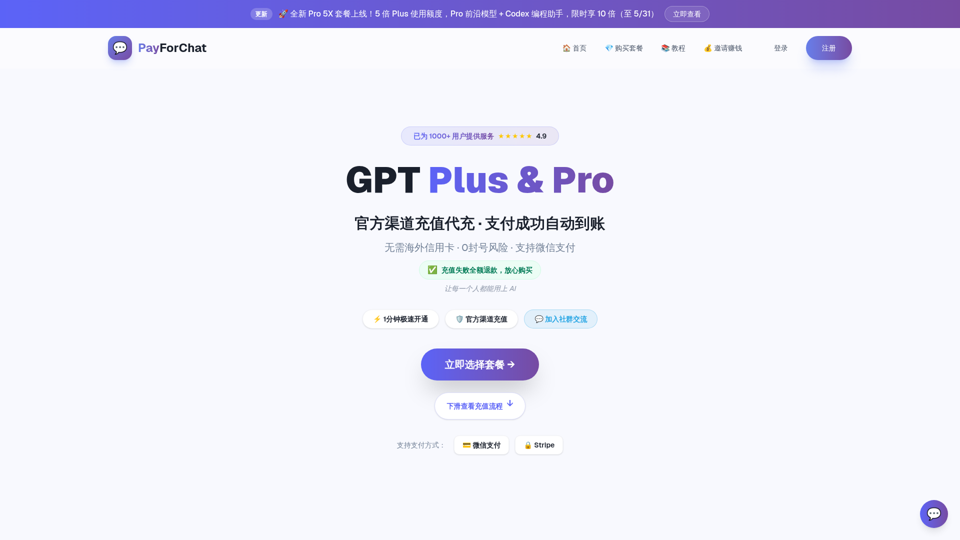
GPT Plus/Pro 充值平台,Codex 充值支持。微信支付2分钟到账,99%+成功率,充值失败全额退款。无需海外信用卡,不需要密码,官方渠道自动充值。月卡¥179,年卡¥1280(六折),Pro ¥1584/月。
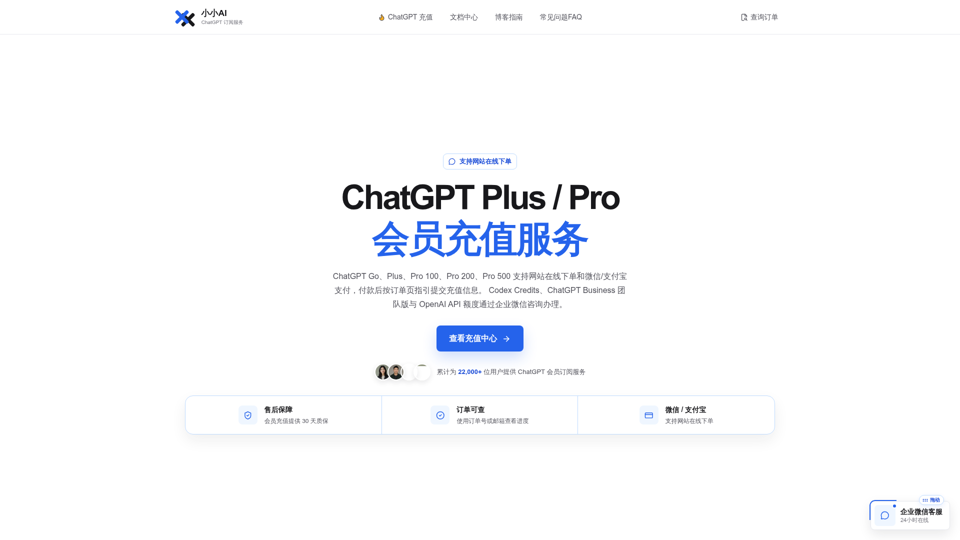
小小AI为中文用户提供 ChatGPT Go、Plus、Pro 100/200/500 网站在线下单和微信/支付宝支付;Codex Credits、ChatGPT Business 与 OpenAI API 额度通过企业微信咨询办理,支持订单查询与售后支持。
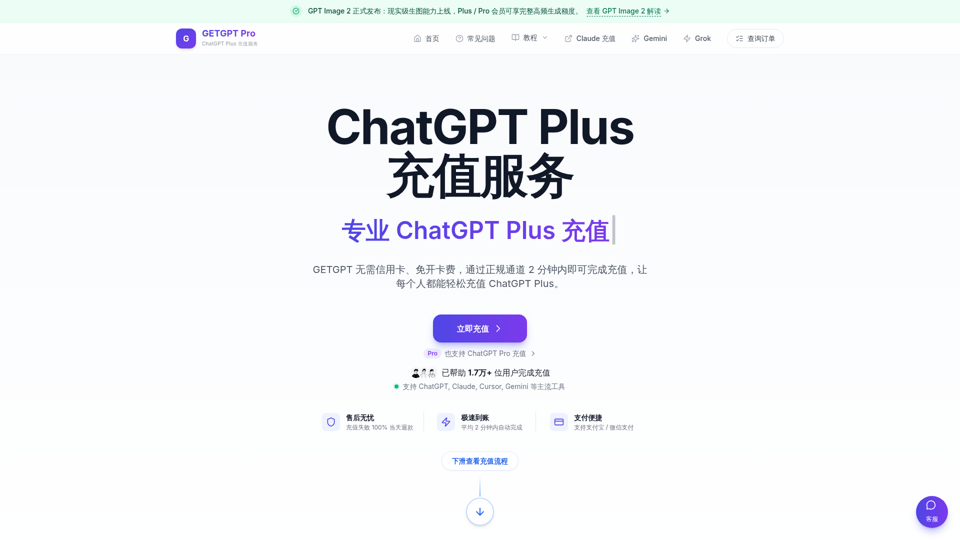
ChatGPT Plus 官方直充,GPT 代充, Codex Plus 和 Pro 充值,支持支付宝和微信支付,支持GPT-5/GPT5.4/GPT-4o,提供企业服务、发票、客服支持等,2分钟完成充值,已帮助2w+用户充值ChatGPT Plus
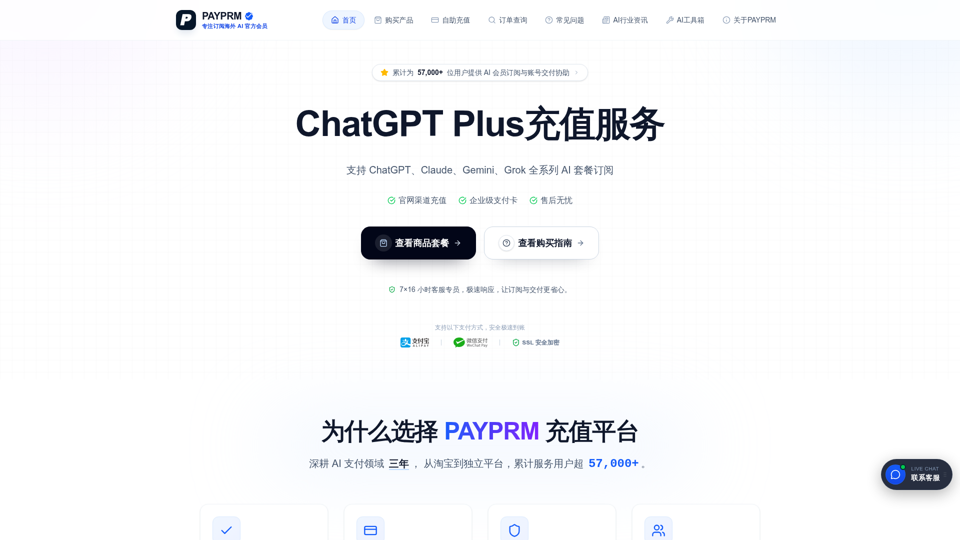
PAYPRM 是面向国内用户的海外 AI 会员订阅协助平台,支持 ChatGPT Plus/Pro、Claude、Gemini、Grok 等主流模型会员相关商品与账号类商品购买。无需海外信用卡,支持支付宝下单,并根据订单记录提供售后协助。

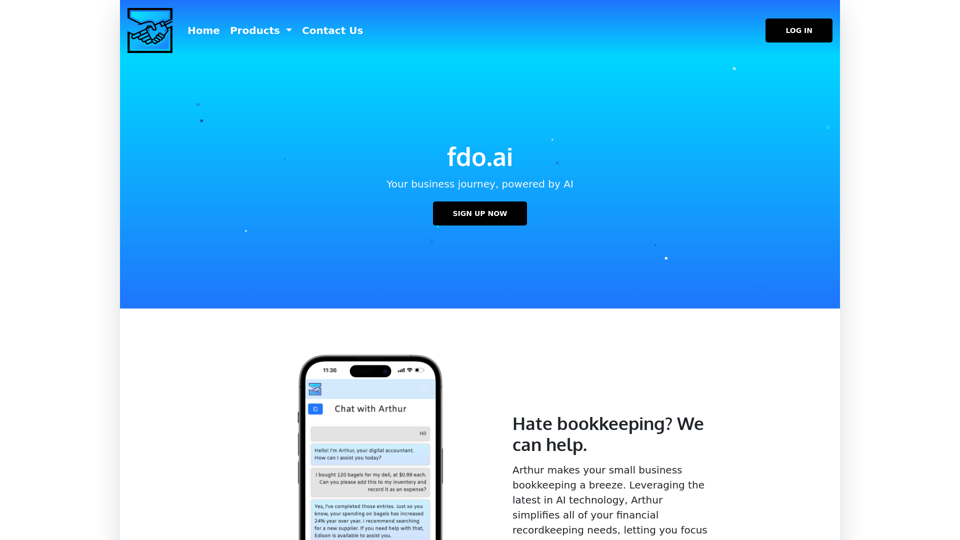
fdo.ai is an AI platform designed to support small businesses in starting and growing their ventures. With a comprehensive range of services, including strategy, finance, and operations, it serves as a one-stop shop. fdo.ai can also connect you with lenders to secure the necessary capital for your business. Additionally, it offers innovative features to help propel your business forward, such as intuitive accounting and painless marketing.