Flux Kontext
Transform images with Flux Kontext's AI tools. Generate and edit using text and image prompts, featuring character consistency and precise object modification.
What is Flux Kontext?
Flux Kontext is an innovative AI-driven platform designed for image generation and editing. It provides users with the ability to create stunning images while maintaining character consistency across various generations. With its advanced tools and features, Flux Kontext is perfect for artists, designers, and anyone looking to elevate their visual creations through artificial intelligence.
What are the main features of Flux Kontext?
- Character Consistency
- Maintain visual coherence across multiple generations of images.
- Professional-Grade Editing Tools
- Utilize advanced editing capabilities, including color modification, object addition, and text replacement.
- High-Resolution Output
- Generate high-quality images suited for professional needs.
- Lightning-Fast Generation
- Create images in seconds with optimized AI models for quick results.
- Style Transfer
- Transform your images into various artistic styles, enhancing creative expression.
How to use Flux Kontext?
To start using Flux Kontext, simply sign up for a free account. Users can generate two images at no cost, allowing them to explore the platform's capabilities. By upgrading to a premium plan, users can enjoy more generations per month, priority support, and additional features designed for enhanced creativity.
What pricing options does Flux Kontext offer?
Flux Kontext offers simple and transparent pricing plans to suit various needs:
- Free Plan
- $0/month
- 2 image generations
- HD image quality
- No subscription required
- Premium Plan
- $1/month
- 5 image generations per month
- HD image quality
- Basic support
- Ultimate Plan
- $10/month (Most Popular)
- 500 image generations per month
- HD image quality
- Priority processing
- Dedicated support
Helpful Tips for Using Flux Kontext
- Use High-Quality Images
- For best results, start with clear images. Aim for a maximum file size of 5MB.
- Provide Detailed Prompts
- Offering comprehensive descriptions ensures the AI can generate the results you envision.
- Optimize Image Size Ratios
- Choosing the correct aspect ratio can significantly affect the final output quality.
Frequently Asked Questions
What image formats does Flux Kontext support?
Flux Kontext supports a variety of common image formats, including PNG, JPG, JPEG, and WEBP.
How good is Flux Kontext's image editing quality?
The platform utilizes advanced AI technology to ensure natural and professional quality results, maintaining character consistency throughout edits.
How long does it take to process an image?
Typically, processing a regular-sized image takes between 5-10 seconds. The speed may vary based on image size, network conditions, and editing complexity.
How can I achieve the best image editing results?
For optimal results, ensure you're using high-quality images and provide clear descriptions in your text prompts. Selecting the correct image size ratio is also crucial for quality results.
Flux Kontext
Transform images with Flux Kontext's AI tools. Generate and edit using text and image prompts, featuring character consistency and precise object modification.
 Cloudflare
 HTTP/3
 Node.js
 Nuxt.js
 Vue.js
Free AI anime and manga generator. Turn text into anime episodes, manga, comics, webtoons and comic shorts in any art style — no drawing or animation skills needed.
Translate image text across 70+ languages with our advanced AI Image Translator to help you better expand your products globally to various countries
Advertised Here
Reach thousands of visitors daily. Get your spot now!
Tools similar to Flux Kontext
Advanced Flux.1 models for image generation and editing. Character consistency, local editing, style reference capabilities with Flux Kontext AI.
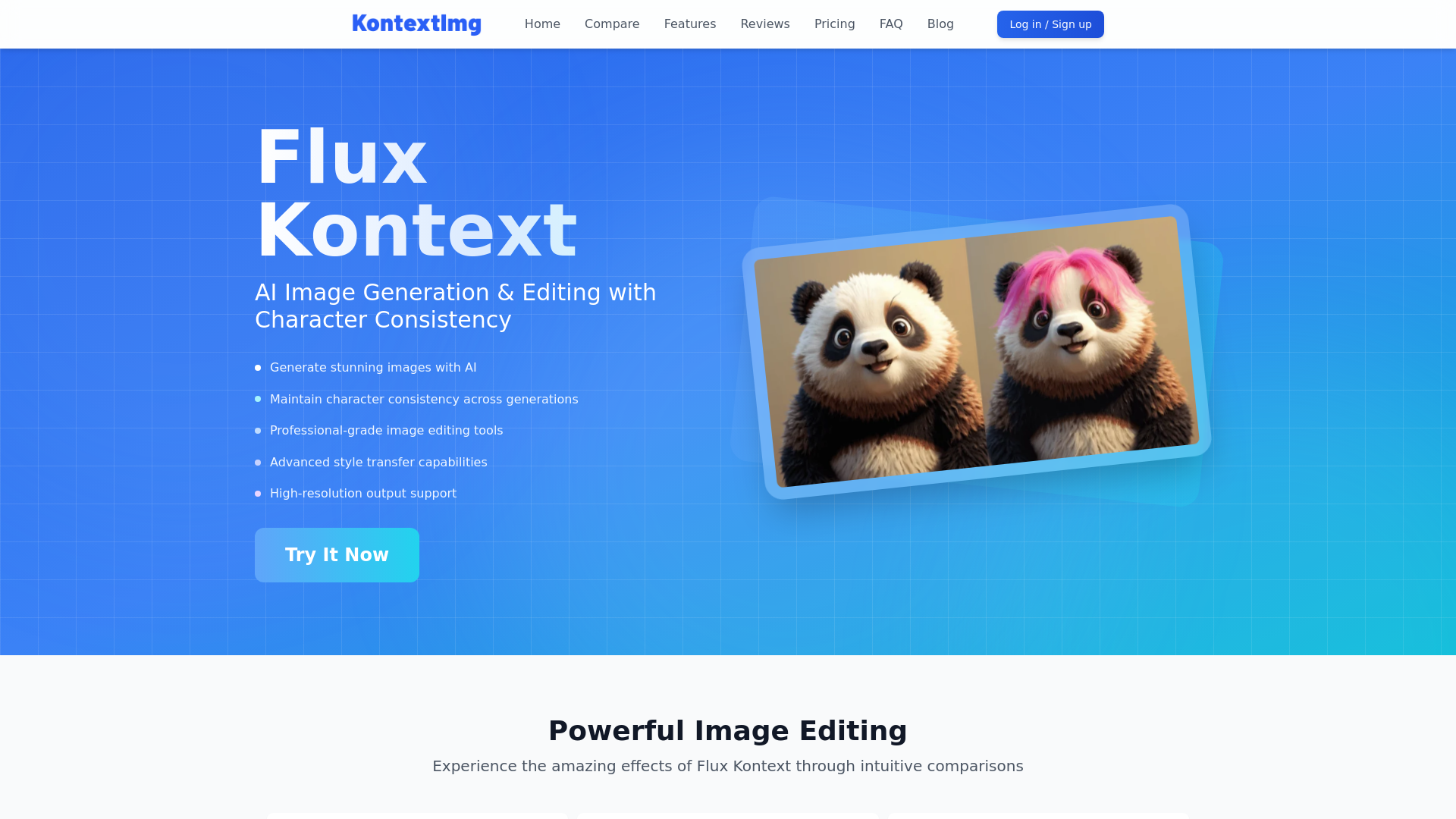
Create and edit stunning images with FLUX.1 Kontext, the best-in-class AI model for text-guided image transformations. Try it now on kontextflux.io!
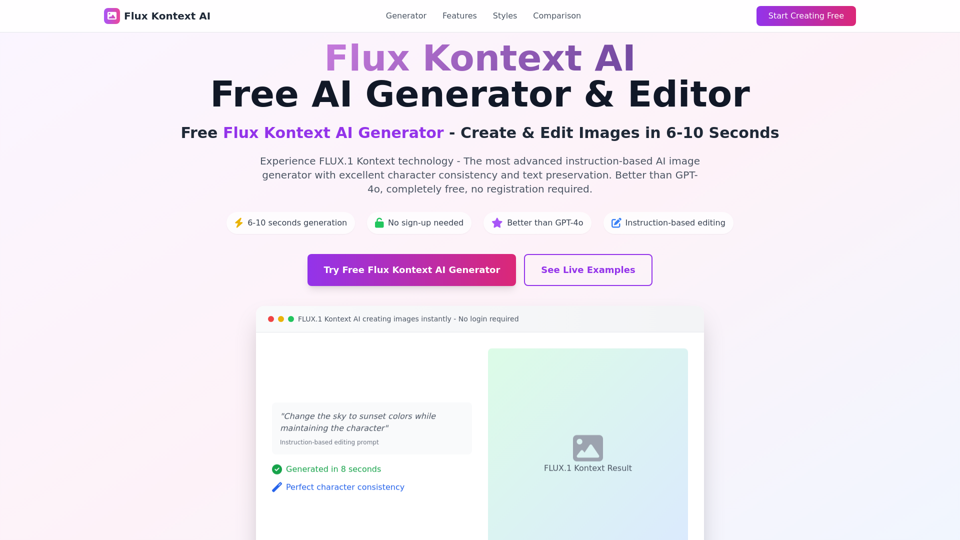
Free FLUX.1 Kontext AI Generator - Create stunning images in 6-10 seconds. Better than GPT-4o, no yellow tint. Instruction-based editing with excellent character consistency. Try Ghibli, Disney styles now!
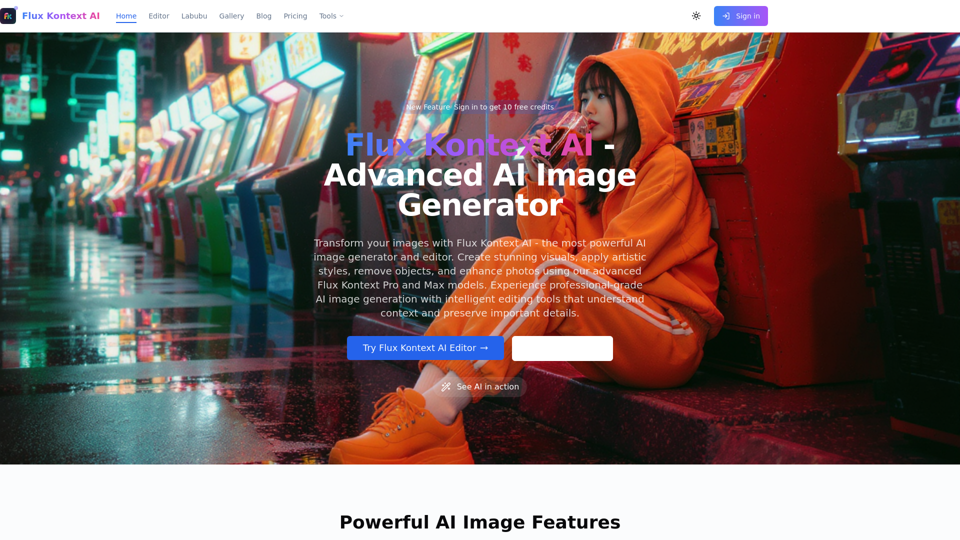
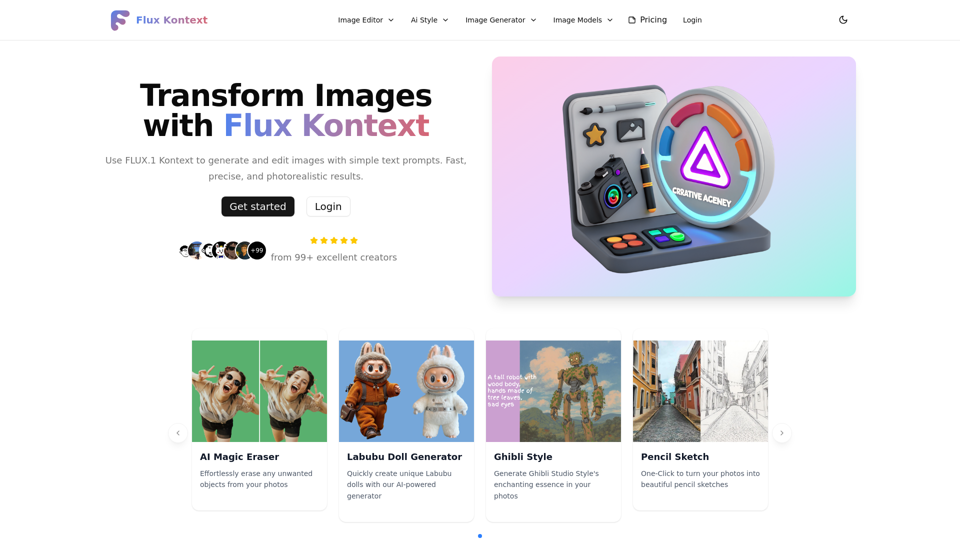
Transform your images with Flux Kontext AI - the most advanced AI image generator and editor. Flux Kontext Pro and Max models deliver stunning visuals with context-aware AI technology.
Transform your images with FLUX Kontext's AI tools. Remove backgrounds, enhance photos, and apply artistic styles in seconds. Try our free trial today!
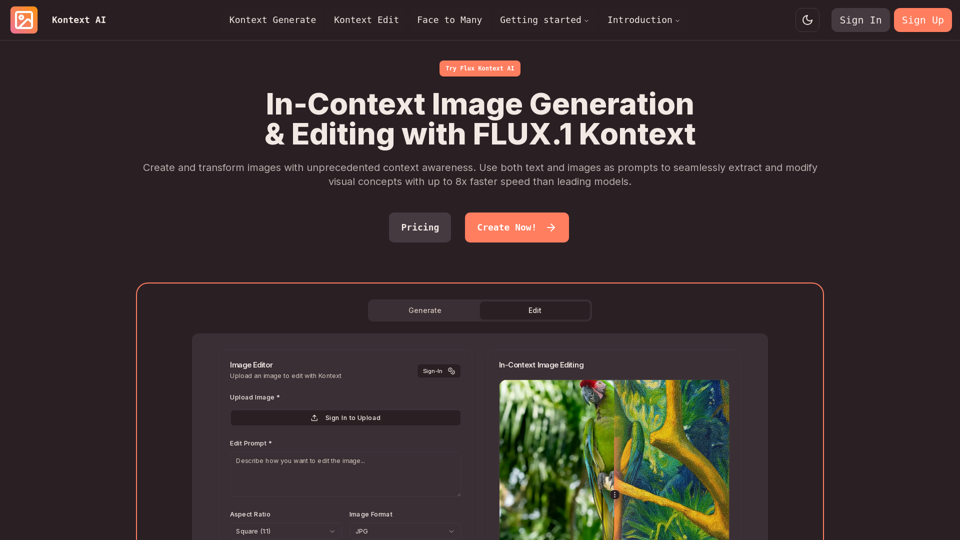
Create and transform images with unprecedented context awareness. Use both text and images as prompts to seamlessly extract and modify visual concepts with up to 8x faster speed than leading models.
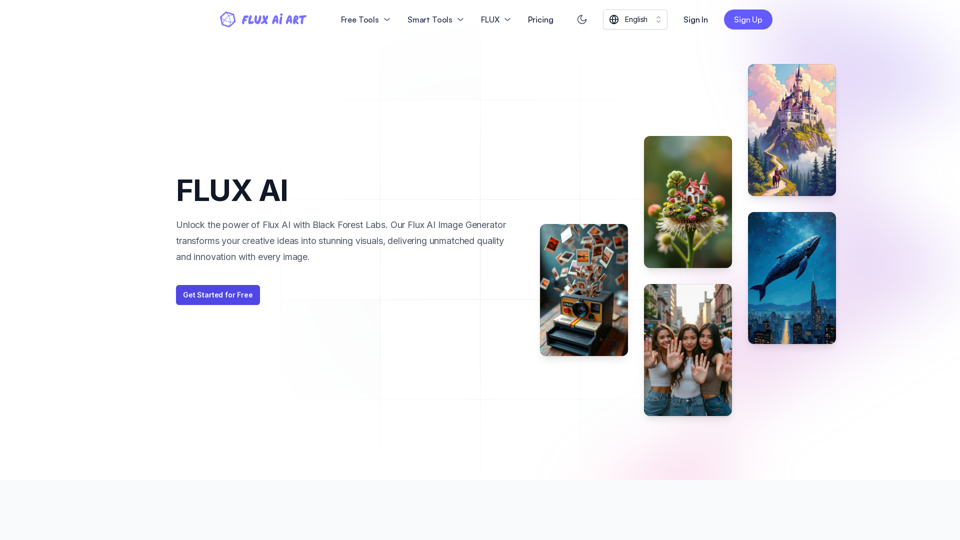
FLUX AI offers professional AI-powered image generation and editing services. Our image generator includes all FLUX models, such as FLUX.1 schnell, FLUX.1 dev, FLUX.1 pro, FLUX1.1 pro, and FLUX1.1 pro ultra. We also provide a comprehensive suite of image editing tools, including Image to Prompt, Background Remover, Image Enhancer, Image Restore, etc., covering a wide range of creative and enhancement needs.