AI
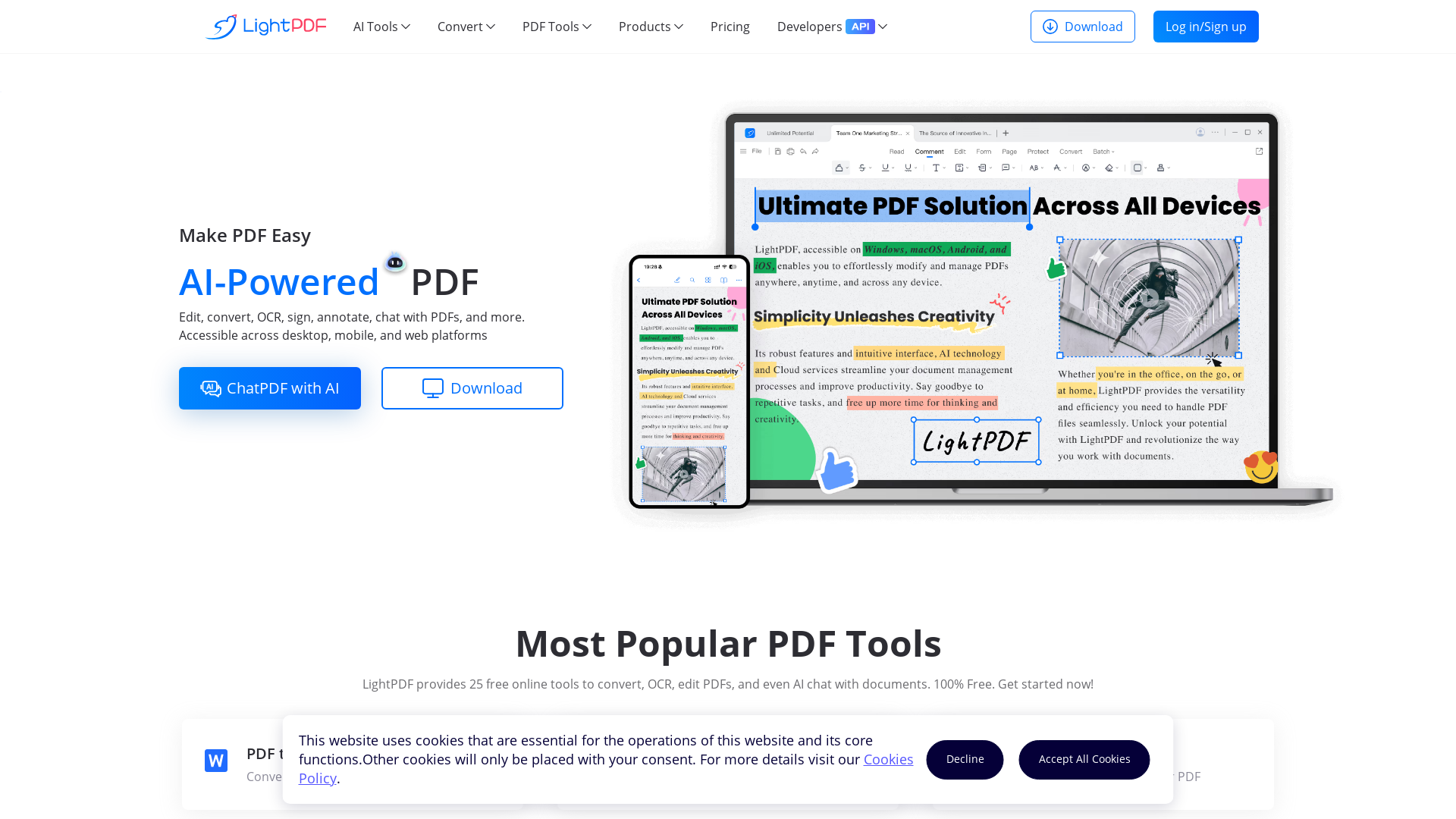
Powered by AI, LightPDF provides free cloud-based services to view, edit, convert, sign, annotate, merge, manage and share PDF easily and helps you solve all PDF problems.
What is LightPDF?
LightPDF is an AI-powered online platform that provides a comprehensive suite of tools for editing, converting, and reading PDF documents. Whether you need to convert a PDF to Word, compress a file, or chat with your documents using AI, LightPDF offers a wide range of features designed to enhance productivity and streamline document management.
What are the main features of LightPDF?
- Comprehensive PDF Tools
- Access over 25 free online tools to edit, convert, OCR, and annotate PDFs.
- AI Chat Functionality
- Engage with your documents using AI capabilities, allowing you to summarize, explain, and analyze content easily.
- Cross-Platform Accessibility
- Use LightPDF seamlessly across desktop, mobile, and web platforms, ensuring flexibility and convenience.
- Cloud Management
- Upload your documents to the cloud for easy access and management from any device.
- Integration for Developers
- LightPDF offers various API and SDK solutions for developers looking to integrate PDF functionalities into their applications.
How to use LightPDF?
Using LightPDF is straightforward. Simply navigate to the website, select the tool you wish to utilize (such as PDF to Word conversion or AI chat), upload your document, and follow the on-screen instructions. Most tools are free, allowing users to start without any cost and access the full range of services directly in their browser or via the mobile app.
Can I convert PDFs using LightPDF?
Yes, LightPDF offers an array of conversion tools, which include transforming PDFs into various formats such as Word, Excel, PPT, JPG, and more. The conversions are designed to maintain high accuracy and formatting integrity.
What kind of AI features does LightPDF include?
LightPDF includes an AI chat feature called ChatPDF, which allows users to ask questions about their documents and receive instant summaries, explanations, and analyses. This feature enhances understanding and interaction with the content of your PDFs.
How can I maximize my use of LightPDF's services?
To get the most out of LightPDF, regularly utilize the available free tools for editing and converting documents. Explore the AI features for deeper insights into your files and take advantage of the cross-platform access for managing documents efficiently.
Will my information be secure with LightPDF?
LightPDF prioritizes user privacy and data security. All documents uploaded are processed with stringent security measures, and users have the option to delete their accounts and data if desired.
When would I need to consider a subscription for LightPDF?
If you find yourself frequently using the premium features or require additional file storage and tools beyond the initial free offerings, a subscription to LightPDF can significantly enhance your experience and capabilities.
AI
Powered by AI, LightPDF provides free cloud-based services to view, edit, convert, sign, annotate, merge, manage and share PDF easily and helps you solve all PDF problems.
 Nginx
Nginx OpenResty
 Vue.js
Free AI anime and manga generator. Turn text into anime episodes, manga, comics, webtoons and comic shorts in any art style — no drawing or animation skills needed.
Translate image text across 70+ languages with our advanced AI Image Translator to help you better expand your products globally to various countries
Advertised Here
Reach thousands of visitors daily. Get your spot now!
Tools similar to AI
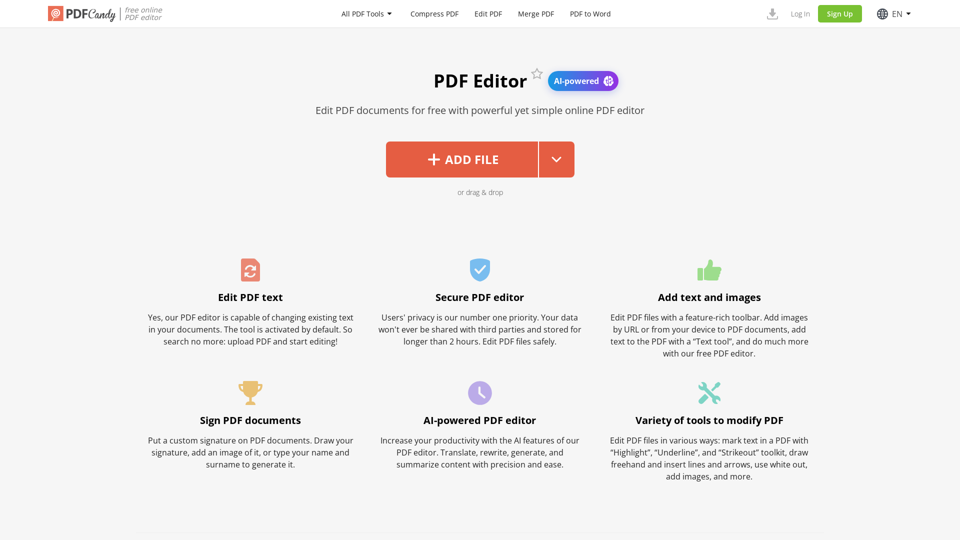
Learn how to edit a PDF using our service fast and free of charge. Our PDF editor allows to add text and images to PDF, highlight and annotate, sign PDF and much more.
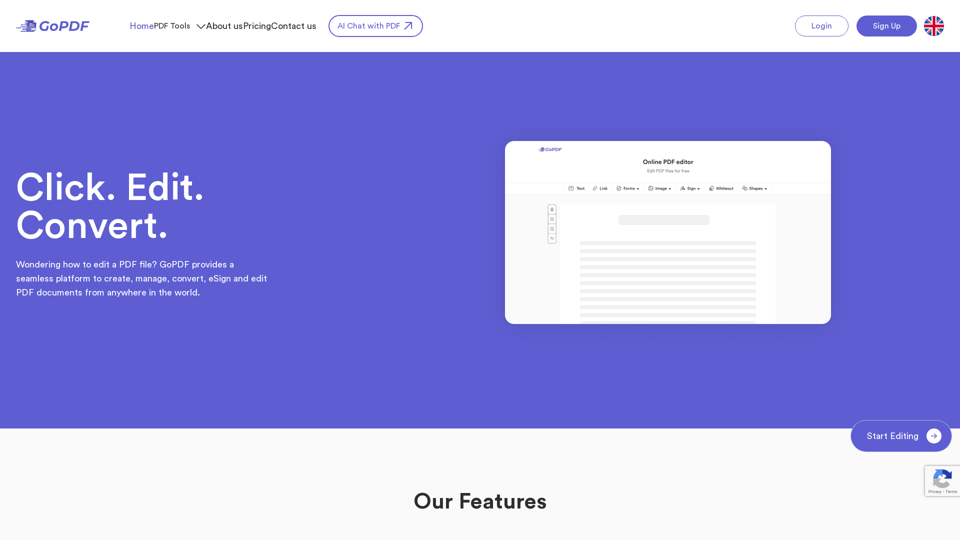
Free online PDF editor tool to edit, compress, crop, sign, merge, protect, convert PDF to JPG or PDF to word. Click, Edit & Convert with GoPDF!
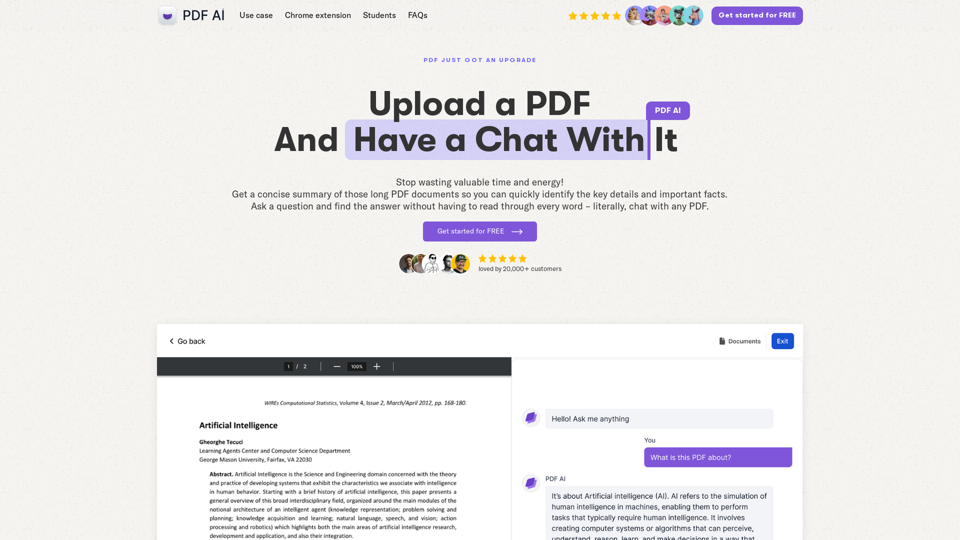
Chat with any PDF today for instant answers, summaries, and more - the complex made simple. From legal documents to academic studies, download our PDF AI today.
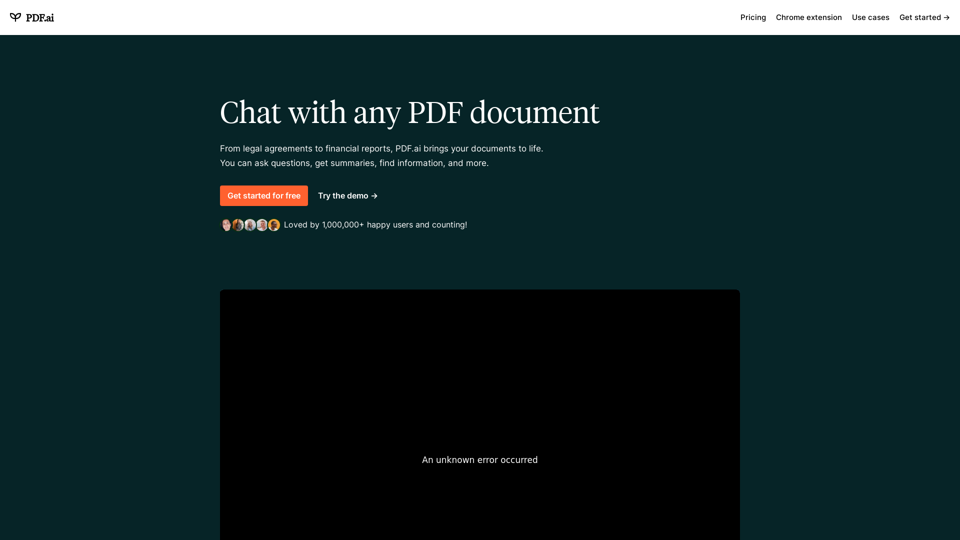
We built the ultimate ChatPDF app that allows you to chat with any PDF: ask questions, get summaries, find anything you need!
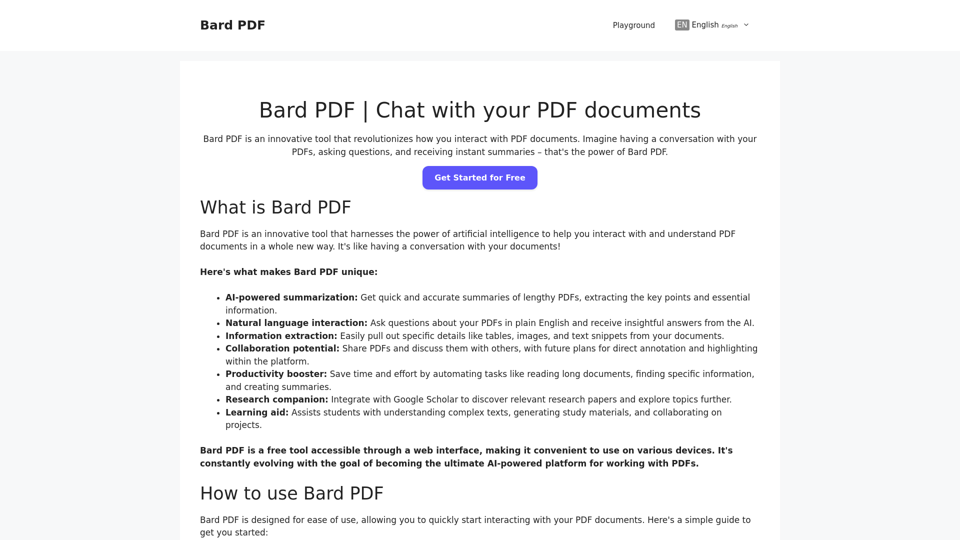
Bard PDF is a FREE interactive platform that focuses on providing powerful features for handling and collaborating on PDF files.
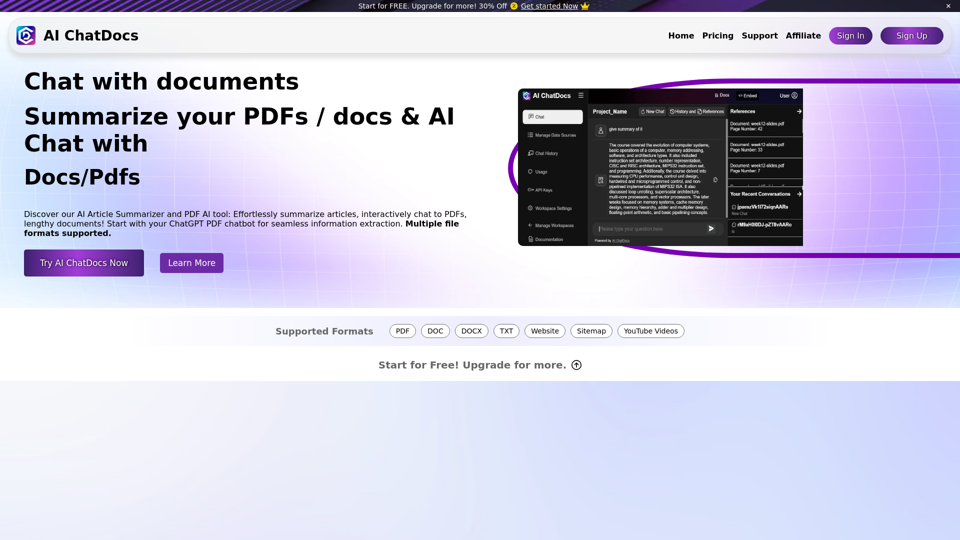
Chat with PDF, Word, TXT, Websites, Sitemaps and YouTube Videos. Chat Pdf easily and summarize lengthy documents with our Pdf chatGPT AI Summarizer in seconds.
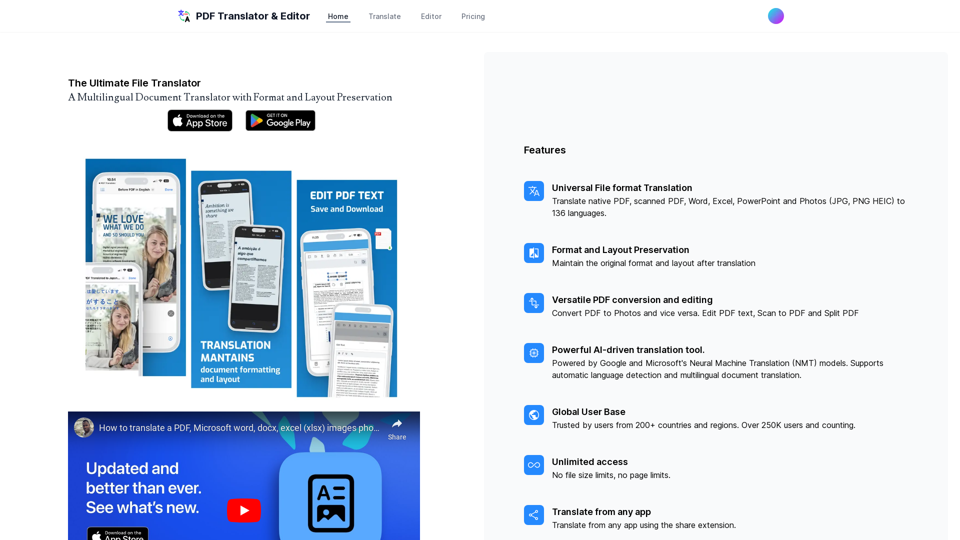
Translate your PDF, pptx, photos, excel and Word documents with AI