List difference
Compare two lists online and instantly see differences, matches, and unique items. Supports case-insensitive comparison and space trimming.
What is List Difference Tool?
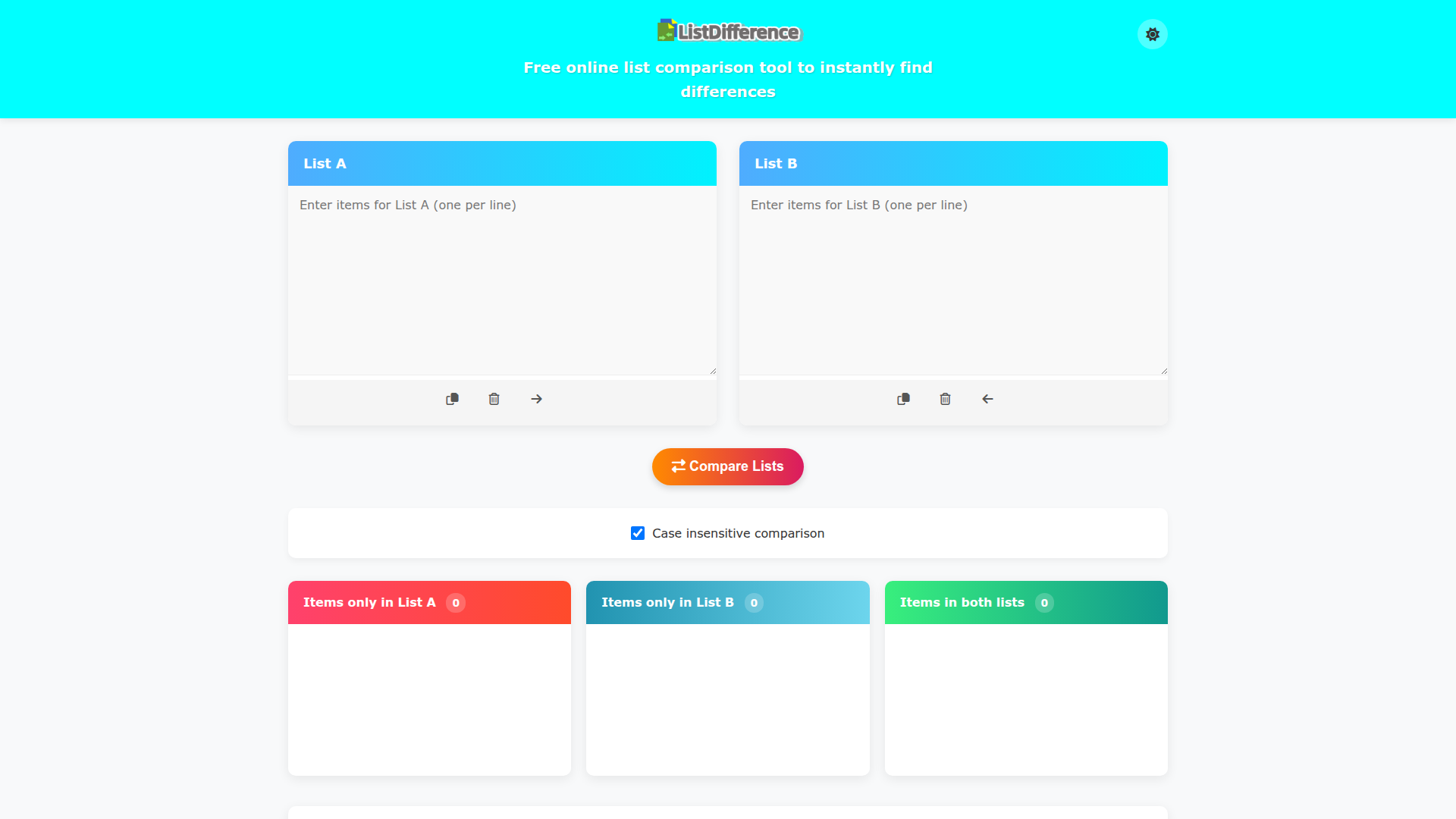
The List Difference Tool is a free online utility designed to help users compare two lists of items quickly and efficiently. By simply entering the items into List A and List B, users can instantly identify the differences between the two lists, making it easy to find unique items as well as common entries.
Main Features of List Difference Tool
- Easy Comparison
- The tool allows users to swiftly compare two lists, highlighting unique items and items that occur in both lists.
- User-Friendly Interface
- With an intuitive layout, users can copy, clear, or move contents between the lists effortlessly.
- Case Insensitive Comparison
- When enabled, the tool treats items as identical regardless of their case (upper or lower).
- Automatic Handling of Empty Lines
- Users do not need to worry about formatting, as empty lines are ignored during comparison.
- Unique Result Display
- All results show only unique items, removing any duplicates for clarity.
How to Use List Difference Tool
- Enter Your Items: Input your items into List A and List B, with each item on a new line.
- Utilize the Buttons: Use the provided buttons to copy contents, clear lists, or move items between the two lists.
- Select Comparison Options: Adjust the settings as necessary; the default options are sufficient for most comparisons.
- Click "Compare Lists": Hit the button to generate the comparison results.
- Analyze Your Results: Review the output, which includes items unique to each list and those shared between them.
Pricing
The List Difference Tool is completely free to use, making it accessible for anyone needing a quick and efficient way to compare lists without the hassle of subscriptions or hidden fees.
Helpful Tips
- Always ensure there are no leading or trailing spaces in your list items, as these are automatically removed during comparison.
- Use the case insensitive option if you have differing capitalization in your lists to ensure accurate comparisons.
- For very large lists, consider breaking them down into smaller segments for optimal performance.
Frequently Asked Questions
Can I compare more than two lists?
Currently, the List Difference Tool is designed to compare only two lists at a time.
What happens if I enter duplicate items in either list?
The tool automatically removes duplicate entries, ensuring that the final results only reflect unique items.
Is my data safe with the List Difference Tool?
Yes, your data is processed for the comparison and is not stored. Once you refresh or leave the page, your entered lists will be cleared.
Can I use this tool on my mobile device?
Absolutely! The List Difference Tool is fully responsive and can be utilized on mobile devices and tablets for on-the-go comparisons.
List difference
Compare two lists online and instantly see differences, matches, and unique items. Supports case-insensitive comparison and space trimming.
 Cloudflare
 HTTP/3
Free AI anime and manga generator. Turn text into anime episodes, manga, comics, webtoons and comic shorts in any art style — no drawing or animation skills needed.
Translate image text across 70+ languages with our advanced AI Image Translator to help you better expand your products globally to various countries
Advertised Here
Reach thousands of visitors daily. Get your spot now!
Tools similar to List difference

Free online text compare tool. Quickly find differences, merge documents, sort lines, remove duplicates, trim whitespace, and more.
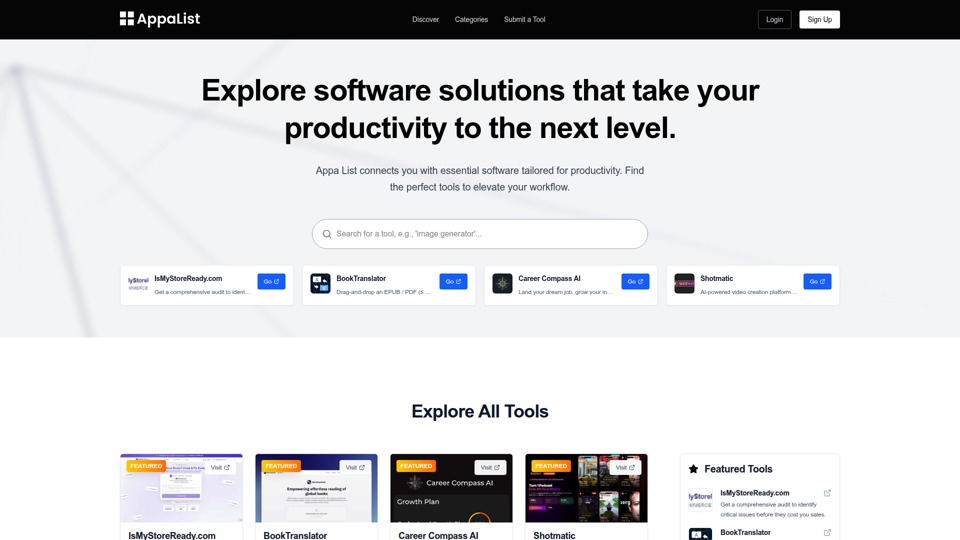
Appa List connects you with essential software tailored for productivity. Find the perfect tools to elevate your workflow.
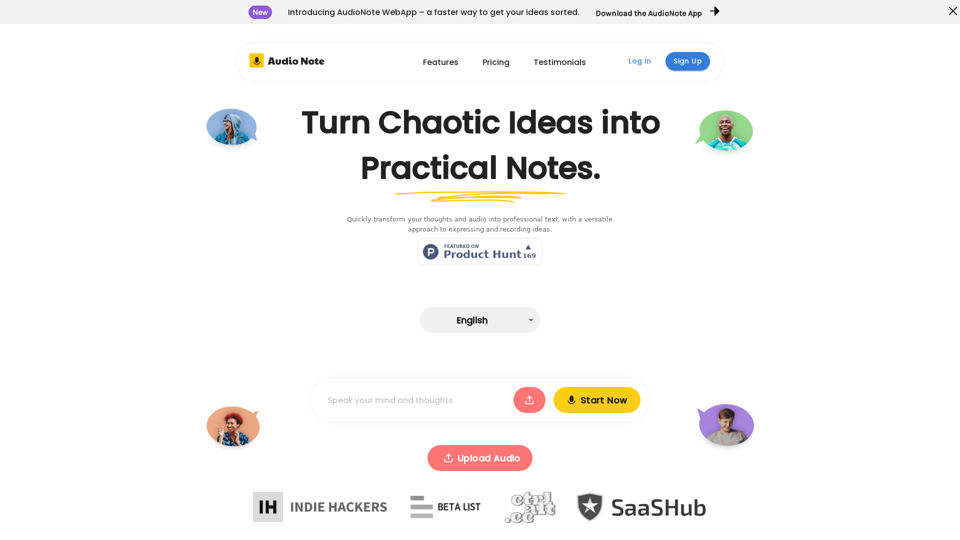
Speak and Write Like a Pro with Audio Note. Audio Note is the ultimate note taking app that lets you record your voice and turn it into text. But that's not all. Audio Note also uses AI to rewrite your text in various formats, such as todo list, tweet, LinkedIn post, email and more. Whether you need to organize your tasks, share your ideas, network with others or communicate effectively, Audio Note can help you do it with ease and style. Try Audio Note today and see the difference for yourself.

BuyLensAI helps you have the best online shopping experience. Scan and save any items that capture your interest. Say goodbye to endless forgotten bookmarks and get your personal shopping HQ today.

Noty.ai is a Workplace AI assistant that creates, tracks and pushes work-related to-dos. Unlock 2 extra hours daily and make communication 100% actionable. Start for free!


Liffery is an online research and wish listing tool. It is a space to fill with items of all variety for your later consideration. No noise, distractions or pressure.

Improve sales, maximize profits and get smarter with AI-powered Revenue Performance CRM & Project Software. Experience the difference today.