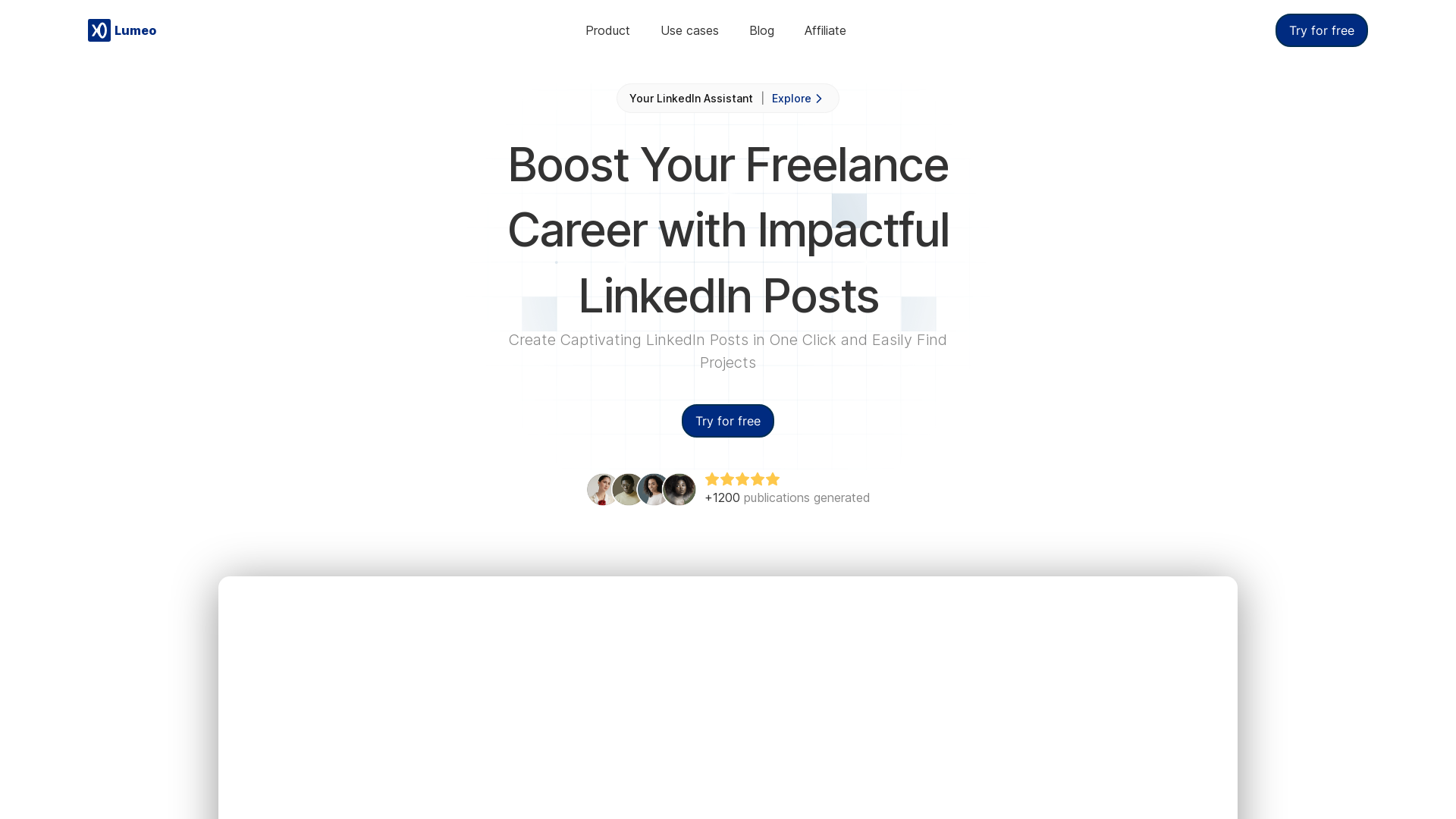
What is Lumeo?
Lumeo is a powerful LinkedIn assistant designed to streamline the process of creating engaging LinkedIn posts. With Lumeo, users can easily transform content from various sources—such as tweets, YouTube videos, and blogs—into captivating LinkedIn posts that can enhance their professional presence and impact.
What are the main features of Lumeo?
- Post Generator
- Generate over 1200 high-quality publications effortlessly.
- Carousel Maker
- Create beautiful carousels in minutes from existing content or fresh ideas.
- Catchy Titles
- Increase your reach with attractive titles that capture attention.
- Customized Brand Kits
- Align carousel creations with your personal branding effortlessly.
- Infinite Idea Generation
- Generate post ideas based on your profile or specific topics.
- Content Optimization
- Posts are optimized to align with LinkedIn's algorithms for better visibility.
How to use Lumeo?
Using Lumeo is straightforward and only takes three clicks:
- Copy a Content Link: Find a tweet, text, YouTube video, or blog that you want to convert into a LinkedIn post and copy the link.
- Open Lumeo: Log in at app.lumeo.me and paste the copied link into the application.
- Review and Publish: Validate your post’s content, make any necessary edits, and publish it directly to LinkedIn.
What is the pricing structure of Lumeo?
Lumeo offers various pricing plans:
- Free Discovery Plan
- 5 posts (lifetime)
- Create 1 carousel
- Access content history
- Generate up to 9 post ideas
- Create a personalized Brand Kit
- Pro Plan
- €15/month
- 50 posts per month
- Unlimited carousel creation
- Regenerate content and unlimited post idea generations
- Image generation with AI
- Team Plan
- Coming soon.
Helpful Tips for Using Lumeo Effectively
- Engage Regularly
- Aim to post consistently to keep your audience engaged and grow your presence.
- Leverage Carousels
- Use carousels to share in-depth ideas, tutorials, or presentations, as they tend to get more interactions on LinkedIn.
- Optimize Your Profile
- Make sure your LinkedIn profile is up-to-date to complement the engaging posts you create with Lumeo.
- Experiment with Titles
- Test different titles to see what resonates most with your audience.
Frequently Asked Questions
Can I create carousel content with Lumeo?
Yes, Lumeo features a Carousel Maker that allows you to create stunning carousels quickly by using existing content or fresh ideas.
Do I need a subscription to use Lumeo?
You can start with a free Discovery Plan that allows you to create a limited number of posts. To access more features, consider subscribing to the Pro Plan.
Is it easy to edit posts in Lumeo?
Absolutely! Users can customize their LinkedIn posts before publishing, ensuring the content fits their voice and branding.
How do I generate post ideas?
Lumeo offers an infinite idea generation feature based on your LinkedIn profile or selected topics, helping you maintain a consistent posting schedule.
Will my data be secure with Lumeo?
Yes, Lumeo prioritizes user privacy and security, ensuring that your data is protected at all times.
What if I want to cancel my subscription?
You can easily cancel your subscription at any time, and your data will be handled according to privacy policies.
Lumeo
Lumeo generates LinkedIn formatted posts directly from your existing contents so you don’t have to do it manually.
 Next.js
 Node.js
 React
 Vercel
 Webpack
Free AI anime and manga generator. Turn text into anime episodes, manga, comics, webtoons and comic shorts in any art style — no drawing or animation skills needed.
Translate image text across 70+ languages with our advanced AI Image Translator to help you better expand your products globally to various countries
Advertised Here
Reach thousands of visitors daily. Get your spot now!
Tools similar to Lumeo

Generate high quality posts with AI like top LinkedIn creators. Time to go viral. Craft viral posts, understand LinkedIn's algorithm, and skyrocket your engagement with our LinkedIn AI Post Generator.


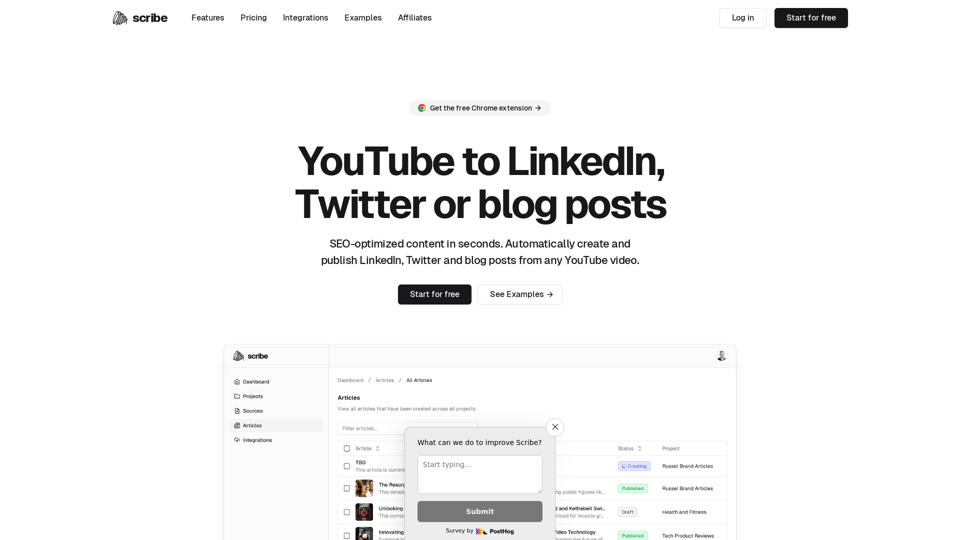
Repurposing YouTube content for social media? Consider it done. Make a YouTube video once and repurpose it as a Twitter Thread and a LinkedIn post.

A place for teams to connect their Linkedin account for consistent posting. This tool solves the problem of employer saying post this on LinkedIn and employees failing to do so.

Grow your brand and audience on LinkedIn Get post ideas, create amazing content, and engage with your network to build your company or personal brand on LinkedIn, all in one simple platform. Sign Up For Free 7 Day Free Trial No Payment Required Start Posting and Boosting Content Today Create content in your voice Build […]
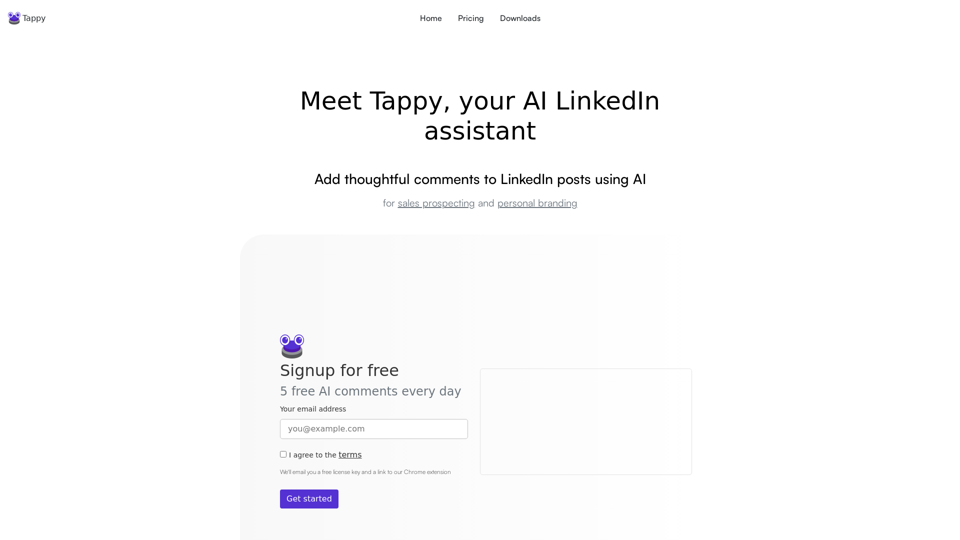

Instantly generate human-like social posts with our AI-driven hook prompts. Transform your topics into polished writing with one-click.