What is MacGPT?
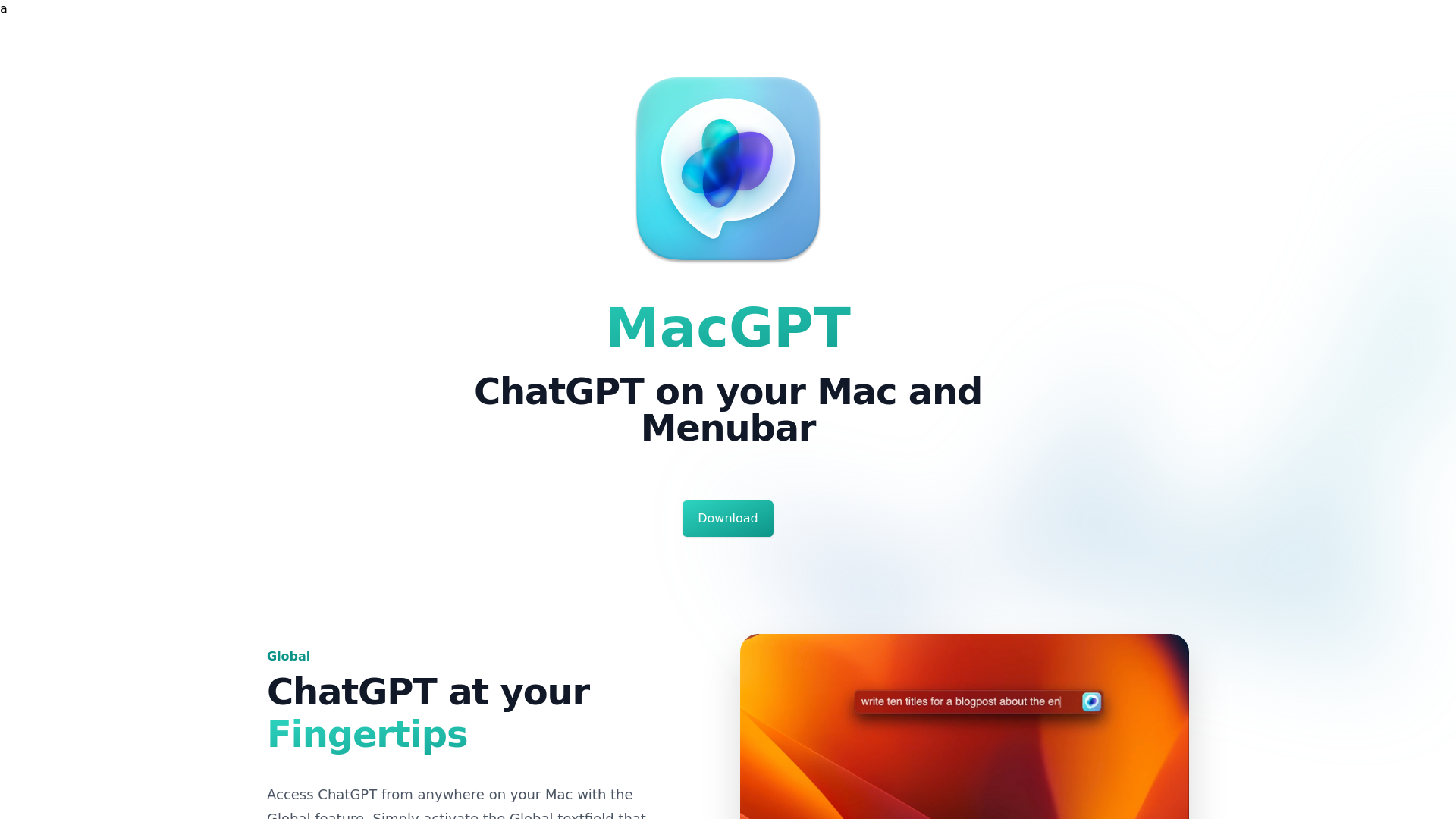
MacGPT is an innovative application bringing the capabilities of ChatGPT right to your Mac's menubar. Designed to enhance productivity, it allows users to interact with AI seamlessly, offering features that facilitate quick access and efficient use of AI tools right from your desktop.
What are the main features of MacGPT?
- Global Access
- Get ChatGPT wherever you are on your Mac with an easy-to-use global text field.
- Inline Functionality
- Integrate ChatGPT directly into text fields by simply typing a trigger phrase and your prompt.
- Menubar Integration
- Quickly access the ChatGPT website from your menu bar or through a native app.
- Easy Copying
- Easily copy full transcripts of your ChatGPT conversations for sharing or documentation.
- Conversation Mode
- Engage in voice conversations with ChatGPT without needing to type, making interactions feel more natural.
How to use MacGPT?
To use MacGPT, simply download the application and install it on your Mac. Activate the Global text field to chat with ChatGPT directly. If you want to enhance your interaction using your own OpenAI API key for a customized experience, you'll need to log in with your credentials and set this up.
What is the price of MacGPT?
MacGPT is available for free, allowing users to experience its functionalities without any cost. However, if you wish to unlock advanced features or require usage through your own OpenAI API key, there may be costs associated with API usage.
Helpful Tips
- Maximize Usage
- Take advantage of the Global access feature to get quick answers without interrupting your workflow.
- Engage in Conversations
- Utilize the conversation mode to communicate hands-free for a more fluid interaction with ChatGPT.
- Regular Updates
- Keep your Mac and MacGPT updated to enhance performance and access new features.
Frequently Asked Questions
Can I use MacGPT with a ChatGPT Plus account?
Yes, you can easily log in with your ChatGPT Plus credentials to access the enhanced features.
How do I use MacGPT with my OpenAI API key?
To use MacGPT through the ChatGPT API, simply enter your API key in the app and ensure your account is connected with a valid credit card.
Why does MacGPT Inline not work in certain apps?
MacGPT Inline may have compatibility issues with certain applications. The development team is actively working to resolve these challenges.
What should I do if I encounter errors with GPT-4?
Currently, GPT-4 access is limited to API users on a waiting list, sign up via the OpenAI website to gain access.
What macOS versions support MacGPT?
MacGPT is only compatible with macOS Monterey and Ventura, as it utilizes recent functionalities.
What if I'm experiencing connectivity issues with a proxy?
MacGPT connects directly to OpenAI servers, and proxy issues might affect access. Try disabling the proxy for better connectivity.
MacGPT
ChatGPT on your Mac and menubar
 Gumroad
 Tailwind CSS
 Vercel
Free AI anime and manga generator. Turn text into anime episodes, manga, comics, webtoons and comic shorts in any art style — no drawing or animation skills needed.
Translate image text across 70+ languages with our advanced AI Image Translator to help you better expand your products globally to various countries
Advertised Here
Reach thousands of visitors daily. Get your spot now!
Tools similar to MacGPT
Get Free ChatGPT App and Access AI Anywhere | 10x Your Productivity, Create Personalized Profiles & Save Prompts for Seamless Workflow!
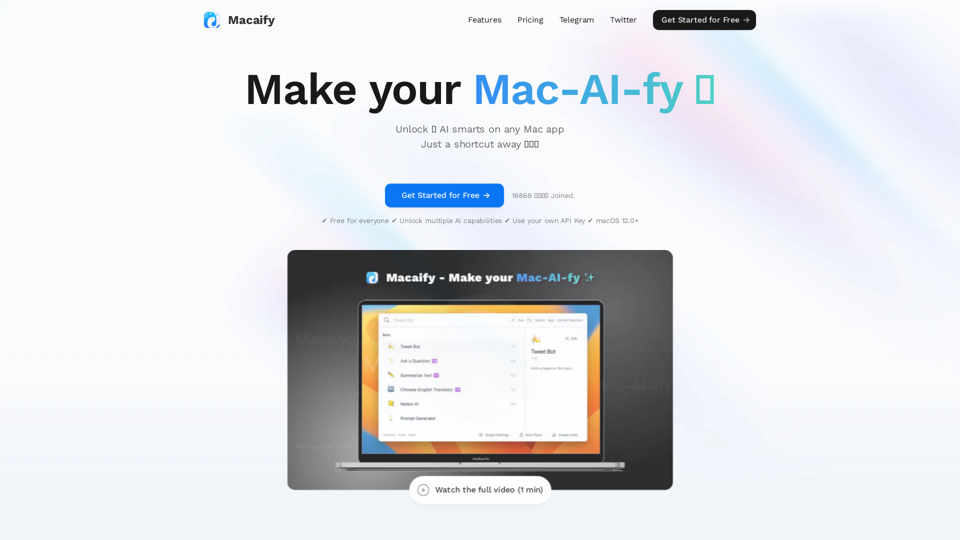
Unleash the power of ChatGPT on your Mac computer, anytime, anywhere with this incredible App. Take your productivity to new heights as you seamlessly engage with ChatGPT and beyond.
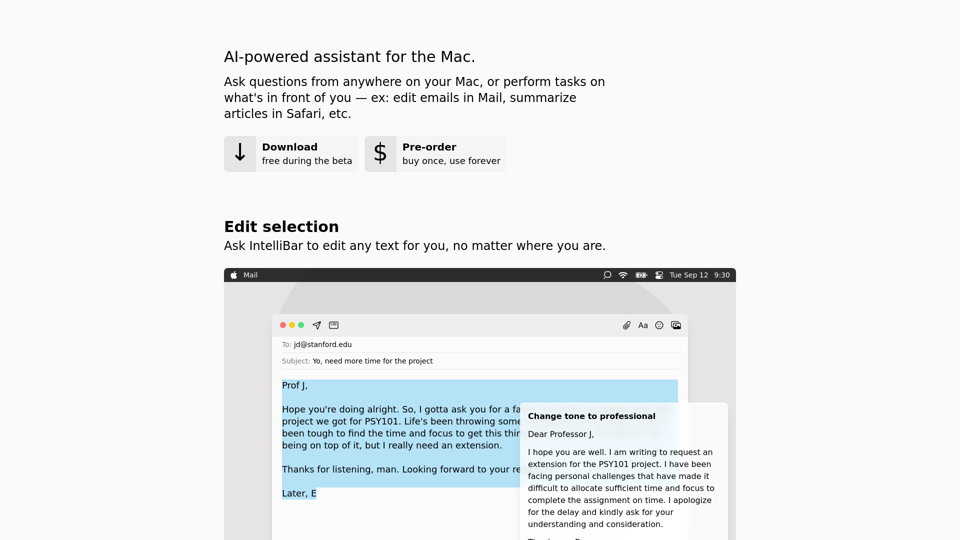
IntelliBar is a beautiful ChatGPT client designed to get things done.
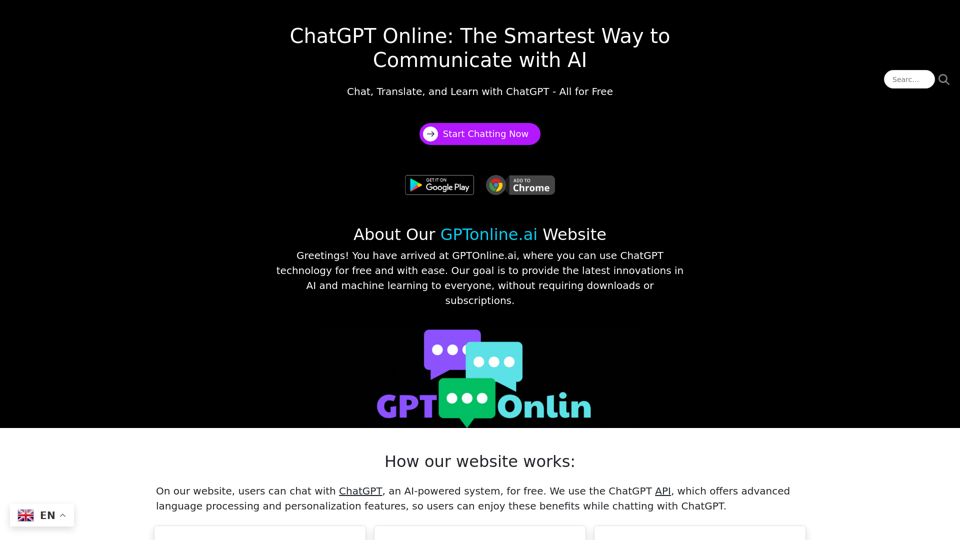
ChatGPT Online offers free and unlimited chats with advanced ChatGPT AI. Get answers instantly, translate text, and access expanded knowledge with our intuitive platform.
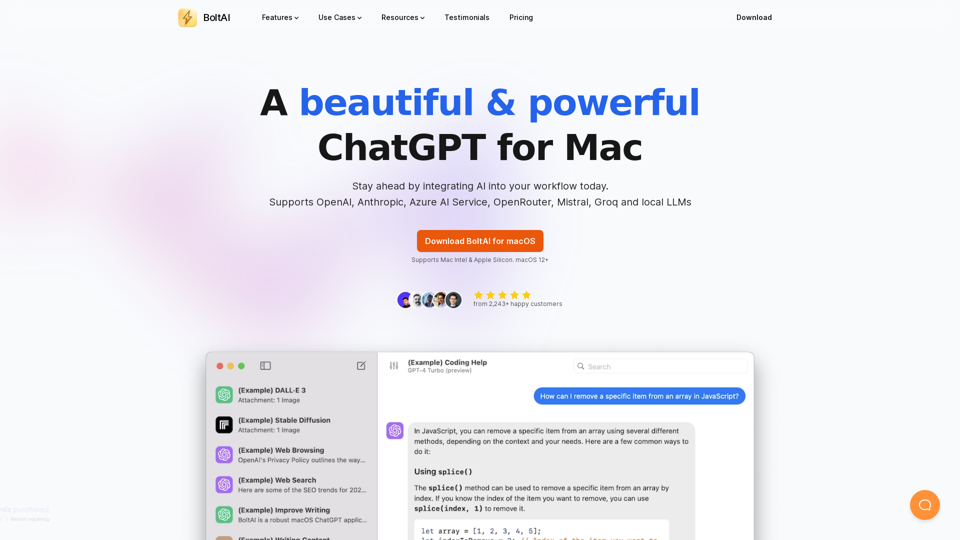
BoltAI is a native ChatGPT app for Mac. It allows you to integrate AI assistances into your daily tasks.
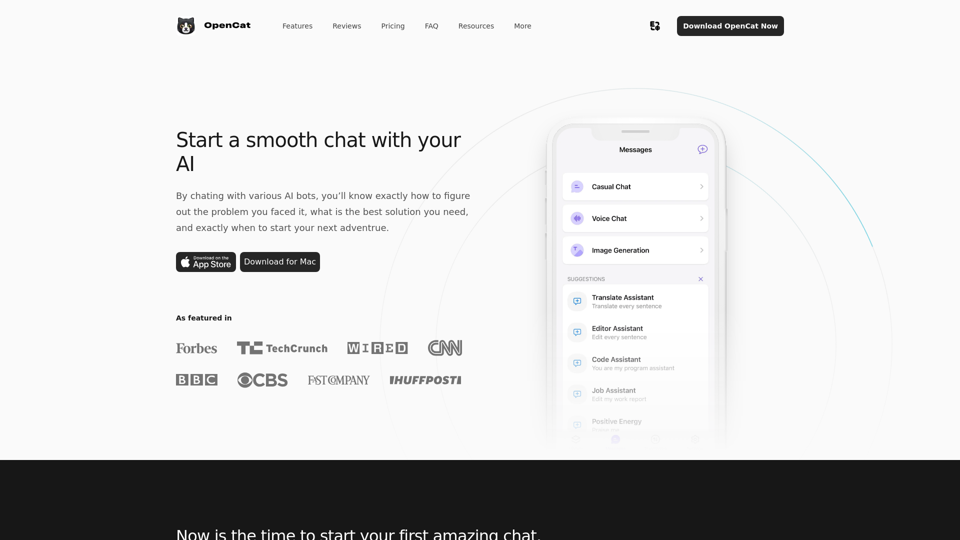
OpenCat is a native AI client, offering a smoother and faster chat experience than the web.