Magicam, The Ultimate Real
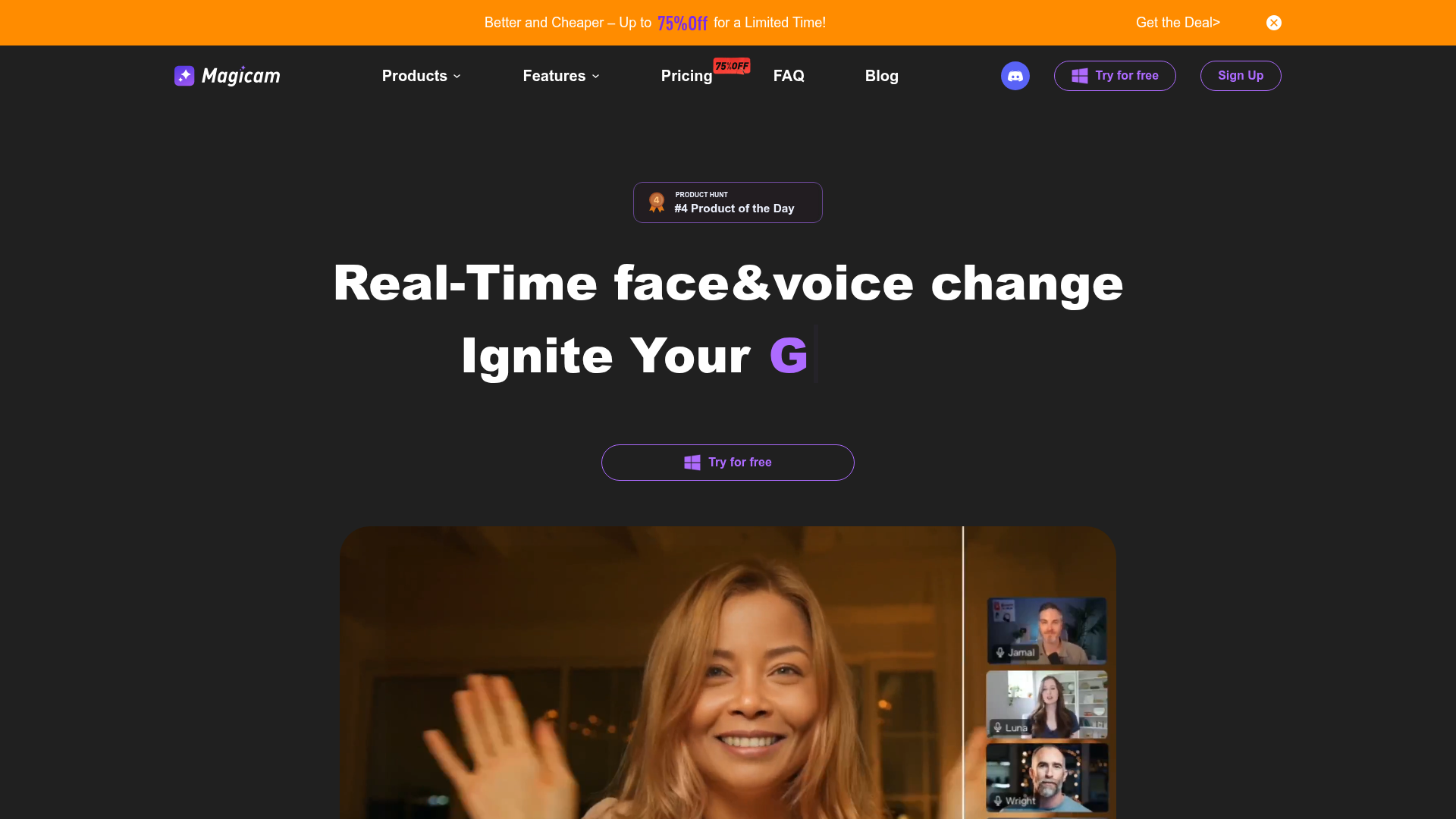
The revolutionary real-time face swap tool. Seamlessly swap faces in high-quality live streams using just a single photo. Elevate your content creation game and unlock endless creative possibilities with Magicam
What is Magicam?
Magicam is a cutting-edge AI-powered software designed for real-time face and voice swapping. It allows users to seamlessly change their appearance and voice during live streams, video conferences, and recorded videos. Going beyond simple face swaps, Magicam uniquely enables simultaneous face and voice alteration, unlocking creative potential for professional presentations, content creation, gaming, and casual fun. It processes all data locally on your computer, ensuring high-quality output and strong privacy protection without the need for cloud uploads.
What are the Features of Magicam?
Magicam stands out with a suite of powerful and user-friendly features:
- Real-Time Face & Voice Change
- The core feature. Instantly swap your face and modify your voice simultaneously during any live stream (Twitch, YouTube) or video call (Zoom, Teams).
- High-Quality Face Swap
- Utilizes advanced AI neural networks to deliver unparalleled, realistic face swapping quality in both real-time and pre-recorded videos, supporting up to 4K HD output.
- Simple Yet Powerful Interface
- Designed for ease of use. Perform a one-photo, one-click face swap with access to advanced tuning modes for fine adjustments to achieve the perfect look.
- Multiple Real-Time Modes
- Offers various face swap modes to suit different scenarios, from subtle enhancements to complete transformations.
- Real-Time Voice Changer & Cloning
- Modify your voice in real-time to match your new face, with options for limited (Free) or unlimited (Pro) voice cloning.
- Built-In Virtual Camera
- Easily embed your transformed video feed into any streaming or conferencing software that accepts a virtual camera input.
- Local Processing for Privacy
- All AI processing happens directly on your device. Your photos, videos, and voice data are never uploaded to the cloud, guaranteeing your privacy.
- Versatile Compatibility
- Ready to enhance conferences, live streaming, and video recording, fostering creativity and a playful or professional atmosphere as needed.
How to Use Magicam?
Using Magicam is straightforward:
- Download & Install: Get the Magicam application from their official website and install it on your compatible Windows computer.
- Prepare a Face Model: Upload at least one clear photo of the face you want to swap to. The Pro version allows unlimited uploads for creating multiple face models.
- Select Your Mode: Choose between real-time face swapping for live sessions or video face swap for pre-recorded footage.
- Configure Output: For live use, select the built-in Magicam Virtual Camera as your video source in software like OBS, Zoom, or Discord. Adjust voice settings if desired.
- Start Creating: Go live or start your recording. Magicam will process the feed in real-time, applying the face and voice swap seamlessly.
Magicam's Price and Plans
Magicam offers a Free version and two Pro subscription plans to unlock advanced capabilities.
- Free Version
- Cost: $0
- Features: Includes multiple real-time face swap modes, a real-time voice changer, limited voice cloning, video face swap, basic face swap quality, one face upload, and limited swap duration. It includes a watermark and uses the built-in virtual camera.
- Pro - Monthly Plan
- Cost: ### $8.99 per month (listed as a popular choice, originally $29.99).
- Features: Includes all Free features plus 4K HD video face swap, a high-definition face model, unlimited voice cloning, advanced tuning mode, no watermark, and unlimited face uploads & swap duration.
- Pro - Annual Plan (Best Value)
- Cost: ### $49.90 per year (listed as a popular choice, originally $198.99).
- Features: Includes all Pro monthly features at a significantly discounted yearly rate, offering the most cost-effective way to access all premium tools.
Helpful Tips for Using Magicam
- Hardware is Key
- For the best performance, ensure your PC meets the recommended requirements, especially a dedicated GPU like an RTX 2070 or higher. This ensures smooth real-time processing.
- Start with Good Photos
- Use high-quality, well-lit, front-facing photos to create your face models. This significantly improves the swap accuracy and final video quality.
- Experiment with Settings
- Use the advanced tuning mode (Pro feature) to adjust parameters like blend, sharpness, and color matching for a more natural and convincing result.
- Use for Professional Branding
- Content creators and streamers can use a consistent, custom face model for branding, or use different models for various characters or segments.
- Test Before Going Live
- Always do a test recording or call to check lighting, angles, and audio sync before an important live stream or meeting.
Frequently Asked Questions
Q: What sets Magicam apart from other face swapping products? A: Magicam differentiates itself with three pillars: 1) ### Premium yet affordable features like real-time swapping, high resolution, and unlimited credits; 2) An ### intuitively easy-to-use interface suitable for all skill levels; 3) A commitment to ### constant improvement with the latest AI technologies.
Q: Are there any privacy concerns with using Magicam? A: No, privacy is a core principle. Magicam processes all data ### locally on your computer. Your face photos, voice data, and video streams are never uploaded to any cloud server, keeping your information completely secure and private.
Q: What are the computer requirements for using Magicam? A: Magicam requires a Windows PC with a dedicated graphics card for optimal performance. It is recommended to have an ### NVIDIA RTX 2070 or higher GPU. The software uses advanced AI models that require robust hardware support to run smoothly in real-time.
Q: Can I use Magicam on Zoom or Twitch? A: Absolutely. Magicam includes a built-in virtual camera. You simply select "Magicam Virtual Camera" as your video source within Zoom, Twitch (via OBS), or any other software that supports virtual camera inputs.
Q: When should I consider upgrading to Magicam Pro? A: Upgrade to Pro if you need higher-quality 4K output, want to remove the watermark, require unlimited voice cloning and face uploads, or find the duration limits of the Free version restrictive for your streaming or creation needs.
Magicam, The Ultimate Real
The revolutionary real-time face swap tool. Seamlessly swap faces in high-quality live streams using just a single photo. Elevate your content creation game and unlock endless creative possibilities with Magicam
 Nginx:1.10.2
 Node.js
 Nuxt.js
 Vue.js
Free AI anime and manga generator. Turn text into anime episodes, manga, comics, webtoons and comic shorts in any art style — no drawing or animation skills needed.
Translate image text across 70+ languages with our advanced AI Image Translator to help you better expand your products globally to various countries
Advertised Here
Reach thousands of visitors daily. Get your spot now!
Tools similar to Magicam, The Ultimate Real
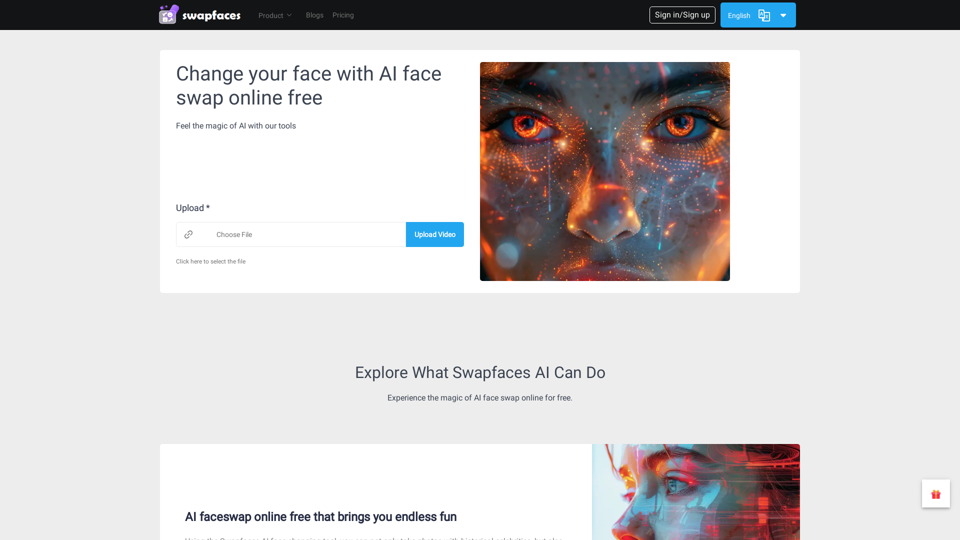
Welcome to Swapfaces, a simple and easy-to-use AI face swap online free tool that brings you a brand new face-swapping experience! Unleash your endless creativity!
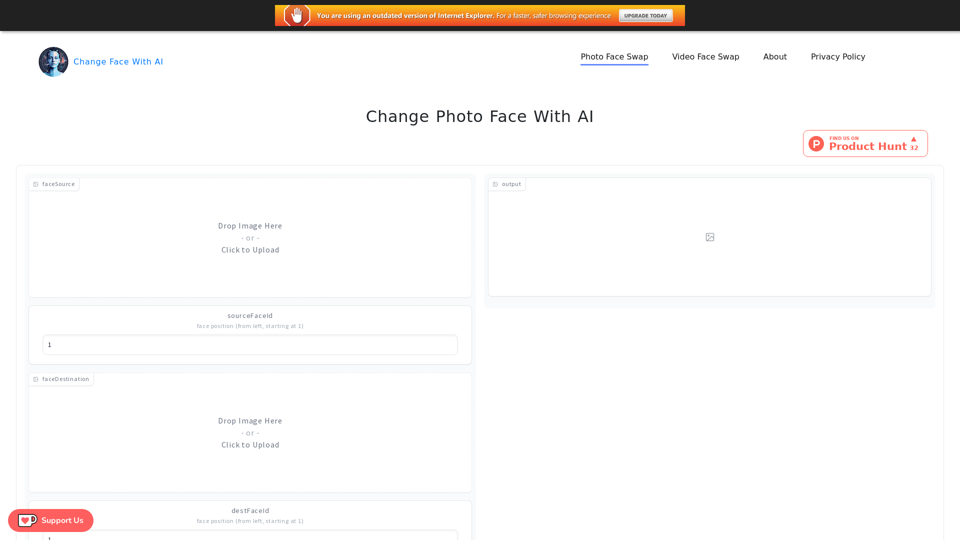
Change Face With AI powered by AI. It is a tool that can change the face of a picture or video, includes Photo Face Swap and Video Face Swap.

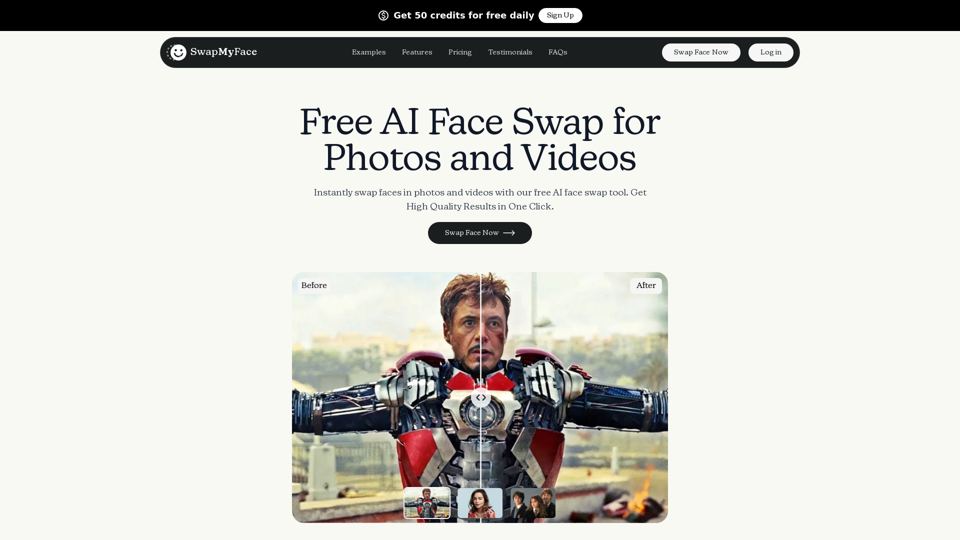
Swap faces in images, videos, and GIFs with AI Face Swap Online tool. 100% free, no watermark, no login needed.
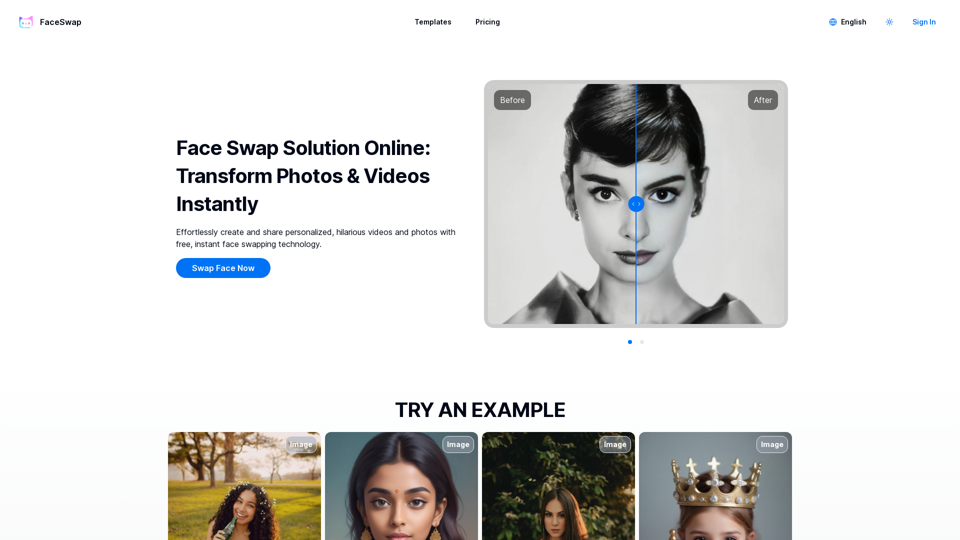
Find clear answers to tough coding questions, powered by FaceSwap's AI answer engine.

FaceSwapAI: Generate smooth face swap videos with the power of latest AI improvements on any video from YouTube or your local computer!
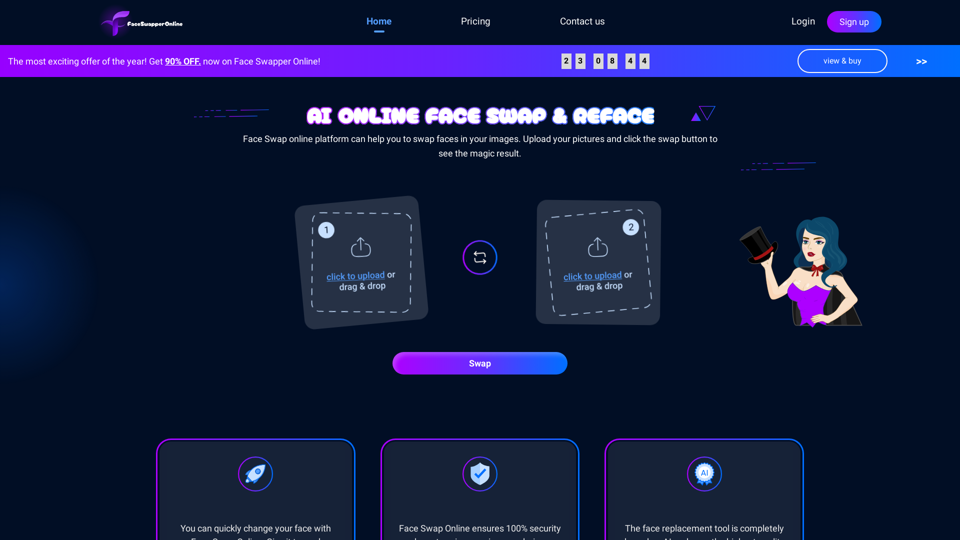
Face Swapper Online is a magic AI face-swapping tool that allows you to swap faces with anyone without reducing image quality.
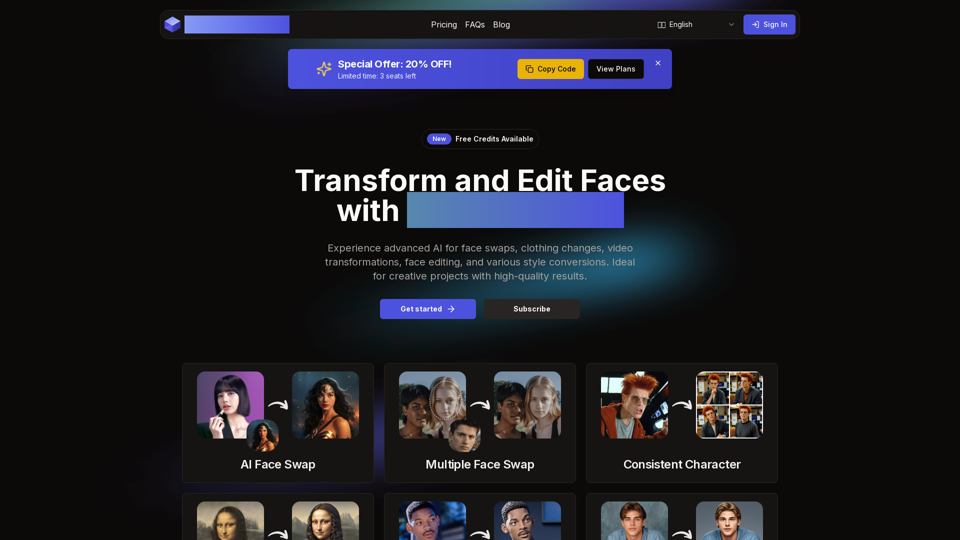
AI Face Studio offers face swaps, clothing changes, video transformations, style conversions, and face editing with top security and high-quality results.