MAILE
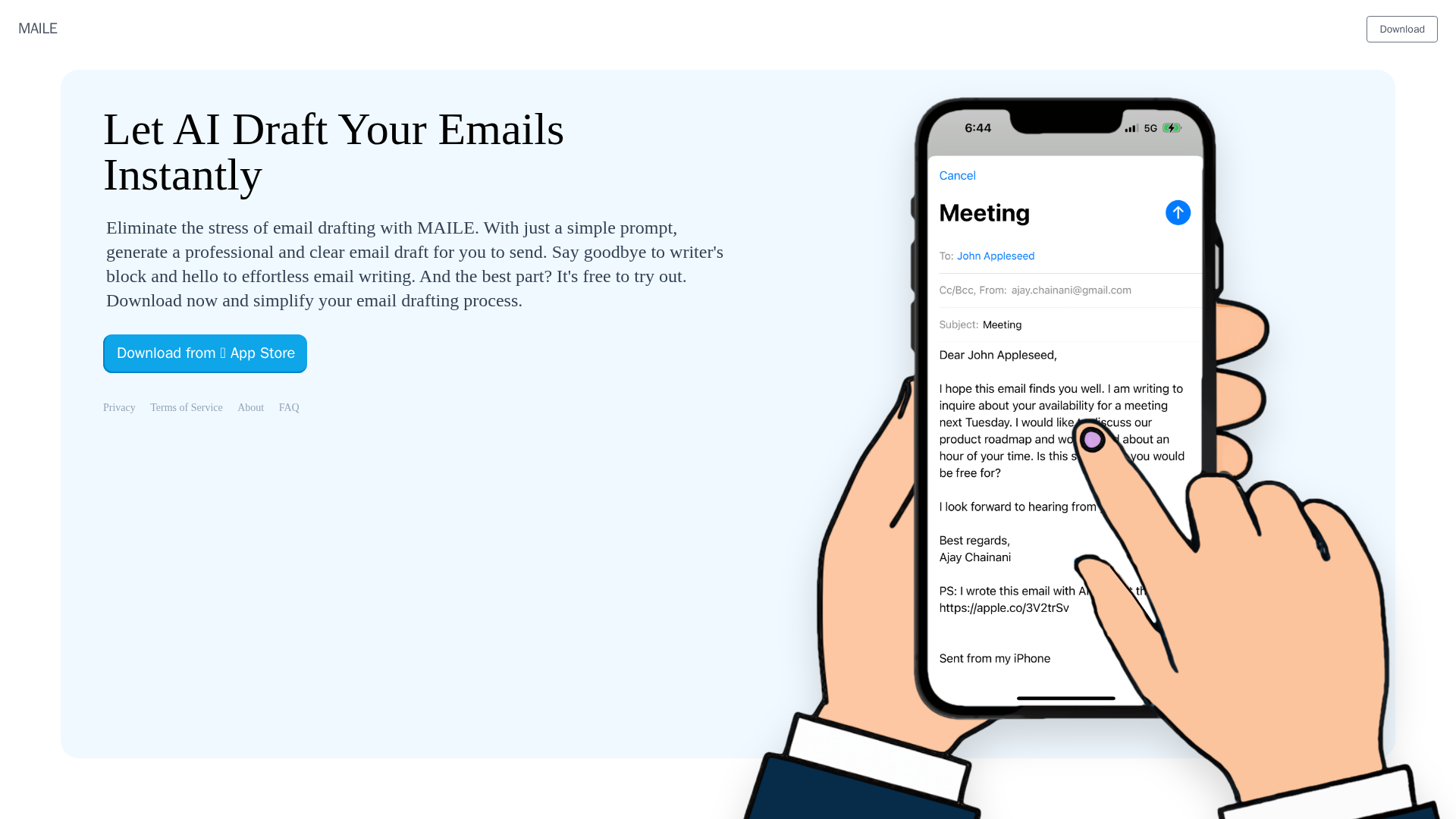
Effortlessly write emails on your iPhone with MAILE. Simply input a prompt, select the tone, and receive a well-written draft in seconds. Say goodbye to tedious email writing.
What is MAILE?
MAILE is an innovative AI-powered email writing application designed exclusively for iPhone users. It leverages advanced artificial intelligence to instantly generate professional, clear, and contextually appropriate email drafts based on simple user prompts. This tool is built to eliminate the common stress and writer's block associated with composing emails, streamlining the entire drafting process into a quick and effortless task. Best of all, MAILE offers a free trial, allowing users to experience its capabilities before committing.
Key Features of MAILE
- AI-Powered Draft Generation
- At its core, MAILE uses sophisticated AI to transform a brief prompt or idea into a fully-formed email draft, complete with proper tone, structure, and clarity.
- Instant and Effortless
- The application is built for speed and simplicity. Users can generate a draft in seconds, drastically reducing the time spent on email composition.
- Professional Tone Optimization
- The AI is trained to produce emails that sound professional and polished, suitable for business communication, client interactions, or formal correspondence.
- User-Friendly iPhone Interface
- Designed specifically for iOS, MAILE offers a seamless, intuitive, and native mobile experience that integrates smoothly with your iPhone's ecosystem.
- Free Trial Access
- Users can download and try MAILE for free, making it easy to test its email drafting capabilities without any initial investment.
- Privacy-Conscious
- As indicated by its dedicated "Privacy" section, the app emphasizes user data protection, ensuring your email content and prompts are handled securely.
How to Use MAILE
Using MAILE to draft your emails is a straightforward process designed for maximum efficiency:
- Download the App: Visit the App Store on your iPhone, search for "MAILE," and download the application.
- Launch and Input Prompt: Open the app and type a simple prompt describing the email you need—for example, "Schedule a meeting with the client for next Wednesday" or "Follow up on the submitted proposal."
- Generate the Draft: Let MAILE's AI process your prompt. Within moments, it will present you with a complete email draft.
- Review and Edit: Review the AI-generated draft. You can easily edit any part of the text to add personal touches or adjust the tone.
- Send Directly: Once satisfied, use the app to send the email directly to your recipients, streamlining your workflow from draft to delivery.
Price of MAILE
MAILE is free to download and try out. The current offering allows users to experience its core AI email drafting functionality at no cost. For detailed information on any potential premium features, subscription plans, or in-app purchases that may unlock extended usage or advanced capabilities, users should refer to the app's listing on the App Store.
Helpful Tips for Using MAILE
- Be Specific with Prompts
- While the AI is powerful, providing clearer and more detailed prompts (e.g., "Write a polite follow-up email to John about the project deadline extension") will yield more accurate and tailored drafts.
- Leverage for Recurring Tasks
- Use MAILE to quickly generate drafts for common email types like meeting requests, thank-you notes, or status updates to save consistent time.
- Review Before Sending
- Always take a moment to review the AI-generated draft for context accuracy and tone, making minor edits to ensure it perfectly represents your intent.
- Explore All Features
- Check the app's settings or help section to discover any additional features, such as saving templates or customizing default email structures.
Frequently Asked Questions (FAQ)
Is MAILE really free?
Yes, MAILE offers a free trial. You can download the app and use its AI to draft emails without an initial payment. The App Store listing will provide details on the scope of the free tier and any available premium options.
How does MAILE protect my privacy and email content?
MAILE has a dedicated Privacy policy. It is designed to handle your data securely. For specific details on data usage, encryption, and retention policies, please review the full Privacy notice within the app or on the developer's website.
Can I use MAILE with any email account?
As an iPhone app designed for email drafting and sending, MAILE likely integrates with the native iOS Mail app or allows you to connect your email accounts (like Gmail, iCloud, or Outlook) for direct sending. Check the app's description or settings for supported services.
What if the AI draft isn't quite right?
The generated draft is fully editable. You can manually change any part of the text, from the subject line to the body and closing, before sending it. The AI provides a strong starting point that you can refine.
Where can I find support or learn more about MAILE?
For support, terms of service, and more information, you can visit the "About," "FAQ," and "Terms of Service" sections likely available within the MAILE app or on the developer's official website.
MAILE
Effortlessly write emails on your iPhone with MAILE. Simply input a prompt, select the tone, and receive a well-written draft in seconds. Say goodbye to tedious email writing.
 Varnish
Free AI anime and manga generator. Turn text into anime episodes, manga, comics, webtoons and comic shorts in any art style — no drawing or animation skills needed.
Translate image text across 70+ languages with our advanced AI Image Translator to help you better expand your products globally to various countries
Advertised Here
Reach thousands of visitors daily. Get your spot now!
Tools similar to MAILE

Write emails & messages, fix grammar mistakes, rephrase text, change writing tone, summarize text, and much more using ChatGPT AI. Works on all sites. Free to use.
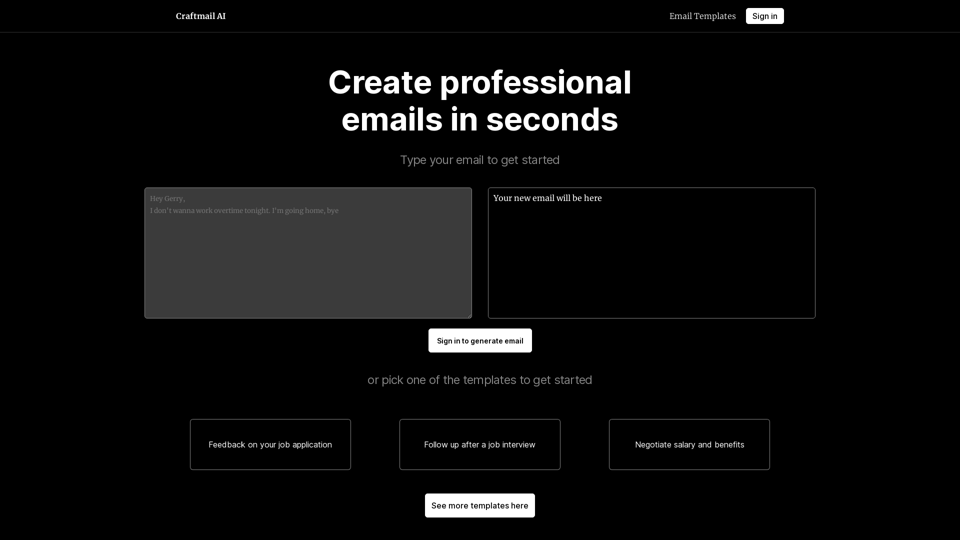
If you have an idea for an email, but don't know how to write it, let our AI generate it within seconds. Just write your draft and we will make it professional!
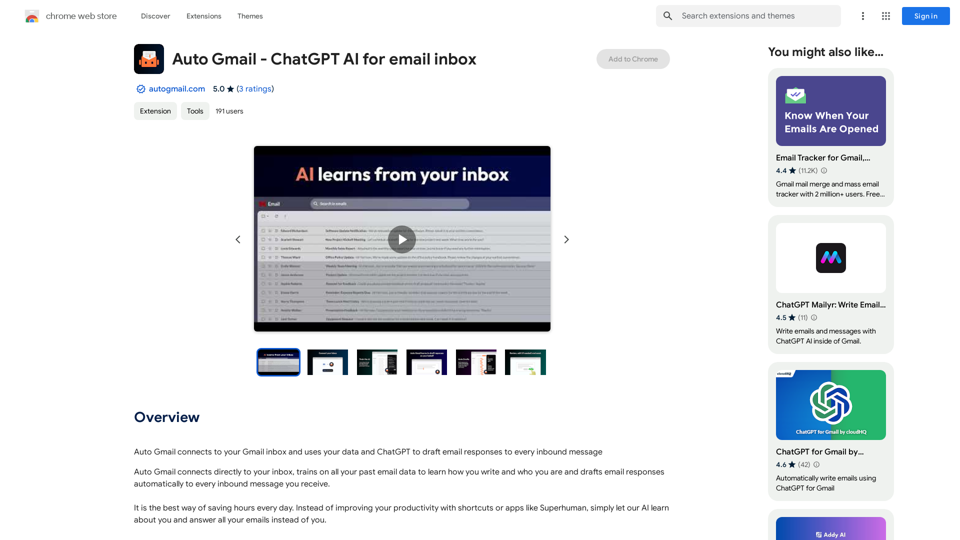
Auto Gmail connects to your Gmail inbox and uses your data and ChatGPT to draft email responses to every inbound message
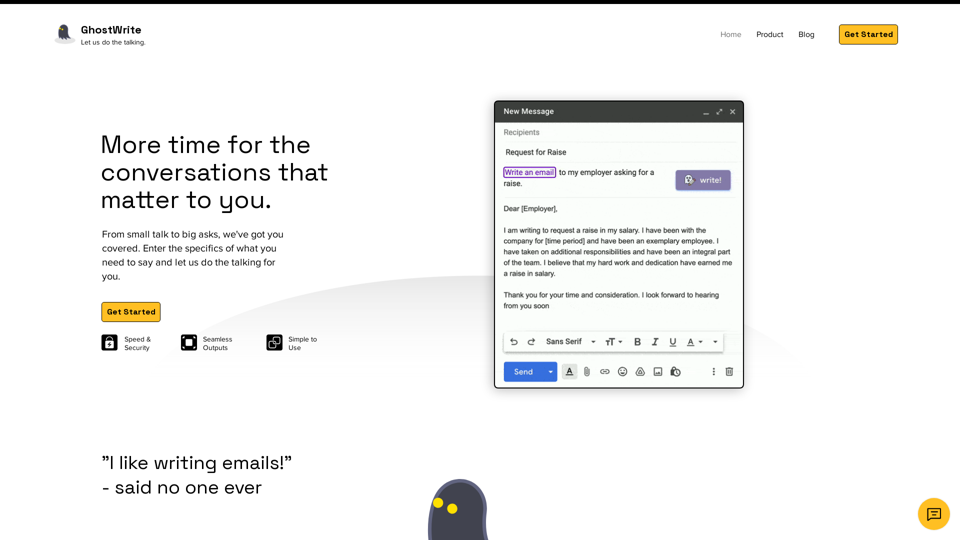
Ghostwrite helps you write emails using artificial intelligence. Stop wasting time writing email and spending more time on conversations that matter to you.
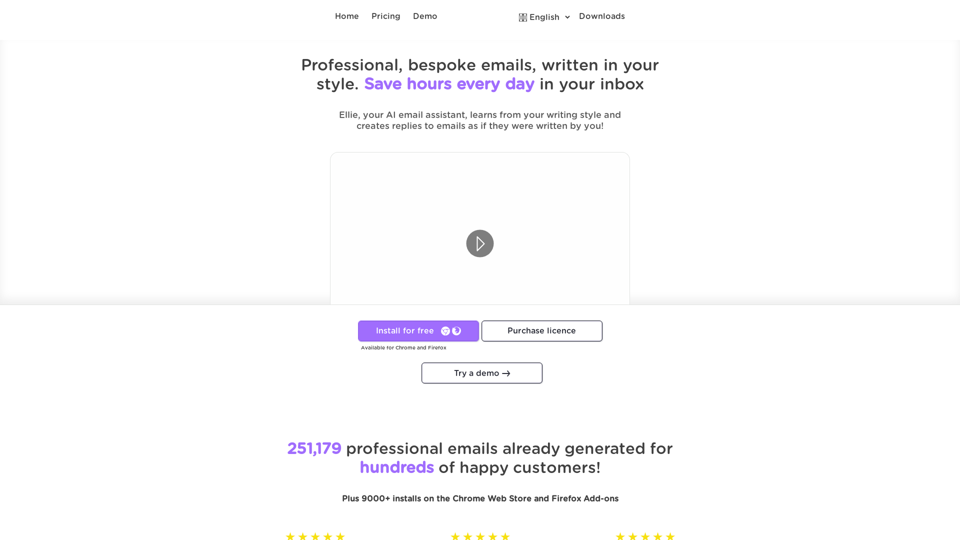
Ellie - Your AI Email Assistant, learns from your writing style and replies to emails as if they were written by you.

AI Email Generator that cuts email writing time by 50% | Highlight any text & generate instant email replies | AI Chrome Extension Powered by GPT-4o
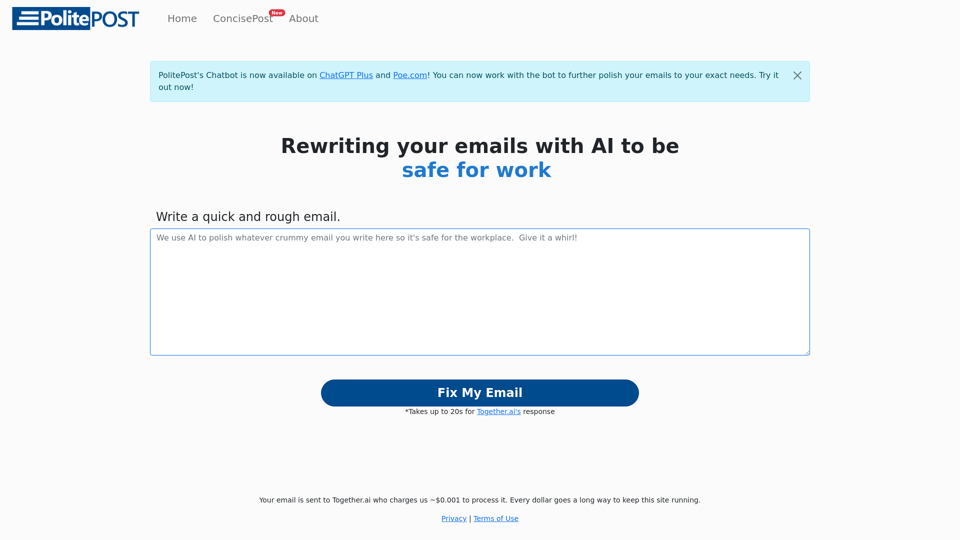
Make sure your emails are professional and suitable for the workplace. Write your draft with all your slang and expletives, and our AI bot will rewrite and clean up the text. Professional emails in seconds.