What is Mailforge?
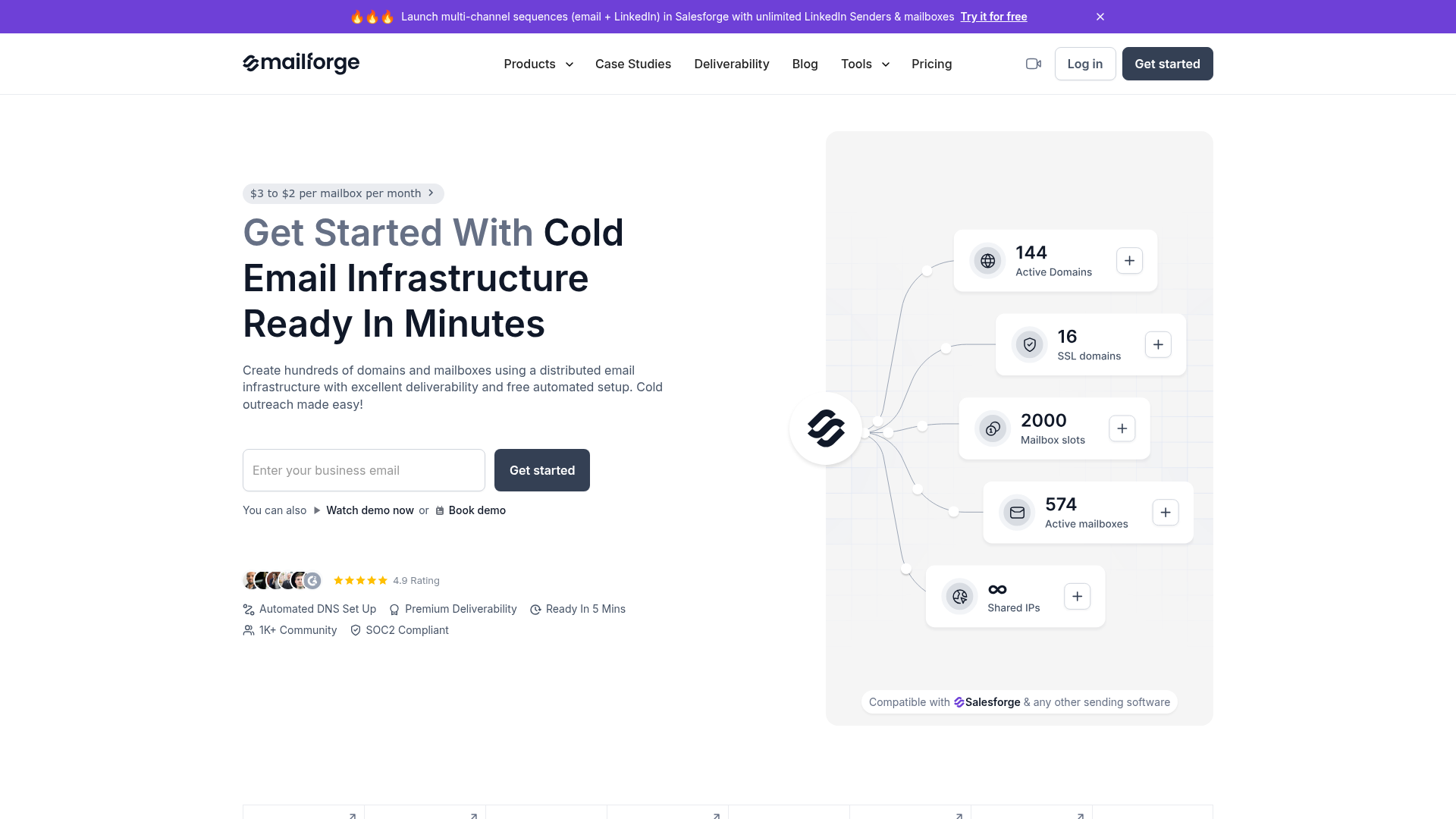
Mailforge is a specialized, distributed email infrastructure platform engineered specifically for cold email outreach. Unlike general-purpose email services like Google Workspace or Microsoft 365, Mailforge is built from the ground up by cold outreach experts. It leverages a shared IP pool, distributing your mailbox accounts across a network similar to major providers, but with every aspect optimized for the unique demands of cold email campaigns. Its core purpose is to provide businesses with a reliable, scalable, and deliverability-focused foundation for their sales and marketing sequences, working seamlessly with sending software like Salesforge.
What are the key features of Mailforge?
Optimized for Cold Outreach: The entire infrastructure—from IP management to DNS configuration—is designed to maximize email deliverability for cold outreach, ensuring your messages reach the inbox.
Free Automated DNS Setup: For every domain you add, Mailforge automatically configures critical records like DMARC, SPF, DKIM, and custom domain tracking following industry best practices, eliminating complex manual setup.
Bulk DNS Updates: Manage and update DNS records for multiple domains simultaneously within the app, saving significant time and effort.
Easy Domain Transferring: Simply add domains to Mailforge or transfer them to and from other applications as your needs change.
Multiple Workspaces: Organize different projects or campaigns into separate workspaces and easily move domains and mailboxes between them for better management.
Compatibility with Any Sending Software: Mailforge acts as the infrastructure layer. It is not a sending tool itself but works flawlessly with any sending platform, including Salesforge, allowing you to use your preferred sequencing software.
SSL & Domain Masking (Add-on): Protect your primary domain and enhance security by displaying branded websites without revealing your actual domain, available alongside SSL encryption.
Scalable & Affordable Infrastructure: Offers a cost-effective model (~$2-$3 per mailbox per month) compared to traditional services, supporting unlimited mailboxes and domains to scale freely.
5-Minute Setup: The app guides you through a quick setup process, helping you calculate the needed domains and mailboxes based on your contact volume to prevent deliverability issues.
Expert Support: Access a support team specializing in cold outreach, ready to help with technical setup and strategy.
How to use Mailforge?
Using Mailforge involves a straightforward process to establish your cold email infrastructure:
- Sign Up & Create a Workspace: Begin by signing up for a Mailforge account. You can then create a workspace for your specific outreach project.
- Add Domains: Purchase or transfer your existing domains into the Mailforge platform. The system will prompt you to use the domain calculator to determine the optimal number based on your sending volume.
- Automated Configuration: Mailforge automatically handles the technical DNS setup (DKIM, SPF, DMARC) for each domain you add.
- Create Mailboxes: Generate mailboxes associated with your domains. You can create hundreds of mailboxes to distribute your sending load.
- Connect to Sending Software: Configure your newly created Mailforge mailboxes within your chosen cold email sending software (e.g., Salesforge, or any other platform). Use these mailboxes as the sending accounts for your sequences.
- Launch & Monitor Campaigns: Start running your multi-channel sequences (email + LinkedIn, etc.) from your Salesforge or other tool, using the Mailforge infrastructure for sending. Monitor deliverability and performance within your sending software.
- Scale as Needed: As your outreach scales, easily add more domains and mailboxes within Mailforge to maintain healthy sending limits and deliverability.
What is the pricing for Mailforge?
Mailforge operates on a subscription model based on the number of mailboxes. The current pricing is approximately ### $2 to $3 per mailbox per month. This includes the automated DNS setup, ongoing hosting, and maintenance of your inboxes. The total cost scales with your needs. For comparison, the platform highlights that for 200 mailboxes, Mailforge costs about $484 per month, whereas Google Workspace might cost $1,680 and Microsoft 365 $1,200 per month, making it a cost-effective solution for cold email infrastructure. There is no free trial because the service requires the purchase of domains and mailboxes to function, but you can explore the app interface after signing up.
Helpful tips for using Mailforge
- Use the Domain Calculator
- Before purchasing, utilize the built-in calculator within Mailforge or on the Pricing page. It helps you determine the right number of domains and mailboxes based on your monthly contact volume and email sends per contact, preventing overloading and protecting deliverability.
- Start with a Dedicated Workspace
- Organize each client, product line, or campaign into its own workspace. This keeps your infrastructure clean and manageable as you scale.
- Pair with a Robust Sending Tool
- Mailforge is the infrastructure. Maximize its value by integrating it with a powerful sequencing platform like Salesforge, which allows for multi-channel campaigns (email + LinkedIn) with unlimited senders.
- Consider SSL & Domain Masking for Scale
- If you are running large-scale campaigns, the SSL & Domain Masking add-on can help secure your domains and protect your primary domain's reputation.
- Monitor and Warm Up
- While Mailforge provides optimized infrastructure, consider using a warming service like Warmforge (part of the Forge Stack) to gradually increase sending volume from new mailboxes and maintain high engagement scores.
- Leverage the Full Forge Stack
- For a complete outbound solution, explore integrating Mailforge with other tools in the Forge ecosystem: Leadsforge for lead generation, Infraforge for infrastructure, Warmforge for warming, and Salesforge for sequencing and AI agents like Agent Frank.
Frequently Asked Questions about Mailforge
What is Mailforge, and how does it compare to other tools?
Mailforge is a distributed email infrastructure tool built specifically for cold email outreach. It uses a shared IP pool like Gmail or Outlook but is engineered by experts for much higher cold email deliverability. It differs by offering automated cold-email-specific setup, expert support for outreach, and features tailored for scaling campaigns.
Is there a free trial?
No, because Mailforge requires you to purchase domains and mailboxes to create a functioning infrastructure. You can, however, sign up and explore the application's interface without adding domains initially.
Does Mailforge have an automatic DNS setup for my domains?
Yes. For each domain added, Mailforge automatically configures all necessary technical DNS records (DKIM, DMARC, SPF) according to best practices for cold email.
What’s included in my subscription?
The subscription price covers the automated DNS setup, the ongoing hosting of your domains and mailboxes on the optimized infrastructure, and the maintenance of your inboxes.
How many domains & mailboxes do I need?
This depends entirely on your outreach strategy. Mailforge provides a calculator that factors in the number of contacts you plan to reach per month and the number of emails you'll send to each contact. This tool, available on the Pricing page and in the app, will recommend a suitable configuration to maintain good deliverability.
Can I use Mailforge with other sending software besides Salesforge?
Absolutely. Mailforge is designed as an infrastructure layer compatible with any cold email sending software or platform. You set up your mailboxes in Mailforge and then connect those mailbox credentials to your preferred sending tool.
What is the "Forge Stack"?
The Forge Stack is a suite of integrated tools designed to cover every aspect of modern outbound sales. It typically includes: ### Leadsforge for lead finding/enrichment, ### Infraforge/Mailforge for domain/mailbox infrastructure, ### Warmforge for mailbox warming, ### Salesforge for multi-channel sequencing and AI agents, and ### Primeforge for dedicated Google/Microsoft mailboxes. Using them together creates a seamless workflow from lead to closed deal.
Mailforge
Create hundreds & thousands of domains and mailboxes in minutes with premium deliverability and free automated setup starting at $3 or less for every mailbox.
 Tolt
Tolt Cloudflare
 Cookiebot
 Google Font API
 Google Hosted Libraries
 Google Sign-in
 Google Tag Manager
 HTTP/3
 jQuery:3.5.1
 jsDelivr
Free AI anime and manga generator. Turn text into anime episodes, manga, comics, webtoons and comic shorts in any art style — no drawing or animation skills needed.
Translate image text across 70+ languages with our advanced AI Image Translator to help you better expand your products globally to various countries
Advertised Here
Reach thousands of visitors daily. Get your spot now!
Tools similar to Mailforge
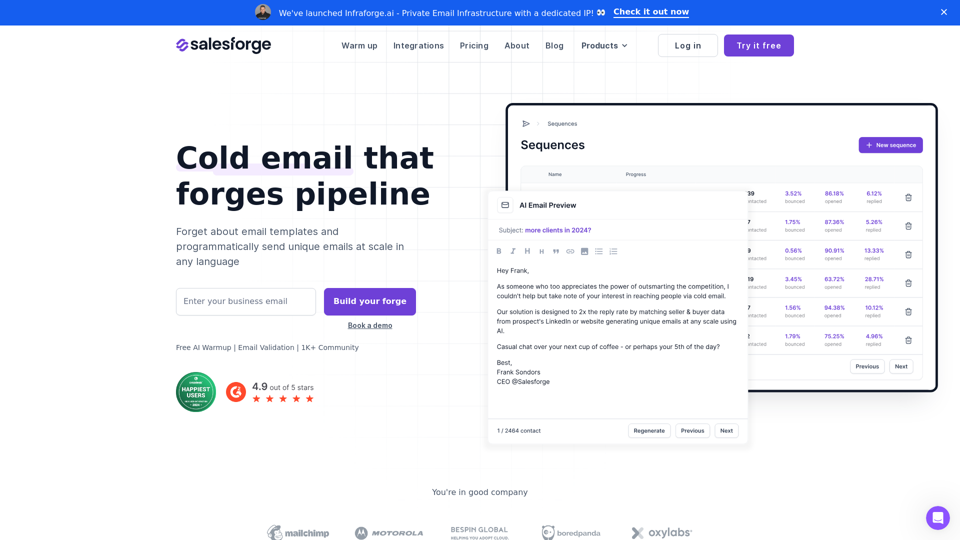
Scale your email outreach via unlimited sending accounts, warm up and built in personalization powered by AI to drive reply rate
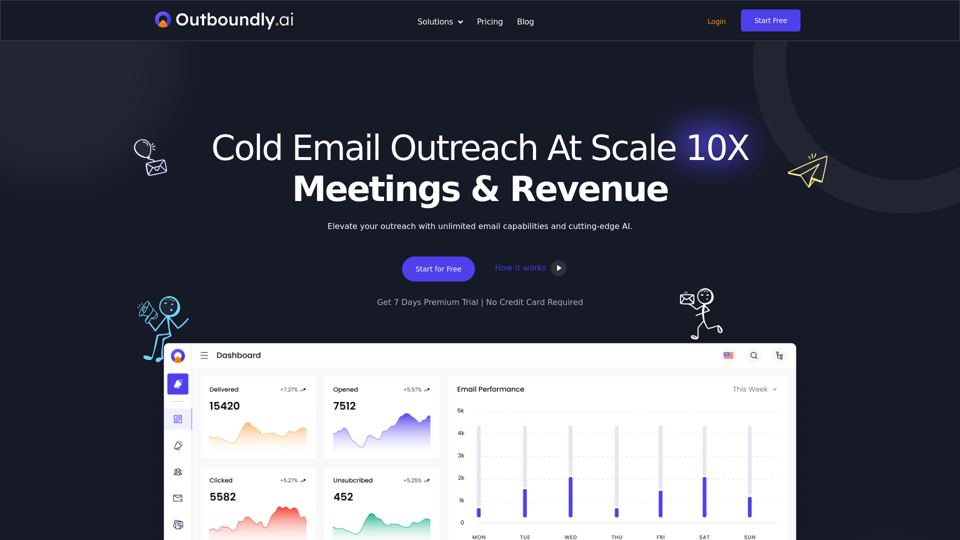
Outboundly - AI Powered Cold Email Outreach at Scale : automate campaigns, connect with unlimited emails, and enhance customer engagement
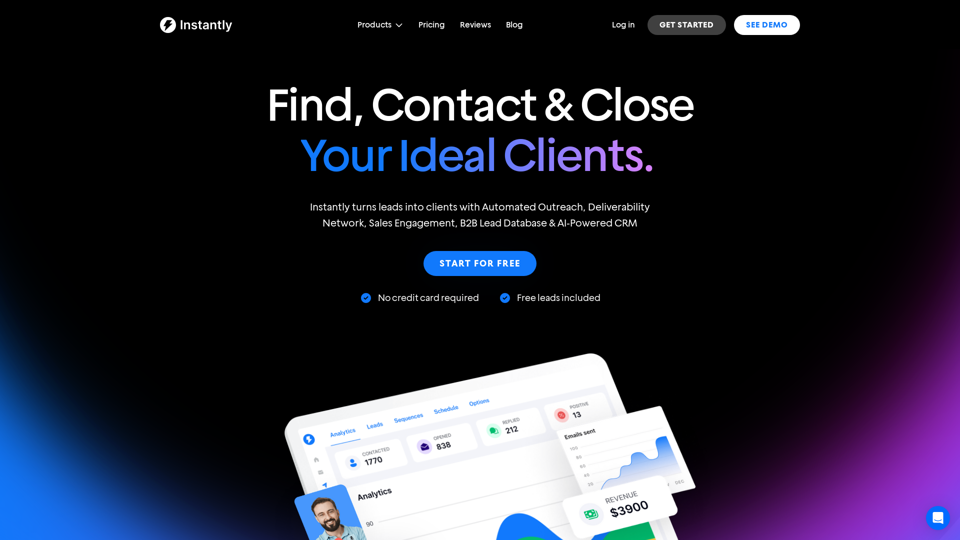
Instantly turns leads into clients with Automated Outreach, Deliverability Network, Sales Engagement, B2B Lead Database & AI-Powered CRM
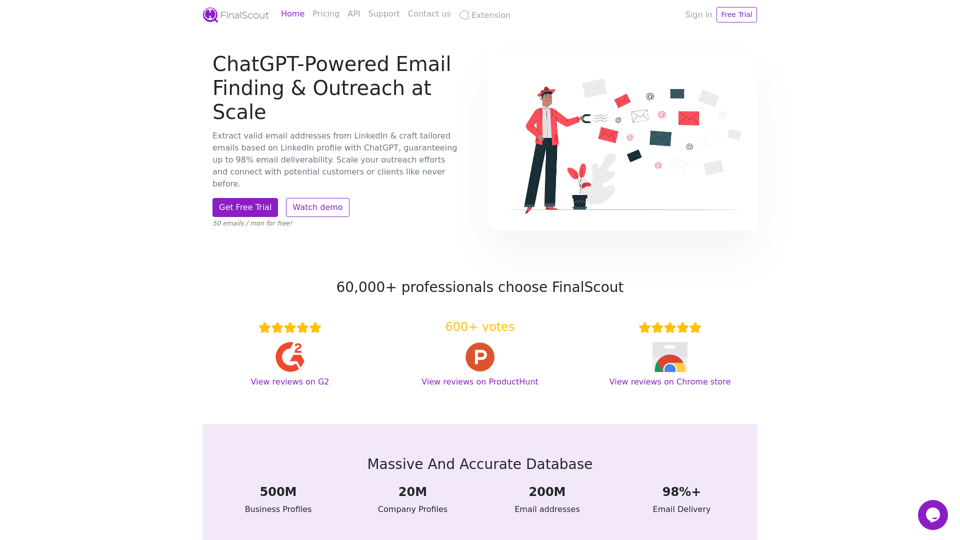
Extract valid email addresses from LinkedIn & craft tailored emails based on LinkedIn profile with ChatGPT, guaranteeing up to 98% email deliverability.
Fully managed outbound email system that generates qualified B2B leads. 42M+ verified contacts, AI-powered messaging, bulletproof deliverability., Fully managed outbound email system that generates qualified B2B leads. 42M+ verified contacts, AI-powered messaging, bulletproof deliverability.
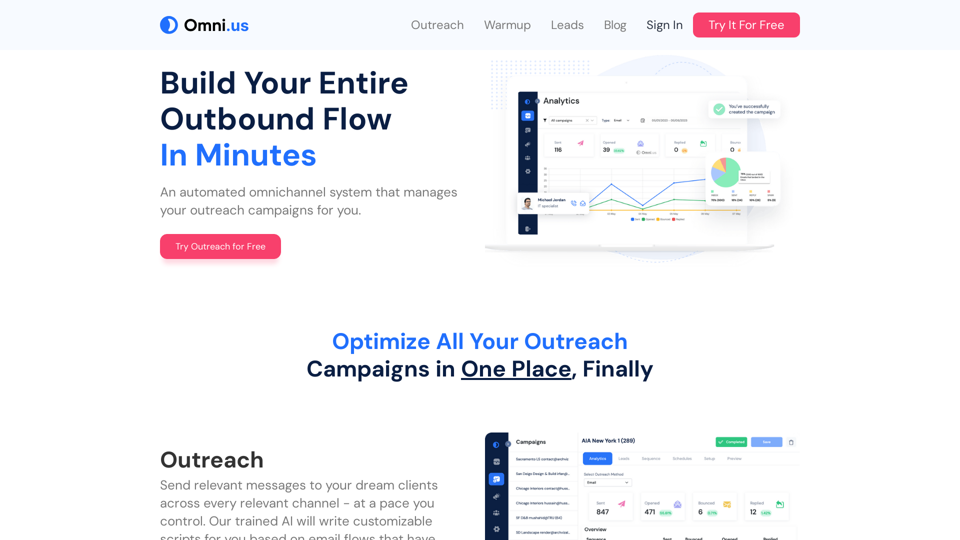
Looking to easily attract good business clients? Boost your sales with challenging prospects effortlessly every each day! Start using Omni Outreach today