What is Make3DMap?
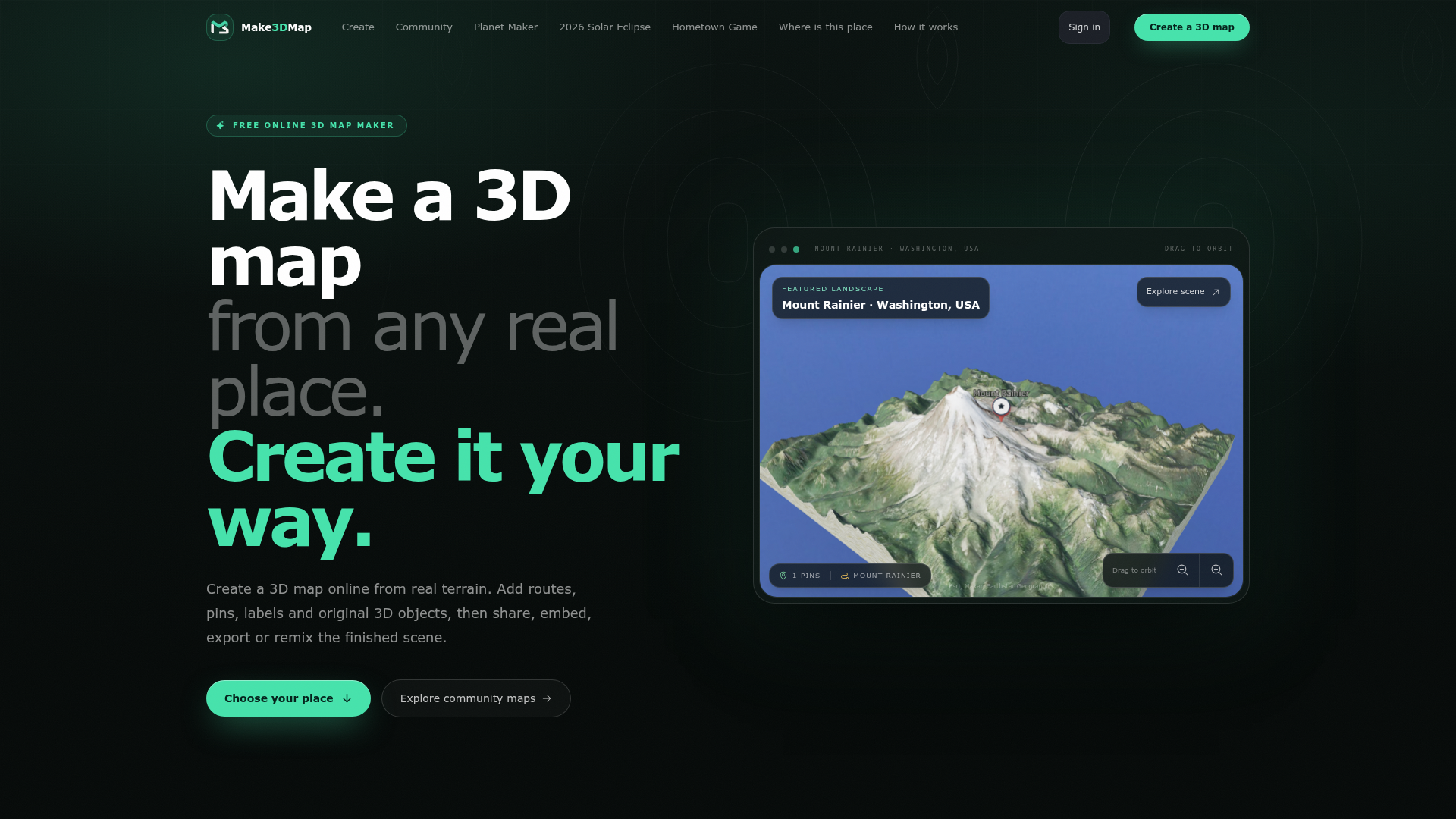
Make3DMap is a free, online 3D map-making tool that transforms real-world terrain into interactive, customizable 3D scenes. It allows users to search any location on Earth, generate a detailed 3D diorama based on actual elevation data, and enhance it with routes, pins, labels, and original 3D objects. Designed for accessibility and creativity, it enables users to share, embed, export, or remix their finished maps without needing specialized software or advanced technical skills.
Main Features of Make3DMap
- Real-World Terrain Integration
- Start with any real location instead of a blank canvas. The platform uses real elevation data to create tactile, accurate 3D dioramas.
- Map Agent Assistance
- Describe a place or upload a reference image, and the AI-powered Map Agent researches the location, analyzes visuals, and suggests quality 3D objects for your scene.
- Custom Asset Library
- Upload and save your own 3D models (up to 250 MB in GLB format), terrain images, and textures to a reusable library for future projects.
- Shareable and Embeddable Designs
- Every map can be published with a clean URL, embedded on websites, or remixed by other creators as independent copies.
- Versatile Export Options
- Export scenes as images, 3D files (GLB/STL), or for 3D printing, compatible with tools like Blender, Unity, or Unreal.
- Community Atlas
- Explore and remix maps created by other users, fostering inspiration and collaboration in the maker community.
How to Use Make3DMap
- Choose Your Place: Search for any real-world location and frame the area you want to map.
- Create the Terrain: Generate a 3D diorama based on real elevation data.
- Customize Your Scene: Add routes, pins, labels, and 3D objects. Use the Map Agent for AI-assisted suggestions or upload your own assets.
- Style and Enhance: Adjust lighting, textures, and atmosphere to match your vision.
- Publish or Export: Share your map via a permanent URL, embed it on a website, export it for 3D printing or further editing, or allow others to remix it.
Pricing for Make3DMap
Make3DMap is currently free to use, with no subscription fees required. Users can access core features like terrain generation, basic customization, and sharing without cost. For advanced capabilities, such as increased asset storage or premium export options, future paid tiers may be introduced, but the platform emphasizes accessibility for all creators.
Helpful Tips for Using Make3DMap
- Utilize the Map Agent
- For complex scenes, describe your vision or upload a reference image to let the AI assist in placing accurate 3D objects.
- Build a Personal Library
- Upload frequently used 3D models and textures to your asset library to speed up future projects.
- Explore Community Maps
- Browse the Community Atlas for inspiration and remix existing maps to learn new techniques.
- Optimize for Export
- If planning to 3D print or use the map in game engines, ensure your terrain and objects are optimized for file size and detail.
- Leverage Real Data
- Use specific geographic coordinates or landmarks to create highly detailed and authentic 3D representations.
Frequently Asked Questions
How do I make a 3D map online?
Search for a real place on Earth, frame the area, and generate the terrain. Then, customize with styles, routes, pins, labels, and 3D objects before publishing or exporting.
What is Make3DMap?
Make3DMap is a browser-based 3D map maker that converts real-world elevation into editable scenes, allowing users to add objects, routes, and custom assets for creative or practical use.
Can I upload my own 3D models?
Yes, signed-in creators can upload GLB model files up to 250 MB and reuse them across multiple maps in their personal library.
Can other people remix my map?
Yes, once published, anyone signed in can create an independent copy of your map without altering the original, fostering collaboration and creativity.
Can I embed or export a 3D map?
Yes, signed-in creators can embed maps on other websites and export them as images, 3D scene files, or files for 3D printing. Public share pages remain interactive for viewers.
Free 3D Map Maker
Create a 3D map online from any real place. Shape terrain, add routes, pins, labels and 3D objects, then share, embed or export your interactive scene.
 Next.js
 Node.js
 React
React Vercel
 Webpack
Free AI anime and manga generator. Turn text into anime episodes, manga, comics, webtoons and comic shorts in any art style — no drawing or animation skills needed.
Translate image text across 70+ languages with our advanced AI Image Translator to help you better expand your products globally to various countries
Advertised Here
Reach thousands of visitors daily. Get your spot now!
Tools similar to Free 3D Map Maker
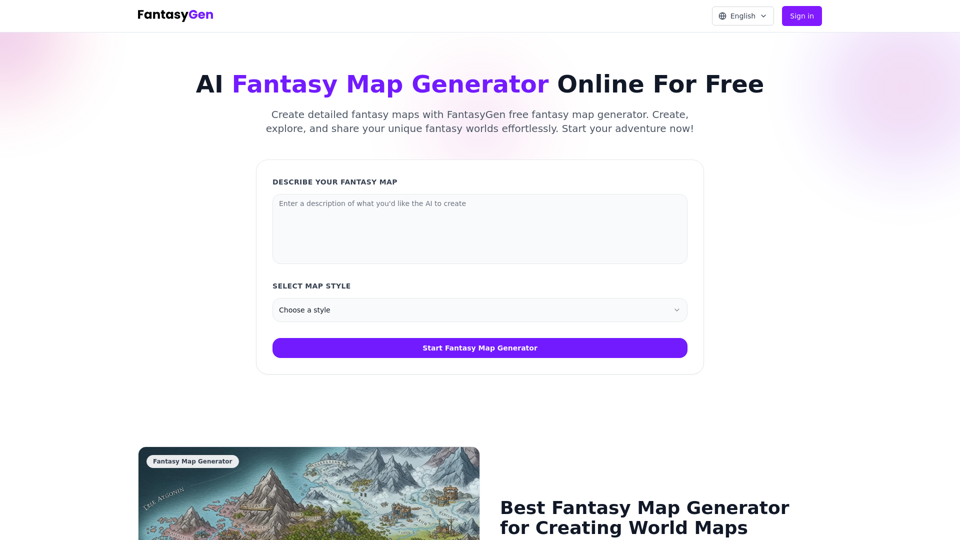
Create detailed fantasy maps with our free online fantasy map generator. AI-powered fantasy map generator perfect for game masters, fantasy authors, and map enthusiasts. Generate fantasy maps instantly.
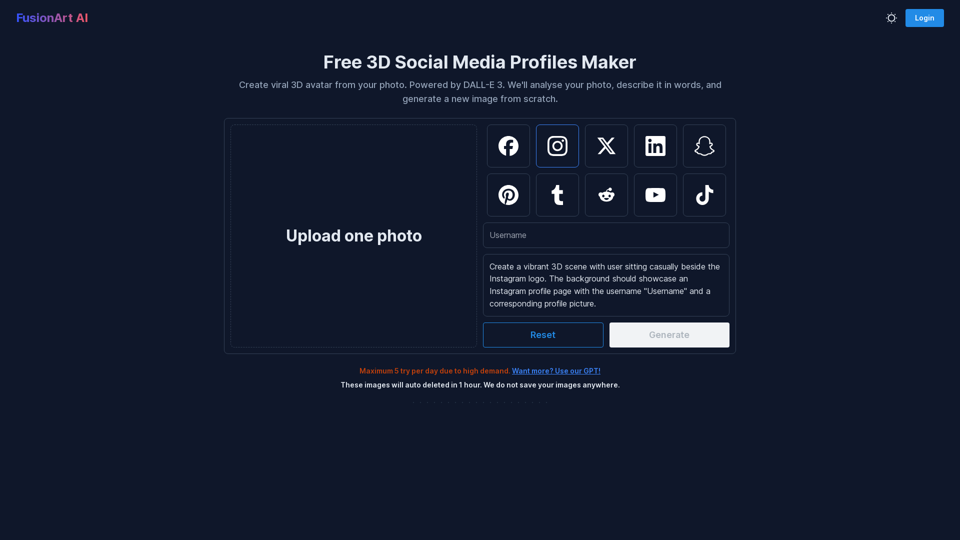
Create viral 3D avatar from your photo. Powered by DALL-E 3. We'll analyse your photo, describe it in words, and generate a new image from scratch.
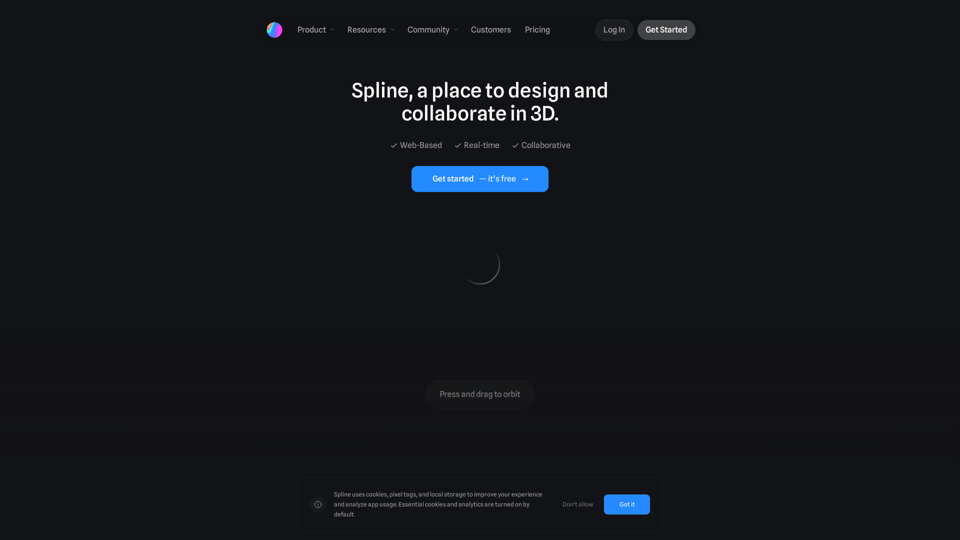
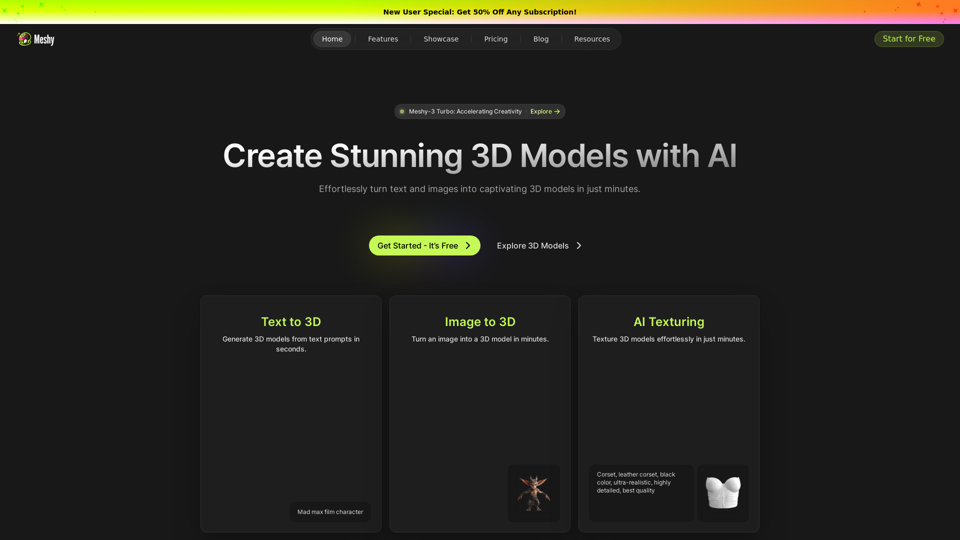
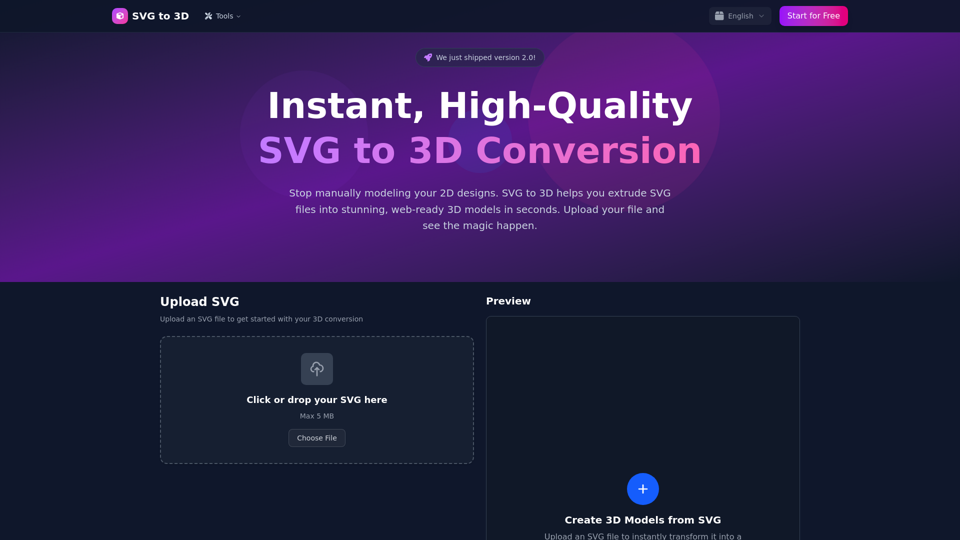
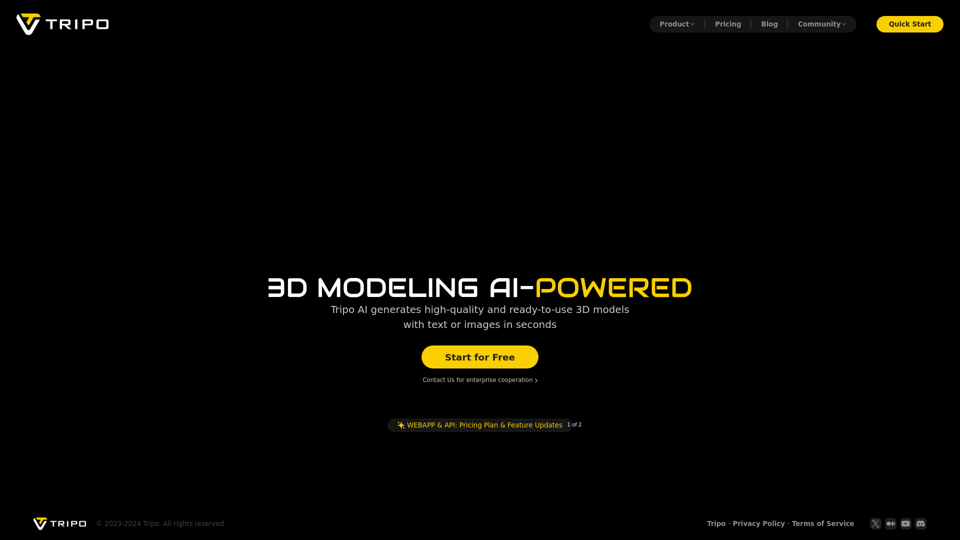
Convert SVG files to stunning 3D models instantly and for free. Export as GLB, STL, or PNG. Professional quality with customizable thickness, materials, and lighting.
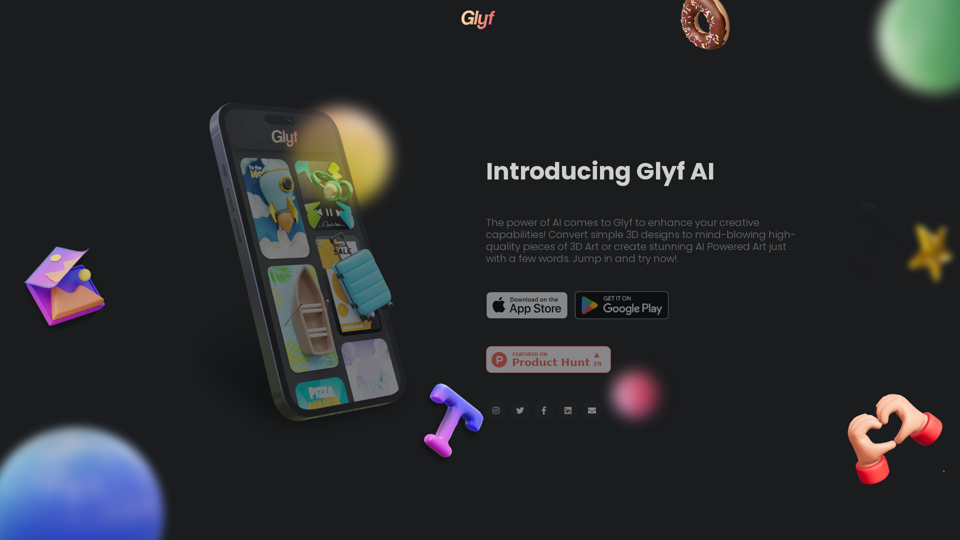
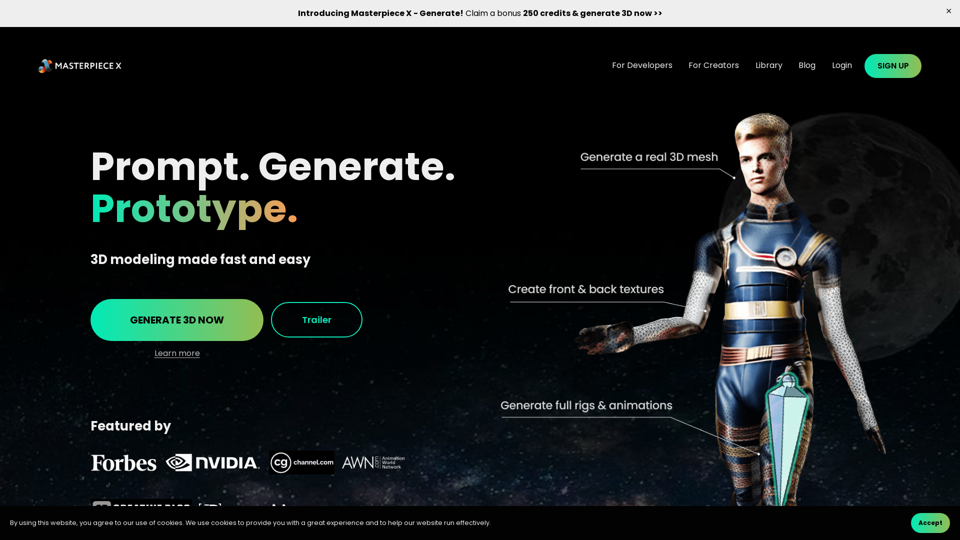
Prompt, generate, prototype - 3D modeling made fast and easy! Generate 3D models with AI, starting with 250 FREE credits.