Google Meet Translator
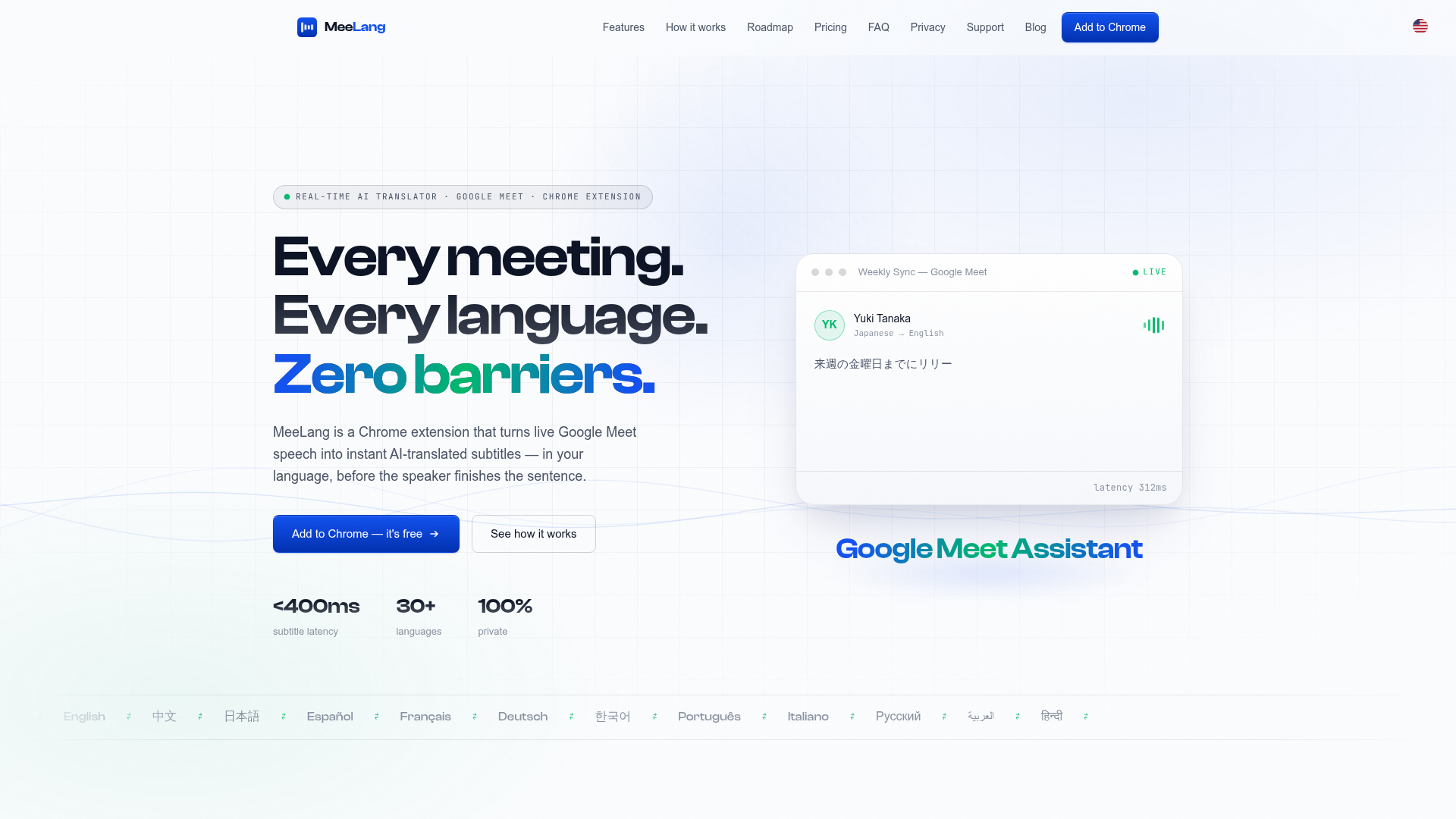
MeeLang is a free Chrome extension that translates Google Meet calls into real-time AI subtitles in your language — 30+ languages, sub-second latency, searchable bilingual transcripts.
What is MeeLang?
MeeLang is a revolutionary real-time AI translator designed specifically for online meetings. It functions as a lightweight Chrome extension that instantly translates live speech from platforms like Google Meet into subtitles in your preferred language. It breaks down language barriers by providing translations with sub-second latency, meaning you can read the translation almost as fast as the words are spoken, ensuring you never fall behind in a conversation.
What are the key features of MeeLang?
- Ultra-Low Latency Translation
- Experience real-time understanding with subtitle latency under 400ms. Translations appear before the speaker finishes their sentence.
- Extensive Language Support
- Translate meetings into over 30 languages, including major global languages like English, Chinese, Japanese, Spanish, French, German, Korean, and many more.
- 100% Private by Design
- Your meeting privacy is paramount. All audio processing and translation happen locally in your browser. Transcripts are stored only on your device, and nothing is ever saved on MeeLang's servers.
- AI-Powered, Context-Aware Translation
- Leverages advanced AI for translations that sound natural and conversational, accurately handling jargon and fast-paced speech.
- Built-in Meeting Memory
- Automatically generates and organizes searchable, bilingual transcripts for every meeting. You can export these transcripts or even replay the original audio linked to specific parts.
- Seamless Integration
- Works directly within your browser tab on Google Meet. Simply install the extension and join a call—no need to invite bots or create an account to start.
How to use MeeLang?
Using MeeLang is incredibly straightforward and requires no technical setup:
- Install the Extension: Click "Add to Chrome" from the Chrome Web Store. No account or credit card is required.
- Join Your Meeting: Enter your Google Meet call as you normally would. Grant the necessary audio permission when prompted by Chrome.
- Read Along Live: Instantly, translated subtitles will appear as a floating overlay on your meeting screen. You can now understand every participant in real time.
What is the price of MeeLang?
MeeLang offers a transparent, tiered pricing model designed to scale with your needs:
- Free Plan ($0/month)
- Perfect for occasional meetings. Includes 60 translation minutes per month and full access to manage and export your meeting records.
- Pro Plan ($9.99/month)
- Designed for weekly cross-language calls. Provides 600 translation minutes per month, all Free plan features, plus access to the upcoming ### AI Meeting Summary feature. You can upgrade directly from within the extension.
Helpful tips for using MeeLang
- Start Free
- There's no risk to try it. The Free plan requires no payment details, so you can test it in your next meeting.
- Check Language Settings
- Ensure your preferred subtitle language is selected in the extension pop-up menu for the best experience.
- Utilize Transcripts
- After a meeting, use the stored bilingual transcript to review key points, confirm decisions, or share notes with colleagues.
- Future-Proof Your Meetings
- Keep an eye on MeeLang's roadmap for exciting upcoming features like live voice dubbing, speaker identification, and native desktop app support, which will further eliminate language barriers.
Frequently Asked Questions about MeeLang
How do I translate a Google Meet meeting in real time?
Install the MeeLang Chrome extension, join your Google Meet call, and allow microphone access when prompted. MeeLang will then automatically translate the speech and display live subtitles as an overlay—no bots or accounts needed.
Which languages does MeeLang translate?
MeeLang supports translation into 30+ languages, including English, Chinese, Japanese, Spanish, French, German, Korean, Portuguese, Hindi, Arabic, Russian, and many European and Asian languages. The source language is detected automatically.
Is MeeLang free?
Yes, MeeLang offers a free tier. You can sign in with Google and get 60 free translation minutes per month without any payment information. A paid Pro plan is available for heavier usage.
Does MeeLang work with Zoom or Microsoft Teams?
Full support is currently available for Google Meet. Native support for Zoom Web, Microsoft Teams, and Webex is actively being developed and is coming soon.
Where are my meeting transcripts stored?
Your privacy is protected. All bilingual transcripts are stored locally in your own browser's storage. You can search, export, or delete them at any time. No meeting content is retained on external servers.
Google Meet Translator
MeeLang is a free Chrome extension that translates Google Meet calls into real-time AI subtitles in your language — 30+ languages, sub-second latency, searchable bilingual transcripts.
 Cloudflare
 Google Tag Manager
 HTTP/3
Free AI anime and manga generator. Turn text into anime episodes, manga, comics, webtoons and comic shorts in any art style — no drawing or animation skills needed.
Translate image text across 70+ languages with our advanced AI Image Translator to help you better expand your products globally to various countries
Advertised Here
Reach thousands of visitors daily. Get your spot now!
Tools similar to Google Meet Translator
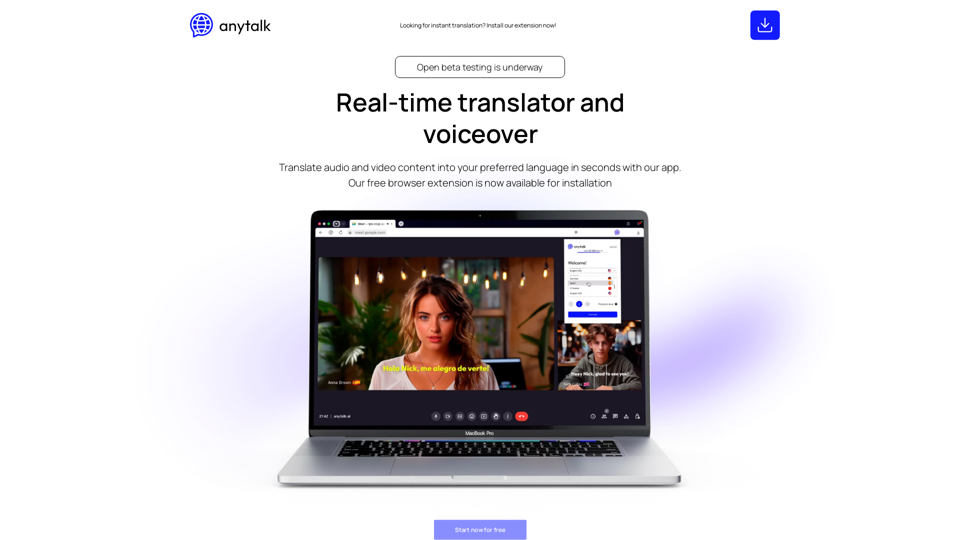
Real-time app translating video and audio streams into different languages
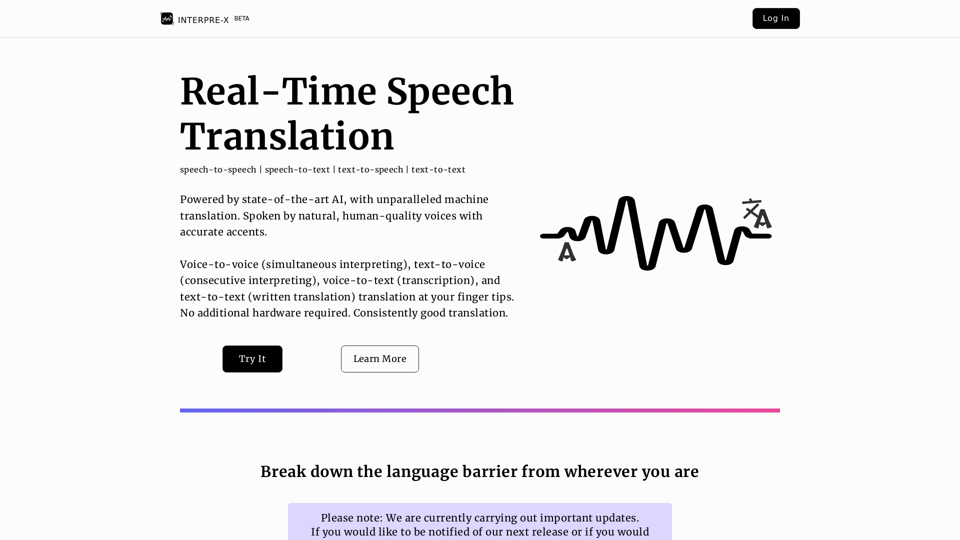
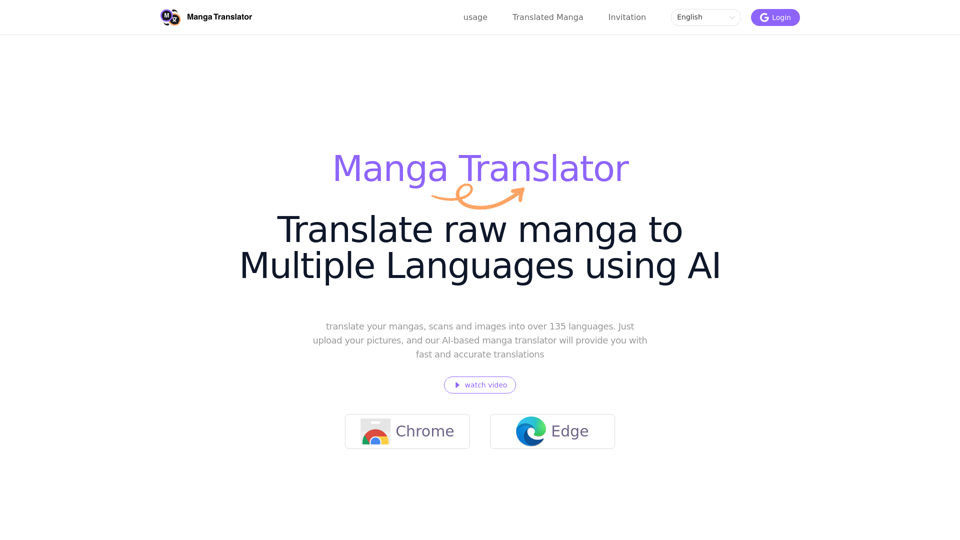
The best Manga Translator extension! Scan manga/comic/manhua/manhwa translator online,suport 135 languages manga translate use chatgpt,MangaMTL's Perfect Replacement!
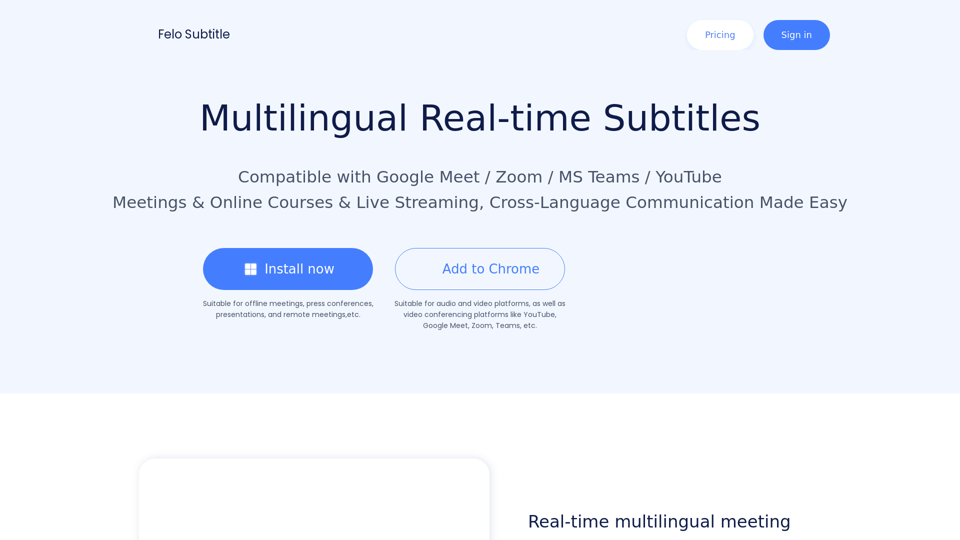
Felo Subtitles: Making Meetings, Webinars & Events More Accessible with AI-powered Live Captioning and Multilingual Subtitles.
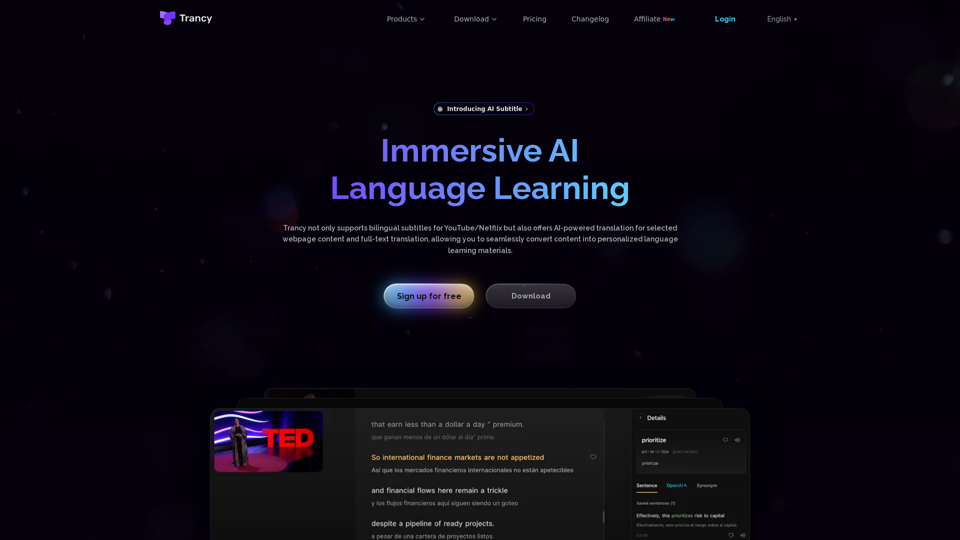
Trancy not only provides bilingual subtitles support for platforms like YouTube, Netflix, Udemy, Disney+, TED, edX, Kehan, Coursera, but also offers AI word/sentence translation and immersive translation for regular web pages. It is a true all-in-one language learning assistant.
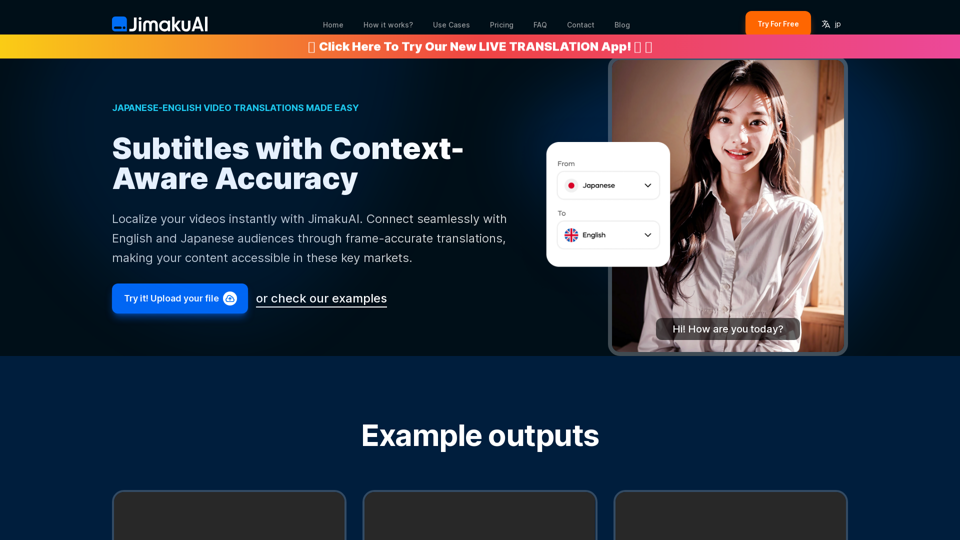
Experience seamless English to Japanese and Japanese to English subtitle translations with JimakuAI. Perfect for businesses, educators, and content creators looking to reach a wider audience. Break language barriers with frame-accurate, context-aware translations. Try our Free Beta today!