MelodyCraft
Generate songs and vocals instantly with MelodyCraft. Create music from lyrics, make AI song covers, and explore different styles — all in one platform.
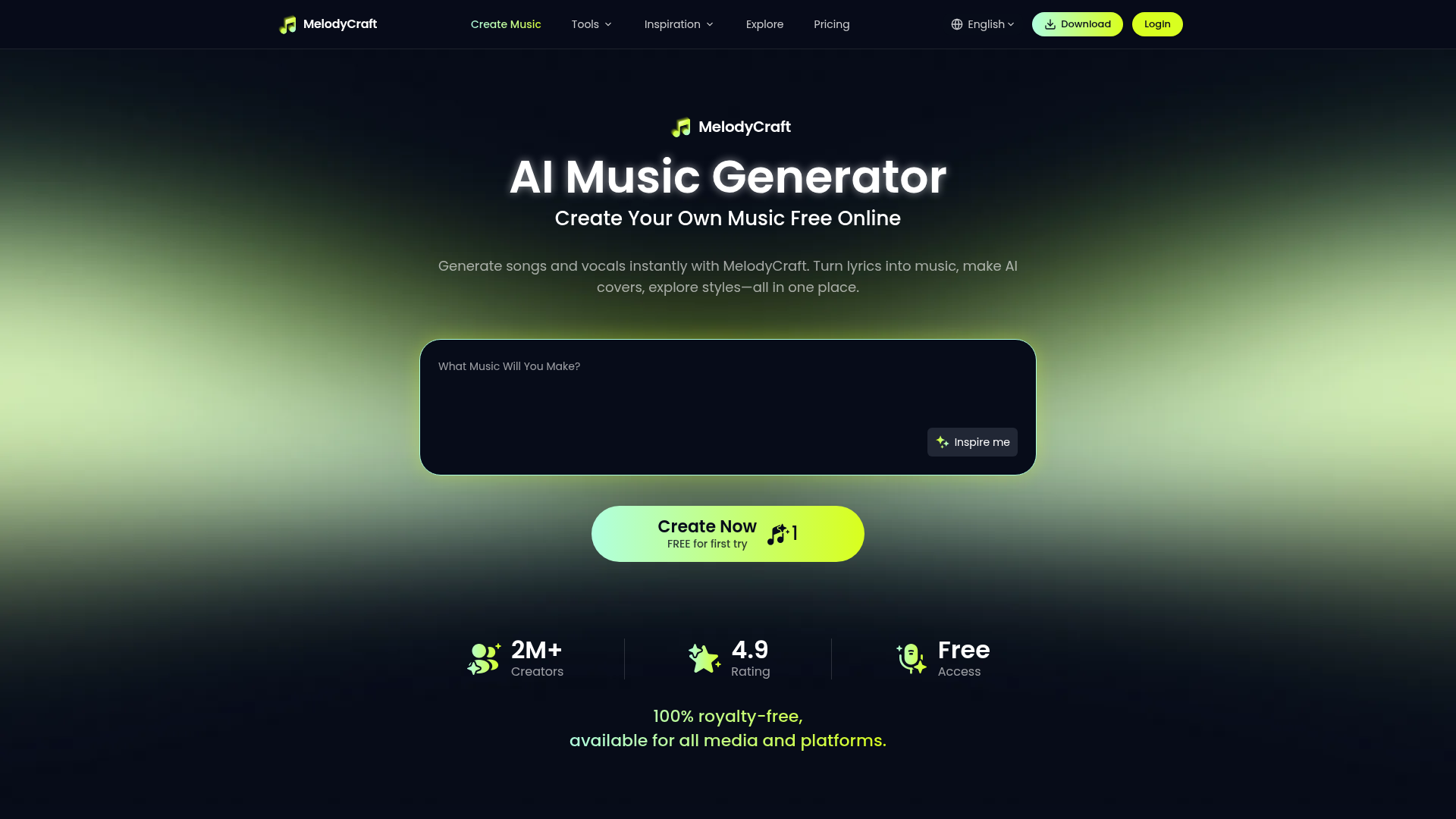
What is MelodyCraft AI Music Generator?
MelodyCraft is a powerful, free online AI music generator designed to democratize music creation. It allows anyone, from complete beginners to seasoned creators, to transform simple text prompts, lyrics, or ideas into fully-produced songs complete with vocals, instrumentals, and professional arrangements. It’s an all-in-one platform where you can make AI covers, explore hundreds of music styles, and generate royalty-free tracks for any project.
What are the main features of MelodyCraft?
MelodyCraft is packed with features that make AI music generation accessible and powerful.
- Text-to-Song Generation
- Instantly turn lyrics, descriptions, or creative prompts into complete songs. Describe a mood, a story, or a scene, and MelodyCraft's AI will compose the music.
- Vast Music Style Library
- Access an extensive collection of genres including Pop, Rap, EDM, Jazz, Lo-fi, K-pop, Gospel, Rock, Cinematic, Acoustic, Country, Metal, Latin, and even Nursery Rhymes.
- AI Vocal Generation
- Create songs with realistic AI-generated vocals that match your lyrics and chosen style, or opt for instrumental-only tracks for background music.
- Royalty-Free Music
- All generated music is 100% royalty-free, meaning you can legally use it in YouTube videos, TikTok, podcasts, video games, advertisements, and other commercial projects.
- Multi-Platform Access
- Seamlessly switch between the MelodyCraft website and mobile app with a single account. Your credits and creations are synchronized across devices.
- Creative Community & Tools
- Beyond generation, the platform offers creative challenges, personality tests (like "What’s Your Music Personality?"), and community features to inspire your next project.
How to use MelodyCraft?
Using MelodyCraft to create your own AI music is a simple three-step process:
- Describe Your Idea: Start by typing your lyrics, a text prompt (e.g., "an uplifting pop song about summer adventures"), or choose a music style from the extensive gallery for inspiration.
- Generate with AI: Click "Create" or "Generate." MelodyCraft's AI will process your input, composing the melody, arranging the instruments, and generating vocals (if requested) to produce a full song.
- Download and Share: Once your song is ready, you can preview it, make adjustments, and then download it in a common audio format. You immediately own the royalty-free track to share on any platform or use in your projects.
What is the price of MelodyCraft?
MelodyCraft operates on a freemium model, making it accessible to everyone while offering enhanced capabilities for power users.
- Free Tier
- New users get free credits to try the AI music generator and create their first songs. This allows you to explore core features at no cost.
- Subscription Plans
- For users who create frequently, subscription plans are available. These provide more song credits per month, access to advanced generation options, and potentially faster processing. The specific pricing tiers are designed to be affordable for creators who heavily rely on the service.
Helpful tips for using MelodyCraft
To get the most out of MelodyCraft and create amazing AI music, consider these tips:
- Be Specific with Prompts
- Instead of "a happy song," try "a breezy acoustic pop song with female vocals, about a road trip at sunset." The more detail you provide, the better the AI can match your vision.
- Explore the Style Gallery
- Use the "Inspire Me" feature or browse the genre tiles to listen to samples. This is a great way to discover sounds you might not have thought of and click "Create Similar" to start your own version.
- Use It for Demos
- Songwriters can use MelodyCraft to quickly turn a lyric snippet or hook idea into a structured demo, helping to audition different genres and arrangements before final production.
- Leverage for Content Creation
- It's perfect for YouTubers, podcasters, and social media managers needing unique intro music, background scores, or jingles without licensing hassles.
- Check the Mobile App
- The MelodyCraft app offers additional creative tools, community events, and ways to earn credits. Use the invitation code ### JQKZWN when joining for potential benefits.
Frequently Asked Questions about MelodyCraft
Can I turn my existing lyrics into a song with MelodyCraft?
Absolutely. Simply paste your lyrics into the prompt box, select a desired music style and mood, and MelodyCraft will compose a complete song around your words.
Is the music generated by MelodyCraft really royalty-free?
Yes. Music created with MelodyCraft is royalty-free, granting you the license to use it in personal and commercial projects like videos, podcasts, games, and advertisements without paying additional fees.
Do I need any musical experience to use MelodyCraft?
No prior music theory, songwriting, or production experience is needed. The AI handles all the complex composition, allowing anyone to create music simply by describing their idea.
What genres of music can I create?
You can create a wide array of genres, including but not limited to Pop, Rap, EDM, Jazz, Lo-fi, K-pop, Gospel, Classical, Country, Metal, Latin, and Cinematic scores.
How long does it take to generate a song?
Generation time is typically short, often just a minute or two, depending on song length, complexity, and system demand. You'll be notified as soon as your track is ready.
Can I customize the vocals and instruments?
Yes, you can guide the output by specifying vocal gender (e.g., "male vocals"), instrument focus (e.g., "piano-driven"), or emotional tone (e.g., "melancholic synthwave").
Can I use the same account on the website and the app?
Yes. Your MelodyCraft account, song credits, and creation history are fully synchronized between the web platform and the mobile app.
Are my credits shared between the app and website?
Yes, your balance of credits is shared across platforms when you use the same login, providing flexibility to create wherever you are.
MelodyCraft
Generate songs and vocals instantly with MelodyCraft. Create music from lyrics, make AI song covers, and explore different styles — all in one platform.
 Vercel
 dc.js
dc.jsFree AI anime and manga generator. Turn text into anime episodes, manga, comics, webtoons and comic shorts in any art style — no drawing or animation skills needed.
Translate image text across 70+ languages with our advanced AI Image Translator to help you better expand your products globally to various countries
Advertised Here
Reach thousands of visitors daily. Get your spot now!
Tools similar to MelodyCraft
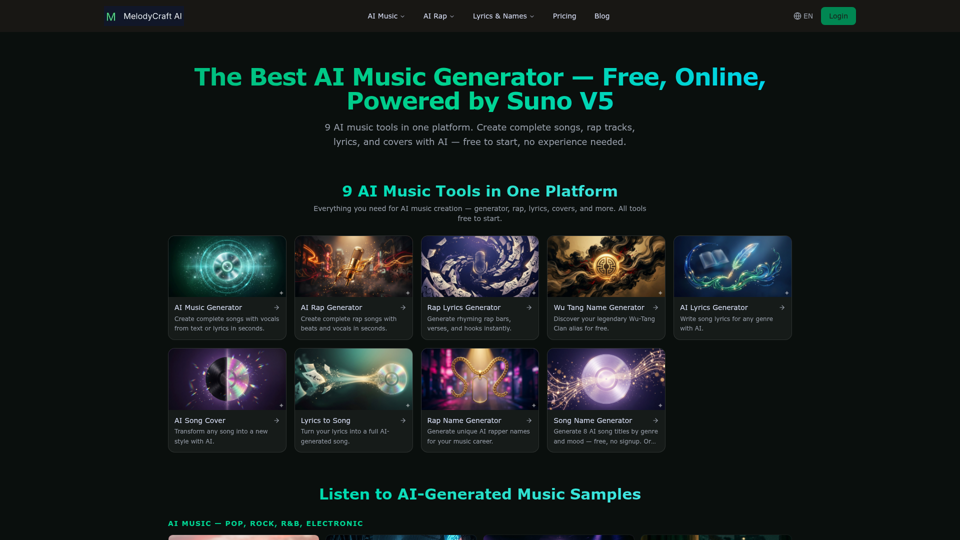
Discover the best AI music generator to create free AI songs online. Text to music, lyrics to song, AI rap and more — 9 AI music tools in one platform. Powered by Suno V5.
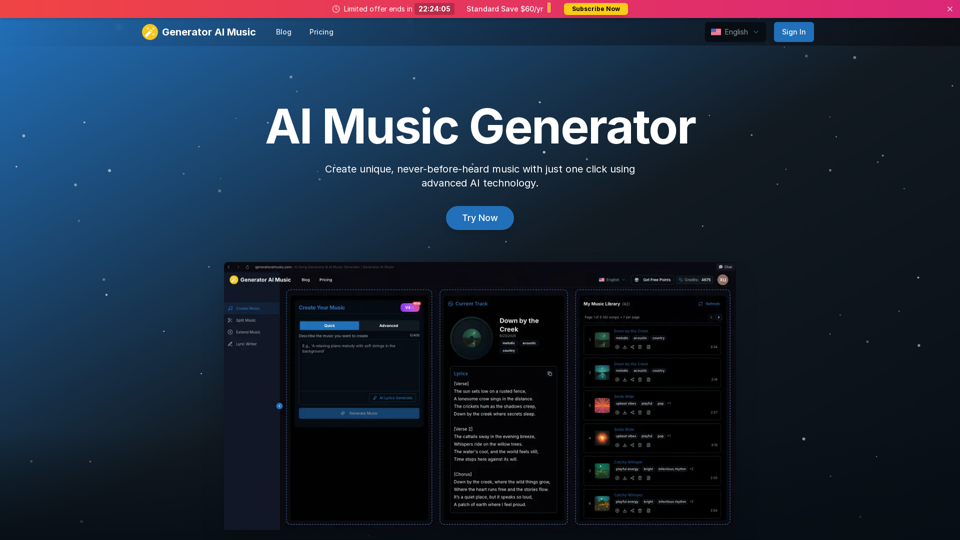
Easily create songs with AI, convert text to song, lyrics to song, vocal remover, music stems and remix. Generate music from text, explore AI music maker, and make music effortlessly.
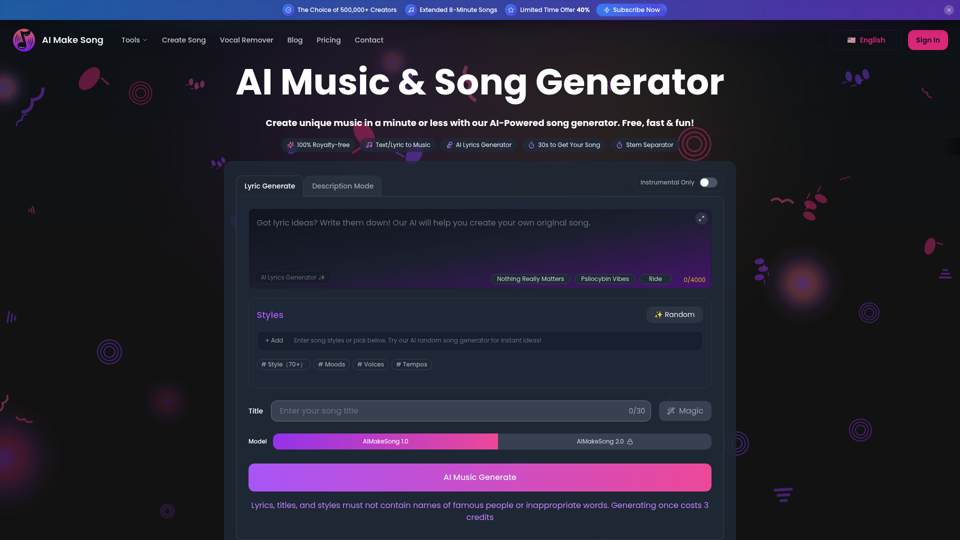
AiMakeSong: Your free ai song generator for royalty-free music. Turn text to music or bring lyrics to song. Includes vocal remover, ai stem splitter & a rap lyrics generator.
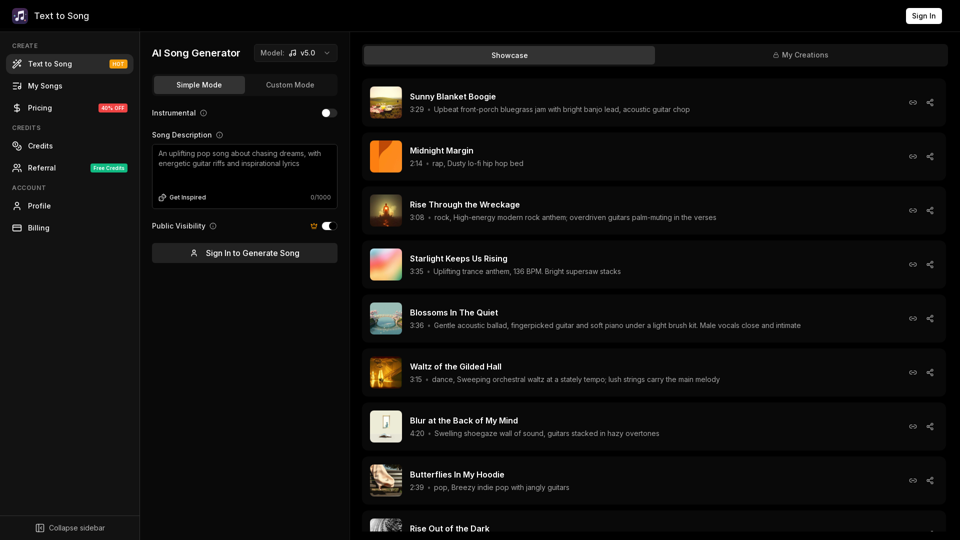
Create songs with AI in seconds. Turn text or lyrics into music online. Generate original songs fast, no downloads required, no musical experience required.
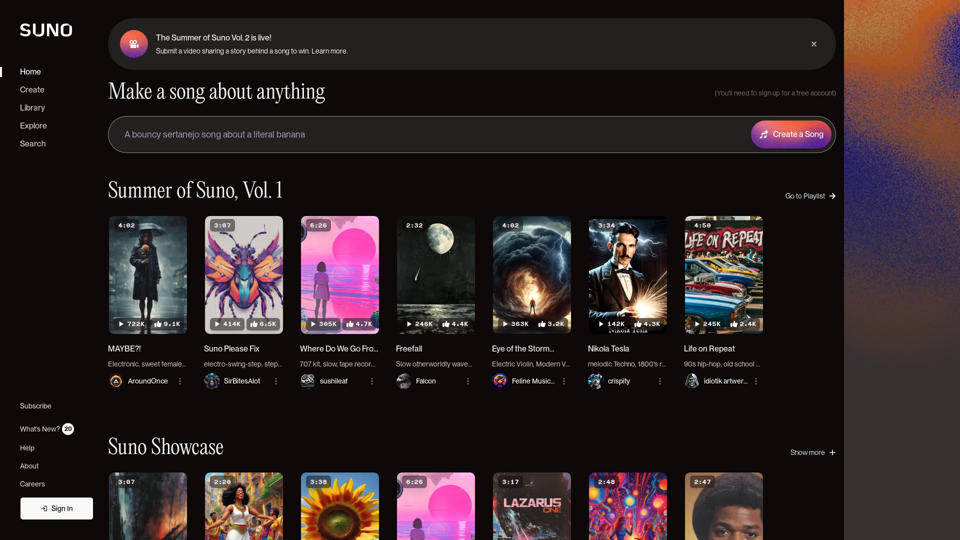
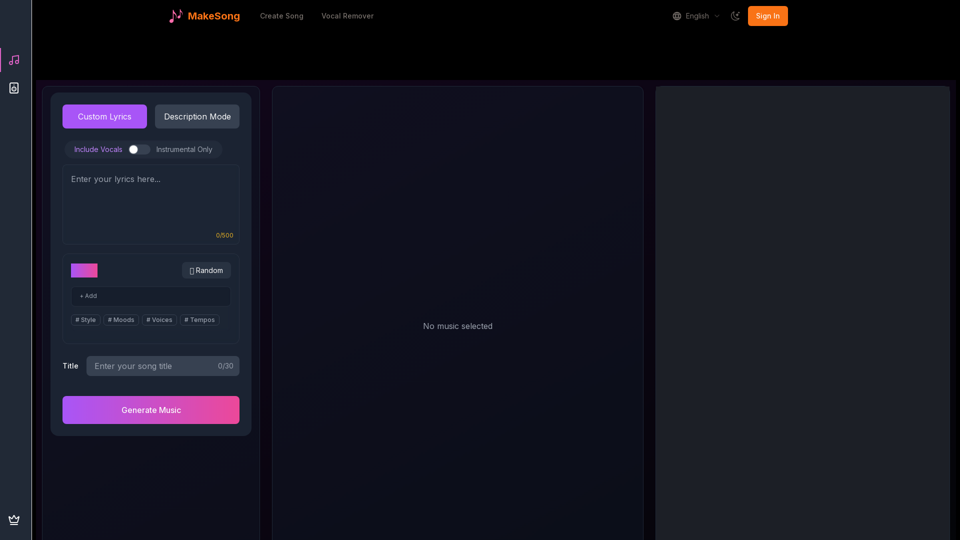
Generate high-quality instrumental music or pop songs instantly with MakeSong AI Music Generator.
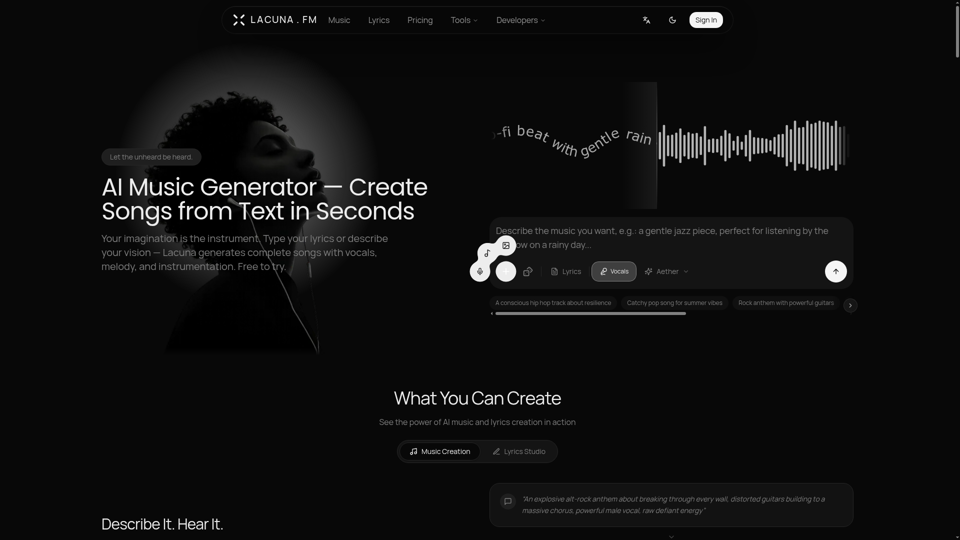
Lacuna is the best AI music generator for creating songs from lyrics or text. Generate complete songs with vocals in any genre. Free to try, no sign up required.
Generate song and lyrics with suno metatags and music style: rock lyrics, pop lyrics, etc. suno ai prompts, lyrics and udio lyrics