Myreader AI
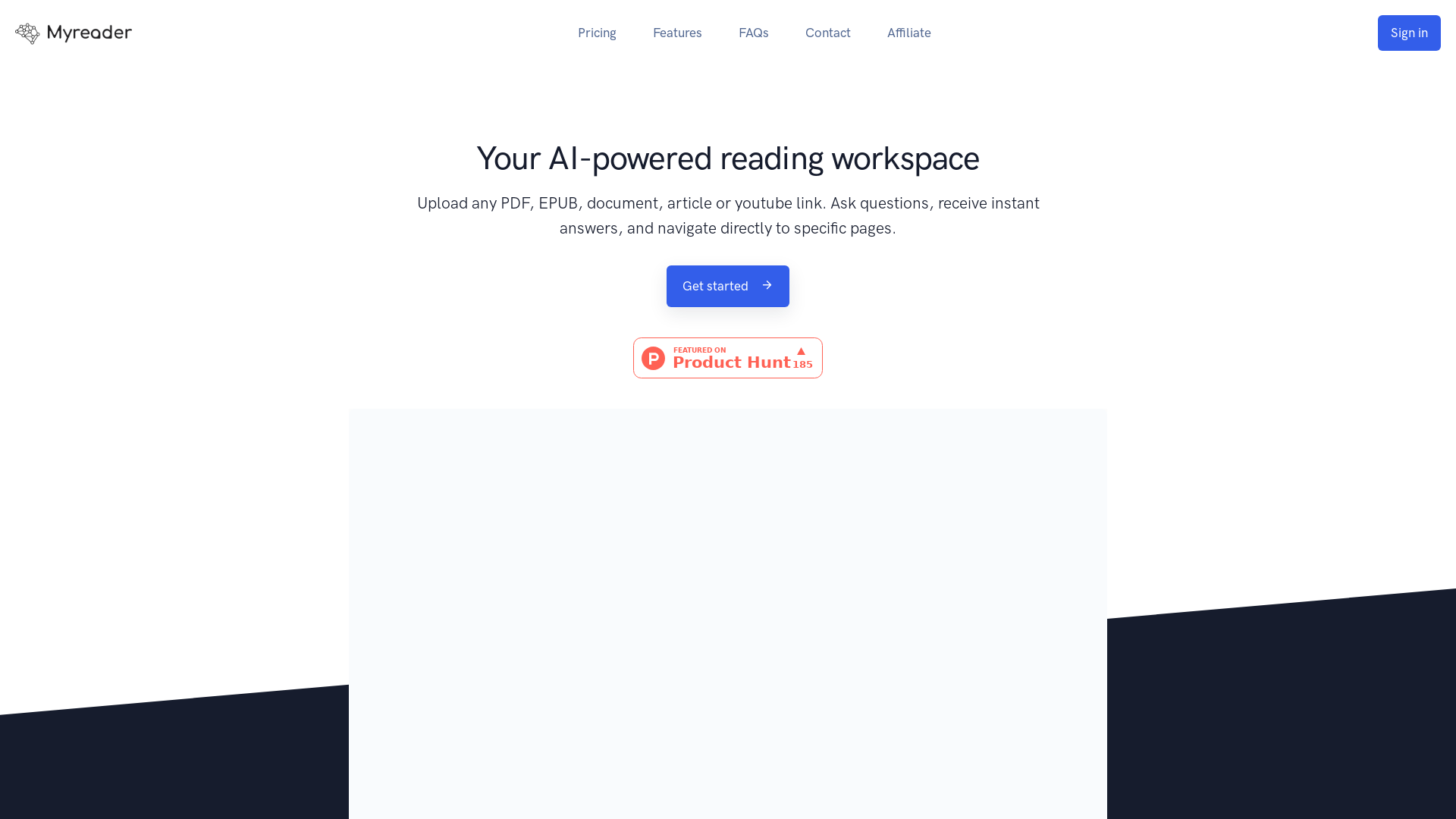
Just upload your books, documents, papers, ask questions and get answers along with relevant sections to read more.
What is Myreader AI?
Myreader AI is an innovative, AI-powered reading workspace that allows users to upload a variety of document types, including PDFs, EPUBs, and even YouTube links. The platform enables users to ask questions about the content and receive instant answers, which helps to navigate directly to specific pages within the documents.
What are the main features of Myreader AI?
- Upload a Variety of Document Types
- Users can upload several formats including PDF, DOC, PPT, and EPUB, enhancing accessibility to readings.
- Instant Question & Answer Capability
- Users can ask questions about the uploaded content and receive instant responses that link directly to relevant sections.
- Cloud Storage
- All uploaded documents are securely stored in the cloud, making them accessible anytime.
- Multi-Document Interaction
- Users can engage in conversations with multiple documents at once, providing a comprehensive research experience.
How to use Myreader AI?
Using Myreader AI is easy:
- Upload your documents: Start by uploading any document or media type such as PDFs, articles, or YouTube links.
- Ask questions: Pose any question you want regarding the content of the uploaded materials.
- Navigate to answers: Receive answers that include citations, allowing you to jump straight to the relevant pages in the documents.
What is the pricing for Myreader AI?
Myreader AI offers affordable subscription plans starting at just ### $6 per month when billed annually. This flexible pricing allows users to access a range of features without breaking the bank.
Helpful Tips for Using Myreader AI
- Utilize Collections
- Create collections for different subjects (e.g., Philosophy, Finance) to easily manage and consult related documents.
- Take Advantage of Multi-Language Support
- Myreader AI supports 16 languages, allowing for a more diverse reading experience.
- Leverage the Cloud Storage
- Always keep backup copies of important documents and utilize cloud storage to avoid loss of material.
- Explore Further
- Whenever you receive a response, take the time to read surrounding content on the page for full context.
Frequently Asked Questions
What document formats are supported?
You can upload almost any document format including .pdf, .epub, .azw, .doc, and .ppt.
Can I add links to articles or YouTube videos?
Yes, Myreader AI allows you to add both article links and YouTube links for a comprehensive library experience.
How many documents can I upload?
You can upload up to ### 20,000 pages in total, and all documents will be stored securely in the cloud.
Can businesses use Myreader AI?
Yes, Myreader AI offers custom solutions for businesses, educational institutions, and publishers looking for tailored services.
Is my data secure?
Absolutely! All data is stored in a secure cloud environment, and users maintain complete privacy and control over their data. You can delete your information at any time.
What languages are supported on Myreader AI?
Myreader AI supports 16 different languages, facilitating a global user experience.
Now you can let AI do the heavy lifting for your reading requirements, maximizing your efficiency and comprehension!
Myreader AI
Just upload your books, documents, papers, ask questions and get answers along with relevant sections to read more.
 Bootstrap
 Choices
 Clickbank
 Cloudflare
 FancyBox
 HTTP/3
 Mapbox GL JS
 Rewardful
 Senja
Senja jQuery
Free AI anime and manga generator. Turn text into anime episodes, manga, comics, webtoons and comic shorts in any art style — no drawing or animation skills needed.
Translate image text across 70+ languages with our advanced AI Image Translator to help you better expand your products globally to various countries
Advertised Here
Reach thousands of visitors daily. Get your spot now!
Tools similar to Myreader AI
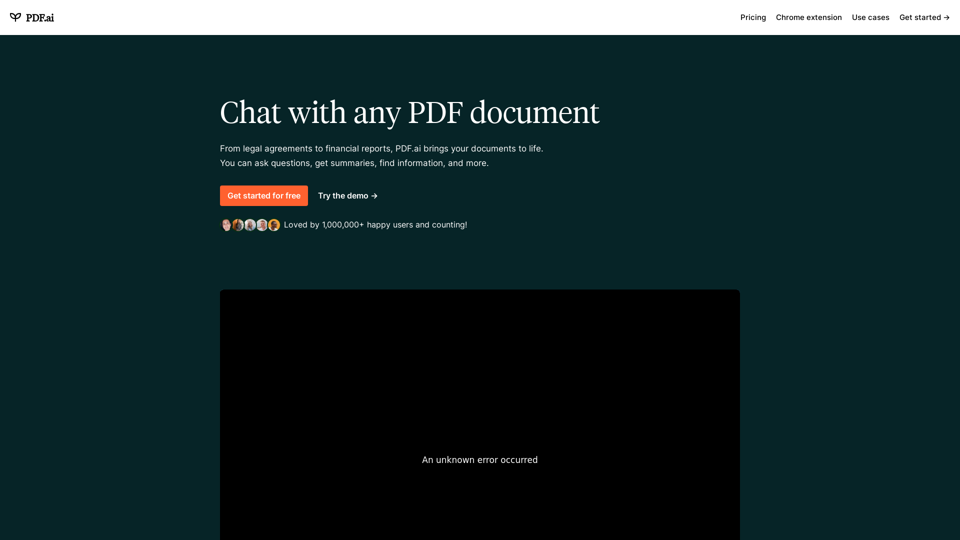
We built the ultimate ChatPDF app that allows you to chat with any PDF: ask questions, get summaries, find anything you need!
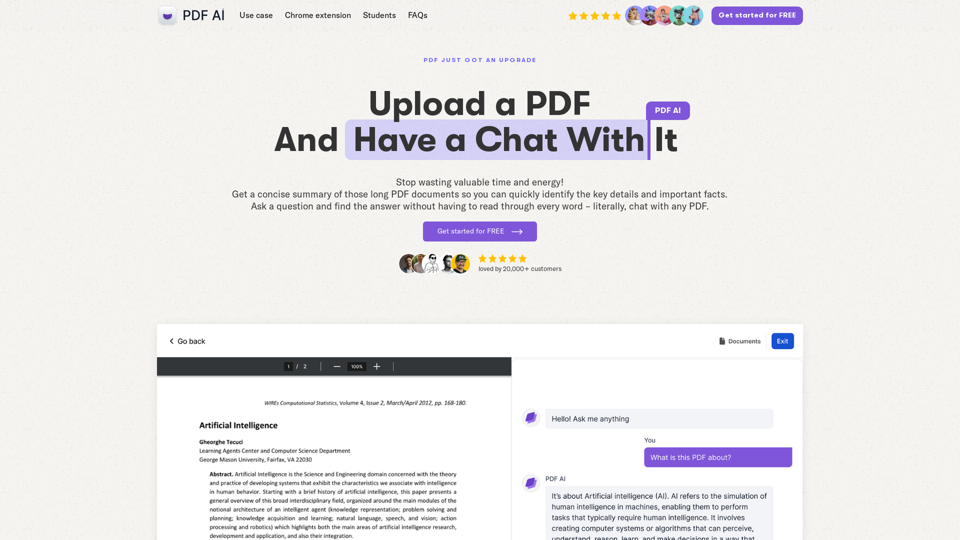
Chat with any PDF today for instant answers, summaries, and more - the complex made simple. From legal documents to academic studies, download our PDF AI today.
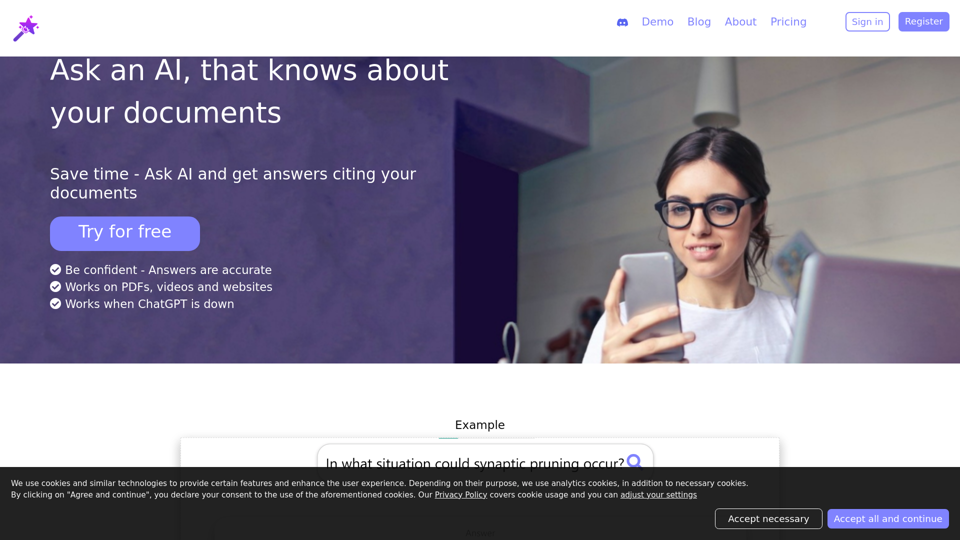
Ask an AI that quotes your documents in its answers
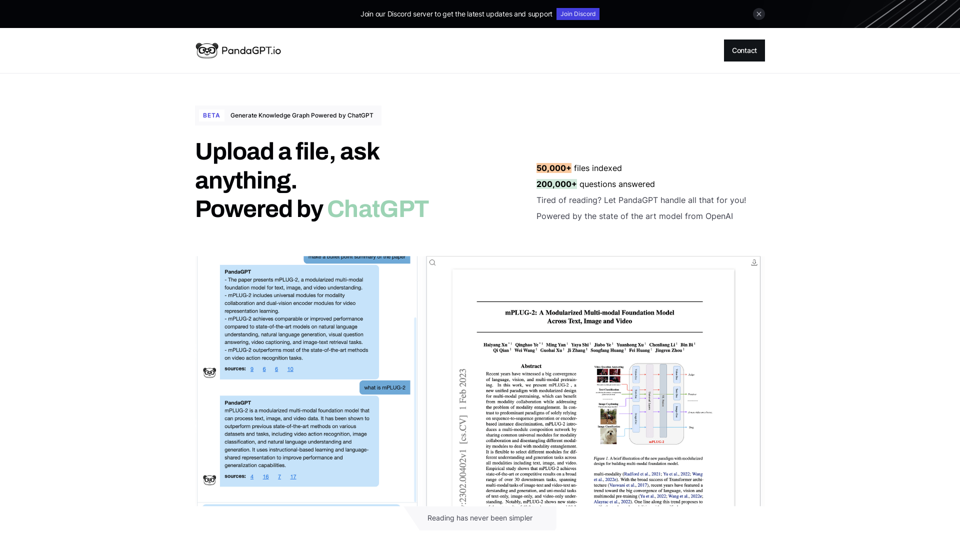
PandaGPT is the easiest way to read files, powered by chatGPT
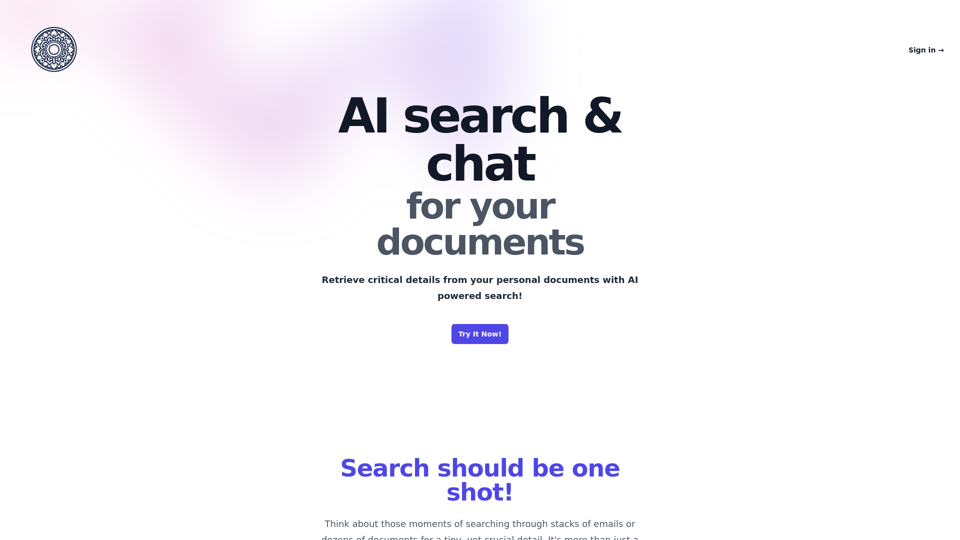
The ultimate chat with documents app that allows you chat with any and multiple pdf, markdown and other formats; search, chat or ask questions, get results instantly
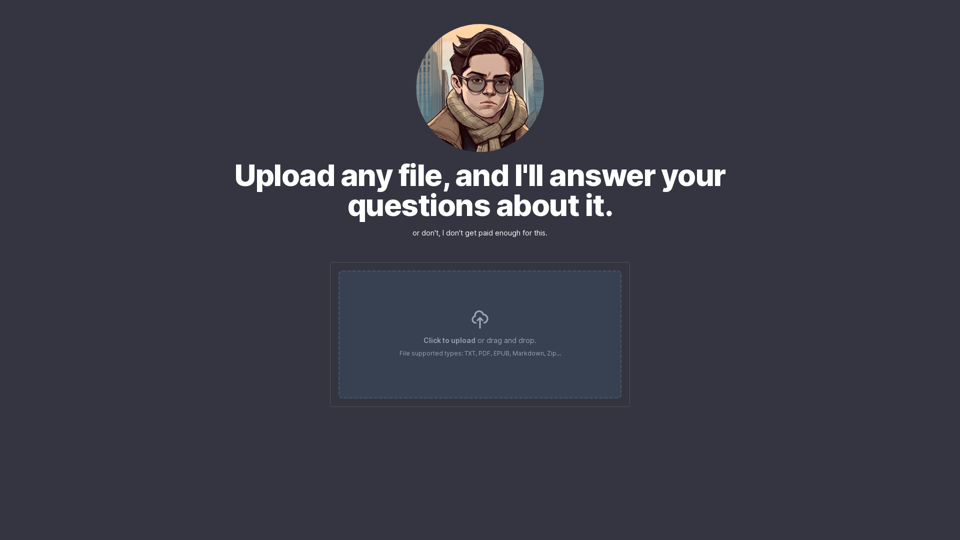
chat with a pdf except the AI is my 15 year old cousin who kinda sucks
TalkingPDF.io is a free tool that allows you to chat with any PDF. ask questions, get summaries, find anything you need!