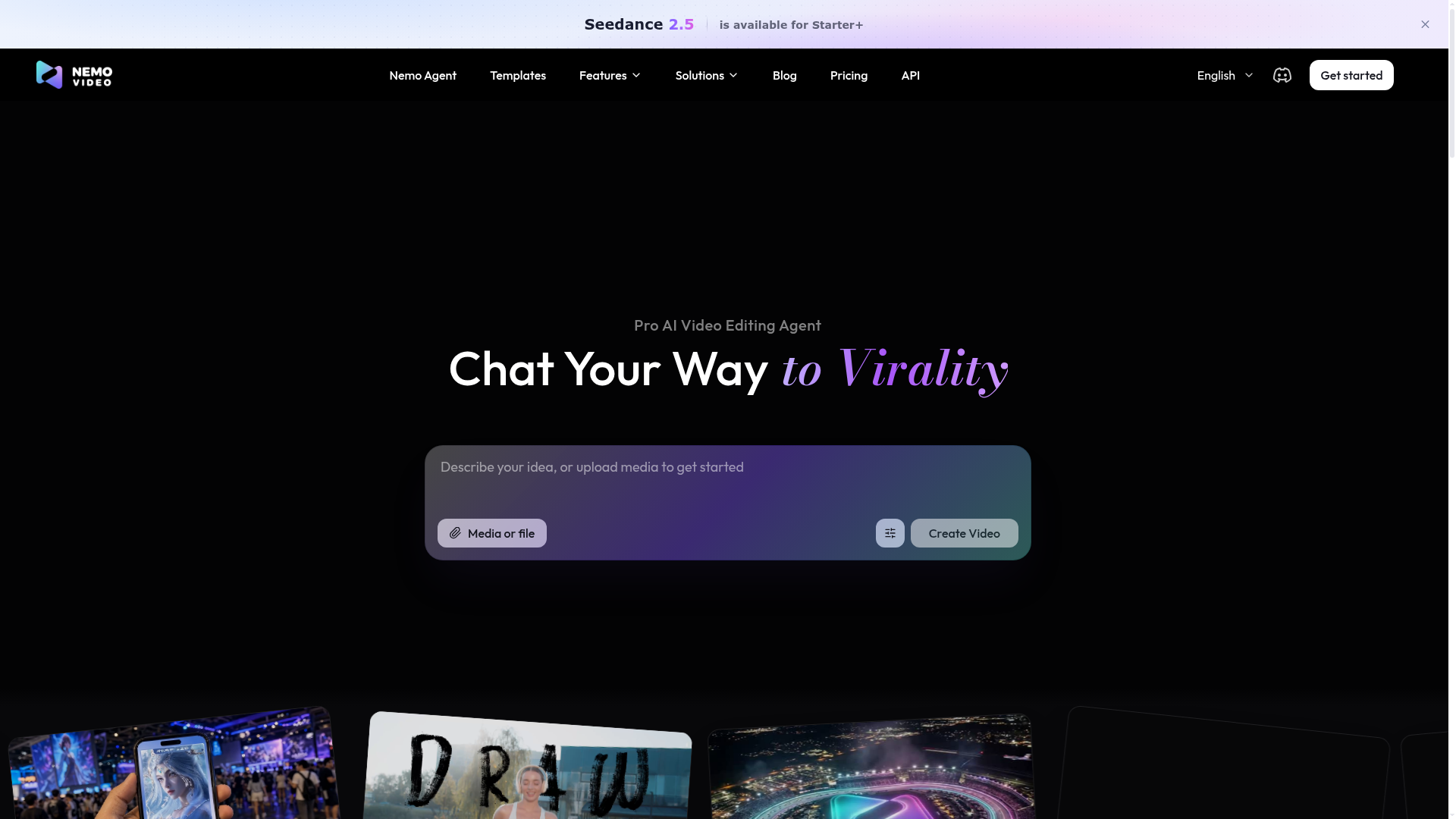
What is Nemo Video?
Nemo Video, or Nemo, is an AI-powered video editing platform designed to streamline the creation of engaging video content for social media, marketing, and personal projects. It acts as a "Pro AI Video Editing Agent," allowing users to create videos through simple text descriptions or by uploading existing media. It's a comprehensive tool for anyone looking to produce high-quality, viral-ready videos with minimal manual editing effort.
What are the main features of Nemo Video?
Nemo Video provides a suite of advanced AI-powered features to simplify professional video creation:
- Text-to-Video Generation
- Describe your idea in plain text, and Nemo's AI will generate a complete video script, source visuals, and assemble a draft video for you.
- Massive Template Library
- Jumpstart your projects with a vast gallery of pre-designed templates categorized for travel, viral trends, commercials, and more.
- Advanced AI Model Integration
- The platform integrates cutting-edge AI models for specific tasks:
- StepAudio 3 & Qwen3-TTS: For generating realistic, customizable voiceovers with control over pacing and emphasis.
- AI Image Generators (e.g., GPT Image 2.5): For creating consistent, high-quality visual assets tailored for vertical videos (Shorts, Reels).
- MiniMax Music 3: For editing full music tracks into perfect 15 or 30-second clips optimized for short-form video content.
- Flow Edit & Professional Tools
- Offers an intuitive editing interface ("Flow Edit") for fine-tuning AI-generated content, aligning captions with audio beats, and applying final polish.
- Multi-language Support
- The platform is accessible in over 15 languages, including English,简体中文, Español, and 日本語, catering to a global creator base.
How to use Nemo Video?
Using Nemo Video is designed to be intuitive and accessible for creators of all skill levels:
- Start a Project: You can begin by typing a text description of your video idea or by uploading your own media files (images, clips) into the platform.
- Utilize Templates: Browse the "Viral Templates" gallery to find a style that matches your vision. Templates provide a structured starting point that you can customize.
- Leverage AI Agents: Use the integrated AI tools like StepAudio for voiceovers or the image generators to populate your video with assets based on your script.
- Edit and Refine: Enter the "Flow Edit" workspace to adjust the timing, add text captions, sync audio, and fine-tune the sequence of clips. The AI agent assists in automating many of these alignment tasks.
- Export and Share: Once satisfied, export your finished video in the optimal format for platforms like TikTok, YouTube Shorts, or Instagram Reels.
What is the price of Nemo Video?
Nemo Video operates on a freemium model with tiered subscription plans. While specific pricing details are listed on their dedicated Pricing page, the model typically includes:
- Free Tier
- Offers access to core features with limitations, such as a cap on the number of videos, watermarked exports, or basic AI model access. This allows users to test the platform.
- Starter+ & Pro Plans
- Paid subscriptions (like the mentioned "Starter+") unlock advanced features, remove watermarks, provide higher video quality exports, grant more AI generation credits (e.g., for models like "Seedance 2.5"), and offer priority processing. These are ideal for regular content creators and professionals.
Helpful tips for using Nemo Video
- Be Specific in Prompts
- When describing your video idea, include details about mood, key objects, desired music style, and voiceover tone. The more precise your text input, the better the AI can generate relevant assets.
- Explore Templates First
- If you're new, start with a template. It gives you a proven structure and visual style, which you can then easily adapt with your own text and media.
- Use AI for Specific Tasks
- Don't try to make the AI do everything at once. Use StepAudio/Qwen3-TTS for voice, a separate tool for images, and MiniMax for music. Nemo's workflow is built to integrate these specialized outputs.
- Leverage the "Flow Edit"
- The AI provides a great first draft, but the "Flow Edit" workspace is where you add your personal touch. Pay attention to caption timing and audio-visual sync to maximize viewer engagement.
- Check Platform Specs
- Before exporting, ensure your video's aspect ratio, length, and file format are optimized for your target social media platform (e.g., 9:16 for TikTok).
Frequently Asked Questions about Nemo Video
Can I use my own footage and images with Nemo Video?
Yes. You can upload your own media files (videos, images) to use as the primary visual content in your projects. The AI tools can then assist with editing, adding voiceovers, and generating complementary assets.
Is Nemo Video suitable for complete beginners with no editing experience?
Absolutely. Its core design philosophy is to lower the barrier to video creation. The text-to-video feature and template-driven approach allow anyone to create a video by simply describing their idea or choosing a pre-made style.
What kind of videos can I create with Nemo?
Nemo is versatile. It's ideal for creating social media shorts (TikTok, Reels, YouTube Shorts), promotional commercials, travel vlogs, product showcases, and educational content. The template categories (Viral, Commercial, Travel, etc.) reflect its wide range of applications.
Does Nemo Video support team collaboration?
The platform offers a "Workspace" and "My Gallery" for managing projects. While the page hints at organizational features, for detailed collaboration capabilities like shared projects or team libraries, checking the specific plan features on their website is recommended.
How does the "AI Video Editing Agent" actually work?
The AI agent acts as your co-pilot. You provide the creative direction (text/upload), and it handles the heavy lifting: scripting, suggesting visuals, sourcing or generating assets (AI images/voice), and assembling a rough cut. You then guide and refine its work in the editor.
NemoVideo
Meet your AI video editing agent. Just chat what you want — NemoVideo handles the dirty work. Hunt viral videos, analyze trends, and create ready-to-go content in minutes. No editing skills required. Start free!
 Cloudflare
 Google Analytics
 YouTube
Free AI anime and manga generator. Turn text into anime episodes, manga, comics, webtoons and comic shorts in any art style — no drawing or animation skills needed.
Translate image text across 70+ languages with our advanced AI Image Translator to help you better expand your products globally to various countries
Advertised Here
Reach thousands of visitors daily. Get your spot now!
Tools similar to NemoVideo
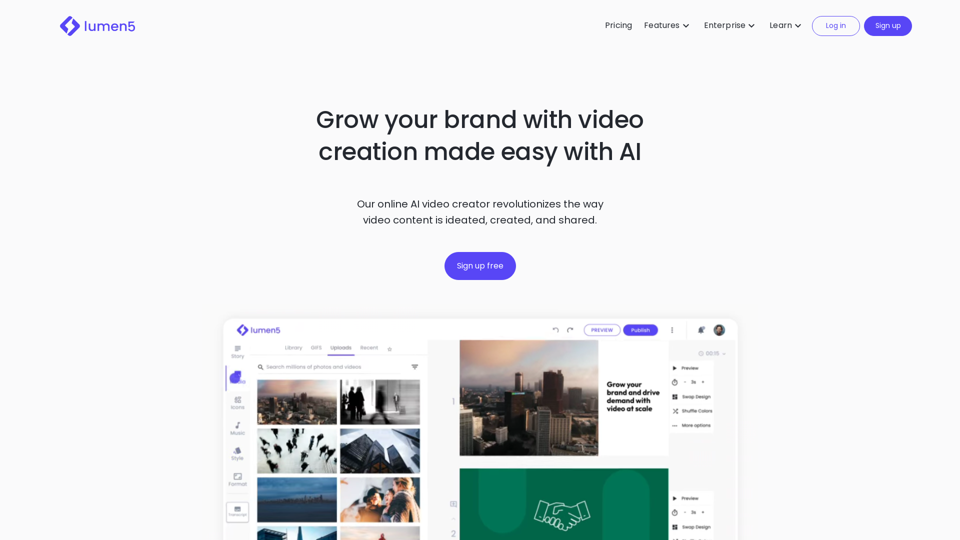
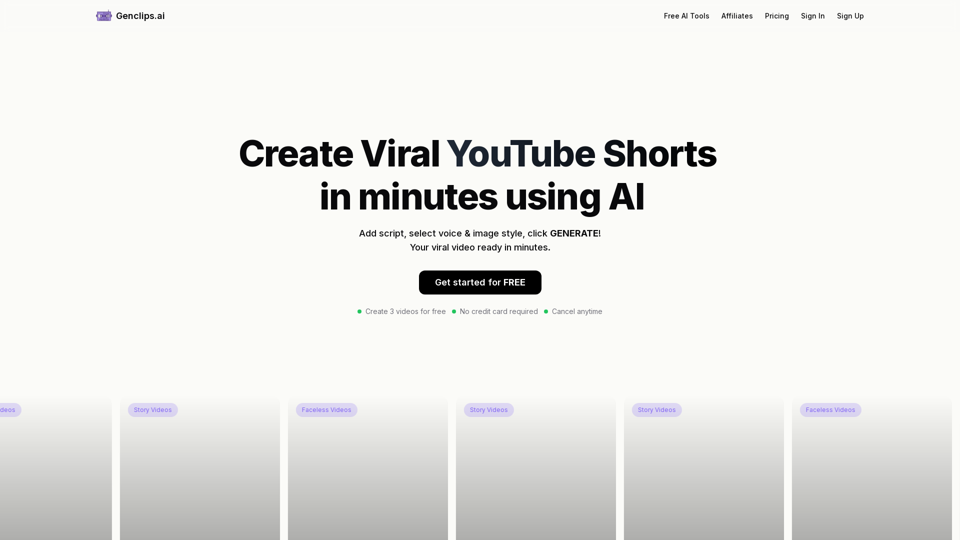
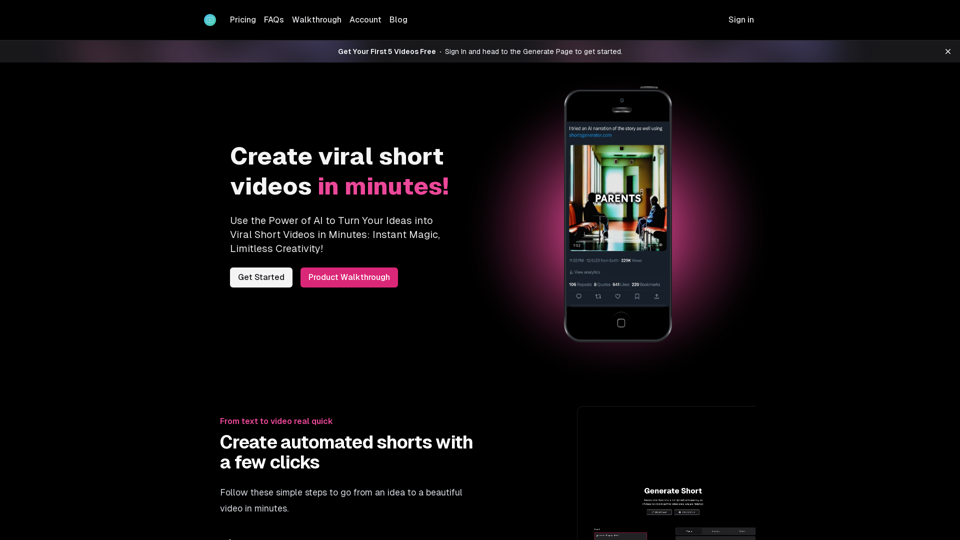
Create viral videos in minutes with AI. Transform your ideas into engaging content for TikTok, Instagram, and YouTube.
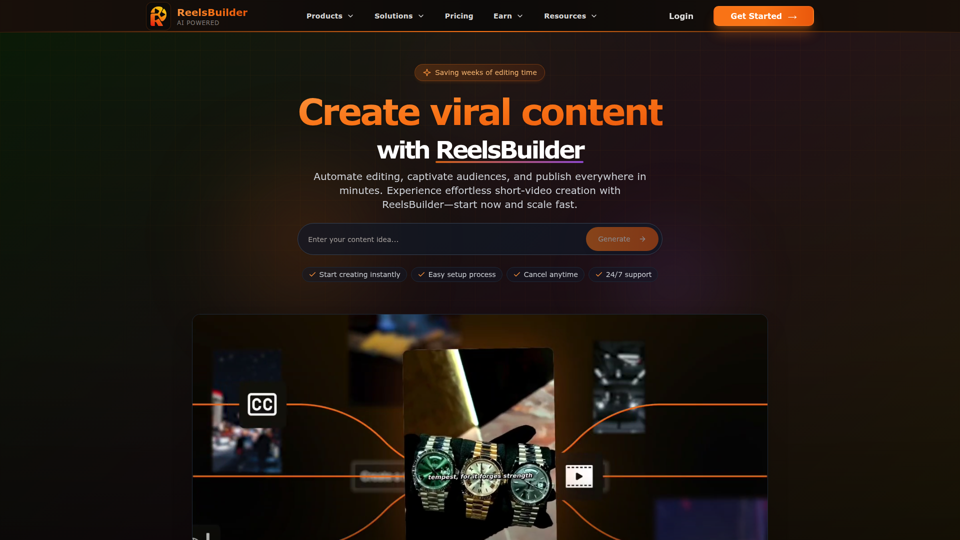
Transform your ideas into engaging social media content with AI-powered video creation. Generate viral videos for TikTok, Instagram Reels, YouTube Shorts automatically.
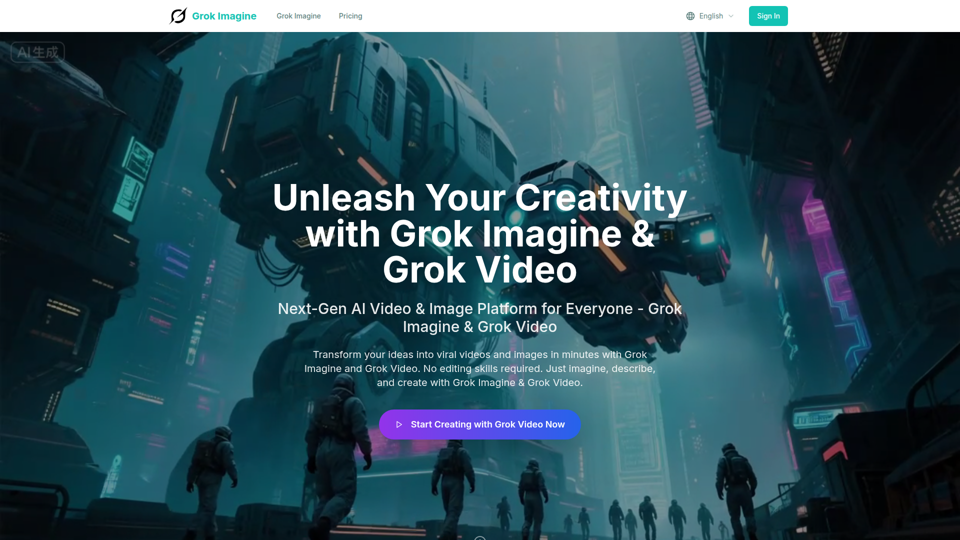
Transform ideas into viral videos with Grok Imagine AI. Generate stunning 6-second videos from text or images using xAI Aurora engine. Perfect for social media and marketing.
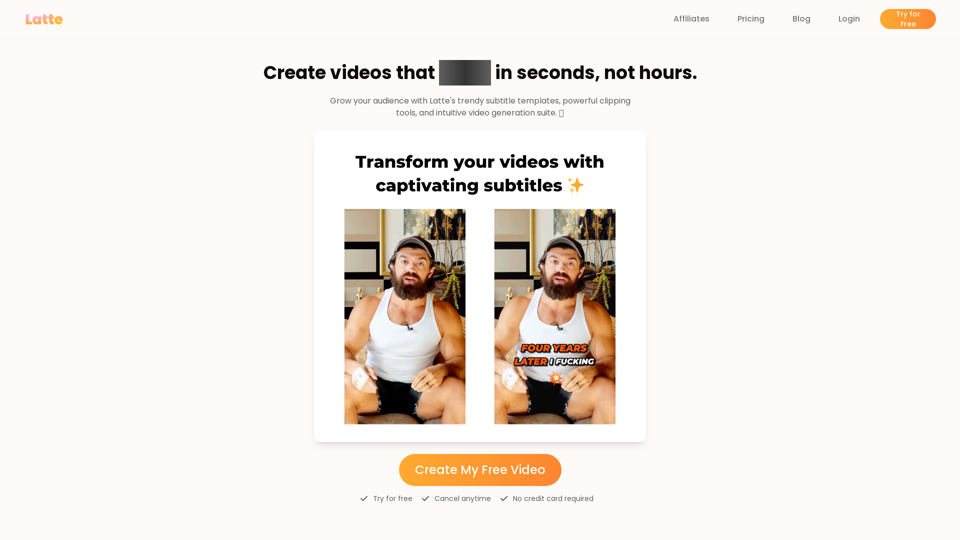
Latte Social is an AI video editor for creators and businesses to create engaging short form videos. Animated subtitles in over 20 styles, one-click viral clips, and text-to-video generation. Start your free trial.
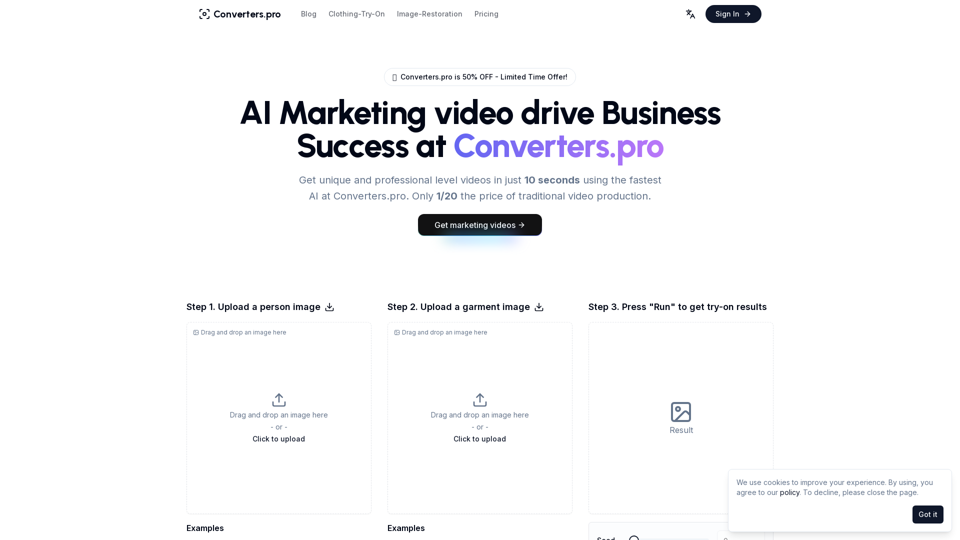
Create stunning marketing videos with Converters.pro. Our AI-powered video generator helps you craft engaging social media content, product demos, and brand videos in minutes. Transform your marketing with professional, customizable video content.
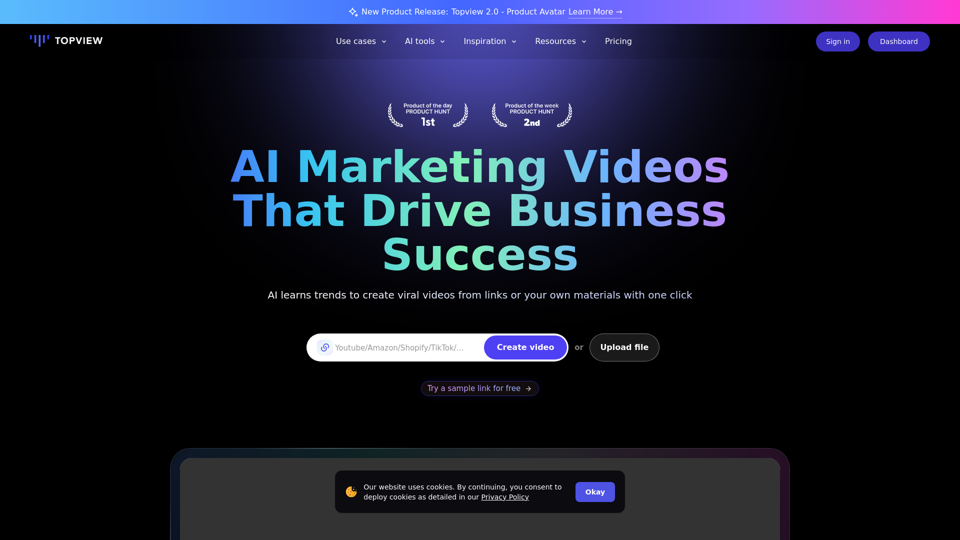
Topview is an AI video editor that turns your links into viral videos in one click. Best AI Video Editor for creating, editing, and enhancing videos.