NeonLingo
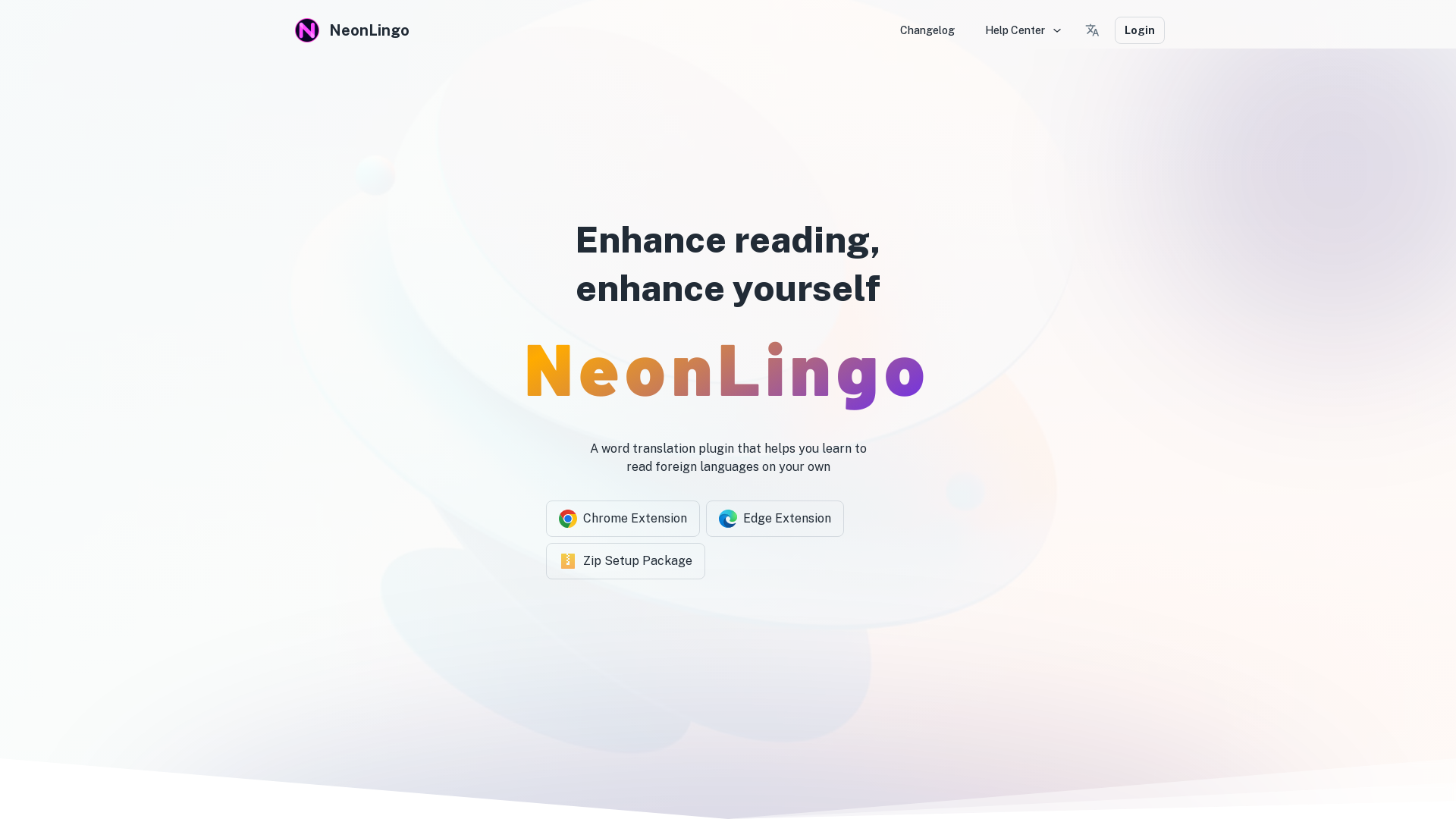
NeonLingo is a word translation tool that can help you quickly learn unfamiliar languages while browsing web pages. It can help you mark translated words and automatically recognize whether these words still exist in the websites you browse. Through simple and convenient operations and repeated prompts, it gives you the feeling of tagging English words while browsing web pages
What is NeonLingo?
NeonLingo is a powerful word translation plugin designed to enhance your reading experience by helping you learn foreign languages independently. It offers seamless integration with Chrome and Edge browsers, providing essential tools to translate and understand unfamiliar words instantly. With its automatic vocabulary highlighting and various features, NeonLingo significantly improves reading efficiency and memorization.
Main Features of NeonLingo
- Wide Compatibility
- Available as a Chrome extension, Edge extension, and Zip setup package, making it easy to install and use.
- Automatic Vocabulary Highlighting
- Remember every translated word; hover over it for instant meaning recovery.
- Word Bubble Feature
- Enhances memory efficiency by 37% with quick translations and detailed dictionary definitions.
- Intelligent AI Analysis
- Provides context-based translations that ensure accuracy in meaning.
- Smooth Interaction Modes
- Allows easy removal of word highlights, ensuring an uninterrupted reading flow.
- Empowered Learning
- Increases reading efficiency by an average of 21% compared to regular selection methods.
How to Use NeonLingo?
To get started with NeonLingo, simply install the extension corresponding to your browser. Once activated, you can highlight any word you encounter while reading. The word bubble will display its translation, and if you want to explore more, just click for an in-depth dictionary definition. The plugin will remember all the words you've translated, making it easy for you to review and reinforce your learning.
Pricing Information
NeonLingo is offered for free, allowing users to access its core features without any financial commitment. However, premium features may be available for those looking for advanced functionalities and additional resources to enhance their learning experience.
Helpful Tips for Maximizing NeonLingo
- Use While Reading
- Make use of the plugin while reading articles, novels, or any foreign content online to learn new vocabulary effortlessly.
- Regularly Review Translations
- Take time to hover over previously translated words to reinforce your memory and understanding.
- Explore Contextual Translations
- Utilize the AI-driven contextual understanding to get accurate meanings for words based on their usage in sentences.
- Interact Frequently
- Engage with the tool often to increase your vocabulary and improve language skills effectively.
Frequently Asked Questions
Can NeonLingo help with complex texts?
Yes, NeonLingo is designed to analyze vocabulary in context, making it suitable for translating complex texts and providing nuanced meanings.
Is my data safe when using NeonLingo?
Absolutely, NeonLingo prioritizes user privacy and data protection, ensuring that all your translations and interactions remain confidential.
Can I use NeonLingo for multiple languages?
Yes, NeonLingo supports various languages, allowing you to learn and translate words across different linguistic backgrounds.
What if I encounter issues while using NeonLingo?
For any issues or questions, you can reach out to NeonLingo's support team at [email protected] for assistance and guidance.
By utilizing NeonLingo's extensive features, users can revolutionize their language learning and reading efficiency, making it an indispensable tool for anyone looking to enhance their foreign language skills.
NeonLingo
NeonLingo is a word translation tool that can help you quickly learn unfamiliar languages while browsing web pages. It can help you mark translated words and automatically recognize whether these words still exist in the websites you browse. Through simple and convenient operations and repeated prompts, it gives you the feeling of tagging English words while browsing web pages
 Cloudflare
 HTTP/3
 Next.js
 Node.js
 React
React Webpack
Free AI anime and manga generator. Turn text into anime episodes, manga, comics, webtoons and comic shorts in any art style — no drawing or animation skills needed.
Translate image text across 70+ languages with our advanced AI Image Translator to help you better expand your products globally to various countries
Advertised Here
Reach thousands of visitors daily. Get your spot now!
Tools similar to NeonLingo
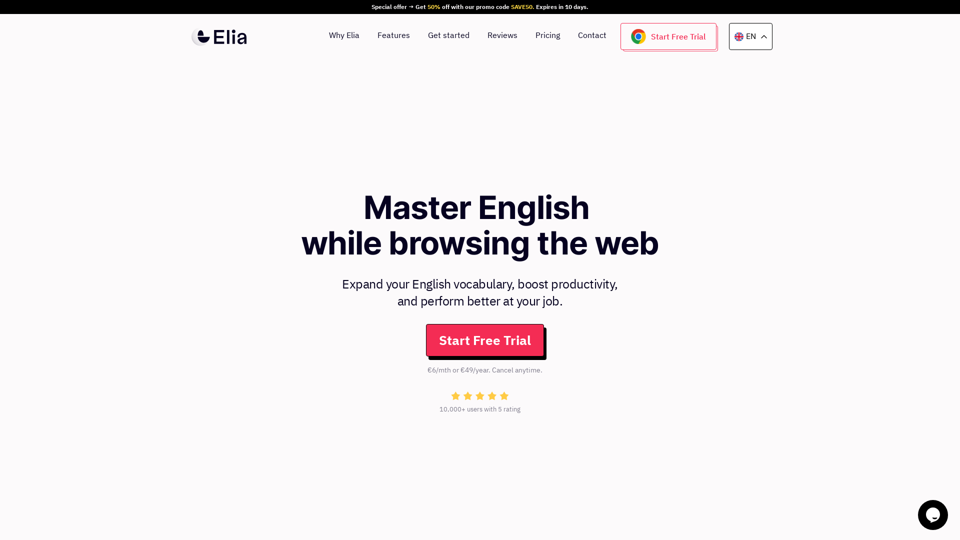
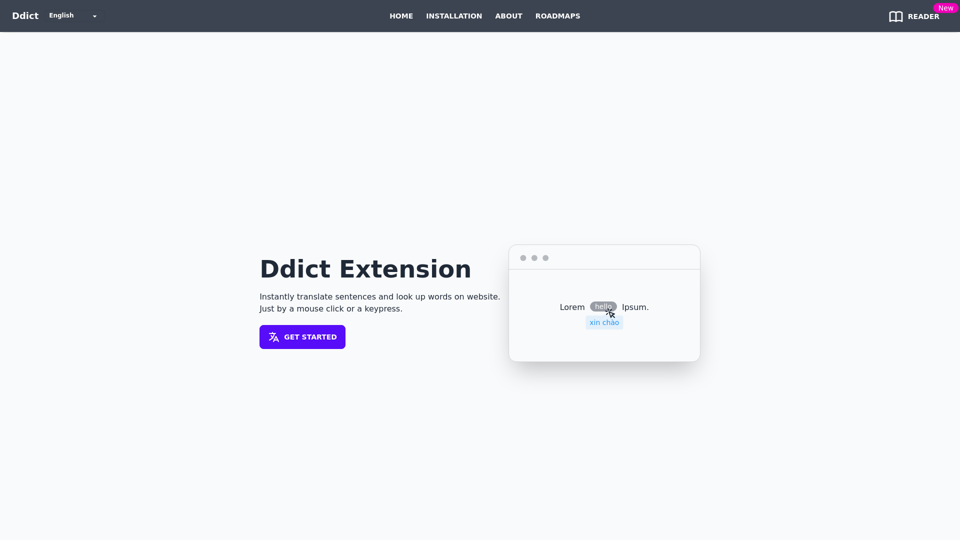

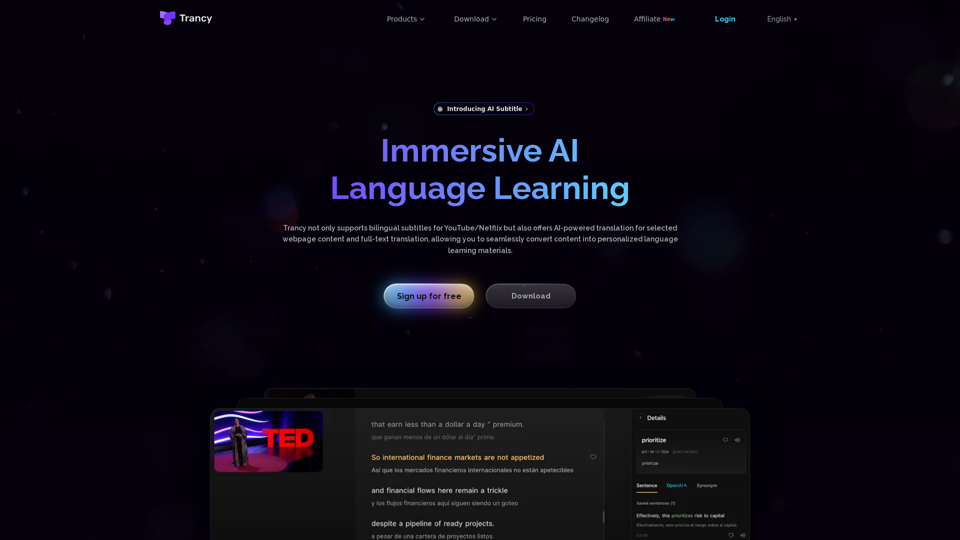
Trancy not only provides bilingual subtitles support for platforms like YouTube, Netflix, Udemy, Disney+, TED, edX, Kehan, Coursera, but also offers AI word/sentence translation and immersive translation for regular web pages. It is a true all-in-one language learning assistant.
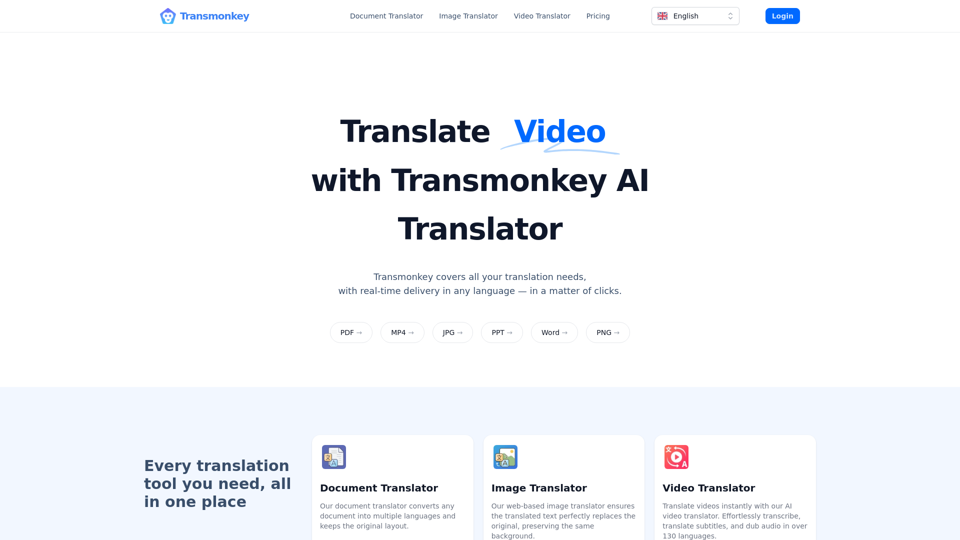
Translate any file instantly with Transmonkey. Our top AI translator can translate documents, images, audio, and video - PDF, Word, PNG, MP3 and more.