What is OmniDetect AI?
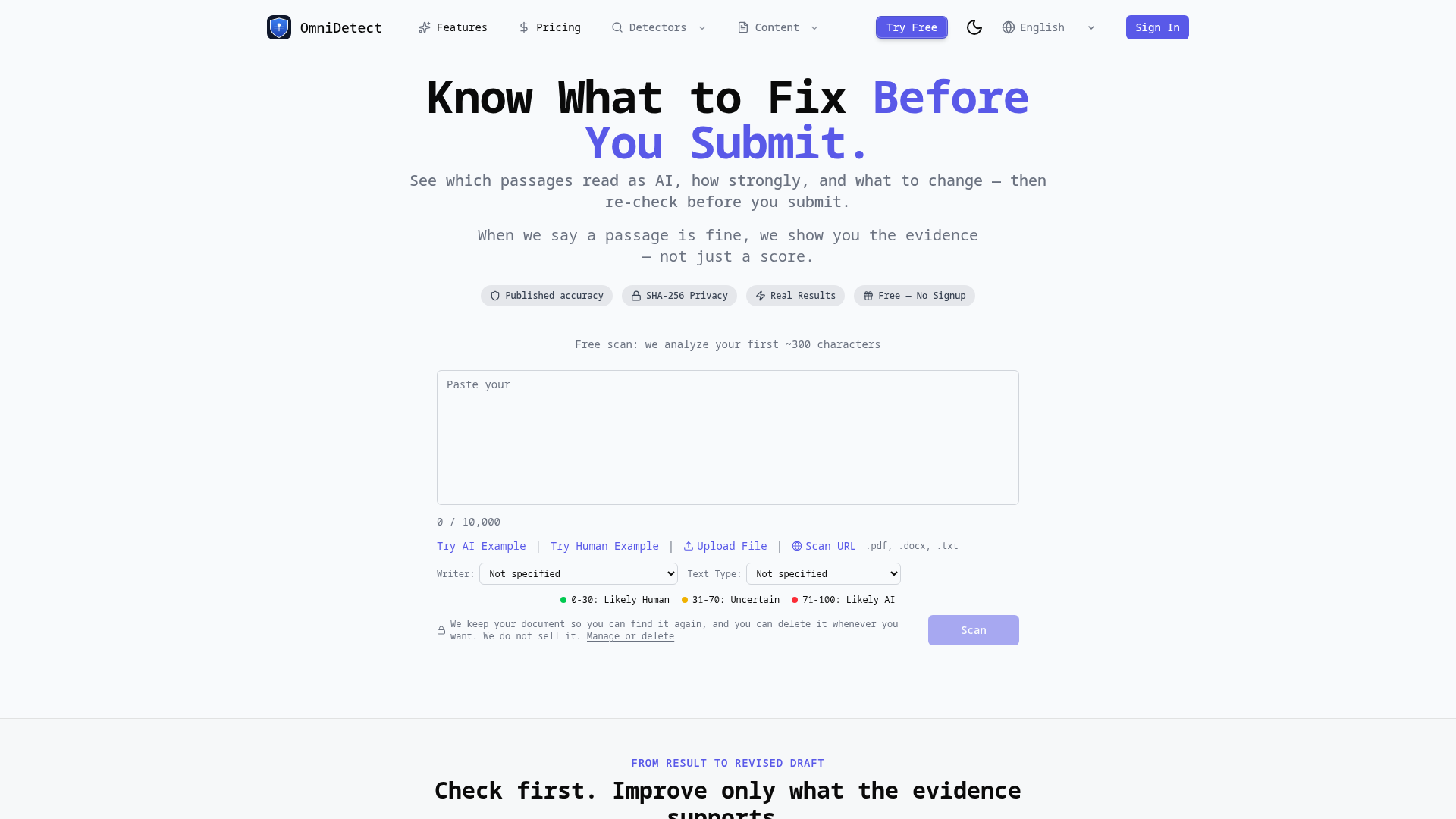
OmniDetect AI is a transparent, evidence-based AI detection tool designed to analyze written text and identify content that may have been generated by artificial intelligence. Unlike simple detectors that provide only a vague score, OmniDetect goes deeper, showing users which specific passages read as AI-generated, how strongly they are flagged, and providing actionable guidance on what to change. It aims to be a practical tool for writers, students, and professionals to "Know What to Fix Before You Submit," ensuring content integrity and authenticity.
What are the main features of OmniDetect AI?
OmniDetect AI distinguishes itself through a focus on transparency and actionable results:
- Evidence-Based Analysis
- It doesn't just give a score. It highlights the exact sentences or paragraphs that contributed to the AI detection verdict, allowing you to see the "why" behind the result.
- Transparent Process
- The tool shows the analyzed scope, the detection method used, validation benchmarks, and known limits of the analysis. You inspect the process, not just accept an authority.
- Free Trial & Privacy-Centric
- Users can scan the first ~300 characters of any document without signing up. All submitted text is stored only for the user's history and accuracy benchmarking, and can be deleted at any time. The company states it does not sell user data.
- Integrated Revision Workflow
- For texts with clear AI flags, OmniDetect offers an "evidence-guided rewriting" feature. It can propose focused rewrites for the flagged passages. You can then review the changes and re-check the revised text to verify improvements.
- Context-Aware Scanning
- The scanner includes options to specify the writer's profile (e.g., ESL, Native, Professional) and text type (e.g., Academic Essay, Blog Post), which helps tailor the analysis for greater accuracy.
- Comprehensive Comparisons
- The platform provides extensive resources to compare OmniDetect's performance against other major AI detectors like GPTZero, Copyleaks, Turnitin, and Grammarly.
How to use OmniDetect AI?
Using OmniDetect AI is a straightforward, three-step process focused on understanding and improvement:
- Paste Your Text: Navigate to the scanner. You can paste text directly (up to 50,000 characters), upload a file (.pdf, .docx, .txt), or enter a URL. You can also select optional parameters like "Writer" and "Text Type" for more nuanced analysis.
- Get the Analysis: Click "Scan." OmniDetect will process the entire text using its chosen detection engine (selected based on language and other factors). The result is presented as an "OmniScore" (0-100) and, more importantly, a detailed breakdown showing flagged passages and the evidence.
- Understand and Act: Review the verdict. A low score (0-30) suggests content is "Likely Human," a mid-range score (31-70) indicates "Uncertain," and a high score (71-100) means "Likely AI." Based on this, you can:
- If flagged: Use the "Explore evidence-guided rewriting" feature to get suggested revisions for the specific problematic parts. Implement changes, then re-scan the draft to confirm it passes.
- If uncertain: Review the evidence and methodology. The transparency allows you to make an informed judgment call.
- If clear: Proceed with confidence, supported by the documented analysis.
What is the price of OmniDetect AI?
OmniDetect AI operates on a freemium model:
- Free Tier
- Guest users can scan the opening ~300 characters of any document without creating an account. This provides a real, albeit limited, analysis.
- Free Account
- Creating a free account grants access to scan entire documents. The specific daily or monthly limits for free users are not explicitly stated on the provided page but are implied to be sufficient for individual use.
- Paid Subscriptions
- For users with higher volume needs (e.g., institutions, frequent professionals), OmniDetect offers subscription plans. Details and pricing are available on a separate "Pricing" page, which is linked from the main site.
Helpful Tips for Using OmniDetect AI
- Use the Context Options
- Always select the most accurate "Writer" and "Text Type" from the dropdown menus before scanning. This helps the engine account for stylistic differences (e.g., formal academic writing vs. creative blog posts).
- Focus on the Passages, Not Just the Score
- The true value is in the highlighted text. Even with a moderate overall score, you can see exactly which sections might be raising concerns.
- Leverage the Rewrite Feature
- If you need to revise, use the built-in rewriting tool. It targets only the flagged sections, helping you maintain your original voice and intent while altering the problematic phrasing.
- Re-check After Revising
- Always run a final scan on your revised draft. This confirms that your changes effectively addressed the detection triggers.
- Manage Your History
- If you create an account, you can view and delete your past scans from the document history page, giving you full control over your data.
Frequently Asked Questions
Is this AI detector free?
Yes, you can start using it for free by scanning the first part of your text without an account. A free account provides more extensive access.
Can it detect ChatGPT?
Yes. OmniDetect is specifically benchmarked against and capable of detecting content from models like ChatGPT, GPT-4, and other modern AI text generators.
How is my privacy protected?
Your text is transmitted securely (HTTPS). It is stored only in your personal document history to allow you to revisit it and for the company to measure its own accuracy. You can delete any document at any time. The company states it does not sell your data.
What detection engines are used?
OmniDetect uses a proprietary selection of detection engines, chosen based on the language and type of your text. The specific engine used for your analysis is disclosed in the results for transparency.
What does the OmniScore mean?
The OmniScore (0-100) is a composite confidence indicator. ### 0-30: Likely Human. 31-70: Uncertain. ### 71-100: Likely AI. The accompanying passage analysis is more important than the score alone.
How accurate is OmniDetect?
The platform publishes its accuracy benchmarks and methodology. It emphasizes transparency over claiming perfection, openly discussing the "known limits" of AI detection technology.
Does OmniDetect flag Grammarly-edited text as AI?
The platform has a dedicated resource page addressing this question. Generally, sophisticated grammar editors can sometimes introduce patterns that detectors might flag. Using the "Grammar-Edited" writer profile option may help mitigate this.
Can OmniDetect analyze academic papers and essays?
Absolutely. It has specific settings for "Academic Essay" and "Technical Writing," making it a suitable tool for students, researchers, and educators to check the originality of their work.
Free AI Content Detector & Checker
Know what to fix before you submit. See which passages read as AI, how strongly, and what to change — then re-check. We publish our measured accuracy, misses included.
 Next.js
 Node.js
 React
React Vercel
 Webpack
Free AI anime and manga generator. Turn text into anime episodes, manga, comics, webtoons and comic shorts in any art style — no drawing or animation skills needed.
Translate image text across 70+ languages with our advanced AI Image Translator to help you better expand your products globally to various countries
Advertised Here
Reach thousands of visitors daily. Get your spot now!
Tools similar to Free AI Content Detector & Checker
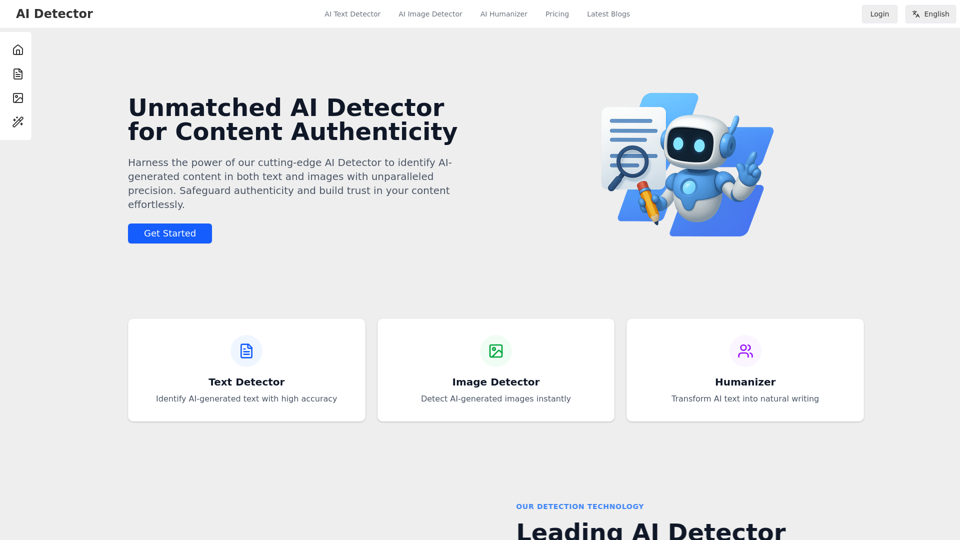
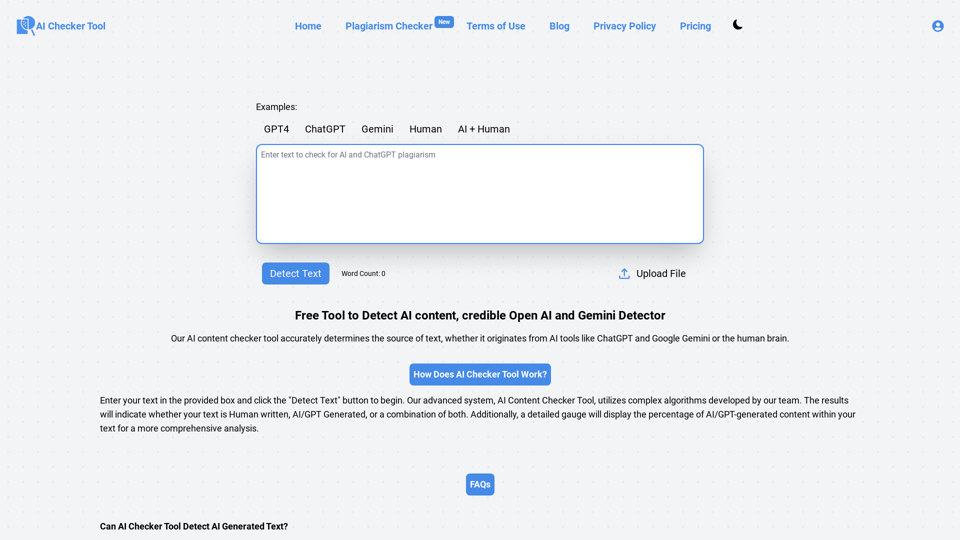
AI Text Scanner and Multi-Model AI Detector, intuitive with Superior Accuracy. Free AI Detector & Plagiarism Checker for AI Content by SmartAI.
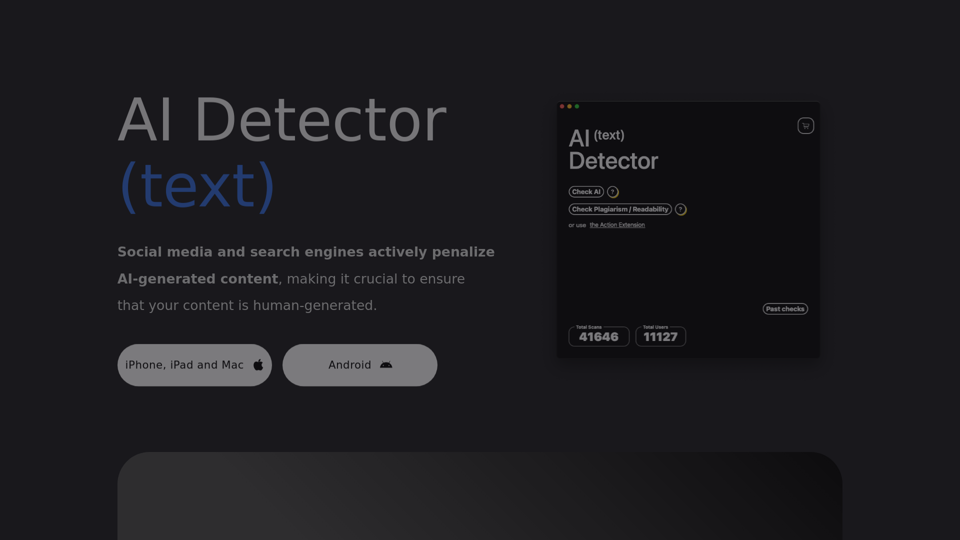
AI Text Detector - Check if any text, essay or review has been generated using AI such as ChatGPT, GPT4.
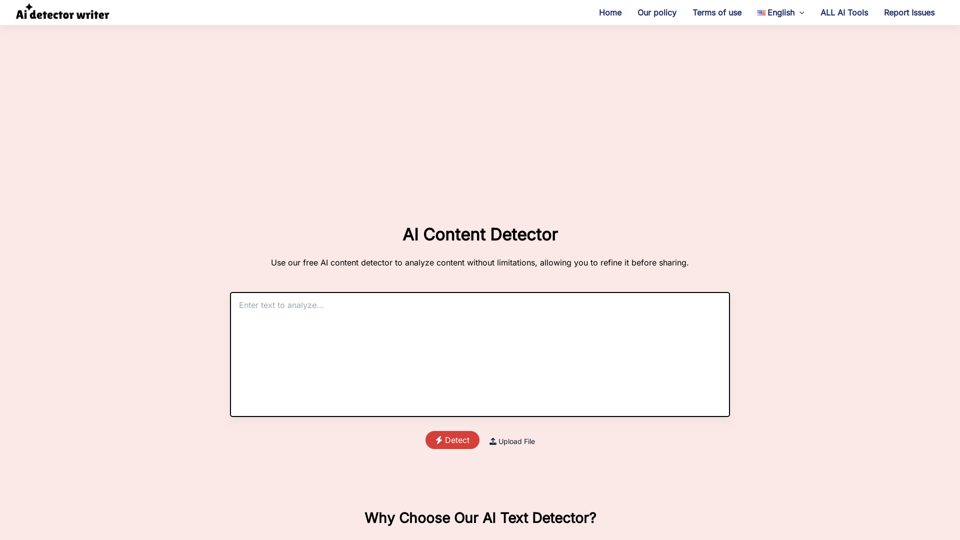
Use our free AI content detector to analyze your content without any limitations, helping you refine and perfect it before sharing with your audience.
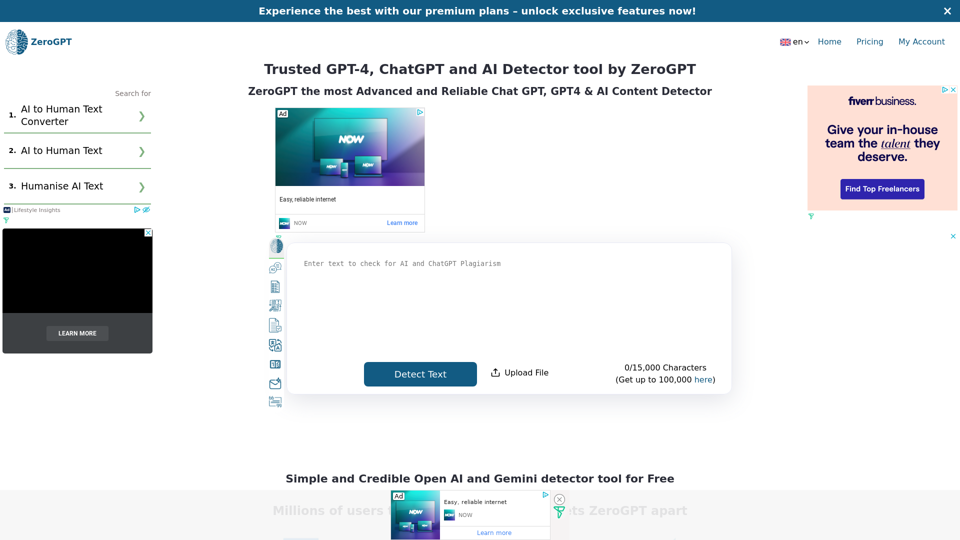
AI Content Detector and ChatGPT Detector, simple way with High Accuracy. AI Checker & AI Detector Free for AI GPT Plagiarism by ZeroGPT.
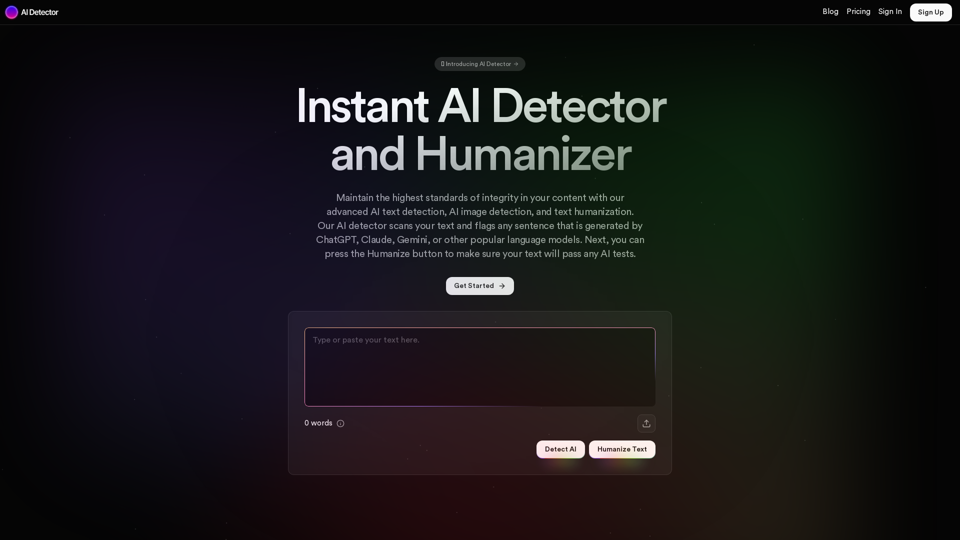
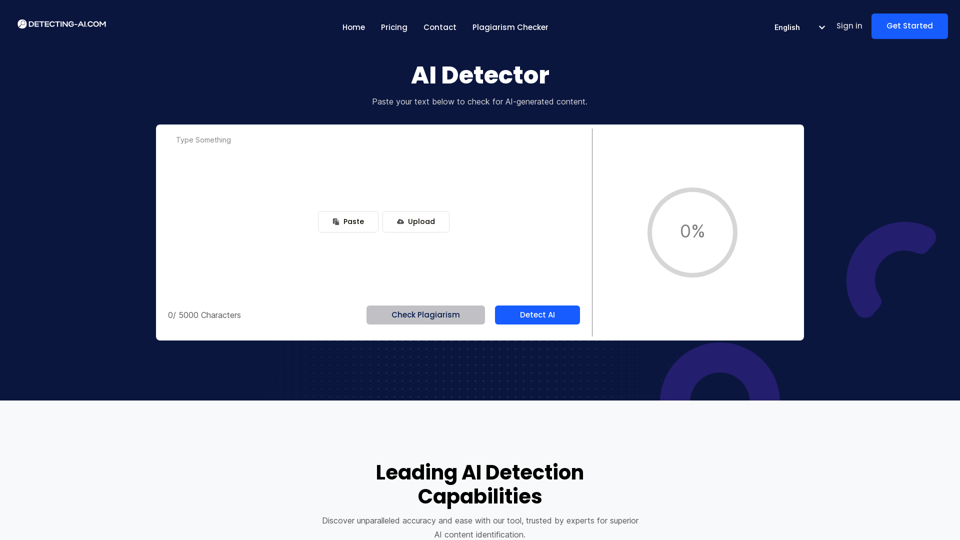
Detect and check AI-generated content with our powerful AI detection tool. Identify and flag ChatGPT and other AI-generated text. Keep your content AI-free with our AI detection