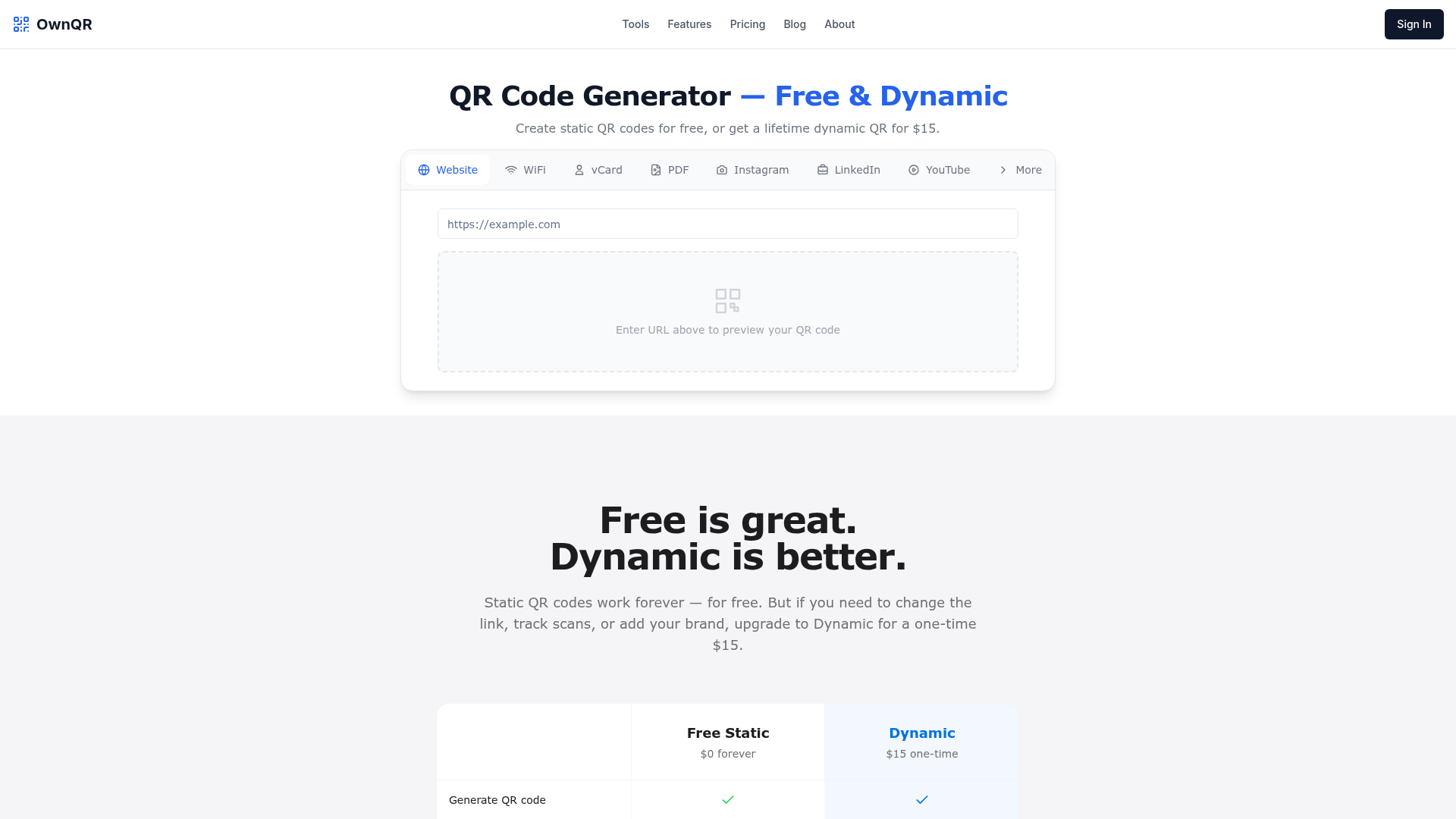
What is QR Code Generator?
QR Code Generator is a professional online tool that enables users to create both static and dynamic QR codes instantly. It allows you to generate QR codes for a wide variety of purposes, including linking to websites, connecting to WiFi networks, sharing vCard contact details, linking to social media profiles like Instagram and LinkedIn, and distributing PDF documents or YouTube videos. The platform is designed to be user-friendly, offering free static QR codes and an affordable, one-time payment option for lifetime dynamic QR codes with advanced features.
Key Features of QR Code Generator
- Free Static QR Codes
- Generate static QR codes at no cost. These codes never expire and work offline, perfect for permanent links.
- Lifetime Dynamic QR Codes
- For a single payment of $15, unlock dynamic QR codes that you can edit anytime, track scan analytics, and customize without ever paying a subscription.
- Comprehensive Design Suite
- Fully customize your QR codes with gradients, logos, custom colors, rounded edges, and frames to match your brand identity.
- Live Scan Analytics
- Gain insights with detailed analytics for dynamic codes, tracking total scans, geographic location, device types, and referral sources.
- High-Quality Export Options
- Download your QR codes in print-ready SVG (vector) and high-resolution PNG (up to 4096px) formats, ensuring perfect quality for both digital and physical materials.
- Wide Range of Pre-Tuned Generators
- Access specialized generators for over 30 use cases, including WiFi, business cards, wedding invitations, restaurant menus, and real estate signs, each with optimized fields and design defaults.
- Global & Secure
- The platform supports 12 languages and 4 currencies, with robust safety measures that verify destination URLs through Google Safe Browsing to prevent malicious redirects.
How to Use QR Code Generator
Using the QR Code Generator is straightforward. To create a free static QR code, simply enter your target URL or information into the generator on the website and click "Generate QR code." You can then download it as an SVG or PNG. To unlock dynamic features, purchase the lifetime dynamic plan for $15. This grants you access to a dashboard where you can create dynamic codes, change their destination URLs at any time even after printing, apply custom designs, and view live scan analytics.
Pricing for QR Code Generator
QR Code Generator operates on a simple, transparent pricing model:
- Free Static QR Codes
- $0 forever. Ideal for permanent, unchangeable links.
- Lifetime Dynamic QR Codes
- A one-time payment of $15. This includes unlimited edits, analytics, customization, and high-quality exports with no recurring fees or expiration.
This contrasts sharply with typical subscription services that charge $5-$50 per month, making OwnQR's lifetime deal a highly cost-effective solution for businesses and individuals.
Helpful Tips for Using QR Code Generator
- Choose the Right Type
- Use ### static QR codes for permanent information like a fixed company website URL. Use ### dynamic QR codes for marketing campaigns, event details, or restaurant menus where the linked content may need future updates.
- Leverage Custom Design
- Always customize your QR code with your logo and brand colors to increase trustworthiness and scan rates. The design tools make this easy.
- Select the Correct Format for Output
- For ### print materials like business cards or posters, always download the ### SVG vector format to ensure infinite scalability without quality loss. Use ### PNG for digital applications like websites or emails.
- Utilize Pre-Built Templates
- Save time by using the platform's pre-tuned generators for specific use cases like WiFi, vCards, or Instagram links. They come with the correct data fields and smart design defaults.
- Monitor Your Analytics
- If you have a dynamic code, regularly check the scan analytics to understand your audience's location, device usage, and engagement trends, allowing you to optimize your campaigns.
Frequently Asked Questions
What is the difference between a static and dynamic QR code?
A static QR code has the data (like a URL) permanently embedded in the image. It works forever and offline, but its destination cannot be changed. A dynamic QR code uses a short redirect link, allowing you to update the target URL anytime after printing and providing detailed scan analytics. OwnQR offers both, with dynamic codes available for a one-time $15 fee.
How much does a dynamic QR code cost?
Most services charge a monthly subscription ($5-$50/month). OwnQR offers a lifetime dynamic QR code for a single payment of ### $15, with no renewals or expiration.
Can I change the destination URL after printing a QR code?
Yes, but only if it's a ### dynamic QR code. You can update the target URL unlimited times from your dashboard. The printed QR code image remains the same but will redirect to the new content.
What file formats can I download QR codes in?
You can download all QR codes in ### SVG (vector) and ### PNG (raster, up to 4096x4096px) formats. SVG is ideal for printing, while PNG is suitable for digital use.
Do OwnQR dynamic QR codes expire?
No. Since they are purchased with a one-time lifetime payment and not a subscription, OwnQR dynamic codes ### never expire and will continue to work indefinitely.
What scan analytics does OwnQR provide?
For dynamic codes, OwnQR provides analytics including total scan count, daily/weekly trends, device types (iOS/Android), geographic location (city/country), and referral sources. All data is presented in real-time on your dashboard.
Is OwnQR safe? How do you prevent malicious QR codes?
Yes. For dynamic codes, every destination URL is verified in real-time against the ### Google Safe Browsing API. If a link is flagged as phishing or malware, users are shown a warning page instead of being redirected. Static codes are generated locally in your browser for maximum privacy.
OwnQR
OwnQR provides $15 one-time payment dynamic QR codes. Edit links anytime, unlimited scans, and full analytics. Save $600+ vs monthly subscriptions.
 Cloudflare
 HTTP/3
 Vercel
 dc.js
dc.jsFree AI anime and manga generator. Turn text into anime episodes, manga, comics, webtoons and comic shorts in any art style — no drawing or animation skills needed.
Translate image text across 70+ languages with our advanced AI Image Translator to help you better expand your products globally to various countries
Advertised Here
Reach thousands of visitors daily. Get your spot now!
Tools similar to OwnQR
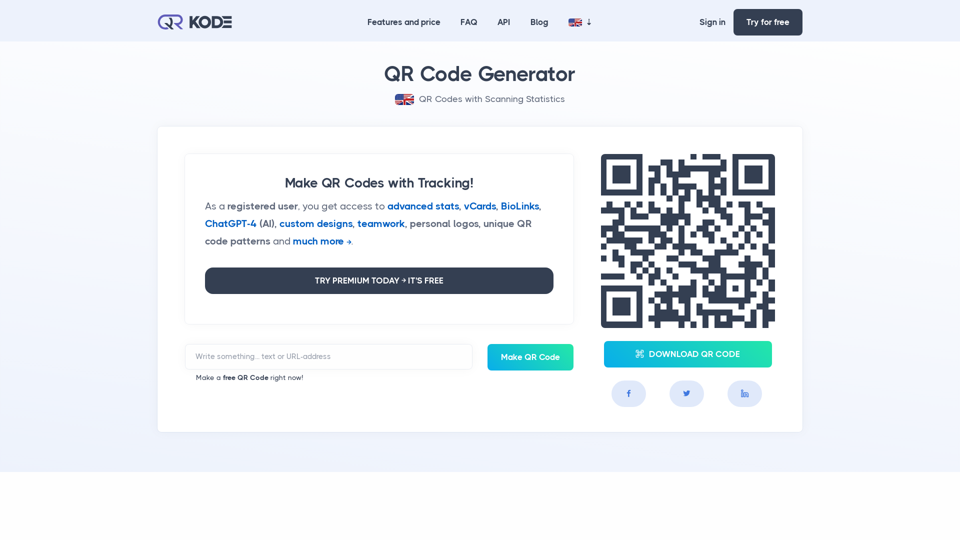
Our QR Code Generator allows you to create an unlimited number of professional, smart, static, and dynamic QR Codes with advanced statistics. Try it for free.
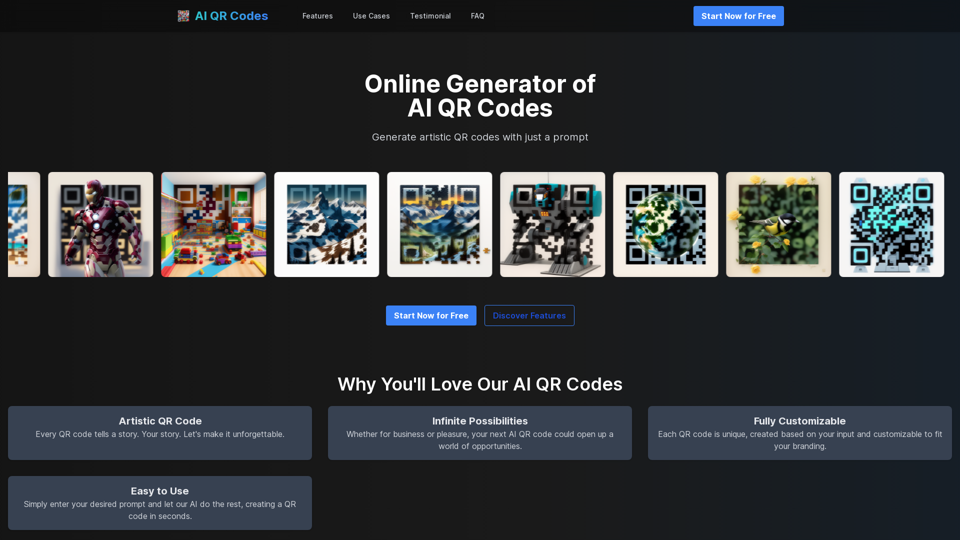
Next level of branding with QR Codes AI, the best online generator for AI artistic QR codes. Attract more conversions with AI-generated designs that not only captivate but seamlessly align with your brand's identity.
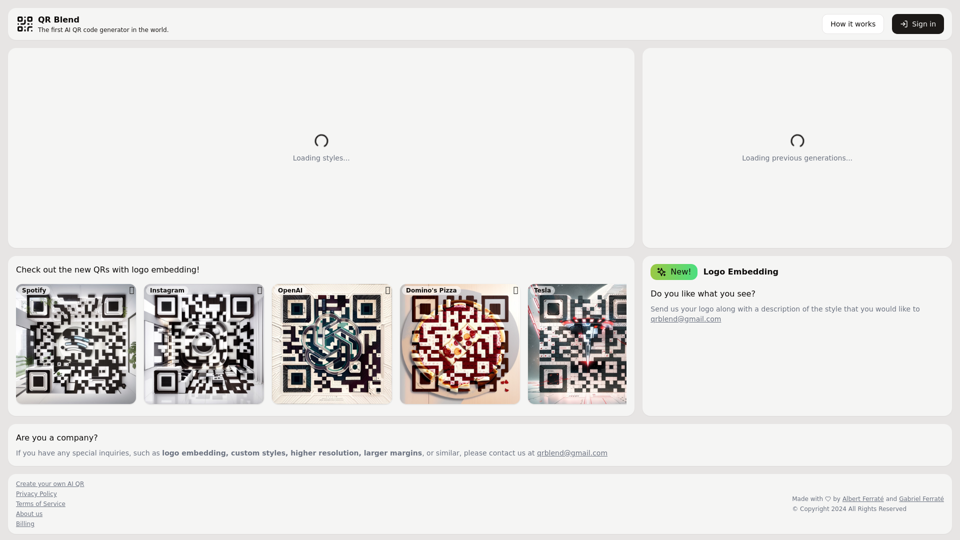
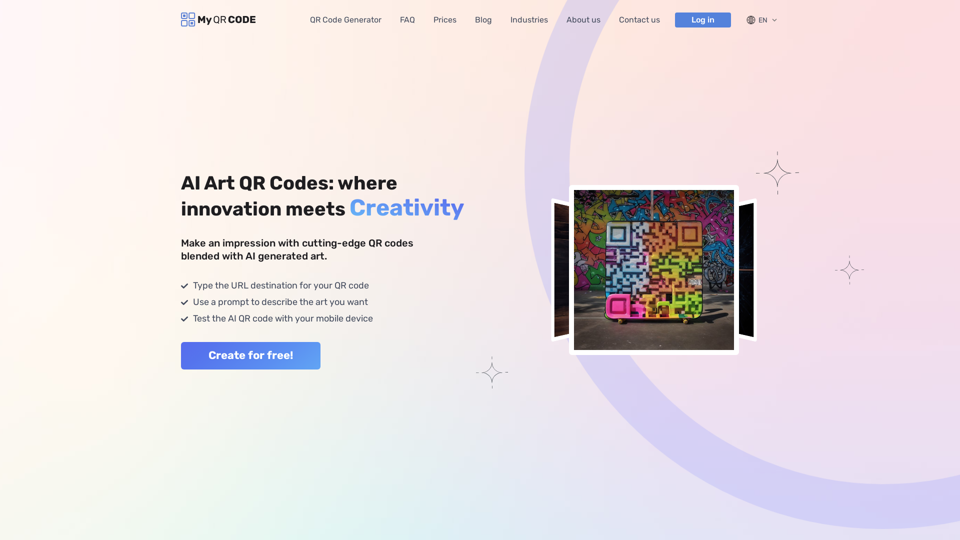
Generate AI QR codes that blend AI art with your QR code, resulting in industry-leading QR codes that make a great impression for your brand.
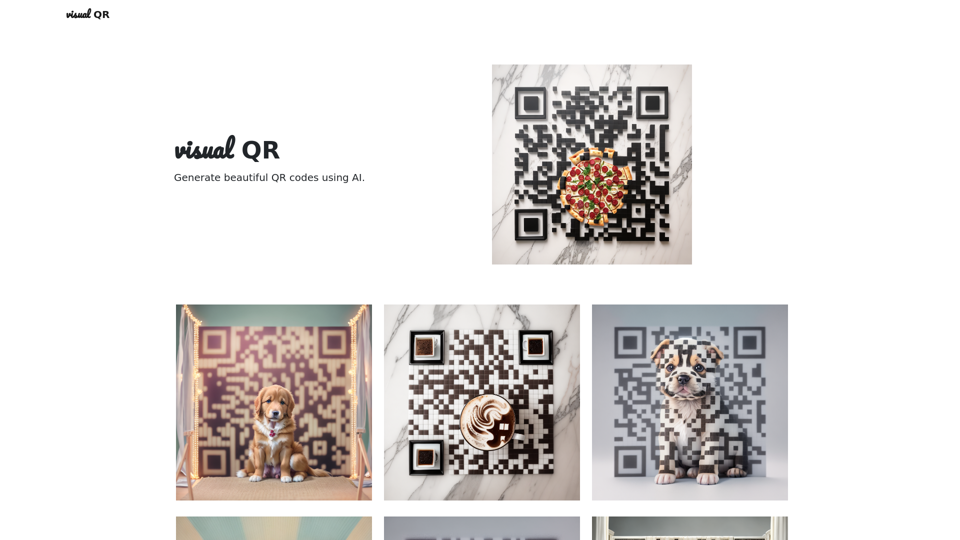
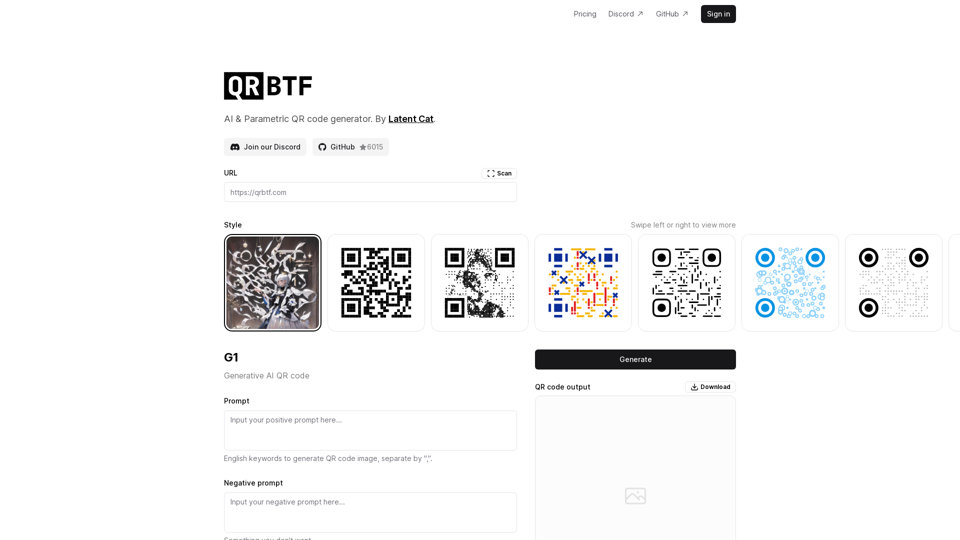
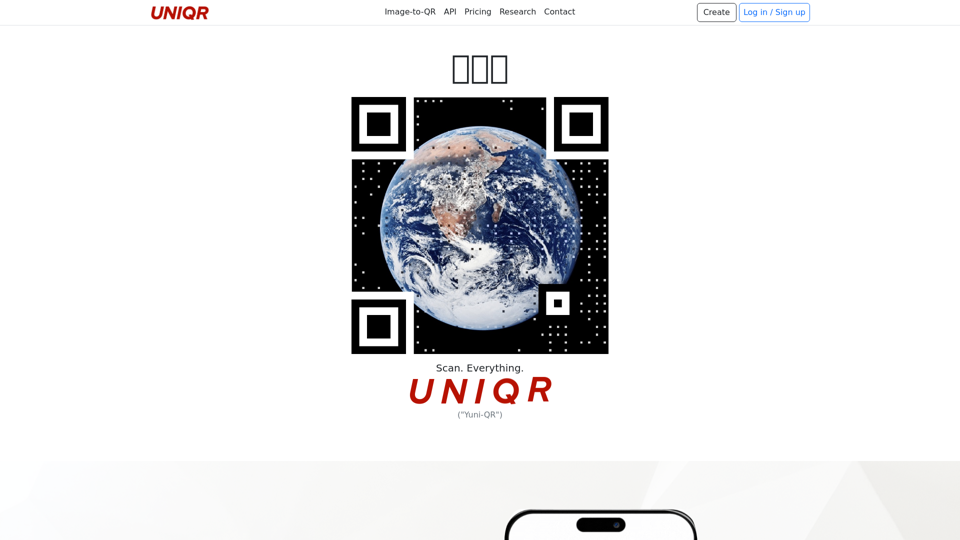
Upload logos, selfies, animals, food (jpg, png, gif). Design your Visual QR code in seconds. Boost your brand with stunning photographic QR codes.