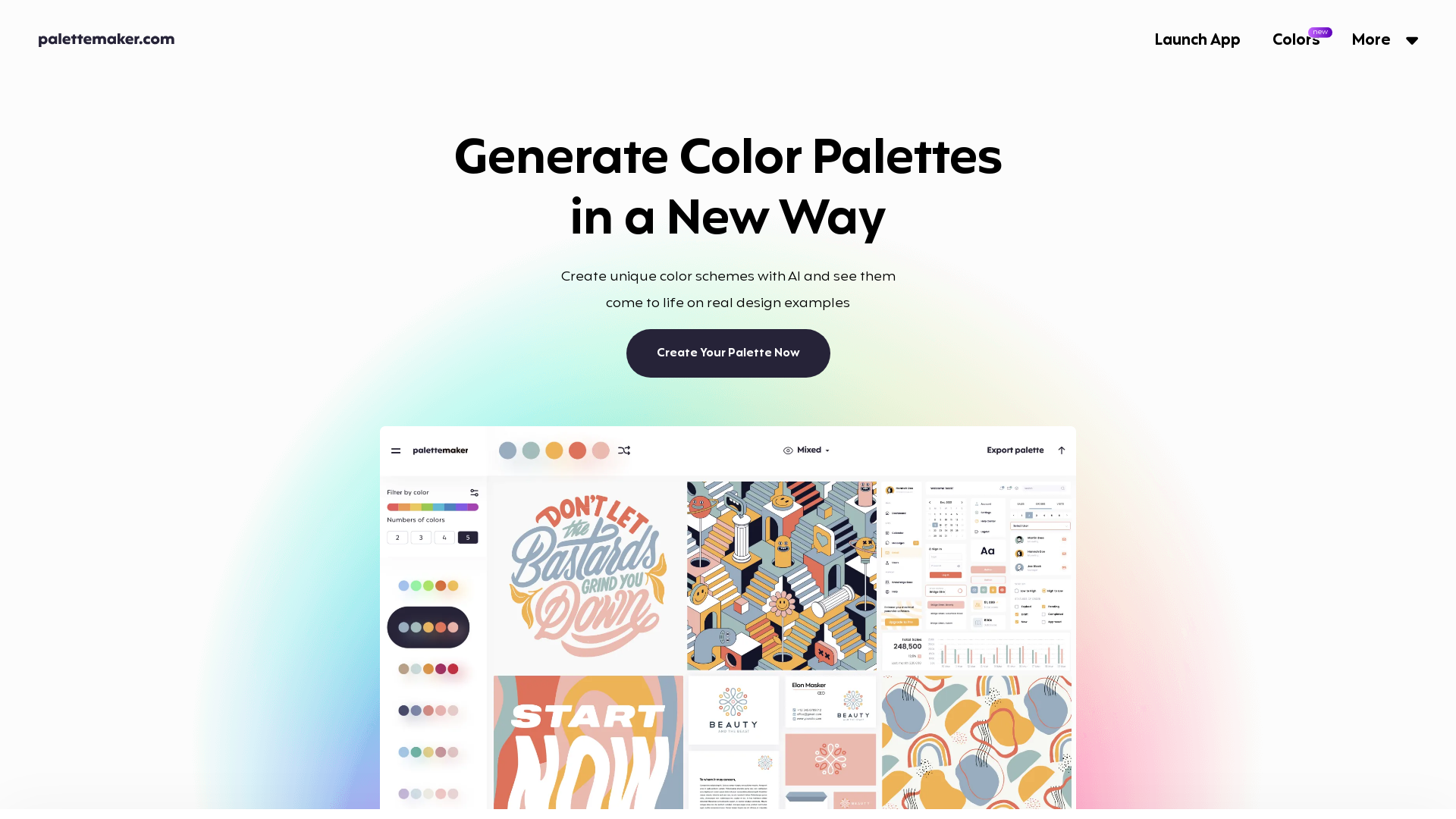
What is the AI Color Palette Generator?
The AI Color Palette Generator is an innovative tool designed for creative professionals and color enthusiasts alike. It allows users to create unique color schemes using artificial intelligence while providing a live preview of these palettes on real design examples across various creative fields such as logo design, UI/UX, posters, and patterns.
Main Features of the AI Color Palette Generator
- Diverse Creative Fields
- Test your color palettes on numerous design types including logos, UI designs, posters, and illustrations.
- Live Preview
- Instantly see how your selected colors interact in pre-made design layouts.
- User-Friendly Interface
- The tool is intuitive and easy to navigate, making it accessible for both designers and non-designers.
- Powerful Export Options
- Save your color palettes in various formats including Procreate, Adobe ASE, images, and even code.
How to Use the AI Color Palette Generator?
Using the AI Color Palette Generator is straightforward:
- Access the Tool
- Launch the app on your device.
- Select Your Base Color
- Choose your main color from the color palette provided.
- Explore Color Schemes
- Browse different color schemes and apply them to your main color.
- Customize Your Palette
- Randomize colors, change them individually, or delete specific color cells to craft the perfect palette.
- Preview on Real Designs
- View your color scheme in context with real design examples.
Pricing
The AI Color Palette Generator is completely free to use, with no hidden costs. All features are available without a subscription, ensuring that everyone from hobbyist to professional designer can access a powerful color generation tool.
Helpful Tips
- Experiment Freely
- Don’t hesitate to play around with different color combinations and schemes. The interface allows for quick changes, so explore various options.
- Study Color Theory
- Understanding the basics of color theory can greatly enhance your palette-making skills. Leverage the color theory basics provided within the tool to make informed choices.
- Export and Save
- Once you’ve created a palette you love, take advantage of the export options to save your work in a format that suits your needs.
Frequently Asked Questions
How to use PaletteMaker?
PaletteMaker is intuitive. Your main color palette appears at the top, and you can browse various color schemes from the left panel. Select a palette to apply it, randomize colors, or modify them easily.
Is it really free to use?
Yes, PaletteMaker is a 100% free web app for color lovers, and all features are free forever.
Is it suitable for non-designers?
Absolutely! PaletteMaker is designed to be enjoyable for both professional designers and those new to design.
Why don't your color palettes include black and white?
In graphic design, black and white are often used as background or text colors rather than as part of the color palette itself, which is focused on vibrant hues.
How to create a color palette in PaletteMaker?
Creating a color palette is simple. Refer to the "How to Create Color Palette" quick guide within the app for step-by-step instructions.
AI Color Palette Generator
Free color tool for creatives and color lovers. Create color palettes and preview them on UI/UX, Illustrations, Web, Apps, Branding and other designs.
 Cloudflare
 Google AdSense
 HTTP/3
 Node.js
 Nuxt.js
 Vue.js
Free AI anime and manga generator. Turn text into anime episodes, manga, comics, webtoons and comic shorts in any art style — no drawing or animation skills needed.
Translate image text across 70+ languages with our advanced AI Image Translator to help you better expand your products globally to various countries
Advertised Here
Reach thousands of visitors daily. Get your spot now!
Tools similar to AI Color Palette Generator
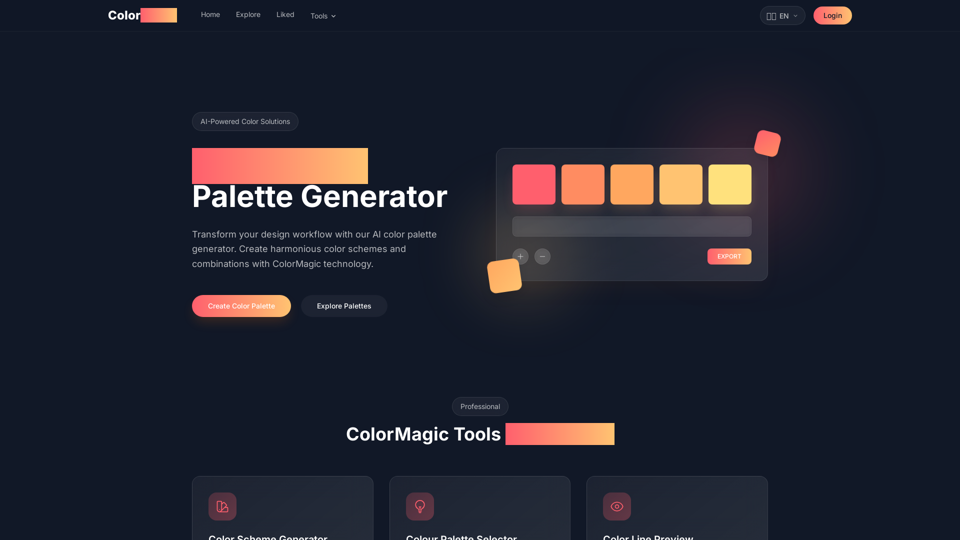
Create professional color palettes instantly with Color Magic AI. Generate color schemes from keywords or images. Free palette generator with color theory tools
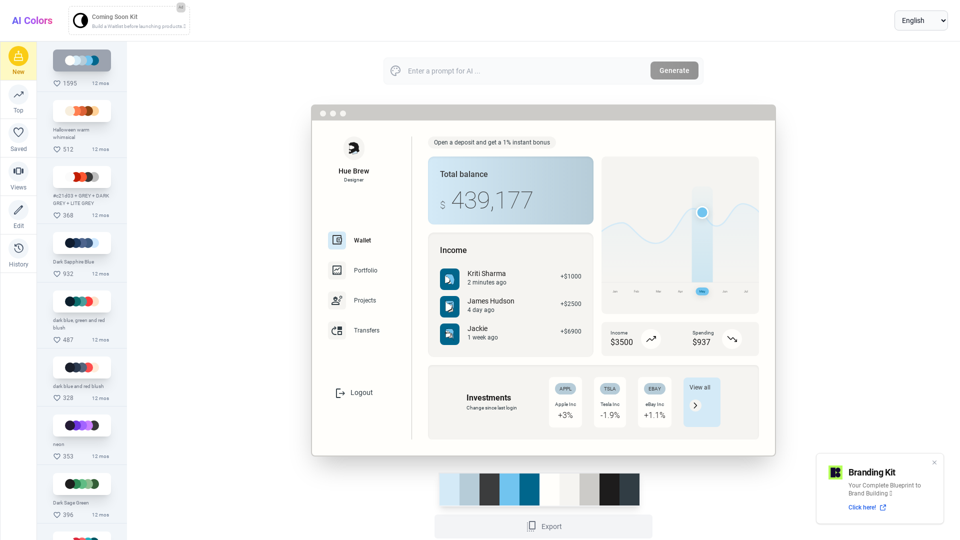
Create cool and unique color palettes with our AI-powered color palette generator. Browse, edit, and visualize your palettes to find the perfect combination for your project.
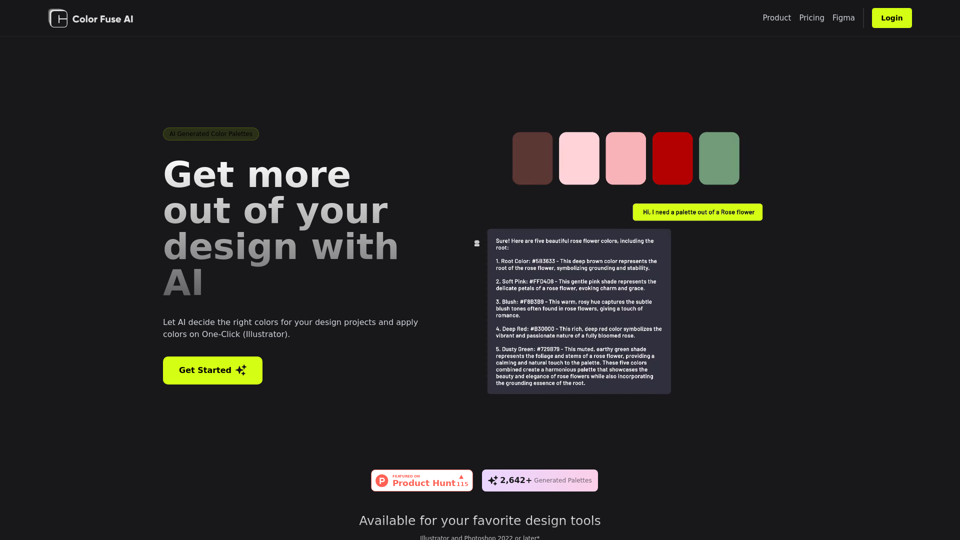
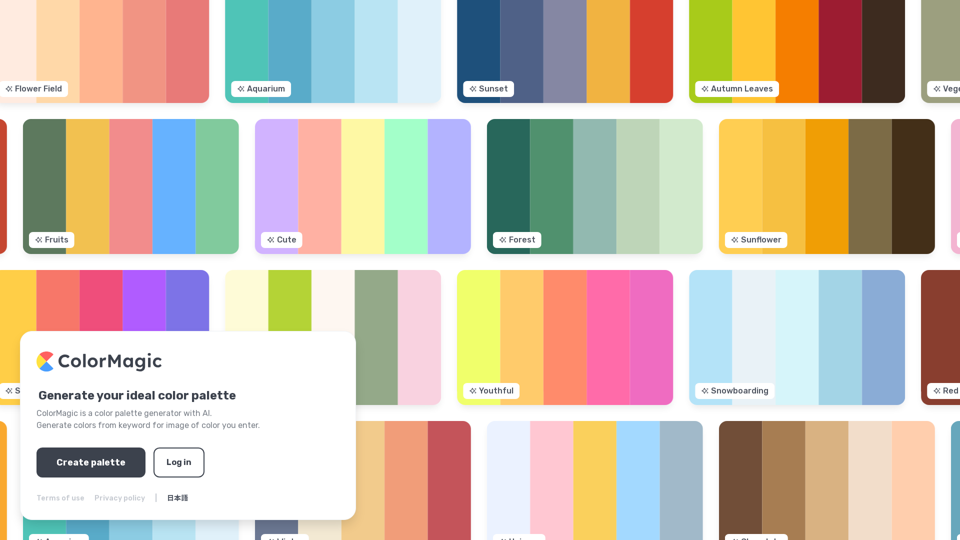
ColorMagic is a color palette generator with AI. Generate colors from keyword for image of color you enter.
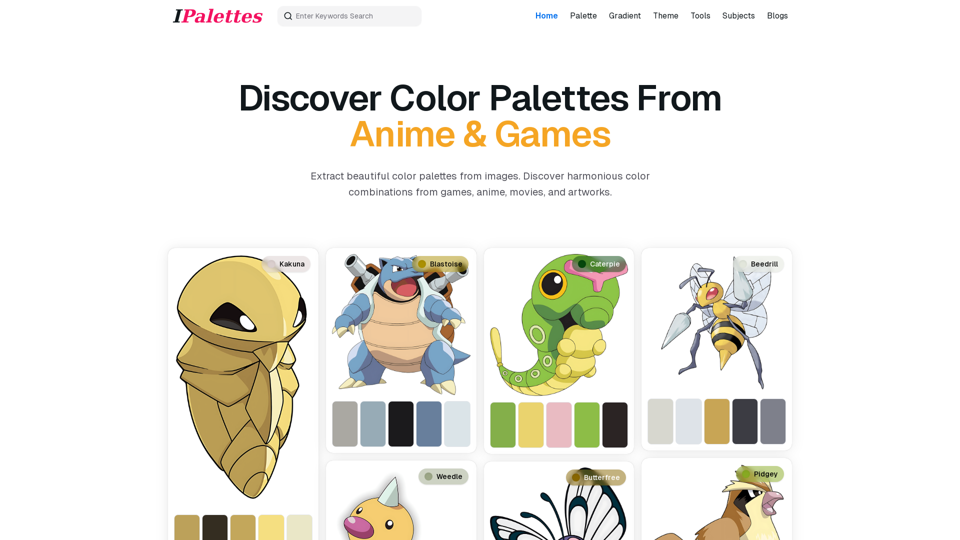
Explore IPalettes’ AI-powered color generator. Enter keywords to create related color palettes that inspire creativity, perfect for all design needs.
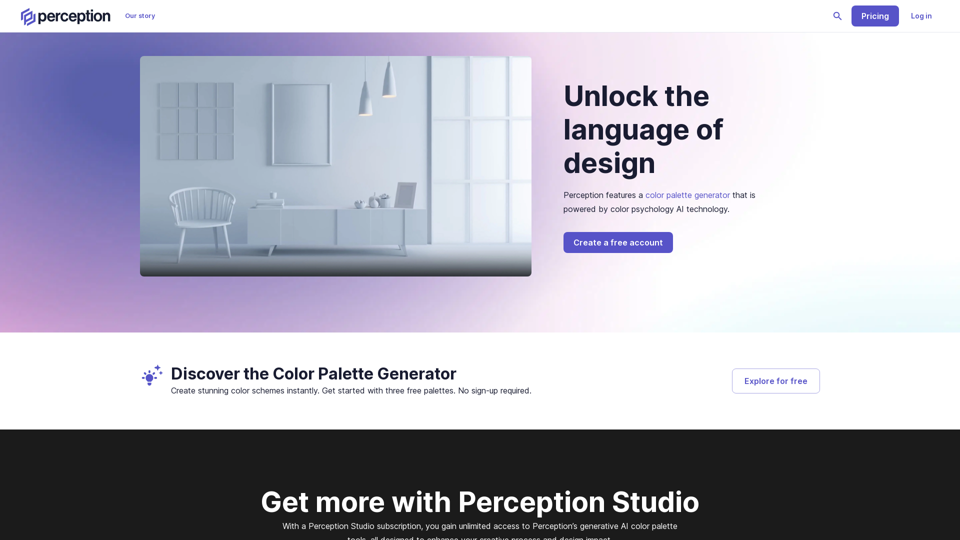
Take the guesswork out of design decisions. Perception is a platform for creative professionals with research-based recommendations and AI-powered tools to accelerate your creative expression.
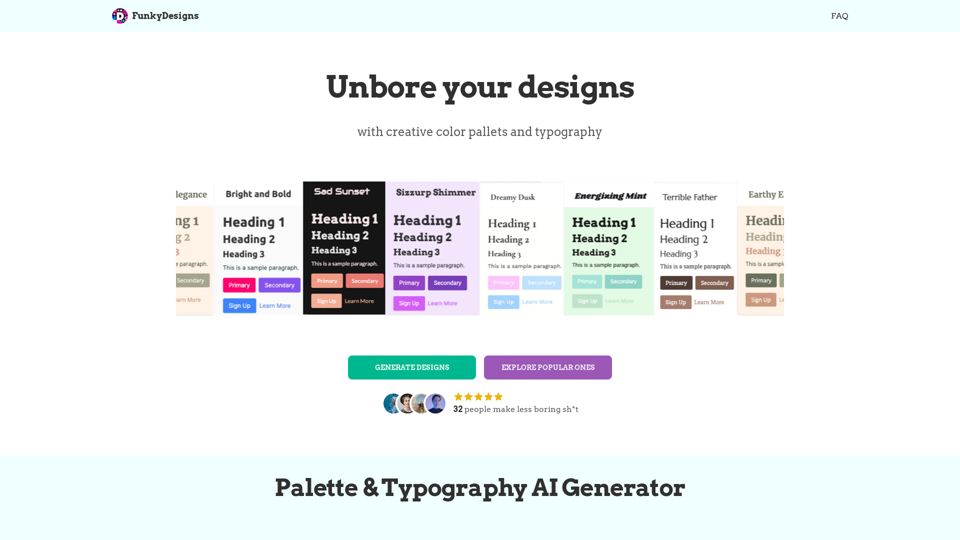
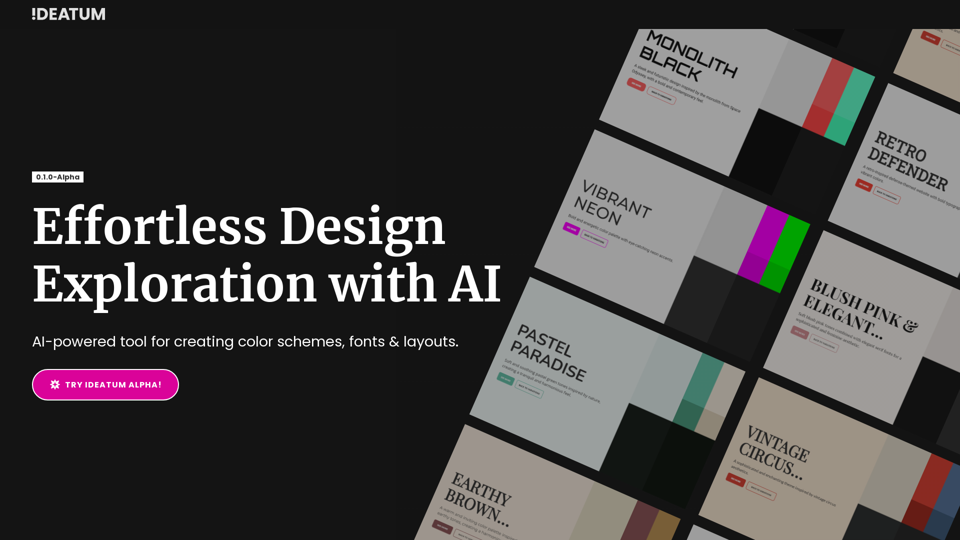
Discover perfect color combinations and font pairings for your project. Generate palettes and typography easily with our user-friendly interface. Try now!