Panda Kanban
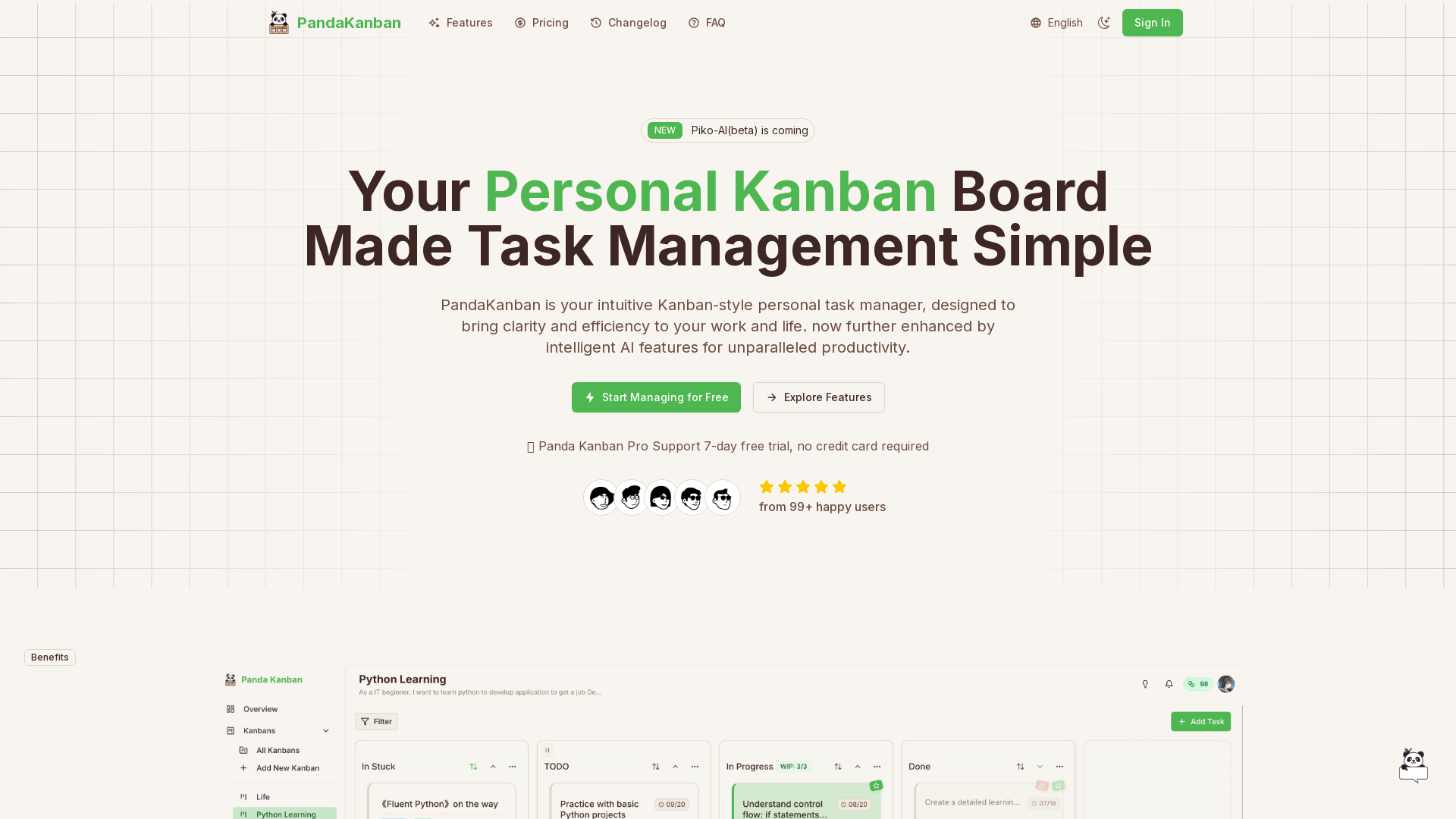
Panda Kanban is a simple yet powerful personal Kanban board that makes task management effortless. Visualize, organize, and track your work with an intuitive interface, while Piko-AI (beta) offers smart assistance whenever you need it.
What is Panda Kanban?
Panda Kanban is an intuitive personal task management tool designed in a Kanban style to simplify the organization of your work and life. Enhanced by advanced AI features, it provides users with an unparalleled productivity experience, enabling seamless task management from inception to completion. With its visual boards and intelligent functionalities, managing tasks has never been easier or more efficient.
Features of Panda Kanban
- Intuitive Kanban Interface
- Experience clear visual management of your workflow with drag-and-drop functionality that simplifies task organization.
- Visual Kanban Management
- Move tasks effortlessly across columns labeled Todo, In Progress, and Done for instant progress visualization.
- Subtask Creation & Management
- Break down complex tasks by adding subtasks directly within each Kanban card for improved clarity.
- Calendar View
- Utilize an interactive timeline with smart reminders to ensure that you never miss a deadline.
- Label Management
- Use a flexible labeling system to group tasks and projects for quick filtering and organized management.
- Work In Progress (WIP) Limit
- Set limits on ongoing tasks to prevent workflow overload and maintain focus.
- Dark and Light Theme
- Switch between light and dark themes or customize your own brand colors for a personalized experience.
- AI Kanban Creation
- Let AI automatically generate Kanban boards and break down complex projects in seconds.
- Smart Task Creation with Piko-AI
- Use voice commands or intelligent text parsing for effortless task creation.
- Intelligent Subtask Breakdown
- Piko AI helps dissect large tasks into actionable subtasks and guides you through the completion process.
How to Use Panda Kanban
Managing projects with Panda Kanban is simple and intuitive:
- Create a Kanban Board: Set up a new board for your project and customize columns that fit your unique workflow.
- Add Tasks & Subtasks: Record tasks using clear cards and leverage Piko AI to automatically break down larger tasks into manageable subtasks.
- Track Progress: Easily visualize your progress by dragging cards across columns from Todo to Done.
Pricing
Panda Kanban offers a ### free trial for its Pro version with no credit card required, allowing new users to explore its full features for 7 days. The Pro version provides unlimited boards, advanced analytics, calendar view, and complete capabilities of Piko AI. The free version supports up to 2 Kanban boards with basic functionalities.
Helpful Tips
- Utilize the ### calendar view to keep deadlines in sight and manage your schedule efficiently.
- Regularly adjust your ### WIP limits to ensure you maintain productivity without becoming overwhelmed.
- Make the most of ### Piko AI to improve your task creation process and project management.
Frequently Asked Questions
-
Who is Panda Kanban suitable for?
Panda Kanban is designed for individual users, including students, freelancers, employees, and entrepreneurs looking to organize their personal tasks and projects effectively. -
What can Piko AI help me with?
Piko AI acts as your smart assistant, effortlessly creating tasks, breaking down complex projects, setting reasonable deadlines, and prioritizing tasks automatically. -
What's the difference between free and pro versions?
The free version allows up to 2 Kanban boards with basic features, while the Pro version offers unlimited boards, full Piko AI functionalities, and advanced analytics. -
Where is my data stored and is it secure?
All data is encrypted and stored securely on cloud servers, ensuring it's accessible only by you. Complying with data protection regulations, we never share personal information with third parties. -
Can I use it on my mobile phone?
Yes! Panda Kanban is designed responsively for phones, tablets, and computers, allowing you to manage tasks anywhere, anytime. -
Can I cancel my subscription if I'm not satisfied?
Yes. You can cancel your subscription at any time; your paid period continues until it expires, after which you will automatically revert to the free version without losing data.
Start Using Panda Kanban
Transform your task management with Panda Kanban. Experience the power of an AI-assisted personal task management tool that organizes your workflow efficiently and intelligently.
Panda Kanban
Panda Kanban is a simple yet powerful personal Kanban board that makes task management effortless. Visualize, organize, and track your work with an intuitive interface, while Piko-AI (beta) offers smart assistance whenever you need it.
 Vercel
 Cloudflare
 HTTP/3
 Next.js
 Node.js
 React
React Webpack
Free AI anime and manga generator. Turn text into anime episodes, manga, comics, webtoons and comic shorts in any art style — no drawing or animation skills needed.
Translate image text across 70+ languages with our advanced AI Image Translator to help you better expand your products globally to various countries
Advertised Here
Reach thousands of visitors daily. Get your spot now!
Tools similar to Panda Kanban
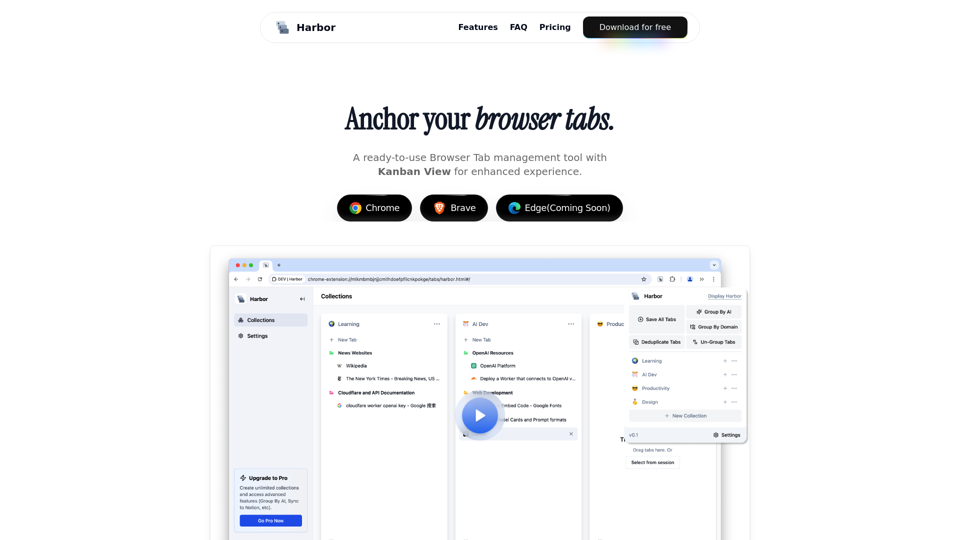
Harbor is a browser extension that helps you organize tabs, navigate seamlessly, and pick up right where you left off.
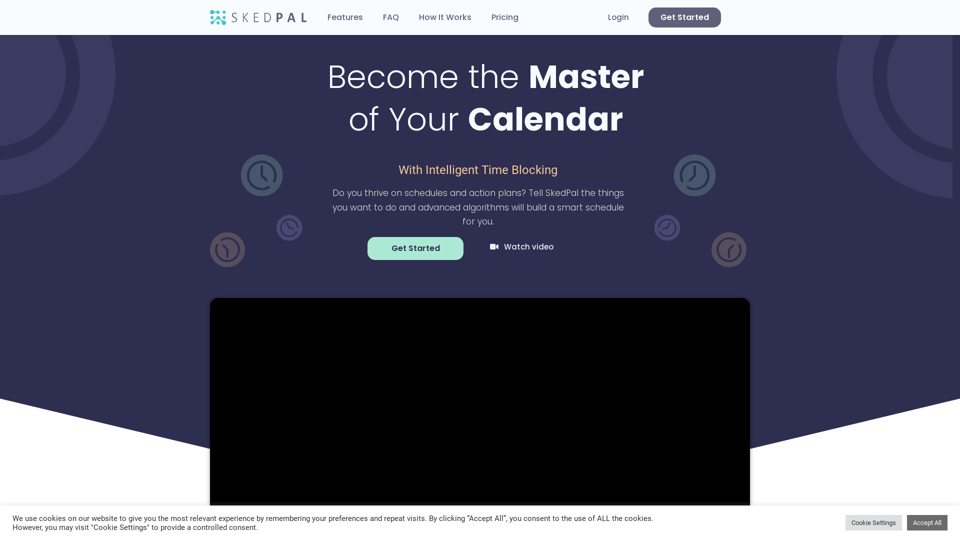
Give your days a boost. Prioritize tasks, automate your schedule and make every minute matter - with The SkedPal AI
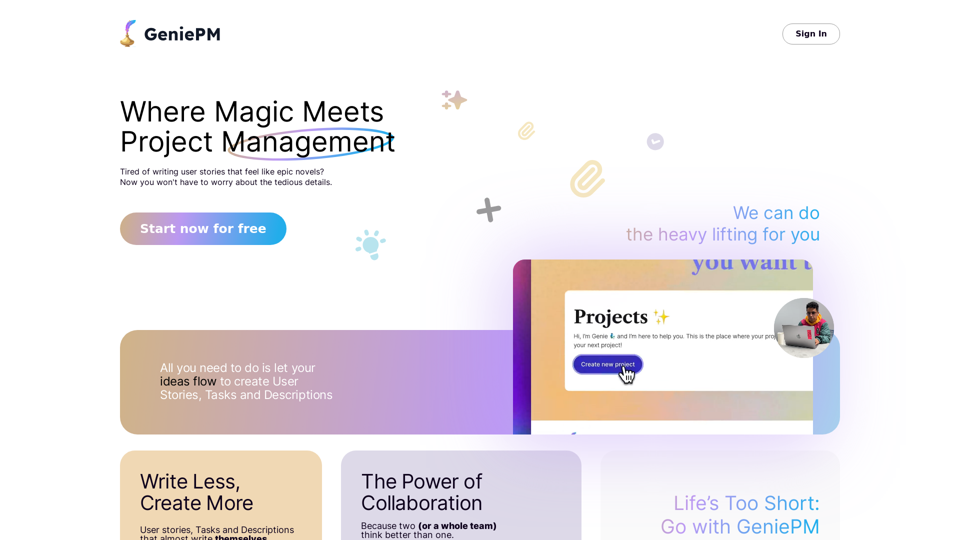
Discover GeniePM 2024, the cutting-edge project management tool designed to enhance team efficiency. With GeniePM, streamline your user story creation, bug tracking, and task management processes, all in one intuitive platform. Perfect for startups and agile teams looking to optimize their project workflows and achieve better outcomes.
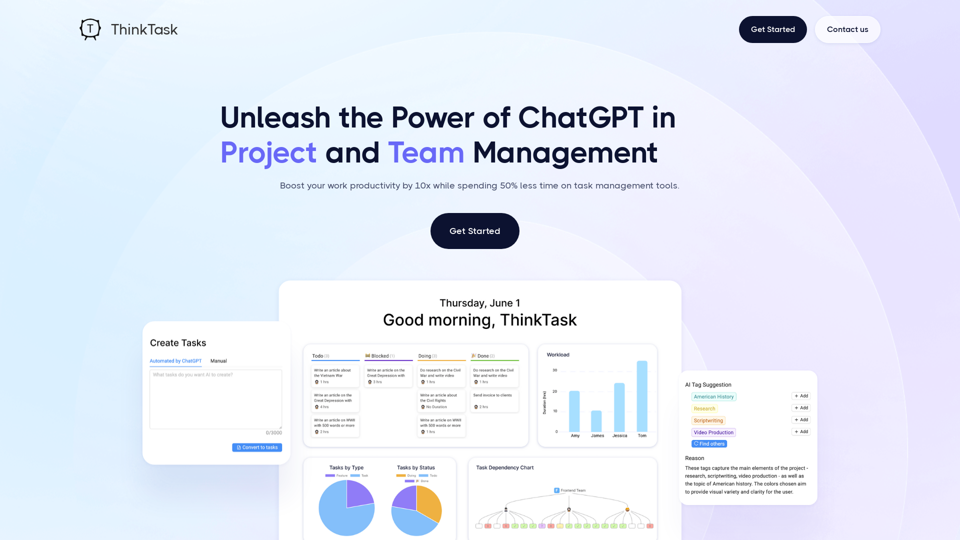
Think Task automates performance reporting, provides answers through ChatGPT's analysis of historical data, and tracks AI usage to evaluate its impact on workflows.
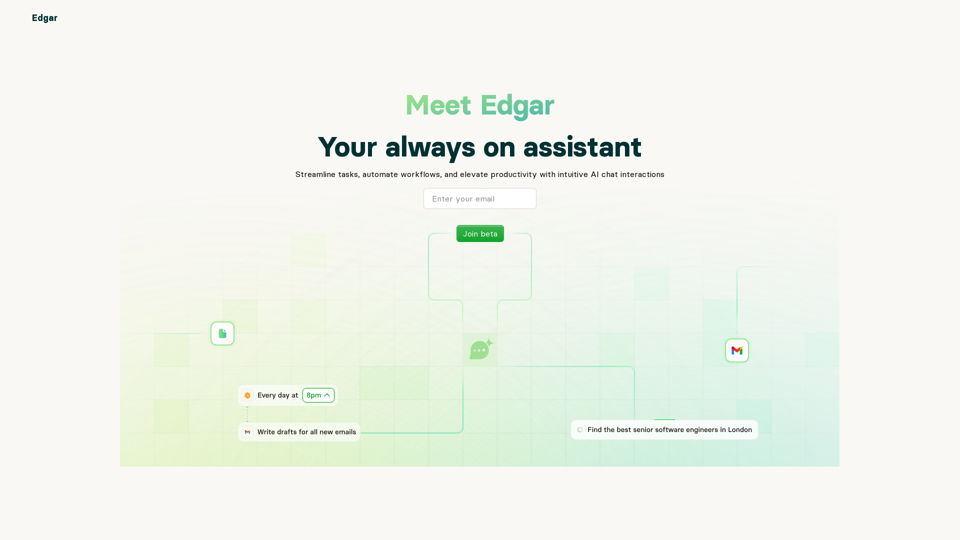
Edgar is your AI personal assistant that helps you manage your tasks, meetings, and more.
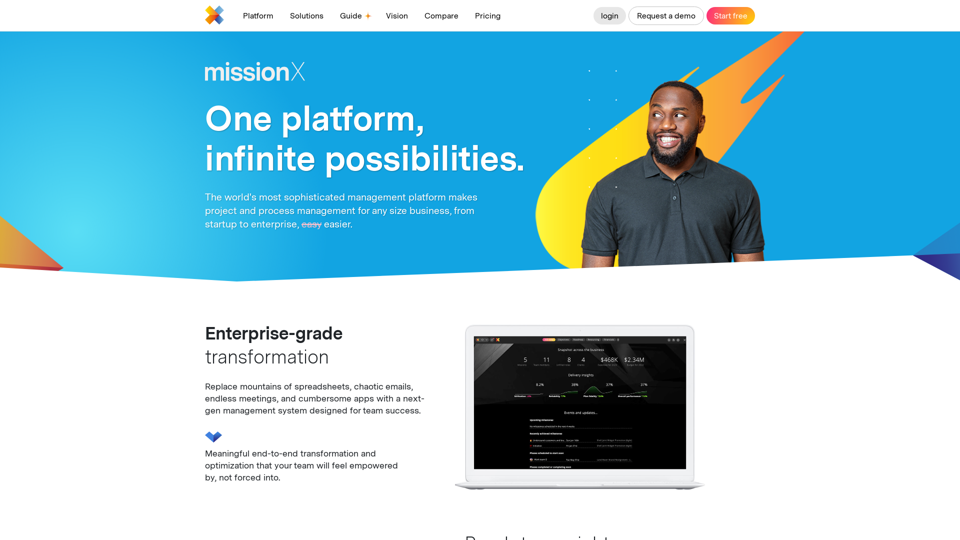
missionX is the ultimate project management platform that can transform your business starting day one
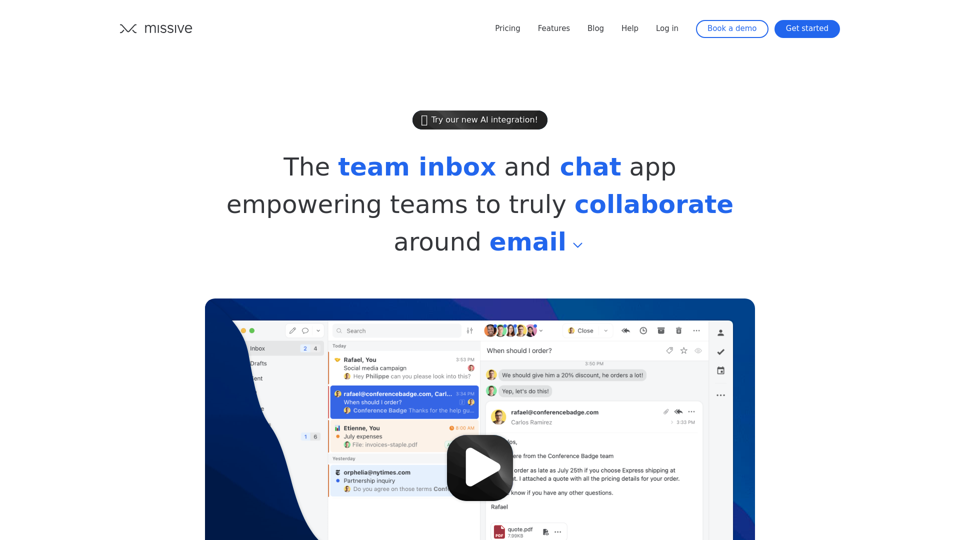
Email, group chat and tasks for productive teams. One app for all your internal and external communication. Work management at its best. Try it free!