Free Online AI Photo Editor & Headshot Generator
Free online AI photo editor — generate professional headshots, enhance blurry photos, and create AI art instantly. No credit card or sign-up required.
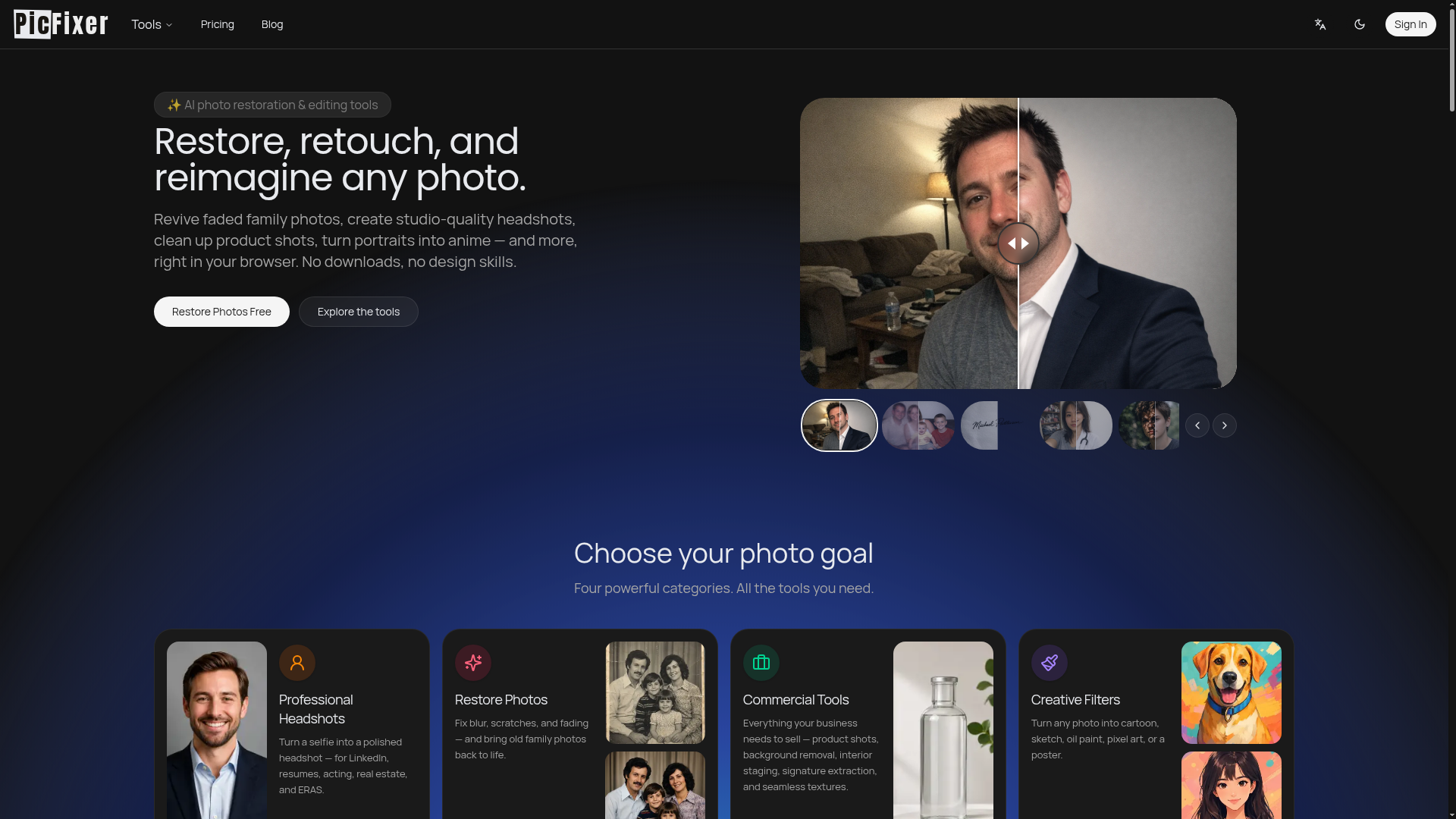
What is PicFixer?
PicFixer is a browser-based AI photo editor for restoring old photos, generating professional headshots, cleaning up product shots and applying creative filters. It is built for people who need polished images without design skills, including job seekers, actors, realtors, medical residency applicants, small businesses and hobbyists. Everything runs in the browser with no downloads, and most of its tools are described as free with no credit card or sign-up required.
Key features
- Professional headshots
- turns an everyday selfie into a polished headshot for LinkedIn, resumes, acting, real estate or ERAS applications.
- Photo restoration
- repairs scratches and fading and enhances blurry faces to bring old family photos back to life.
- 4K photo enhancement
- sharpens low-resolution, noisy images and recovers facial detail at 4K resolution.
- Background and shadow tools
- removes harsh face and drop shadows, replaces backdrops and generates new scenes for portraits and products.
- Signature extraction
- converts a handwritten signature into a transparent PNG with smooth edges for documents, contracts and forms.
- Commercial tools
- product photo editing, background removal, interior staging and 4K seamless wood, concrete and brick textures for 3D rendering.
- Creative filters
- converts photos into cartoon, sketch, oil paint, watercolor, pixel art, poster, anime or caricature styles.
How to use PicFixer
- Open the PicFixer website in your browser; no download or installation is required.
- Pick a goal category such as Professional Headshots, Restore Photos, Commercial Tools or Creative Filters, then open the specific tool you need.
- Upload your photo, or describe the subject you want if the tool generates an image from text.
- Generate the result, optionally uploading reference images and requesting a specific background or lighting change.
- Review the output and download the finished file, such as a 4K enhanced photo or a transparent PNG signature.
Use cases
- Job seekers and professionals who need a LinkedIn, resume or business headshot made from a phone selfie.
- Actors, realtors and medical residency applicants who need professional photos tailored to their field.
- Families restoring faded, scratched or blurry old photographs.
- Ecommerce sellers and small businesses editing product shots, removing backgrounds or creating 4K seamless textures.
- Creators and hobbyists making cartoons, pixel art, watercolor paintings, pet portraits, mascots, coloring pages or movie posters.
Pricing
PicFixer's website does not list any pricing plans, prices or subscription tiers. It presents its tools as free online tools that require no credit card or sign-up, although the ecommerce product photo editing tool states that sign-in is required to generate; check the official site for current details.
FAQ
Is PicFixer free to use?
PicFixer describes its online tools as free and requiring no credit card or sign-up. The website does not list any paid plans or prices.
Do I need an account to use PicFixer?
For most tools, no sign-up is required. The ecommerce product photo editing tool is the exception, as it states that sign-in is required to generate an image.
What kinds of edits can I do with PicFixer?
PicFixer covers photo restoration, headshot generation, blur and 4K enhancement, shadow and background fixes, product photo editing, signature extraction and a range of artistic filters.
Do I need to install software to use PicFixer?
No. PicFixer runs entirely in your browser with no downloads, and the site states that no design skills are needed.
What creative styles does PicFixer offer?
PicFixer can turn photos into cartoons, sketches, oil paintings, watercolors, pixel art, posters, anime, caricatures, 3D Pixar-style cartoons and cinematic portraits, and it also generates pet portraits, mascots, album covers and movie posters.
Can PicFixer translate manga?
Yes. PicFixer includes a free online manga translator that translates Japanese manga, Korean webtoons and comics into English.
Free Online AI Photo Editor & Headshot Generator
Free online AI photo editor — generate professional headshots, enhance blurry photos, and create AI art instantly. No credit card or sign-up required.
 Cloudflare
 HTTP/3
 Next.js
 Node.js
 React
React Webpack
Free AI anime and manga generator. Turn text into anime episodes, manga, comics, webtoons and comic shorts in any art style — no drawing or animation skills needed.
Translate image text across 70+ languages with our advanced AI Image Translator to help you better expand your products globally to various countries
Advertised Here
Reach thousands of visitors daily. Get your spot now!
Tools similar to Free Online AI Photo Editor & Headshot Generator
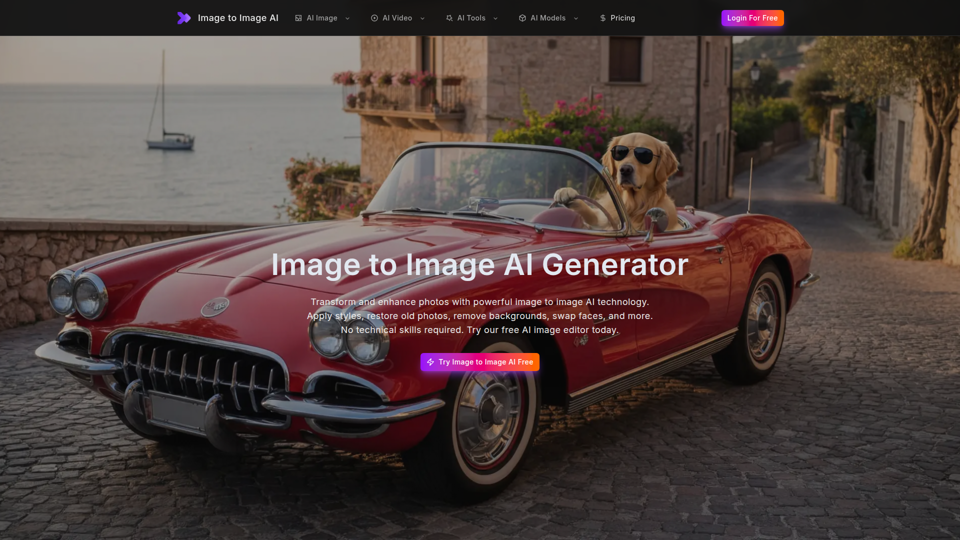
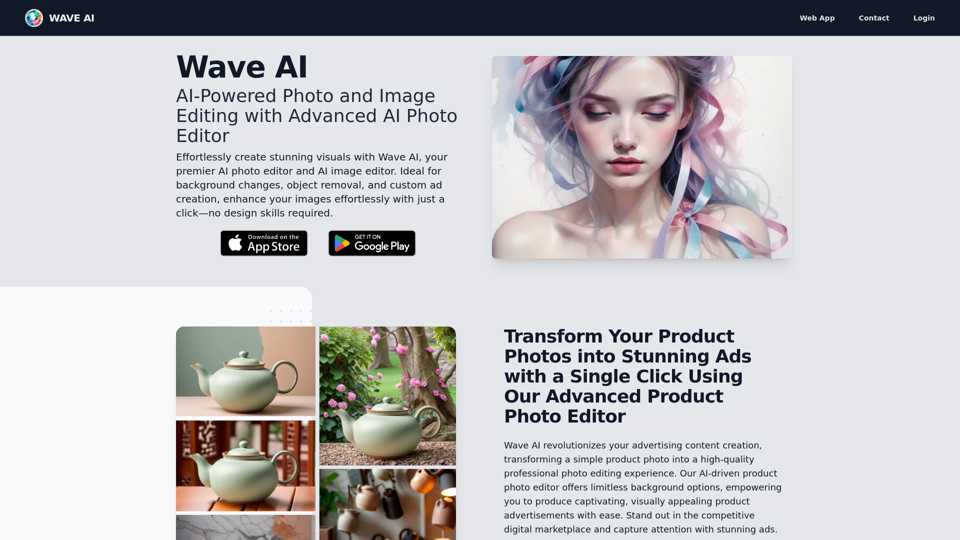
Free image to image AI generator and AI image editor online. Face swap, restore old photo, remove background, upscale, and transform photos with AI in seconds.
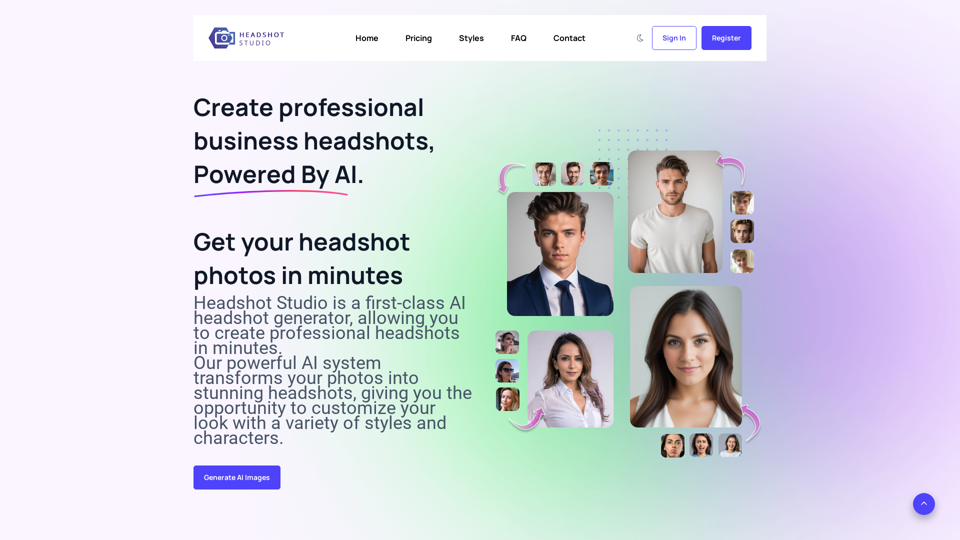
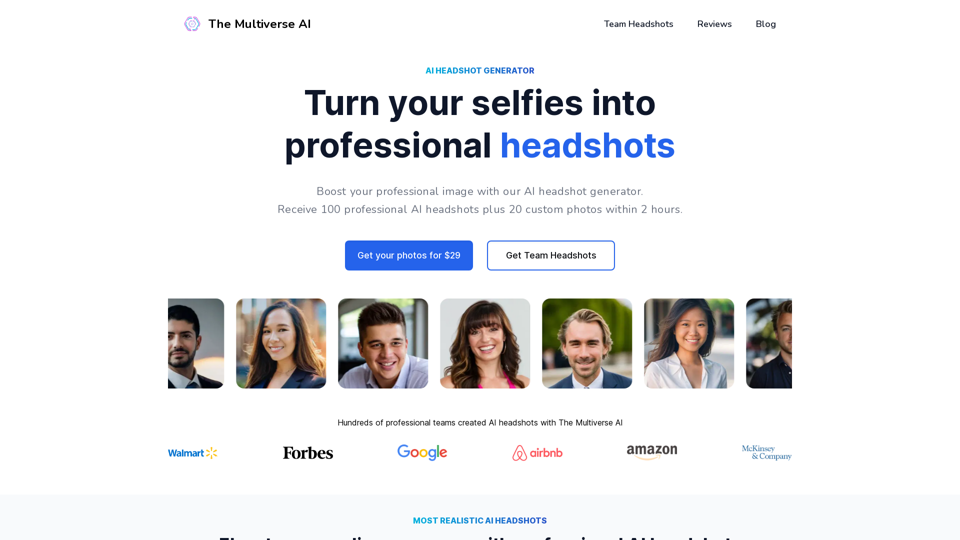
Your professional headshots by the top rated AI headshot generator. We turn your selfies into studio-quality headshots. Create headshots different styles.
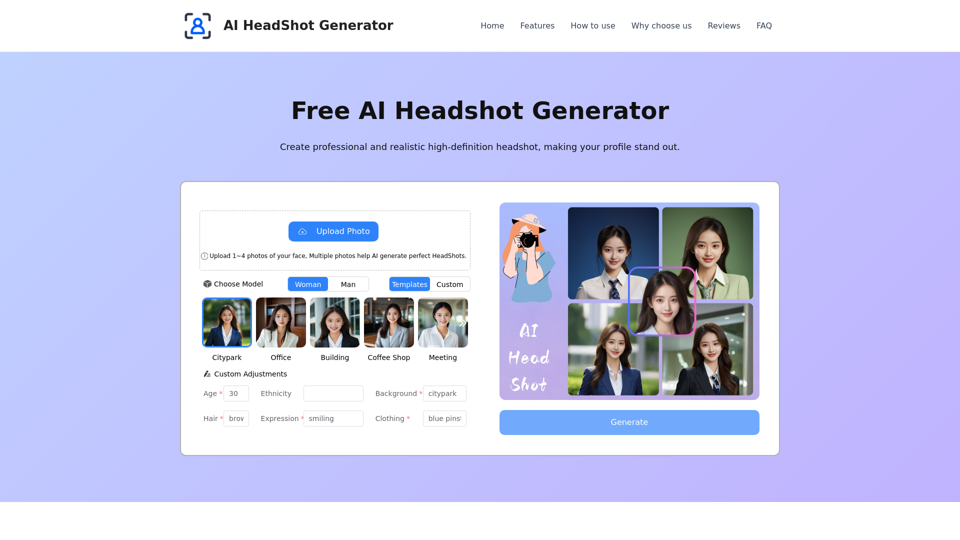
Transform your professional image with our AI Headshot Generator. Create high-quality, personalized headshots, perfect for LinkedIn, resumes, and more!
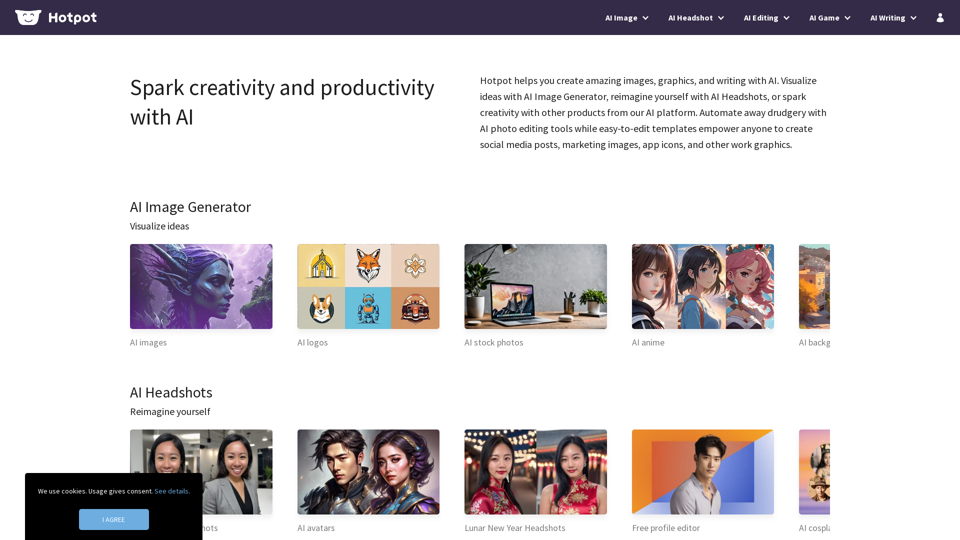
Hotpot helps you create amazing images, graphics, and writing with AI. Visualize ideas with AI Image Generator, reimagine yourself with AI Headshots, or spark creativity with other products from our AI platform. Automate away drudgery with AI photo editing tools while easy-to-edit templates empower anyone to create social media posts, marketing images, app icons, and other work graphics.
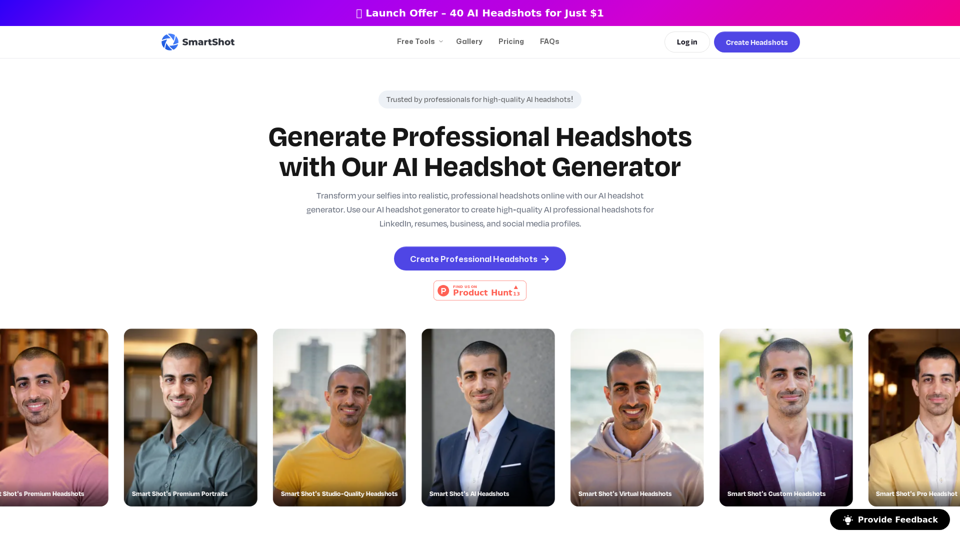
Create professional headshots with Smart Shot's AI headshot generator. Generate high-quality AI professional headshot for LinkedIn, resumes, business, and social media profiles.
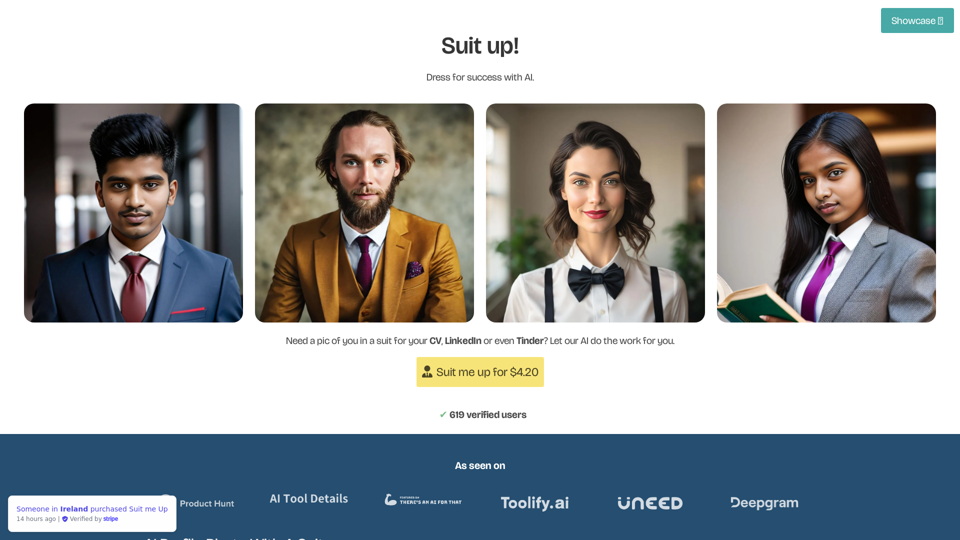
Suit Me Up creates ultra realistic headshots of you wearing a suit. Wether you need a photo for LinkedIn or for Tinder, we got you!
Boost your professional image with our AI headshot generator. No registration or app required. Ideal for linkedin and other professional platforms.