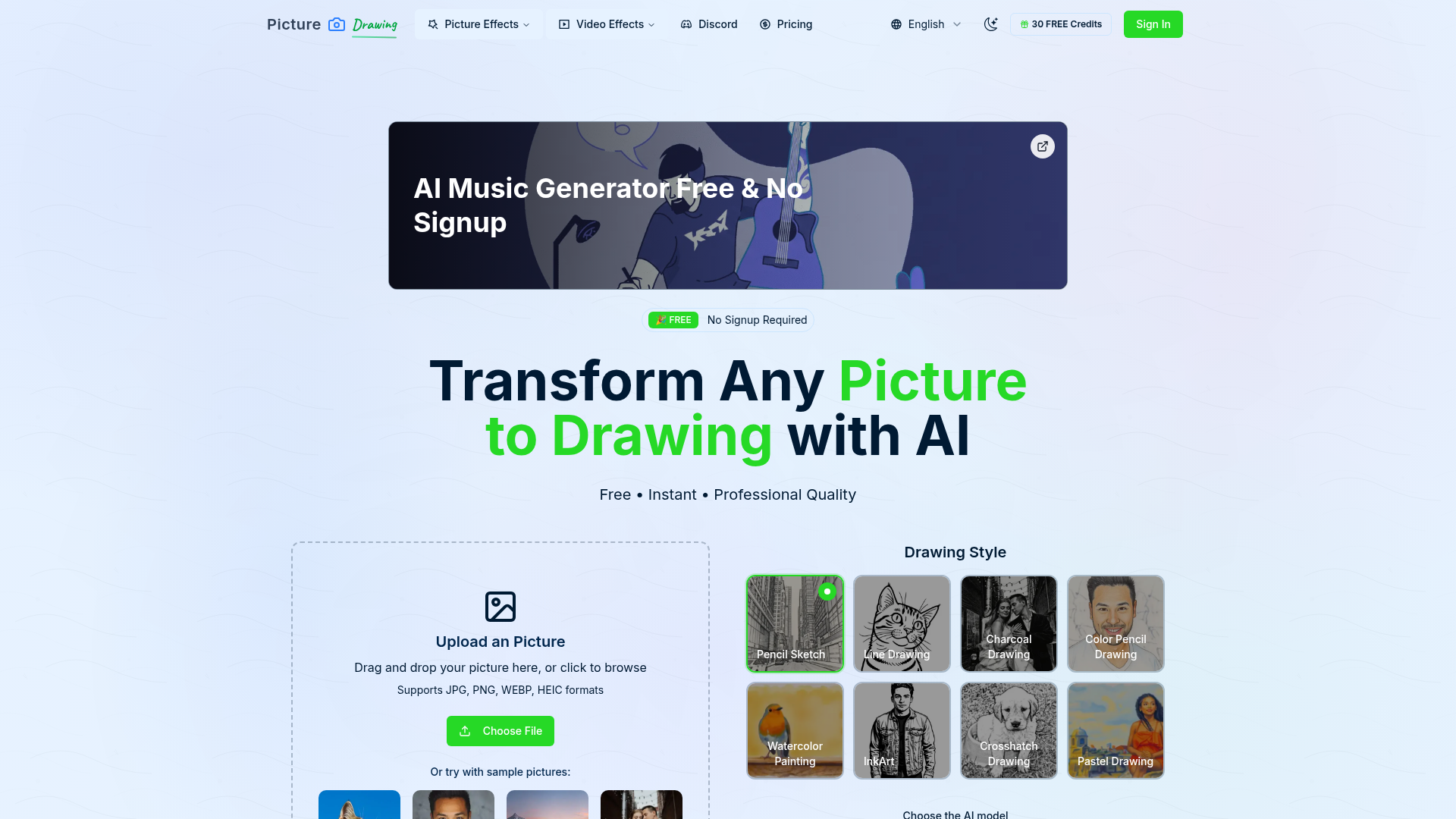
What is AI Picture to Drawing?
AI Picture to Drawing is a revolutionary, AI-powered online tool designed to transform any ordinary photograph into a stunning artistic drawing in seconds. It leverages advanced artificial intelligence algorithms to analyze the visual content of your image and reinterpret it using various artistic styles and techniques, such as pencil sketches, charcoal drawings, watercolor paintings, and more. This tool democratizes art creation, allowing anyone—from professional artists and designers to hobbyists and social media enthusiasts—to easily generate unique, high-quality artwork from their personal photos without any manual drawing skills required. It serves as a bridge between photography and traditional art, enabling creative expression and providing practical utility for projects ranging from personal portraits to commercial design work.
Key Features of AI Picture to Drawing
This tool stands out due to its powerful and user-centric feature set designed to deliver a seamless and creative experience.
- Multiple Artistic Styles
- Users can transform a single photo into drawings mimicking various artistic mediums. The available styles include ### Pencil Sketch, ### Line Drawing, ### Charcoal Drawing, ### Color Pencil Drawing, ### Watercolor Painting, ### Ink Art, ### Crosshatch Drawing, and ### Pastel Drawing. This variety allows for extensive creative exploration to find the perfect aesthetic for any project.
- Completely Free & No Signup Required
- The service is offered entirely free of charge with no hidden fees. Importantly, it requires no account registration or login, ensuring immediate access and prioritizing user privacy and convenience. You can start converting pictures to drawings instantly.
- Fast and High-Quality Processing
- The AI engine is optimized for speed and quality. It processes images rapidly, delivering high-resolution artistic results that maintain fine details and are suitable for sharing on social media, printing, or use in professional portfolios.
- User-Friendly Interface
- The platform is designed with simplicity in mind. The process is streamlined into three intuitive steps: Upload, Select Style, and Generate. This makes professional-grade art creation accessible to users of all technical skill levels.
- Versatile Image Support
- It supports a wide range of common image formats including JPG, PNG, WEBP, and HEIC, accommodating pictures from almost any digital camera, smartphone, or online source.
- Sample Gallery and Inspiration
- The tool provides sample pictures that users can test instantly, allowing them to see the transformation capabilities firsthand before uploading their own images. This serves as both a demonstration and a source of inspiration.
How to Use the AI Picture to Drawing Tool
Using the tool to create your own AI-generated drawings is a straightforward, three-step process:
- Upload Your Picture: Navigate to the tool's website. Click the upload area to browse your device or simply drag and drop your chosen photo into the designated box. The tool supports portraits, landscapes, pet photos, and more.
- Select Your Drawing Style and Model: Choose from the array of artistic styles (e.g., Pencil Sketch, Watercolor). You may also select between different AI model tiers (e.g., Basic/Free for standard quality or Premium for enhanced speed and detail).
- Generate and Download: Click the "Convert to Drawing" or "Generate" button. The AI will process your image. Within seconds, your transformed artistic drawing will be ready. You can then download the high-resolution result directly to your device for personal use, sharing, or printing.
Pricing: Is It Really Free?
Yes, the core AI Picture to Drawing service is ### completely free. There are no subscription fees, and you do not need to provide payment information. The platform offers a basic/free AI model that provides high-quality conversions. Users should note that free conversions might have a limited number of daily uses (as indicated by "Free left: 2" in the interface) and may experience slightly longer processing times or occasional stability during peak traffic. For users requiring faster, more consistent, or higher-fidelity outputs, premium paid model options are available as an upgrade.
Helpful Tips for Best Results
To get the most impressive and high-quality drawings from your photos, consider these tips:
- Use High-Quality Source Images
- Upload clear, well-lit photos with good contrast. Portraits with a distinct subject against a relatively simple background often yield the most striking and detailed drawing conversions.
- Experiment with Styles
- Don't settle for the first style you try. Upload the same photo and run it through different artistic filters (Pencil, Charcoal, Watercolor) to discover unique interpretations and find the perfect match for your vision.
- Consider Your End Use
- If you plan to print the artwork, ensure your original photo is of sufficiently high resolution. The AI will produce a high-res output, but it starts with the detail present in your upload.
- Use the Sample Images
- If you're new to the tool, try the provided sample pictures first. This helps you understand the transformation quality and speed before using your own photos.
- Be Patient During Peak Times
- Free conversions might take 20-50 seconds. If the server is busy, wait a moment and try again. For consistently fast results, consider the premium model option.
Frequently Asked Questions (FAQs)
What exactly does AI Picture to Drawing do?
AI Picture to Drawing is an online tool that uses artificial intelligence to automatically convert any photograph you upload into a hand-drawn style artwork. It analyzes the shapes, textures, and lighting in your photo and recreates it using the techniques of a chosen artistic medium, such as a pencil sketch or watercolor painting.
Is it truly free, and are there any limits?
Yes, the tool is fundamentally free to use without registration. However, free usage is typically subject to fair-use limits, such as a certain number of free conversions per day (as shown on the site). The free model may also have longer processing times. Premium, paid options are available for unrestricted, faster access.
What kind of photos work best?
Photos with a clear focal point and good lighting work best. Portraits, pictures of pets, landscapes with defined features, and still-life images generally produce excellent results. The AI is robust and can handle various images, but simpler compositions often lead to cleaner artistic outputs.
How long does the conversion process take?
Processing time varies. Using the free model, it typically takes between 20 to x seconds per image, depending on server load and image complexity. Premium models are significantly faster, often delivering results in around 10 seconds.
Can I use the drawings for commercial purposes?
The terms of service should be reviewed for specific licensing. Generally, artwork you create from your own original photos is yours to use. However, it's always good practice to check the website's terms regarding commercial use of the AI-generated assets.
Do I need to download any software?
No. AI Picture to Drawing is a web-based application. You only need a modern internet browser (like Chrome, Firefox, or Safari) and an internet connection. There is no software to download or install.
Picture to Drawing With AI
Transform any photo into beautiful artistic drawings with our free AI-powered picture to drawing converter. Instant results, multiple art styles.
 Cloudflare
 HTTP/3
 Next.js
 Node.js
 React
React Webpack
Free AI anime and manga generator. Turn text into anime episodes, manga, comics, webtoons and comic shorts in any art style — no drawing or animation skills needed.
Translate image text across 70+ languages with our advanced AI Image Translator to help you better expand your products globally to various countries
Advertised Here
Reach thousands of visitors daily. Get your spot now!
Tools similar to Picture to Drawing With AI
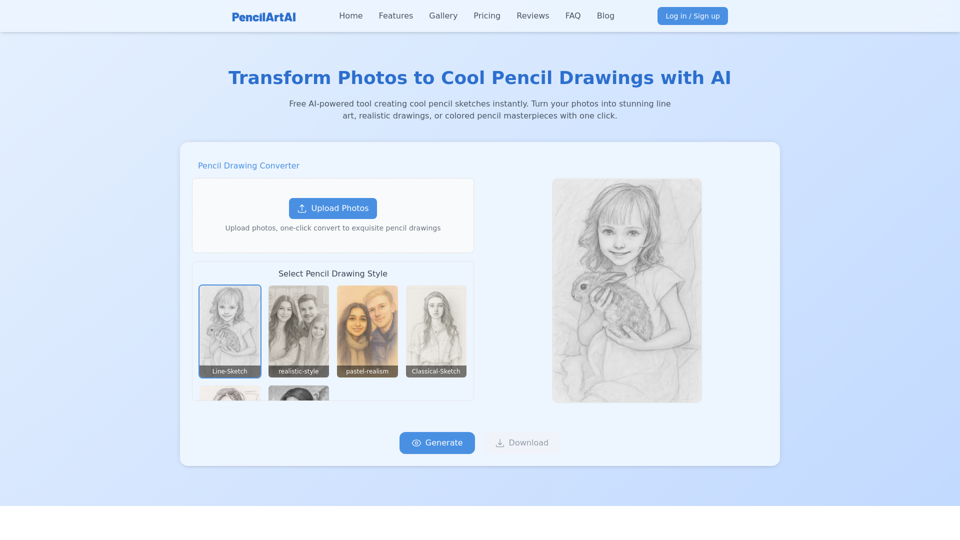
Cool pencil drawings made with AI. Easily convert your photos into stunning images in various artistic styles.
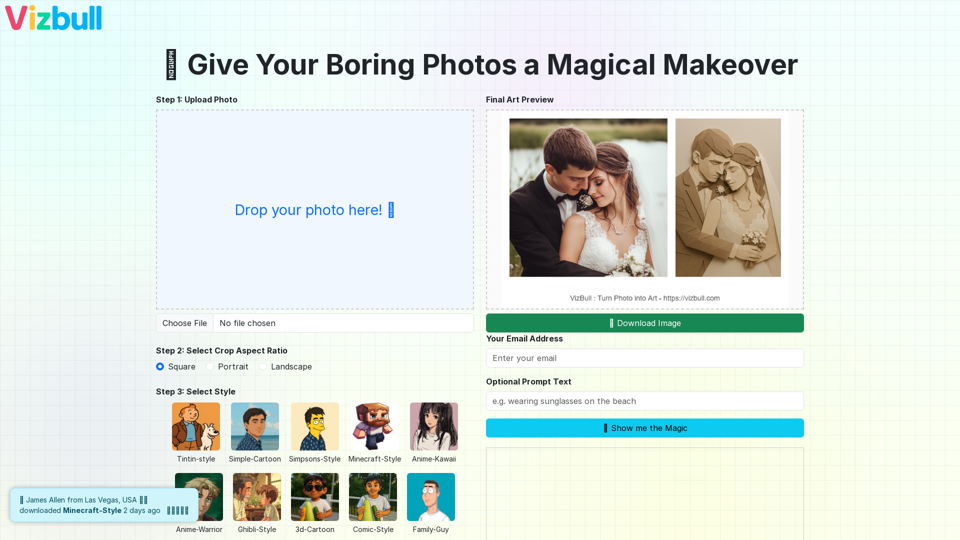
Turn picture into painting, line art, pencil sketch, cartoon, or outline with our image to painting converter
Convert your photo into painting, line art, pencil sketch, cartoon, or even Simpsons-style drawing using our AI-powered image converter. Try AI-based transformations for outline generation, photo to art, and more.
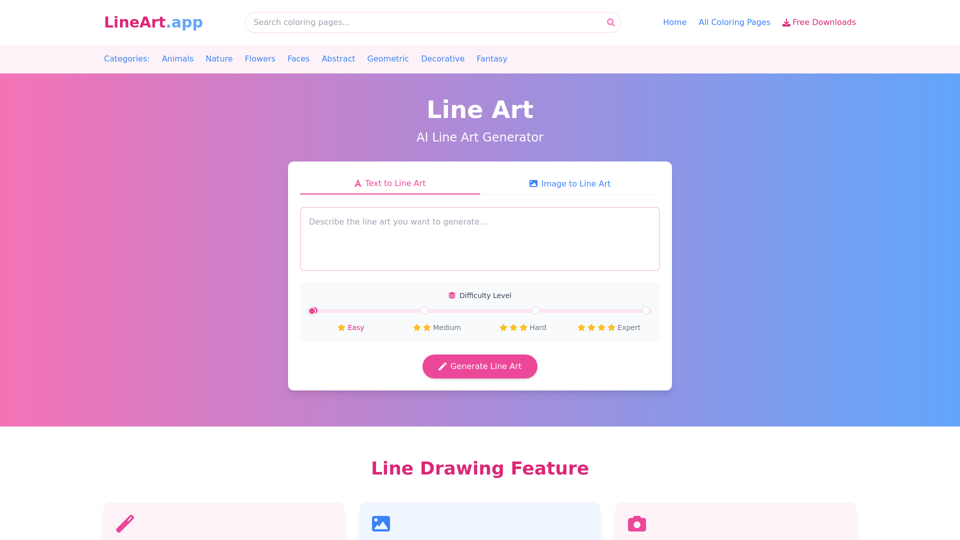
Free line art and line drawing and coloring pages resources download. Powerful AI line art generator to convert text, pictures, photos to line drawing.
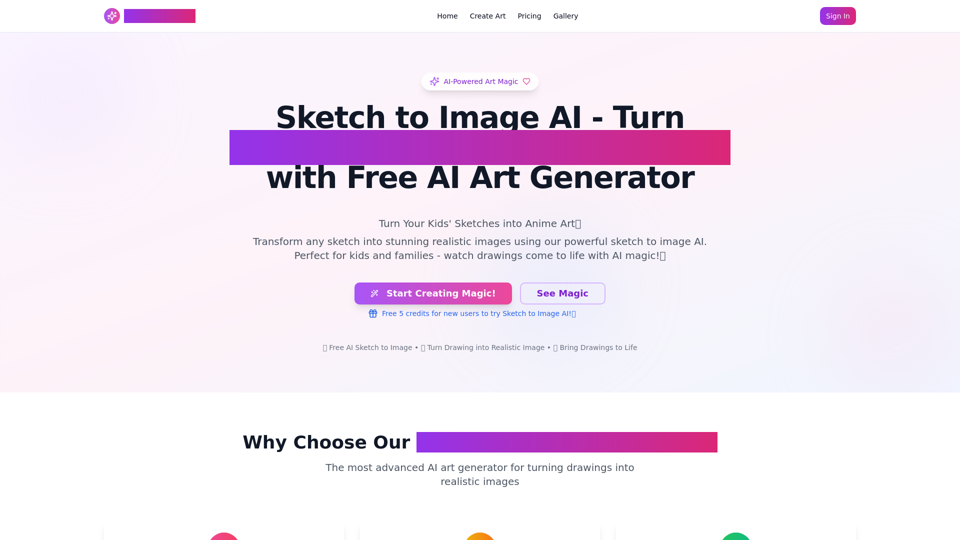
AI Sketch to Image: Transform Drawings into AI Images. Sketch to Image AI Upload your sketch to our AI sketch to image generator! Render realistic images in seconds with this AI tool.
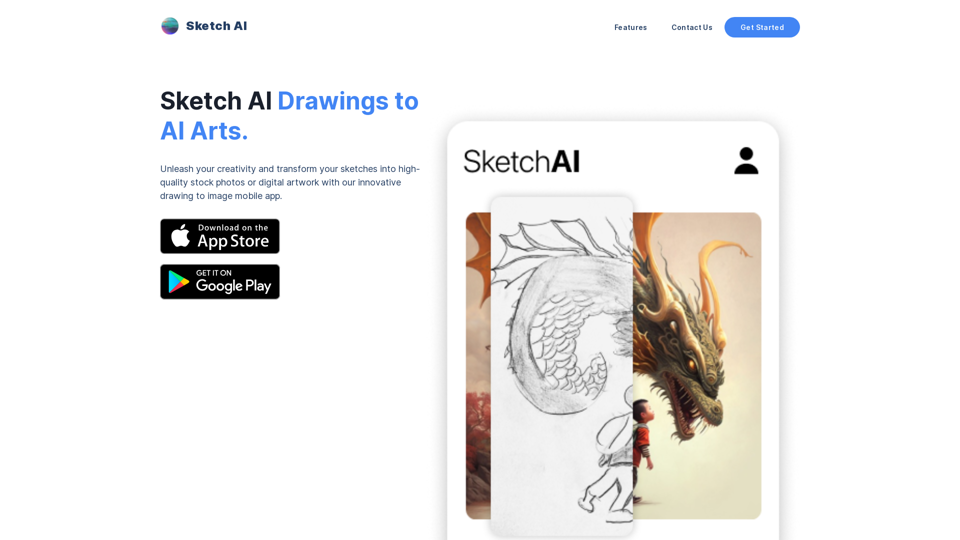
Unleash your creativity and transform your sketches into high-quality stock photos or digital artwork with our innovative drawing to image website. Our advanced AI technology allows you to easily generate professional-looking images for marketing materials, social media posts, backgrounds, mockups, and more. With a variety of brushes and colors to choose from, you can bring your creative vision to life like never before. Plus, our user-friendly interface and a range of editing tools make it easy to perfect your masterpiece. Try our drawing to image website today and take your artwork to the next level!
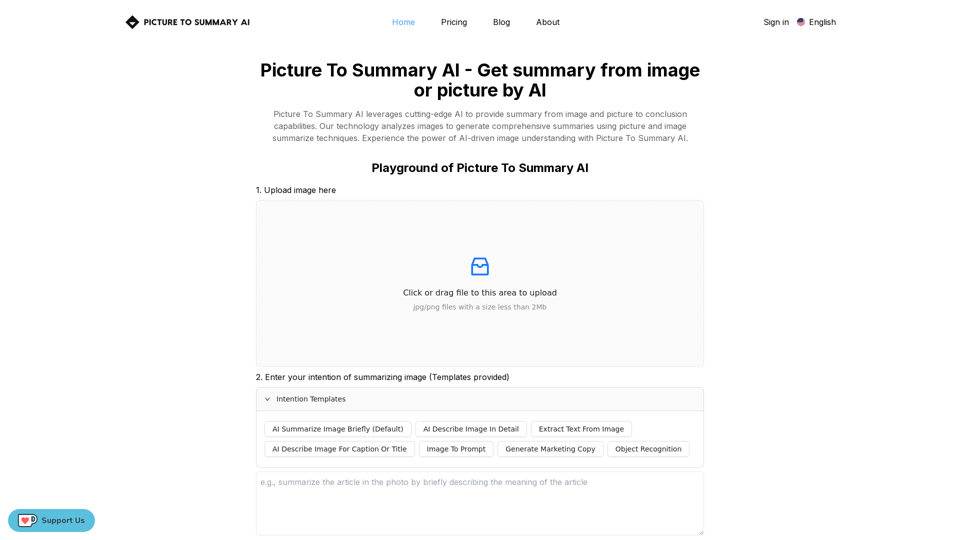
Picture To Summary AI is a tool to get summary from image or picture.
Effortlessly convert image to pixel art with ImageToPixel.Art, your free online picture to pixel art converter. Transform photos, customize styles, and download stunning pixel art masterpieces in seconds. Ideal for all your image to pixel needs.