What is PingPath?
PingPath is an innovative AI-powered accessibility application designed to empower individuals with visual impairments. It utilizes advanced spatial computing technologies like LiDAR scanning, spatial audio, and artificial intelligence to enhance indoor navigation and object recognition. The core mission of PingPath is to provide a powerful tool that increases independence by helping users "See Beyond Limits" through auditory and haptic feedback in unfamiliar environments.
What are the key features of PingPath?
- Spatial Audio Navigation
- The app uses spatial audio cues to guide users, describing paths and obstacles in real-time, creating an auditory map of the surroundings.
- LiDAR & ARKit Integration
- Leveraging Apple's LiDAR scanner and ARKit framework, PingPath can scan and understand room layouts, furniture placement, and spatial geometry to identify clear paths and potential hazards.
- AI-Driven Object Recognition
- Through AI analysis, the app can identify and describe objects within a room—like chairs, tables, doors, and even currency—providing instant, spoken captions for what the camera sees.
- SwiftUI & RoomPlan Framework
- Built with SwiftUI and Apple's RoomPlan, it offers a seamless, intuitive user interface optimized for accessibility, allowing for quick, detailed room mapping.
- Siri Shortcuts & Voice Control
- Integration with Siri allows for voice-activated commands, enabling users to control the app without needing to touch the screen, further enhancing ease of use.
- Real-Time Path Detection
- The AI continuously analyzes the camera feed to recognize walkable paths and alert users to obstructions, making navigation in complex indoor spaces like offices, classrooms, or public buildings more manageable.
How to use PingPath?
To begin using PingPath, download the app from the Apple App Store. Upon launching, users can activate the scanning feature via voice command or a simple gesture. The app will then use the device's camera and LiDAR sensor to map the room. Users receive auditory instructions through spatial audio, which directs them along safe paths and identifies key objects. For tasks like money counting or reading signs, users can point the camera at the object, and the AI will provide near-instant captioning. Engaging with Siri shortcuts can streamline commands like "start navigation" or "identify object." Users are encouraged to sign up as beta testers to experience upcoming features and provide feedback for further refinement.
How much does PingPath cost?
PingPath is currently available as a free download from the App Store. The app may operate under a freemium model where core navigation and object recognition features are free, while advanced capabilities or premium support could be part of future subscription plans. The pricing structure is designed to be affordable, ensuring accessibility tools remain within reach for those who need them most. Detailed pricing for any potential premium tiers will be announced upon the official launch.
Helpful tips for using PingPath
- Ensure Good Lighting
- For optimal object recognition and room scanning, use PingPath in well-lit environments to help the LiDAR and camera capture clear data.
- Calibrate Audio Settings
- Before navigation, adjust your device's audio settings to maximize the clarity of spatial audio cues, potentially using headphones for a more immersive directional experience.
- Utilize Siri Shortcuts
- Pre-set Siri shortcuts for common commands like "Scan room" or "What's in front of me?" to expedite app interactions without manual input.
- Practice in Familiar Spaces
- Start by using PingPath in a familiar room to understand the auditory feedback and object descriptions, building confidence before navigating unfamiliar areas.
- Join the Beta Program
- Sign up as a beta tester to access the latest features, contribute to development, and help shape the app's evolution to better meet user needs.
- Regular Updates
- Keep the app updated to benefit from improvements in AI accuracy, new accessibility features, and enhanced compatibility with the latest iOS and ARKit technologies.
Frequently Asked Questions about PingPath
Can PingPath help me navigate outdoor spaces?
Currently, PingPath is primarily optimized for indoor navigation using room mapping technologies like RoomPlan and LiDAR. Its features are designed for enclosed environments such as buildings, where spatial geometry is more defined. Outdoor navigation may be a consideration for future updates.
What devices support PingPath?
PingPath requires an iOS device equipped with a LiDAR scanner and support for ARKit. This typically includes newer iPhone models (like iPhone 12 Pro and later) and iPad Pro models. The app leverages these hardware capabilities for precise spatial awareness.
Is my privacy protected when using PingPath?
Yes, PingPath prioritizes user privacy. The app processes data locally on your device for real-time navigation and object recognition. Personal data and room scans are not transmitted to external servers for training or storage, ensuring your spatial information remains confidential.
How accurate is the object recognition feature?
The AI-driven object recognition is highly accurate for common indoor items like furniture, doors, and currency. It uses advanced machine learning models to provide near-instant captions. Accuracy can be enhanced in clear, well-lit conditions and improves with ongoing updates.
Can I use PingPath without an internet connection?
Many core functions, such as basic room scanning and pre-loaded object recognition, can operate offline. However, for the most up-to-date AI models or certain advanced features, a periodic internet connection might be beneficial.
What if the free features are insufficient for my daily needs?
The app offers substantial free functionality for indoor navigation and object identification. If users require extended use or more advanced capabilities, affordable subscription plans may be introduced to support higher usage volumes and additional features.
How do I become a beta tester for PingPath?
You can sign up for the beta testing program via the provided link on the PingPath website. Beta testers gain early access to new features and can provide direct feedback to the development team, playing a crucial role in refining the app for all users.
PingPath
See Beyond Limits with AI and AR
 Vercel
Free AI anime and manga generator. Turn text into anime episodes, manga, comics, webtoons and comic shorts in any art style — no drawing or animation skills needed.
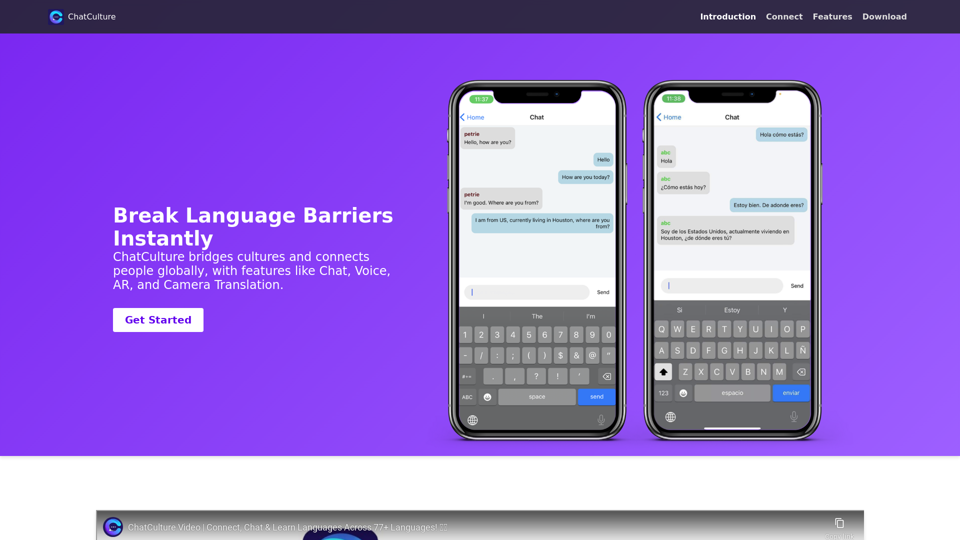
Translate image text across 70+ languages with our advanced AI Image Translator to help you better expand your products globally to various countries
Advertised Here
Reach thousands of visitors daily. Get your spot now!
Tools similar to PingPath

Generate random objects instantly with our free Random Object Generator. Perfect for creative projects, game development, classroom activities, writing prompts, and brainstorming. No login required, 100% free tool.

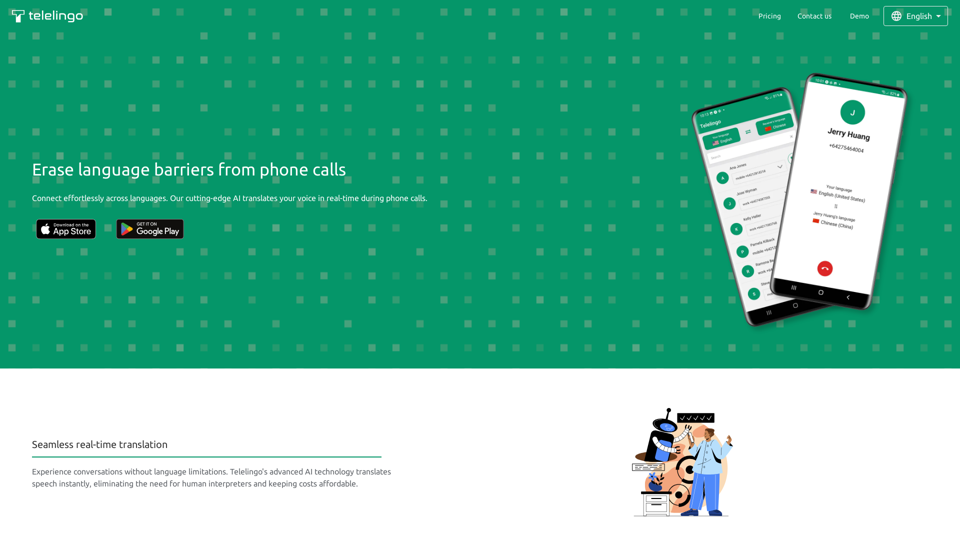
Understand every meeting with AI-powered live captions. Compatible with ANY platform, such as Zoom, Teams, WhatsApp and beyond!

IT Services in Nepal: Website, Software Development, Mobile App Development, UI UX, Branding, Digital Marketing, Artificial Intelligence, and Chatbot | Cubit
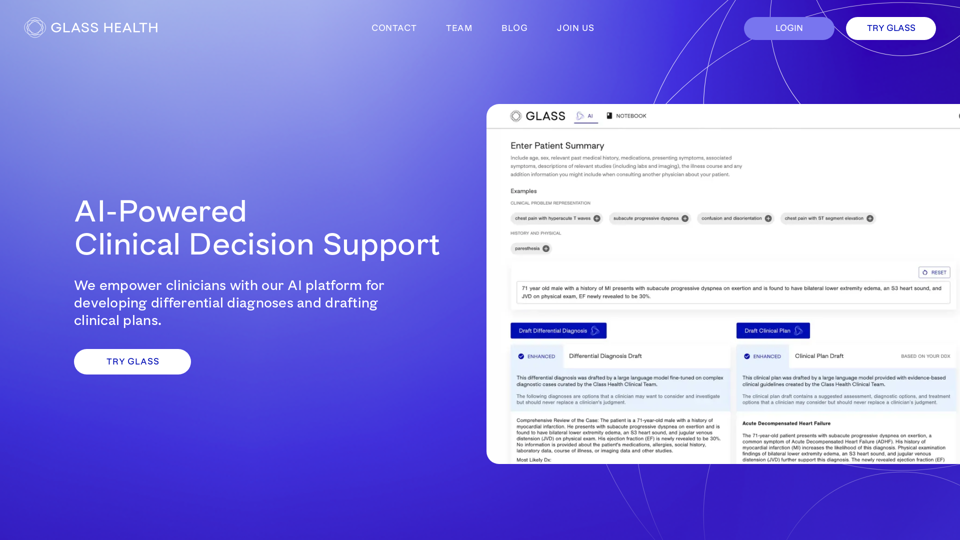
Unlock tomorrow's potential with Ideaverse, where innovative AI models shape the future. Explore AI, ChatGPT, technology, and innovation.

Robo Translator - machine translation service service built on top of OpenAI and Azure Cognitive Services