What is PlainScribe?
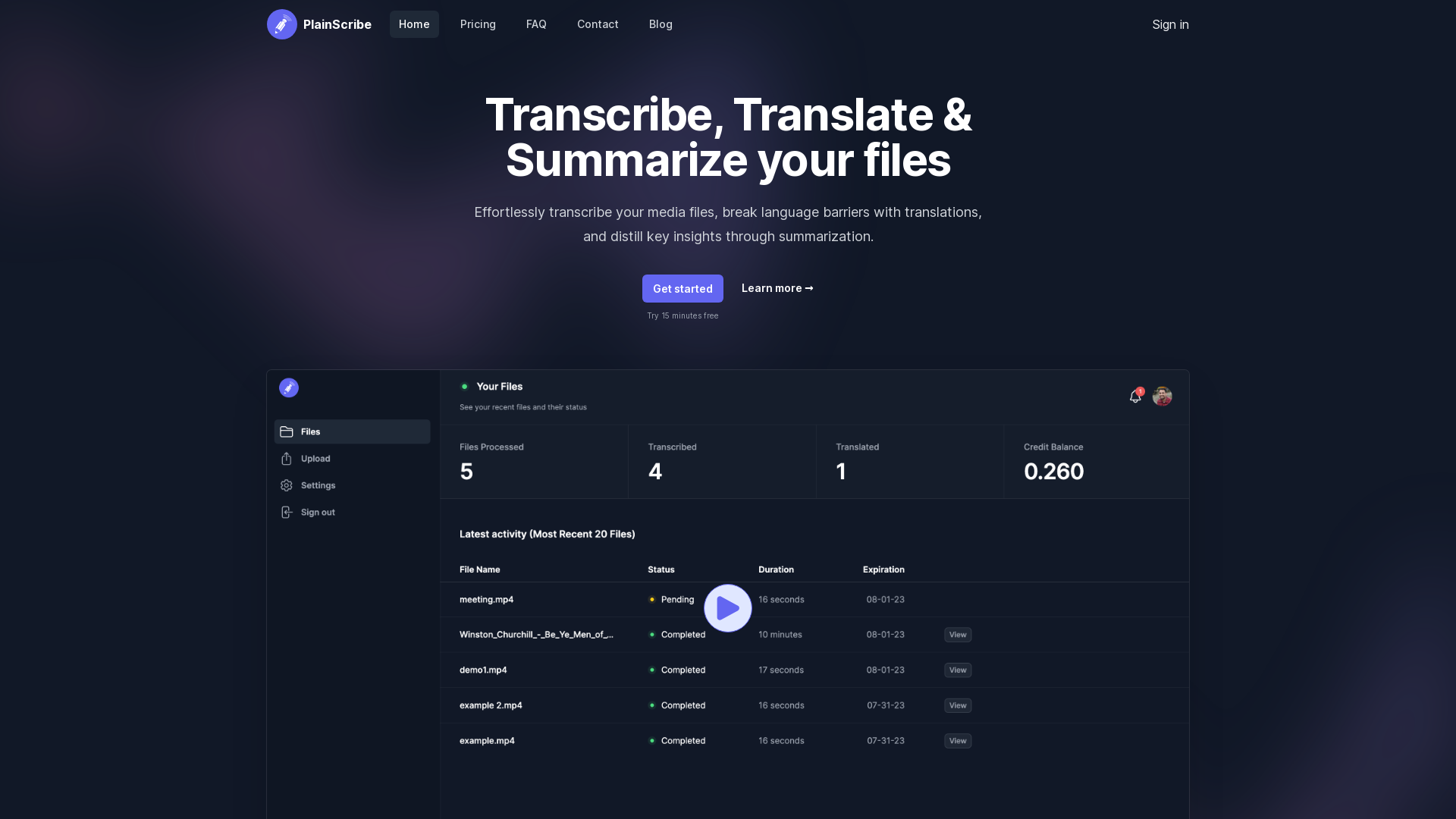
PlainScribe is an innovative platform designed to streamline the process of transcribing, translating, and summarizing your media files. Whether you have audio or video content, PlainScribe makes it easy to convert speech to text, break down language barriers with transcriptions in over 50 languages, and extract meaningful insights through summarization.
What are the main features of PlainScribe?
- Easy File Upload
- Upload audio and video files up to 100MB with ease, without worrying about limits.
- Searchable Transcripts
- Once processed, your transcripts are searchable, making it easy to find specific information.
- Flexible Pricing
- With a pay-as-you-go model, you only pay for the actual hours of audio or video you transcribe or translate.
- Privacy and Security
- User data is prioritized, with automated deletion after 7 days for complete peace of mind.
- Multi-Language Support
- Transcribe in various languages and translate to English, accommodating diverse needs.
- Summarization
- Receive a summarized version of your transcripts for quick insights, breaking down every 15-minute segment effectively.
- Export Options
- Download transcripts in user-friendly formats such as CSV for data analysis or SRT/VTT for subtitles.
How to use PlainScribe?
Using PlainScribe is simple:
- Create an account and log in.
- Upload your audio or video files directly to the platform.
- Wait for the processing to complete; you will receive an email notification once done.
- Access your transcripts, search through them, and download summaries or exports as needed.
- Enjoy the ability to transcribe or translate additional media files as required.
What is the pricing for PlainScribe?
PlainScribe employs a flexible pay-as-you-go model, allowing users to pay strictly for the services they utilize. You can purchase credits to cover transcription and translation tasks, ensuring you only pay for what you use while enjoying ongoing offers like 50% off special pricing for a limited time.
Helpful Tips for Using PlainScribe
- Maximize Free Time
- Take advantage of the 15 minutes free trial to test out the features before committing to purchases.
- Regular Check-ins
- Keep an eye on your email for notifications about finished transcriptions so you can access results promptly.
- Maintain Quality Uploads
- Ensure your audio and video files are of high quality for better transcription accuracy.
- Utilize Summarization
- Use the summarization features strategically when you need quick insights rather than full transcripts.
Frequently Asked Questions
Can I transcribe files in languages other than English?
Yes, PlainScribe supports transcription in a variety of languages, making it a versatile tool for international users.
What happens to my data after processing?
We prioritize your privacy and automatically delete your data after 7 days to ensure complete confidentiality.
How can I unlock discounts for transcription services?
Simply purchase credits during our promotional periods to secure discounted rates for your transcription needs.
Are there limits on the number of files I can upload?
You can upload as many files as needed, as long as each individual file is a maximum of 100MB.
Can I edit my transcripts after they are generated?
While PlainScribe provides accurate transcriptions, you can always export them and make edits in your preferred text editor if adjustments are necessary.
PlainScribe
Transcribe, Translate & Summarize your files
 React
React Vercel
 Next.js
 Node.js
 Webpack
Free AI anime and manga generator. Turn text into anime episodes, manga, comics, webtoons and comic shorts in any art style — no drawing or animation skills needed.
Translate image text across 70+ languages with our advanced AI Image Translator to help you better expand your products globally to various countries
Advertised Here
Reach thousands of visitors daily. Get your spot now!
Tools similar to PlainScribe
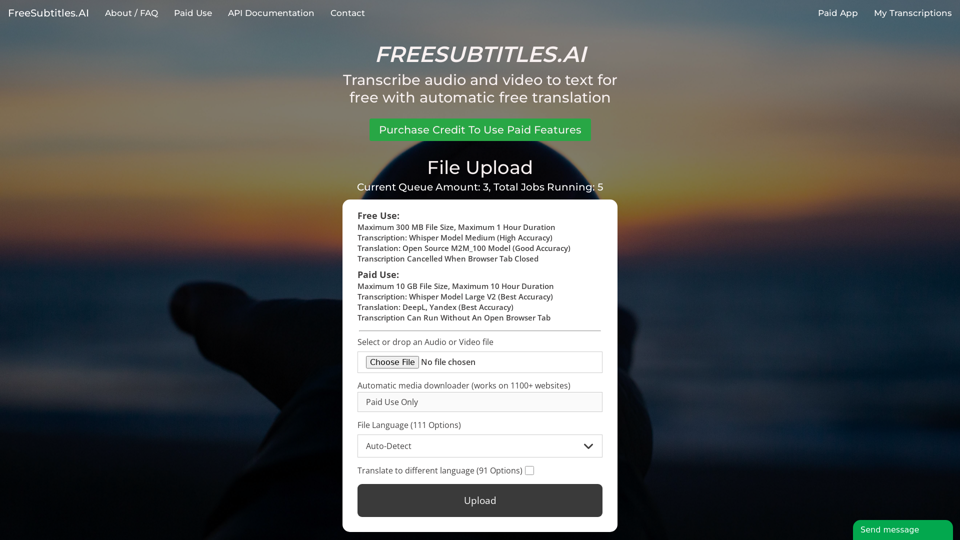
Transcribe audio and video to text for free with automatic free translation
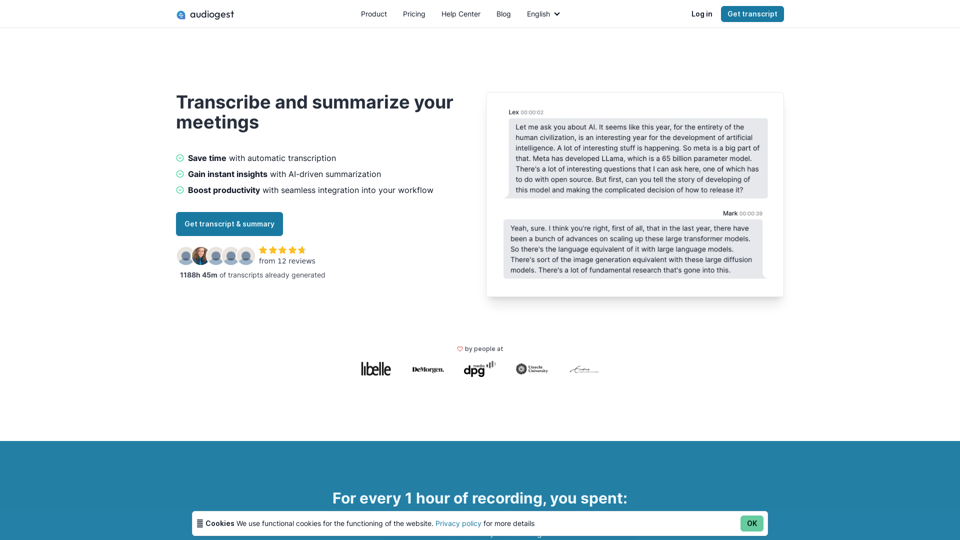
Effortless, accurate and affordable audio and video transcriptions and summarization. Process your audios and videos with AI in one click. Generate a transcript today.
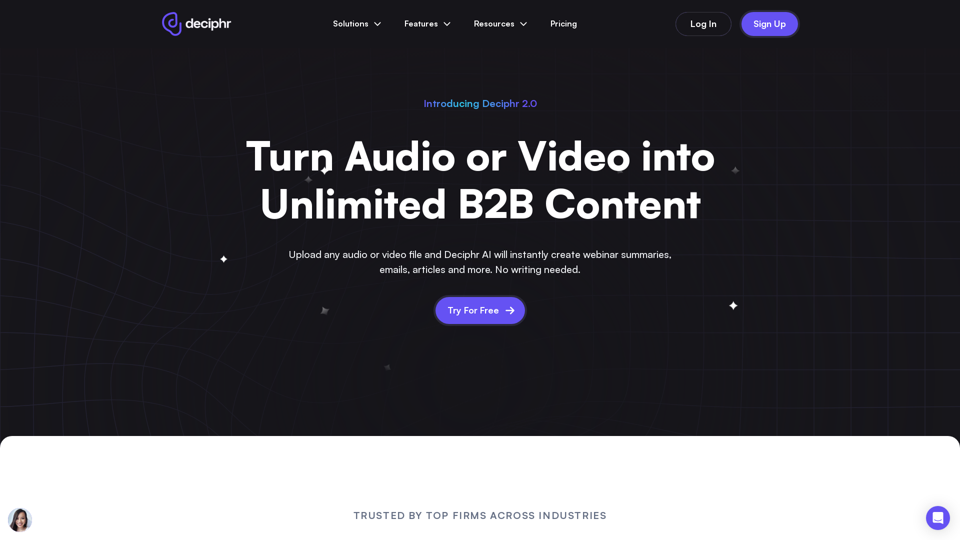
Effortlessly create podcast transcripts, concise summaries, show notes, and AI-generated audio and video reels in minutes, all at no cost. Join us today!
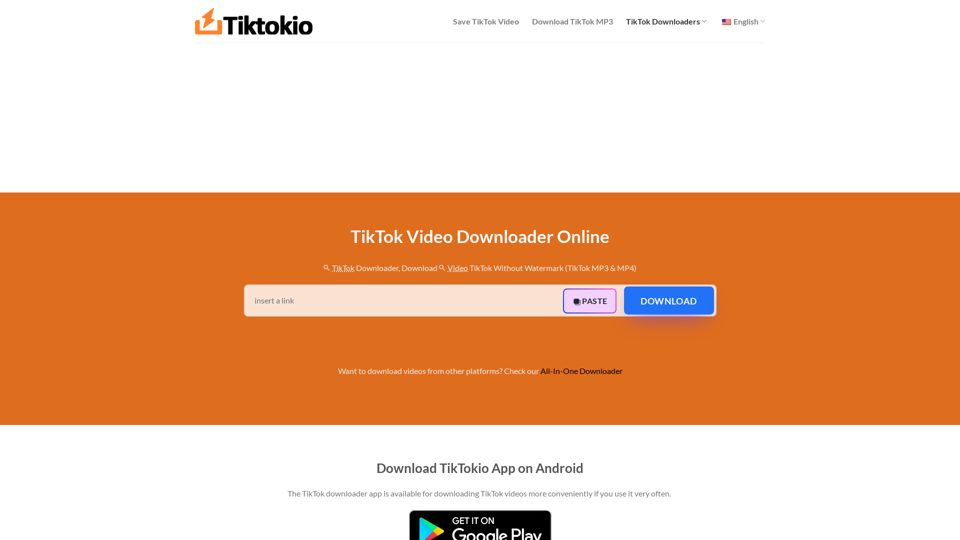
TikTokio is the fastest free Tiktok downloader online allowing you to download TikTok videos (MP3/MP4) without watermark. Unlimited TikTok downloads. HD quality.
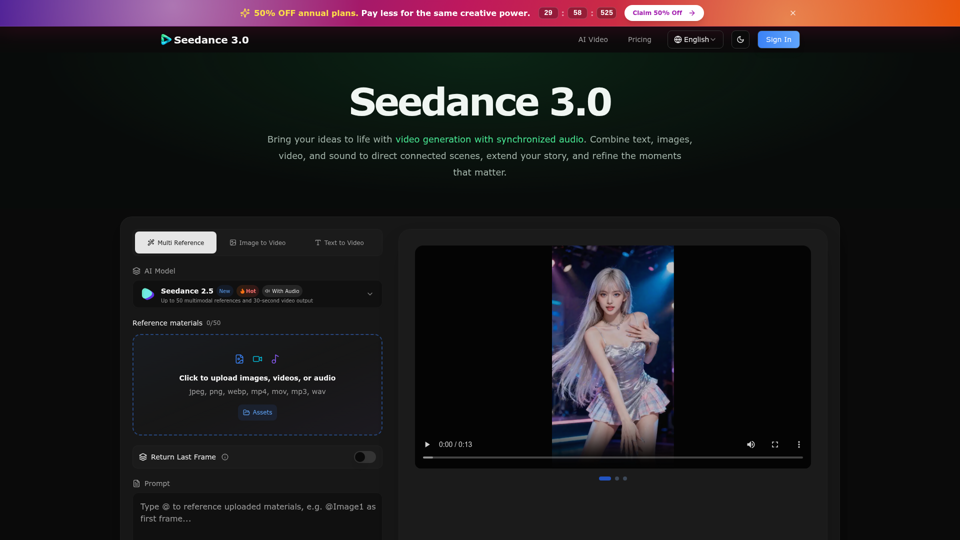
Create cinematic stories with Seedance 3.0. Turn text, images, video, and audio references into videos with synchronized sound and precise creative control.
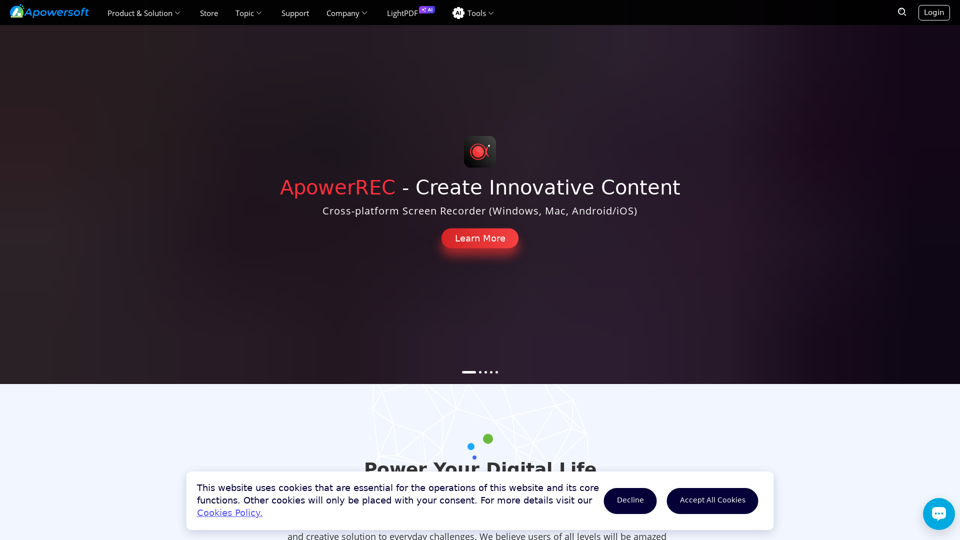
Apowersoft is a provider of free multimedia and online business solutions, helping users to record, enrich, convert and deliver multimedia content on computers, web, mobiles, etc.
Upload any local video or audio file, and get a text summary of the key points. Skip the unnecessary details and get straight to the heart of the content.