Adobe Podcast
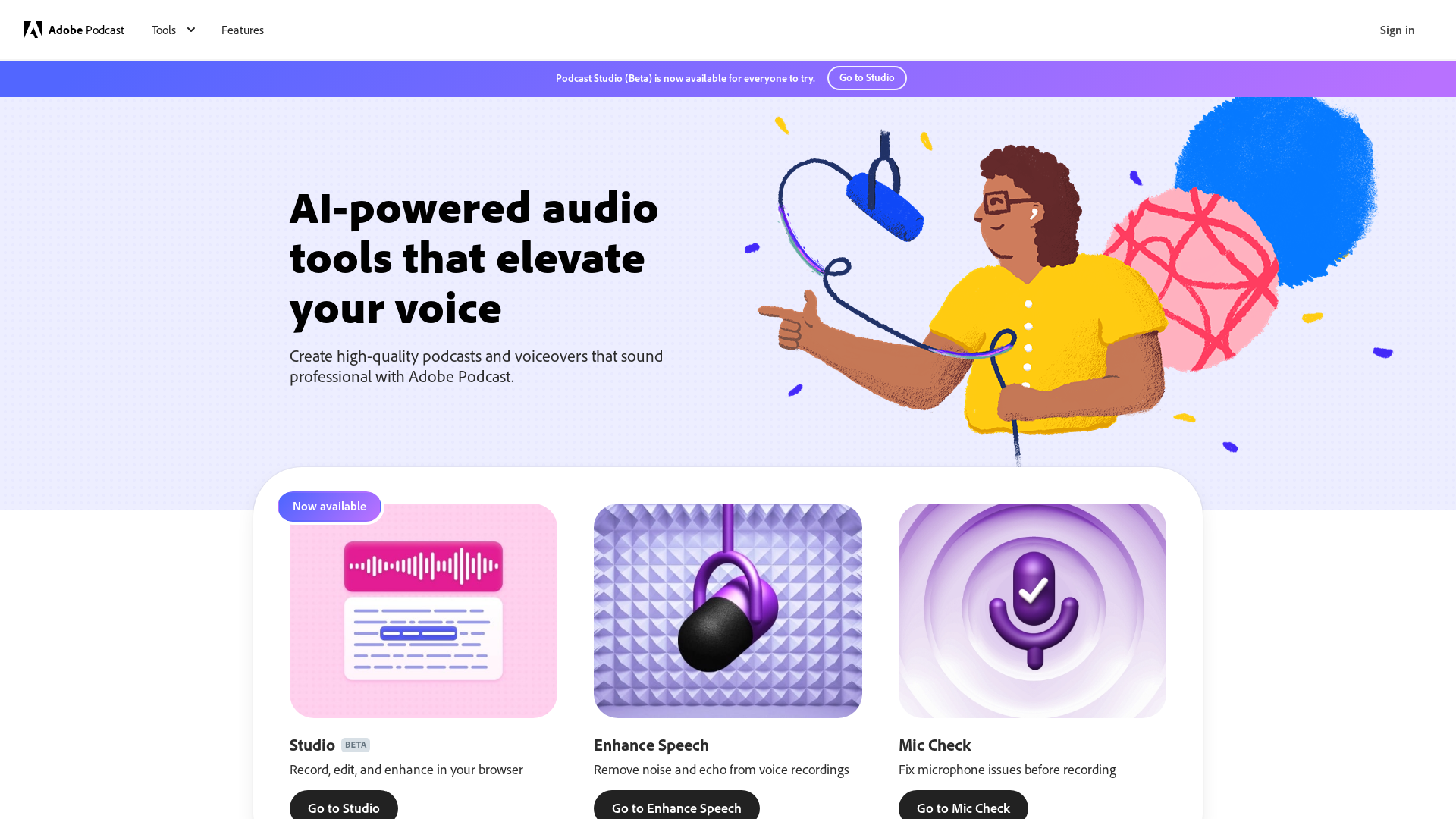
Next generation audio from Adobe is here. Record, transcribe, edit, share. Crisp and clear, every time.
What is Adobe Podcast?
Adobe Podcast is a web-based tool that leverages artificial intelligence to provide seamless audio recording, editing, and enhancement capabilities. It allows users to create professional-quality podcasts and voiceovers directly from their web browser, making it accessible for both beginners and seasoned podcasters.
What are the main features of Adobe Podcast?
- Web-Based Studio
- Record, edit, and enhance audio directly in your browser without the need for advanced software.
- Enhance Speech
- Remove noise and echo from voice recordings, making your audio clear and polished.
- Mic Check
- Diagnose microphone issues before recording to ensure optimal sound quality.
- AI-Powered Tools
- Utilize artificial intelligence to elevate your voice recordings, providing a studio-like quality.
- Professional-Grade Recording
- Capture high-quality audio tracks, even in remote collaborations, with individual audio tracks for each guest.
- Transcription Capabilities
- Adobe Podcast transcribes audio recordings, allowing for easy editing just like a text document.
- Royalty-Free Music
- Access pre-edited music collections specifically curated for podcasts to enhance the listening experience.
How to use Adobe Podcast?
To start using Adobe Podcast, simply sign in to the Podcast Studio (Beta) available on the Adobe website. Once inside, you can record your audio, utilize AI enhancements, and edit your audio clips with ease. The intuitive interface makes navigating between recording, editing, and audio enhancement a breeze.
How much does Adobe Podcast cost?
Adobe Podcast is currently in its beta phase and may offer free features or subscriptions depending on its final pricing structure. Users are encouraged to check the Adobe website for the most current pricing and plan options.
Helpful Tips for Using Adobe Podcast
- Test Your Equipment
- Use the Mic Check feature before starting to ensure your microphone is set up correctly.
- Keep It Simple
- Focus on your storytelling; let Adobe Podcast handle the sound quality.
- Utilize Transcription
- Take advantage of the transcription feature to streamline the editing process and make notes directly from your audio.
- Make Use of Music Libraries
- Enhance your podcasts with royalty-free intros, outros, and backgrounds to engage your audience.
Frequently Asked Questions
Can I record with remote guests using Adobe Podcast?
Yes, Adobe Podcast allows you to record high-quality audio with remote guests, capturing individual tracks to maintain audio clarity.
Is there a limit on recording time?
While Adobe Podcast does not specify a limit on recording time, it's advisable to check for any updates or terms outlined during the beta phase.
Will my recordings be saved securely?
Adobe is committed to user privacy and security, ensuring that your recordings and personal information are protected.
Can I use Adobe Podcast without any prior experience?
Absolutely! Adobe Podcast is designed to be user-friendly, making it accessible for beginners while still offering advanced features for seasoned users.
How do I access the royalty-free music collections?
You can explore the available music libraries directly within the Adobe Podcast interface, where you can select and incorporate them into your projects.
Adobe Podcast
Next generation audio from Adobe is here. Record, transcribe, edit, share. Crisp and clear, every time.
 Amazon CloudFront
 Amazon S3
 Amazon Web Services
 React
ReactFree AI anime and manga generator. Turn text into anime episodes, manga, comics, webtoons and comic shorts in any art style — no drawing or animation skills needed.
Translate image text across 70+ languages with our advanced AI Image Translator to help you better expand your products globally to various countries
Advertised Here
Reach thousands of visitors daily. Get your spot now!
Tools similar to Adobe Podcast
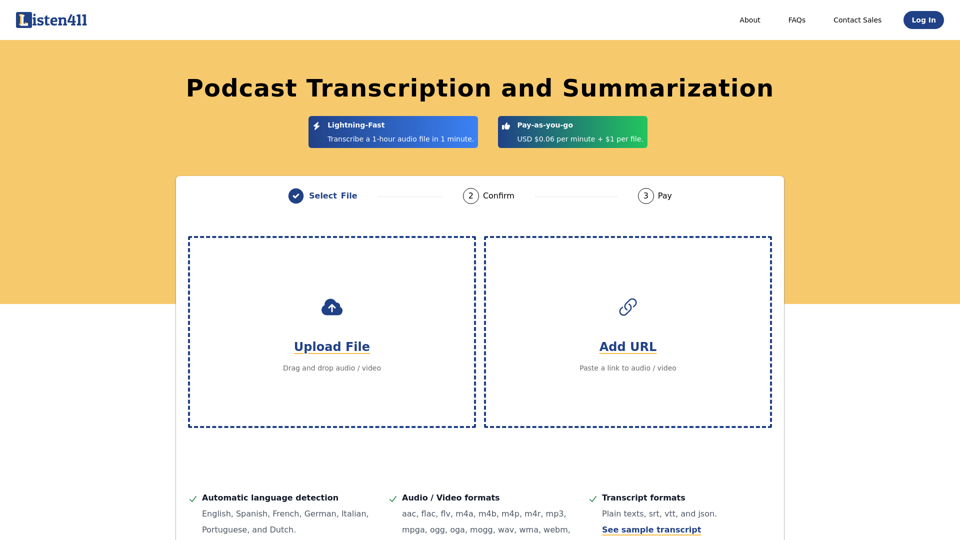
Fast and affordable podcast transcription and summarization. Get 1-hour audio transcribed in 1 minute. Pay-as-you-go. No subscription required.
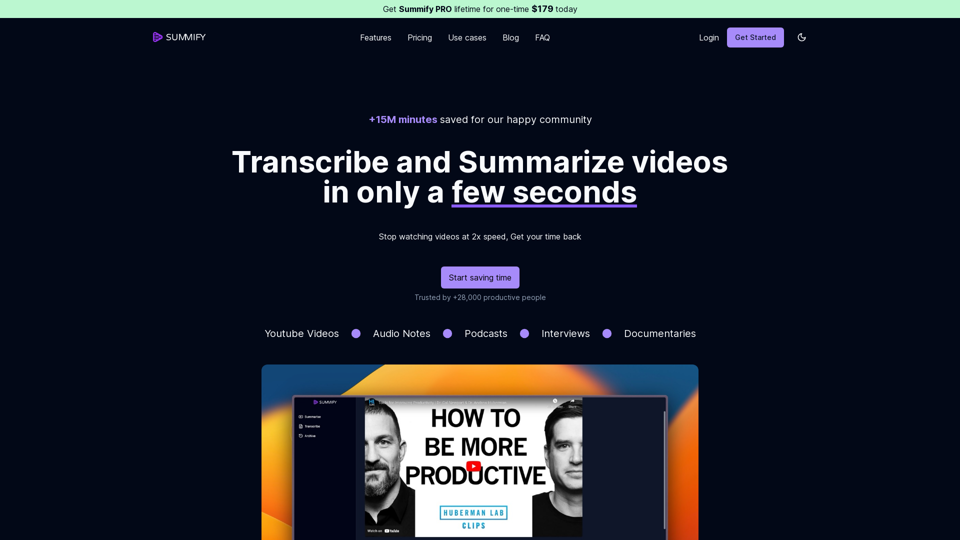
Discover Summify.io, your one-click solution to summarize or transcribe videos, audio notes, youtube videos, podcasts. Leverage the power of AI to help you better save time and get more things done.
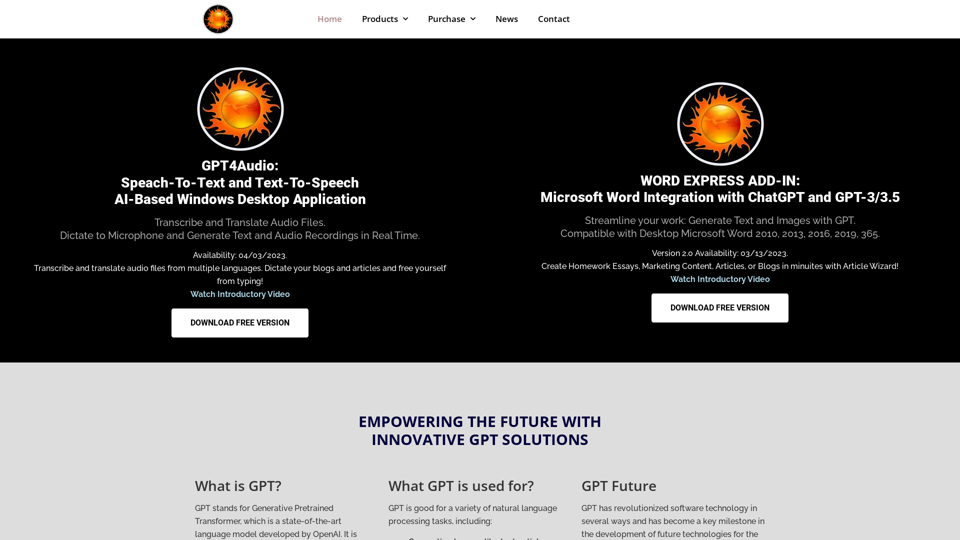
Download GPT4Audio, speech to text converter Desktop Application, and take your productivity to the next level! This tool is designed to make your life easier and more efficient.
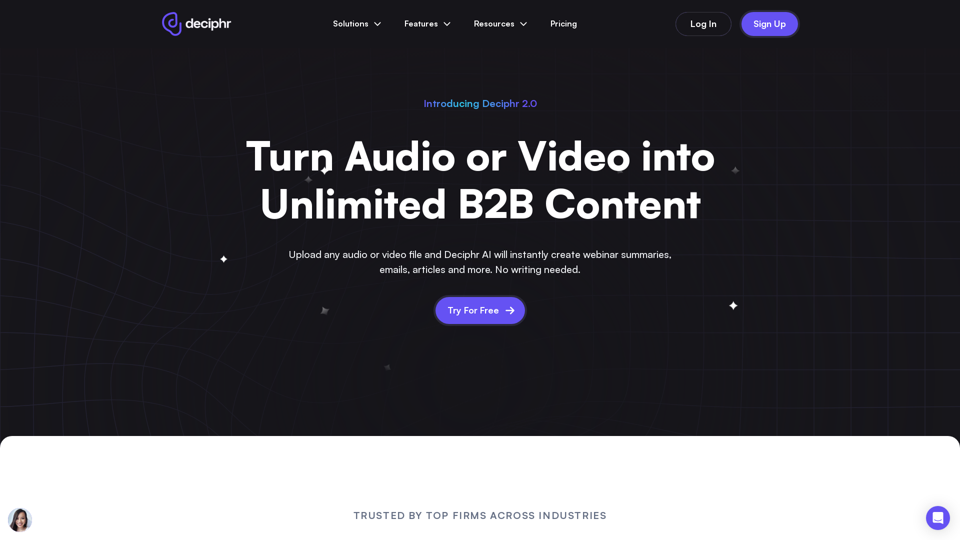
Effortlessly create podcast transcripts, concise summaries, show notes, and AI-generated audio and video reels in minutes, all at no cost. Join us today!
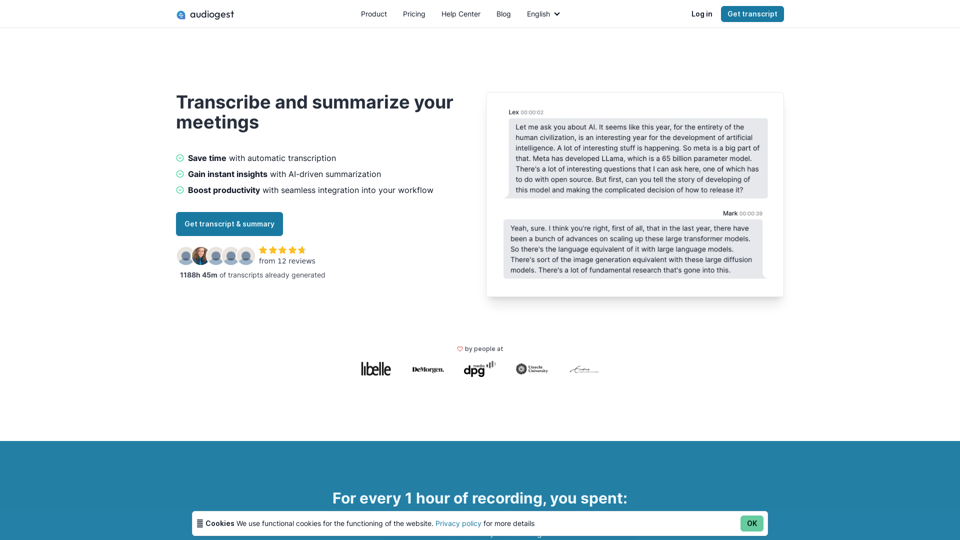
Effortless, accurate and affordable audio and video transcriptions and summarization. Process your audios and videos with AI in one click. Generate a transcript today.
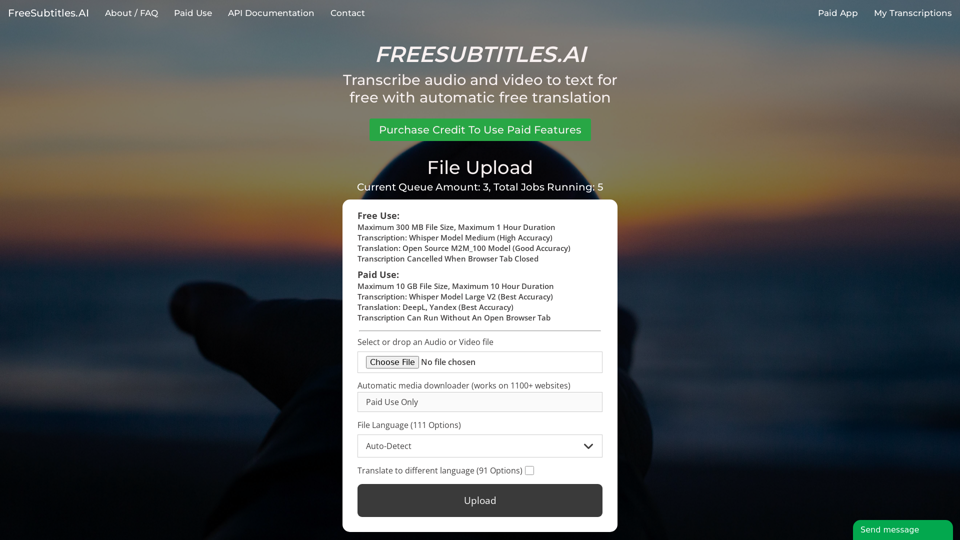
Transcribe audio and video to text for free with automatic free translation