PostPlanify
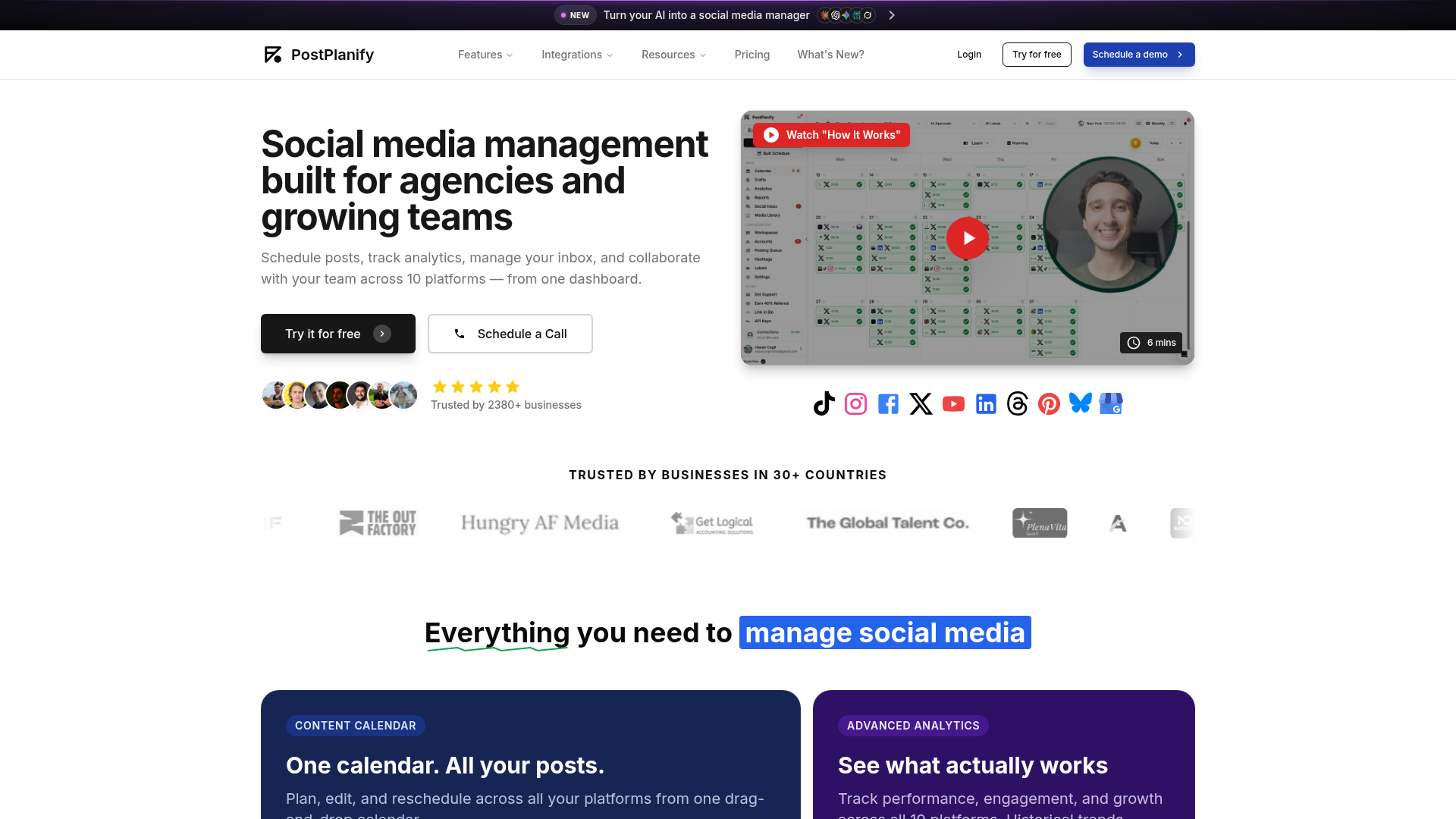
Manage all your social media in one place. Schedule posts, track analytics, manage comments and messages, and collaborate with your team across 10 platforms.
What is PostPlanify?
PostPlanify is a comprehensive, AI-powered social media management platform designed specifically for agencies and growing teams. It transforms your AI into a social media manager by providing an all-in-one dashboard to handle the complexities of modern social marketing. PostPlanify enables users to schedule posts, track in-depth analytics, manage a unified social inbox, and collaborate with team members and clients seamlessly. It supports publishing and management across ten major social media platforms, including Instagram, X (formerly Twitter), Facebook, LinkedIn, YouTube, TikTok, Threads, Pinterest, Bluesky, and Google My Business. Trusted by over 2,380 businesses in more than 30 countries, PostPlanify consolidates essential tools into a single, powerful system to streamline workflows, enhance team productivity, and drive better results from social media efforts.
What is the main feature of PostPlanify?
The core power of PostPlanify lies in its unified, multi-functional dashboard that brings every aspect of social media management into one place. Its standout features include:
- All-in-One Content Calendar
- A central, drag-and-drop calendar for planning, editing, and scheduling posts across all 10 connected platforms. This provides a single source of truth for your entire content strategy.
- Advanced Analytics & White-Label Reporting
- Track performance, engagement, and growth metrics across all platforms with historical trend data. Generate professional, white-label PDF reports branded with your agency's logo and colors to share with clients.
- Unified Social Inbox
- Consolidate all comments and direct messages from every connected platform into one streamlined inbox. This feature allows for faster response times, with tools to reply, label, assign conversations to teammates, and even get AI-assisted reply suggestions.
- Built-In AI Assistant
- Accelerate content creation using integrated AI to generate captivating captions, create images, and improve existing content quality directly within the platform.
- Team Collaboration Without Per-Seat Fees
- Unlike many competitors, PostPlanify offers flat pricing. You can invite unlimited team members and clients into shared workspaces with features like approval workflows, post comments, @mentions, and role-based permissions.
- Extensive Platform Integration
- Powered by official platform APIs for reliable and secure publishing and management across Instagram, Facebook, X, LinkedIn, YouTube, TikTok, Threads, Pinterest, Bluesky, and Google My Business.
- Media Library & Link in Bio
- Organize and store all brand assets in a shared media library with integrations for Canva, Google Drive, and Dropbox. Also, create a custom "Link in Bio" page styled to match your brand.
How to use PostPlanify?
Getting started with PostPlanify is straightforward and designed for teams of all sizes. The platform offers a free trial to explore its features.
- Sign Up & Connect Accounts: Create an account on PostPlanify and connect your social media profiles (up to 10 platforms supported) using secure, official API integrations.
- Explore the Dashboard: Navigate the centralized dashboard to access the Content Calendar, Social Inbox, Analytics, and Media Library.
- Plan & Schedule Content: Use the drag-and-drop calendar to plan your content strategy. Craft posts, use the AI assistant for caption and image generation, and schedule them for optimal times across different platforms.
- Collaborate with Your Team: Invite team members and clients to your workspace. Use the collaboration tools to request approvals, leave feedback on drafts, and manage roles and permissions.
- Engage & Analyze: Monitor and respond to all comments and DMs from the unified Social Inbox. After publishing, track post performance and audience growth through the Analytics section to understand what content works best.
- Report to Clients: Utilize the white-label reporting tool to compile performance data into branded PDF reports that can be downloaded or shared via a link with your clients.
Price
PostPlanify offers transparent, flat-rate pricing designed for agencies and teams, famously without per-seat fees. While specific plan details and current pricing should be checked directly on their website, their model typically includes:
- A ### Free Trial to test the platform's core functionalities.
- Scalable Paid Plans based on the number of social accounts you need to manage, not the number of users on your team. This makes it cost-effective for larger teams.
- All plans include access to the unified calendar, social inbox, analytics, AI assistant, team collaboration tools, and white-label reporting.
For the most accurate and up-to-date pricing information, visiting the official PostPlanify website is recommended.
Helpful Tips
To maximize your efficiency and results with PostPlanify, consider these tips:
- Leverage the AI Assistant Early
- Use the built-in AI to overcome writer's block. Generate multiple caption options or image ideas to kickstart your creative process.
- Master the Approval Workflow
- Set up clear approval chains for clients or managers within the platform. This keeps all feedback and revisions in one place, eliminating messy email threads or Slack messages.
- Utilize the Media Library
- Build a robust library of your brand's approved images, videos, and logos. This saves time searching for assets and ensures brand consistency across all posts.
- Schedule in Batches
- Dedicate specific times for content planning and use the calendar view to schedule posts for the entire week or month in one sitting. This promotes consistency and frees up daily time for engagement.
- Customize Your White-Label Reports
- Take full advantage of the branding options in the reporting tool. A professionally branded report enhances your agency's credibility and provides clear value to clients.
- Use the Social Inbox as Your Command Center
- Make it a habit to check the unified inbox daily. Responding promptly to comments and DMs can significantly boost engagement and customer satisfaction.
Frequently Asked Questions
Can I manage multiple client accounts on PostPlanify?
Yes, absolutely. PostPlanify is built for agencies. You can organize each client in their own dedicated workspace, managing their content, analytics, and approvals separately, then generate individualized white-label reports for them.
Is there a limit to how many team members I can add?
A key benefit of PostPlanify is its flat pricing model. You can invite your entire team—collaborators, managers, and clients—without worrying about per-seat fees. Role-based permissions help you control what each person can see and do.
How reliable is the post scheduling?
PostPlanify uses official platform APIs (like those from Meta, X, LinkedIn, etc.) for publishing. This is the most reliable and secure method, ensuring your posts are delivered on time, directly to the platforms.
Does PostPlanify offer a free plan?
PostPlanify offers a free trial so you can test the platform. For ongoing use, they provide scalable paid plans. You can check their website for the latest details on trial duration and plan features.
Can I generate reports for my clients?
Yes. The advanced analytics and white-label reporting feature is designed for this. You can create detailed PDF reports that include your agency's branding (logo, colors) and performance data from all connected platforms, which you can then share directly with clients.
What social media platforms does it support?
PostPlanify supports scheduling and management for 10 platforms: Instagram, Facebook, X (Twitter), LinkedIn, YouTube, TikTok, Threads, Pinterest, Bluesky, and Google My Business.
PostPlanify
Manage all your social media in one place. Schedule posts, track analytics, manage comments and messages, and collaborate with your team across 10 platforms.
 Cloudflare
 HTTP/3
 Next.js
 Node.js
 React
React Webpack
Free AI anime and manga generator. Turn text into anime episodes, manga, comics, webtoons and comic shorts in any art style — no drawing or animation skills needed.
Translate image text across 70+ languages with our advanced AI Image Translator to help you better expand your products globally to various countries
Advertised Here
Reach thousands of visitors daily. Get your spot now!
Tools similar to PostPlanify
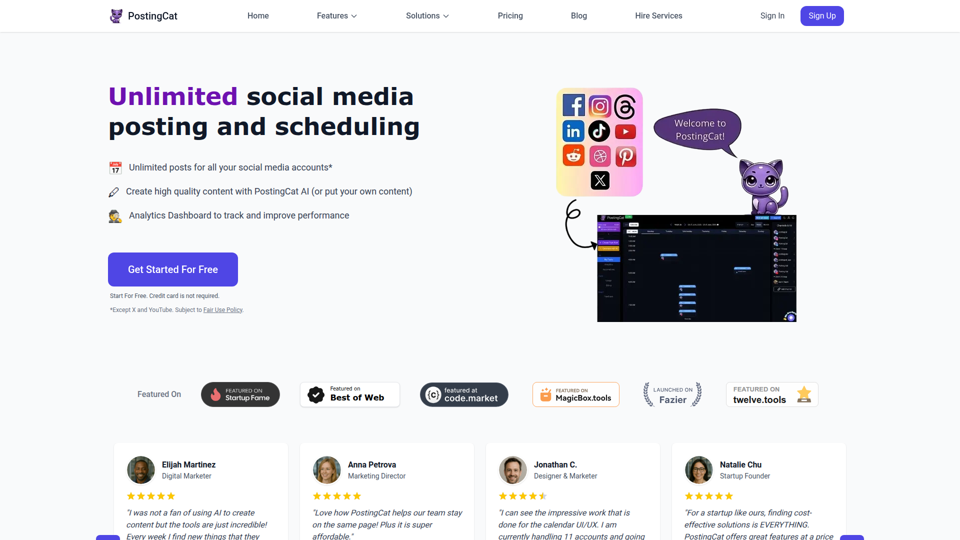
Schedule posts, create high quality content with AI, and track performance with PostingCat's analytics dashboard.
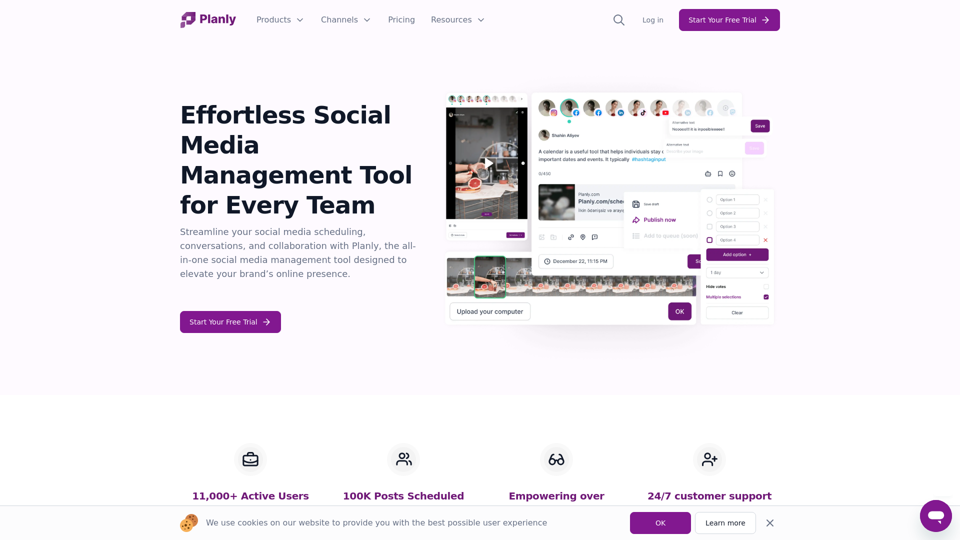
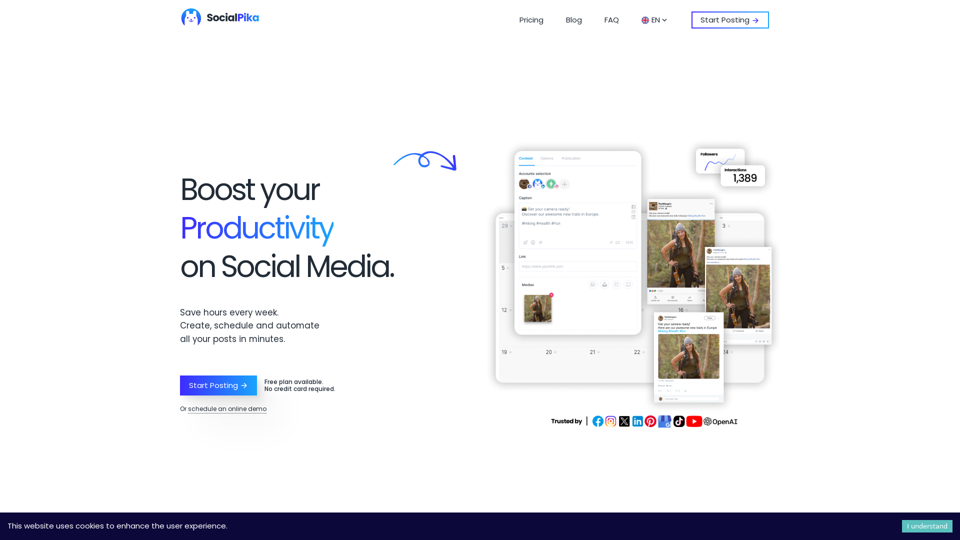
Increase your Social Media presence with SocialPika. Plan, Automate and Manage your posts across all your social networks while saving time for your core business.

Simplified is the time saving, all in one app that your modern marketing team can use for collaboration. Millions of free images, videos, and audio clips. Thousands of designer templates. Long and short-form content writing in 30+ languages. Content Calendar to schedule and publish posts to social media. Free Forever!
Research, Growth, Reach & Engagement— Social Media Marketing Tools for Every Strategy, for Solo Users, Brands, and Agencies Alike.
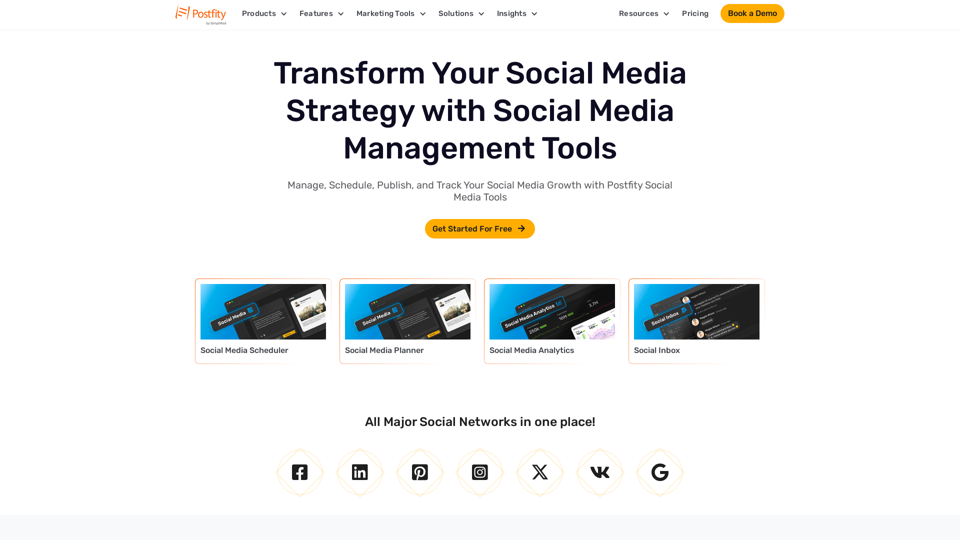
Discover powerful social media management tools at Postfity. From scheduling to analytics, optimize your brand's performance easily.
Discover the best social media tools to grow and monetize your audience on social media
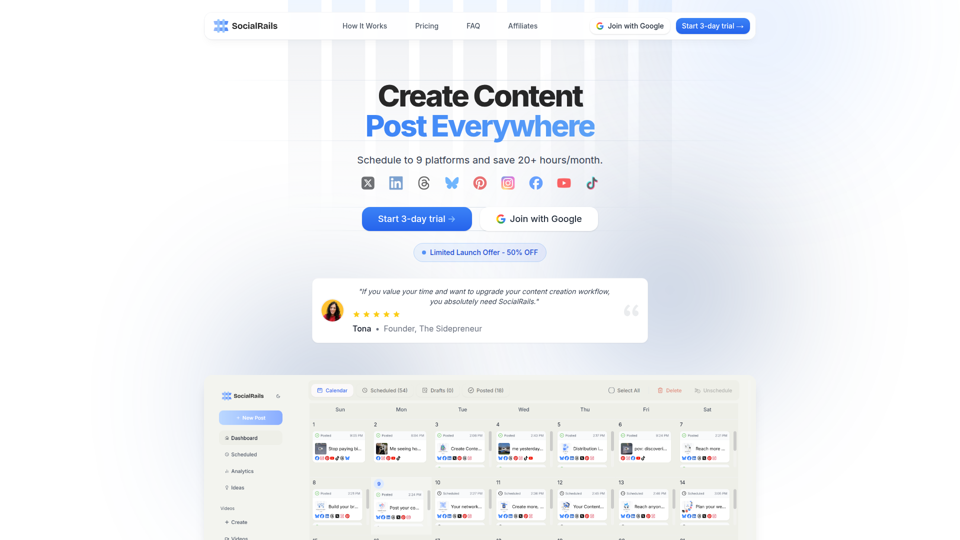
Grow your business with social media. Schedule posts to 9 platforms and generate short-form content to promote your product easily., With Testimonial, in minutes, you can collect and display video testimonials and other types of testimonials from your customers with no need for a developer or website hosting.