PromptBox
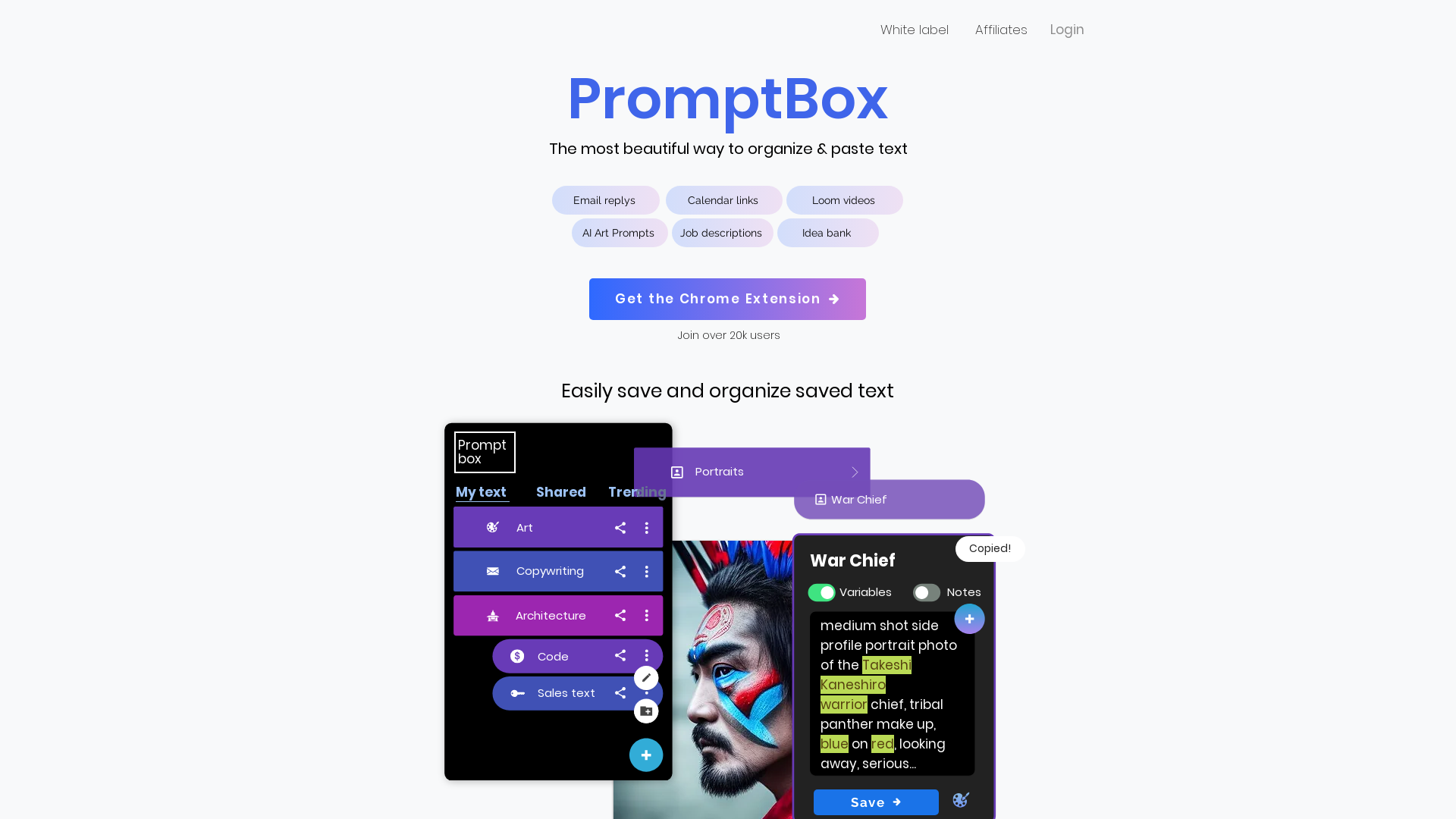
Prompt Box allows you to save, organize, copy, and paste your artificial intelligence (AI) prompts.
What is PromptBox?
PromptBox is a tool for saving, organizing, copying and pasting AI prompts and other reusable text. It syncs prompts between phone and computer and expands them through customizable shortcuts in any app, not just the browser. It is aimed at people who reuse the same prompts, templates, code snippets or messages and want them organized in nested folders and shareable with a team.
Key features
- Cross-device sync
- Prompts are automatically synced between phone and computer so they are available wherever you work.
- Works in every app
- Because PromptBox operates at the OS level, text expansion works in every app rather than only in the browser.
- Instant text expansion
- Customizable shortcuts expand text immediately, so repetitive typing is replaced by typing a shortcut.
- Custom variables
- Prompts can include variables, and a field box appears when the shortcut is used so values can be entered.
- Nested folder organization
- Prompts can be organized into nested folders to keep them easy to find.
- Team sharing
- Prompts can be shared with a team to streamline workflows and keep output consistent.
- Private storage
- Data is stored securely and privately, and is never shared with third parties.
How to use PromptBox
- Create a PromptBox account and install the desktop and mobile apps.
- Save the prompts, templates or text blocks you reuse into PromptBox.
- Assign a shortcut to each prompt so it can be expanded on demand.
- Organize your prompts into nested folders to keep them findable.
- Type the shortcut in any app, fill in any variables when the field box appears, and the full text is inserted.
Use cases
- Heavy AI users who generate many prompts and want to store them for later reuse.
- Developers who insert code snippets, database queries, terminal commands and reusable scripts.
- Teams that share prompts and templates to keep messaging and workflows consistent.
- People writing documentation templates, bug reports, task messages and technical notes they do not want to rewrite.
- Users replacing general text expanders such as TextExpander or Magical for response and outreach templates.
Pricing
PromptBox lists two options:
- Monthly
- $5.99/mo, including unlimited text prompts, access to the mobile app, access to the desktop app and free technical support. A free trial is available.
- Lifetime
- $79, including everything in the monthly plan, no recurring card charges, free updates for life and a 60 day money back guarantee.
FAQ
Is PromptBox free to try?
The monthly plan at $5.99/mo includes a free trial option. There is also a one-time lifetime plan at $79.
Does PromptBox work outside of the browser?
Yes. PromptBox works at the OS level, so text can be expanded in every app rather than only in the browser.
Can PromptBox sync my prompts between my phone and computer?
Yes. Prompts are automatically synced between your phone and computer so they are available wherever you are.
Can PromptBox prompts include variables?
Yes. PromptBox supports custom variables, and a field box appears when you use the shortcut so you can enter the values for that use.
Can I share prompts with my team in PromptBox?
Yes. PromptBox is collaborative, so prompts can be shared with a team to streamline workflows and maintain consistency.
How does PromptBox keep my prompts private?
PromptBox states that your data is stored securely and privately, and that it never shares your data with third parties.
PromptBox
Prompt Box allows you to save, organize, copy, and paste your artificial intelligence (AI) prompts.
 Clickbank
 Envoy
Envoy Google Analytics
 Google Cloud
 Google Cloud CDN
 Google Cloud Trace
 HTTP/3
 Rewardful
Free AI anime and manga generator. Turn text into anime episodes, manga, comics, webtoons and comic shorts in any art style — no drawing or animation skills needed.
Translate image text across 70+ languages with our advanced AI Image Translator to help you better expand your products globally to various countries
Advertised Here
Reach thousands of visitors daily. Get your spot now!
Tools similar to PromptBox
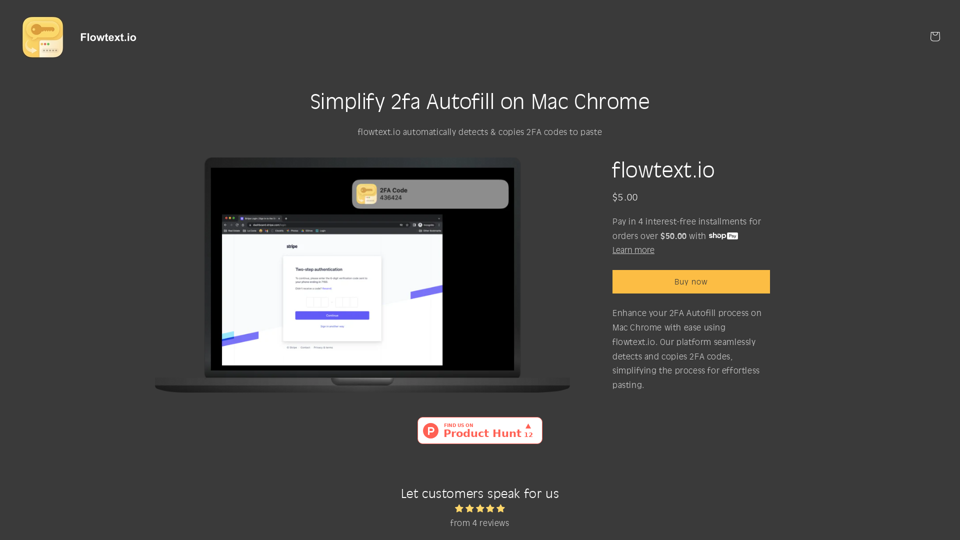
Flowtext.io automatically detects & copies 2FA codes to paste
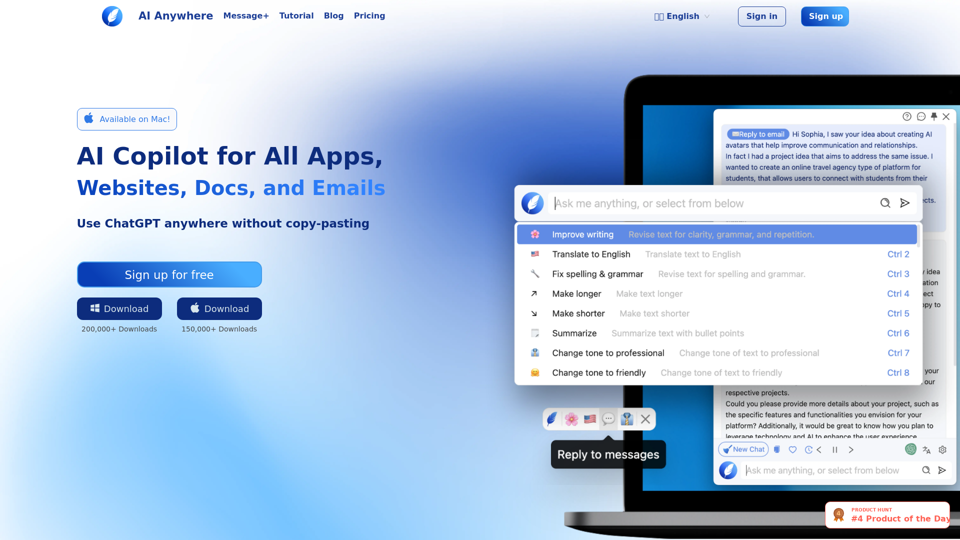
AI Anywhere is your ultimate AI Copilot for all apps, docs, emails and websites. It enables you to use ChatGPT anywhere without copy-pasting. Effortlessly read, write and code.
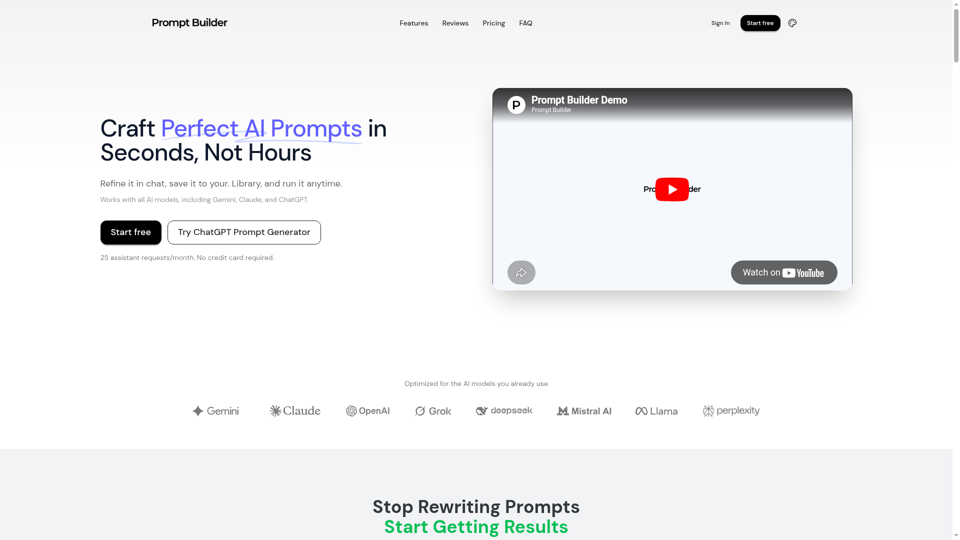
Turn an idea into a model-optimized prompt in seconds. Generate, refine, test, and save reusable prompts for Gemini, Claude, ChatGPT, and more.
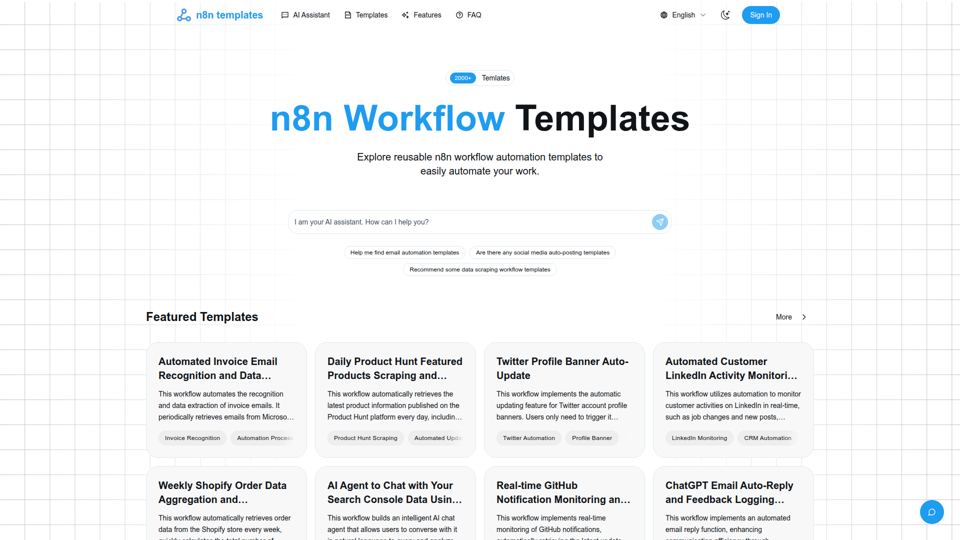
Curated high-quality n8n workflow automation templates to help you quickly implement process automation, boost efficiency, and easily reuse and customize.
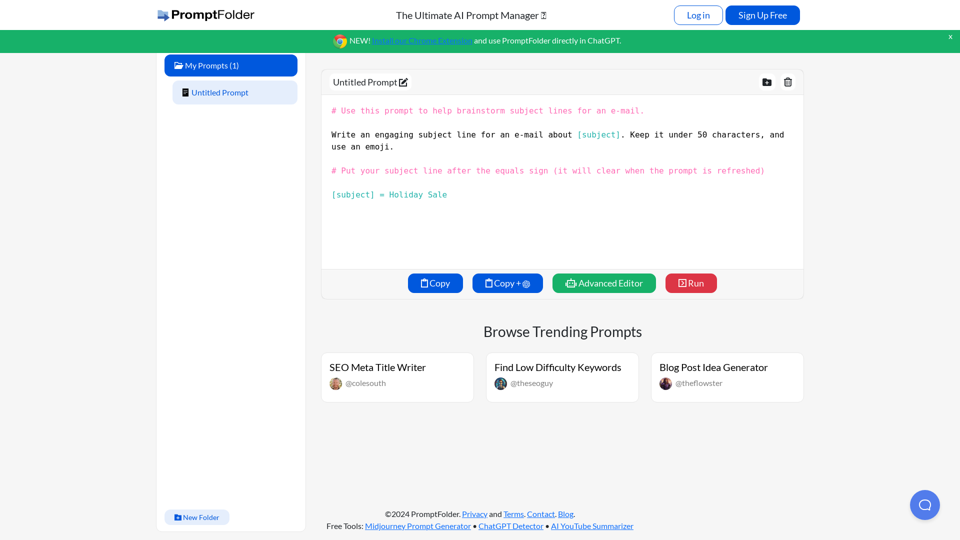
The ultimate AI prompt manager. Build, save, and discover innovative prompts for use in ChatGPT, Midjourney, and other artificial intelligence powered tools.
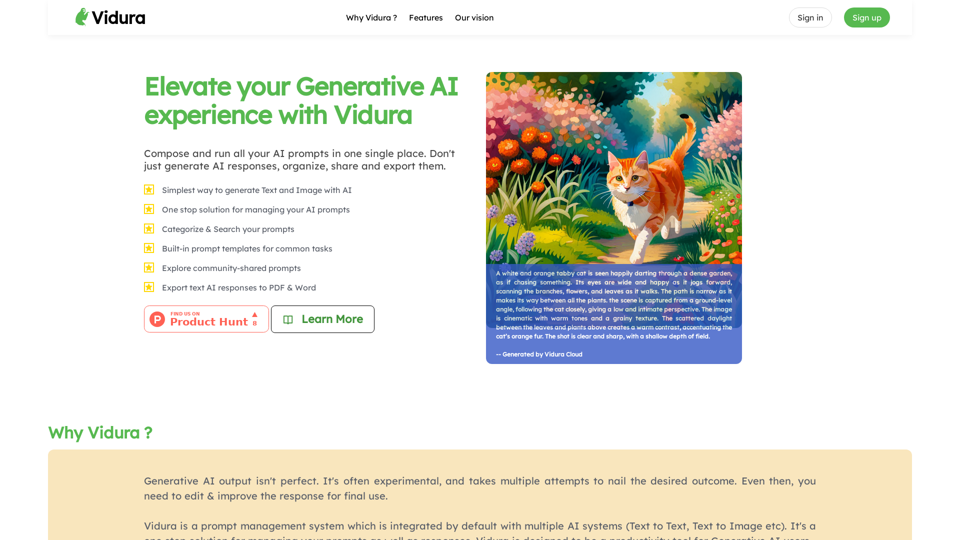
Welcome to Vidura AI, an AI prompt management system for Generative AI. Create, run, and modify prompts and their responses in one single place.
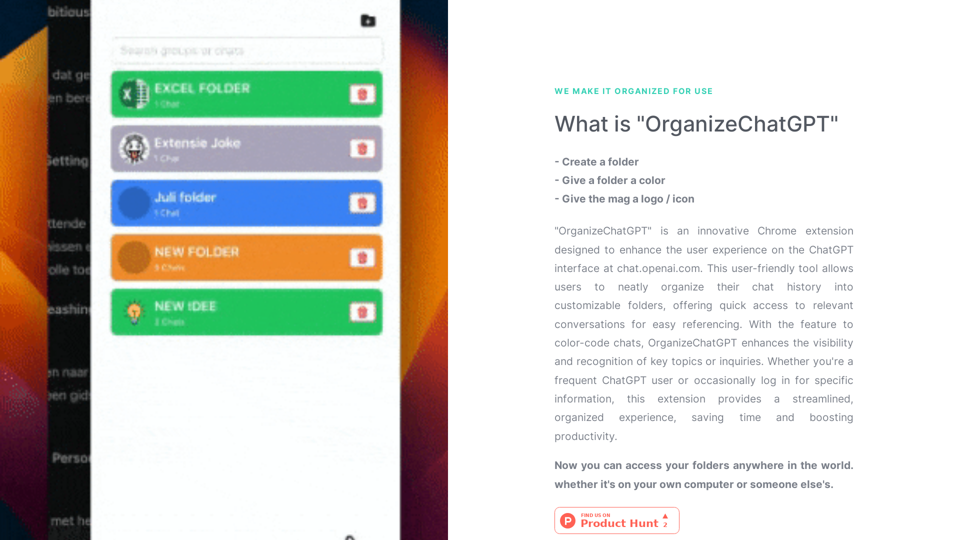
"OrganizeChatGPT" is an innovative Chrome extension designed to enhance the user experience on the ChatGPT interface at chat.openai.com. This user-friendly tool allows users to neatly organize their chat history into customizable folders, offering quick access to relevant conversations for easy referencing. With the fe
Ethertext: Your AI Clipboard. Copy. Transform. Paste. Experience the future of text editing powered by AI.