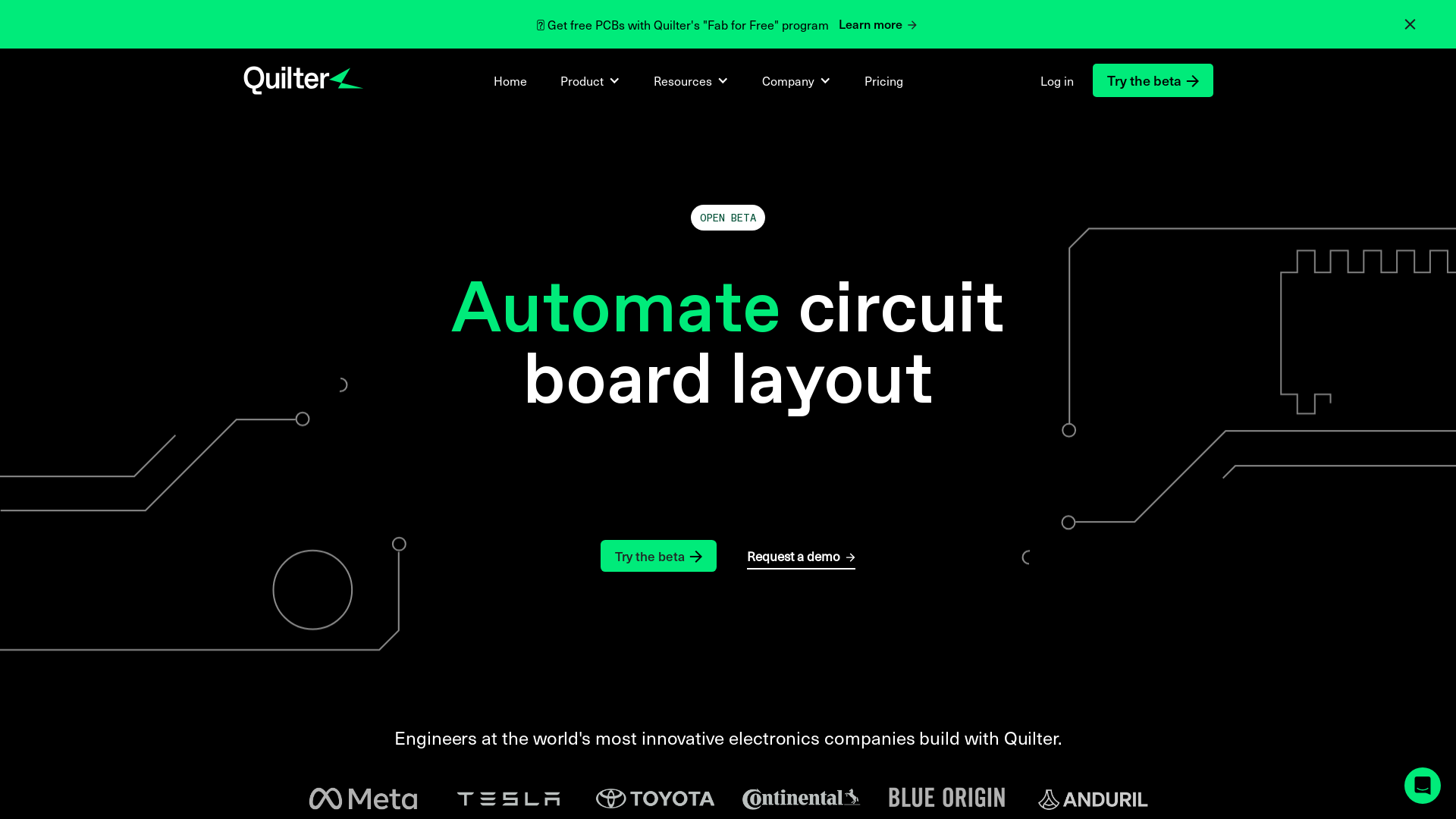
What is Quilter?
Quilter is an innovative, AI-driven platform designed for efficient PCB (Printed Circuit Board) design. It enables hardware teams to design, optimize, and iterate PCB layouts with speed and precision. By automating circuit board layout tasks, Quilter provides engineers with the tools necessary to produce highly optimized board designs that are ready for fabrication.
What are the main features of Quilter?
- All-in-One PCB Design
- Quilter streamlines the entire PCB design process, from placing components to routing traces and defining board stackups.
- Fully Optimized Designs
- The platform imports design constraints to optimize for electromagnetic interference (EMI) performance and manufacturing standards.
- Time Efficiency
- Within hours, Quilter can generate numerous high-quality design candidates that meet Design Rule Checks (DRC) without errors.
- Compatibility with Existing Tools
- Quilter works seamlessly with popular design tools, allowing users to maintain their existing designs and libraries.
How to use Quilter?
- Design Your Schematic: Create a schematic in your preferred ECAD application (Altium or KiCAD).
- Upload Your Files: Submit your schematic and empty board files. Quilter will automatically parse these files to enhance the design process.
- Define Your Constraints: Specify any design constraints and tolerances for your PCB, which Quilter will validate against manufacturing standards.
- Generate Design Candidates: Quilter employs generative AI to explore numerous layout options while ensuring compliance with DRCs and manufacturing tolerances.
- Select and Download Your Design: Review the generated candidates, choose the most suitable one, and download the final design files for fabrication.
What is the price of Quilter?
Quilter is currently available for free during its open beta phase, allowing users to try out its extensive features without the need for a credit card or subscription. This opportunity gives hardware teams a chance to revolutionize their PCB design processes without financial commitment.
Helpful Tips for Using Quilter
- Start with clear design specifications to maximize Quilter's capabilities.
- Regularly check for updates or improvements in Quilter's features during the beta phase.
- Utilize the support and resources available in the help center to ensure the best design outcomes.
- Take advantage of the free PCB offerings through the "Fab for Free" program to minimize design costs.
Frequently Asked Questions
How is Quilter different from an autorouter?
Quilter functions more like a human designer than a traditional autorouter. It considers multiple design aspects, such as routing, placement, and custom pours, and can handle complex designs that typical autorouters may struggle with.
What types of boards can Quilter layout?
Currently, Quilter excels at designing boards with less than 1000 pins, 100 components, a density of less than 10%, signal frequencies up to 500MHz, and currents up to 2A.
How does Quilter manage design rules?
Quilter evaluates designs against multiple rulesets sourced from top PCB manufacturers to ensure routing success with zero DRC violations.
How long does it take for Quilter to complete a design?
Design completion typically takes 1-2 hours for the initial layout candidate, with complete exploration of design possibilities taking between 2-6 hours.
By leveraging Quilter’s powerful features and user-friendly approach, engineers can dramatically enhance their PCB design workflows and enjoy innovative solutions tailored to their needs.
Quilter
Physics-based automated circuit board design tools for professionals and the masses.
 Cloudflare
 Google Tag Manager
 HTTP/3
 jQuery:3.5.1
 jsDelivr
Free AI anime and manga generator. Turn text into anime episodes, manga, comics, webtoons and comic shorts in any art style — no drawing or animation skills needed.
Translate image text across 70+ languages with our advanced AI Image Translator to help you better expand your products globally to various countries
Advertised Here
Reach thousands of visitors daily. Get your spot now!
Tools similar to Quilter
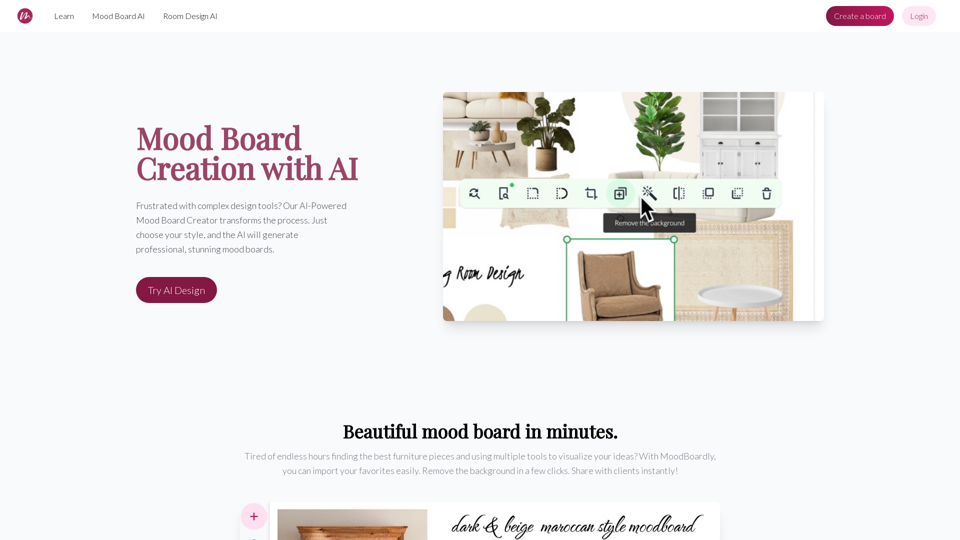
Discover MoodBoardly, the ultimate AI mood board generator and maker. Effortlessly create, customize, and perfect your mood boards with our user-friendly tools and innovative AI-powered moodboard creator.
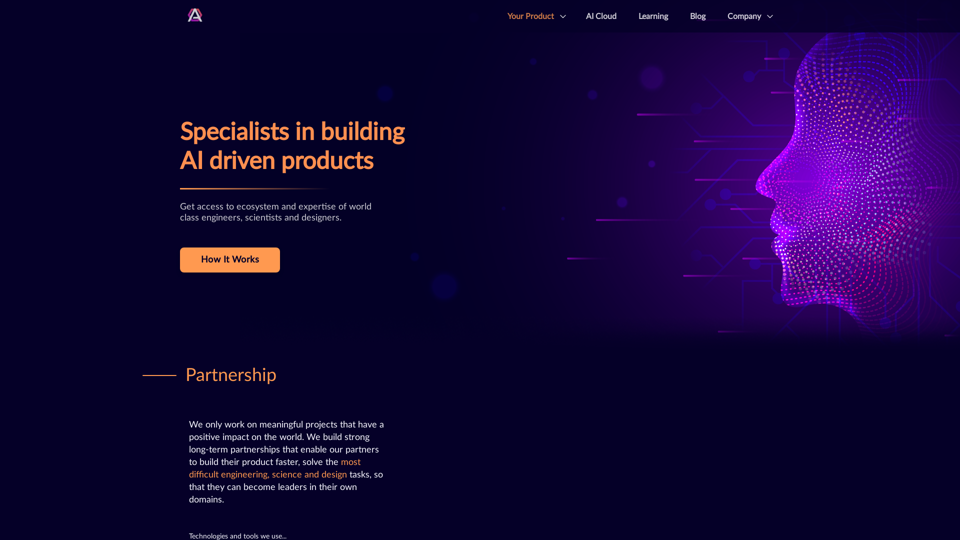
Get access to ecosystem and expertise of world class engineers, scientists and designers.
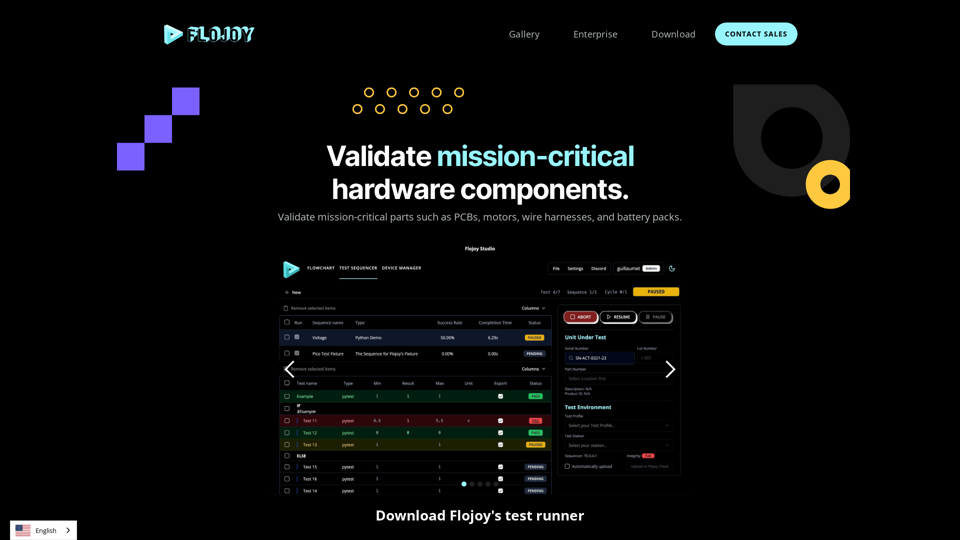
Flojoy is the leading open-source platform for hardware testing in manufacturing.
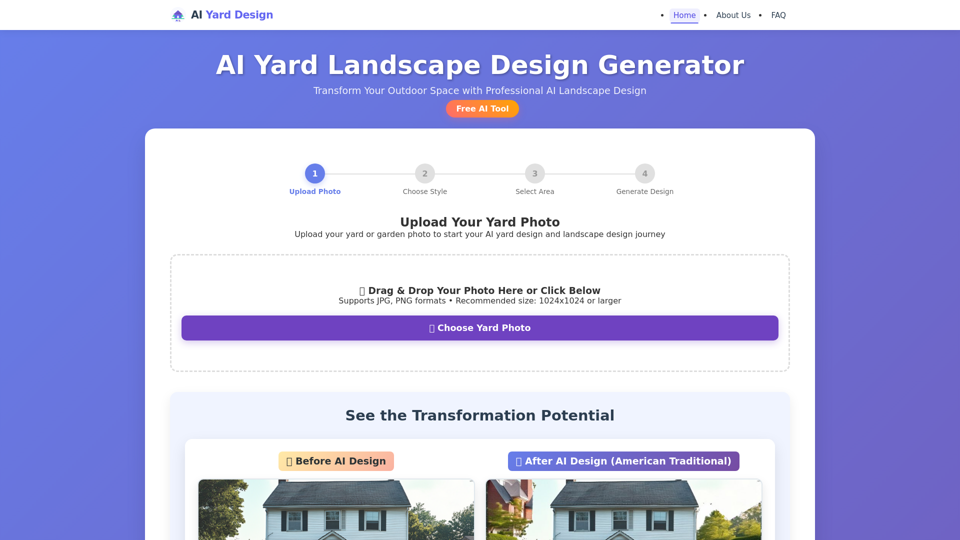
Transform your outdoor spaces with our free AI yard design generator. Create stunning AI landscape design for frontyard, backyard, and garden layouts instantly. Professional yard design tool with 6 styles.
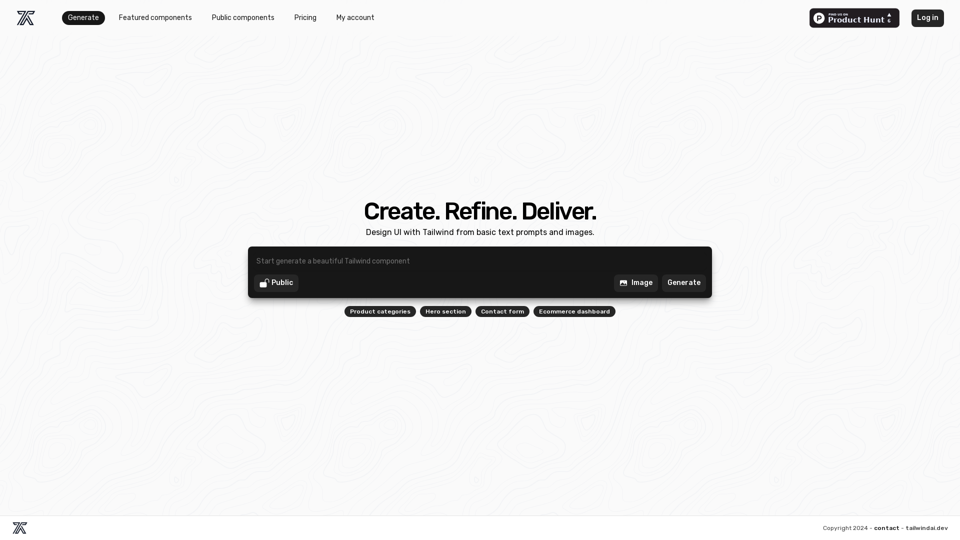
Elevate your web design with Tailwind AI. Harness the power of AI to generate custom, high-quality Tailwind components with ease.
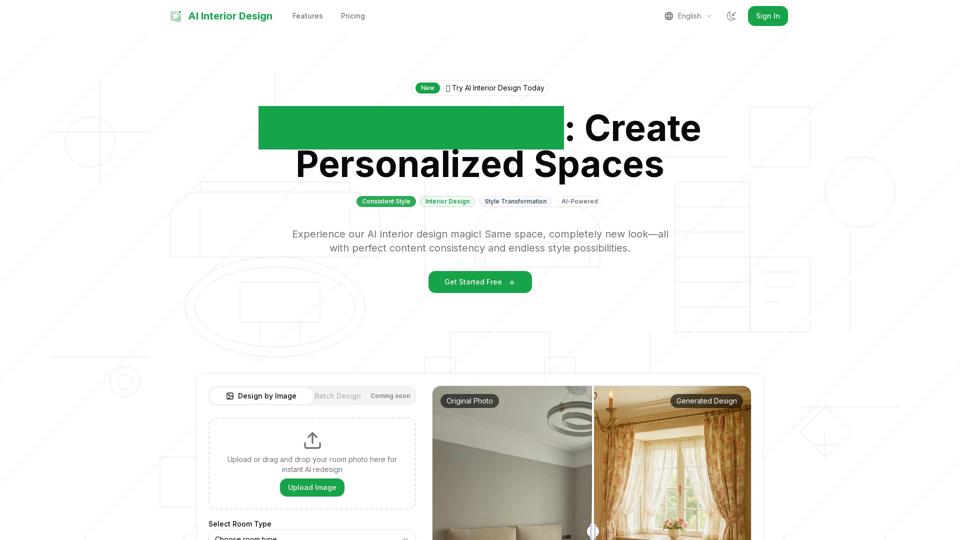
Discover the future of interiors with our AI interior design tool! Instantly generate personalized room and home designs—just upload a photo, pick your style, and let AI do the rest.
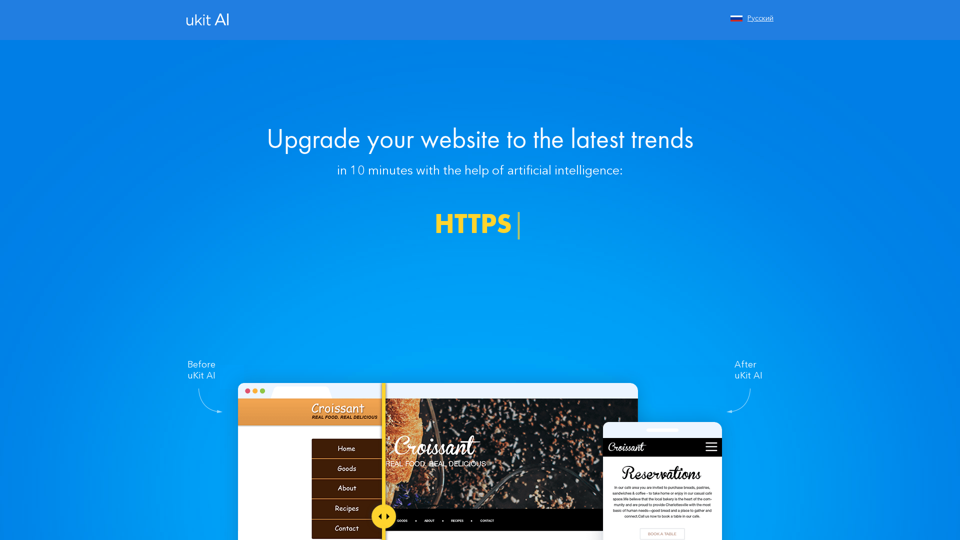
Streamline Your Fabrication Drawing Process – From Weeks to Minutes with DraftAid's Advanced AI Technology