Screens
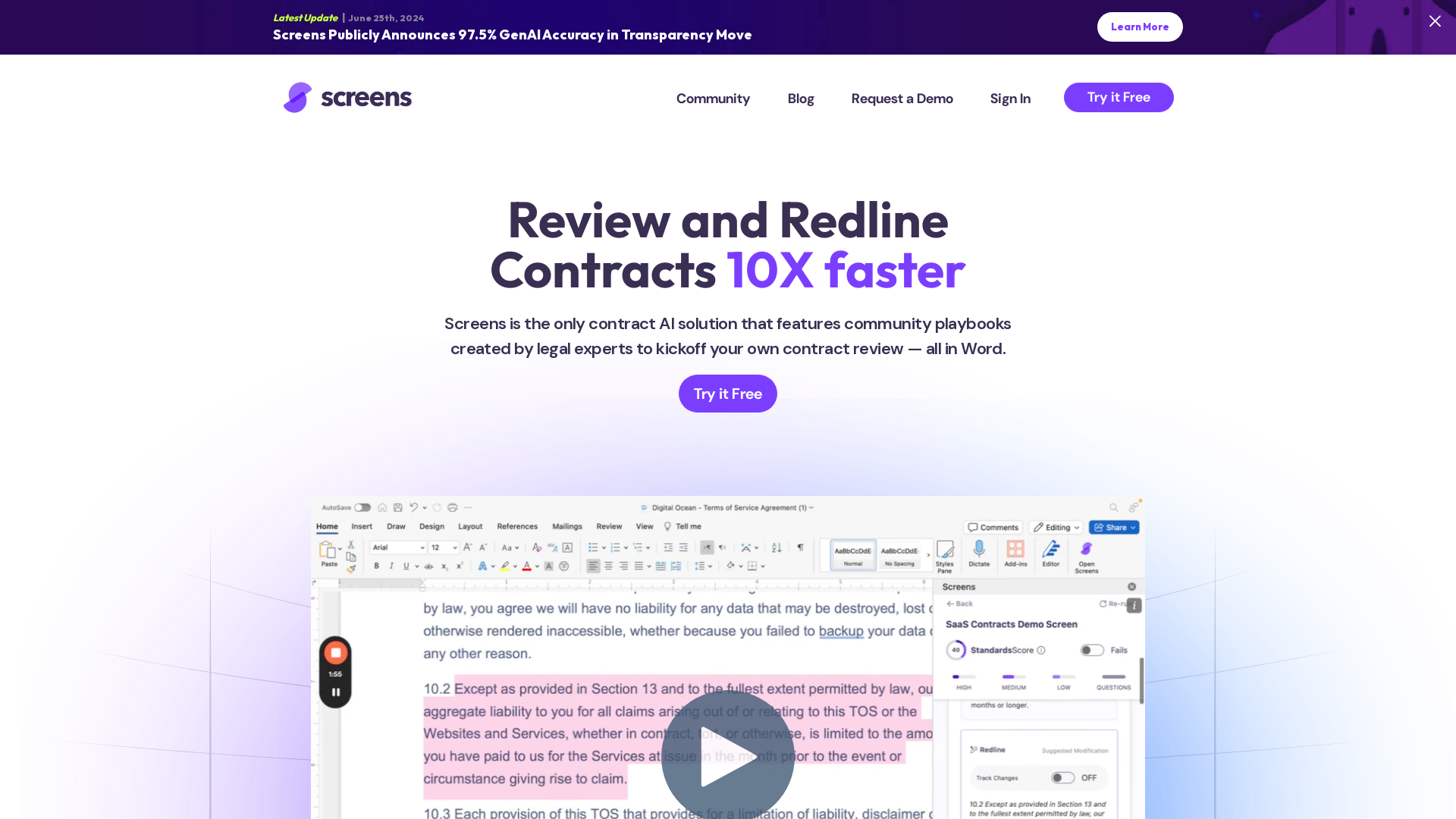
Discover what matters in any contract with Screens. Expert attorneys program AIs to review contracts just like them. Choose from community screens or create your own. Trustworthy, accurate, and affordable contract AI you can rely on.
What is Screens?
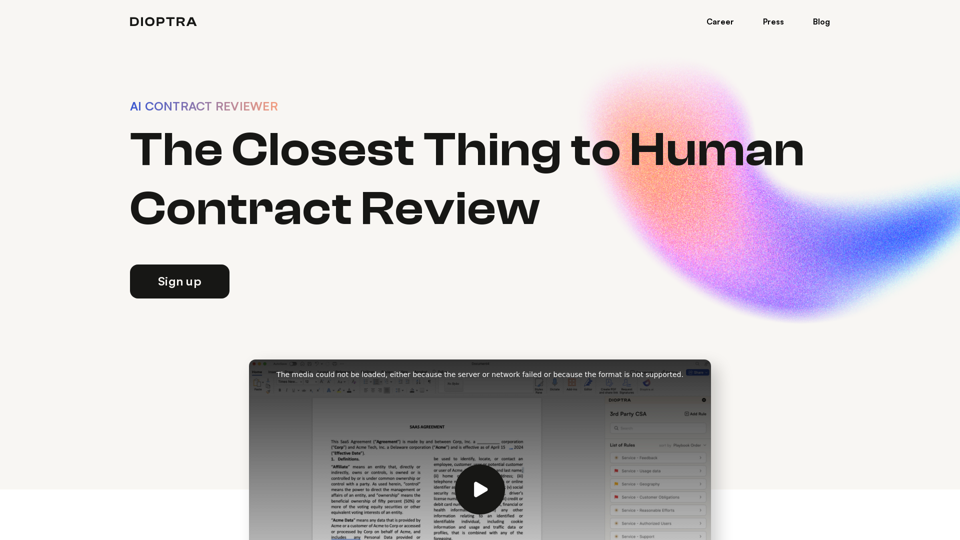
Screens is a cutting-edge AI-powered contract review solution designed for legal professionals. It allows users to review and redline contracts up to 10 times faster than traditional methods. Created by the expert team behind TermScout, Screens features community playbooks written by legal experts, providing users with tailored contract review tools directly within Microsoft Word.
What are the main features of Screens?
- Community Playbooks
- Access expert-crafted contract review guidelines that simplify the review process.
- Seamless Integration
- Works directly within Microsoft Word, enabling instant redline suggestions during contract negotiations.
- Customizable Screens
- Create and manage your custom playbooks based on your or your clients' specific contract standards.
- Centralized Contract Management
- Store and access all your agreements in one place, reducing the need for scattered files.
- AI-Powered Efficiency
- Quickly review thousands of contracts at once with the Screens app.
How to use Screens?
Using Screens is straightforward. Simply sign up for a free workspace to start. You can upload contracts, create custom screens, and collaborate with others. The platform offers unlimited community screen usage, allowing for enhanced review efficiency. For advanced needs, the Pro Workspace provides additional upload capacity and features for a monthly fee.
What are the pricing options for Screens?
- Free Workspace
- $0.00/month
- Unlimited custom-built screens
- Unlimited community screens
- 5 contract uploads per month
- Unlimited collaboration
- Pro Workspace
- $149/month (with annual commitment)
- Unlimited custom-built screens
- Unlimited community screens
- 50 contract uploads per month
- Unlimited collaboration
Eligibility for a free Pro Workspace is available for non-profits, law students, and law professors based on availability.
Helpful Tips for Using Screens
- Utilize Community Playbooks
- Start with community screens to expedite your contract review process.
- Create Custom Playbooks
- Tailor your playbooks to meet specific legal standards relevant to your practice for improved accuracy.
- Leverage AI Assistance
- Monitor AI suggestions and track accuracy over time to better understand where human input is vital.
Frequently Asked Questions
Can Screens help with bulk contract reviews?
Yes, Screens allows users to run thousands of contracts simultaneously, increasing review efficiency significantly.
Are the contract playbooks confidential?
Absolutely! Your custom screens are private unless you choose to share them with others.
Does Screens ensure data privacy?
Screens prioritizes user privacy and complies with stringent security measures, including SOC 2 certification, ensuring that your data is protected and not used for AI training purposes.
When should I consider switching to a Pro Workspace?
If you find yourself needing to upload more than 5 contracts a month or require additional features for enhanced collaboration, upgrading to the Pro Workspace would be beneficial.
Ready to Enhance Your Contract Review?
Start your journey with Screens today, and experience the efficiency of expert-crafted AI contract playbooks specially designed for legal professionals in various sectors such as Commercial Real Estate, Fintech, and more.
Screens
Discover what matters in any contract with Screens. Expert attorneys program AIs to review contracts just like them. Choose from community screens or create your own. Trustworthy, accurate, and affordable contract AI you can rely on.
Free AI anime and manga generator. Turn text into anime episodes, manga, comics, webtoons and comic shorts in any art style — no drawing or animation skills needed.
Translate image text across 70+ languages with our advanced AI Image Translator to help you better expand your products globally to various countries
Advertised Here
Reach thousands of visitors daily. Get your spot now!
Tools similar to Screens
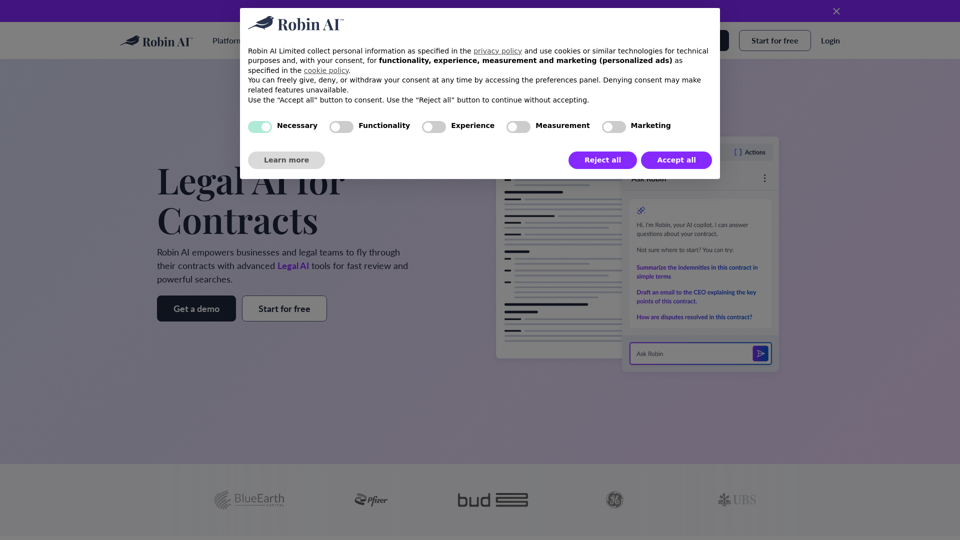
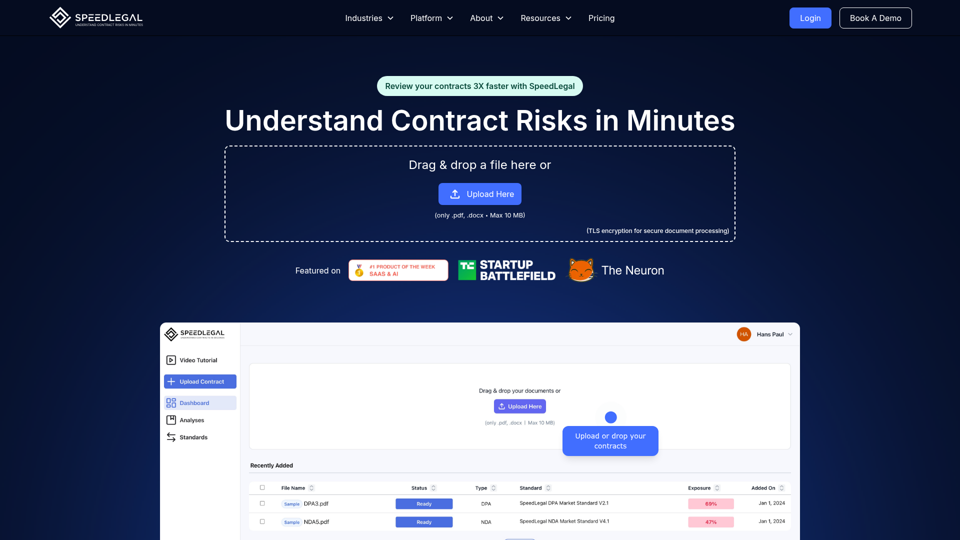
Empower your contract review with AI precision. Instantly spot risks, understand critical details, get tailored suggestions, and confidently navigate every agreement with ease., Generate AI-powered product demos & guides in seconds
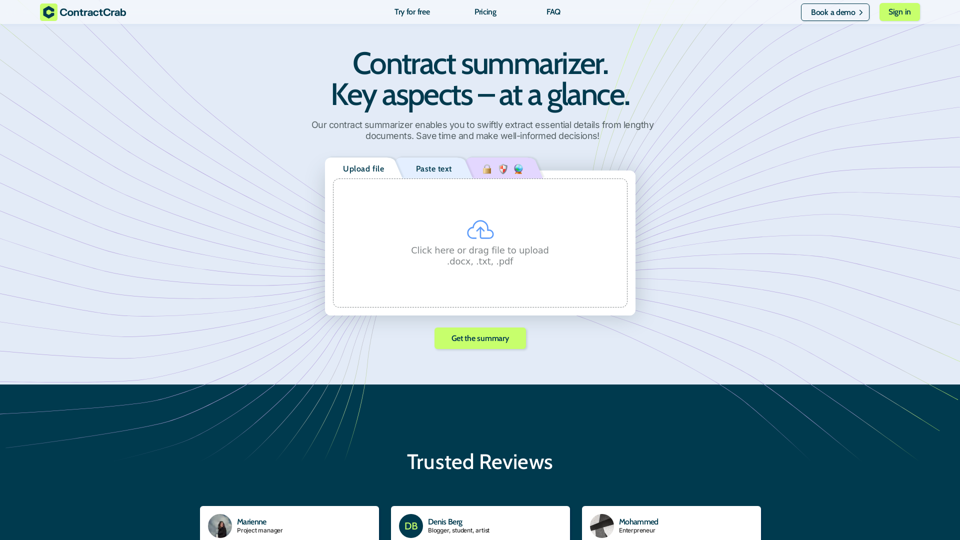
Contract summary AI generator. AI-based agreement summarization. Quick answer on how to summarize a contract. The best way to summarize a contract.
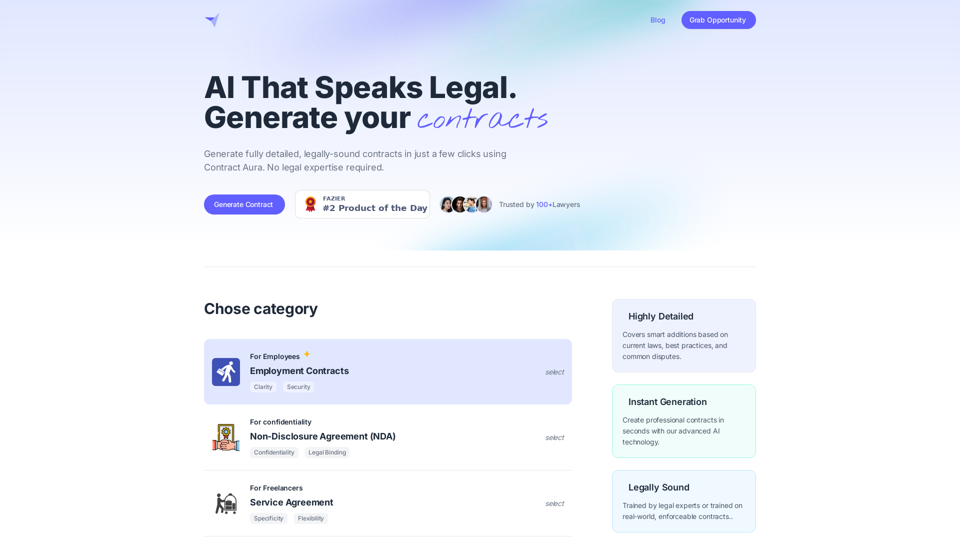
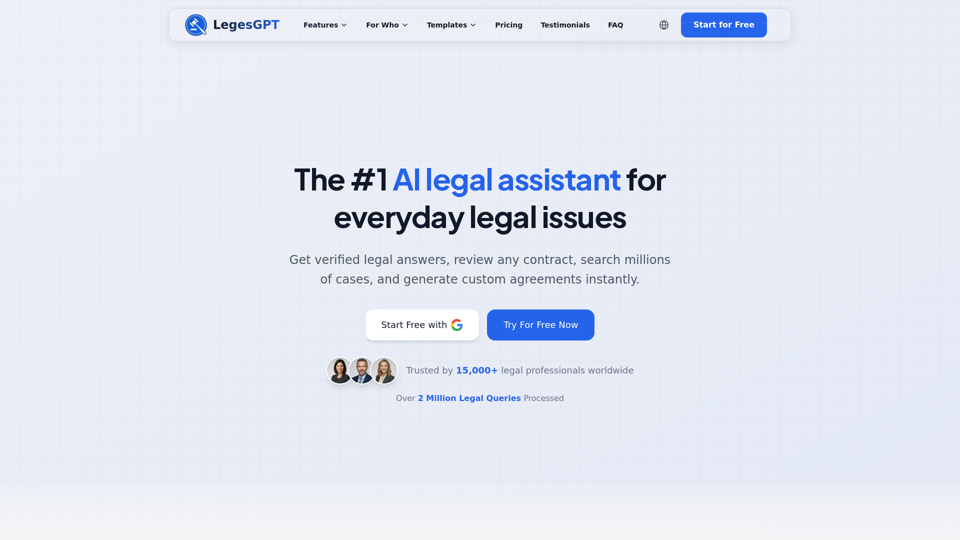
Revolutionize your legal work with LegesGPT. Get expert legal guidance, analyze documents, and boost productivity with our cutting-edge AI solution.
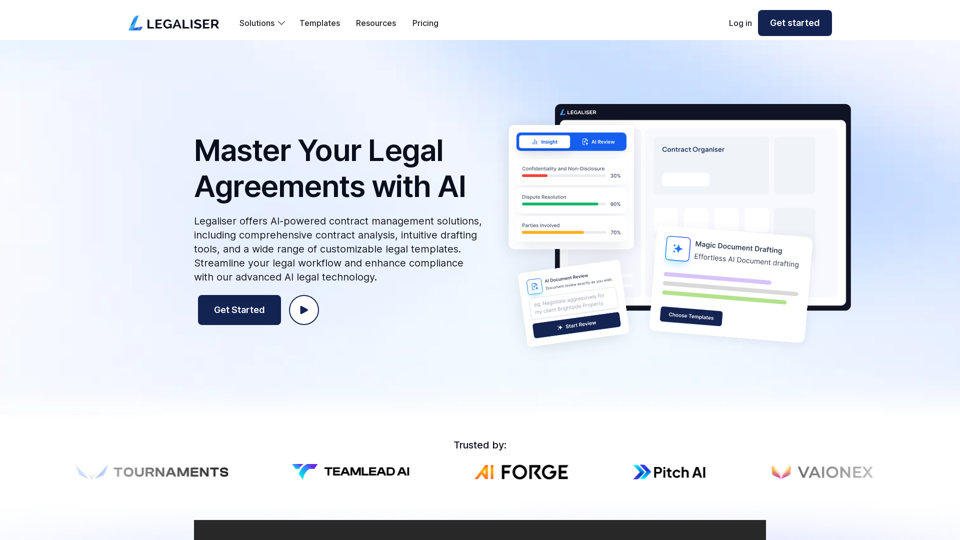
Discover Legaliser’s AI-powered contract management solutions. Automate compliance, enhance clarity, and streamline your legal processes with our innovative tools.
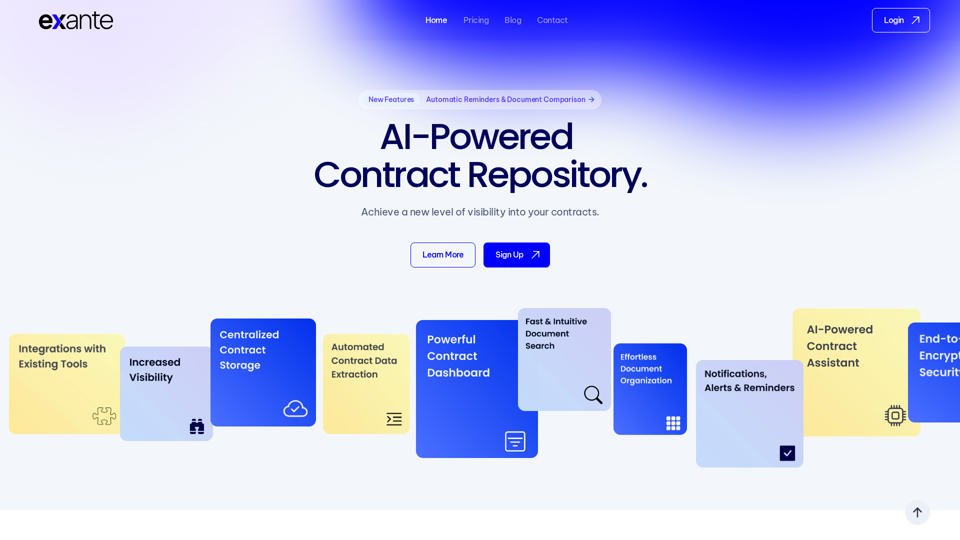
Explainable and reliable, more than 90% accurate. Trusted by law firms and in-house teams.