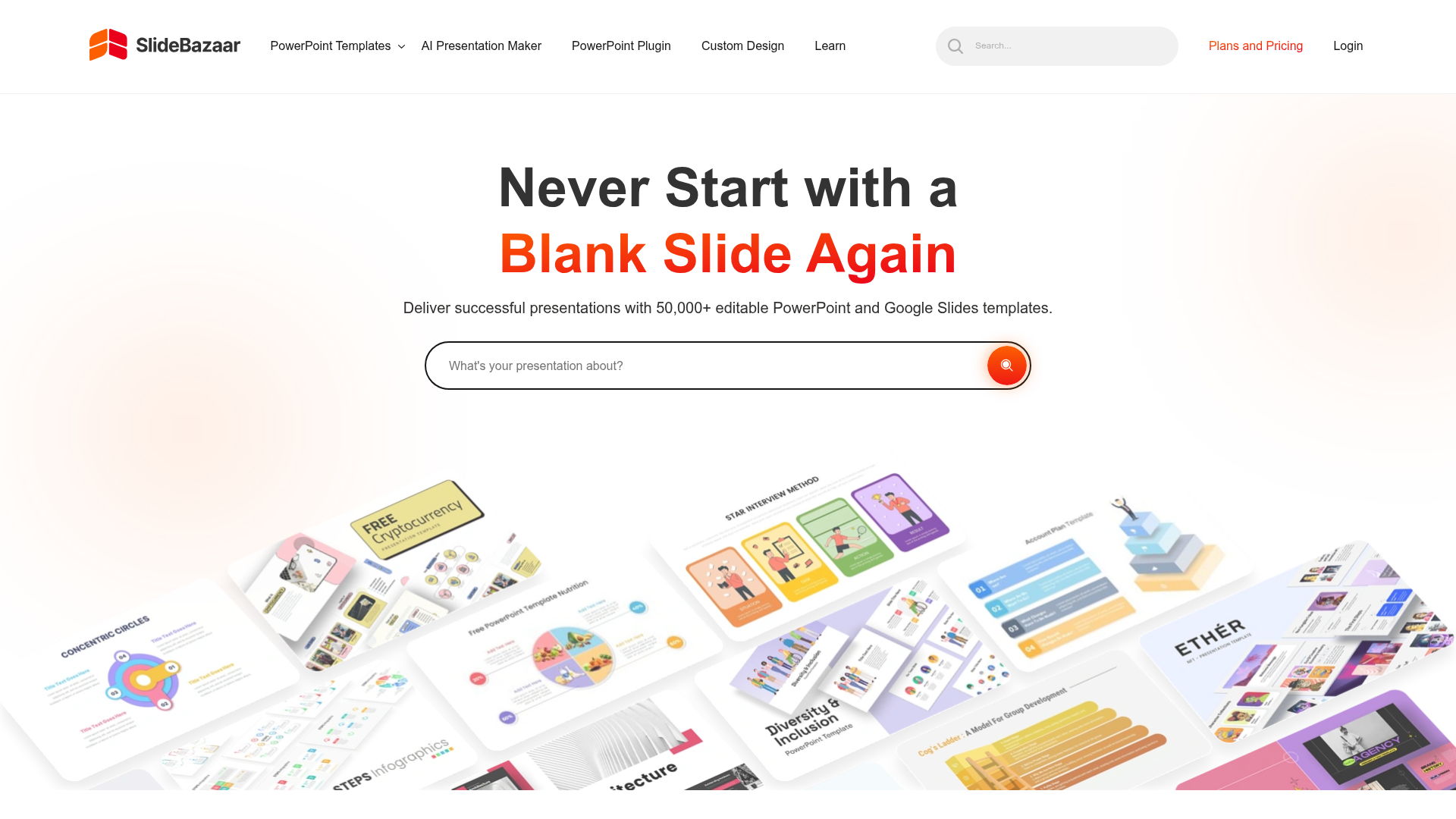
What is SlideBazaar?
SlideBazaar is a library of more than 50,000 fully editable presentation templates for PowerPoint and Google Slides. It is aimed at business professionals, consultants, marketers, HR and project teams who need a finished-looking deck without designing slides from scratch. Alongside the template library, SlideBazaar offers a PowerPoint add-in and an AI presentation maker that can generate slides from text prompts or convert documents into slides.
Key features
- Large template library
- SlideBazaar hosts 50,000+ editable templates for PowerPoint and Google Slides, covering categories such as marketing, finance, HR, project management, business strategy, consulting and information technology.
- Fully editable slides
- Templates come with editable text placeholders, color schemes and layout options, so you can add your own text, images or charts and adjust the design.
- PowerPoint add-in for members
- The SlideBazaar plugin lets members browse and insert templates without leaving PowerPoint.
- AI Powered Slides
- The add-in can generate polished presentations in seconds.
- Shape Maker
- A design tool that arranges shapes into grids, circles or timelines.
- SlideBazaar AI
- Generates slides from text prompts, converts PDFs and other documents into slides, and lets you edit slides online or convert them to PPT and images.
- Premium support
- Queries are handled through a dedicated ticket system with a support team.
How to use SlideBazaar
- Go to the SlideBazaar website and browse the template library or use the search to find a deck for your topic.
- Open the template page and download the file, or insert it directly from PowerPoint if you use the SlideBazaar add-in.
- Open the template in PowerPoint or Google Slides and replace the text placeholders with your own content.
- Add your own images, charts and data to the existing layouts.
- Change the theme color in PowerPoint to match your company branding, then rehearse and present.
Use cases
- Marketing teams building campaign, funnel and market segmentation decks.
- Consultants and analysts preparing client presentations and business strategy slides.
- HR and training staff creating job design, employee performance and product training presentations.
- Project managers reporting progress with dashboards, timelines and process diagrams.
- Finance and IT teams presenting topics such as share types, security risks and ITSM processes.
Pricing
The official SlideBazaar website does not list specific prices or plan details. It refers to a membership and to premium templates, so check the official site for current pricing.
FAQ
Is SlideBazaar free to use?
The website does not state a free plan or free trial. It refers to a membership and premium templates, so check the official site for the current options and prices.
Which platforms does SlideBazaar support?
SlideBazaar templates are built for PowerPoint and Google Slides. There is also a PowerPoint add-in that lets members browse and insert templates without leaving PowerPoint.
How many templates does SlideBazaar offer?
SlideBazaar states that it offers more than 50,000 editable presentation templates, with new ones released periodically.
Can SlideBazaar create presentations with AI?
Yes. SlideBazaar AI generates slides from text prompts and can convert PDFs and other documents into slides. You can edit the result online or convert it to PPT and images.
Can I change SlideBazaar templates to match my company branding?
Yes. The templates use editable text placeholders, color schemes and layout options, and you can change the theme color in PowerPoint to give a deck a new look that fits your branding.
What is the SlideBazaar PowerPoint add-in?
It is a plugin available to members that gives access to the template library and design tools inside PowerPoint, including AI Powered Slides, Shape Maker and instant template insertion.
Download Professional Presentation Templates
Your go-to source for fully editable presentation templates. Browse 50,000+ professional templates for PowerPoint & Google Slides.
Free AI anime and manga generator. Turn text into anime episodes, manga, comics, webtoons and comic shorts in any art style — no drawing or animation skills needed.
Translate image text across 70+ languages with our advanced AI Image Translator to help you better expand your products globally to various countries
Advertised Here
Reach thousands of visitors daily. Get your spot now!
Tools similar to Download Professional Presentation Templates
Stop making presentations the old way. Try Plus AI presentation maker for free to make PowerPoint and Google Slides presentations in minutes.
With our Design AI , every one of your PowerPoint & Slides will look professionally designed instantly. Start Your Free Trial !
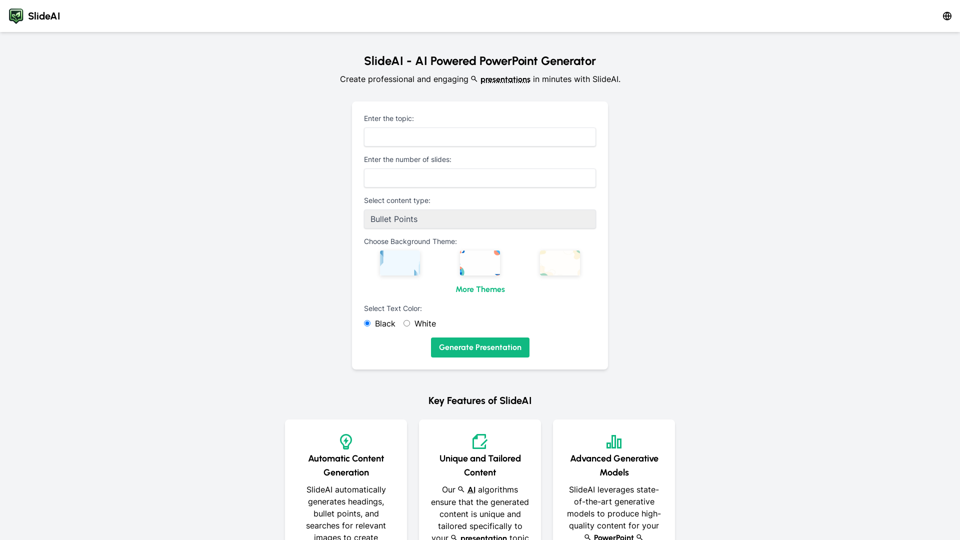
Create professional presentations effortlessly with Slides AI, the AI Presentation Generator. Tailored content, stunning designs, and it's all free. Try our AI PowerPoint Maker today!
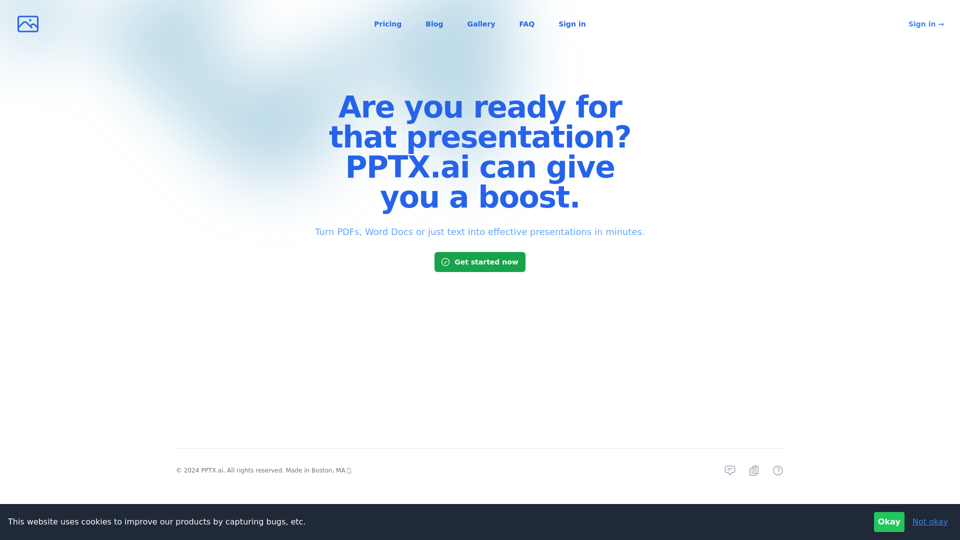
Get a running headstart with AI-powered presentations
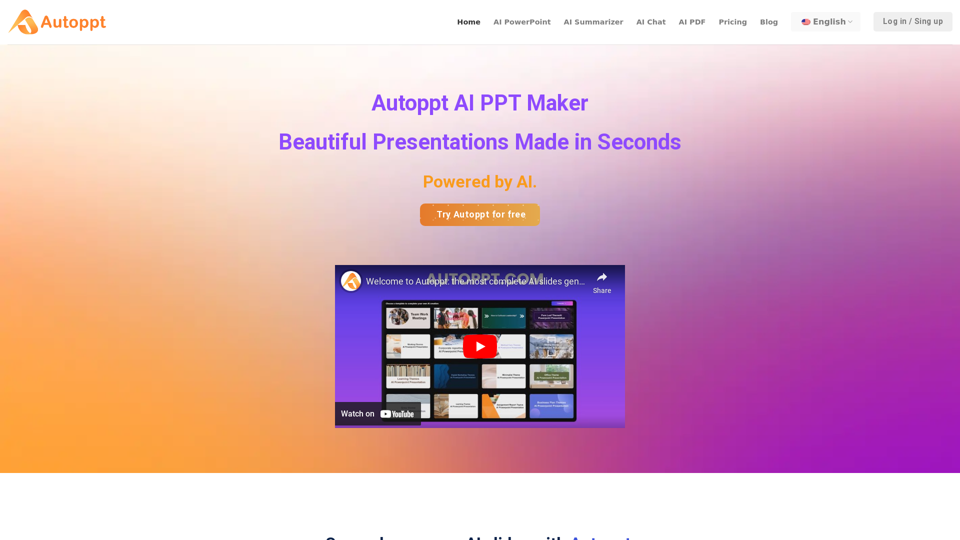
Autoppt: AI PowerPoint Generator with powerful Slides AI ensures seamless and fast presentation creation. The Best Free AI PPT Maker.
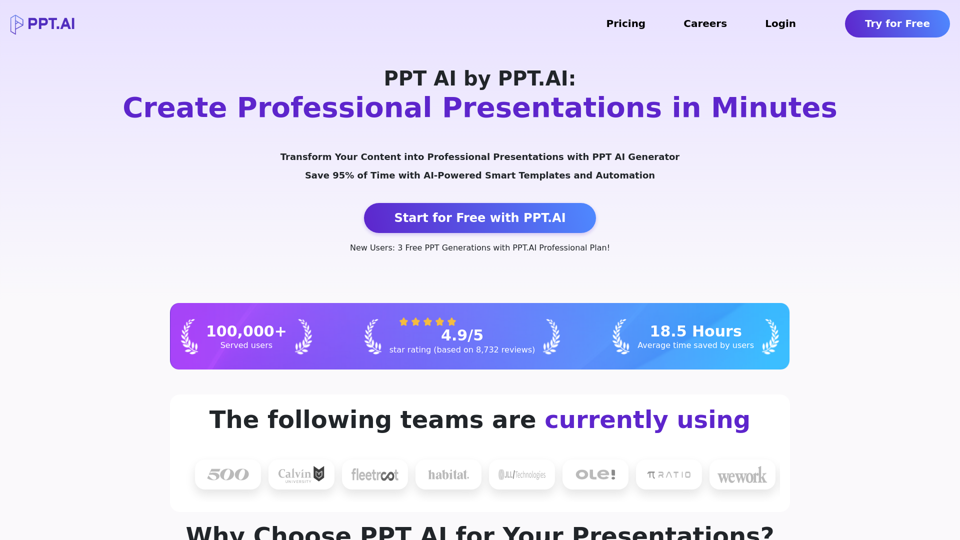
Transform your ideas into stunning presentations with PPT AI. Save 95% time using smart automation and premium templates. Try PPT.AI today for free.

MotionIt.ai is a cutting-edge platform that uses artificial intelligence to generate stunning slides and videos for a wide range of purposes, including startup pitch decks, conference presentations, and more. With MotionIt.ai, it's easy to create professional-quality content in just a few simple steps. Plus, you can export your slides to Google Slides or download them as a PowerPoint (PPTX) or PDF file, giving you complete flexibility and control over your presentations. Whether you're a business owner, marketing professional, or student, MotionIt.ai has something for you. Try it out today and experience the power of AI for yourself.