SlidesGo
Create professional presentations in minutes with AI. Generate, beautify, and enhance your PPT with intelligent automation.
What is SlidesGo?
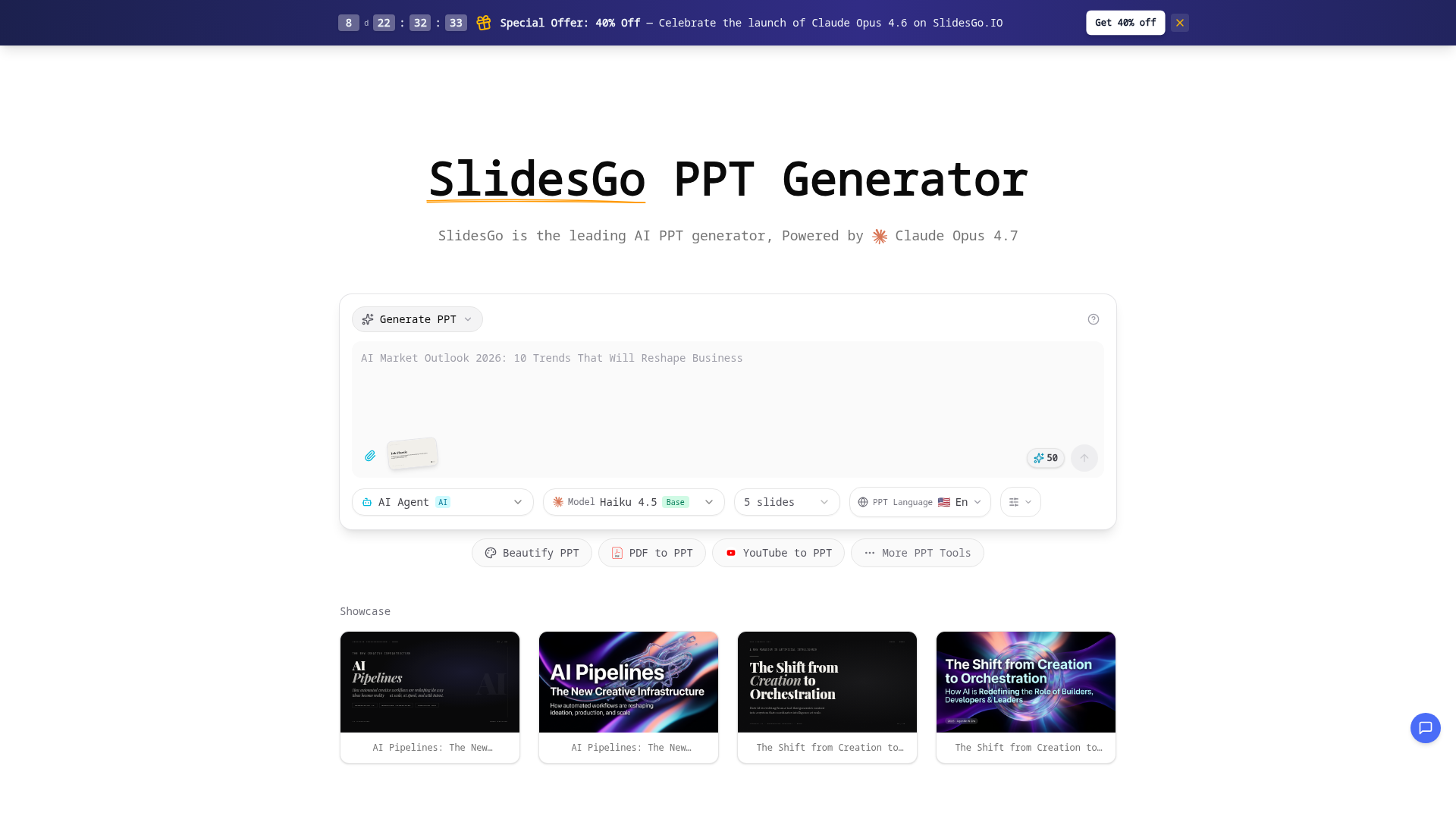
SlidesGo is a revolutionary AI-powered presentation platform that serves as an AI PPT generator and PowerPoint maker. It transforms simple ideas or text descriptions into polished, professional presentations in minutes. Powered by advanced AI models like Claude Opus, SlidesGo is designed to handle the entire presentation creation process, including design, layout, content structuring, and beautification, making it the ultimate AI PPT maker for businesses, educators, and individuals.
Main Features of SlidesGo
SlidesGo offers a comprehensive suite of AI presentation tools that streamline every aspect of creating and enhancing slides.
- AI-Generated Presentations
- Create complete slide decks from a simple text prompt or topic description. The AI analyzes your input and generates professionally structured presentations with relevant content.
- AI Beautify PPT
- Upload existing PowerPoint files (PPTX) or PDFs, and SlidesGo's AI will redesign and enhance them with modern layouts, consistent styling, and improved visual appeal.
- Multi-Format Conversion
- Convert various file types into presentations, including PDF to PPT, Word documents to slides, HTML web pages to decks, and even YouTube videos to structured PPTs.
- Smart Content Tools
- Automatically generate detailed speaker notes for each slide, create charts from data, and get AI-suggested images to complement your content.
- Extensive Template Library
- Access a wide range of editorial templates and style presets (like the "Ink Classic" magazine style) to give your presentation a specific, professional aesthetic.
- PPT Reverse Prompt
- A unique tool that analyzes an uploaded presentation and extracts the AI prompt that could have been used to create it, helping users understand and replicate effective prompting strategies.
- Real-Time Preview & Edit
- Edit your presentation directly in the browser with a user-friendly interface and export the final deck as a standard PPTX file compatible with PowerPoint, Google Slides, and Keynote.
How to Use SlidesGo
Using SlidesGo's AI PPT generator is designed to be intuitive and efficient for any user.
- Generate a New PPT: Navigate to the "AI Generate PPT" tool. Enter a detailed description of your presentation topic, select a style preset, choose the number of slides, and pick your preferred AI model (like Claude Haiku or Opus). Click "Generate" to create a complete deck.
- Beautify an Existing PPT: Go to the "AI Beautify PPT" tool. Upload your current PowerPoint file. The AI will analyze and redesign it, applying professional layouts and visual enhancements. You can then preview and download the improved version.
- Convert Files to PPT: Use tools like "PDF to PPT" or "YouTube to PPT" by uploading the source file or pasting a link. The AI will extract the content and structure it into a presentation format.
- Utilize Advanced Features: For generated presentations, use the in-browser editor to make final tweaks. Employ the "Speech Notes" tool to auto-generate presenter notes, or use "Chart Generation" to visualize data.
SlidesGo Pricing & Special Offer
SlidesGo offers a freemium model. Users can access basic AI generation features for free to try the platform. For unlimited access to advanced features, higher-quality AI models (like Claude Opus), and increased usage limits, subscription plans are available.
Special Launch Offer: To celebrate the launch of Claude Opus 4.6, SlidesGo is currently offering a ### 40% discount on its pricing plans. This is an excellent opportunity to subscribe and get full access to the most powerful AI PPT generator capabilities at a significantly reduced cost. You can check the updated pricing and claim the discount on the SlidesGo Pricing Page.
Helpful Tips for Using SlidesGo
- Be Specific in Prompts
- When generating a PPT from text, provide clear, detailed descriptions of your topic, target audience, and desired tone for the best results.
- Leverage Style Presets
- Use the editorial templates (like
STYLE_PRESET magazine-ink) to instantly give your presentation a cohesive and professional look that matches your brand or theme. - Combine Tools for Best Results
- Start by generating a draft with the AI. Then, use the Beautify tool to polish it further, and finally, generate speaker notes to prepare for delivery.
- Use Reverse Prompting
- If you find a GPT or a presentation style you like, use the "PPT Reverse Prompt" tool to deconstruct it and learn how to create similar content.
Frequently Asked Questions about SlidesGo
What is SlidesGo?
SlidesGo is an AI-driven platform that acts as a comprehensive AI PPT generator and PowerPoint maker, using advanced artificial intelligence to create, beautify, and convert presentations from various inputs.
How does the AI PPT generator work?
You provide a text description of your desired presentation. SlidesGo's AI (powered by models like Claude Opus) understands the content, structures it into a logical flow, designs appropriate slides with layouts and visuals, and generates a complete, downloadable PowerPoint file.
Can I edit presentations generated by the AI PPT maker?
Yes, absolutely. All presentations can be previewed and edited in SlidesGo's real-time browser editor before you export them. You have full control to tweak text, adjust layouts, and make final customizations.
What file formats does the AI PowerPoint generator support?
SlidesGo can import PDFs, Word docs, HTML, and YouTube links to create PPTs. It exports presentations as standard PPTX files, ensuring compatibility with Microsoft PowerPoint, Google Slides, and Apple Keynote.
Can I upload and beautify existing presentations with SlidesGo?
Yes. The "AI Beautify PPT" feature is specifically designed for this. Upload your current PowerPoint file, and the AI will redesign it with improved aesthetics, consistent formatting, and professional styling.
Does SlidesGo's AI PPT generator create speaker notes?
Yes. The "Speech Notes from PPT" tool automatically generates detailed speaker notes and talking points for each slide in your presentation, helping you prepare for a confident delivery.
Is SlidesGo better than other AI PPT makers?
SlidesGo differentiates itself with its powerful backend AI (Claude Opus 4.7), a wider suite of tools (including beautification, reverse prompting, and multi-format conversion), and professional-grade template designs. It is frequently featured in industry newsletters and press as a leading tool.
How fast is the AI PPT generator?
SlidesGo can generate a complete, multi-slide professional presentation in just a few minutes—significantly faster than designing slides manually, which can take hours.
Can I use SlidesGo for business presentations?
Yes, SlidesGo is ideal for business use. It helps create investor pitches, marketing decks, internal reports, and sales presentations quickly while maintaining a polished, professional, and branded appearance.
SlidesGo
Create professional presentations in minutes with AI. Generate, beautify, and enhance your PPT with intelligent automation.
 Cloudflare
 HTTP/3
 Next.js
 Node.js
 React
React Webpack
 YouTube
Free AI anime and manga generator. Turn text into anime episodes, manga, comics, webtoons and comic shorts in any art style — no drawing or animation skills needed.
Translate image text across 70+ languages with our advanced AI Image Translator to help you better expand your products globally to various countries
Advertised Here
Reach thousands of visitors daily. Get your spot now!
Tools similar to SlidesGo
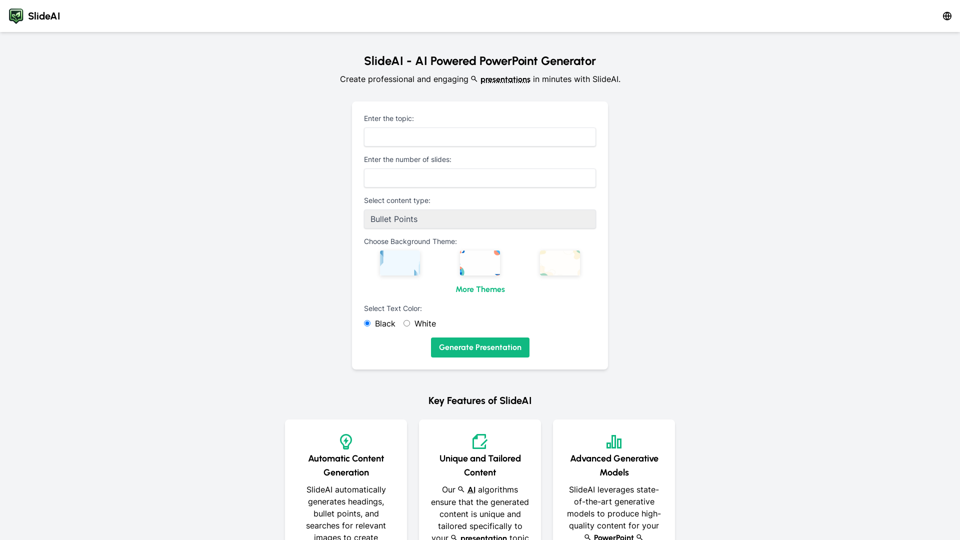
Create professional presentations effortlessly with Slides AI, the AI Presentation Generator. Tailored content, stunning designs, and it's all free. Try our AI PowerPoint Maker today!
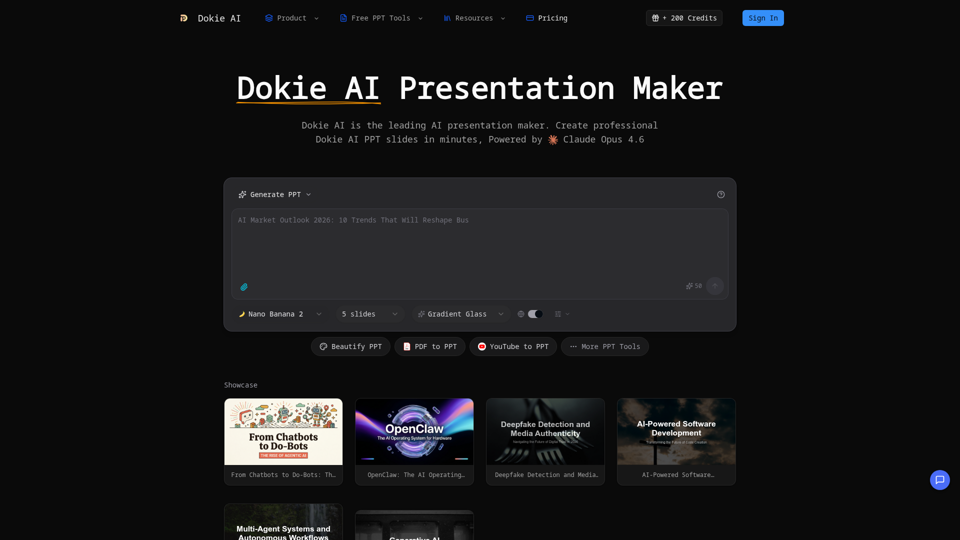
Create professional Dokie AI presentations in minutes. Dokie AI PPT generator transforms your ideas into polished slides with intelligent automation.
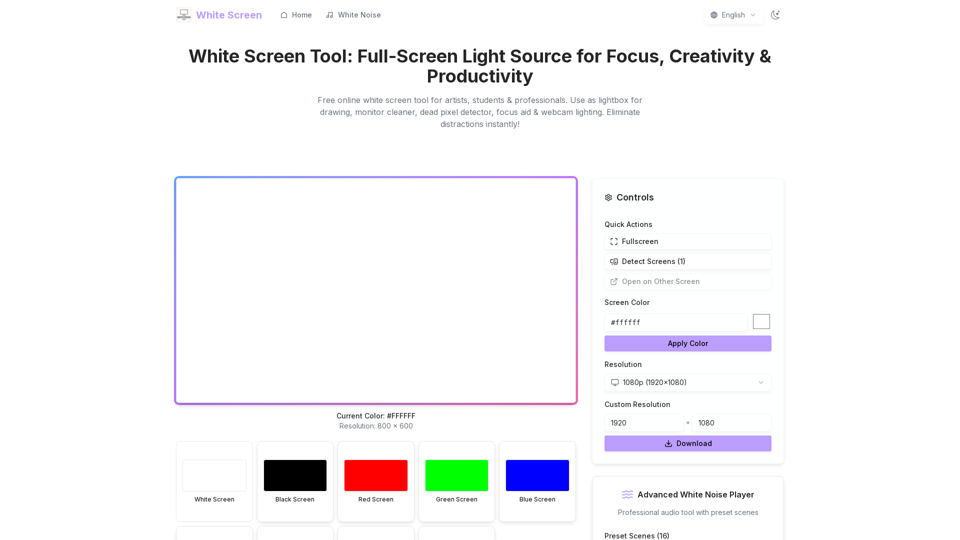
Free online white screen tool for artists, students & professionals. Use as lightbox for drawing, monitor cleaner, dead pixel detector, focus aid & webcam lighting. Eliminate distractions instantly!
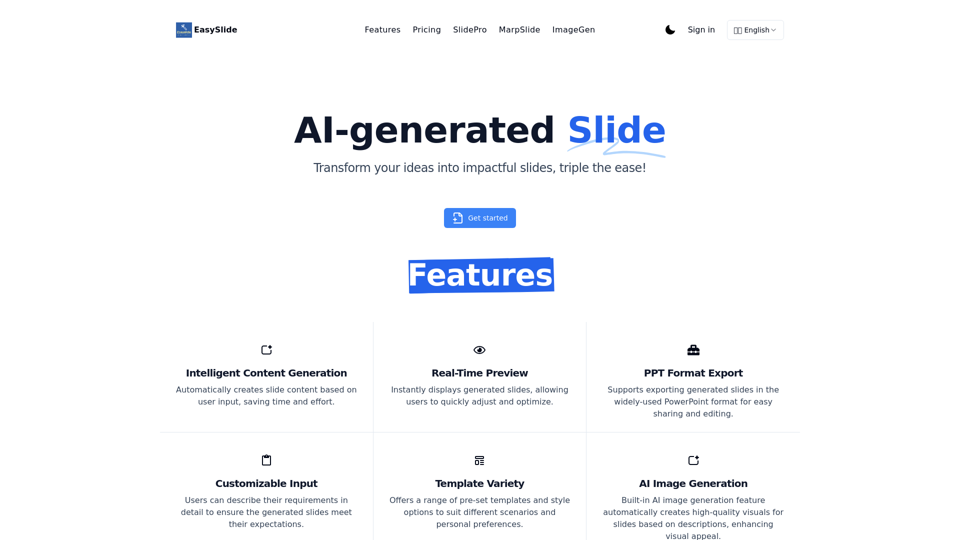
EasySlide: AI-powered tool that automatically generates professional slides from your requirements. Real-time preview and PPT export support.
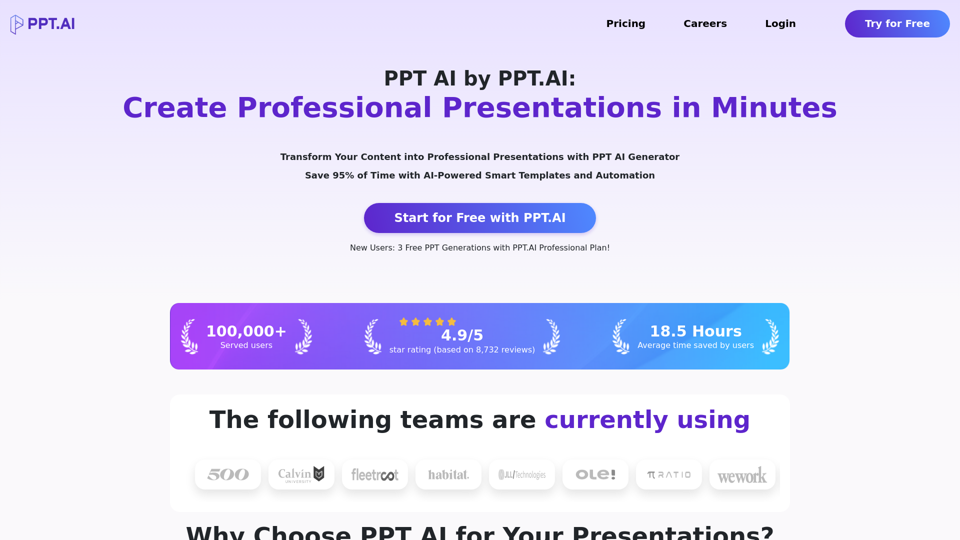
Transform your ideas into stunning presentations with PPT AI. Save 95% time using smart automation and premium templates. Try PPT.AI today for free.
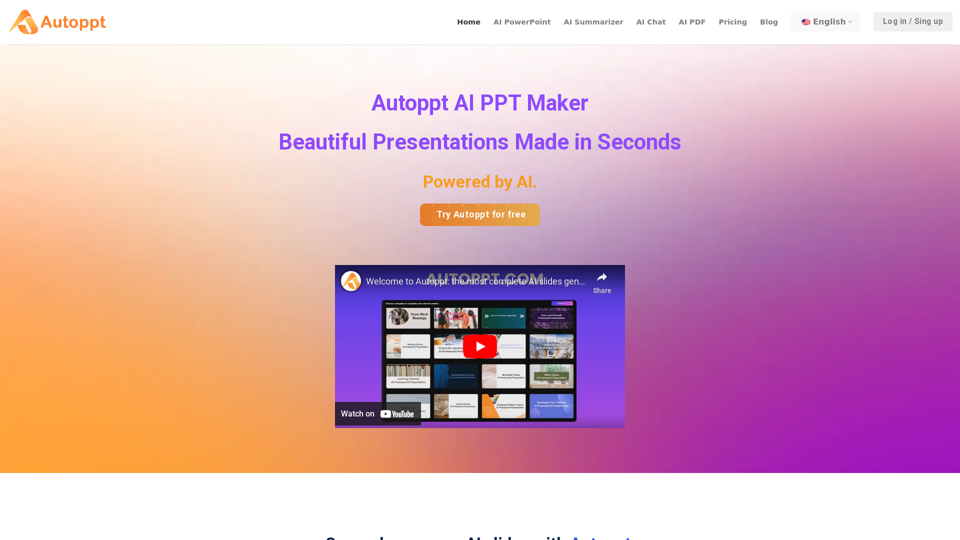
Autoppt: AI PowerPoint Generator with powerful Slides AI ensures seamless and fast presentation creation. The Best Free AI PPT Maker.

Stop making presentations the old way. Try Plus AI presentation maker for free to make PowerPoint and Google Slides presentations in minutes.