Snapclear
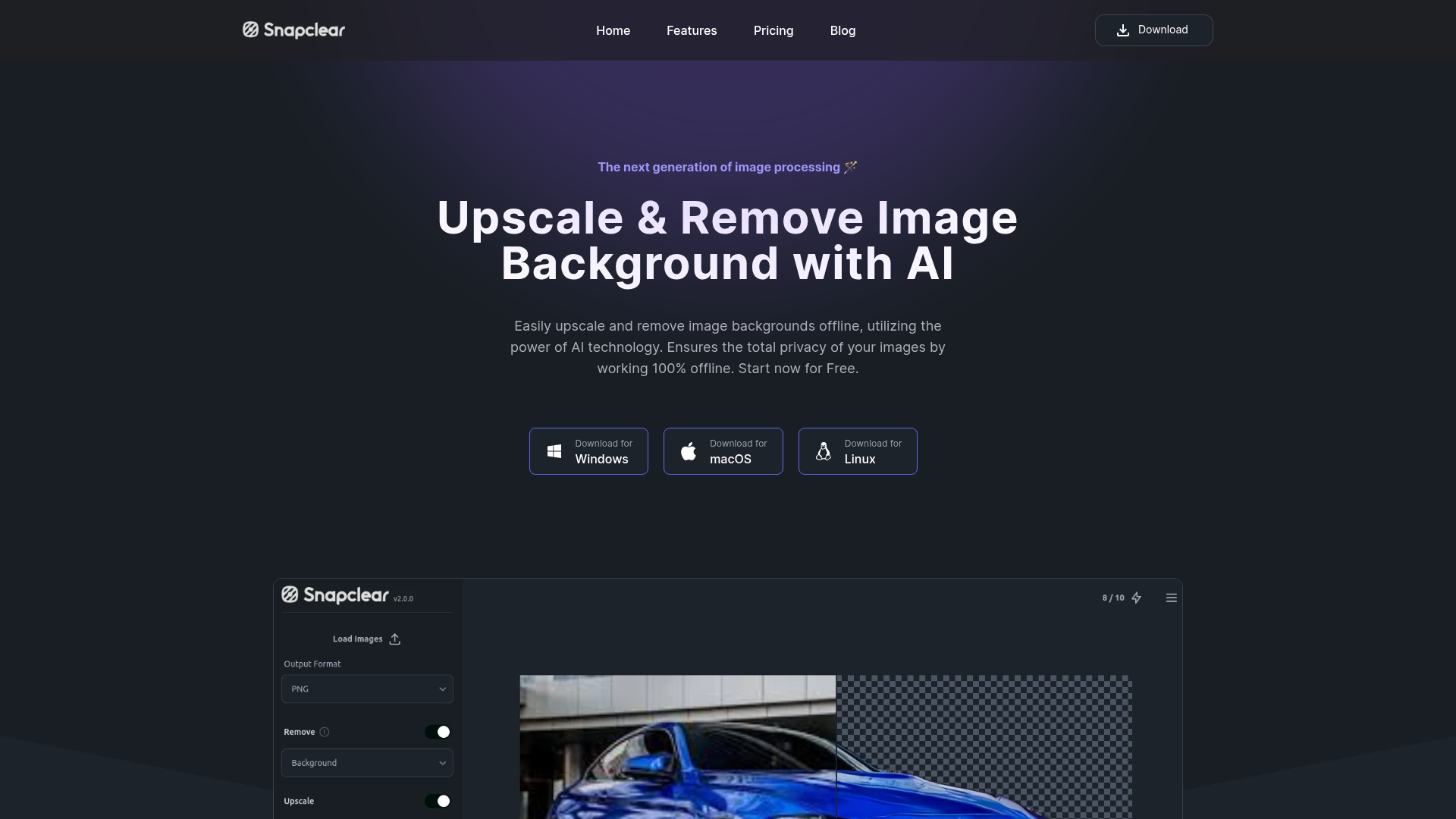
Automatically Upscale or remove the background from images offline with Snapclear our software powered by AI. Remove bg for free or increase resolution of image and get high quality photos on your PC. Available for Windows, Linux and macOS.
What is Snapclear?
Snapclear is a next-generation, AI-powered desktop application designed for offline image processing. It specializes in two core functions: ### upscaling images to enhance their resolution and quality, and ### removing backgrounds from images automatically. Built with user privacy as a cornerstone, Snapclear processes all your images entirely on your device, ensuring your data never leaves your computer. This makes it an ideal, secure tool for anyone needing quick, professional-grade image edits without an internet connection.
Main Features of Snapclear
The platform distinguishes itself through several powerful features focused on convenience, quality, and privacy.
- 100% Offline AI Processing
- All AI-powered upscaling and background removal happens locally on your machine. Your images are never uploaded to the cloud, guaranteeing complete data privacy and security.
- One-Click Automatic Background Removal
- The AI is trained to accurately recognize and isolate a wide variety of subjects—including people, animals, products, and graphics—allowing for instant background removal with a single click.
- AI Image Upscaling up to 4x
- Enhance low-resolution or old photos by intelligently increasing their resolution by up to 4 times. The AI algorithm reduces noise and adds detail to create a sharper, clearer image without the typical blurriness.
- Cross-Platform Desktop Application
- Snapclear is available as a native application for Windows, macOS, and Linux, providing a consistent and efficient user experience across all major operating systems.
- Bulk Processing & Multi-Format Support
- Save time by processing multiple images at once. The application supports various image formats, making it versatile for different workflows and projects.
How to Use Snapclear
Getting started with Snapclear is straightforward and designed for users of all skill levels.
- Download and Install: Visit the official Snapclear website or its GitHub releases page to download the installer for your specific operating system (Windows, macOS, or Linux).
- Launch the Application: Open Snapclear on your computer. The interface is clean and intuitive, presenting clear options for its two main functions: "Remove Background" and "Upscale Image."
- Load Your Image(s): Drag and drop your image into the application window or use the file browser to select it. For bulk tasks, you can select multiple images simultaneously.
- Process Your Image: Choose your desired action. For background removal, the AI will automatically detect the subject and create a transparent background. For upscaling, select your desired scale (e.g., 2x, 3x, 4x) and let the AI enhance the image.
- Save and Export: Once processing is complete, you can preview the result. Save the edited image in your preferred format and location on your device. All processing happens offline, so no internet is required after installation.
Pricing Plans for Everyone
Snapclear offers flexible pricing tiers to suit different user needs, from casual hobbyists to power users.
- Free Plan ($0)
- Perfect for trying out the software. It includes 10 monthly processing actions (background removal or upscaling), cross-platform access, offline operation, and support for bulk processing and multiple formats.
- Monthly Plan ($2.99/month)
- Ideal for casual projects. Offers unlimited monthly actions for one active device, along with all the features of the Free plan.
- Premium Plan ($16.99/year)
- Best for everyday users. Provides unlimited actions for a full year, a personal license valid on 2 active devices, and includes all core features.
- Lifetime Plan ($29.99 one-time)
- The ultimate choice for long-term users. Grants a lifetime personal license with unlimited actions, usable on up to 3 active devices, encompassing all application features permanently.
Helpful Tips for Maximizing Snapclear
To get the best results and streamline your workflow, consider these tips.
- Start with High-Quality Originals
- While the upscaler is powerful, it works best with clear, well-lit source images. The better the input, the more impressive the upscaled output.
- Utilize Bulk Processing
- If you have a folder of product photos or old pictures to enhance, use the bulk processing feature to save significant time instead of editing each file individually.
- Experiment with Subjects
- The background removal AI handles diverse subjects well. Test it on everything from portraits to complex objects to understand its full capabilities.
- Check Your Free Quota
- If you're on the Free plan, keep track of your 10 monthly actions to plan your edits effectively. The app dashboard will show your remaining uses.
- Stay Offline with Confidence
- Remember that your privacy is protected. You can use Snapclear anywhere—on a plane, in a remote location, or anywhere without an internet connection—without compromising your image data.
Frequently Asked Questions (FAQ)
Do I need an internet connection to use Snapclear?
No. Once the application is installed on your computer, all AI processing for both upscaling and background removal is performed 100% offline. No data is ever sent to external servers.
What image formats does Snapclear support?
Snapclear supports a wide range of common image formats, including but not limited to JPG, PNG, WebP, and BMP. This ensures compatibility with most images you'll work with.
What does "Unlimited actions" mean in the paid plans?
For the Monthly, Premium, and Lifetime plans, "unlimited actions" means you can perform an unlimited number of background removals and image upscaling processes per month without any restrictions.
Can I use my license on multiple computers?
Yes, but the number of simultaneously active devices depends on your plan. The Monthly plan allows 1 active device, the Premium plan allows 2, and the Lifetime plan allows 3. You can deactivate a device to switch your license to a new one.
How do the AI models get updated?
Updates to the application, which may include improvements to the AI models, are delivered through standard application updates. You can download and install these updates from the official website to benefit from the latest enhancements.
Is my image data used to train the AI?
Absolutely not. A key principle of Snapclear is user privacy. Since all processing is done locally on your device, your images never leave your computer and are never used for any AI training or data collection purposes.
Snapclear
Automatically Upscale or remove the background from images offline with Snapclear our software powered by AI. Remove bg for free or increase resolution of image and get high quality photos on your PC. Available for Windows, Linux and macOS.
 Astro:4.0.2
 Cloudflare
 HTTP/3
Free AI anime and manga generator. Turn text into anime episodes, manga, comics, webtoons and comic shorts in any art style — no drawing or animation skills needed.
Translate image text across 70+ languages with our advanced AI Image Translator to help you better expand your products globally to various countries
Advertised Here
Reach thousands of visitors daily. Get your spot now!
Tools similar to Snapclear
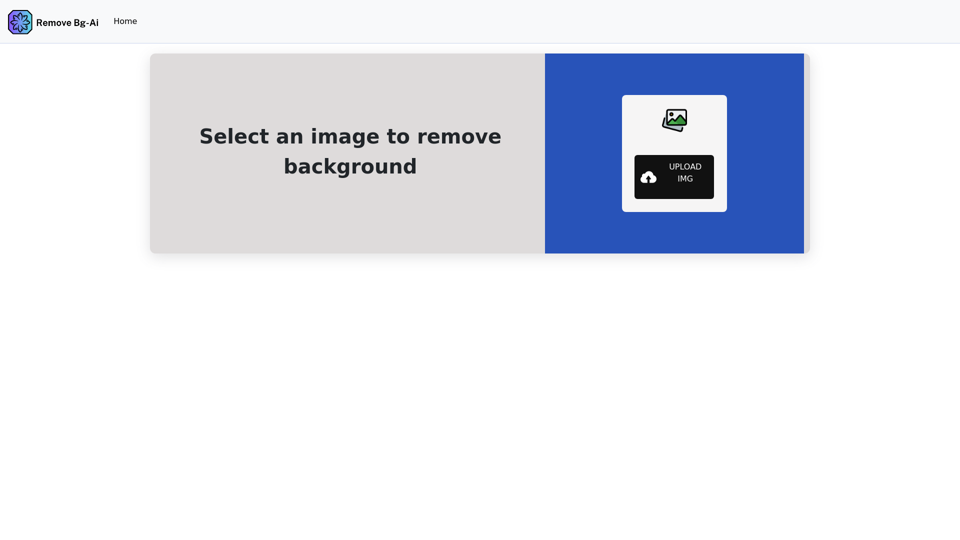
Remove backgrounds from your images for free! Our AI bg remover tool makes it easy to create stunning, transparent images in seconds. Enjoy 100% free background removal no hidden fees, no hassle. Remove bg ai
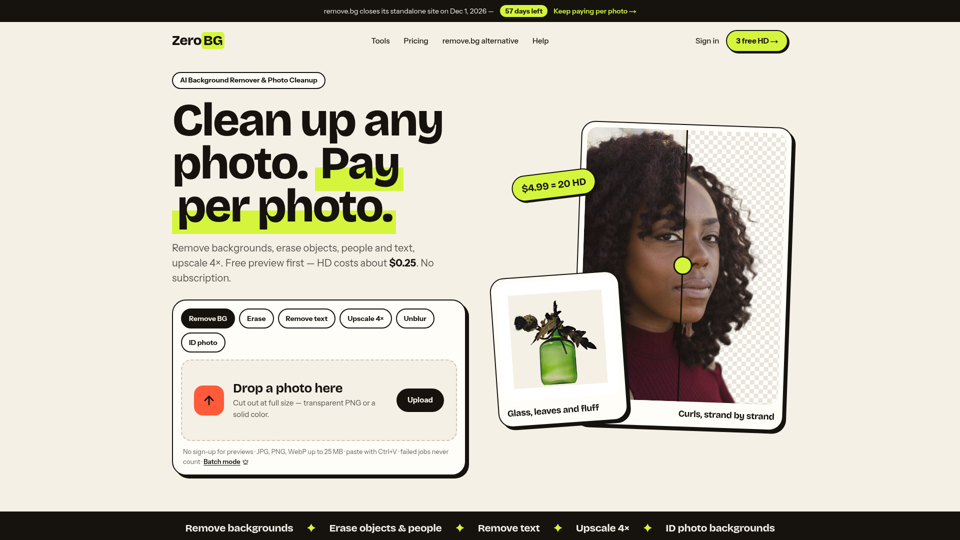
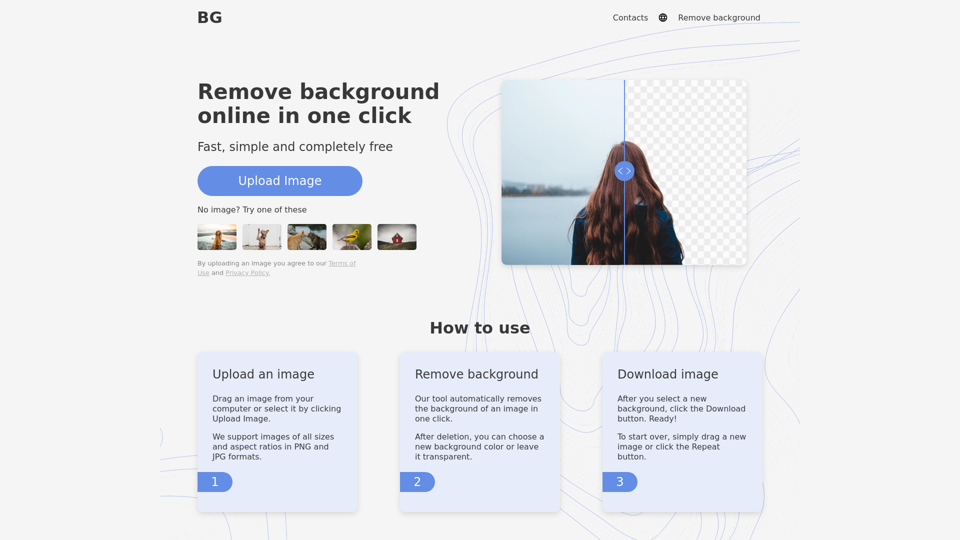
Remove background from image for free in 5 sec! Change background and Download images just for one click. Background Remover Online tool.
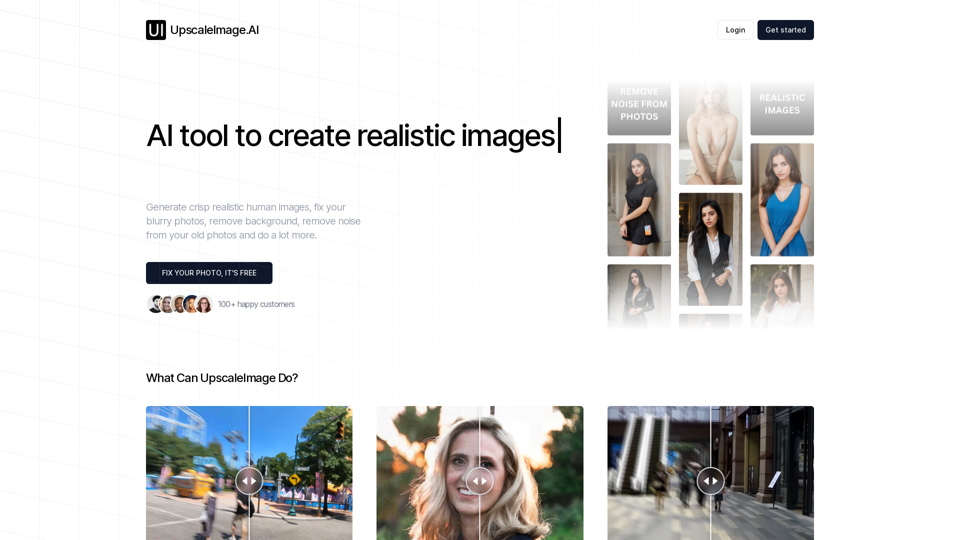
Upscale image, Increase image resolution, fix blurry photos, generate realistic model images, generate product photos, remove background, remove noise from your old photos
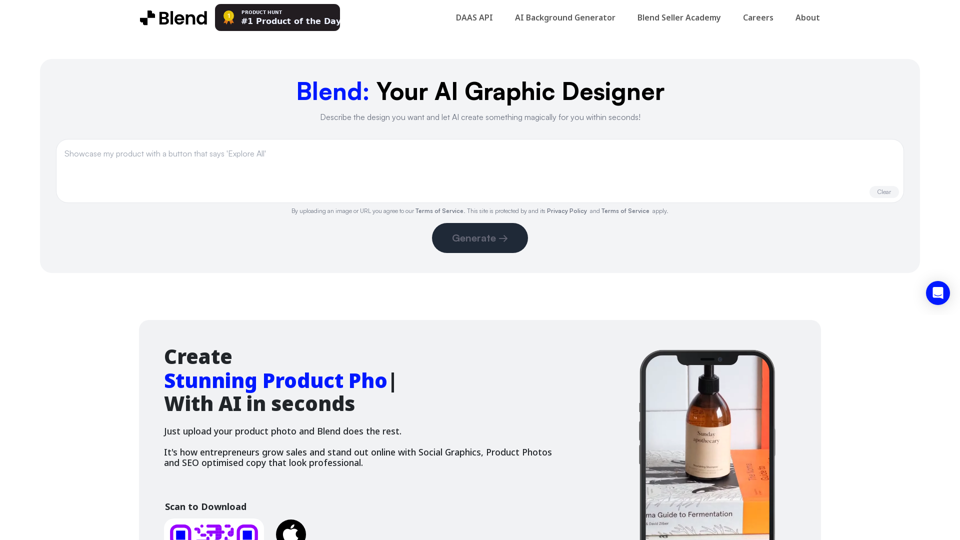
Remove background in high-resolution for free, or change background color of photo, instantly and accurately with Blend's AI background remover.
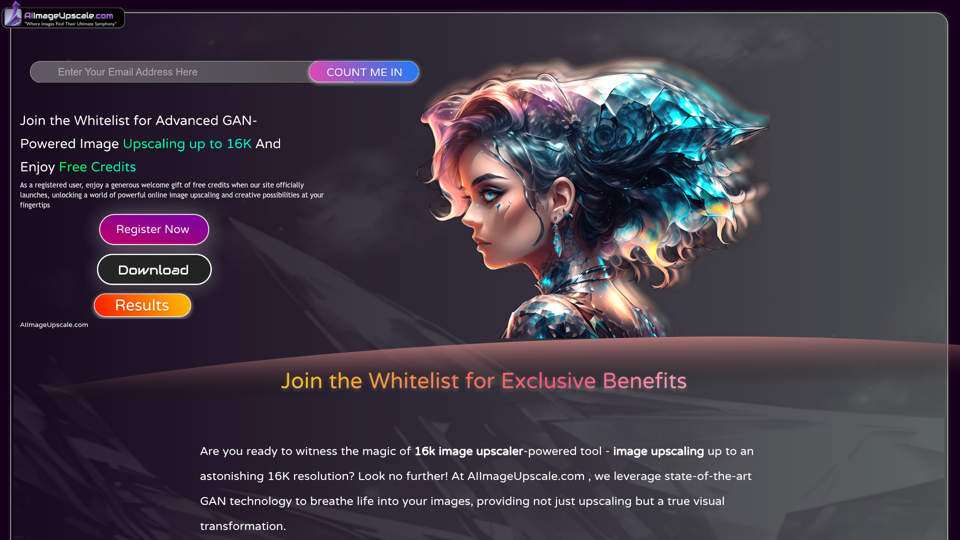
Upscale photos for free with our AI image upscaler, enhancing images by up to 16k and 4k. Increase resolution and enhance image quality effortlessly in seconds.
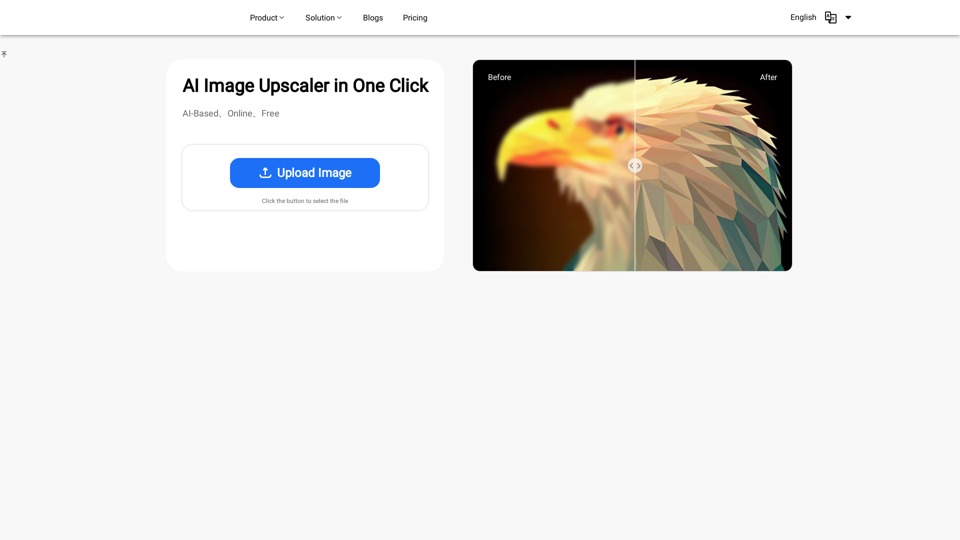
Discover the power of our AI Image Enhancer. Upscale your images to higher resolution for free, online. Perfect for designers, photographers, and artists
Enhance and upscale images for free with our AI-powered tool. Get high-quality photos up to 4x resolution using advanced AI technology. Try our online image enhancer now!