Sonilo
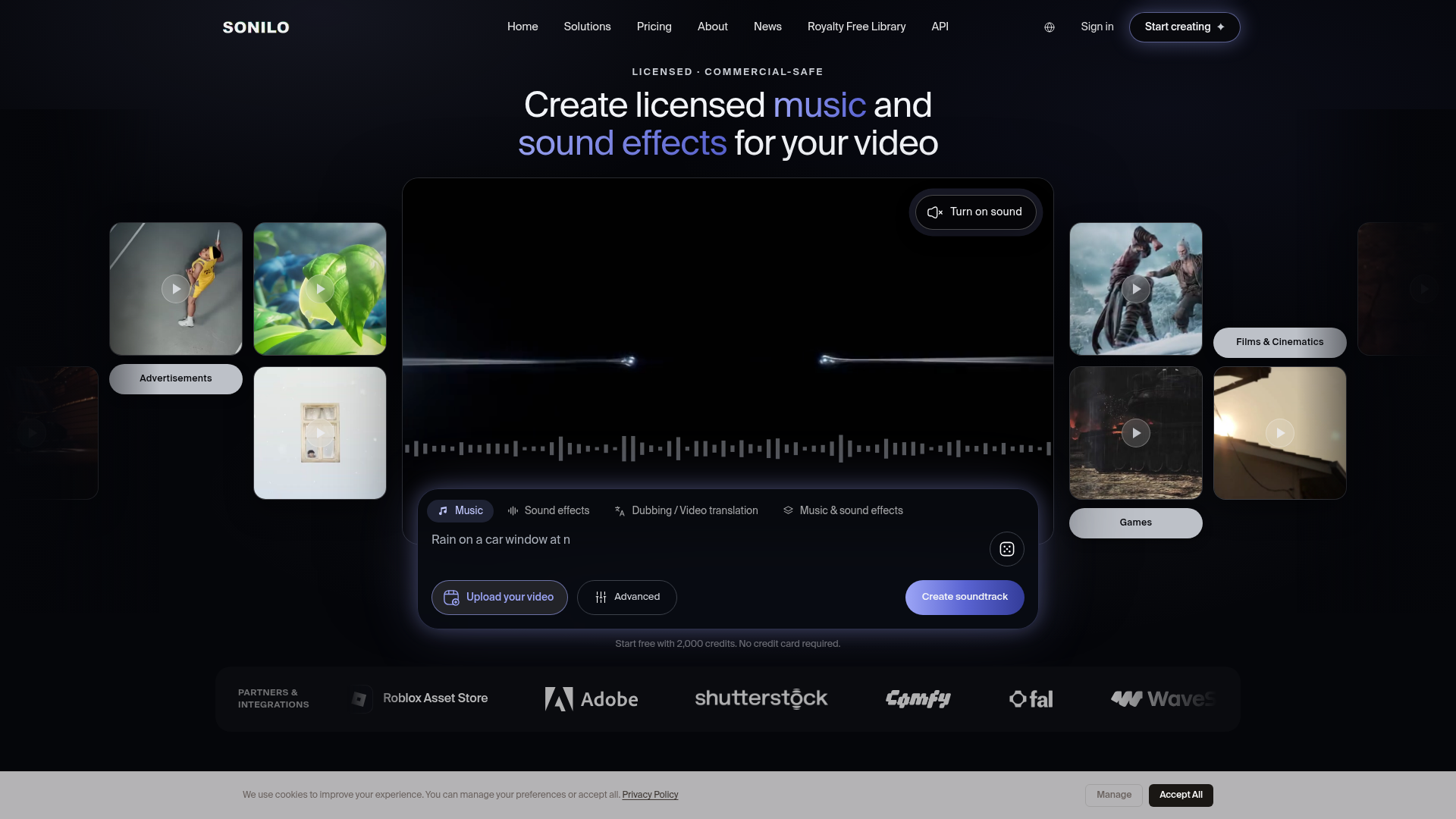
Music and sound effects that fit your story. Sonilo's AI understands your video, matches its length, and delivers custom audio in seconds.
What is Sonilo?
Sonilo is an advanced AI-powered platform designed to create fully licensed, commercially-safe music and sound effects tailored specifically to your video content. It eliminates the common headaches of music licensing by generating original, copyright-cleared audio that syncs perfectly with your video's timeline, mood, and action. Users can start by simply uploading a video clip or describing the desired sound in text, and Sonilo's AI will produce a complete, timed soundtrack. This makes it an indispensable tool for video creators, marketers, game developers, and filmmakers who need professional-grade audio without the legal risks or high costs associated with traditional music libraries.
What are the Main Features of Sonilo?
Sonilo stands out by offering a comprehensive, video-first approach to AI audio generation, with features built for professional workflows.
- Video-Native Audio Generation
- The core feature is its ability to analyze uploaded video content. Sonilo watches the visual cuts, pacing, and mood to generate music and sound effects that are perfectly synchronized to the scene, requiring no manual timing or complex prompts.
- Text-to-Audio for Flexible Creation
- Beyond video input, users can describe the sound they want (e.g., "epic orchestral trailer music," "subtle corporate background music," "sci-fi UI sound effects") and Sonilo will generate audio based solely on the text description, offering immense creative flexibility.
- Integrated Video Translation & Dubbing
- Sonilo goes beyond music by offering a powerful video translation suite. Upload a video once, and it can translate the speech and re-voice it in multiple languages. A standout feature is optional AI lip-sync, which re-renders mouth movements to match the new language for a natural look.
- Seamless Editor Integrations
- To streamline workflows, Sonilo offers plugins for major creative and game development platforms, including Adobe Premiere Pro, Unity, Godot, Epic Games' Fab, Roblox, and Defold. This allows users to generate and place licensed audio directly within their editing timeline or game engine.
- Commercial Licensing from Day One
- Every audio generation on paid plans (Pro and above) comes with a commercial license, clearing it for use in advertisements, branded content, client deliverables, monetized channels, and indie games. This is backed by a model trained exclusively on a licensed music catalog, not scraped from the web.
How to Use Sonilo?
Using Sonilo is designed to be intuitive, catering to both beginners and professionals.
- Start Your Project: Sign up for a free account, which grants you 2,000 credits to start. No credit card is required initially.
- Choose Your Input Method:
- For Video Soundtracks: Upload your video file (MP4 or MOV). Sonilo's AI will analyze the visuals and automatically generate multiple music and sound effect options timed to your video's length.
- For Custom Audio: Use the "Text-to-Music" or "Text-to-Sound Effects" option. Input a descriptive prompt of the audio you need and specify the desired duration.
- Refine and Select: Preview the generated variations. You can adjust parameters or regenerate based on your initial results to find the perfect match.
- Export: Once satisfied, export your final product. You can download the finished video with all audio tracks mixed in, or download the music and sound effects as separate audio files (WAV) for use in other editing software.
- Upgrade for Scale: If your needs grow, subscribe to a Creator, Pro, or Premium plan for higher monthly credit allowances, longer video uploads, commercial licenses, and access to advanced features like video translation.
What is the Price of Sonilo?
Sonilo operates on a credit-based subscription model, with plans scaling from free personal use to enterprise-level production. All prices are in USD.
- Free
- $0. Includes 2,000 credits every two weeks, suitable for preview-quality exports and non-commercial personal projects. Video uploads are limited to 3 minutes.
- Creator
- $4.99/month (billed yearly at $59.88). Aimed at personal projects, it includes 15,000 monthly credits, higher upload limits (5-minute videos), and 50 free downloads per month. ### For non-commercial use only.
- Pro
- $11.99/month (billed yearly at $143.88). The most popular plan for commercial creators. It includes 40,000 monthly credits, unlimited tasks and downloads, and a full ### commercial license for ads, client work, monetized channels, and indie games.
- Premium
- $23.99/month (billed yearly at $287.88). Designed for frequent video production, offering 100,000 monthly credits, support for videos up to 15 minutes, and extends the commercial license to cover ### film, TV, broadcast, and studio games.
- Enterprise
- Custom pricing. Offers volume credit rates, dedicated support, custom legal terms, and procurement support for large teams and organizations.
Credit Usage: Credits are consumed based on the output length of the generated audio:
- Video-to-Music & Video-to-Sound-Effects: 18 credits per output second.
- Text-to-Music: 5 credits per output second.
- Text-to-Sound-Effects: 4 credits per output second.
Each generation has a minimum charge of 200 credits.
Helpful Tips for Using Sonilo
- Leverage the Free Tier
- Start with the free plan to test the quality and workflow. Use your 2,000 credits to generate several short clips and understand how the AI interprets your video or text prompts.
- Be Specific in Text Prompts
- When using text-to-audio, the more descriptive you are, the better. Include genre, mood, instruments, tempo, and the purpose (e.g., "YouTube intro," "corporate explainer").
- Use Video Input for Best Sync
- For projects where audio-visual synchronization is critical (like edits with fast cuts or specific actions), always use the video upload feature. The AI's ability to score to picture is a key advantage.
- Explore the Integrations
- If you use Premiere Pro, Unity, or another supported platform, installing the Sonilo plugin can dramatically speed up your workflow by allowing generation and placement without leaving your main software.
- Review the Commercial License
- Before publishing any work for commercial purposes, review Sonilo's licensing terms on their website to ensure your use case is covered, especially for broadcast or large-scale distribution.
Frequently Asked Questions
Is the music from Sonilo really safe for commercial use (YouTube, TikTok, etc.)?
Yes, on Pro, Premium, and Enterprise plans. The AI is trained exclusively on a catalog of music that Sonilo has legally licensed, and all generated tracks are original compositions. You receive a commercial license, protecting you from copyright claims on platforms like YouTube and TikTok. The free and Creator plans are for personal, non-commercial use only.
What if my video already has a voiceover or some audio?
Sonilo focuses on the video's visuals to generate music and SFX. You can choose to keep your original audio track, adjust its volume, replace it entirely, or layer the new Sonilo soundtrack underneath it during the export process.
Can I edit the generated music?
You cannot directly edit the musical notes or structure within Sonilo. However, you can generate multiple variations and choose the one that best fits. For further editing, you can download the generated WAV files and use them in any standard digital audio workstation (DAW) like Ableton Live, Logic Pro, or Audacity.
How long does it take to generate a soundtrack?
Generation time depends on the length of the output audio and server load. For a typical 1-minute video, generation usually takes between 30 seconds to a few minutes.
Does Sonilo have an API for developers?
Yes. Sonilo offers a comprehensive API for developers looking to integrate video-to-audio generation into their own applications or workflows. The API covers video-to-music, text-to-music, sound effects generation, and audio ducking. Documentation is available at platform.sonilo.com/docs.
What video formats and lengths are supported?
Sonilo supports MP4 and MOV files. Upload limits vary by plan: Free (3 min), Creator (5 min), Pro (8 min), Premium (15 min). Enterprise plans can have custom limits.
Sonilo
Music and sound effects that fit your story. Sonilo's AI understands your video, matches its length, and delivers custom audio in seconds.
 Cloudflare
 Google Analytics
 HTTP/3
 Next.js
 Node.js
 React
React Webpack
Free AI anime and manga generator. Turn text into anime episodes, manga, comics, webtoons and comic shorts in any art style — no drawing or animation skills needed.
Translate image text across 70+ languages with our advanced AI Image Translator to help you better expand your products globally to various countries
Advertised Here
Reach thousands of visitors daily. Get your spot now!
Tools similar to Sonilo
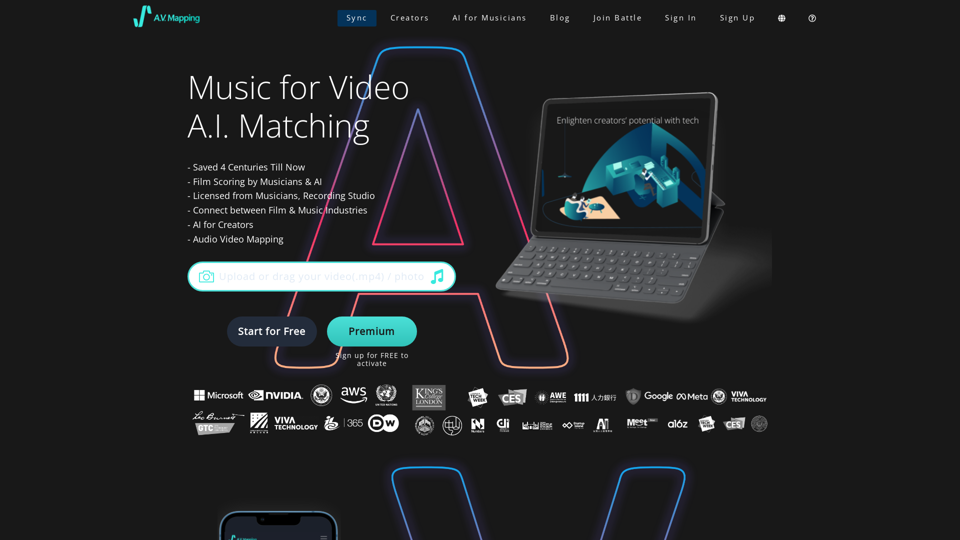
Get access to copyright free music, free sound effects, royalty free music. AI finds the perfect soundtrack for video today. Text to Music, all free to download and easy to use.
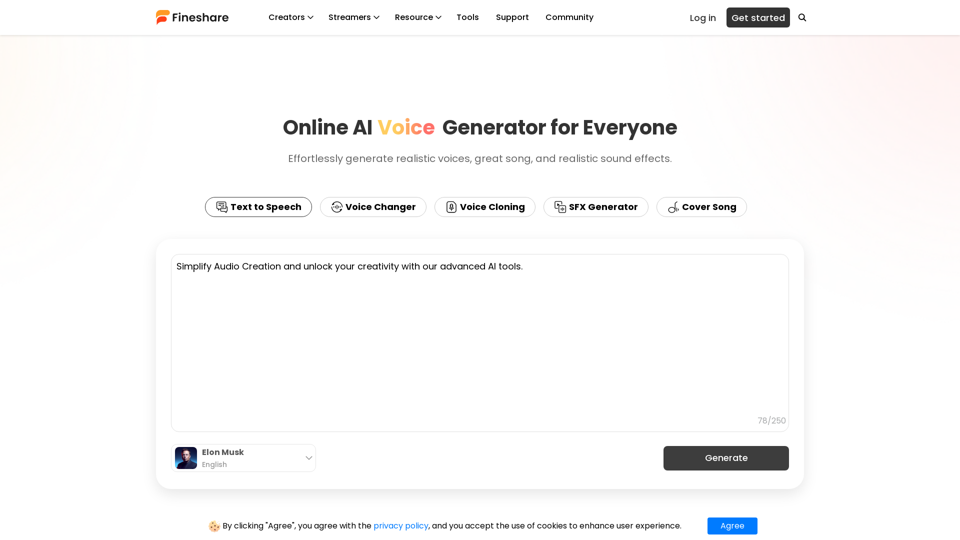
Use our AI audio generator to effortlessly generate realistic voices, great music, and realistic sound effects.
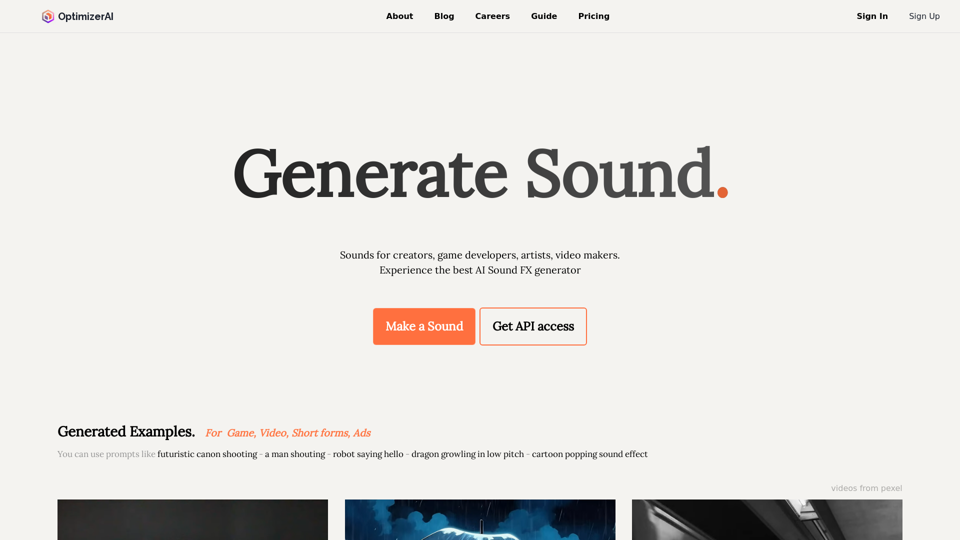
Get Unlimited Free Sound effects you want to use by generation. All are perfect royalty-free sounds for game, video, content
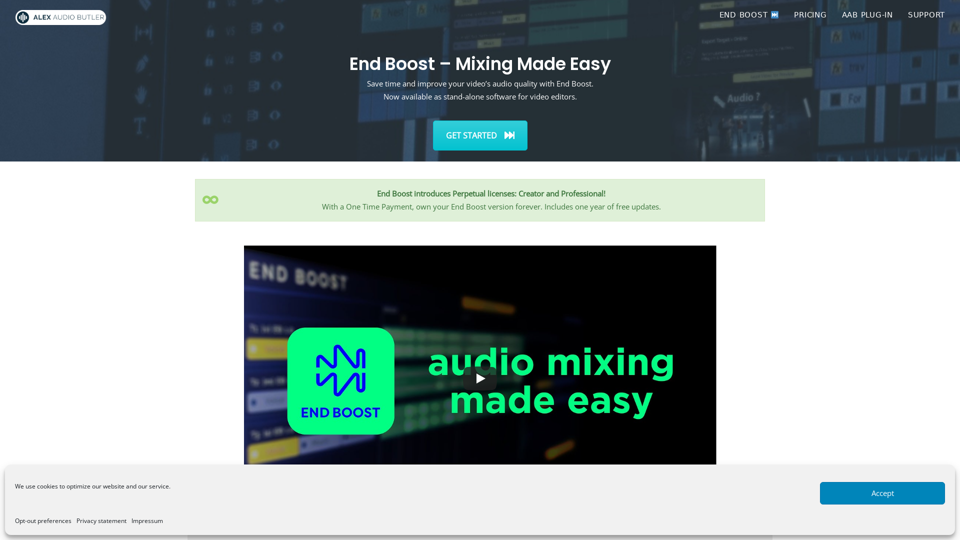
Automatic good audio for your videos. End Boost mixes and masters Voice, Music and Sound Effects based on presets, using the AI algorithms of Alex Audio Butler.
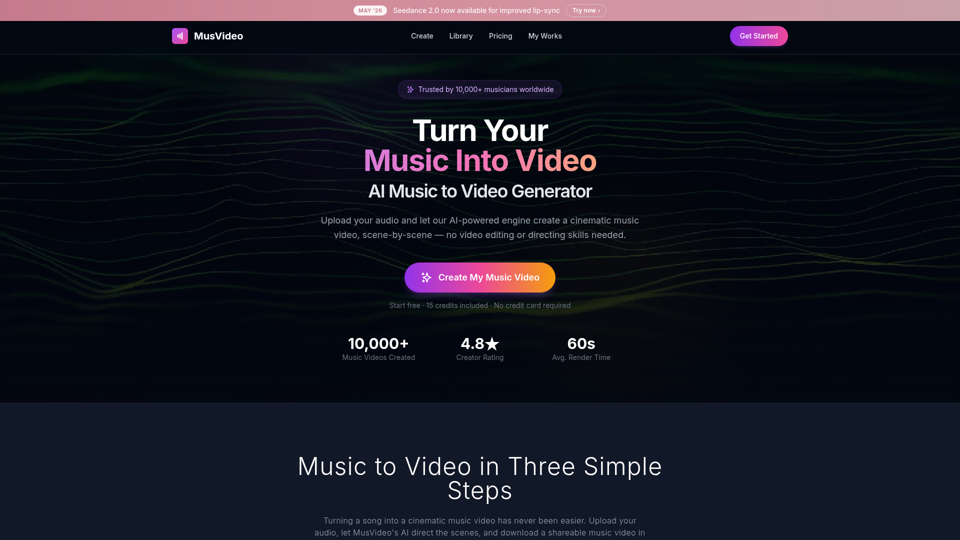
MusVideo is the AI music to video generator that turns your audio tracks into cinematic music videos. Upload your music and let AI create stunning, scene-by-scene visuals. The fastest way to convert music to video online.
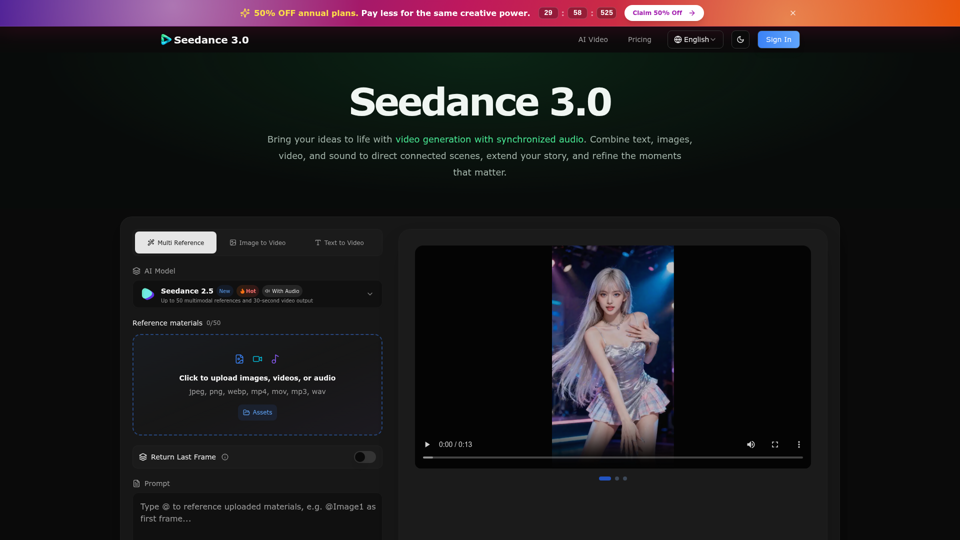
Create cinematic stories with Seedance 3.0. Turn text, images, video, and audio references into videos with synchronized sound and precise creative control.

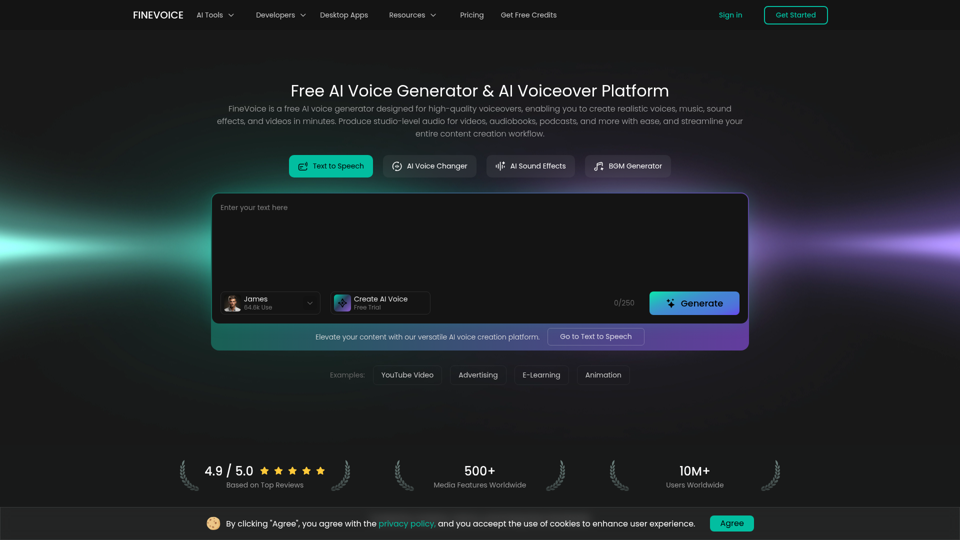
FineVoice is an AI voice generator and video voiceover platform to create realistic text-to-speech, voiceovers, music, and sound effects for videos. Produce studio-quality audio in seconds.