Kling 4.0 AI Video Generator
Create with Kling 4.0 using text prompts or first and last frames. Choose 5–30 seconds, set your output quality, and explore a scene with optional audio in one workspace.
What is Kling 4.0 AI Video Generator?
Kling 4.0 AI Video Generator is a workspace on Kling AI for turning a written prompt or a starting image into a short video clip. It supports text-to-video and image-to-video creation, with optional end frames, durations from 5 to 30 seconds, and output at 720p, 1080p, or 4K. It is aimed at creators who want to explore motion, framing, and pacing before committing to a full production.
Key features
- Text and image input
- Start a clip from a written prompt or upload a starting image, and add an optional end frame to guide the final composition.
- Duration control
- Choose an explicit clip length between 5 and 30 seconds so a short action has room to develop.
- Resolution options
- Generate at 720p, 1080p, or 4K, with larger output using more credits.
- Optional audio
- Turn audio on when a scene needs dialogue or atmosphere, or leave it off for a silent clip that suits an existing soundtrack.
- Long prompts
- The prompt field accepts up to 30,000 characters for detailed scene direction.
- Results and history
- Preview output in the result panel, revisit saved generations in My Creations, and download selected clips.
- Model switching
- Change models inside the same workspace without relearning the basic layout.
How to use Kling 4.0 AI Video Generator
- Open the Kling 4.0 workspace and choose your input type: text, image, or a reference.
- Upload a starting image if the appearance of the scene matters, and add an end frame when you want to guide where the shot finishes.
- Write a prompt covering the subject, the action, the setting, the camera position, and the lighting.
- Set the duration between 5 and 30 seconds, pick 720p, 1080p, or 4K, and decide whether to include audio. Check the displayed credit estimate before generating.
- Review the result against your original brief, then download the clip or refine the prompt and generate again.
Use cases
- Product concepts
- Try a product reveal from a clear product image, then verify labels, proportions, and branding in the result.
- Story development
- Explore a scene from a script and compare framing and pacing before deciding which idea deserves more production time.
- Social content
- Build an opening moment that matches a publishing format and keeps the main action readable on a small screen.
- Scene studies
- Explore light and composition before planning a complete sequence.
- Campaign concepts
- Compare visual directions while keeping the brief and reference assets in place.
Pricing
The official website does not list plan prices or subscription tiers. It states that generations use credits, that larger output uses more credits, and that the existing annual-plan requirement applies to 4K output; check the official site for current pricing.
FAQ
Is Kling 4.0 AI Video Generator free to use?
The official website does not list pricing or a free plan. It states that generations consume credits and that 4K output is subject to an existing annual-plan requirement, so check the official site for current terms.
How long can a video made with Kling 4.0 AI Video Generator be?
Clips can be set to any duration between 5 and 30 seconds. The site suggests giving a short action room to develop rather than packing an entire story into one clip.
Which image formats can I upload to Kling 4.0 AI Video Generator?
The upload field accepts PNG, JPG, JPEG, and WEBP files. You can add one end frame alongside the starting image.
What resolutions does Kling 4.0 AI Video Generator support?
It offers 720p, 1080p, and 4K output. Larger output uses more credits, and 4K output is subject to an existing annual-plan requirement.
Can Kling 4.0 AI Video Generator add sound to a clip?
Yes. Audio is optional and can be enabled when a scene needs dialogue or atmosphere. You can also generate a silent clip to pair with an existing soundtrack.
How are credits calculated for Kling 4.0 AI Video Generator?
The workspace displays a credit estimate before you start a generation, and larger output uses more credits. The official website does not publish a full credit-to-price breakdown.
Kling 4.0 AI Video Generator
Create with Kling 4.0 using text prompts or first and last frames. Choose 5–30 seconds, set your output quality, and explore a scene with optional audio in one workspace.
 Cloudflare
 HTTP/3
 Vercel
 dc.js
Free AI anime and manga generator. Turn text into anime episodes, manga, comics, webtoons and comic shorts in any art style — no drawing or animation skills needed.
Translate image text across 70+ languages with our advanced AI Image Translator to help you better expand your products globally to various countries
Advertised Here
Reach thousands of visitors daily. Get your spot now!
Tools similar to Kling 4.0 AI Video Generator
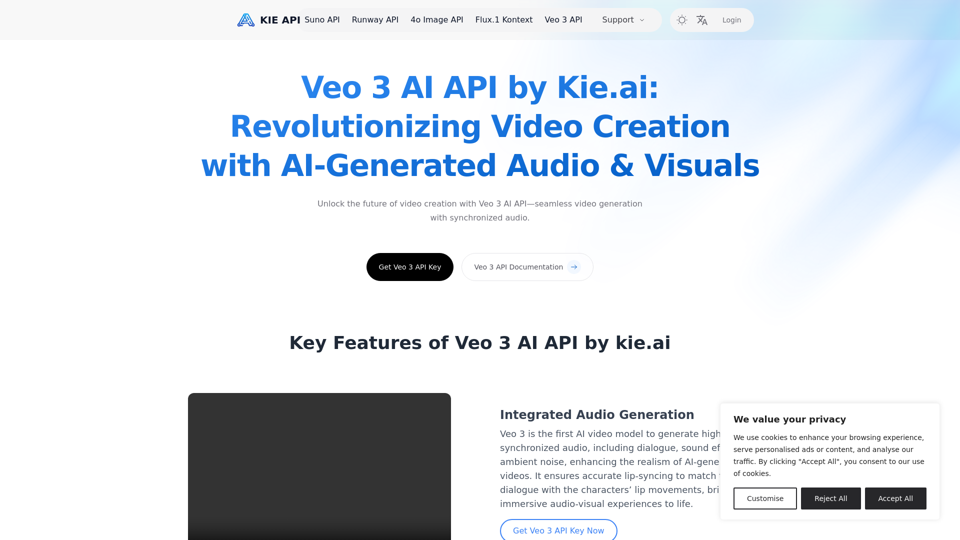
Explore the Veo 3 AI API by kie.ai, an advanced video generation tool that creates high-quality videos with synchronized audio and realistic scenes. Perfect for filmmakers, marketers, and content creators.
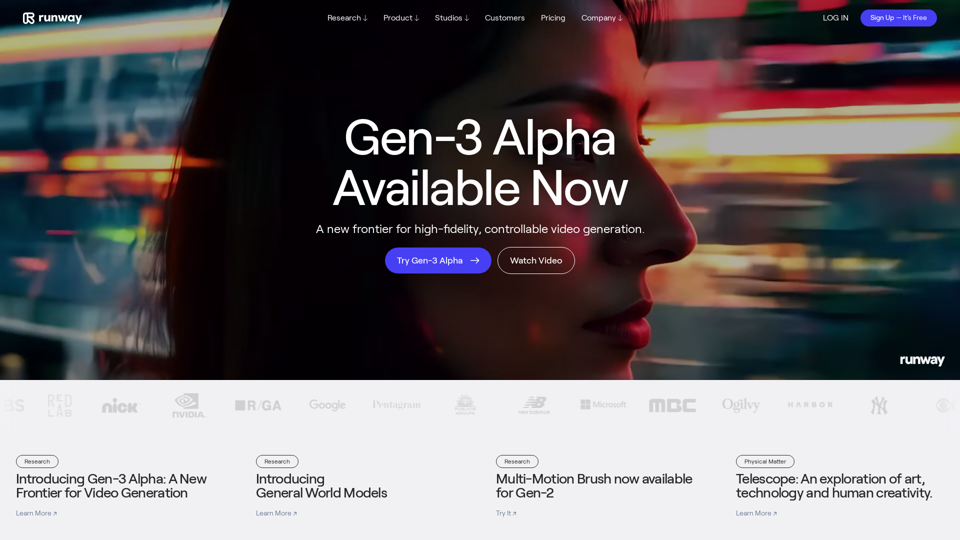
Runway is an applied AI research company shaping the next era of art, entertainment and human creativity.

Mochi 1 AI, made by Genmo, is an innovative AI Video Generator enabling users to create stunning, high-resolution videos from simple text prompts effortlessly
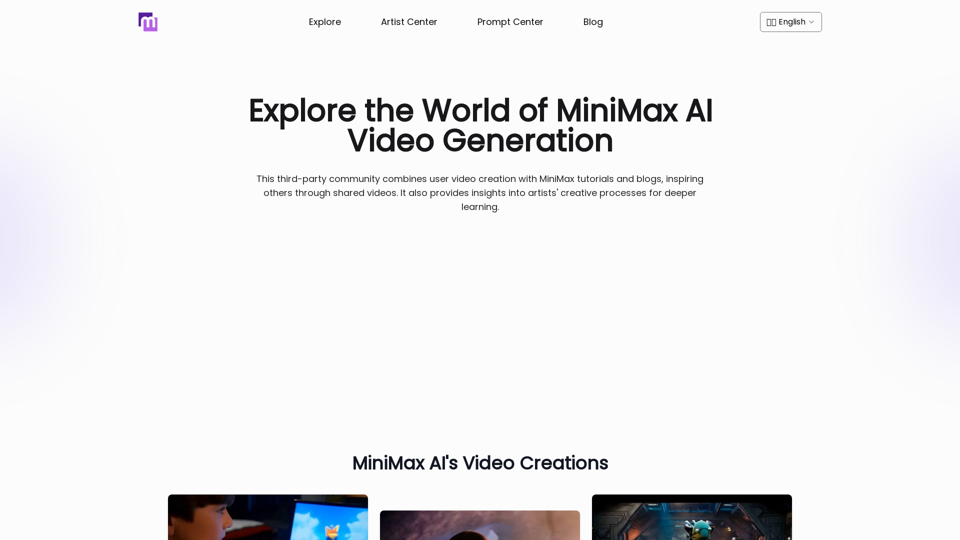
Explore AI Video Generator with User-Generated Videos of MiniMax, Prompt Tips and Insightful Blogs in this Vibrant Community about MiniMax AI

AskVideo.ai is a free tool that allows you to chat with any Youtube video. It's a great way to learn from Youtube videos.
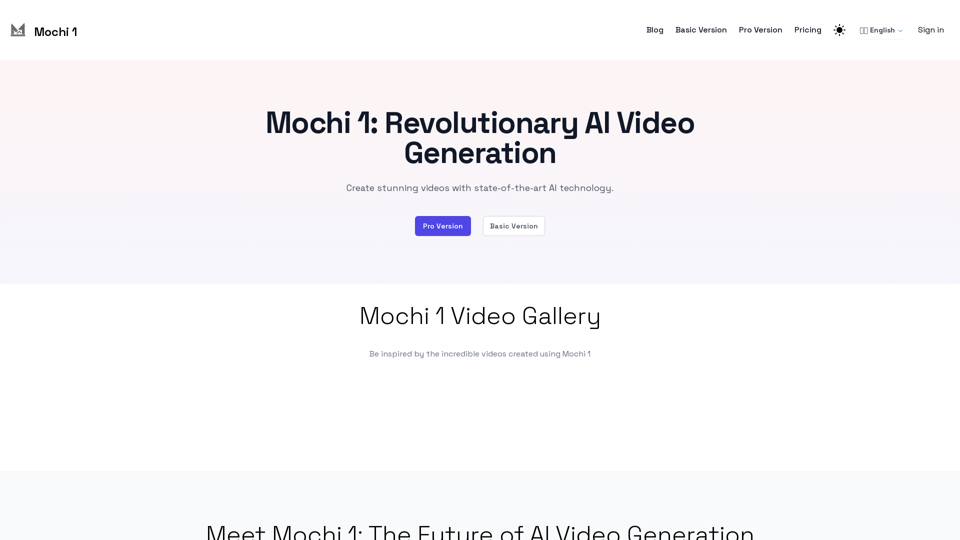
Experience the power of Mochi 1, an open-source AI model for high-quality video generation.
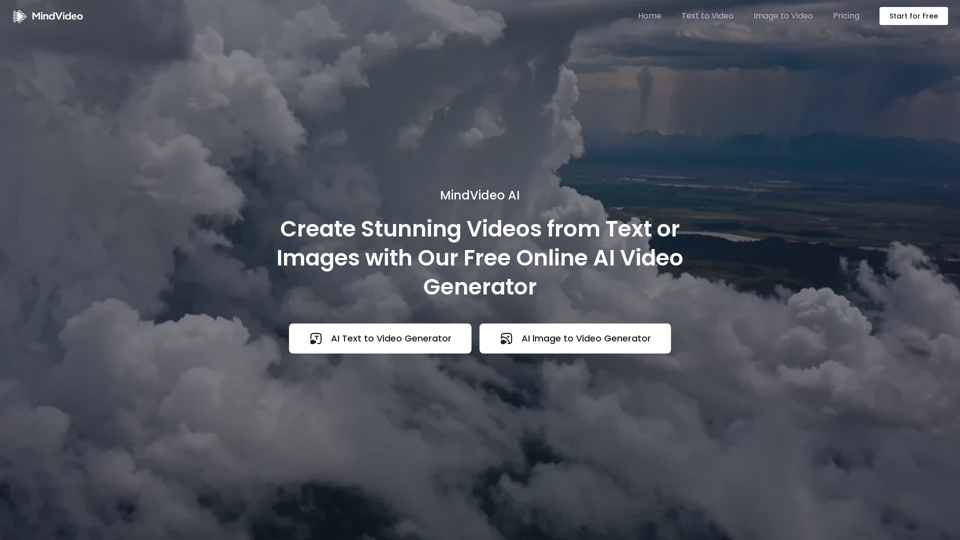
Effortlessly create stunning AI videos from text, images, or references with our advanced online AI video generator. 100% free and easy to use.