Happy Wan
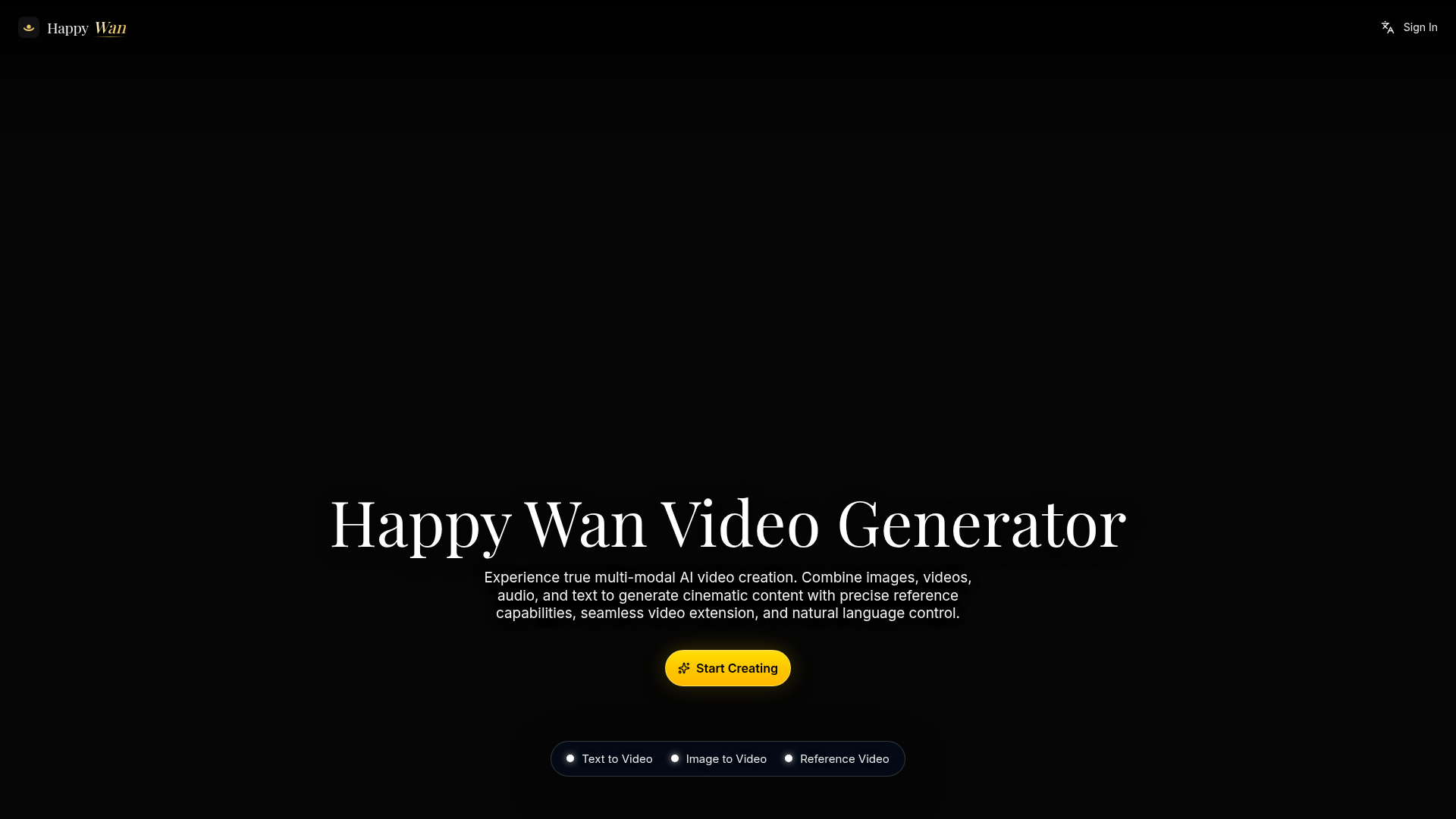
Happy Wan is the ultimate AI video generation platform. Create stunning videos with Happy Wan's text-to-video, image-to-video, and AI video effects tools.
What is Happy Wan?
Happy Wan is a multimodal AI video generation platform that creates video from text prompts, still images, existing clips and audio. It is built for creators, teams and studios that need director-level control, faster iteration and consistent visual quality across video workflows. Its reference system lets you tag images and videos to lock in characters and camera movement, and extend scenes while keeping characters and environments coherent.
Key features
- Multimodal generation
- Create from text prompts, animate still images, or transform existing clips, and move between generation modes without rebuilding the workflow.
- @ tag reference system
- Define creative direction with @Image and @Video references to lock in characters, guide camera movement and build multi-shot sequences.
- Kling Elements
- Keep a person or object consistent using 2–4 views of each element, with up to 3 elements and 2–4 JPG/PNG images per element at up to 10 MB each.
- Seamless scene extensions
- Continue scenes naturally with consistent characters, environments and motion flow, adding new beats without restarting the generation.
- Cinematic multi-shot continuity
- Generate one-take tracking shots or structured sequences that preserve character identity and environmental details across scene cuts.
- Audio-visual synchronization
- Generate video with synchronized sound and pacing, with native audio included and optional audio-driven direction.
- Output controls
- Choose 480p, 720p or 1080p resolution and a 16:9 aspect ratio, and batch generate up to 4 video variations with the same prompt and settings.
How to use Happy Wan
- Open the Happy Wan workspace and select the core video creation flow you want: text to video, image to video or reference video.
- Add your references and guide prompts, tagging images and clips with @Image and @Video to define characters and camera movement.
- Set the resolution, aspect ratio, duration and audio options for the generation.
- Generate the video, optionally producing up to 4 variations with the same prompt and settings.
- Refine the result, extend scenes and insert new shots while keeping the project visually coherent.
Use cases
- Brand teams and content marketers
- Produce campaign visuals, launch videos and social-ready edits with tighter creative control and faster iteration cycles.
- Filmmakers and video editors
- Previsualize scenes, test camera movement and build multi-shot sequences with stronger continuity before final production.
- Designers and visual storytellers
- Turn reference images into stylized motion concepts and push visual ideas toward production-ready directions.
- Social and brand campaigns
- Create scroll-stopping stories with consistent identity while scaling production.
- Product storytelling
- Turn product narratives into visual experiences aligned with positioning and proof.
Pricing
The official website does not list plan prices or subscription tiers. Generation is credit-based: the Seedance 2.5 model is listed at 30 credits per second, and a sample 4-second 1080p generation is estimated at 120 credits. Check the official pricing page for current plans and credit costs.
FAQ
Is Happy Wan free to use?
The official website does not list a free plan or free trial. Video generation is credit-based, so check the official pricing page for the current plans and credit costs.
What video generation modes does Happy Wan support?
Happy Wan supports text to video, image to video and reference video. You can create from prompts, animate still images or transform existing clips, and switch between modes without rebuilding your workflow.
Can I use my own images and clips as references in Happy Wan?
Yes. Happy Wan uses @Image and @Video tags to define creative direction, and Kling Elements keeps a person or object consistent using 2–4 views of each element, with up to 3 elements per generation.
What resolutions and durations does Happy Wan support?
Happy Wan offers 480p, 720p and 1080p output at a 16:9 aspect ratio. The Seedance 2.5 model supports up to 30-second output, and the default generation duration in the interface is 4 seconds.
Does Happy Wan generate audio with the video?
Yes. Native audio is included in generation, and Happy Wan synchronizes sound and pacing with the visuals so text, image, motion and audio direction move in sync.
Can Happy Wan keep a character consistent across multiple shots?
Yes. Happy Wan preserves character identity and environmental details across scene cuts, and its scene extension feature continues scenes with consistent characters, environments and motion flow.
Happy Wan
Happy Wan is the ultimate AI video generation platform. Create stunning videos with Happy Wan's text-to-video, image-to-video, and AI video effects tools.
 Cloudflare
 HTTP/3
 Vercel
Free AI anime and manga generator. Turn text into anime episodes, manga, comics, webtoons and comic shorts in any art style — no drawing or animation skills needed.
Translate image text across 70+ languages with our advanced AI Image Translator to help you better expand your products globally to various countries
Advertised Here
Reach thousands of visitors daily. Get your spot now!
Tools similar to Happy Wan
Explore AI Video Generator with User-Generated Videos of MiniMax, Prompt Tips and Insightful Blogs in this Vibrant Community about MiniMax AI
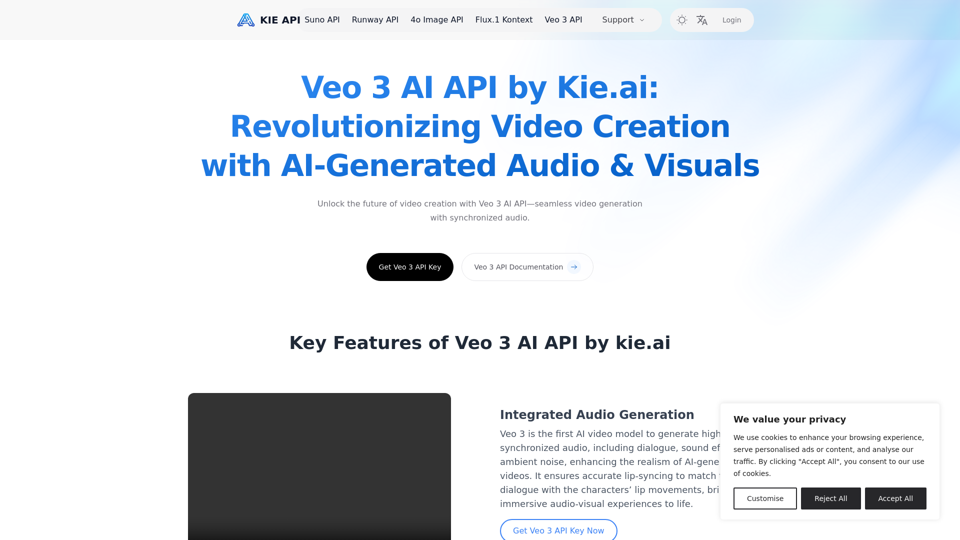
Explore the Veo 3 AI API by kie.ai, an advanced video generation tool that creates high-quality videos with synchronized audio and realistic scenes. Perfect for filmmakers, marketers, and content creators.
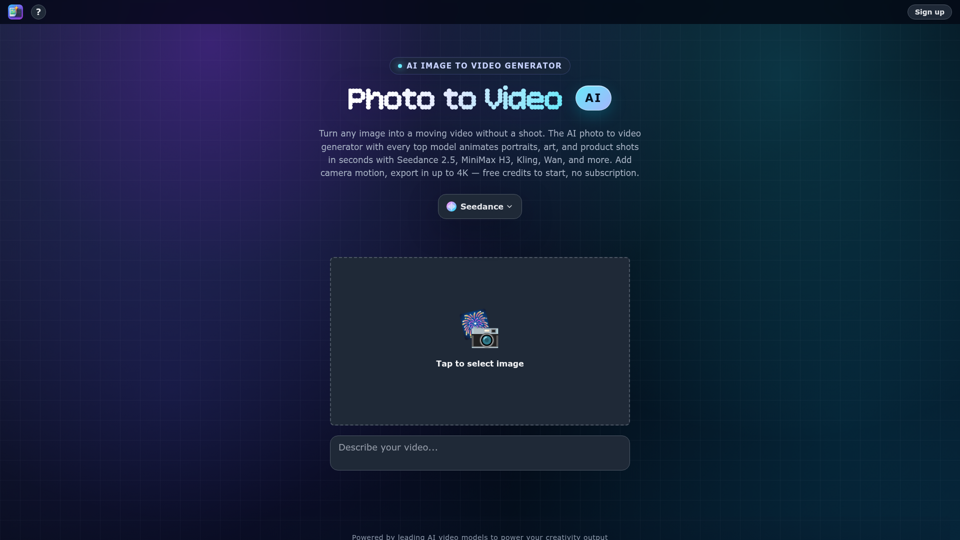
Turn any photo into video with AI. Photo to video AI generator with Seedance 2.5, MiniMax H3, Kling, Wan, up to 4K. Free credits, no subscription.
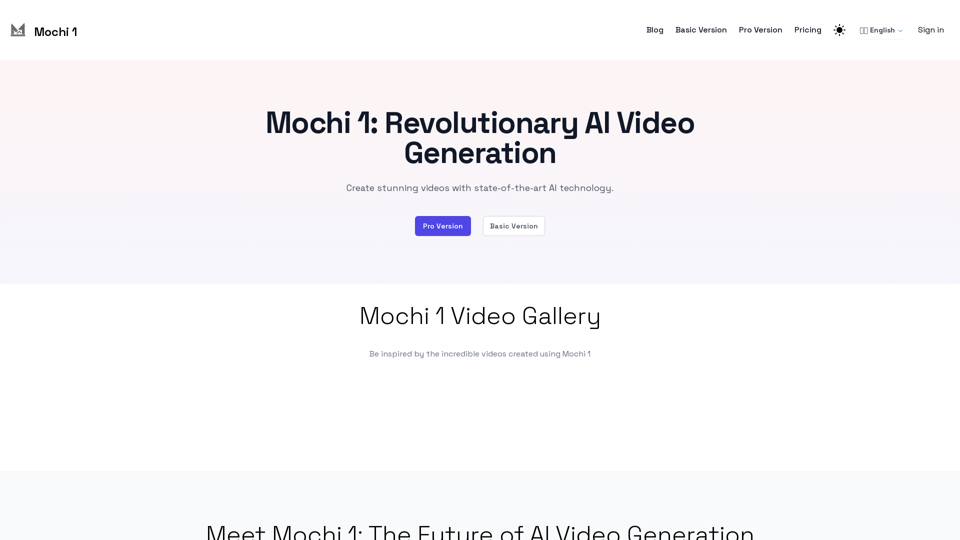
Experience the power of Mochi 1, an open-source AI model for high-quality video generation.

With Vidfly's AI Video Generator, effortlessly transform text, images, and scripts into professional-quality videos,no video editing experience required!
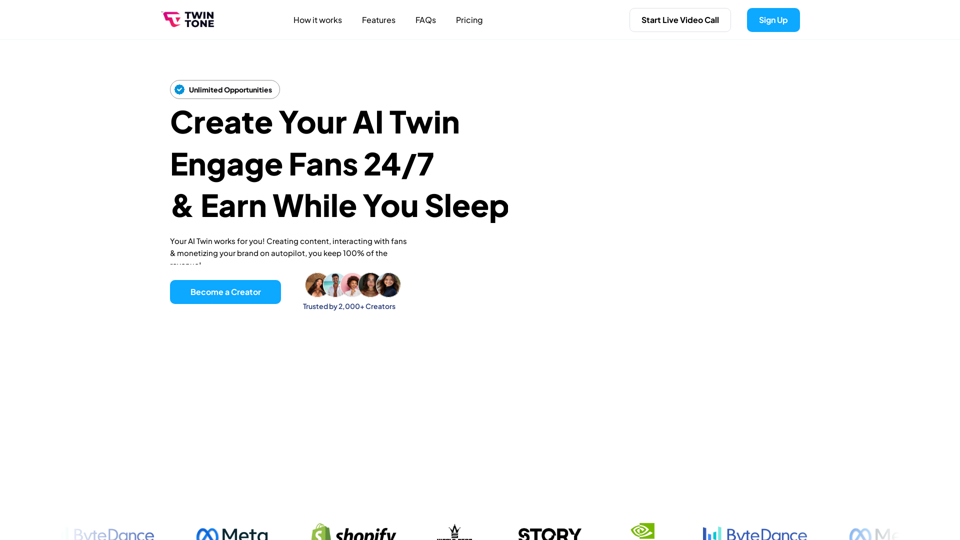
Create your AI Agent to stream and monetize yourself 24/7. Empowering the future of work for Creators to monetize their Intellectual Property with 24/7 AI-driven experiences.
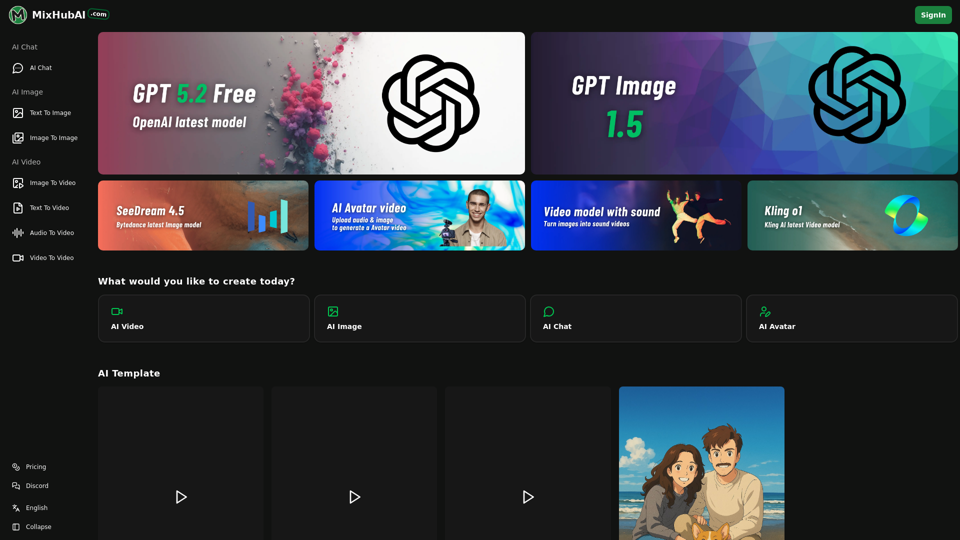
MixHub AI is an all-in-one platform featuring GPT-5, Flux, Claude, Qwen Image, Kling, Hailuo, and more. Always the latest AI models, updated regularly
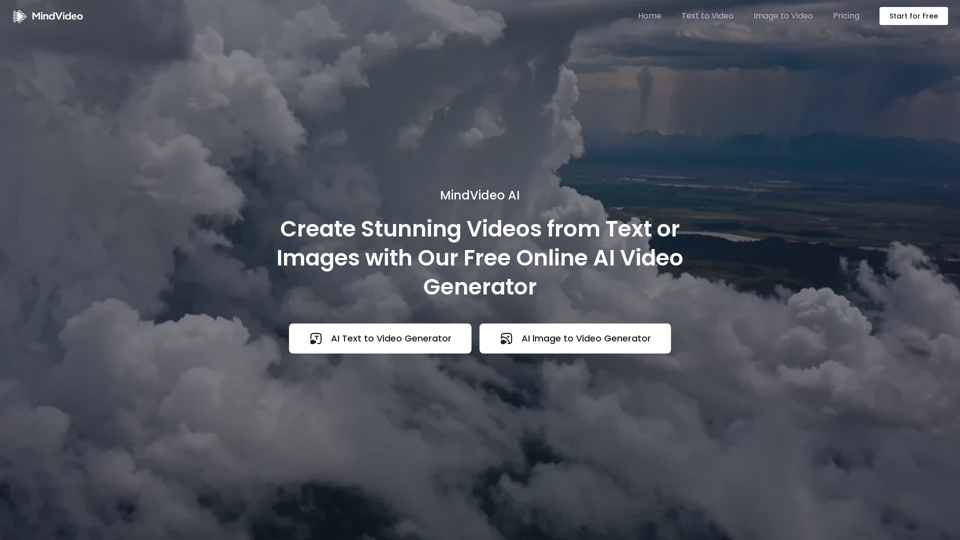
Effortlessly create stunning AI videos from text, images, or references with our advanced online AI video generator. 100% free and easy to use.