Transcribe, translate, and analyze with AI
Try a 7-Day Fully-Featured Trial of Speak's Ai Meeting Assistant, Qualitative Data Analysis Software And AI Audio And Video Text Converter!
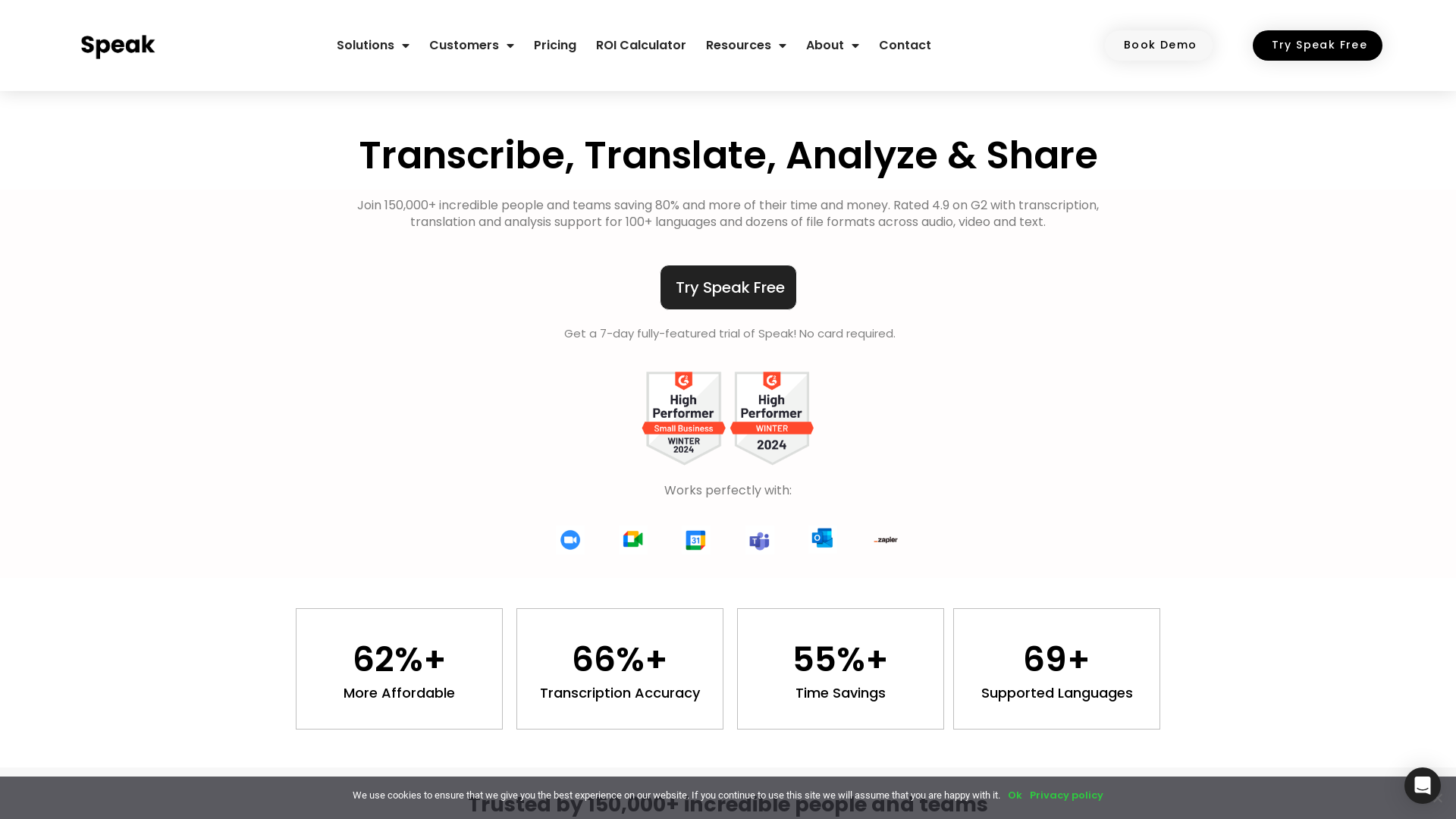
What is Speak.ai?
Speak.ai is an AI-powered platform designed to transcribe, translate, and analyze audio, video, and text data efficiently. This innovative tool supports various business functions, empowering teams to enhance productivity by utilizing advanced AI technology to convert speech and text into actionable insights.
What are the main features of Speak.ai?
- Multi-format Transcription
- Easily convert audio and video files to text with high accuracy and efficiency.
- AI Meeting Assistant
- Automate note-taking and analysis during virtual meetings across popular platforms like Zoom and Google Meet.
- Language Support
- Transcribe and translate over 150 languages quickly for global outreach.
- Data Analysis
- Utilize advanced algorithms to analyze survey data, interviews, and qualitative research.
- Web Scraping
- Scrape data from websites for comprehensive analysis within the tool.
- Integration Capabilities
- Seamlessly integrate with other applications through APIs and popular services like Zapier.
How to use Speak.ai?
Getting started with Speak.ai is simple. Users can sign up for a free trial that lasts for seven days, allowing them to explore all the functionalities without needing payment information. You can upload audio, video, or text files directly or use their embeddable recorder to capture data on the go. The AI Meeting Assistant can be set to join your meetings, automatically recording and transcribing them for later analysis.
What is the pricing structure for Speak.ai?
Speak.ai offers flexible pricing plans tailored to different user needs, including options for individuals and teams. Users can experiment with the Starter Plan initially and later customize their plan based on their requirements. Discounts are available for education institutions and non-profits, and users can cancel or upgrade their subscriptions at any time.
Helpful Tips for Using Speak.ai
- Maximize Your Trial
- Take advantage of the seven-day free trial to explore various features. Experiment with different data types to find what works best for your needs.
- Utilize Integrations
- Connect to your favorite apps like Google Drive or Zoom to streamline your workflow.
- Explore Language Options
- If your work involves multilingual data, try using the translation support to reach a broader audience.
- Share Insights
- Take advantage of the custom media repositories to share findings with your team effortlessly.
Frequently Asked Questions
Who uses Speak.ai?
Speak.ai is widely used by market researchers, qualitative researchers, academic professionals, and digital marketing teams looking for effective transcription and analysis solutions.
Can I cancel my subscription?
Yes, subscriptions can be canceled anytime. Access to your files will remain until the end of the current billing cycle.
What languages are supported for transcription and translation?
Currently, Speak.ai supports over 70 languages for transcription and more than 150 for translation. Continuous updates are made to enhance language support.
Is there a demo available?
Absolutely! Speak.ai encourages potential users to book a demo to better understand the platform and its features.
Can I export my transcriptions into different formats?
Yes, Speak.ai allows you to export your transcriptions in various formats such as TXT, SRT, Word Doc, PDF, and more to suit your needs.
Is there a team sharing option?
Yes, Speak.ai offers a team plan where account access can be shared among team members at an additional cost.
Transcribe, translate, and analyze with AI
Try a 7-Day Fully-Featured Trial of Speak's Ai Meeting Assistant, Qualitative Data Analysis Software And AI Audio And Video Text Converter!
 Clickbank
 Elementor:3.35.5
 Font Awesome
 Google Tag Manager
 MySQL
 Nginx
 PHP
 Rewardful
 WordPress
 Yoast SEO Premium:27.0
 jQuery
Free AI anime and manga generator. Turn text into anime episodes, manga, comics, webtoons and comic shorts in any art style — no drawing or animation skills needed.
Translate image text across 70+ languages with our advanced AI Image Translator to help you better expand your products globally to various countries
Advertised Here
Reach thousands of visitors daily. Get your spot now!
Tools similar to Transcribe, translate, and analyze with AI
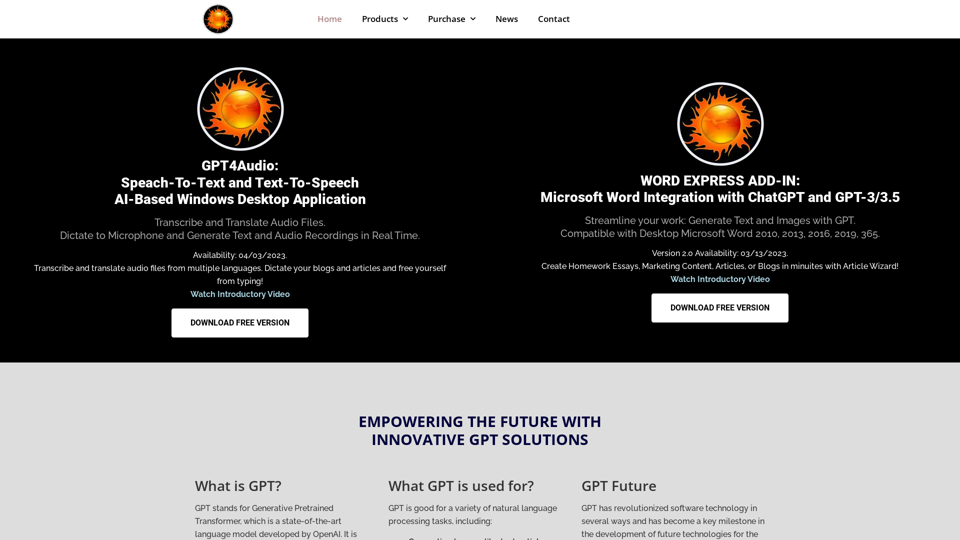
Download GPT4Audio, speech to text converter Desktop Application, and take your productivity to the next level! This tool is designed to make your life easier and more efficient.

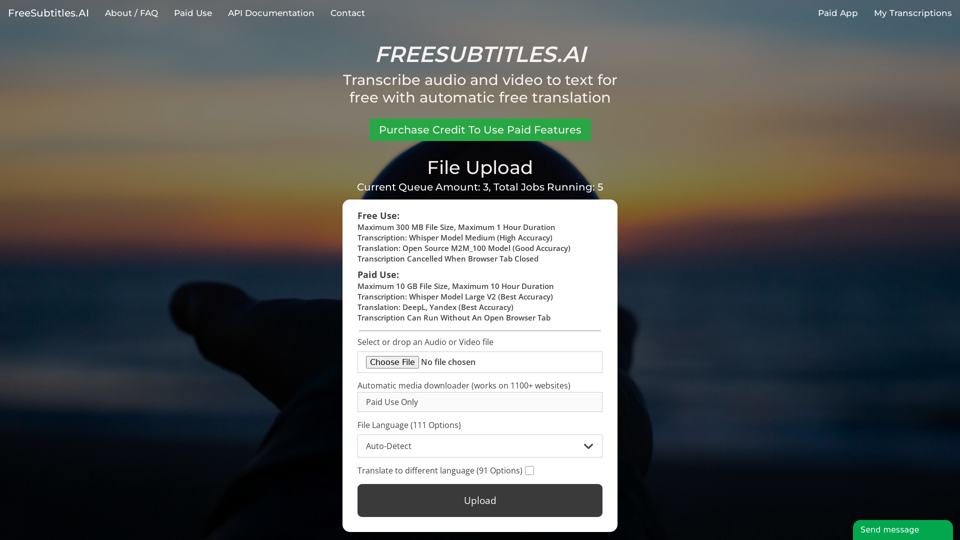
Transcribe audio and video to text for free with automatic free translation
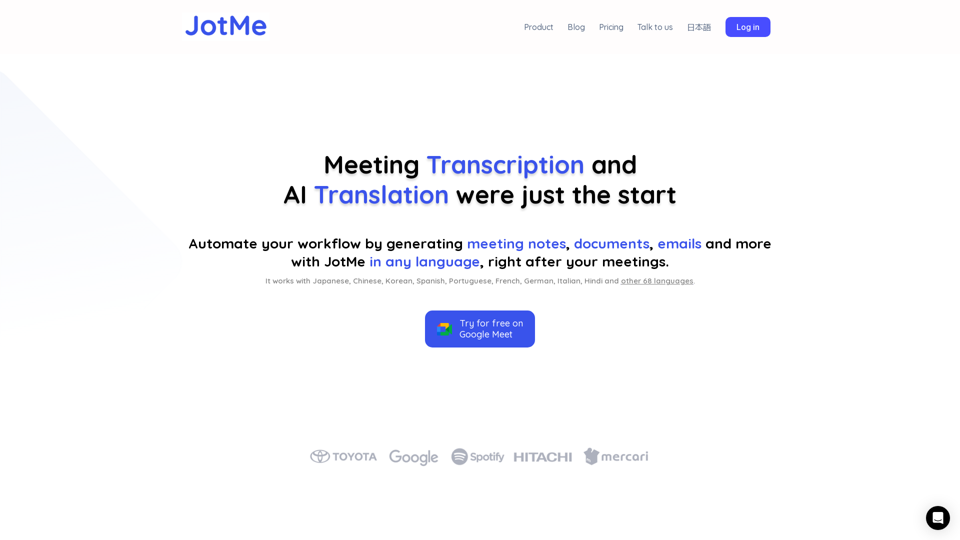
JotMe transcribes & translates your meetings, and generates meeting notes, documents, emails, task tickets, and more, all based on the context that matters to you.

My AI Assistant (MAIA) - Makes AI usable, accessible, and affordable. Get the extension on Google Chrome.
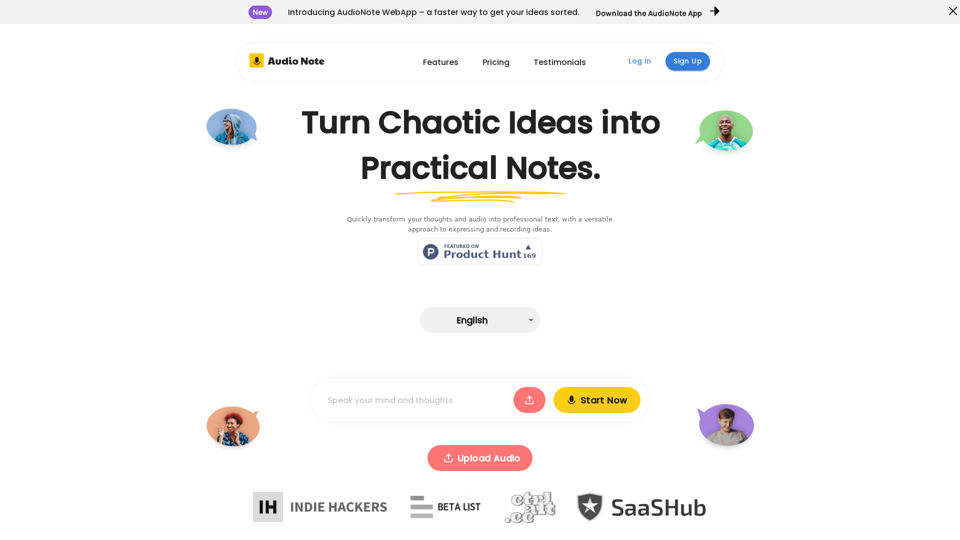
Speak and Write Like a Pro with Audio Note. Audio Note is the ultimate note taking app that lets you record your voice and turn it into text. But that's not all. Audio Note also uses AI to rewrite your text in various formats, such as todo list, tweet, LinkedIn post, email and more. Whether you need to organize your tasks, share your ideas, network with others or communicate effectively, Audio Note can help you do it with ease and style. Try Audio Note today and see the difference for yourself.
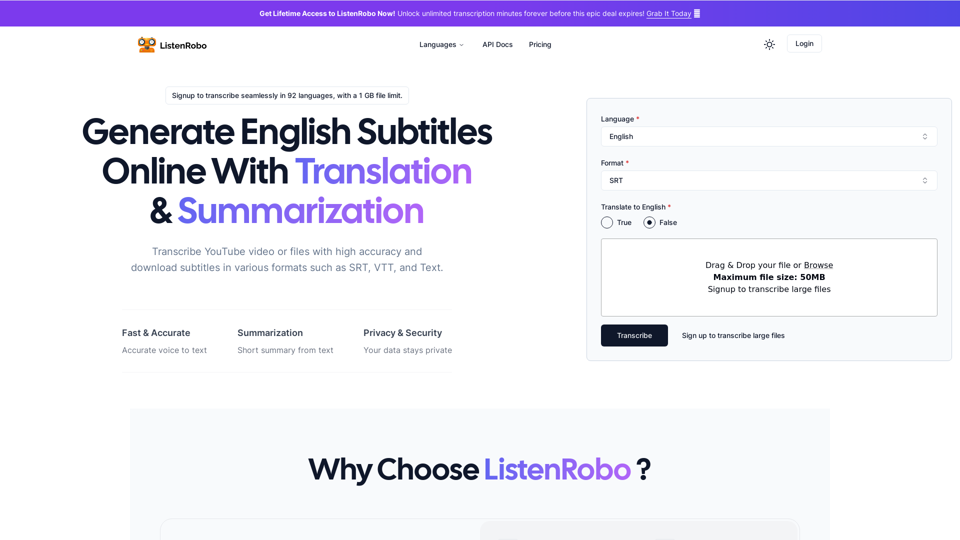
Easily convert English audio to text with our speech to text converter. Download subtitles in txt, srt, and vtt formats for free, without any watermarks.
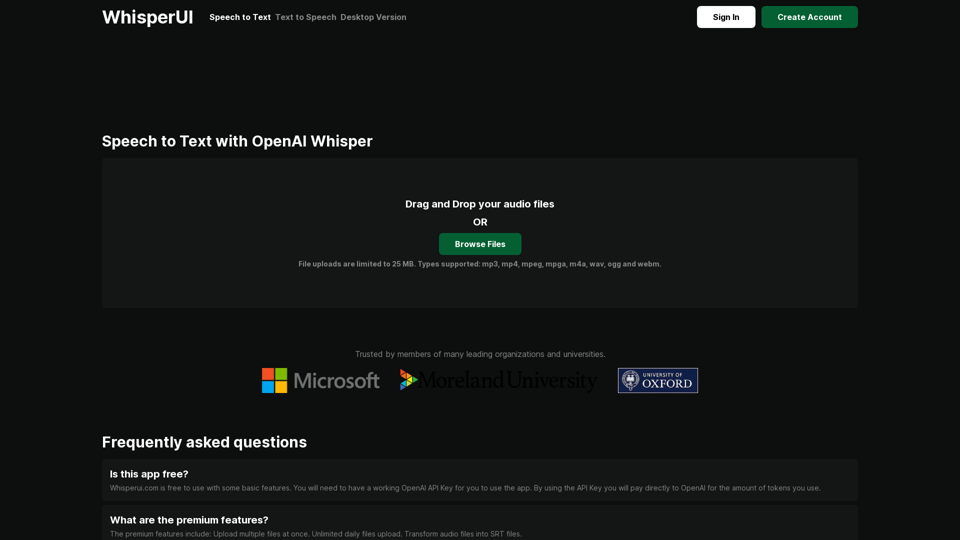
The most affordable Speech to Text service powered by OpenAI Whisper. Convert your audio files to text