What is SpriteGen?
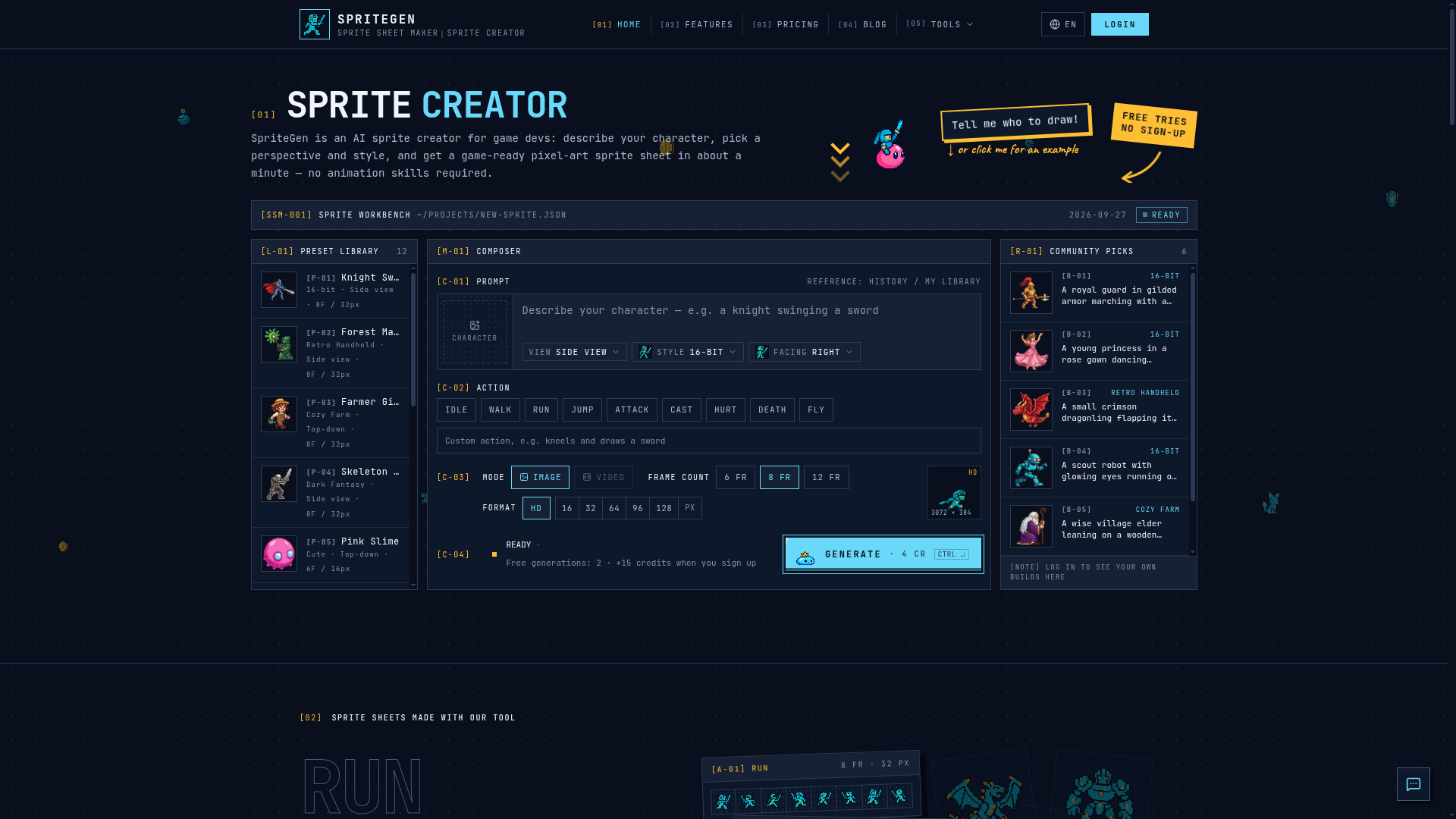
SpriteGen is an AI-powered online sprite creator and sprite sheet generator designed specifically for game developers and artists. It allows users to describe a character and an action, choose a visual style and perspective, and receive a fully animated, game-ready pixel-art sprite sheet in about a minute. The platform eliminates the need for manual animation skills or a complex pipeline, making sprite creation fast and accessible.
Features of SpriteGen
AI-Powered Sprite Generation
The core of SpriteGen is its AI sprite sheet generator. You simply describe your character (e.g., "a knight swinging a sword" or "a slime monster hopping") and the desired action. The AI interprets this text to create coherent and stylized animated frames.
Extensive Style and View Options
The platform offers twelve built-in visual styles to match your game's aesthetic, categorized into Pixel Art (16-bit, retro handheld, cozy pixel, dark pixel, cute pixel) and Illustrated (modern cartoon, classic cartoon, action anime, soft anime, chibi, flat vector, 3D toon). You can also choose from four camera views (Side, Front, Top, Isometric) to get the perfect perspective for your game.
Live Animated Preview
A standout feature is the live preview. The moment your generation finishes, you can watch your character animate in a smooth loop. This allows you to verify the quality and feel of the animation before downloading, ensuring you get exactly what you need.
Game-Ready Output Formats
Every generation outputs a transparent PNG sprite sheet with evenly spaced frames. You can choose the frame count (6, 8, or 12 frames) and the cell resolution, from pixel-perfect sizes (16px to 128px) for retro games to HD cells for higher-resolution projects. The sheet is formatted and ready for immediate import into any game engine like Unity, Godot, or GameMaker.
Additional Tool Suite
Beyond AI generation, SpriteGen provides complementary tools for other workflows:
- GIF to Sprite Sheet Converter
- Upload an animated GIF to extract and pack its frames into a single PNG sprite sheet.
- AI Sprite Maker
- Generate single, static sprites or icons (like coins, potions, shields) as transparent PNGs.
- Pixel Art Maker
- A manual drawing canvas on a configurable grid (16x16, 32x32, etc.) for creating custom pixel art.
- Sprite Sheet Maker
- A free tool to manually arrange and pack your own image frames into a organized sprite sheet.
How to Use SpriteGen
- Describe Your Character: In the tool interface, type a description of your character and the action you want it to perform (e.g., "a wizard casting a fireball").
- Select Style and View: Choose from the 12 visual styles and 4 camera angles to define the look and perspective of your sprite.
- Choose Action and Output: Select the specific action from the list (Idle, Walk, Run, Jump, etc.). Then, set your desired frame count (6, 8, 12) and output format/cell size.
- Generate and Preview: Click "Generate." In about 60 seconds, your sprite sheet will be ready. Use the live animated preview to review it.
- Download: Once satisfied, download the transparent PNG sprite sheet directly to your computer for use in your game project.
Price & Plans
SpriteGen operates on a simple credit-based system. Generating one sprite sheet costs ### 4 credits.
- Free Tier
- Every visitor starts with free generation tries without needing to sign up. After that, you can sign up to claim daily starter credits.
- Starter Plan
- $16 per month, providing 300 credits per month (approximately 75 sprite sheets). Includes all styles and views, commercial license, and standard support.
- Pro Plan
- $42 per month, providing 800 credits per month (approximately 200 sprite sheets). Includes everything in Starter plus priority support.
- Credit Packs
- You can also purchase one-time credit packs that don't expire, such as a 300 Credits Pack for $19.90.
Helpful Tips for Using SpriteGen
- Be Specific in Descriptions
- Clear, concise descriptions yield better results. Mention key details like "armor," "weapon type," "facial expression," or "environment" (e.g., "a pirate on a ship's deck").
- Leverage the Preview
- Always use the live animated preview to check the flow and consistency of your animation before using credits to download.
- Experiment with Styles
- Try generating the same character description in different styles (e.g., "16-bit" vs. "soft anime") to see which best fits your game's vision.
- Utilize the Free Tools
- The complementary tools like the GIF converter and manual Sprite Sheet Maker are completely free and unlimited, perfect for working with existing assets.
- Start Free
- Begin with the free tries to understand the tool's capabilities before committing to a credit pack or subscription.
Frequently Asked Questions
What styles are supported?
SpriteGen supports twelve built-in styles: 16-bit, retro handheld, cozy pixel, dark pixel, cute pixel, modern cartoon, classic cartoon, action anime, soft anime, chibi, flat vector, and 3D toon. You can select one manually, or the AI may detect a style from your description.
Do I need to sign in to use it?
No. You can try AI generation for free without an account. To access more generations and skip security checks, signing up is recommended to claim daily credits and manage your library.
What output formats do I get?
You receive a single transparent PNG sprite sheet. For 6 or 8 frames, they are arranged in one row. For 12 frames, they are arranged in a 4x3 grid. You can choose the cell resolution from HD down to pixel-art sizes (16, 32, 64, 96, 128 pixels).
Can I use the generated sprite sheets commercially?
Yes. All sprite sheets generated on SpriteGen, including those from free tries, come with a license for commercial use in games, apps, and other products.
Is SpriteGen free to use?
Yes, there is a free tier with initial generations. The core AI sprite generation uses a credit system, but tools like the Sprite Sheet Maker for packing your own frames are completely free and unlimited.
How long does generation take?
On average, generating a sprite sheet takes about one minute from the time you hit "Generate" until the live preview is ready.
Sprite Creator
SpriteGen is a free online sprite creator. Describe your character, pick a perspective and style, and the AI generates a game-ready pixel-art sprite sheet you can drop straight into your engine.
 Cloudflare
 HTTP/3
Free AI anime and manga generator. Turn text into anime episodes, manga, comics, webtoons and comic shorts in any art style — no drawing or animation skills needed.
Translate image text across 70+ languages with our advanced AI Image Translator to help you better expand your products globally to various countries
Advertised Here
Reach thousands of visitors daily. Get your spot now!
Tools similar to Sprite Creator
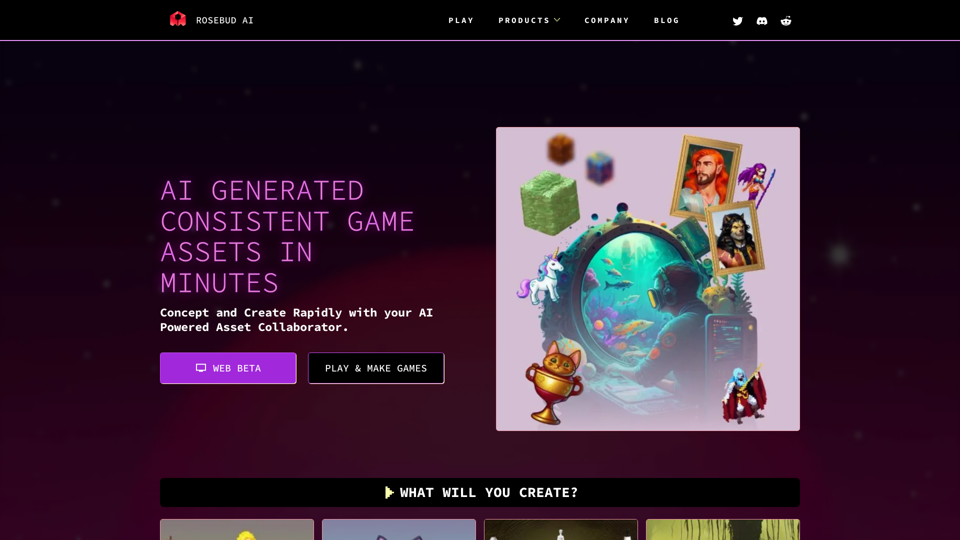
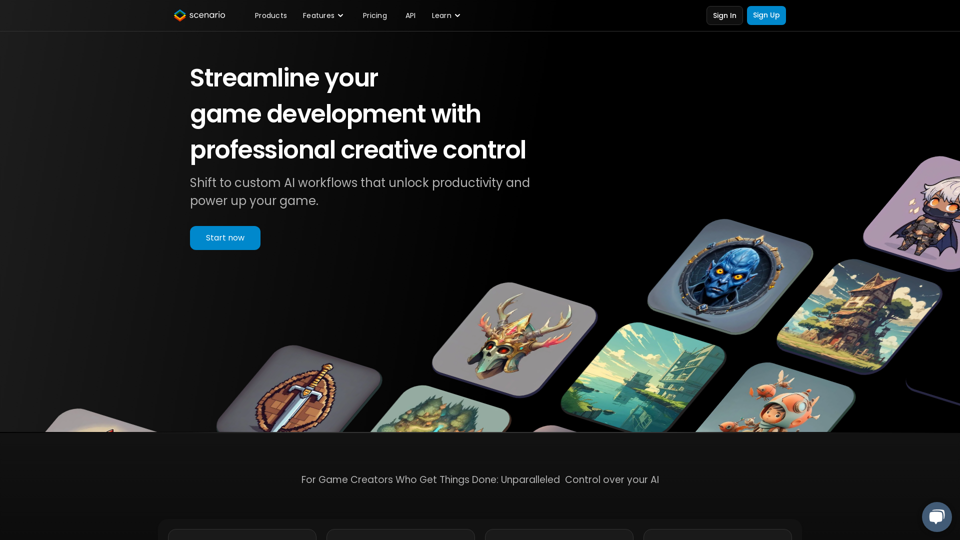
Easily create characters, environments, tiles, props and other game assets using AI.
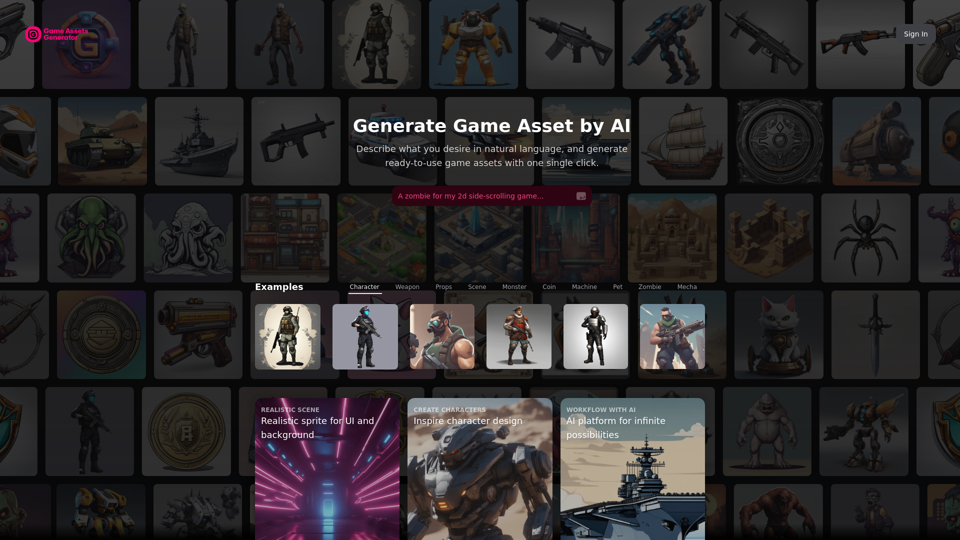
Create free and high-quality game illustrations, characters, etc., using AI, without the need for an artist. Easily integrate AI-generated resources into your game development workflow.
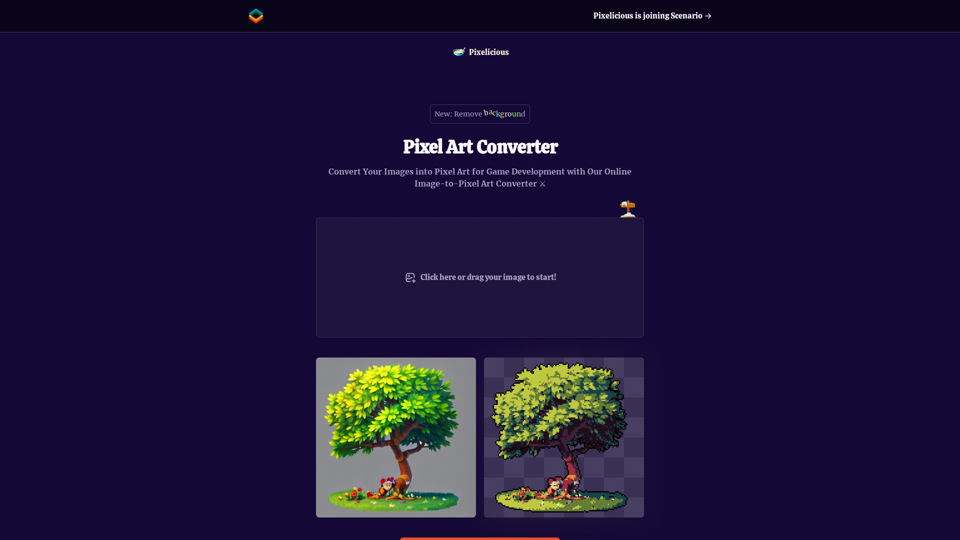
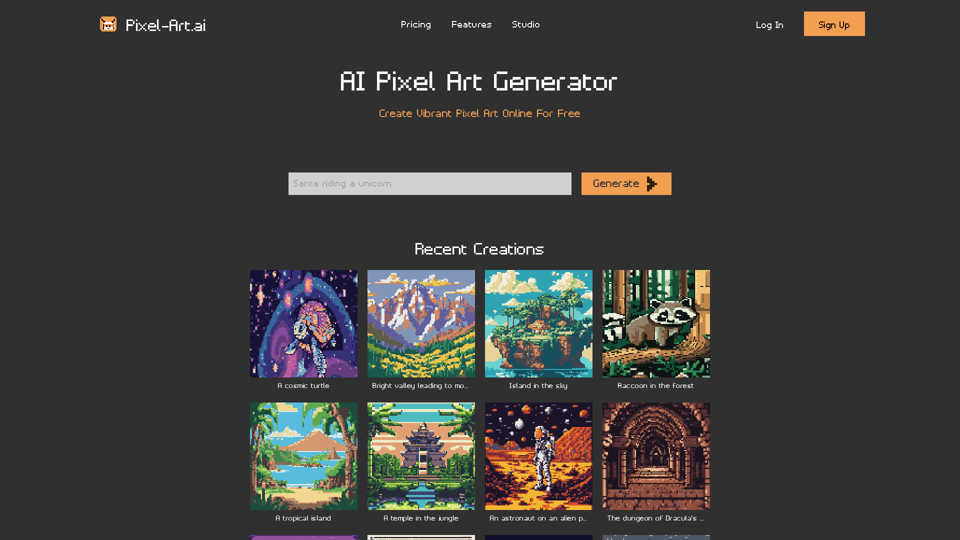
Quickly and easily convert your images into pixel art with our online image to pixel art converter. Simply upload your image and choose your pixelation level to transform your photo into a retro-style pixel art masterpiece.
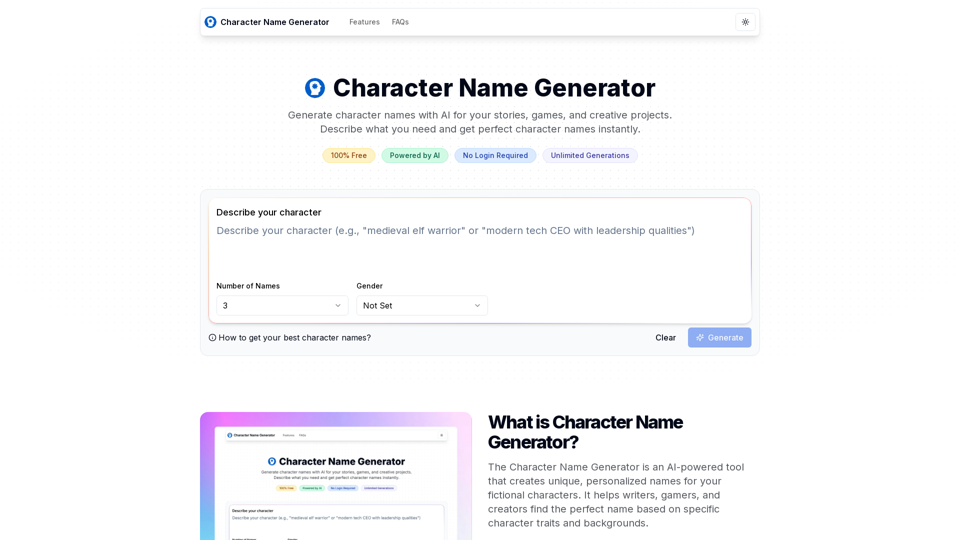
Generate character names with AI for your stories, games, and creative projects. Describe what you need and get perfect character names instantly.
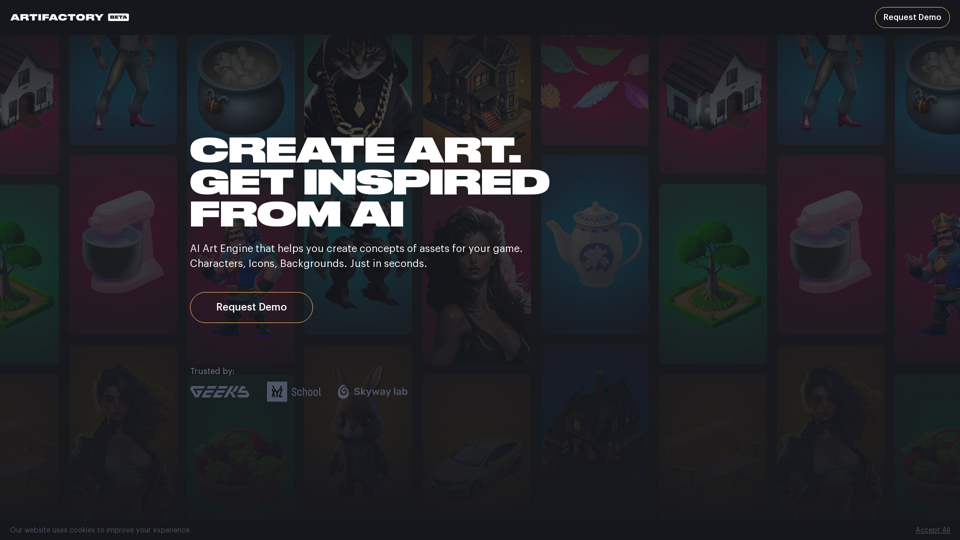
Go from a text description to a concept of an asset for your game with cloud-hosted Stable Diffusion.