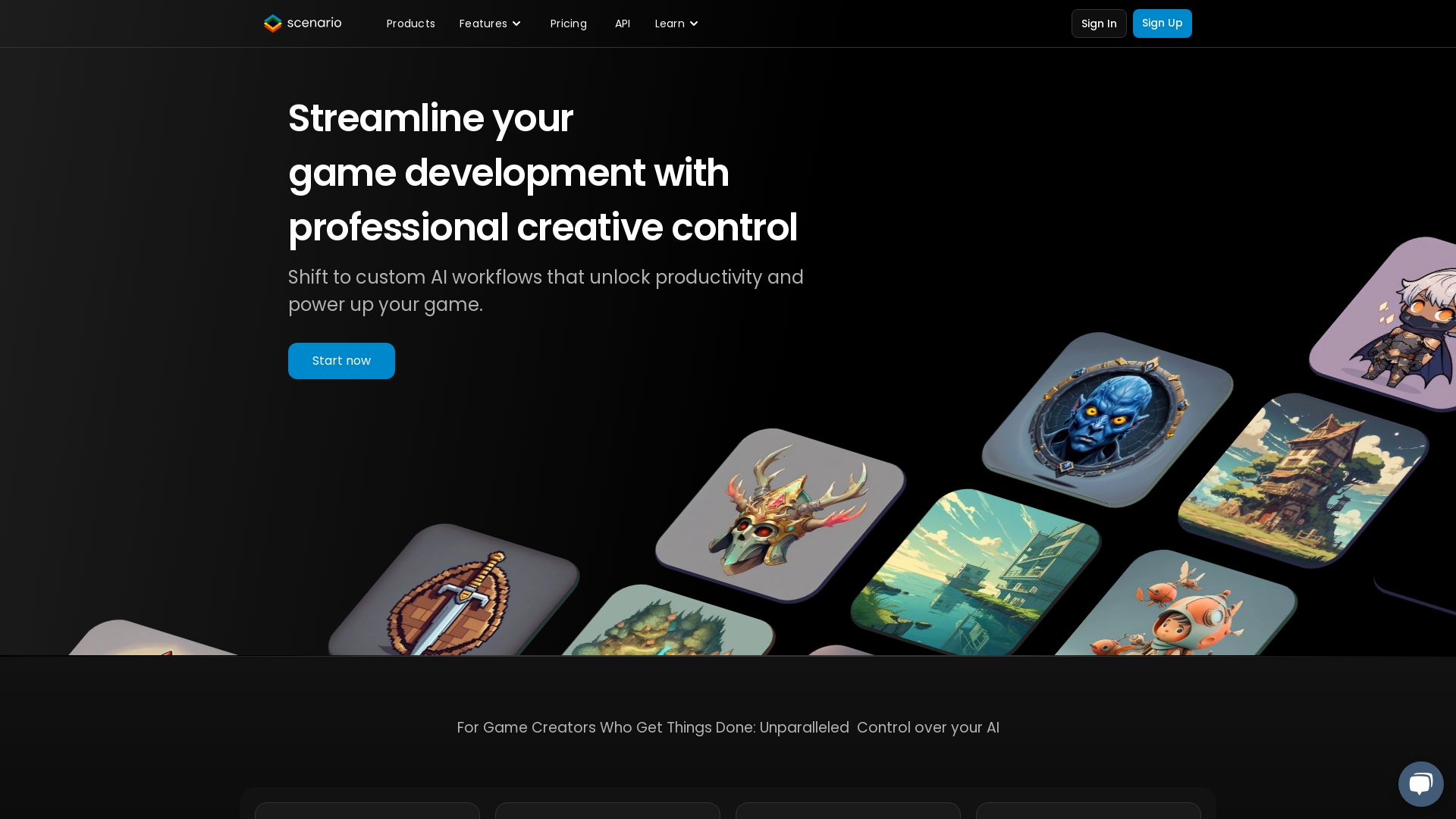
What is Scenario?
Scenario is an AI-powered platform designed specifically for game developers, offering a streamlined approach to create high-quality, style-consistent game assets. By utilizing advanced AI technologies, Scenario enables developers to transform their creative workflow, significantly reducing production time while maximizing artistic control.
What are the main features of Scenario?
- Custom AI Model Training
- Game creators can train their own AI models tailored to their unique art style, ensuring accurate and consistent game content.
- Integration Across Workflows
- Scenario integrates with popular game engines like Unity and design software, making the tool adaptable to various development environments.
- Composition Control and Pixel-Perfect Inpainting
- These advanced features allow developers to make precise adjustments to their generated assets, maintaining the desired aesthetic.
- Cross-Platform AI Deployment
- Easily empower player-generated content within games by leveraging the Scenario API for consistent asset creation.
- Rapid Asset Ideation
- By accelerating visual iterations and engaging early testers, Scenario revolutionizes the creative process in game development.
How to use Scenario?
Using Scenario is straightforward. Start by signing up for an account and accessing the platform:
- Gather your training data, such as character designs, props, backgrounds, and concept art.
- Upload your data securely onto the Scenario platform.
- Train your unique AI models by clicking the run button—no technical hassle required.
- Once your models are trained, effortlessly integrate them into your game development workflow for on-demand asset creation.
What is the pricing for Scenario?
Scenario offers a free trial for new users who want to explore its capabilities. After the trial, various pricing plans are available to accommodate the needs of different studios, ensuring that game creators can choose a plan that aligns with their development goals and budget.
Helpful Tips
- Start with a Clear Vision
- When collecting training data, ensure that it aligns with your game's artistic direction to create the most effective AI models.
- Utilize Advanced Features
- Take advantage of functions like composition control to fine-tune your assets, rather than relying solely on basic prompts.
- Experiment and Iterate
- Don’t hesitate to try different datasets and settings to discover the best results for your specific style.
Frequently Asked Questions
Can I train custom AI models on Scenario?
Yes, you can train unlimited custom AI models that match your game's art direction by uploading your unique training data.
How does Scenario integrate with other tools?
Scenario features an API-first design, allowing for easy integration with various design software and game engines like Unity.
Is there a limit to the number of assets I can create?
There are no inherent limits on the number of assets you can generate, but the performance may depend on your plan and system capabilities.
What types of visuals can I generate with Scenario?
You can create an extensive range of visuals, from 3D fantasy characters and isometric strategy tiles to whimsical anime landscapes and RPG icons.
Is my data secure when using Scenario?
Yes, Scenario prioritizes data security, ensuring that your training data is securely uploaded and kept private throughout the AI training process.
Scenario
Generate premium-quality, style-consistent game assets with unmatched ease and control!
 Google Analytics
 Tally
Tally Vercel
Free AI anime and manga generator. Turn text into anime episodes, manga, comics, webtoons and comic shorts in any art style — no drawing or animation skills needed.
Translate image text across 70+ languages with our advanced AI Image Translator to help you better expand your products globally to various countries
Advertised Here
Reach thousands of visitors daily. Get your spot now!
Tools similar to Scenario
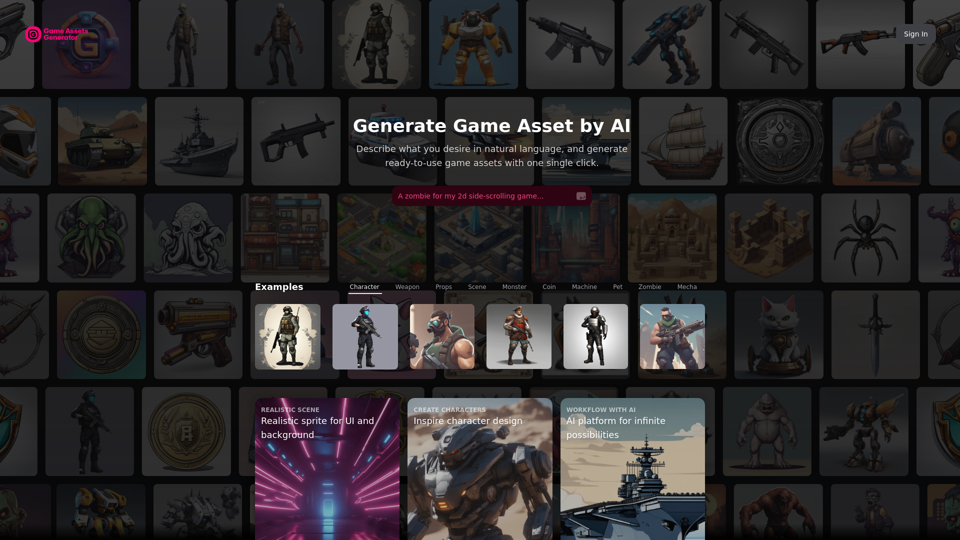
Create free and high-quality game illustrations, characters, etc., using AI, without the need for an artist. Easily integrate AI-generated resources into your game development workflow.
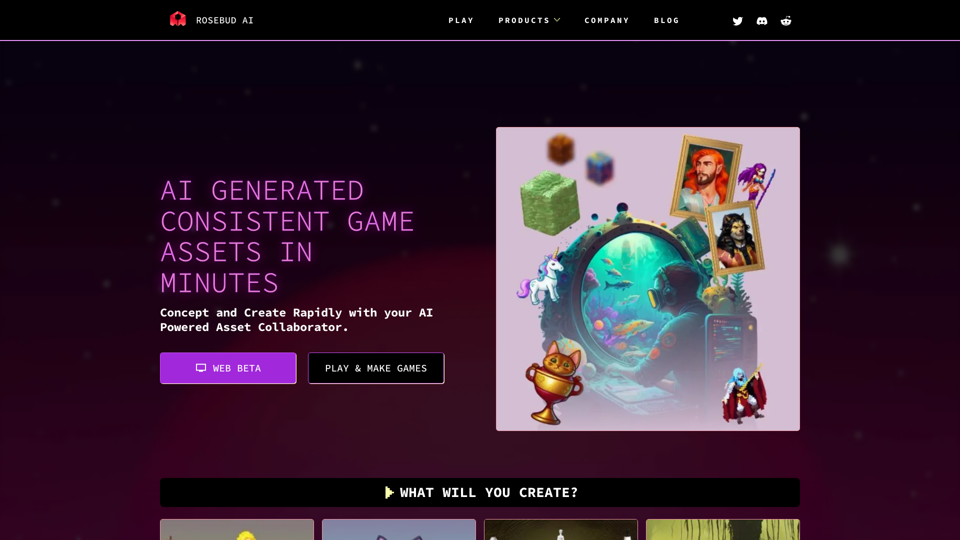
Easily create characters, environments, tiles, props and other game assets using AI.
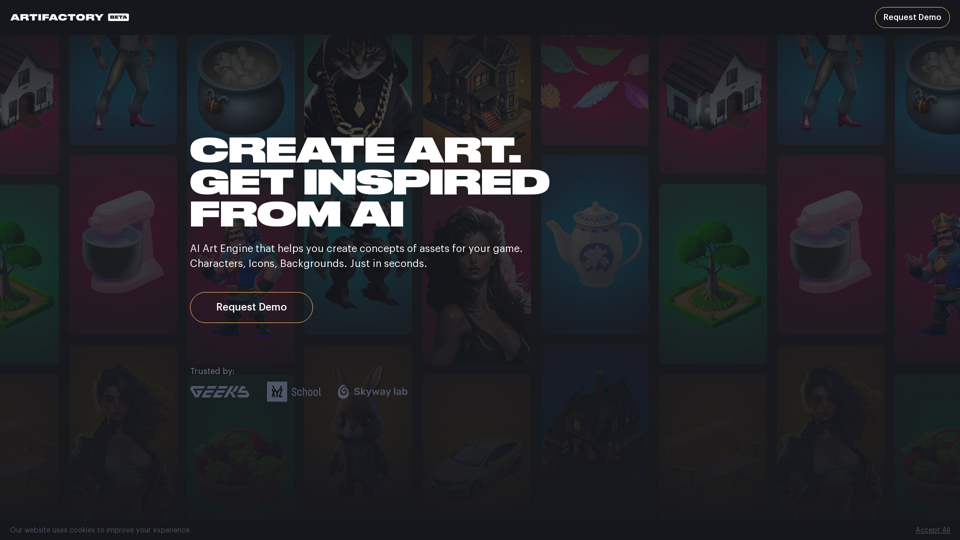
Go from a text description to a concept of an asset for your game with cloud-hosted Stable Diffusion.
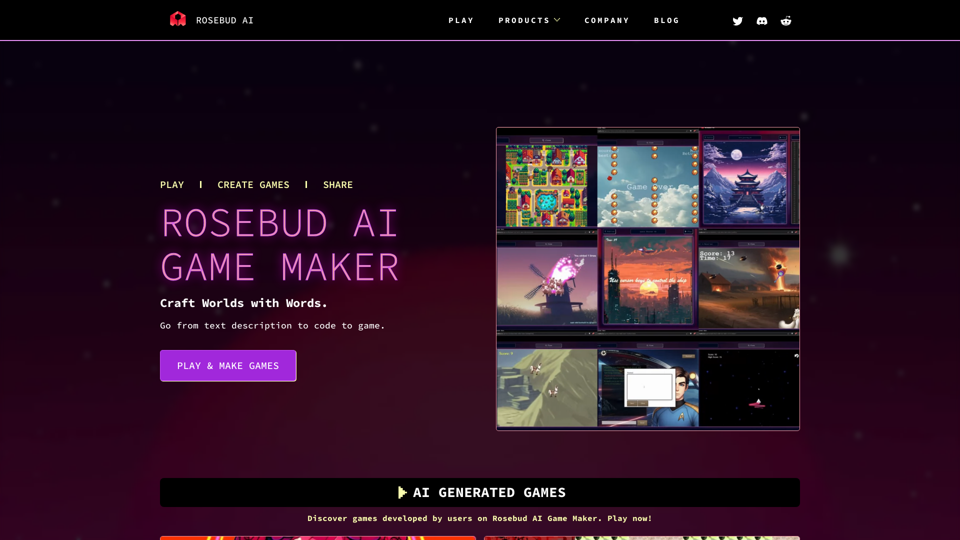
Use AI to create, share and play games. AI-driven tools for game assets, developer platform, avatar animation, AI-generated skyboxes, textures, and more.

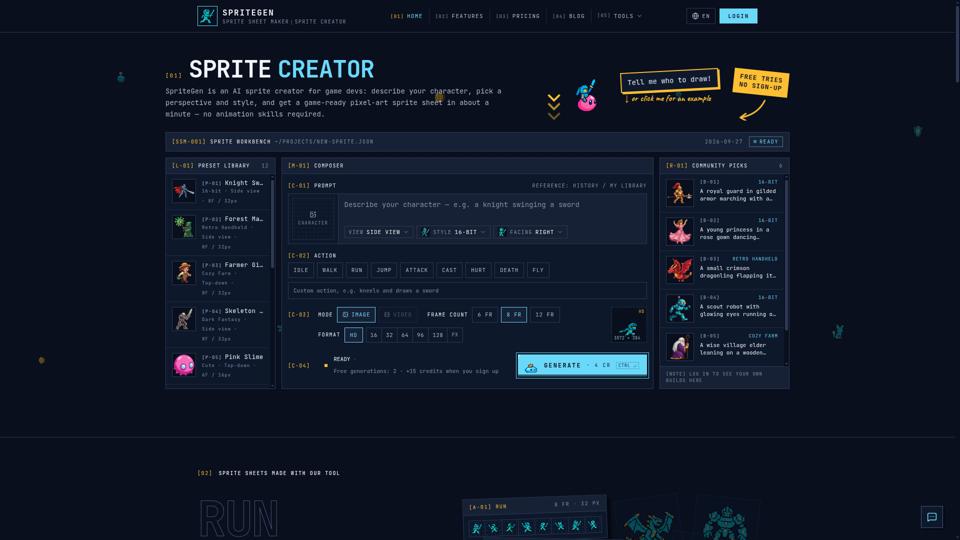
SpriteGen is a free online sprite creator. Describe your character, pick a perspective and style, and the AI generates a game-ready pixel-art sprite sheet you can drop straight into your engine.
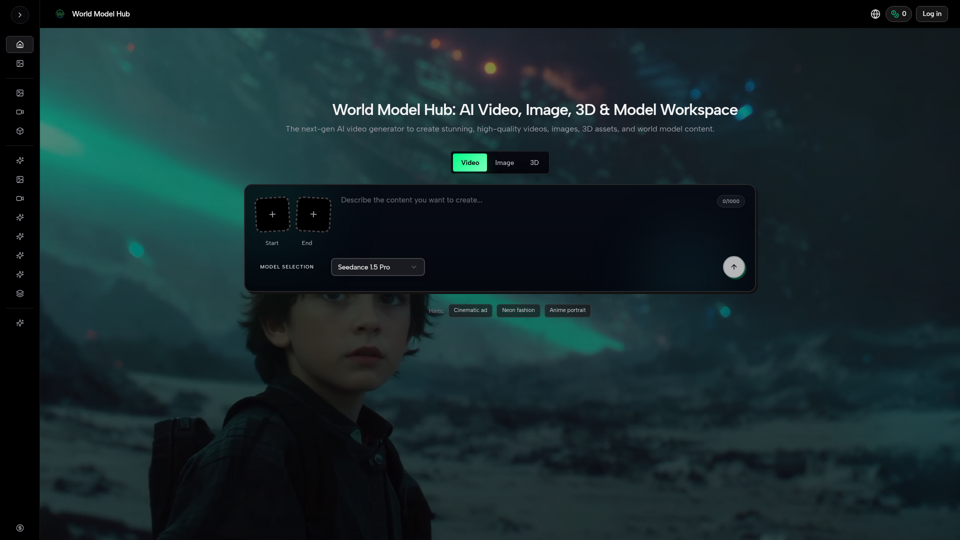
Create AI videos, AI images, and 3D assets in one platform. Compare models, control outputs, and move from prompt to production faster with WMHub.
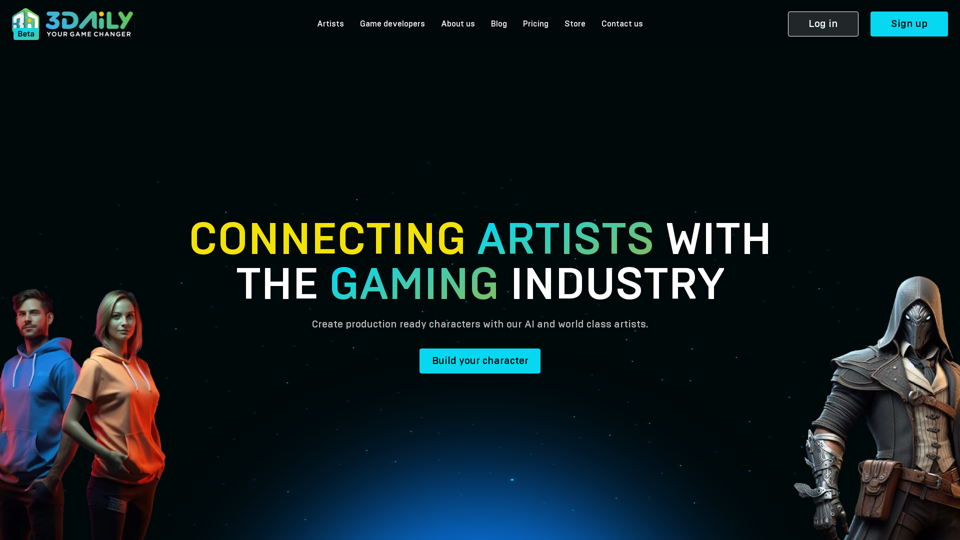
With My3dMeta, 3DAiLY produces AI-generated 3D models. We provide 3D characters, props, and game assets, powered by My3dMeta's advanced AI technology. Explore the world of innovative 3D solutions brought to you by 3DAiLY and My3dMeta!