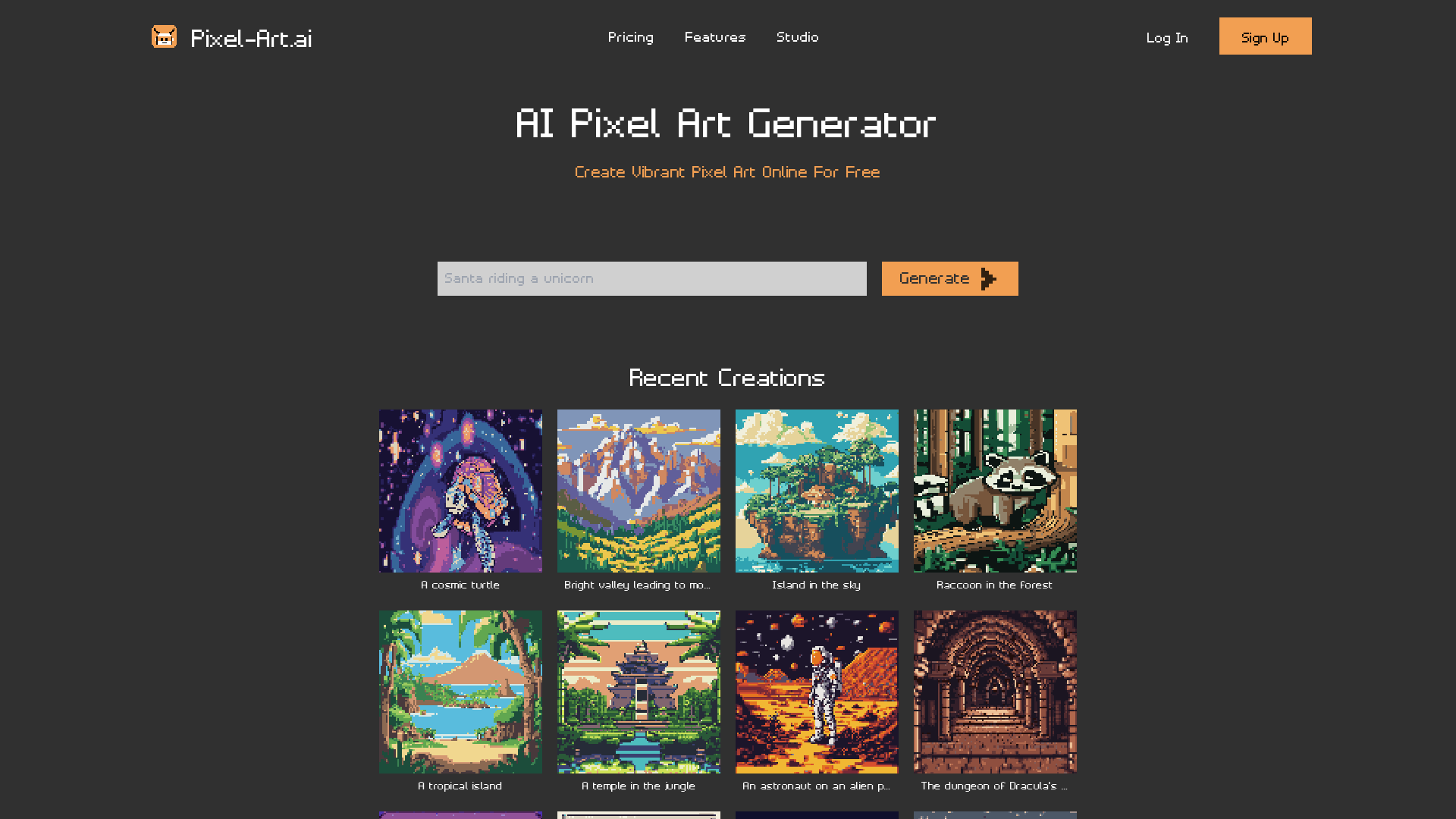
What is Pixel-Art.ai?
Pixel-Art.ai is a powerful online AI pixel art generator that allows users to create vibrant pixel art effortlessly and for free. With its intuitive interface and advanced features, anyone can dive into the world of pixel art, from beginners to experienced artists.
What are the main features of Pixel-Art.ai?
- Built-In Pixel Art Studio
- Pixel-Art.ai includes a fully equipped studio that lets you save all your creations privately, keeping everything organized across multiple canvases.
- Export Options
- Users can easily export their artwork in PNG format, ensuring that creations are preserved in high quality.
- AI Inpainting Capabilities
- This feature allows users to select areas of their artwork for modification. Simply type a prompt, and the AI will make the adjustments, seamlessly integrating changes into your original piece.
- Pixel-Perfect Precision Tools
- The studio is packed with tools, including copy/paste functions, layers, brushes, and more, allowing for detailed and intricate designs.
- Community Engagement
- Join a community of pixel art enthusiasts on Discord to share your creations, gather feedback, and find inspiration.
How to use Pixel-Art.ai?
Using Pixel-Art.ai is simple and user-friendly. Start by creating a canvas with your desired dimensions. You can use the variety of tools and brushes available to design your art. For those looking to make changes, utilize the AI inpainting feature by selecting the area you wish to alter and entering your prompt. The AI will generate variations that you can apply directly to your canvas. Enjoy creating pixel masterpieces with ease!
What is the pricing of Pixel-Art.ai?
Pixel-Art.ai is free to use, making it accessible for everyone who wants to explore pixel art. There may be additional features or premium options available in the future, but as of now, users can create and save their artwork without any cost.
Helpful Tips for Using Pixel-Art.ai
- Experiment with Tools
- Explore the various brushes and tools to discover what works best for your style.
- Engage with the Community
- Join discussions on Discord to get feedback from other artists, share ideas, and learn new techniques.
- Utilize AI Features
- Don’t hesitate to use the AI inpainting function to enhance your artwork or rectify mistakes.
- Regularly Save Your Work
- Keep your creations safe and organized by saving them frequently.
Frequently Asked Questions
Can I generate pixel art for commercial use with Pixel-Art.ai?
Yes, you can create pixel art for personal or commercial projects. Just ensure compliance with any specific licensing conditions that may be outlined by the platform.
Is my work private?
Absolutely! Everything you create on Pixel-Art.ai is 100% private. You can keep your projects stored securely and organized.
How does the AI inpainting feature work?
The AI inpainting feature allows you to select specific areas of your pixel art that you want to alter. By typing in a prompt, the AI will suggest modifications that you can choose to apply to your drawing.
Do I need to sign up to use Pixel-Art.ai?
No sign-up is required to start generating pixel art. However, creating an account can be beneficial for saving and organizing your creations in the studio.
Can I collaborate with others in Pixel-Art.ai?
While direct collaboration may not be built into the interface, you can share your art with friends and fellow artists in the Discord community to exchange ideas and feedback.
Pixel
AI-powered pixel art generator that transforms your visions into pixel-perfect artwork. Ideal for game developers, graphic designers, and pixel art enthusiasts.
 Firebase
 Google Analytics
 HTTP/3
 Vue.js
Free AI anime and manga generator. Turn text into anime episodes, manga, comics, webtoons and comic shorts in any art style — no drawing or animation skills needed.
Translate image text across 70+ languages with our advanced AI Image Translator to help you better expand your products globally to various countries
Advertised Here
Reach thousands of visitors daily. Get your spot now!
Tools similar to Pixel
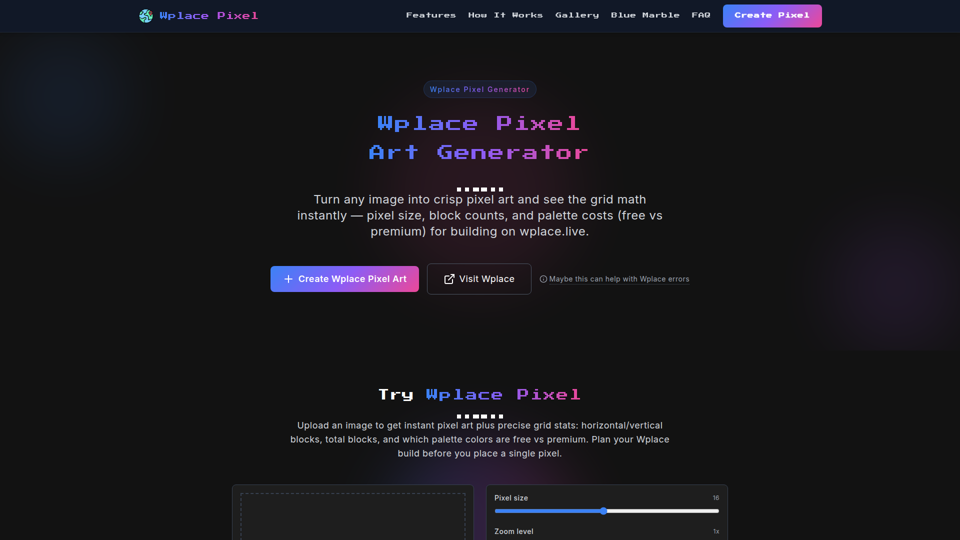
Transform any image into Wplace pixel art with wplace pixel converter. Create perfect Wplace pixel designs for the collaborative world map.
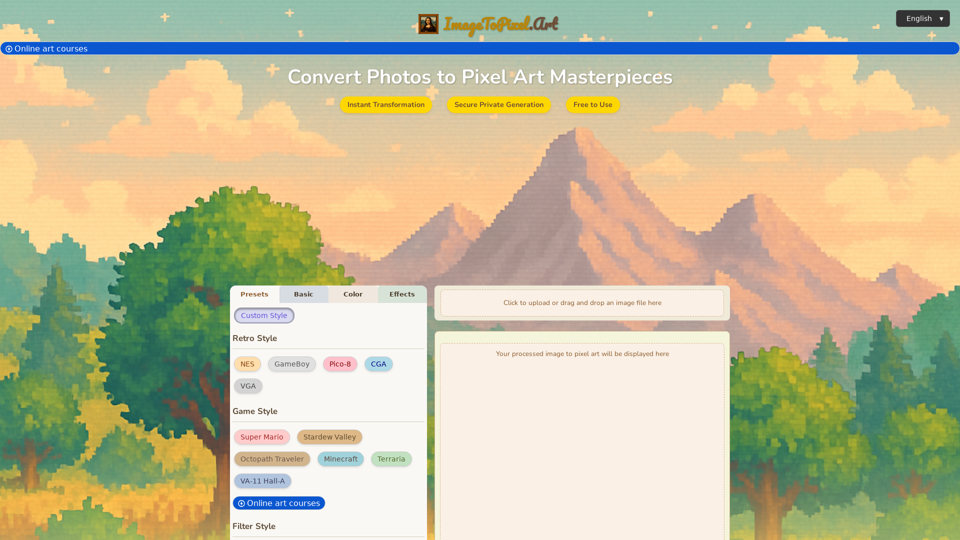
Effortlessly convert image to pixel art with ImageToPixel.Art, your free online picture to pixel art converter. Transform photos, customize styles, and download stunning pixel art masterpieces in seconds. Ideal for all your image to pixel needs.
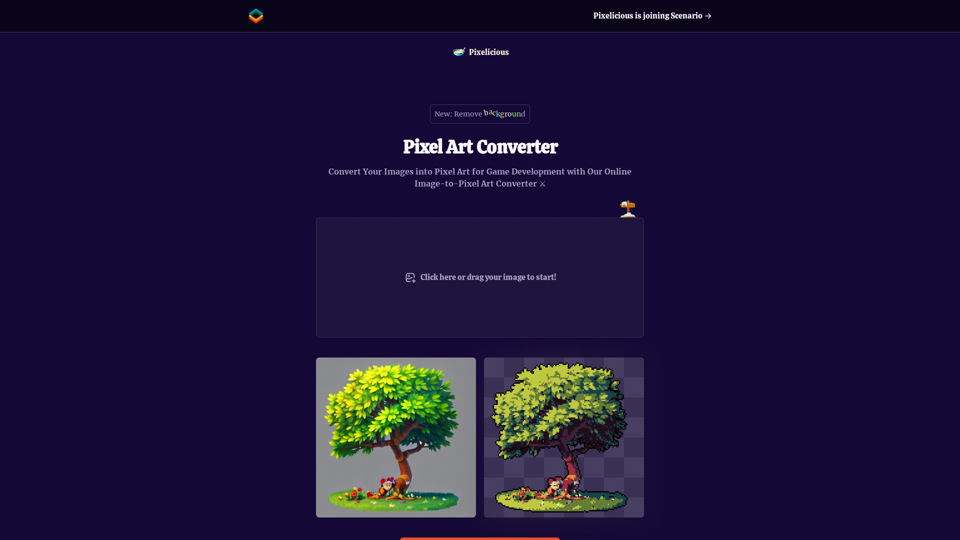
Quickly and easily convert your images into pixel art with our online image to pixel art converter. Simply upload your image and choose your pixelation level to transform your photo into a retro-style pixel art masterpiece.
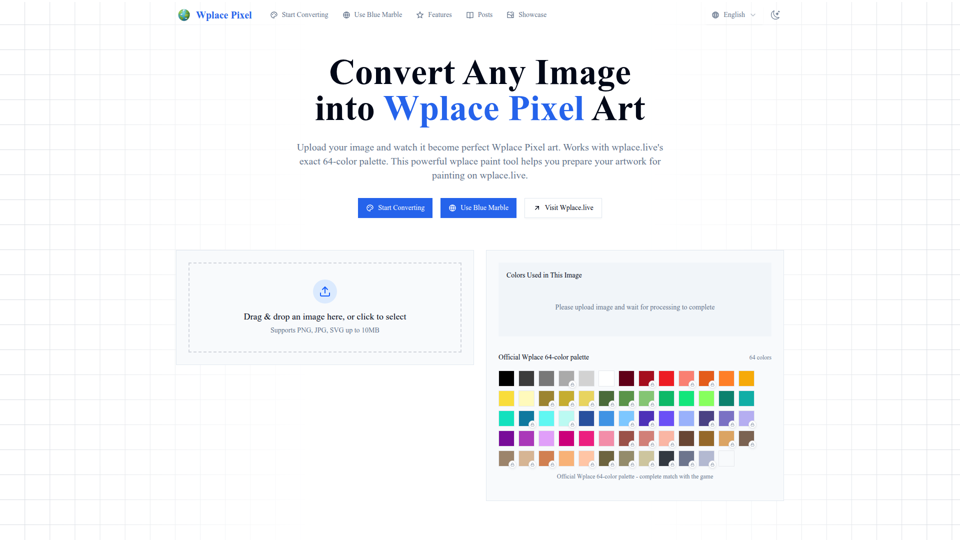
Convert any image into perfect wplace.live pixel art. Uses color palette with grid info and cost estimates. Free pixel art converter & painting preparation tool.
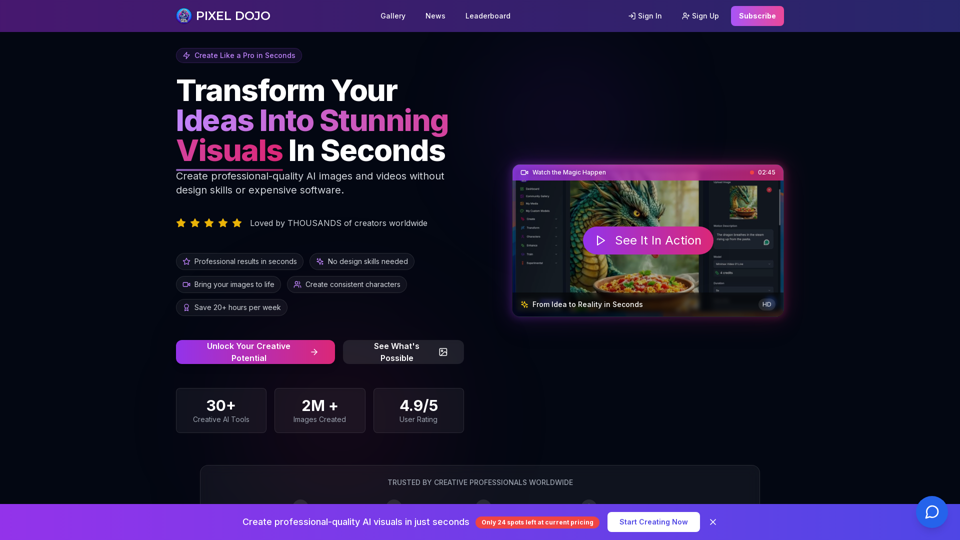
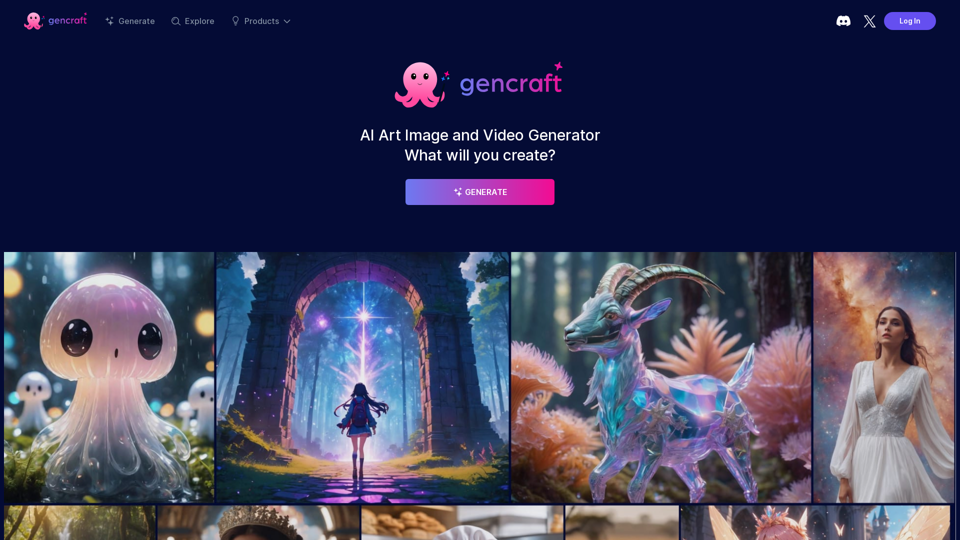
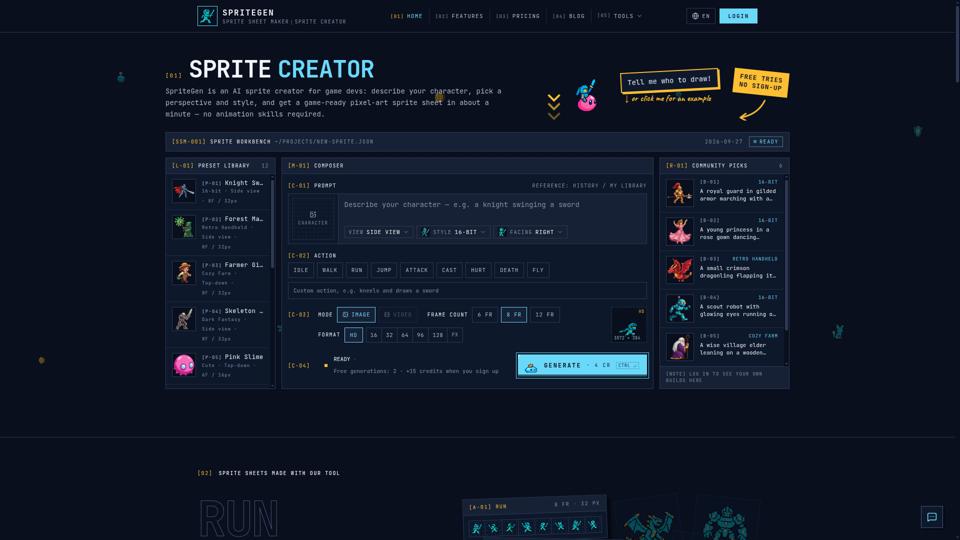
SpriteGen is a free online sprite creator. Describe your character, pick a perspective and style, and the AI generates a game-ready pixel-art sprite sheet you can drop straight into your engine.
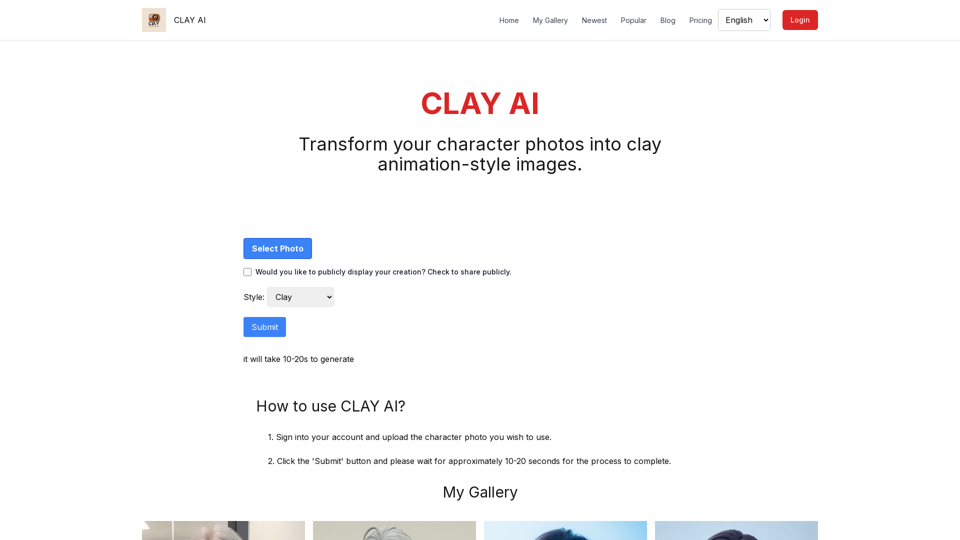
Easily convert your photos into unique clay, 3D, emoji,video game, and pixel filters with Clay AI. Perfect for creating personalized avatars. Share directly on social media