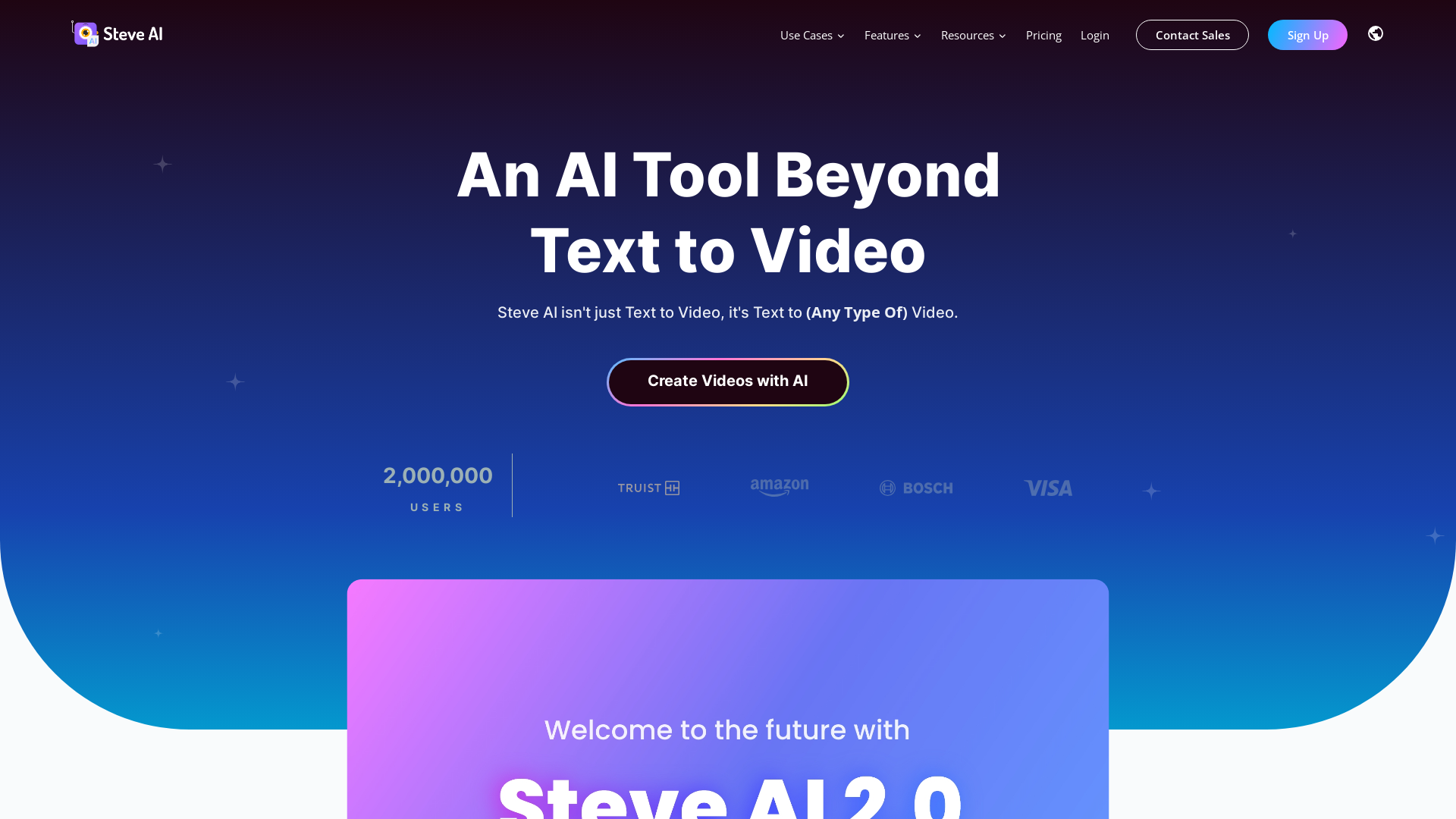
What is Steve AI?
Steve AI is a cutting-edge AI video generator that transforms your concepts and ideas into engaging videos within seconds. This platform enables users of all skill levels to create professional-grade videos effortlessly, making it an indispensable tool for marketing, education, and personal projects.
What are the main features of Steve AI?
- Versatile Video Creation
- Generate over 7 types of videos including animations, generative AI videos, and live-action formats.
- Customizable Assets
- Access millions of assets from both human-created and AI-generated libraries including stock videos, animations, and background music.
- AI Voice Conversion
- Easily convert any audio files or voice-overs into captivating videos equipped with text animation effects.
- AI Avatar Builder
- Create diverse and unique avatars for animated videos, tailored to fit various needs and styles.
- Advanced Editing Tools
- Utilize over 40 video editing tools to refine your videos further.
How to use Steve AI?
Using Steve AI is straightforward. Start by choosing the type of video you want to create — be it an animation, a marketing clip, or a tutorial. Input your script, blog content, or voice recording, and let the AI do the work. The entire process can take just a few seconds, allowing you to generate professional-quality videos of up to 20 minutes long.
How much does Steve AI cost?
Creating videos with Steve AI is free for basic features. However, the premium plans start at just $15/month. Customized solutions are also available through the Enterprise plan for users needing advanced capabilities.
Helpful Tips
- Experiment with Different Formats
- Try generating various types of videos to see what resonates best with your audience.
- Customization is Key
- Make use of the customization features—add your logos, images, and audio to personalize your content.
- Utilize Templates
- Take advantage of the many templates available to speed up your video production process.
Frequently Asked Questions
What is the primary advantage of using Steve AI?
Steve AI streamlines video production, enabling you to produce quality content rapidly without the need for extensive editing skills.
How long does it take to create a video with Steve AI?
The video creation process is quick, taking only a few seconds to generate professional videos, with a maximum length of 20 minutes.
Can users personalize videos?
Absolutely! Users can incorporate their text, images, audio, and even GIFs, allowing for extensive personalization in their video projects.
Is there a community or support for Steve AI users?
Yes, Steve AI provides resources such as tutorials, a community forum, and customer support to help users make the most out of the platform.
When should I consider premium features?
If you find the free features limiting or need higher production quality and additional customization, opting for a premium plan is recommended to enhance your video-making experience.
AI Video Generator
Patented AI video Generator to create +5 video styles. Best AI tool with Hyper-realistic voices, +300 Characters, and +50 GenerativeAI templates.
 Amazon CloudFront
 Amazon Web Services
 Bootstrap:4.6.2
 Google Analytics
 Google Tag Manager
 Nginx
Nginx jQuery:1.11.0
 jsDelivr
Free AI anime and manga generator. Turn text into anime episodes, manga, comics, webtoons and comic shorts in any art style — no drawing or animation skills needed.
Translate image text across 70+ languages with our advanced AI Image Translator to help you better expand your products globally to various countries
Advertised Here
Reach thousands of visitors daily. Get your spot now!
Tools similar to AI Video Generator
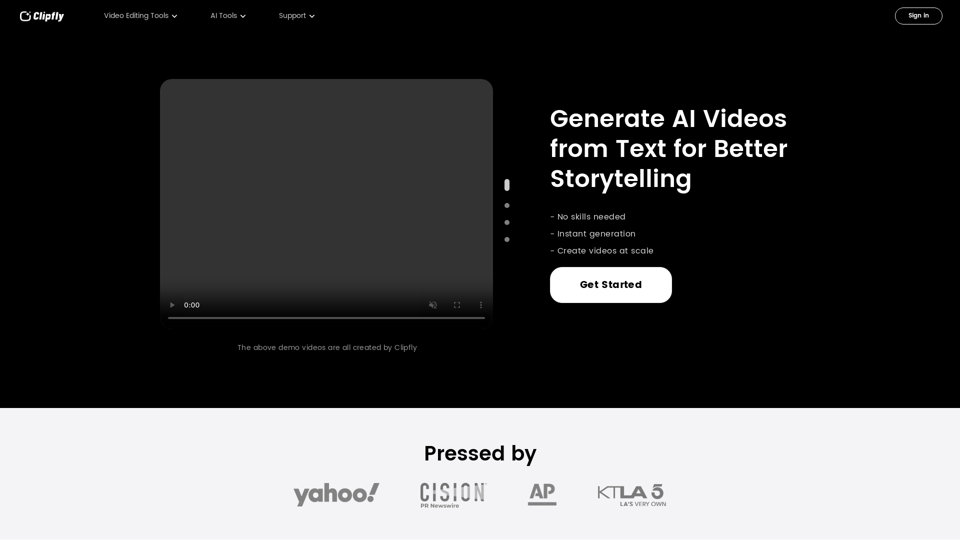
Create amazing AI videos from text prompts using the Clipfly's all-in-one AI video generator. Transform ideas into professional-grade visuals without any skills.
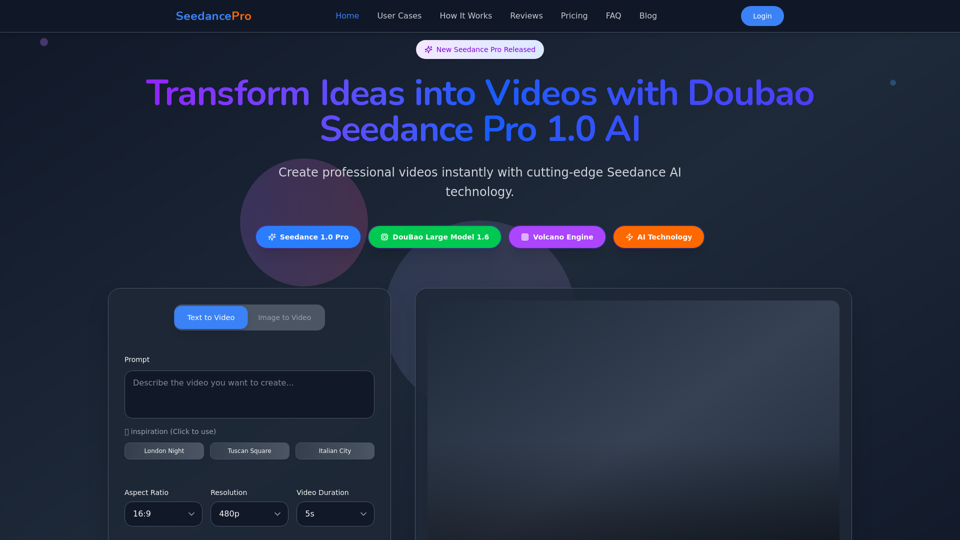
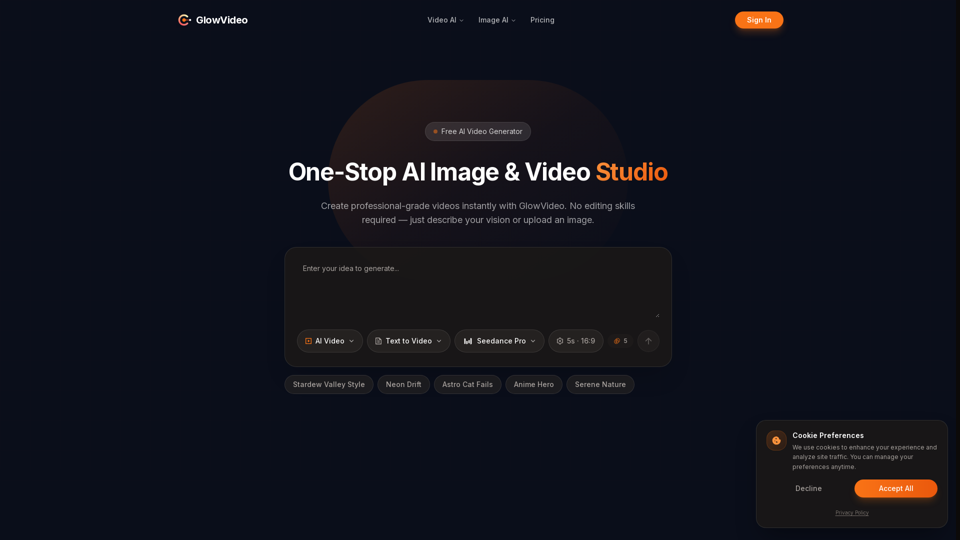
Create stunning videos with Seedance Pro AI video generator. Transform text and images into professional videos effortlessly.
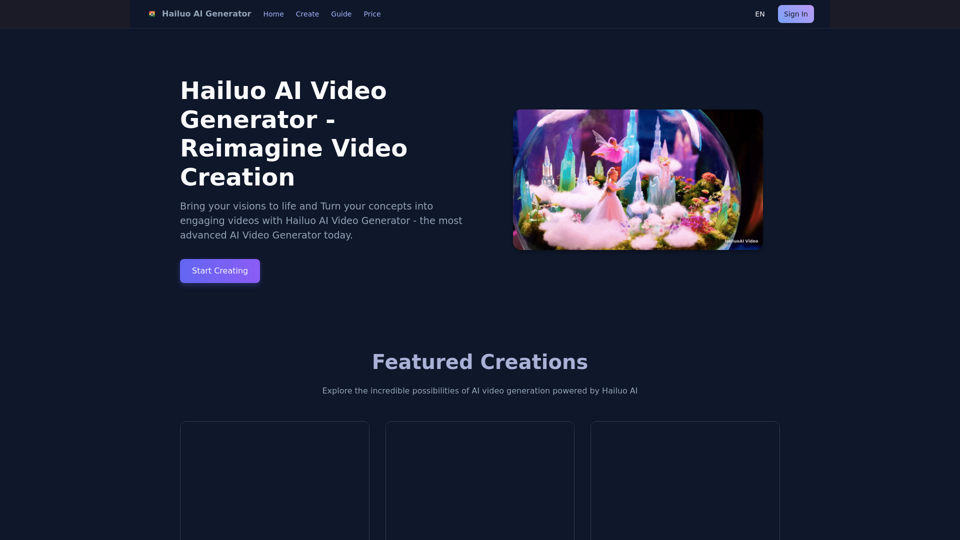
Bring your visions to life and Turn your concepts into engaging videos with Hailuo AI Video Generator - the most advanced AI Video Generator today.
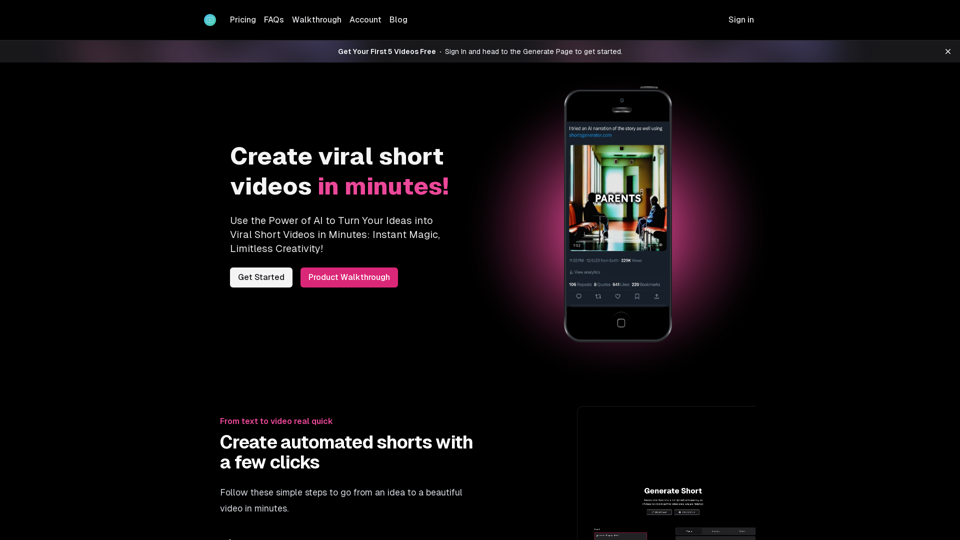
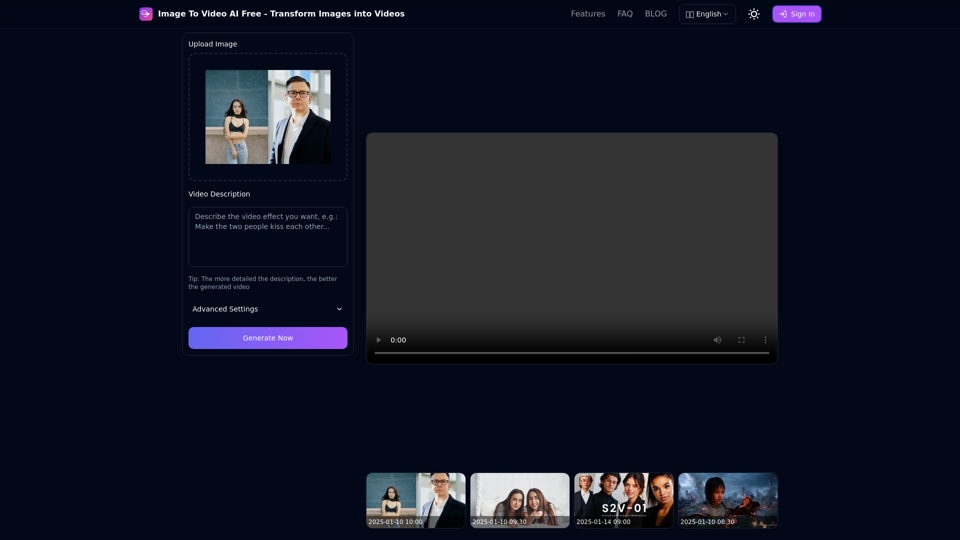
Free online tool to convert images into stunning videos using AI technology. Transform static images into dynamic videos with our advanced AI video generation.
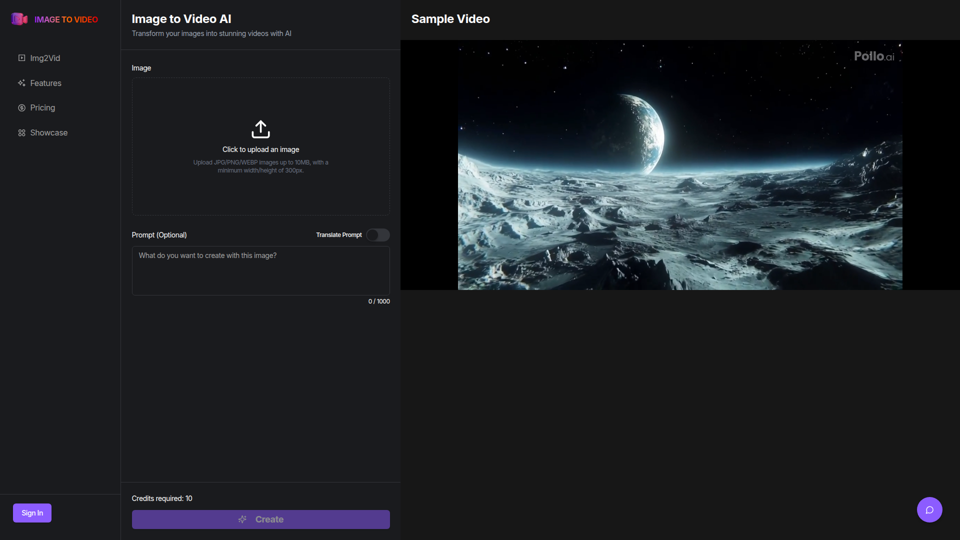
Use the image to video AI generator. Convert photo to video ai with high-quality and captivating results. Try our image to video AI now!
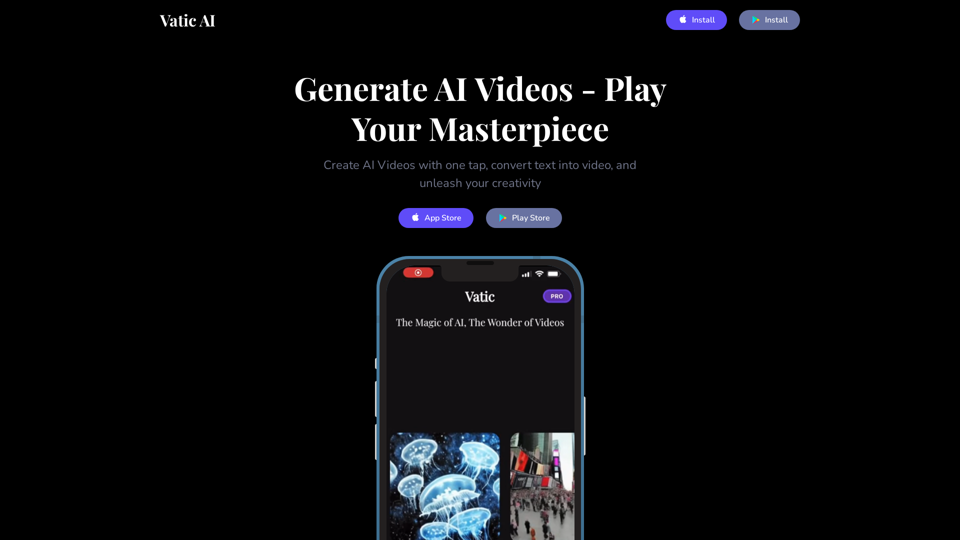
Turn words into videos with the Vatic AI video generator. All you need to do is enter a prompt - and watch Vatic bring your idea to life in seconds! Vatic is a unique AI tool that converts text into video with just one click! It is the best AI video creator on the market!